JR RS
FREEDOMLite
-
Joined
-
Last visited
Everything posted by JR RS
-
My apologies - I didn't realise that the facelift Superb can wait 12-13 secs to automatically resume. That's excellent! Ur the first person I've read mentioning this. Makes sense though given the facelift Superb uses a different radar (2Q0) compared to the 3Q0 radar in the pre-facelift.
-
Sorry, the facelift Superb is a different beast with different electronics/modules - I have no idea about them, hence I can't help with that.
-
Yup, I'm well aware of that.
-
i believe u r referring to the adaptive lane assist guidance - this holds the lane for u, however u get a ding every 12 secs. the 12 sec lane assist time can be changed via parameter changes to the Gateway module. I've had mine recently changed (when i had the gateway updated for the DCC mod) from 12 sec to 60 secs. as a result, i can go for 60 secs without needing to touch my steering wheel, and as a result, my Traffic Jam Assist (lane guidance + ACC) operates handsfree for up to 60 secs before i have to touch the wheel. this is however different to wat is being discussed above. the setting for the ACC 3 sec resumption is deep within the parameters, and not something that is accessible via coding. as far as i know - no one has been able to crack/change this setting, be it VW, Audi or Seat models.
-
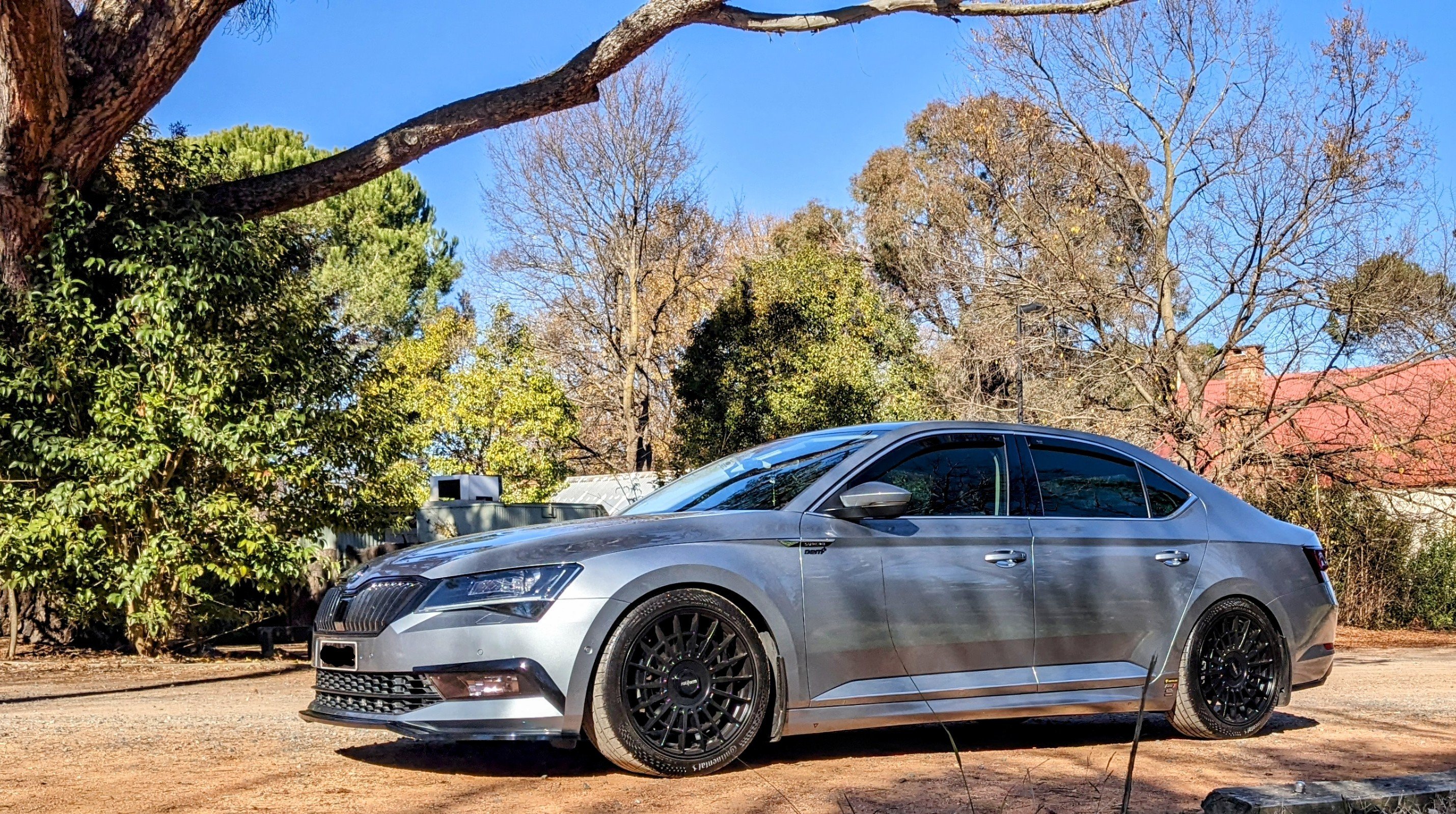
The Octavia wheels will look so small and lost inside the big wheel arches of the Superb.
-
It is definitely 3 secs. If only there was a way to extend this time to b a much longer time, like 10 secs or so.
-
Using a trim removal tool, pry at the top, between the glossy trim and the armrest centre console. Pull it (the whole gloss black trim) towards u, from the top, away from the console, and it should easily pop out. Then u have access to easily remove the air vents. It's easier to put it all back together.
-
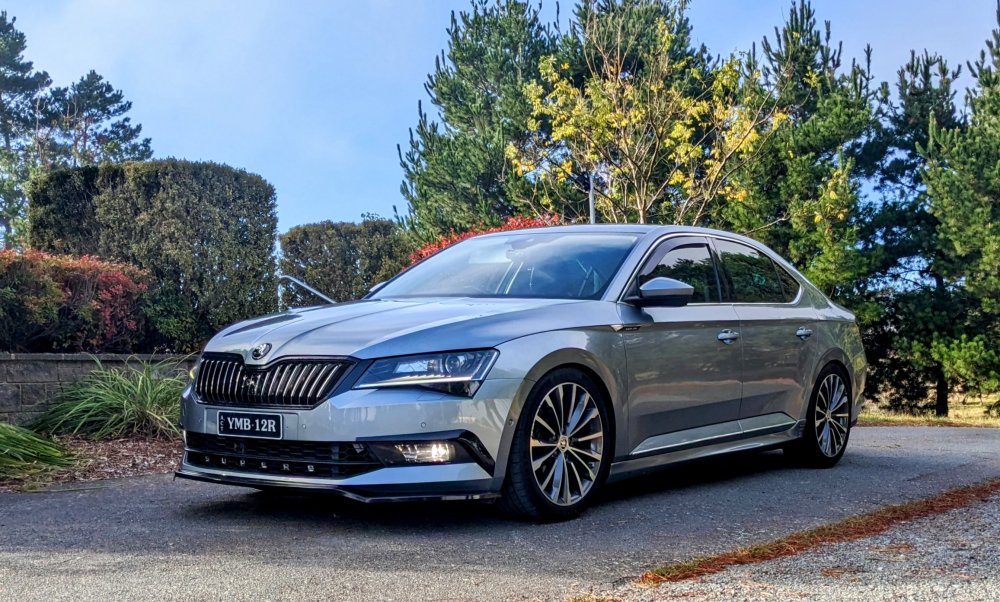
Yup - that looks Business Grey. I've got one myself. Still as shiny as when I picked it up 6 yrs plus ago.
-
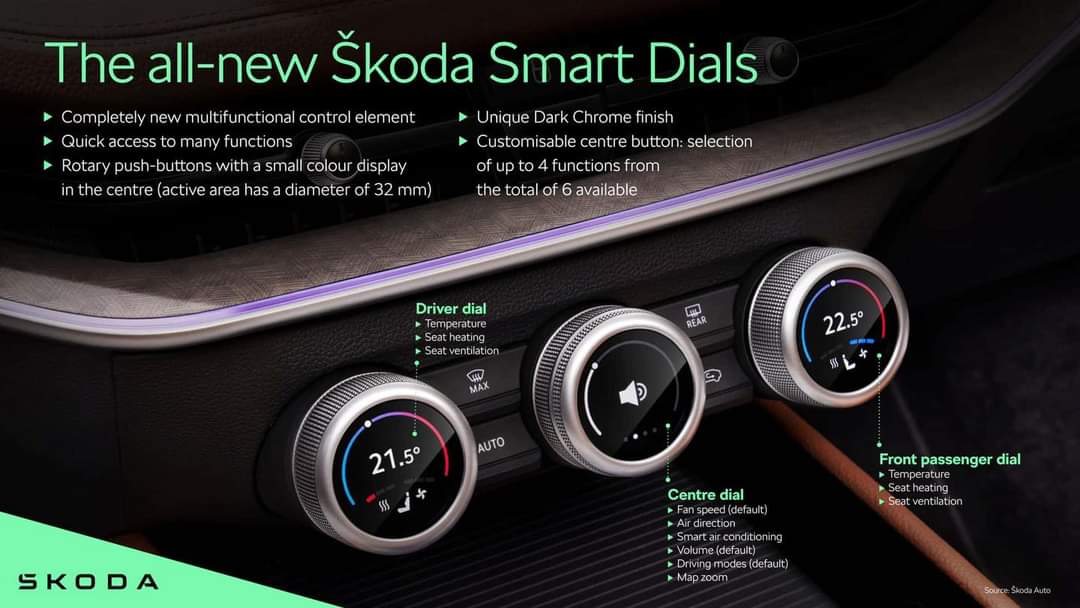
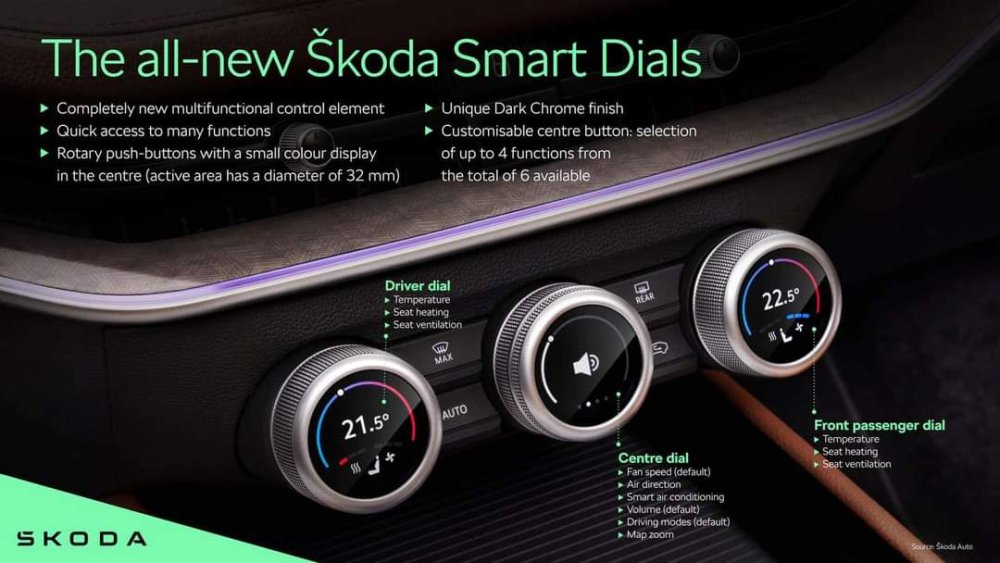
This video shows u how the Smart Dials work. It's not detailed, but it gives u a pretty good idea. https://youtu.be/JPWYXyvB29Y?si=T4zRUCjk7WWTJemu
-
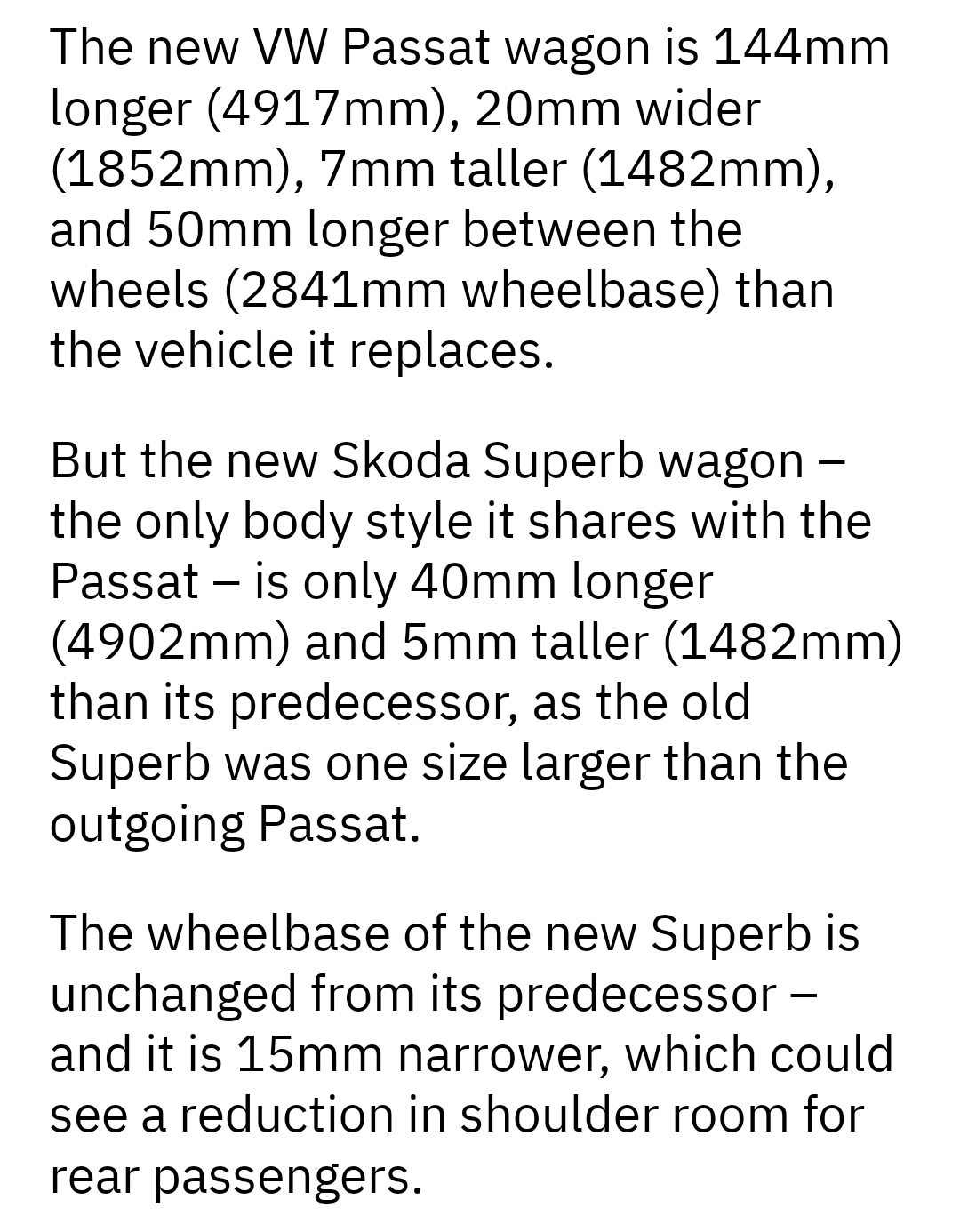
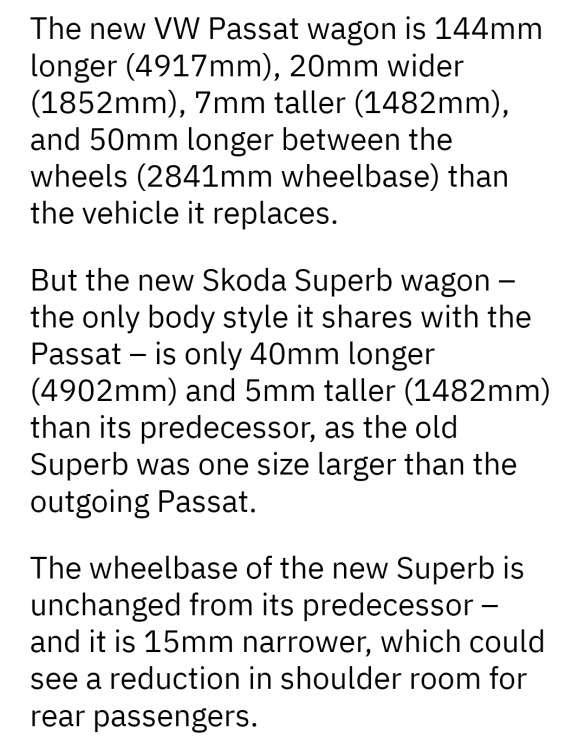
Yes, new one is 15mm narrower.
-
If it has the writing "Crystal Lighting", then it has the Matrix Headlights.
.jpeg.0d050e24e4f14a049aa51ef26f6e542a.jpeg)
-
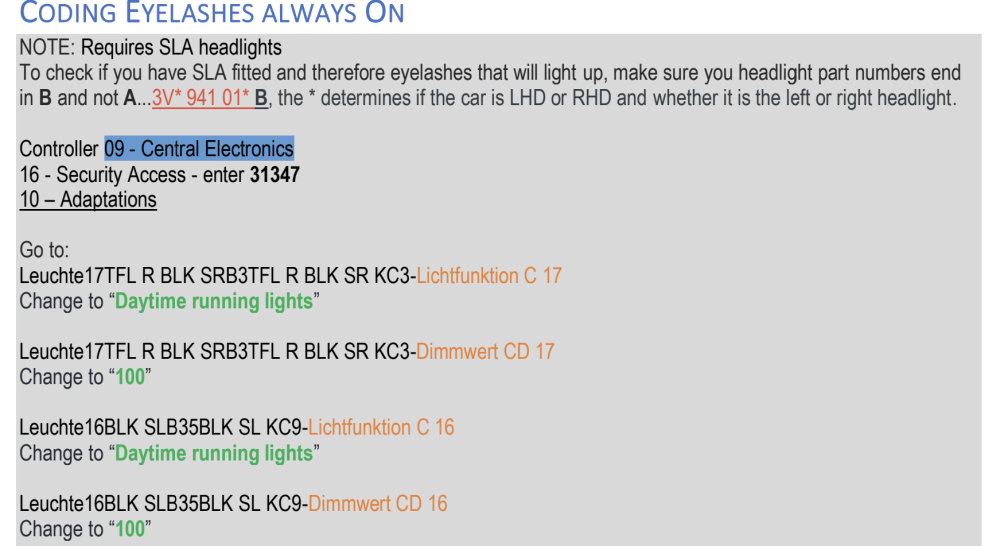
if anyone is interested, below is a PDF I created of the various code changes I've made to my Superb (MY17) over the years. whilst some instructions r done with VCDS, and others with OBDEleven, the steps r essentially the same regardless of the tool - just the screens look different. this will work on 2015 to 2019 Superb. it won't work on facelift (2019 after) Superb, or at least there will b differences, which i can't assist with. enjoy 🙂 Coding - Superb MK3 - v3.1.pdf
-
Where? At Amazon?
-
I like the all new Smart Dials being introduced for the first time.
-
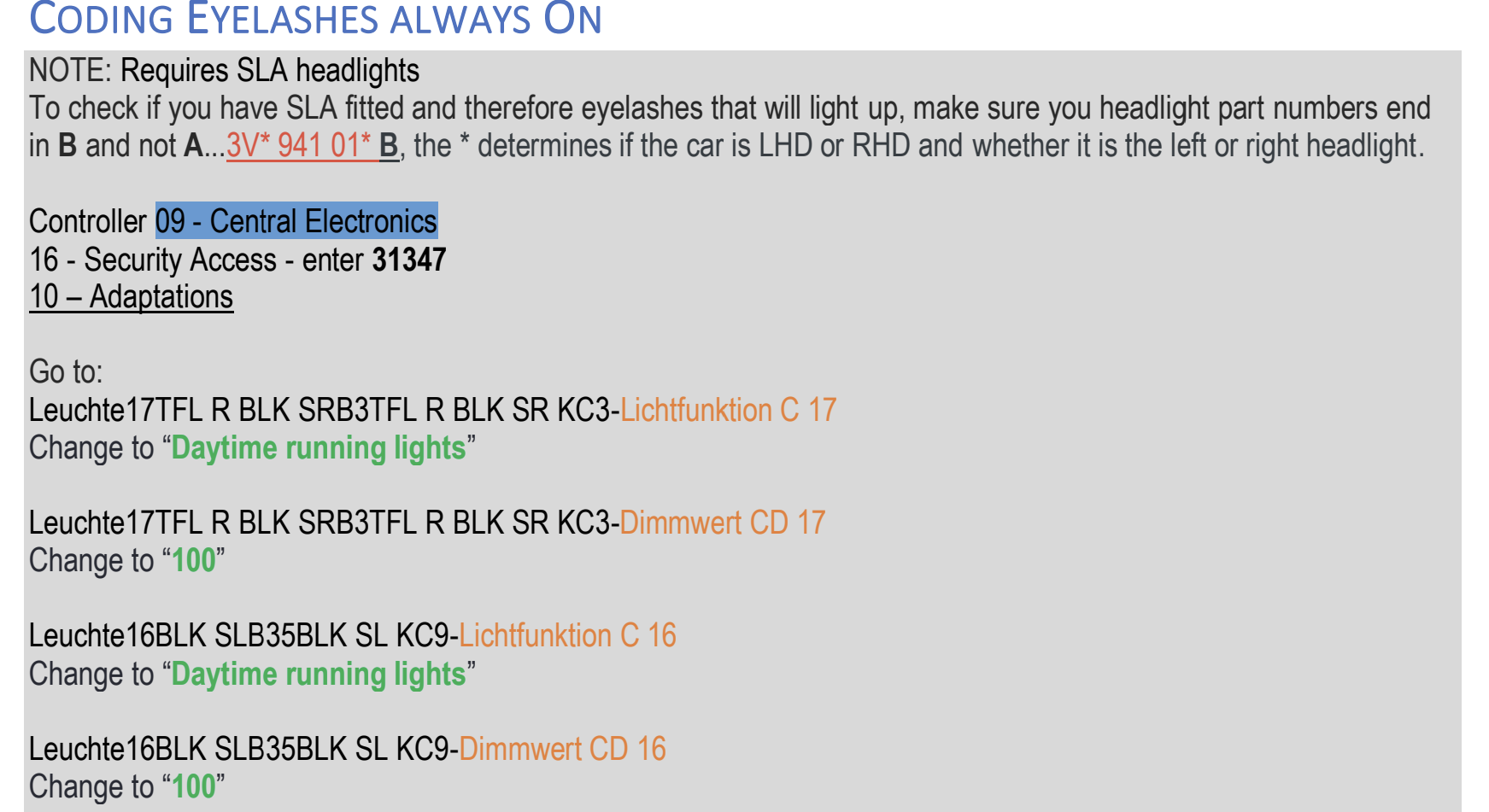
U need to have version B headlights, otherwise the eyelash coding won't work. Have u checked this physically? Those r instructions I created, and I've clearly stated that u need Version B.
-
Am talking about without the bikes on. I don't have aero bars, so it's expected to b noisy.
-
U can read about that here.
-
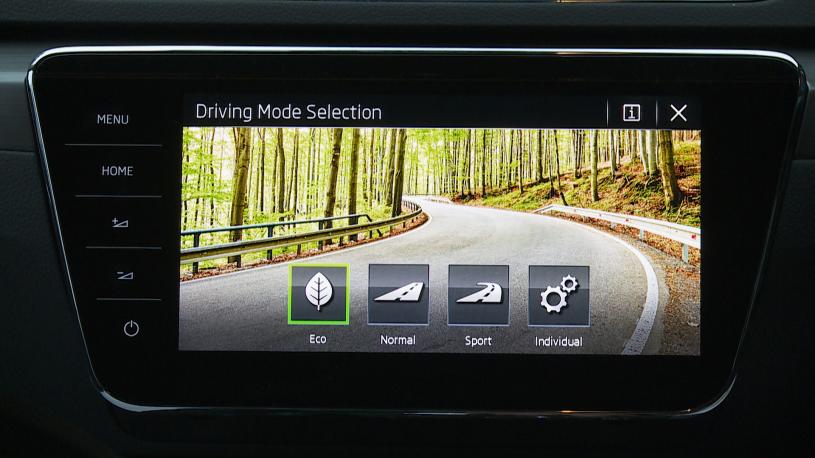
Those r NOT driving modes.
-
That's to do with how quickly (Sport) or lazy (Eco) the cruise control keeps up with traffic, and hence dictates the how the gap is maintained based on the "closeness" set. This has nothing to do with the DCC suspension.
-
If u have Comfort in Driving Modes, than u have DCC suspension. Otherwise u will only have Eco / Normal / Sport / Individual With DCC Without DCC
.jpeg.c9292eabe7dfe77baf92359a9497dba4.jpeg)
-
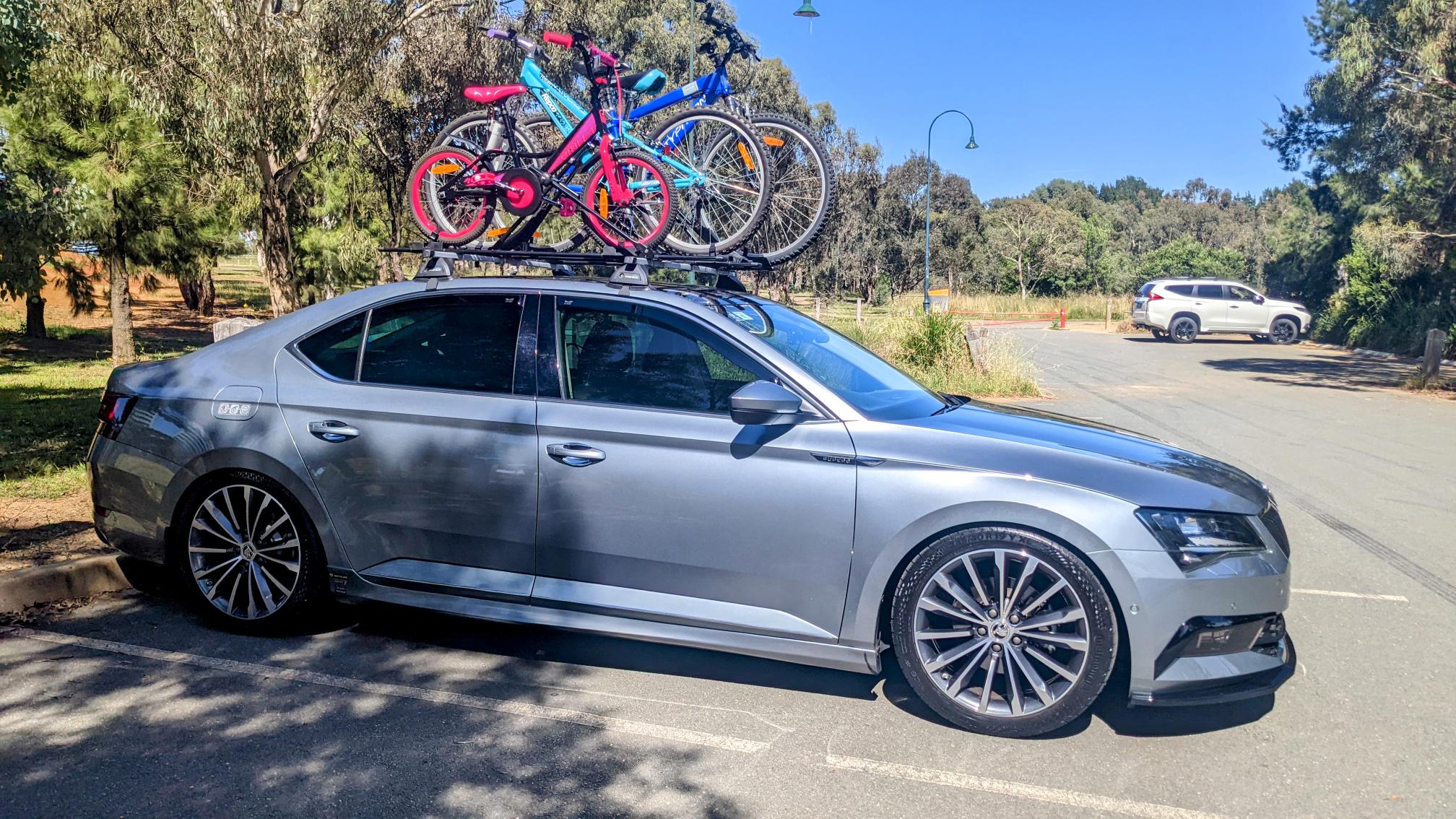
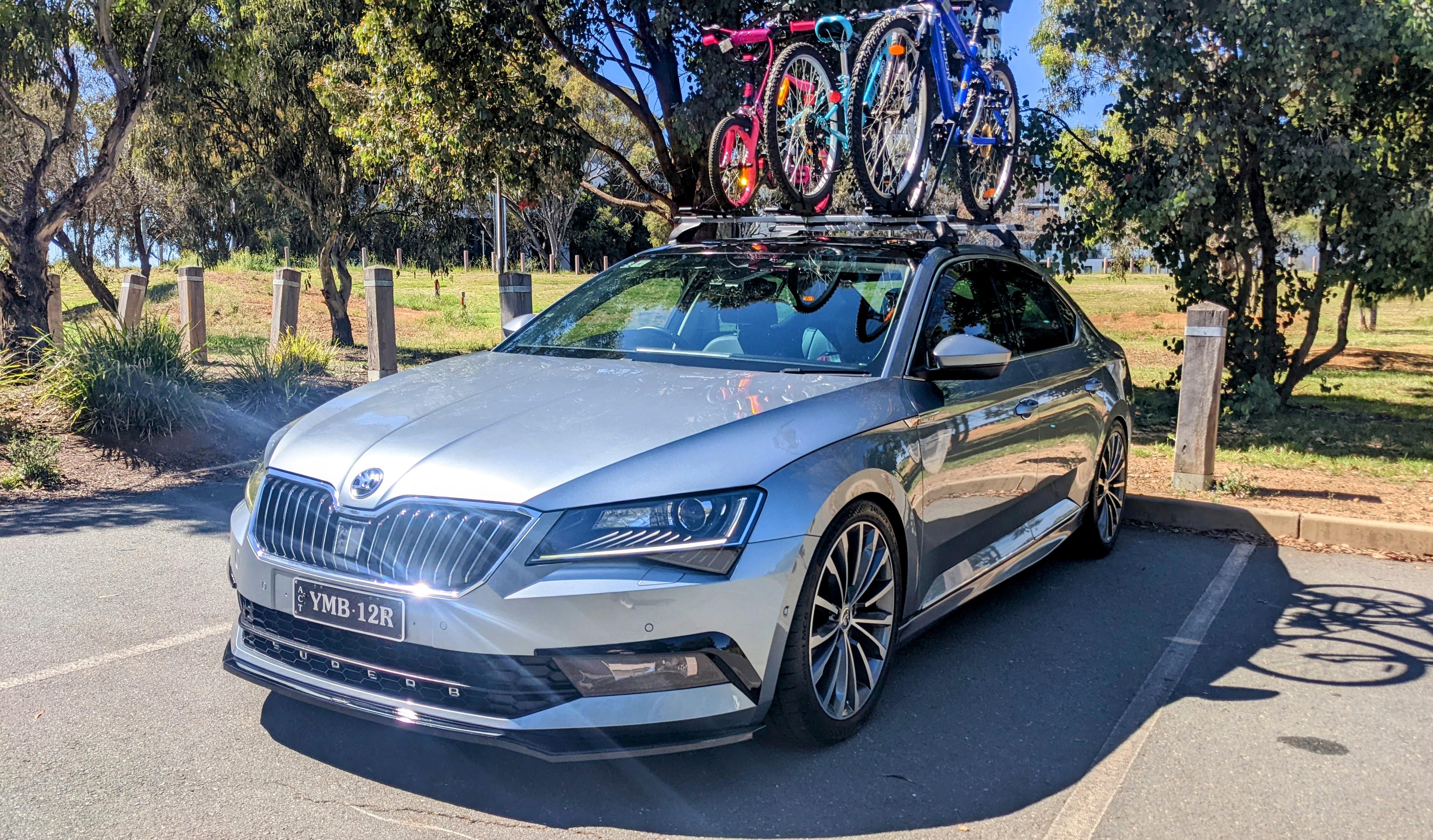
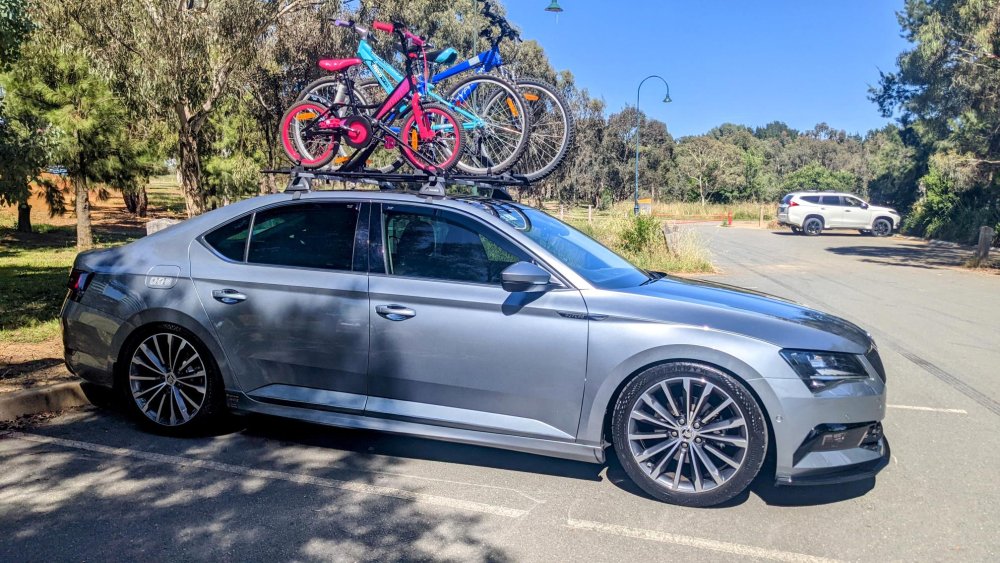
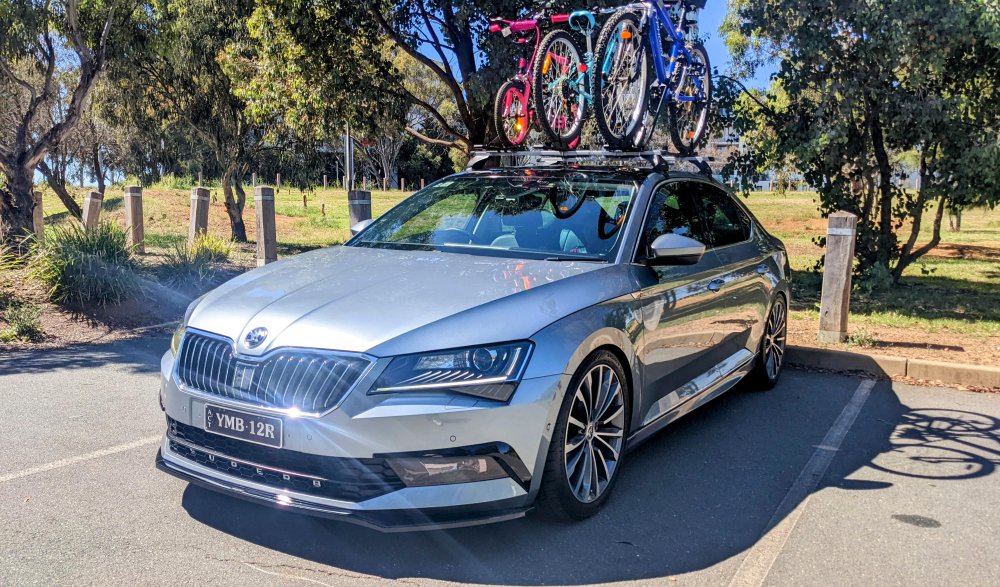
i have a hatch/liftback/sedan/limo Superb myself and use roof racks occasionally (during school holidays). i don't have pics of the actual mounting kit, but yes, those holes u indicated, 2x per door frame, is where the mounting kit hooks into, which the roof racks are attached too. i'm using Pro-rack roof bars, with 3x bike racks fitted on to it. easy to fit & use, and just as easy to remove. my only complaint is that i wish i got the aero version of the roof bars as these ones r noisy at speeds.
-
highly doubt that - aftermarket downpipes won't b impacted by that cover. It has been used by many Golf R owners, which uses the same engine as the 280, so there won't b any issues with the engine being able to handle it. I haven't changed the factory intercooler pipes - the OEM ones r more than enough for Stage 1.
-
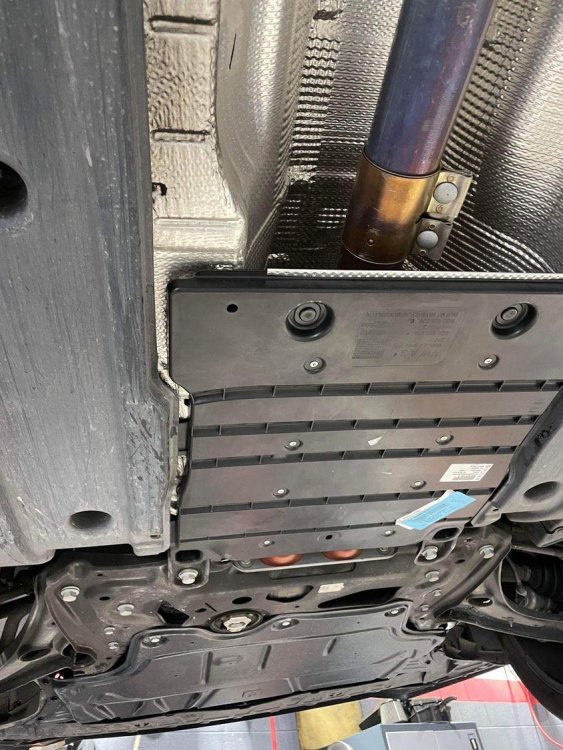
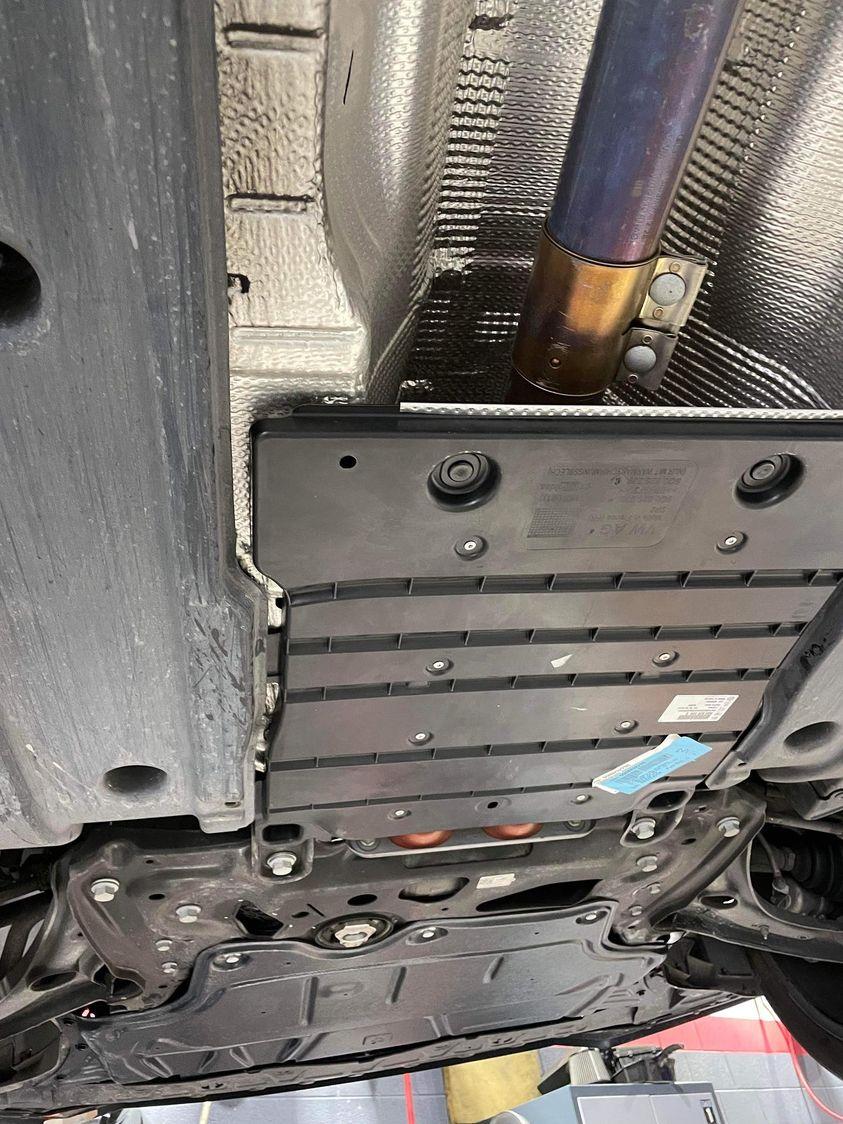
Part numbers as follows:- 5Q0 825 236Q (x1) - front aero tray. WHT 000 729 A (x3) - hexagon socket head bolt, self-locking,(M8x20mm). 5Q0 825 229 C (x1) - Lining (cover) long length WITH heat shield material on reverse. N 038 549 4 (x4) - Black plastic push rivet A04A
-
The centre exhaust tunnel cover is just meant to keep the under of the vehicle more flatter. The theory/claims r that all the aero combined helps with smoother airflow under the car, meaning less turbulence, cabin noise and better fuel economy. Part numbers as follows:- 5Q0 825 236Q (x1) - front aero tray WHT 000 729 A (x3) - hexagon socket head bolt, self-locking,(M8x20mm) 5Q0 825 229 C (x1) - Lining (cover) long length WITH heat shield material on reverse N 038 549 4 (x4) - Black plastic push rivet A04A
-
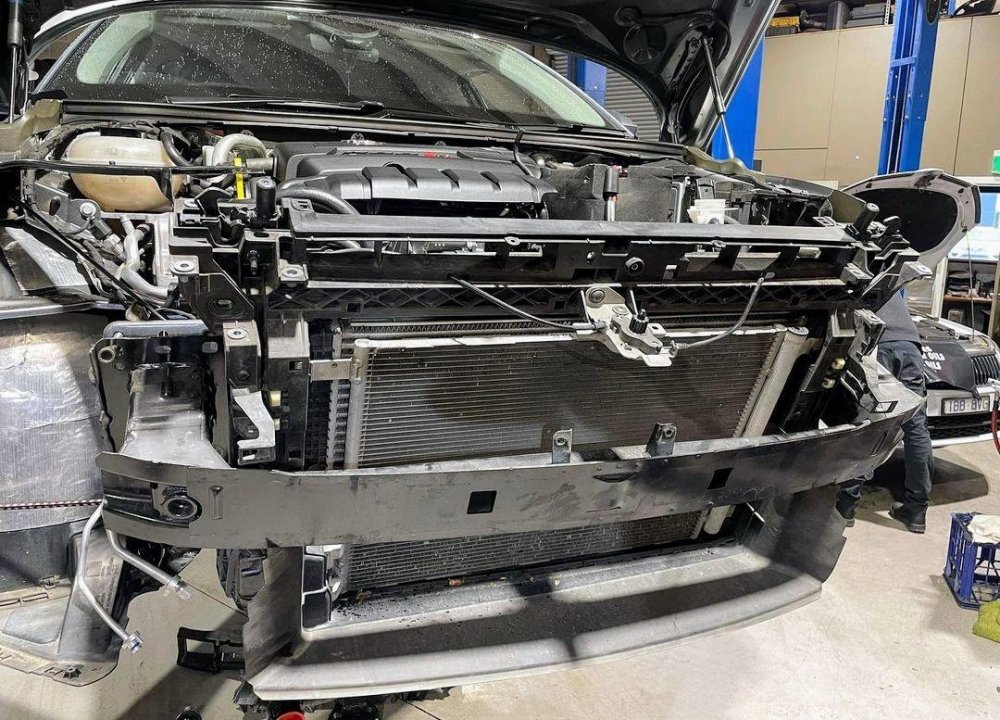
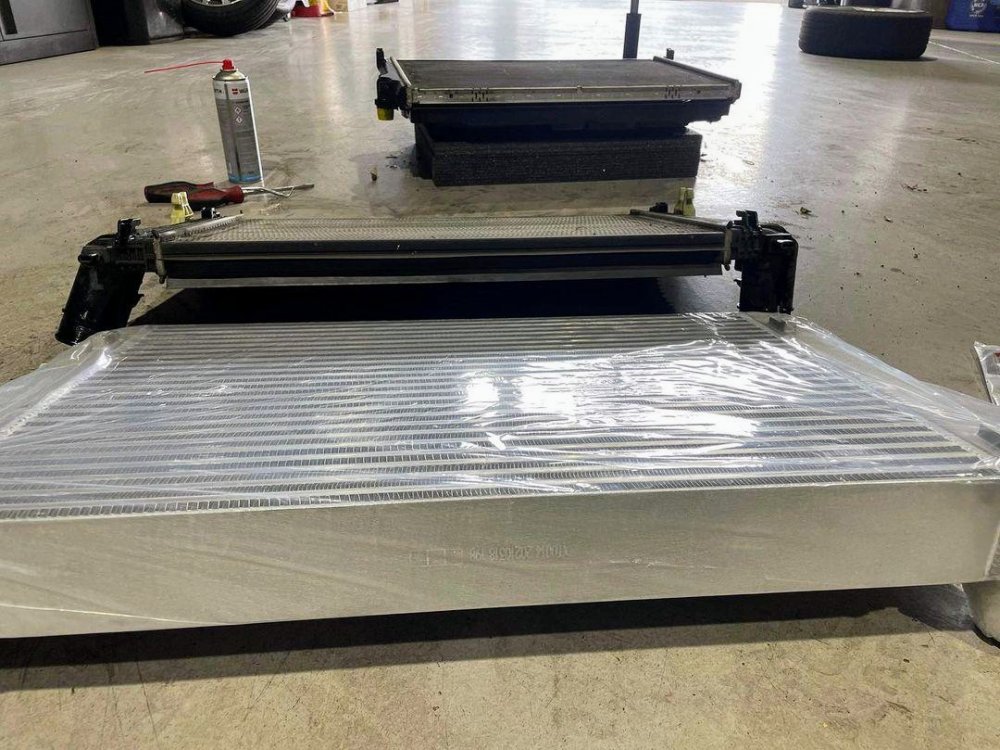
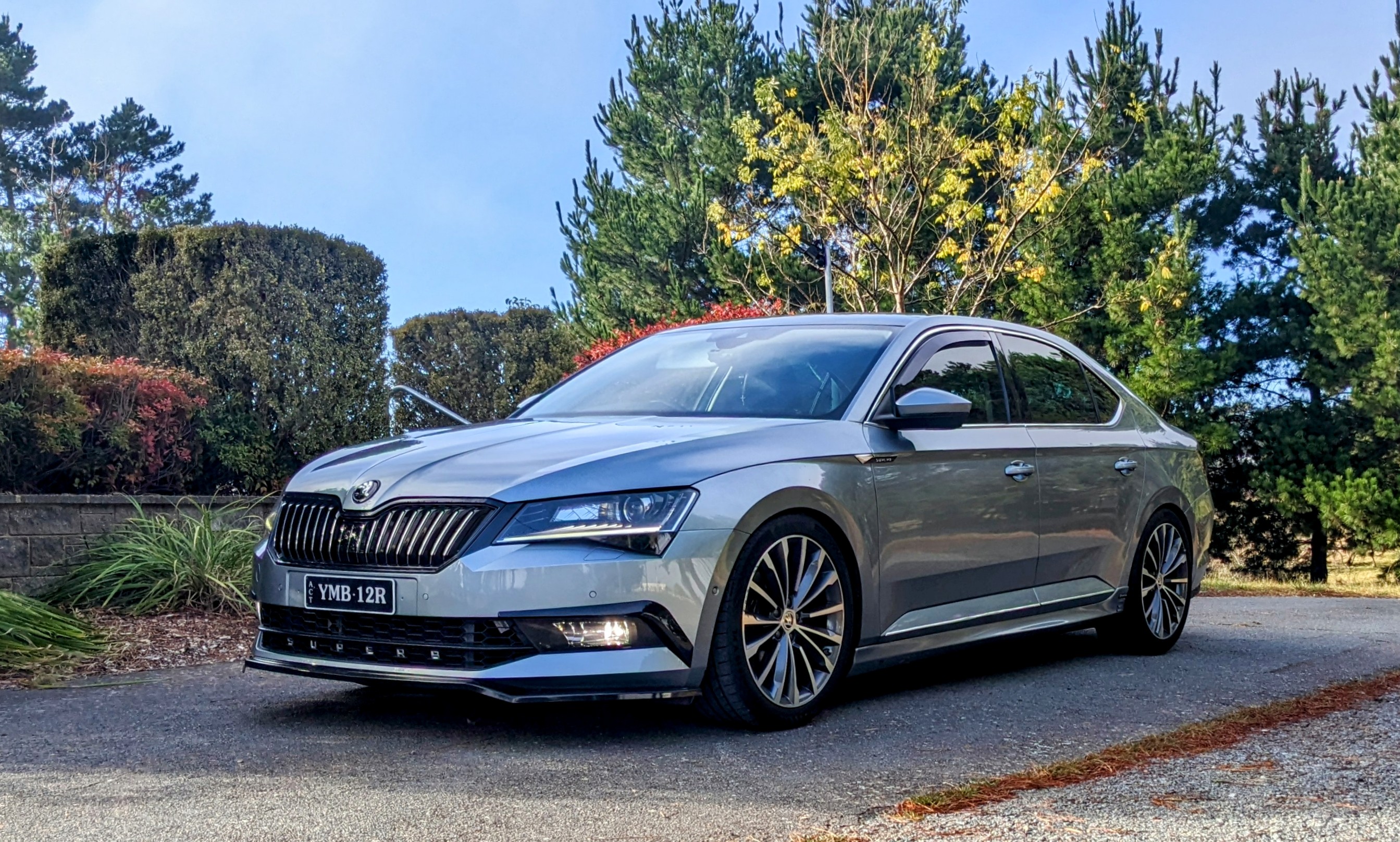
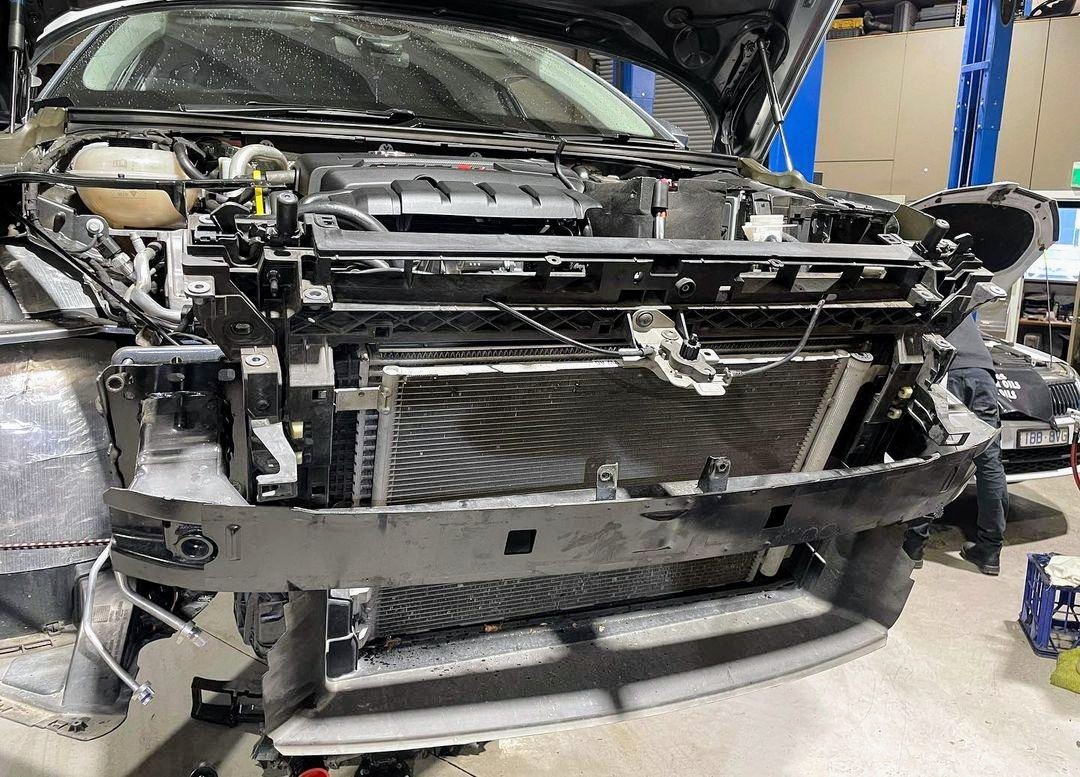
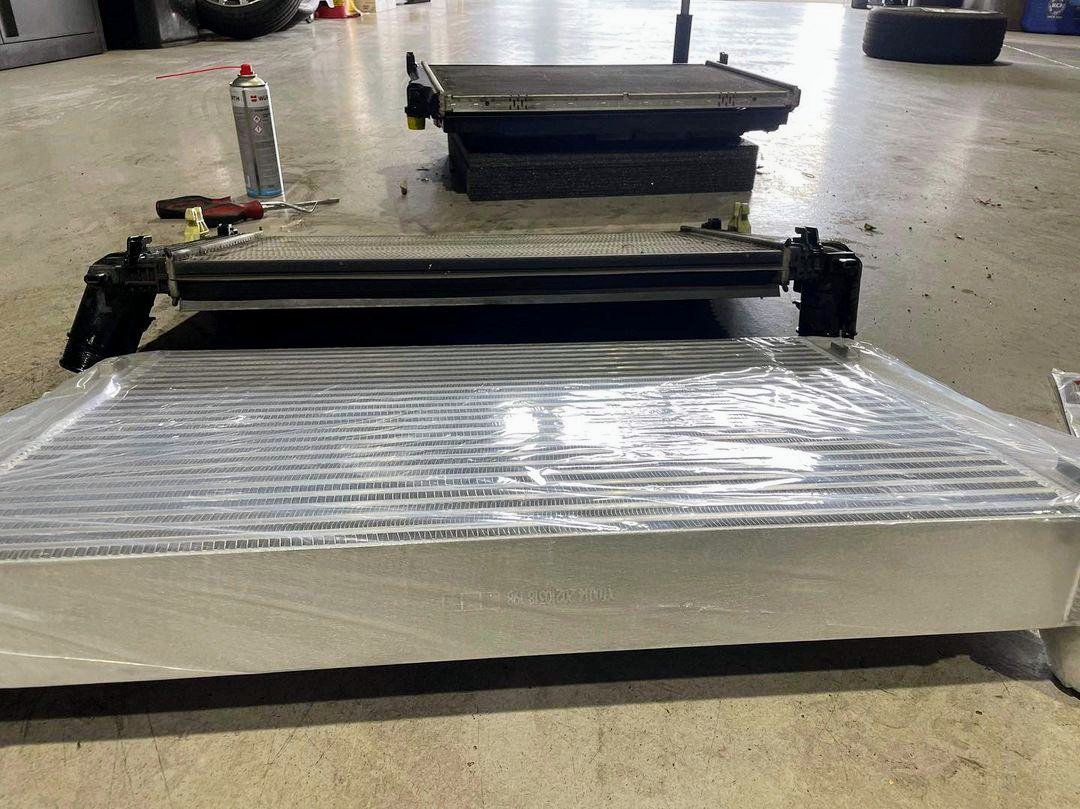
Got the intercooler upgraded on Gandalf, to the IE FDS version. much larger core than the factory version. should help with the little IS20 turbo to last longer and not run out of puff so quickly. should also help with keeping the IATs down during the warm/hot summer months. whilst the car was up, i got the last of the aero under trays fitted - in this case the centre exhaust cover. Long version of the Engine undertray plus Centre Exhaust cover in place now....