JR RS
FREEDOMLite
-
Joined
-
Last visited
Everything posted by JR RS
-
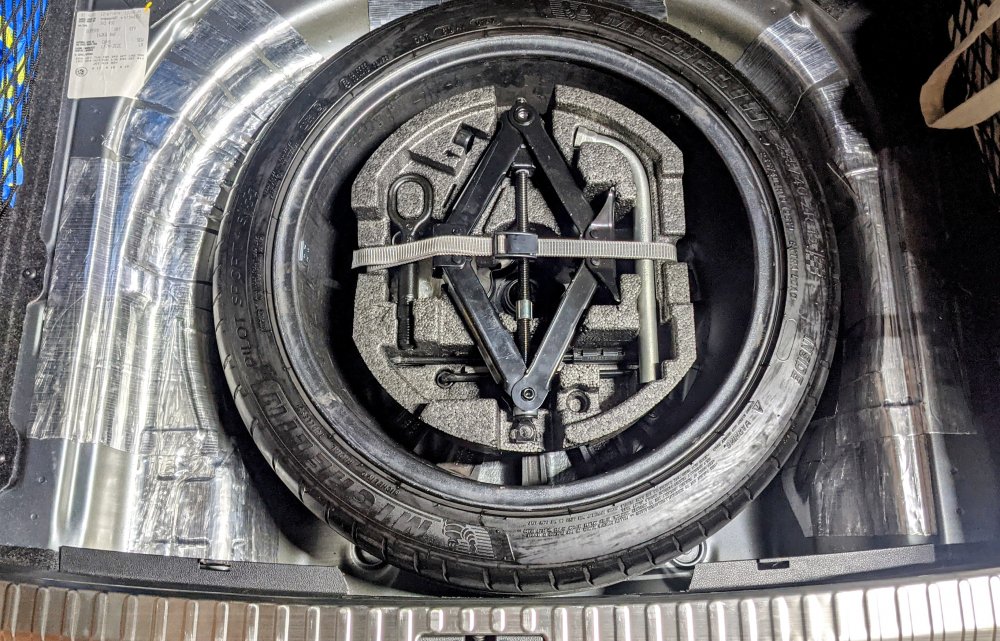
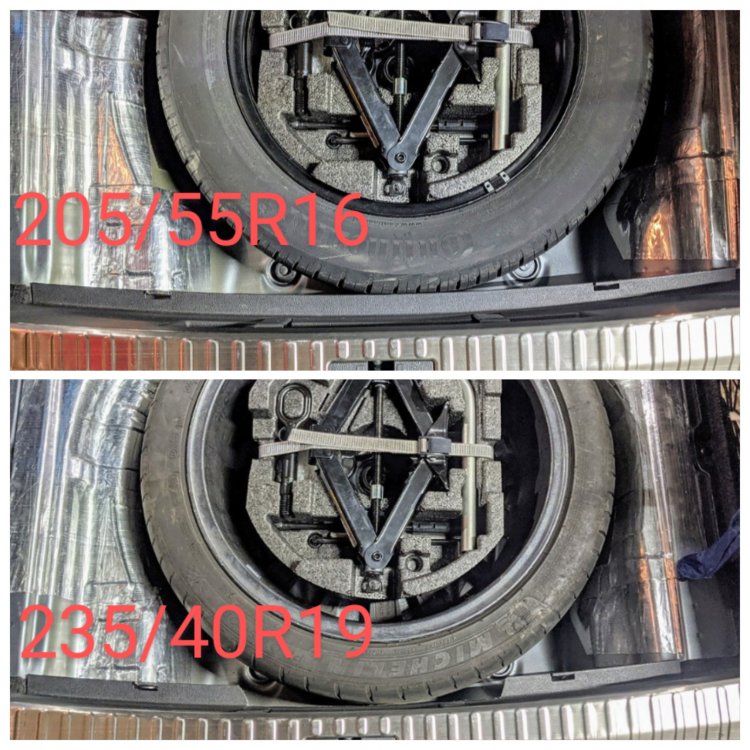
Correct, mine was factory supplied with a 16" spare tyre kit. I didn't retrofit it. This thread is showing that u can indeed fit a full size 19" wheel in there, as many before have said it won't fit. It's true if u don't trim the small lip bit.
-
@Ivan8192- urs must b an AWD, hence it has the skinny 18" space saver spare. That would explain why ur tyre kit foam mould is different to mine. Mine is a non-AWD. I get a non-skinny 16" space saver. I didn't trim the foam moulding at all on mine. Is the wheel well shallower (not so deep) in the AWD versions? maybe?
-
That is incorrect as it fits nicely inside the 19" wheel. Did u not see my pics above?
-
@newbie69 - It is anchored/fixed to the boot floor chasis. It's not part of the foam moulding toolkit bit. I don't know if the screw can fitted to the point u mentioned. Maybe, but u'd have to access the other end from underneath somehow.
-
my Google Pixel 5 fits in the factory Phone box wireless charger Superb iV comes with MIB3.....usually.
-
Glad to hear that @Teir I'm waiting in line, patiently, for mine to b allocated a device and shipped out.
-
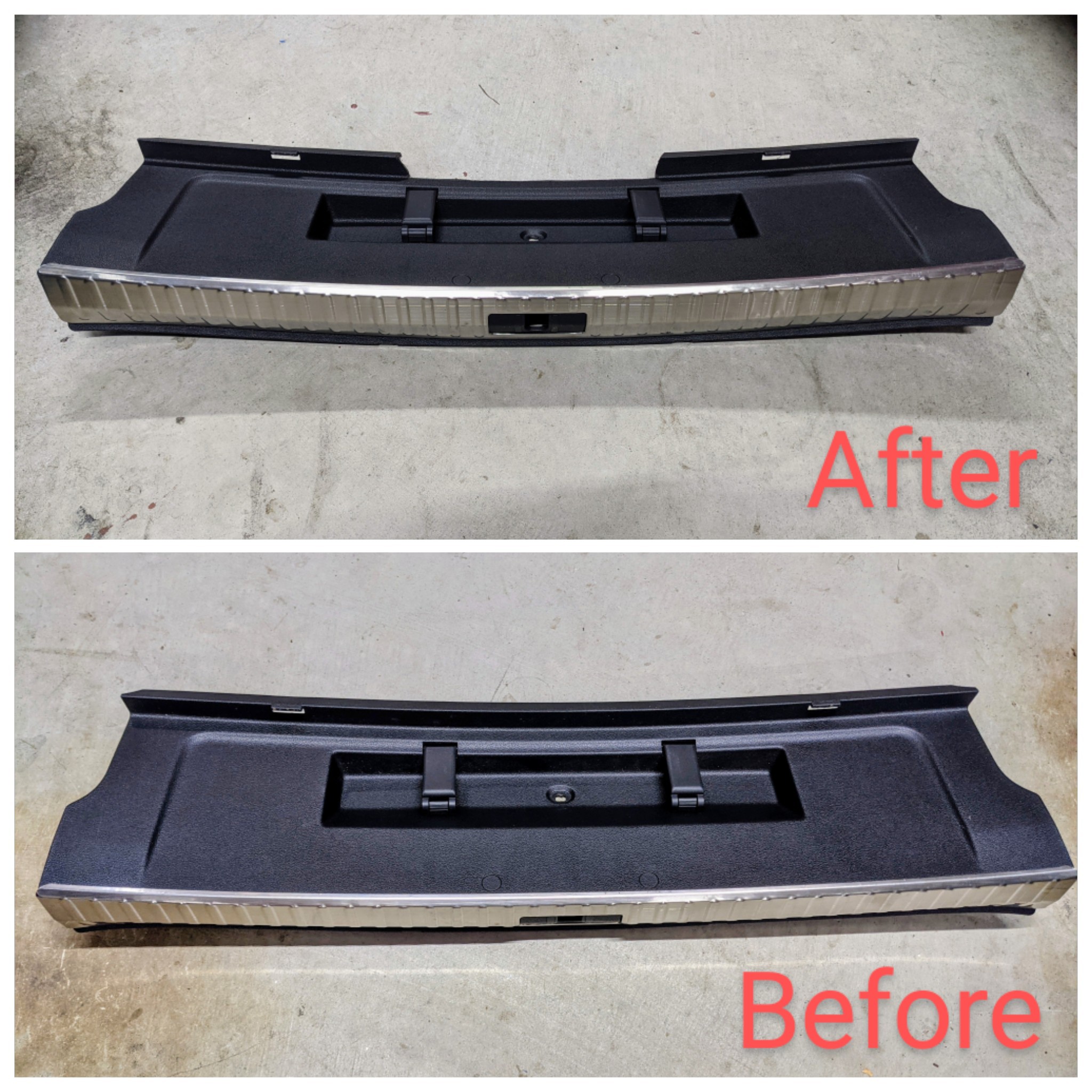
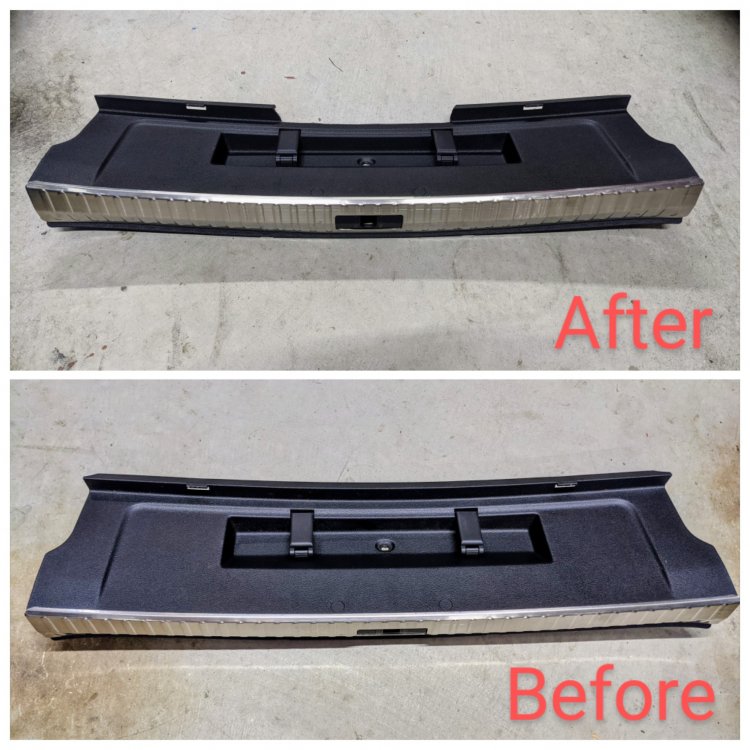
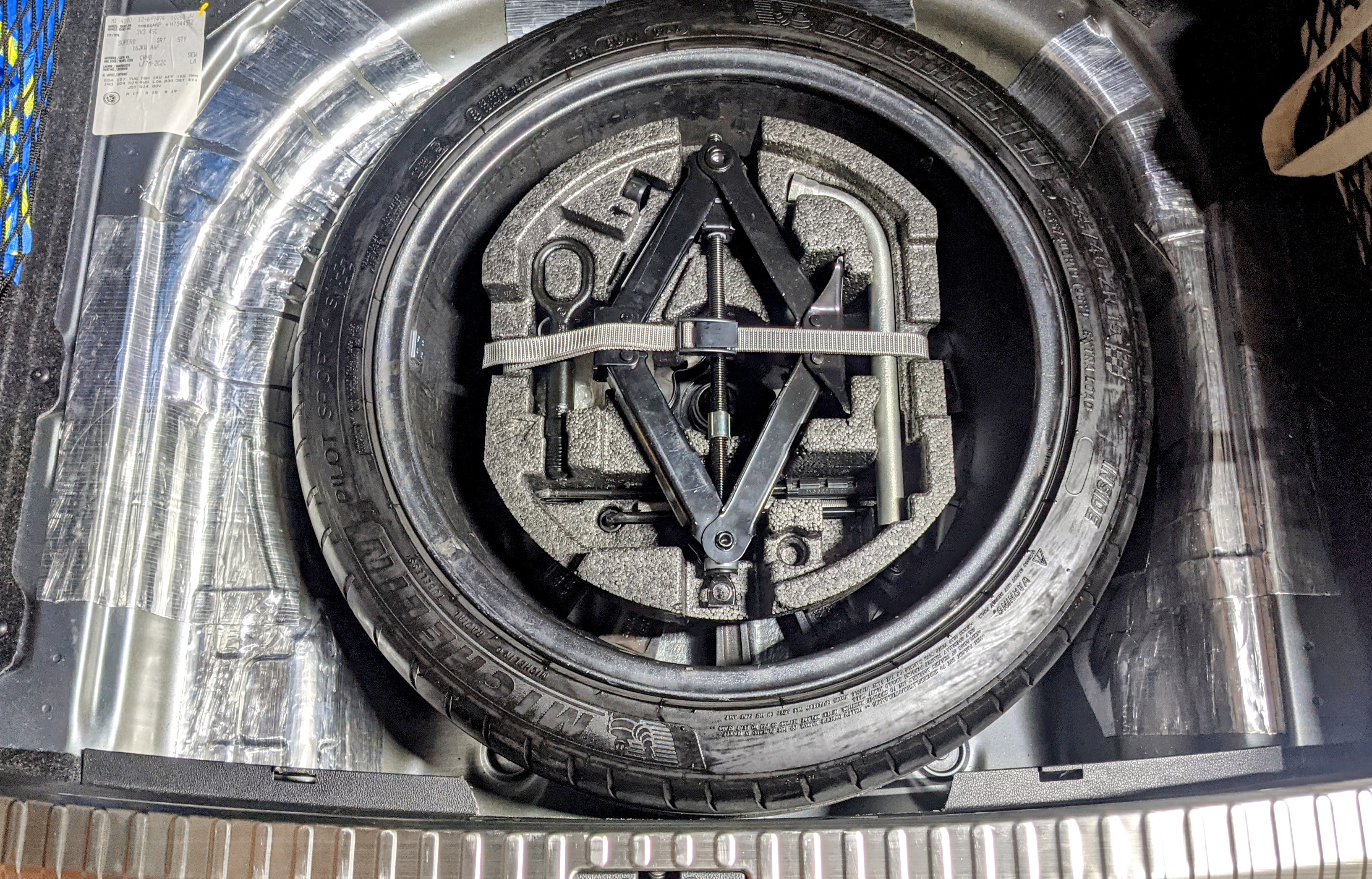
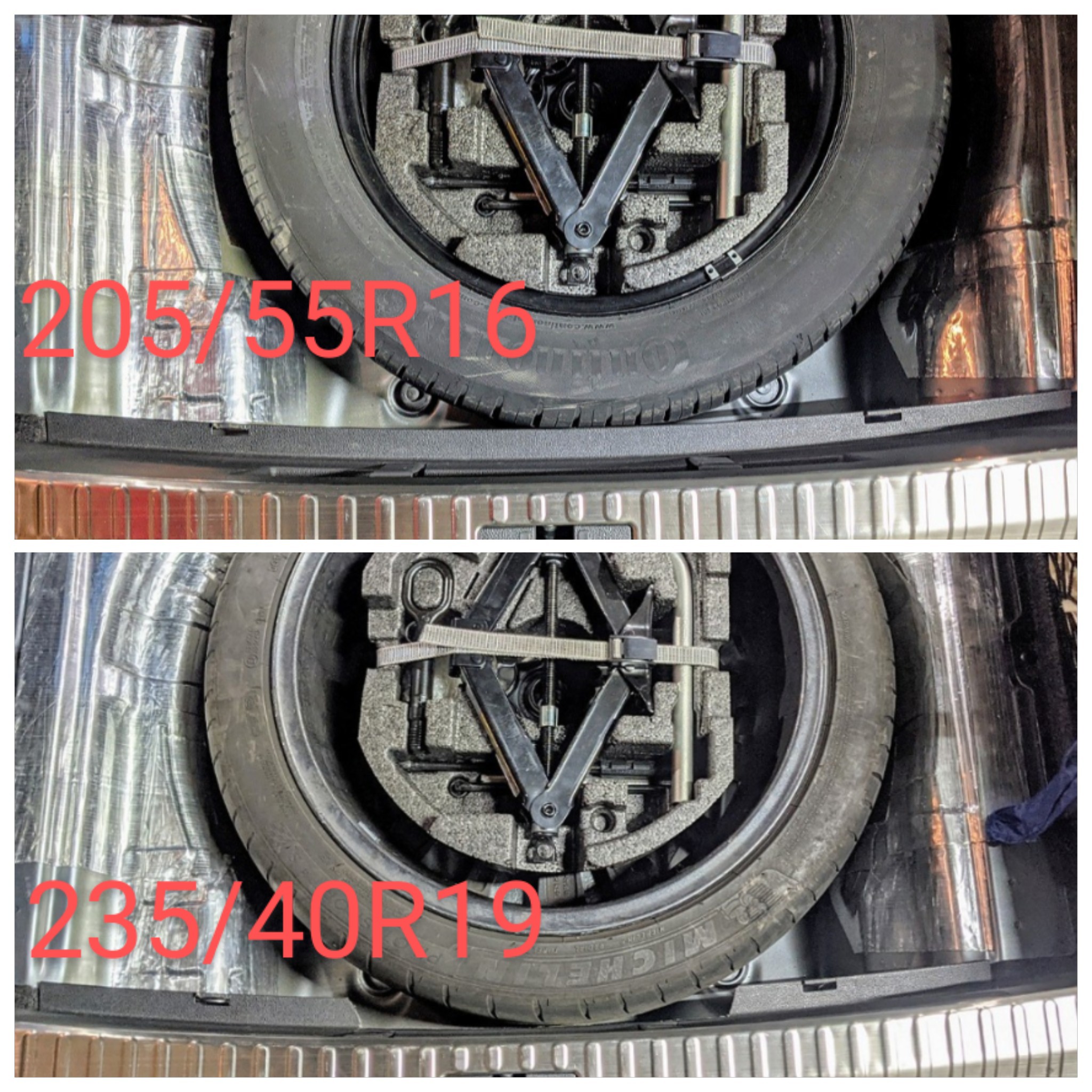
For those wondering - yes, u can fit a full size spare in a Superb. A small trim off the plastic edging, and it fits very easily 👍🏽 Easy to remove and put the tyre in too. Boot carpet sits about 3 cm higher, but u don't notice it. Top pic shows the lip trimmed off. Comparison below..... Existing plastic lock nut in place. Tyre Foam kit in place.... A real spare now!!
.thumb.jpg.0ec139b86a063e28f7ea335fd563792d.jpg)
.thumb.jpg.807efec7858aa858333cbeb3e26b5d89.jpg)
.thumb.jpg.7050f38278470ea469a4590893aff5ad.jpg)
-
That was pre lots n lots of things!!! Lol Bout 3 yrs ago that was.
-
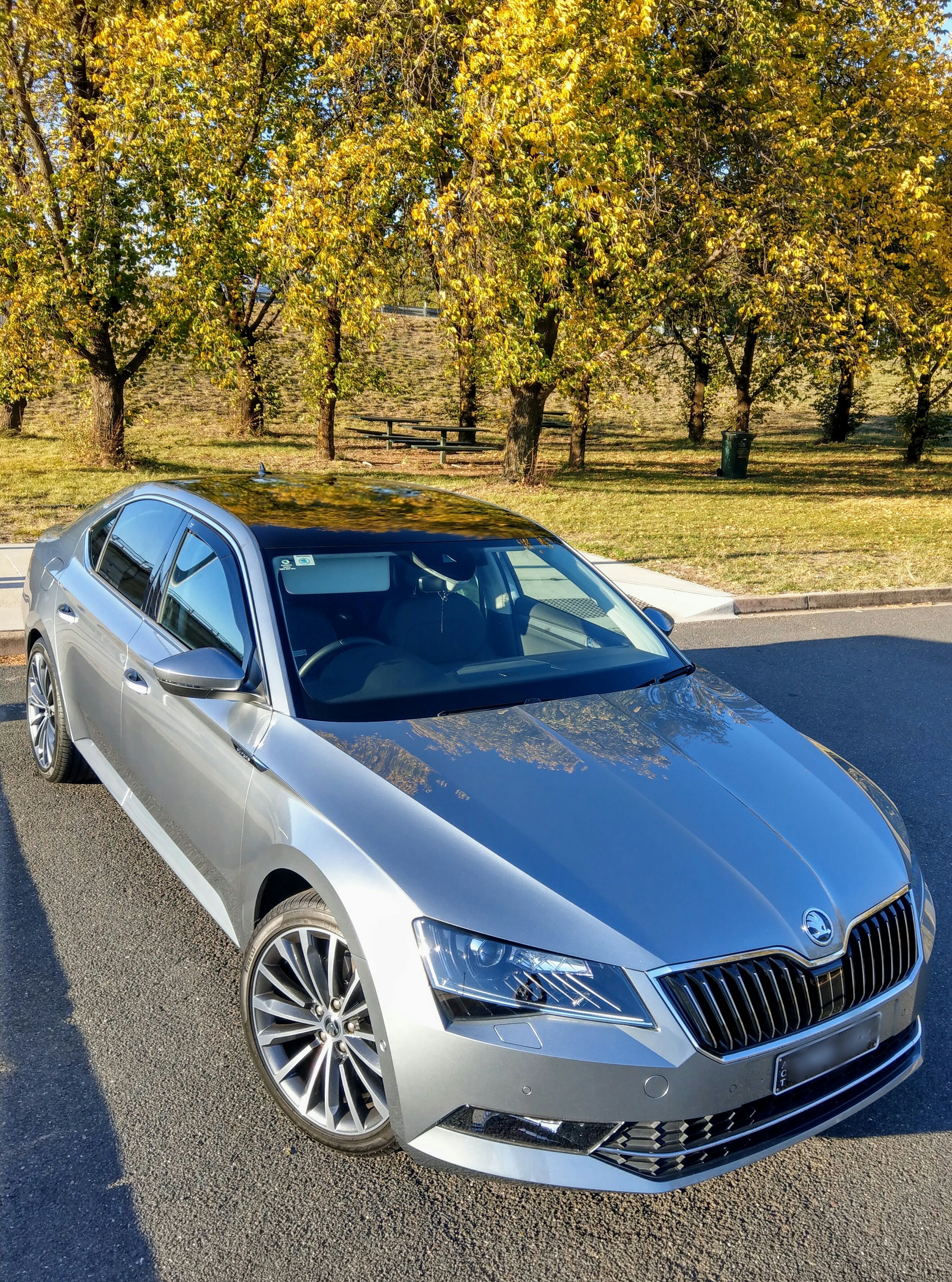
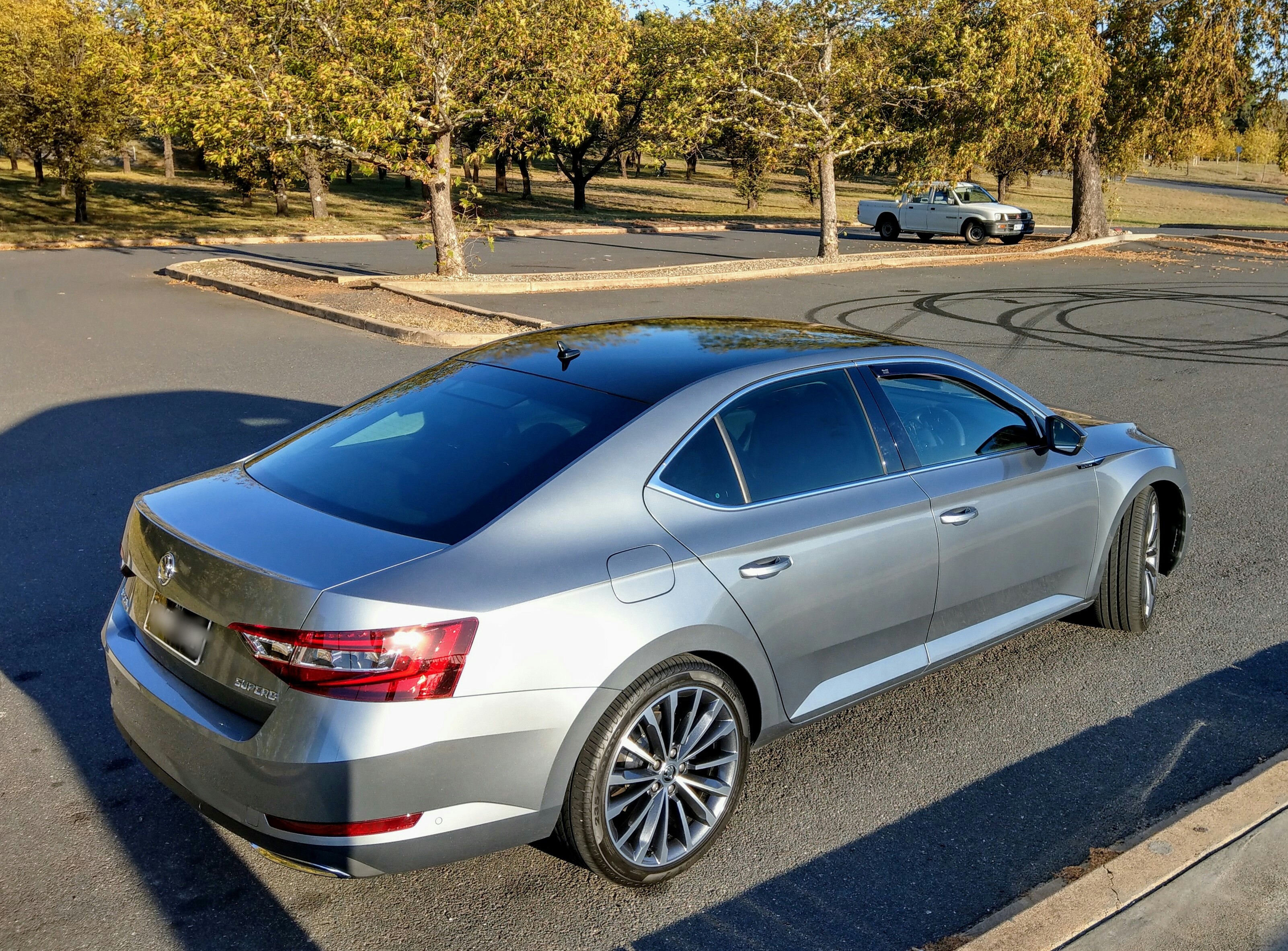
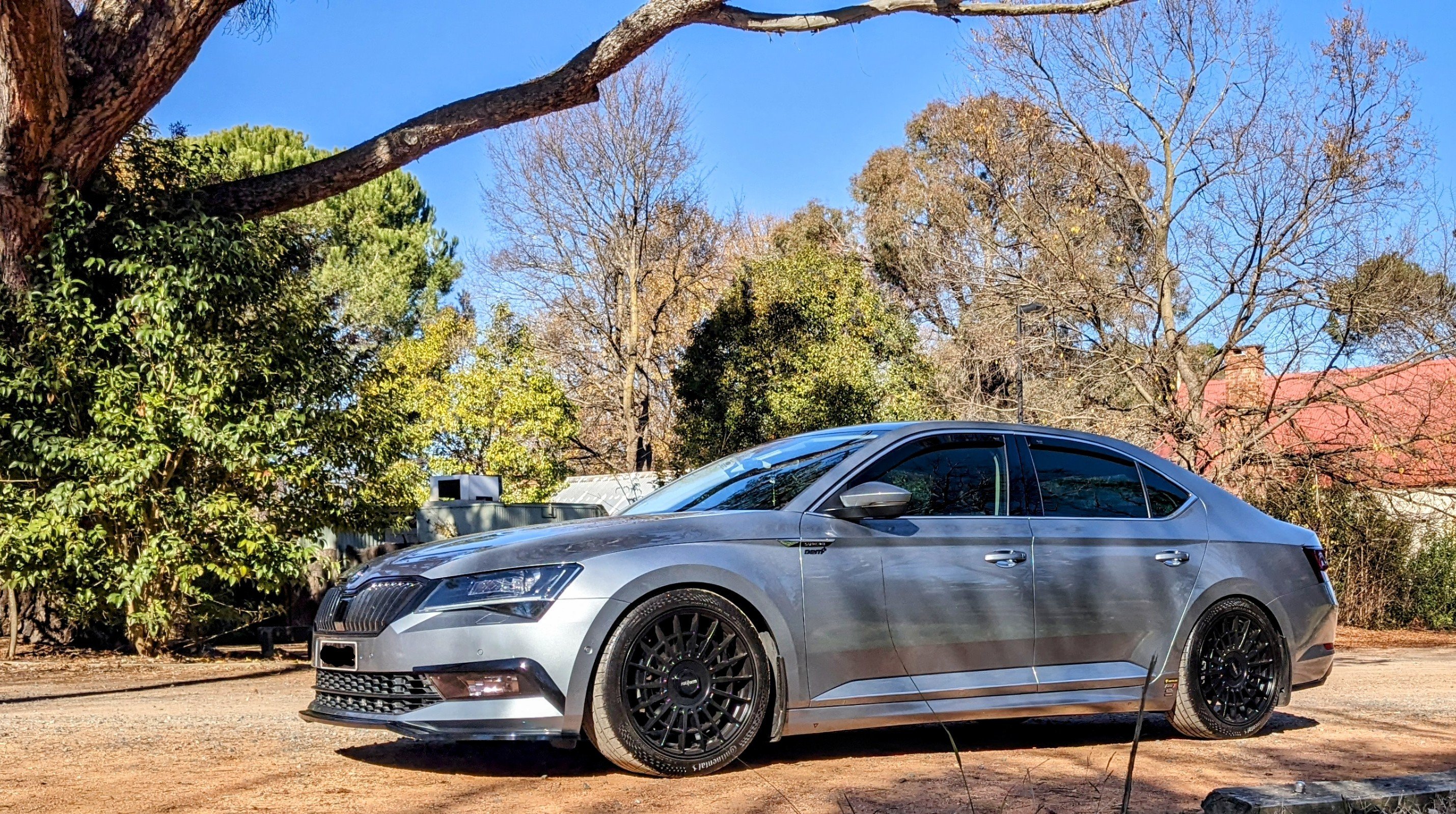
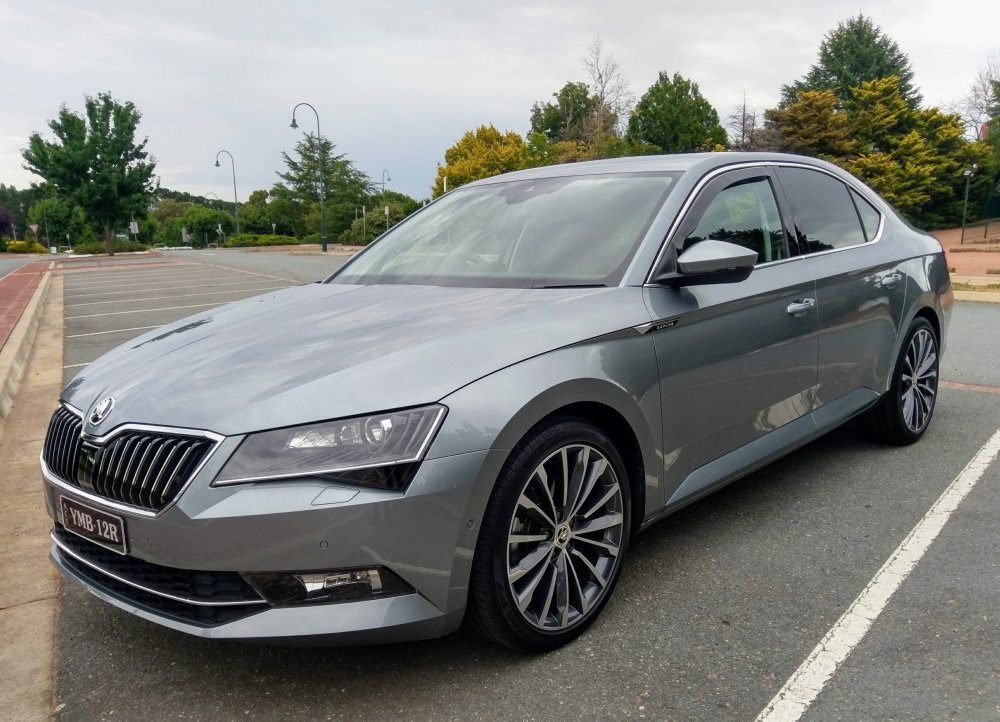
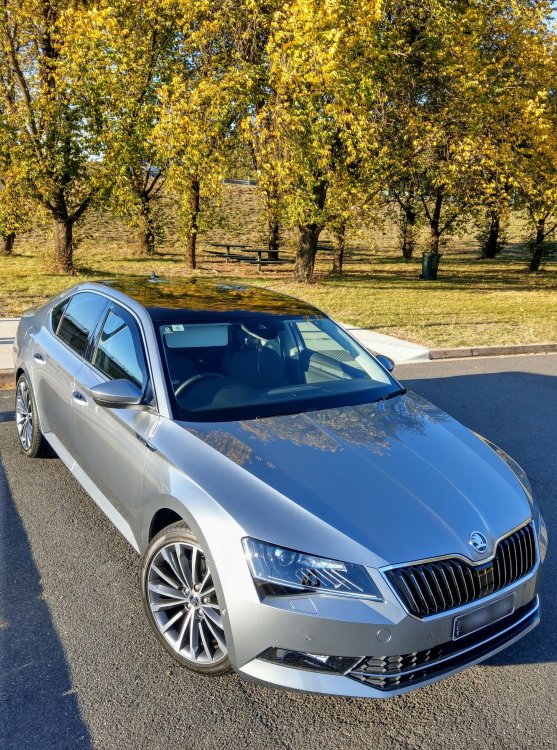
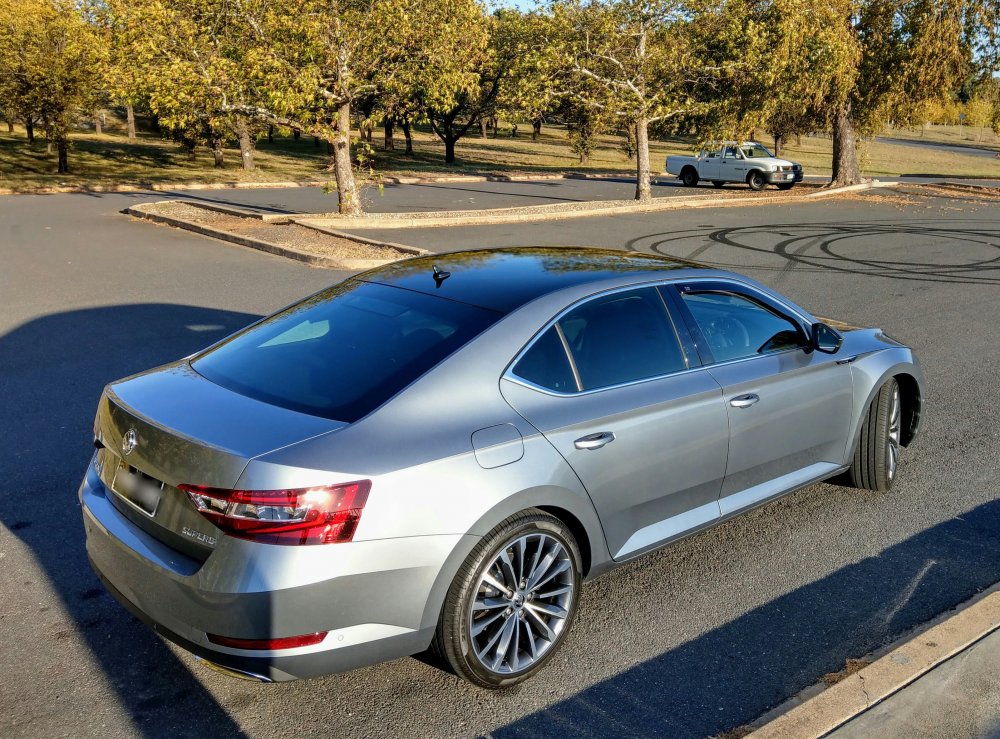
no, its not bad. its a matter of personal preferance/choice. more pics below from different angles - 15mm spacers on the rear, not lowered.
-
that is because of how the TPMS module is designed. if u use switched power, it will cause CANBUS errors. its the same for other models (Kodiaq) and in various VW and Audi models, where direct TPMS is used. if u don't want to run the power wire to the fuse box up front, u can tap into the 12v boot power supply, in the boot, as it has constant power. this was my initial plan, but i decided i to do it properly and leave my 12v boot power supply intact, and run the wire to a fuse tap up front.
-
As far as I know, with MIB2 and 2.5 - the clock will only display if u turn the infotainment unit off while the engine is running. Would b nice if it could b done to show the clock when u tick the option "switch screen off after 10 secs". Looked far n wide - no luck. Not sure how it's like with the newer MIB3 units, like U have.
-
they say "sharing is caring"
-
its not too bad, given ur experience in pulling apart the Superb trim. should b easy for u. essentially the TPMS module is inside the rear bumper. canbus connections r sourced from the BSM inside the rear bumper. power is sourced from the fuse box up front. if the TPMS module doesn't come parameterized, i.e. its brand new, then u'll need ODIS or VCP to upload a parameter file. then some vcds code changes n ur done. obviously the tyre pressure sensors need to b installed inside each tyre, replacing the existing tyre valve stem. full write-up of my retrofit here.
-
yes, i've done it. while u need force to remove the mirror, u do need to b careful not to break it. as u say - they r expensive to replace. there is a how-to installation video a guy did on his Octavia. link below. its the same deal with the Superb. should help u.
-
I'm really pleased with Rieger splitter. I like that it's not in ur face. One would need to take a second look to understand wat they saw.
-
Did it in September last year - no stone chips or peeling. Been holding up well. Been through a number of high pressure washes to. So far so good.
-
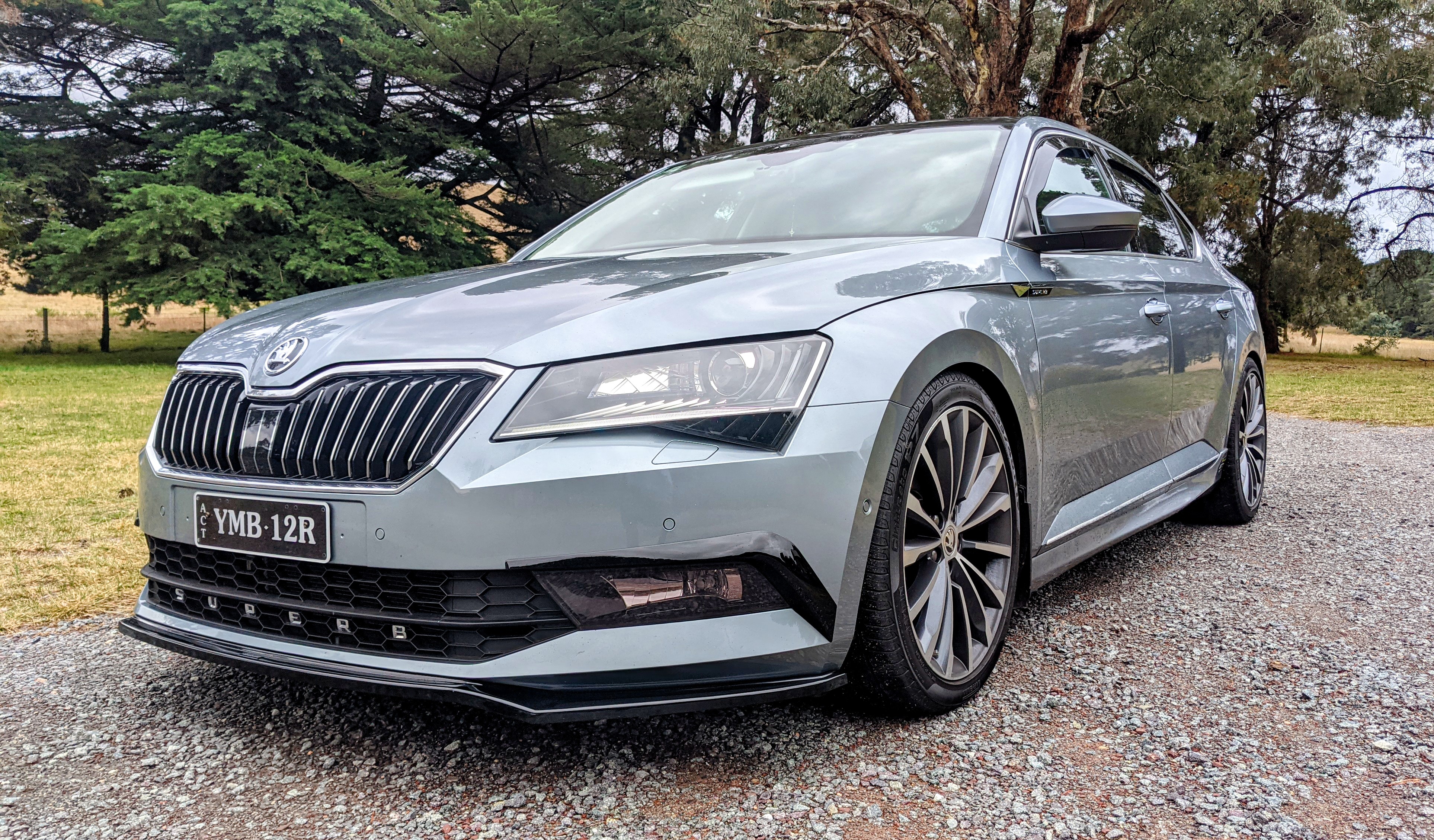
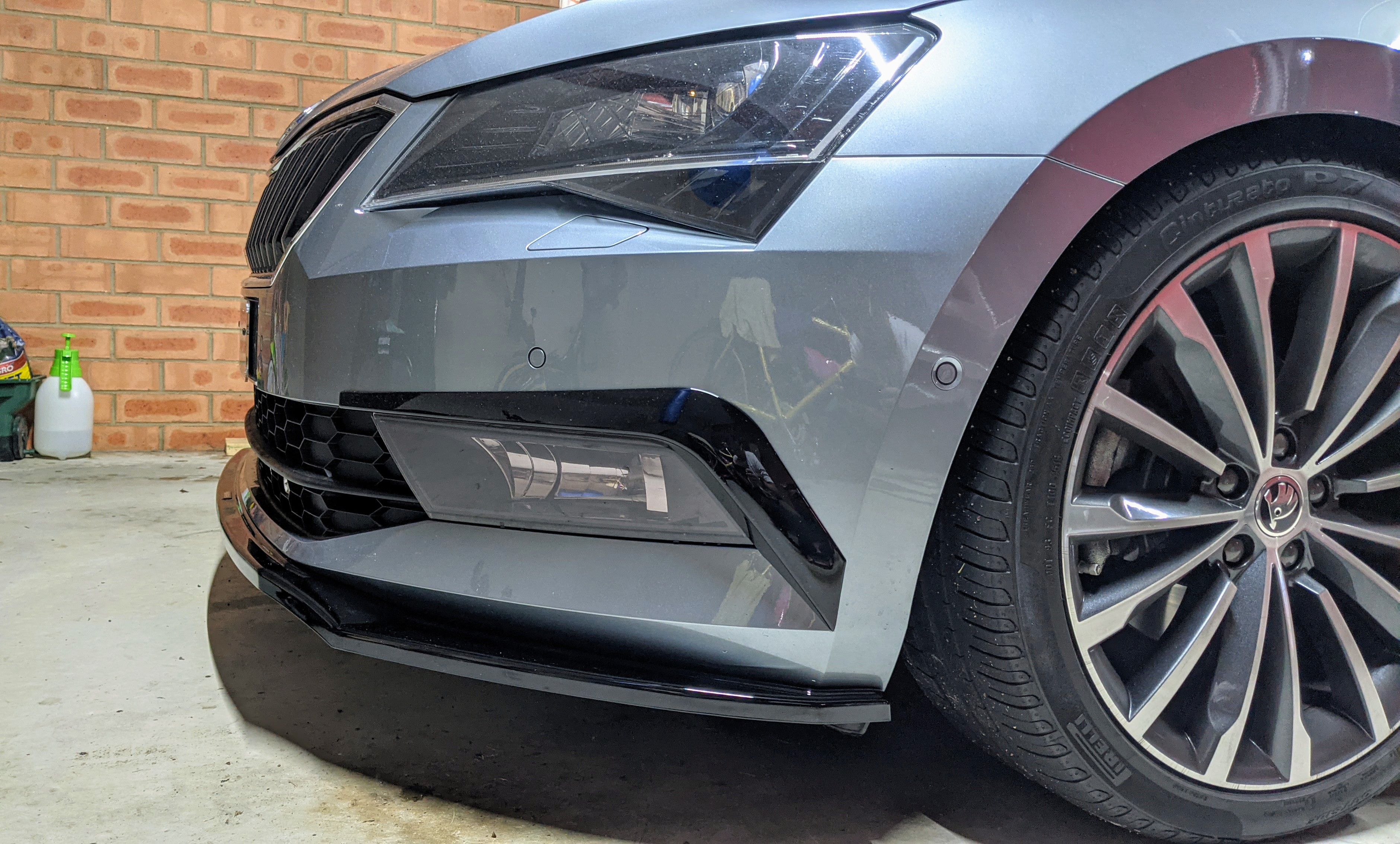
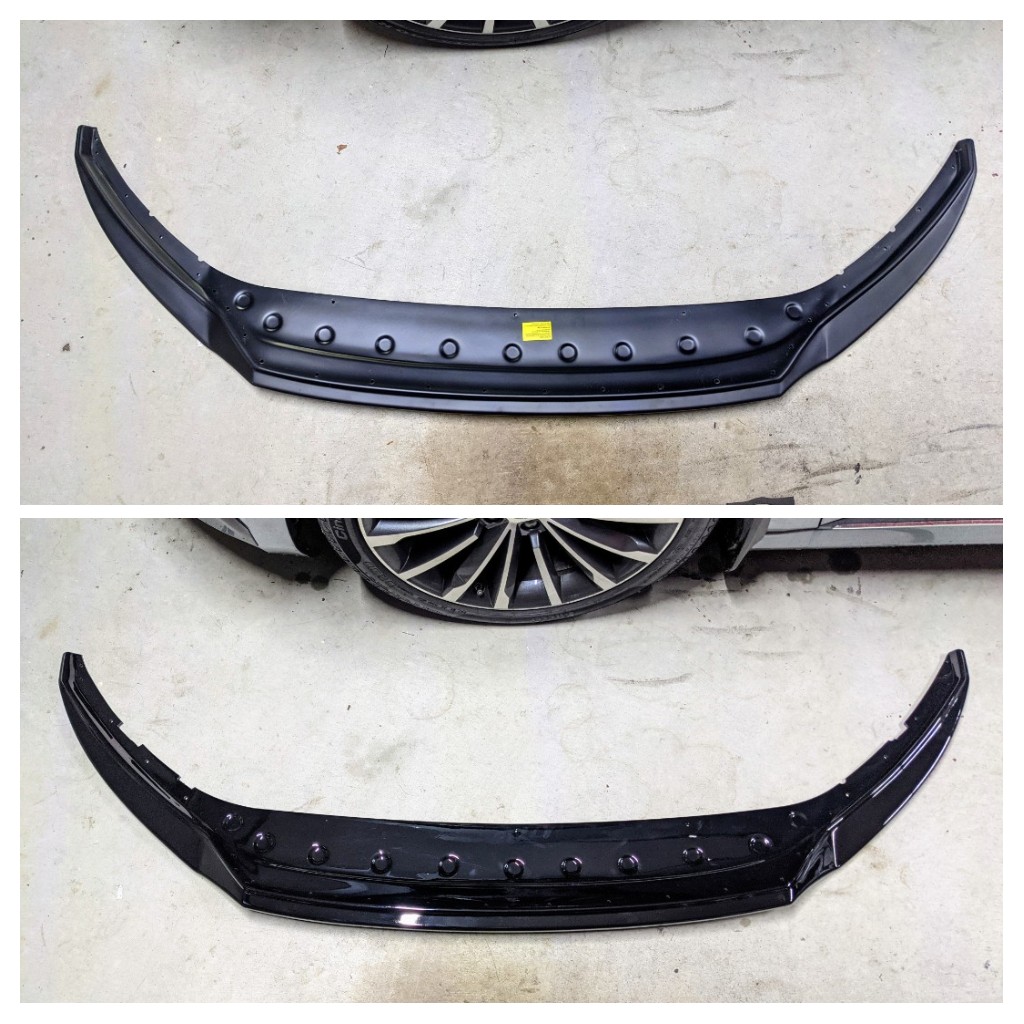
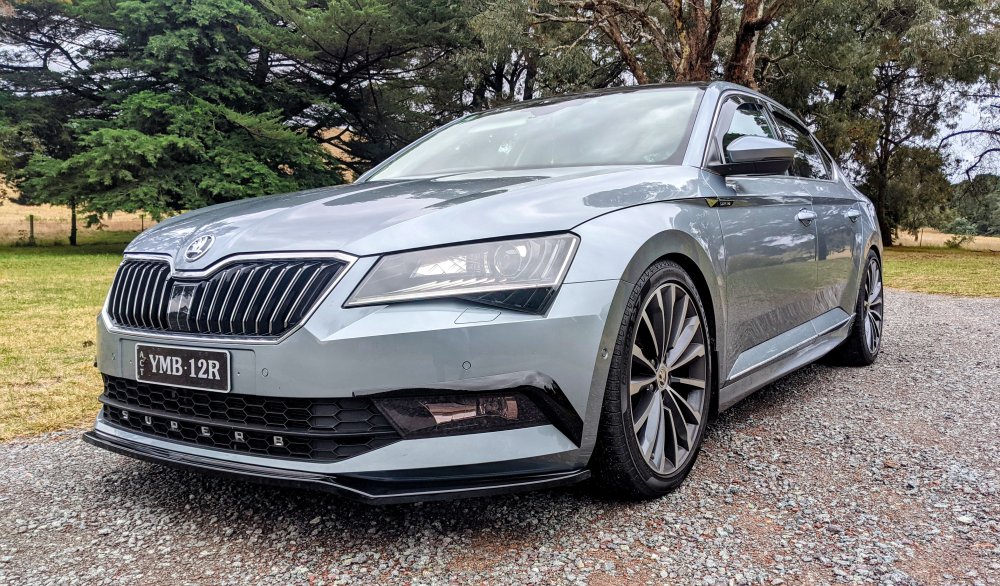
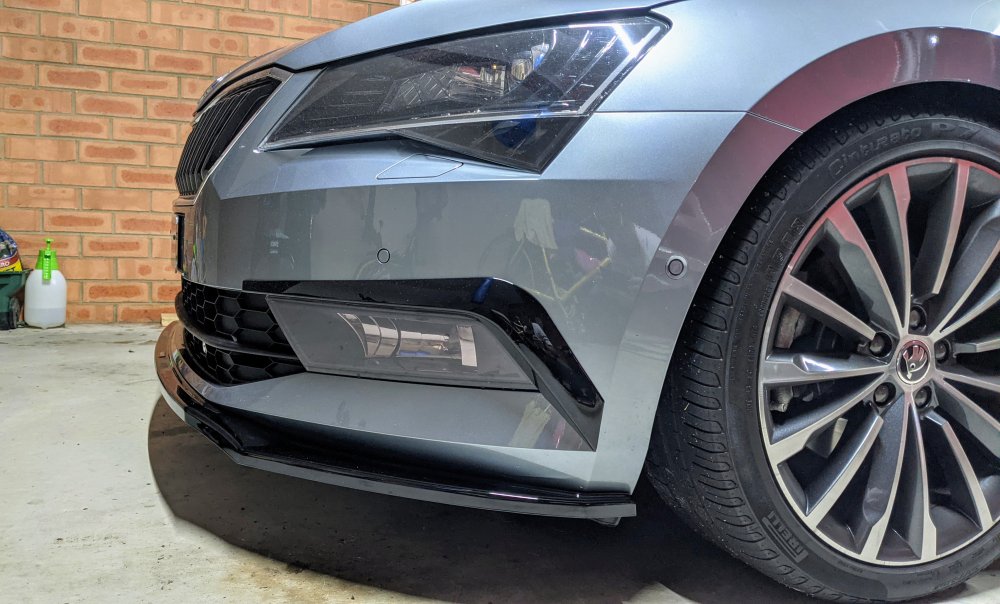
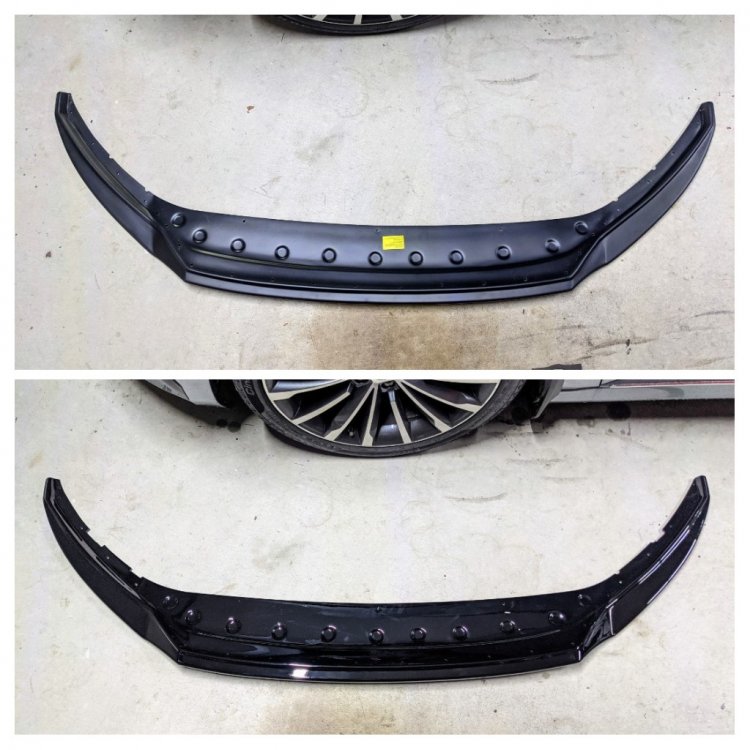
Updating the build thread now that the splitter, finished in gloss black now, has been fitted. Been almost a week now, and I've been doing well thus far in not scrapping it!!! The front splitter sides r 11mm of the ground. The middle section bit sits 13mm off. The lowest point (behind front wheels) of my Rieger side skirt sits 10mm off the ground!!!
-
from what i've read/seen, there is:- - Standard suspension - DCC suspension (which sits 10mm lower) - Sportline suspension (which sits 15mm lower than Standard) - Sportline DCC suspension (unsure how much lower this sits compared to Standard)
-
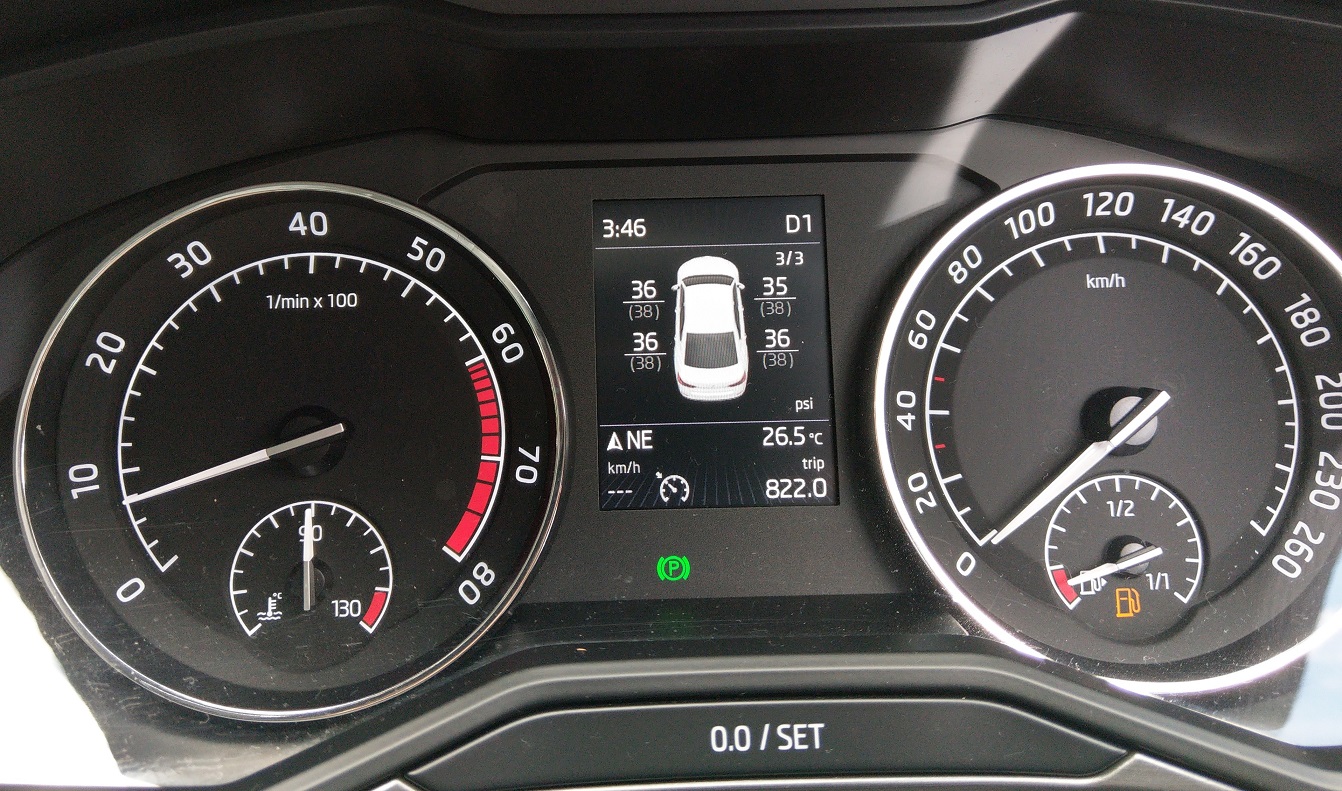
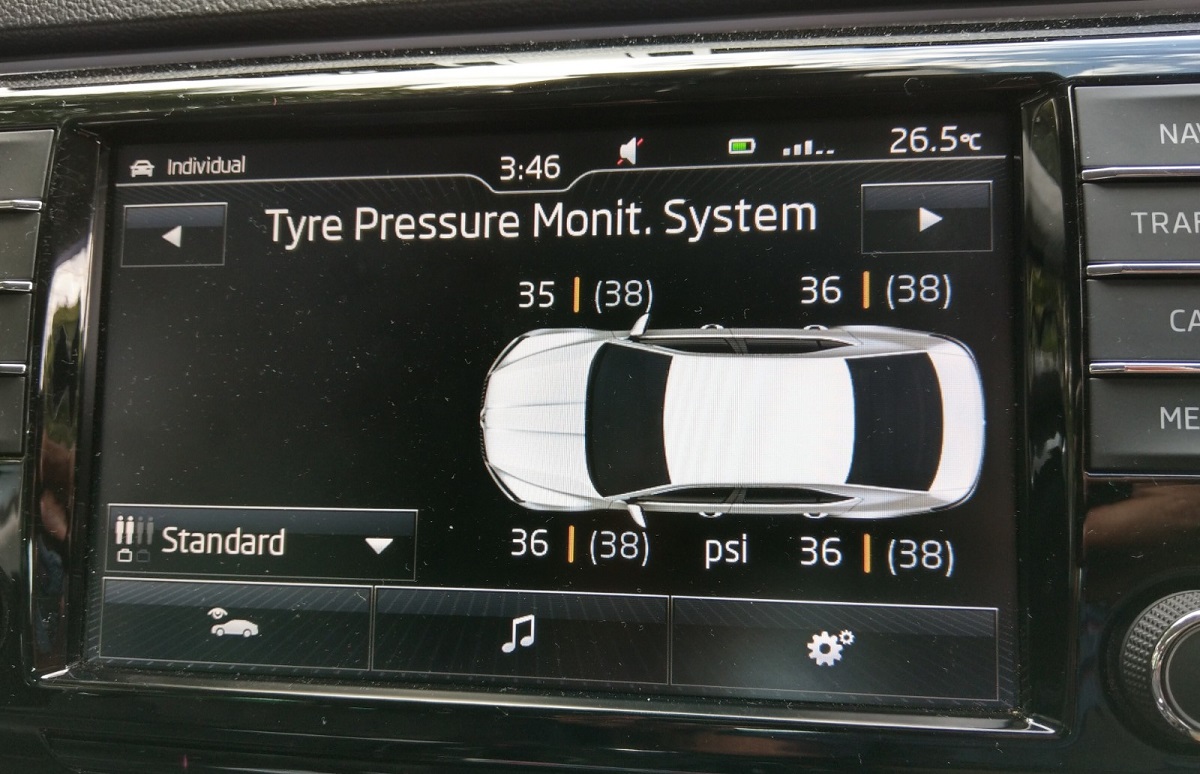
which is what i did - i retrofitted the Direct TPMS, so i can see actual pressure values in the centre cluster and infotainment.
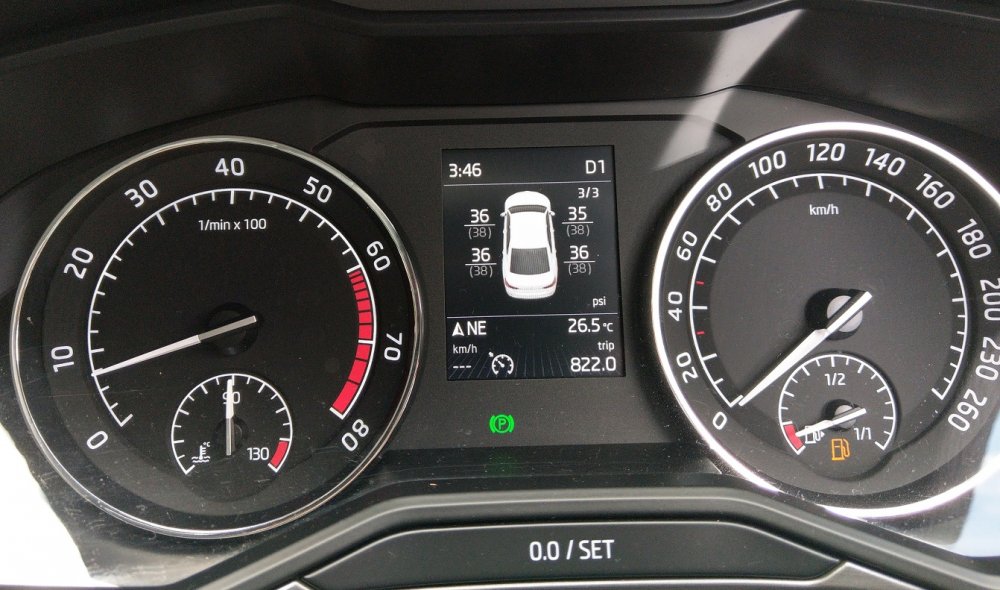
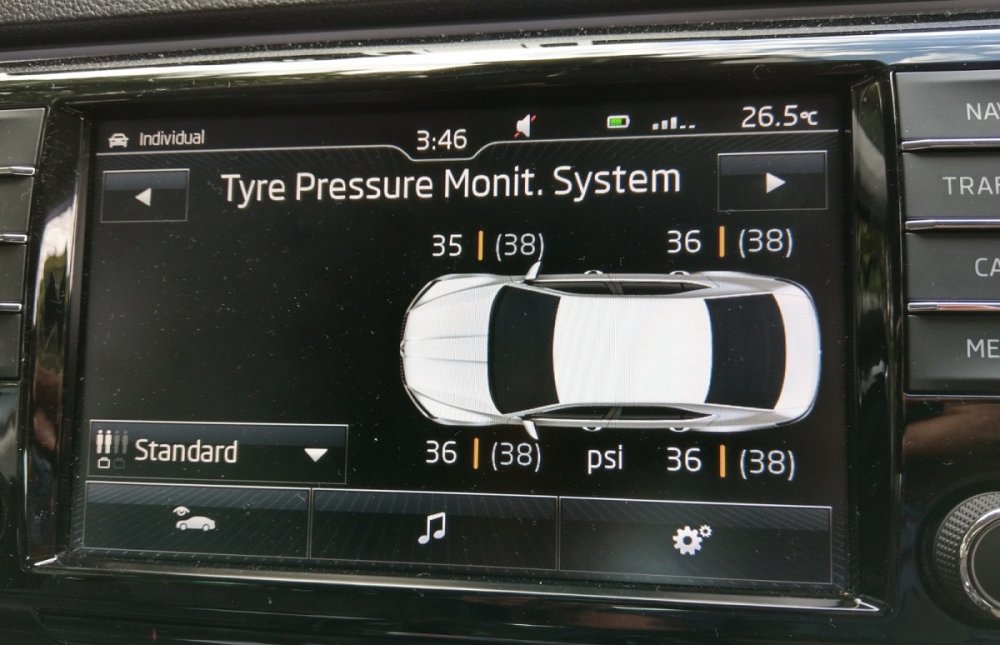
-
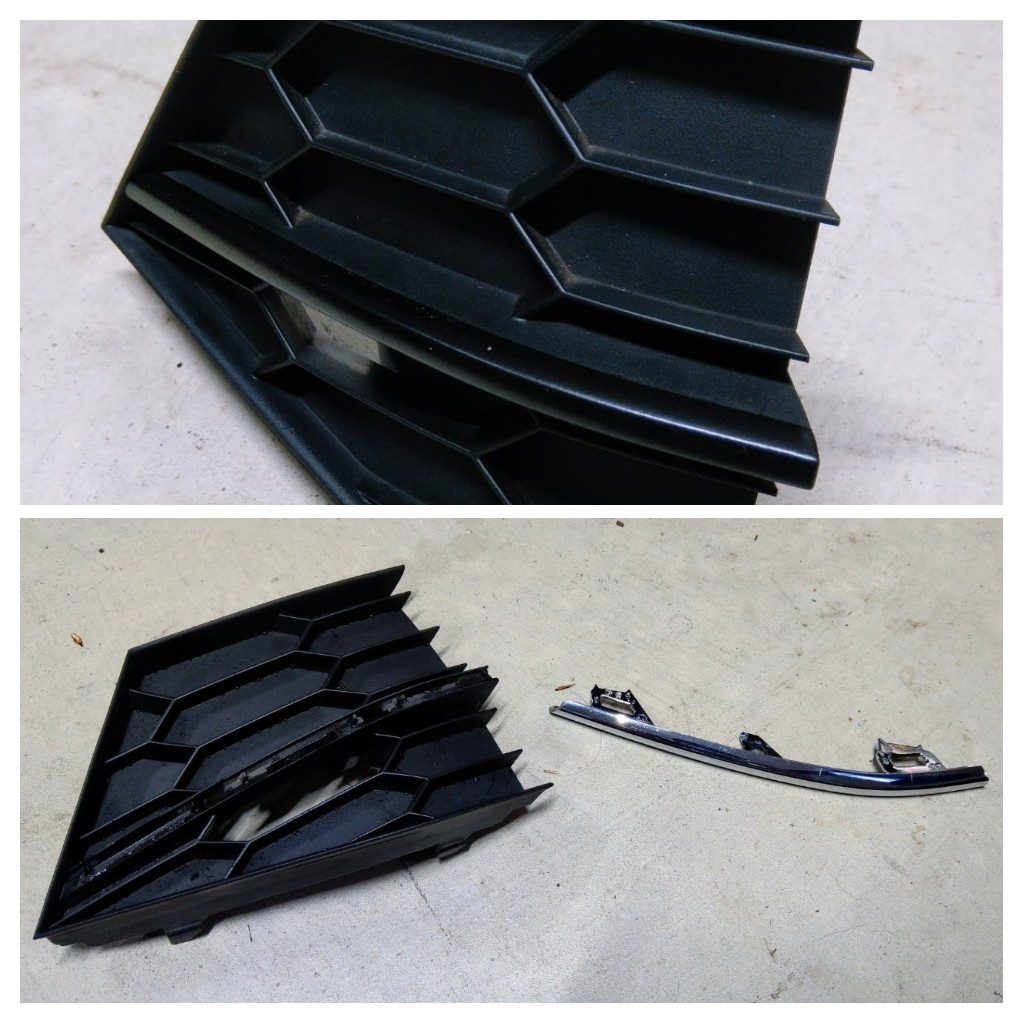
i spray-painted, using Plasti-dip, the chrome trim on my lower grille. u could buy these bits from superskoda, in black already, if u wanted to, instead of painting it urself. i removed the actual chrome trim from the grille, so i could spray it properly. the upper grille would b more involved i'd imagine, and i myself haven't separated it.
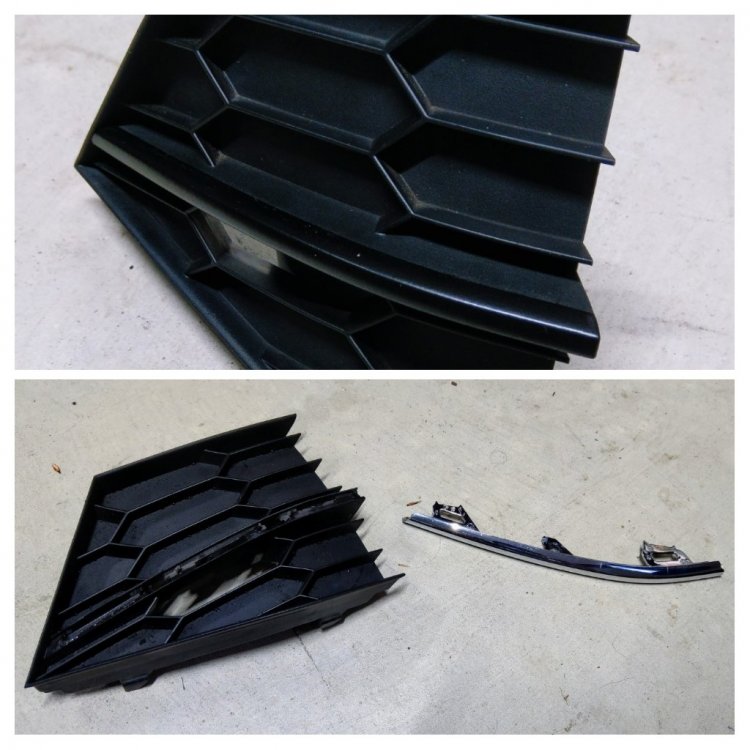
-
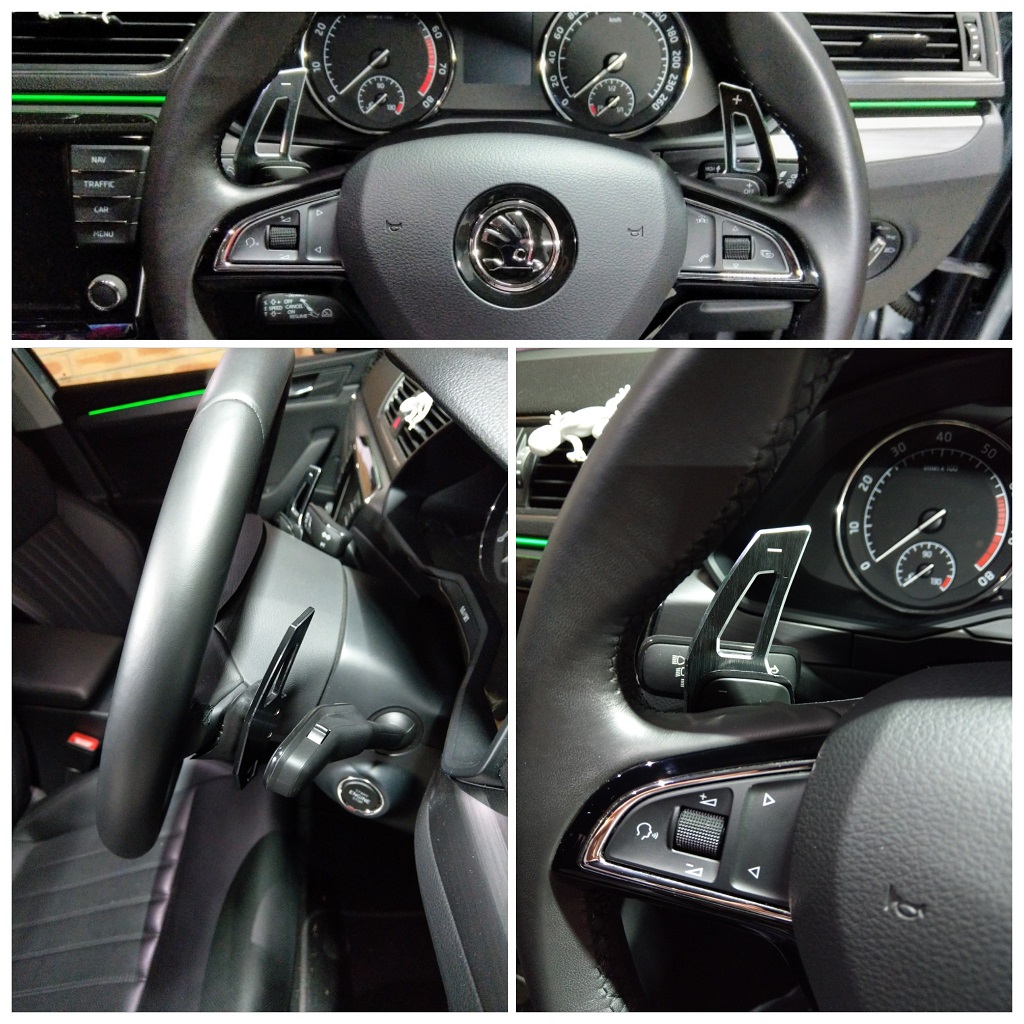
+1, I got similar ones from AliExpress, but with silver edging. The quality is really good, and the paddle shift/click is really solid, even at the tips!
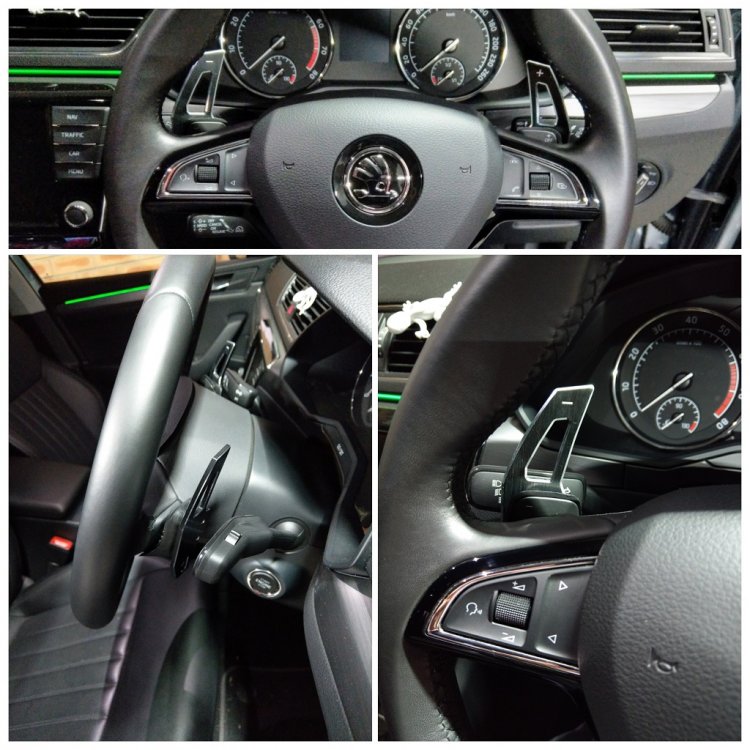
-
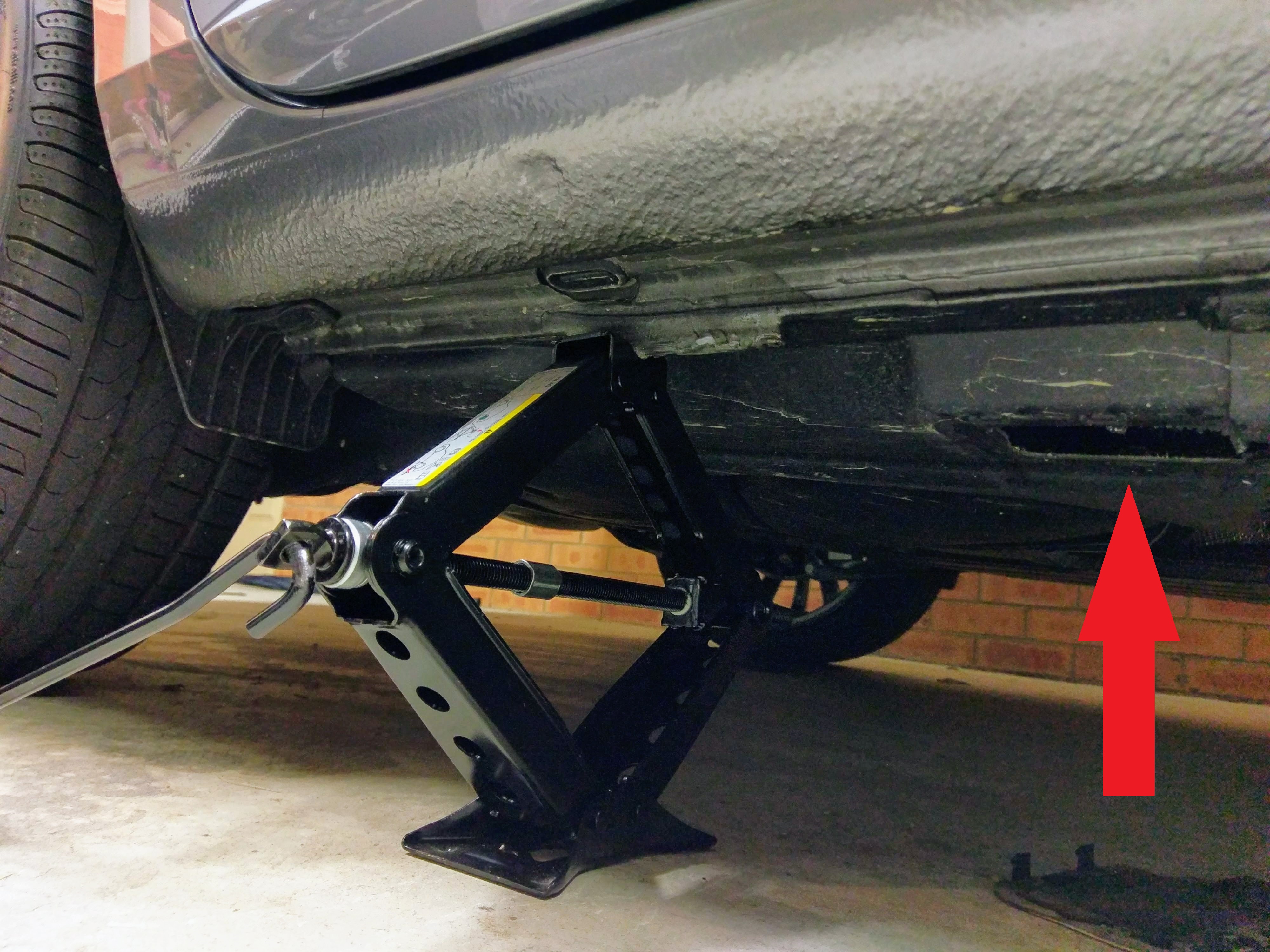
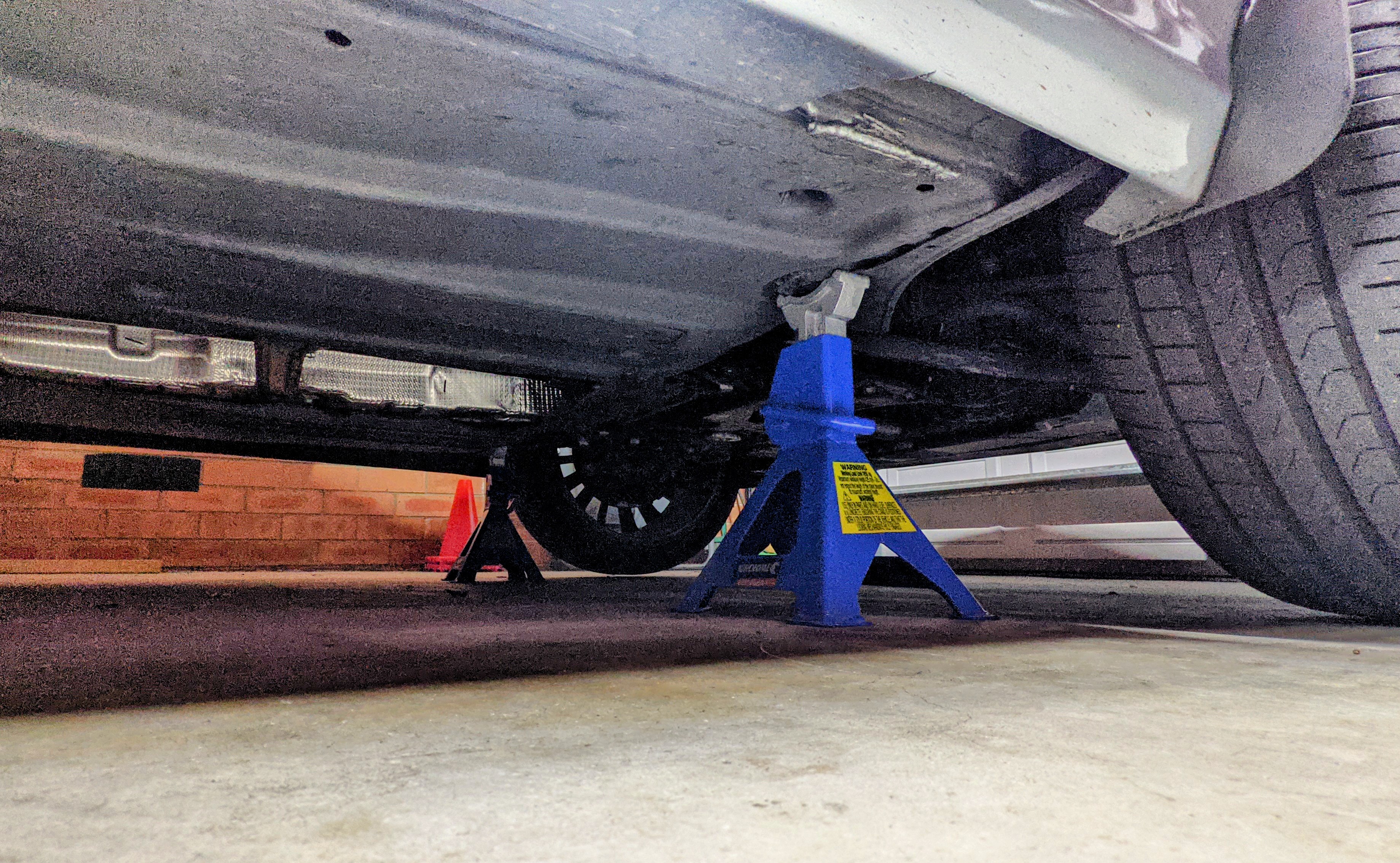
+1 never to up the nuts in that sequence - 1 / 2 / 3 / 4 / 5 !!! likewise when un-doing the nuts. i always use the star-shape pattern, as u've pointed out.
-
Front.... Rear. Remove plastic cover first.....
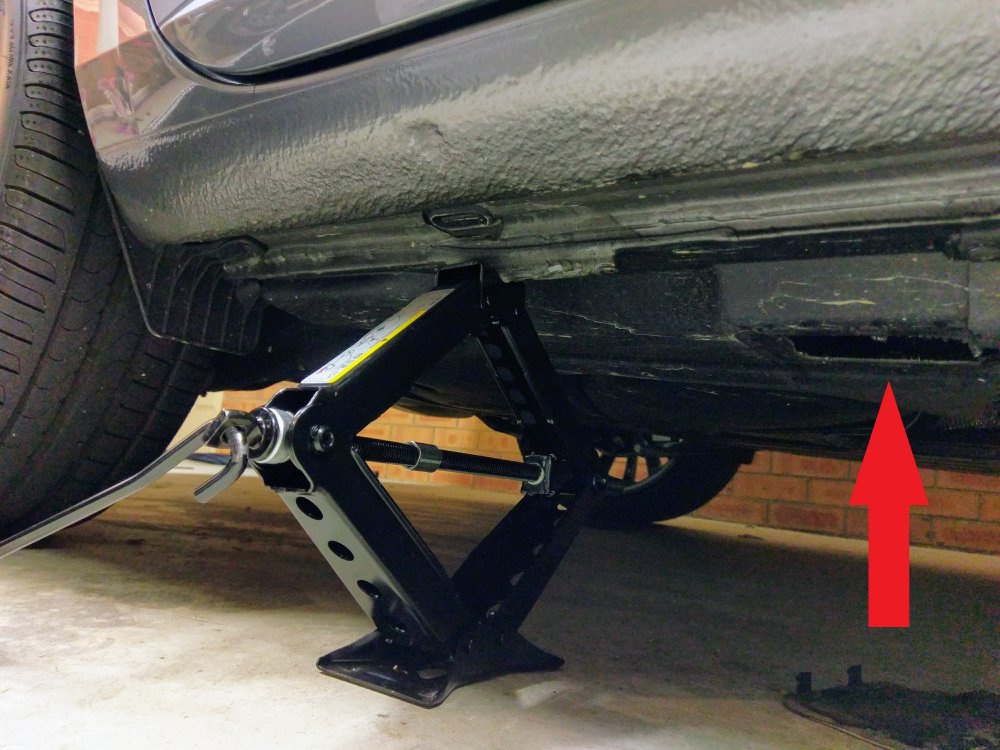
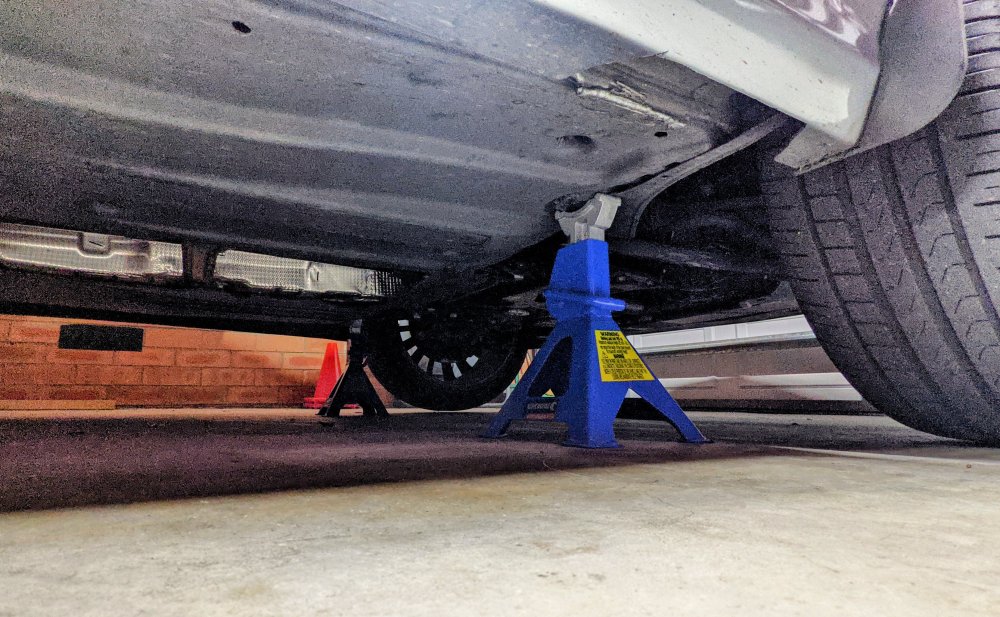
-
here u go @bubib5. keep in mind 09 Electrics changed (coding) between MY16 (urs) and MY17 (mine). also keep in mind @defiant has a facelift MY20, which has newer modules and likely different coding and adaptations. good luck. adpmap-05-3Q0-959-435-E.CSV adpmap-09-5Q0-937-084-CG.CSV adpmap-6D-5Q0-959-107-L.CSV
-
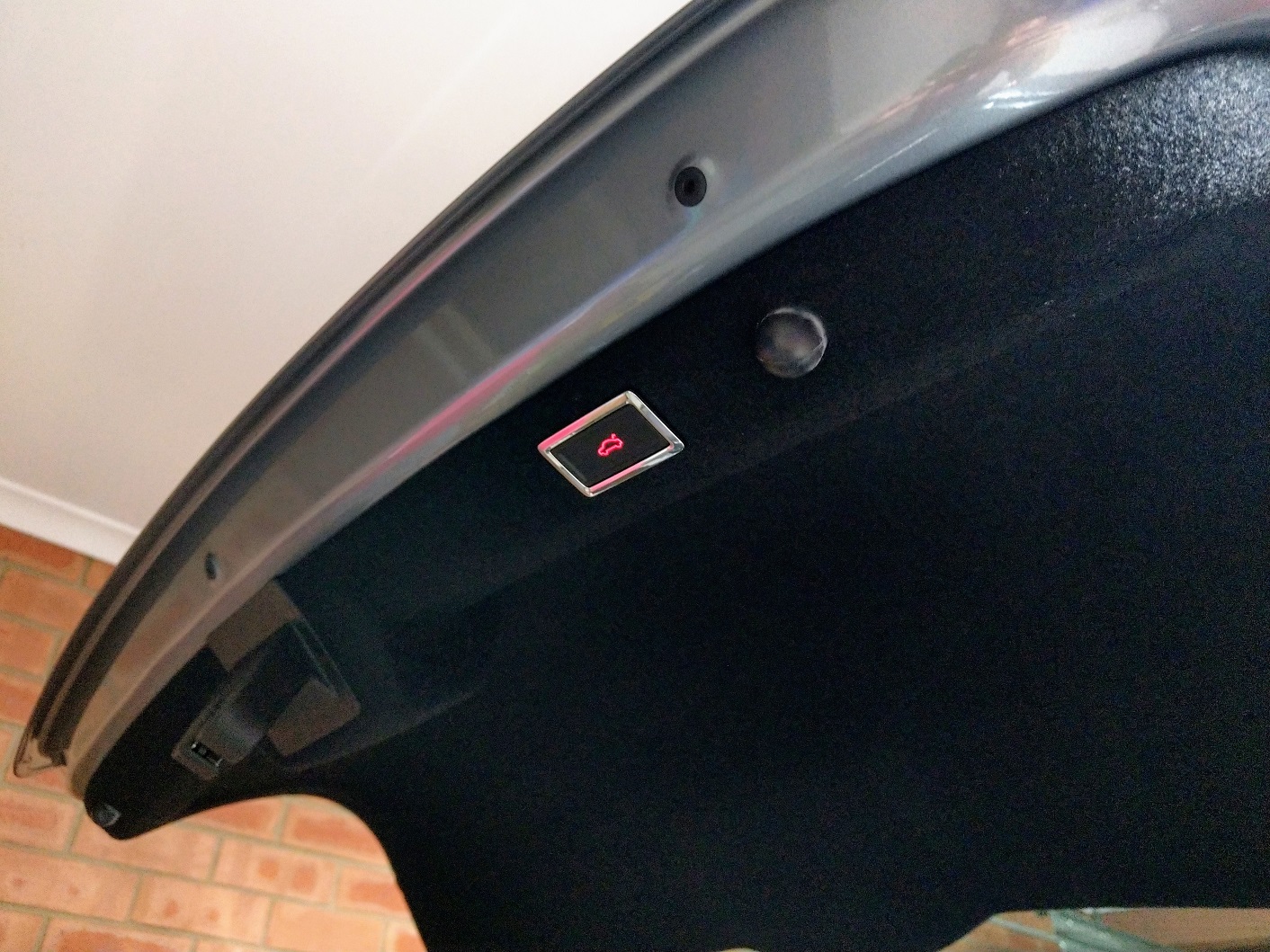
Do u know which particular Adaptation? I can check mine as I have a hatch (MY17) which came from factory with kick to open & close. I don't have double buttons on the boot hatch. This is my 6D module scan...... Address 6D: Trunk Elect. (J605) Labels:| 5Q0-959-107.clb Part No SW: 5Q0 959 107 L HW: 5Q0 959 107 J Component: HDSG-Modul H13 0261 Revision: -------- Serial number: 31249117700000 Coding: 1008 Shop #: WSC 33361 790 00141 ASAM Dataset: EV_DeckLidCONTIAU736 001014 ROD: EV_DeckLidCONTIAU736_AU73.rod VCID: 41DF477CE10493733CC-8014 No fault code found.
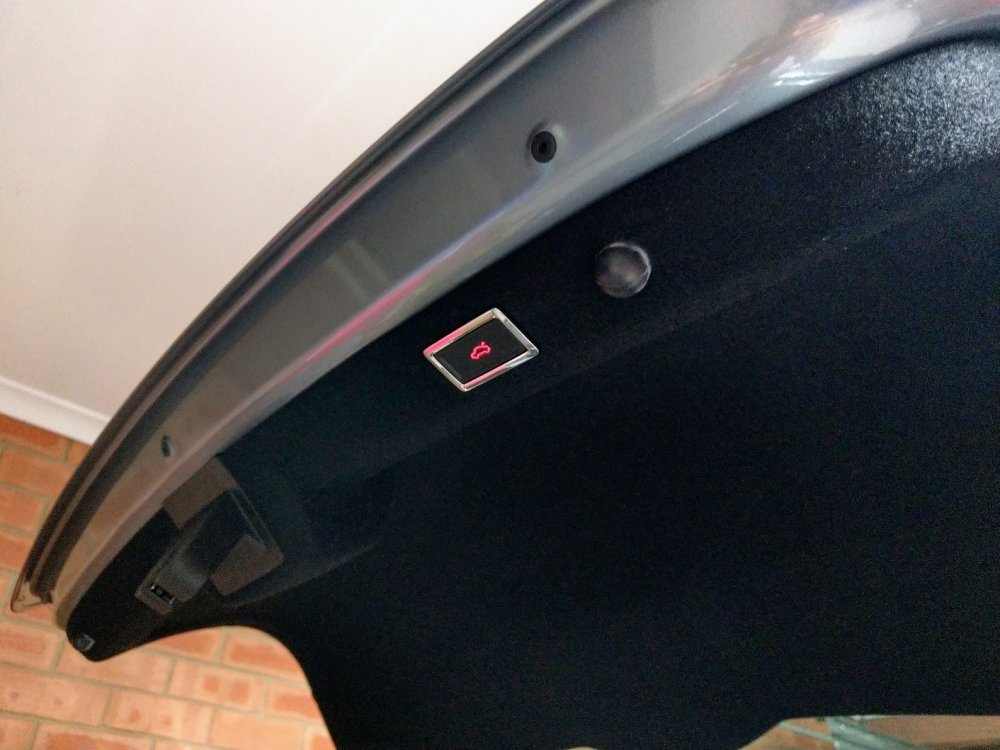


.jpg.33de66fc8154722404019a4c5bbdbf9a.jpg)
.jpg.a0d7508729b11e437ae88c4b6f93e392.jpg)
.jpg.4672e808fee5b045a5047a0bacfe12eb.jpg)