




CJJE
Members
-
Joined
-
Last visited
Everything posted by CJJE
-
It was probably new models from 2018, so the Kamiq had it, but the Karoq only had it fitted as standard from the MY21 update? When I was ordering my Karoq last June, the MY20 Karoq had Skoda Connect etc as an option, which was then included as standard in my MY21 car. Chris
-
Yes it happened to me a few weeks ago for no apparent reason. I reset it via the menu and it hasn't returned since. I've also had a phantom report that the Travel Assist wasn't available when I was in town driving at around 20mph without using it or cruise control, and the lane assist was inactive because of my slow speed. Chris
-
This problem has been highlighted today in the Guardian (https://www.theguardian.com/money/2021/may/01/vw-audi-and-skoda-owners-angry-over-fault-in-sos-warning-system) ! It seems to be an endemic fault, but one my car has not experienced (touch wood!), but hopefully the added publicity will generate a bit more effort to resolve it. Chris
-
Yes, although I rely on the green led up by the SOS button as that's more obvious. Chris
-
I've been told by Skoda UK that the maps for your country will be updated online (presumably UK rather than England) but like you I would want the French maps to be updated when driving there. I've a holiday booked in Brittany for late-June - and if we're able to go I'd be hoping the French maps get updated pretty quickly once we landed! Chris
-
Hi Bryfly, Perhaps the roads in Hampshire haven't changed? Or you don't have a regular online connection? Up to March I was only driving to a local supermarket and back once a week - about 15 minutes each way. But since then I've made some longer journeys of around 30 minutes each way to get our covid jabs, and then one of about an hour each way last Saturday. And I seem to have a continuous online connection too. I haven't needed to press the update button either. I only found out that I now have the 21.2 version when I checked to see what version it was. But it's interesting that stephano up in Bingley has got 21.3!! Chris
-
Hi Stewart. Are you sure about your map version?? That would seem to imply your maps were issued on November 2021?? The Update portal is saying it still has the ECE2020/21 version to download (which I presume is the 2020/11 issue). But despite my earlier doubts about my maps getting updated online, now I'm able to drive a bit more after lockdown I'm pretty sure the maps in my car are newer than that. My car was built in October 2020, and came with the 19.11 navigation database, but when I checked on the 12th of March this year it had been updated to 20.9. And after seeing your post I've just checked it again today, and see it now has the 21.2 version . Chris
-
Odd that you can't get to the PDF page using a VIN... I was thinking they were just restricting the PDF copies now to validated VINs like VW do. Do you get the green tick when you enter your VIN? When I then click on the 'Show' button it takes me to the page where I can download the manual for my car. Mine was built in October 2020 so is an early MY21 car, and yours might need the 2020/11 manual... but the link to the 2020/07 manual is A_SUV_Karoq_OwnersManual.pdf (skoda-auto.com). Chris
-
Yep... they seem to have updated the webpage for some reason. If I look for the owners manual for a Karoq built in 2020/07 for the 'Other' market, in English all I get is an online copy of the manual with no obvious way to download it. BUT... if I enter my car's VIN on the first page it then takes me to a completely different page with a PDF version of the manual I can download More Simply Clever updates we don't need! Chris
-
Currently Skoda UK and the dealers seem to be offering a free renewal for the Roadside Assistance when you book your annual service online. This of course makes the servicing costs rather more reasonable! Chris
-
Skoda used to give you a paper handbook describing the scheme and the phone numbers to call. However this now seems to be out of print (unless your dealer still has a copy). But if you go to Roadside Assistance | ŠKODA UK (skoda.co.uk) you can find the details and download your own copy of the handbook. Chris
-
Your best bet is to ask in this thread Amundsen Mib2 Map Updates 2021 - Skoda Audio, Electronics and Security - BRISKODA which covers your MIB2 system. Chris
-
PetrolDave is correct. The Media app will read MP2, MP3, WMA, AAC, M4A, OGG, FLAC, WAV, etc audio files, so just about anything you can throw at it. My iTunes library holds my music in mP3 and WMA files. And my USB stick is a Integral 128GB Fusion Dual USB-C & USB 3.1 Flash Drive - 200MB/s (see at Integral 128GB Fusion Dual USB-C & USB 3.1 Flash Drive - 200MB/s £20.96 - Free Delivery | MyMemory) which is small enough to sit in the USB-C port under the sliding flap to the phonebox compartment. Chris
-
None mentioned in the manual, as long as you use VFAT, FAT16, FAT322, exFAT or NTFS format. I'm using a tiny 128GB memory stick in mine with a USB-C connector one end and a USB-A the other so I can load it on my PC then plug it into the car. Chris
-
I have replaced my data cds with a USB-C memory stick to store my music collection. The Media player in my MIB3 Amundsen finds tracks easily, by artist, album or genre, and you can also store these as favourites for quick access. Note that the favourite can also be an artist or genre as well as a single album. There's no way to link an iPod that I have found. Chris
-
I used to have the same problem with the VW app and my Golf. Sometimes it even stopped recording partway through a journey, so I always kept paper records rather than rely on it's recorded data. Chris
-
According to the owner's manual for my car (version 2020/07): Speed range Depending on the equipment, ACC allows a speed setting in the range of 30-160 or 30-210 km/h. If control is started at a speed of less than 30 km/h on vehicles with an automatic transmission, the speed is automatically increased to 30 km/h or controlled according to the speed of the vehicle ahead. 30 kph is around 18mph, and so if the car accelerates to that speed if you engage the cruise control at a slower speed, using it on a camp site is definitely NOT advised The speed limiter also only works from 30kph, so I'd suggest your best option is to drive on idle at walking pace. Chris
-
What engine do you have? If it's a diesel it could be cleaning the DPF gubbins? Chris
-
Mine is fine... Chris
-
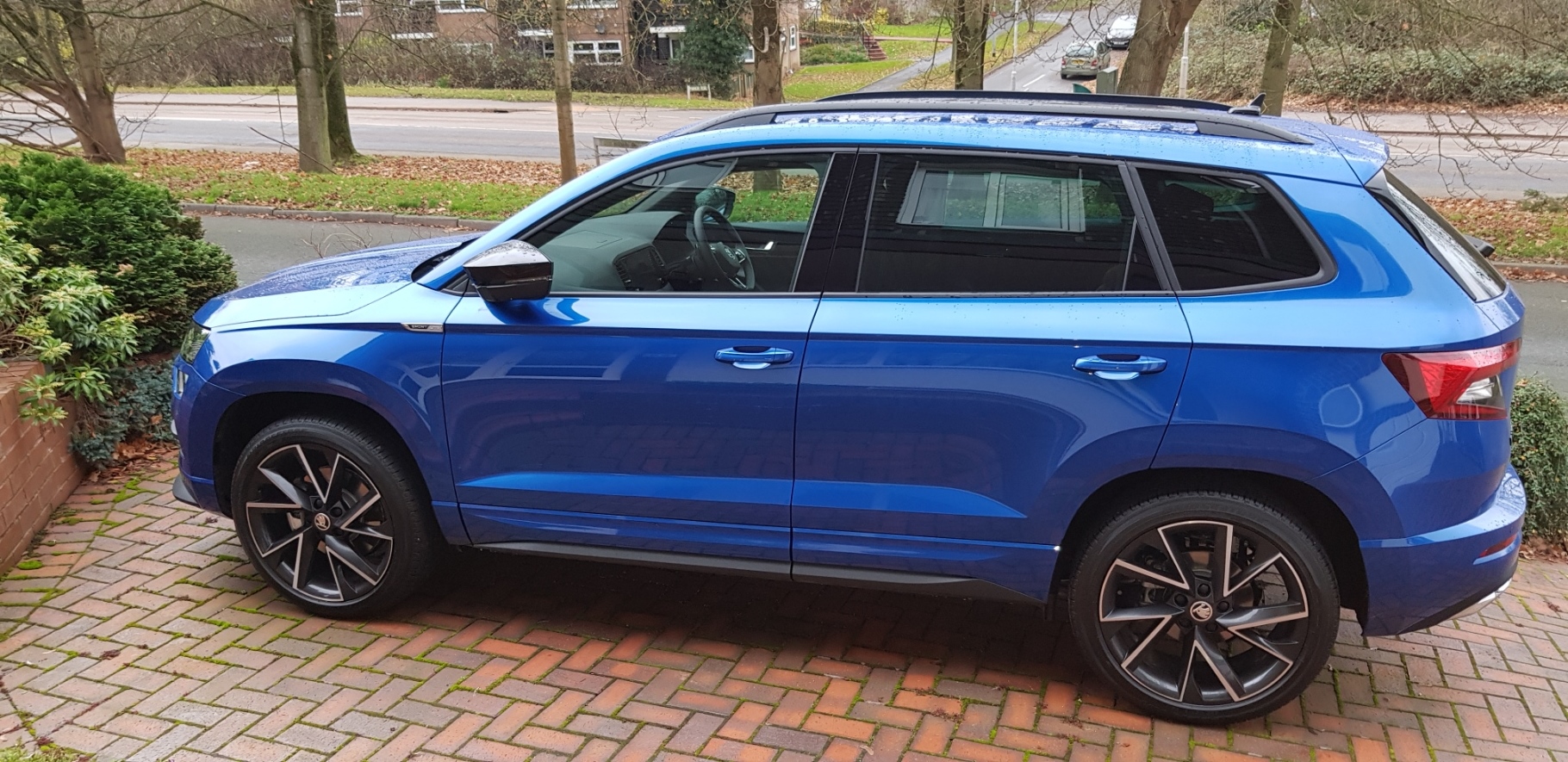
UK cars only require one rear fog light on the off-side, legally, and the Karoq follows this practice. It contains three LEDs for all trim levels as far as I'm aware. Chris
-
According to this thread: Steel Grey & Meteor Grey - Skoda Octavia Mk III (2013 onward) - BRISKODA they could well be UK and European names for the same colour? Chris
-
The paper label that used to be stuck in the service book and boot seem to have been done away with. But the ErWin computer system will tell you if you buy an hour's membership and input your VIN, or Horton's website at SKODA Karoq 2017 to present Touch Up Paint | Horton ŠKODA (theskodashop.co.uk) will give it if you know the name of the colour. It should also be quoted on your initial invoice if you bought the car from new. Chris
-
According to a post in the Skoda Karoq Facebook group, one sufferer was told it was due to low voltage disabling the eSim, and blamed on the car being left unused for a time due to lockdowns. If so, perhaps the faults will disappear now we're able to drive more again?? Chris
-
Mine went on as described in the instructions, and I seem to remember the plastic expanding rivets were very tight to push home. Are you using the right holes in the wheel arch? There's a thread with details about fitting mud flaps at Karoq - Fitting Mud Flaps Instructions - Skoda Karoq Guides - BRISKODA that I found very helpful. Chris
-
For what it's worth... my Galaxy S8 fits with no problem Chris


