Skip to content

Lee01

FREEDOM
  • Joined

  • Last visited

  1. I'd like to echo Pete's comment. Hope you're going to stay for the chat 👍
  2. It's possibly the so-called safety system warning you of some danger it imagined.
  3. Lee01 replied to meee's topic in Hellos and Goodbyes
    Welcome to Briskoda 👋
  4. Press the remote lock button twice I think to get them to fold in. Is your mirror adjustment button set to have them fold in as well?
  5. Lee01 started following scan
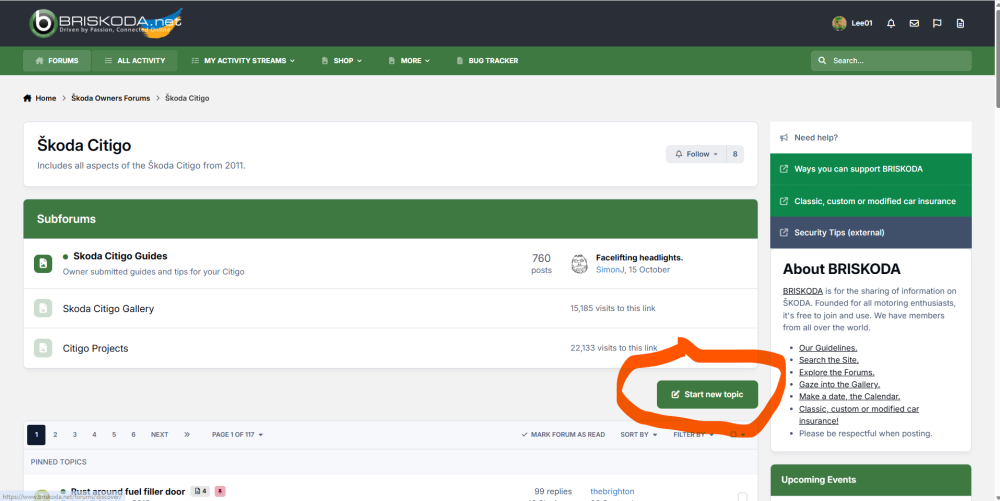
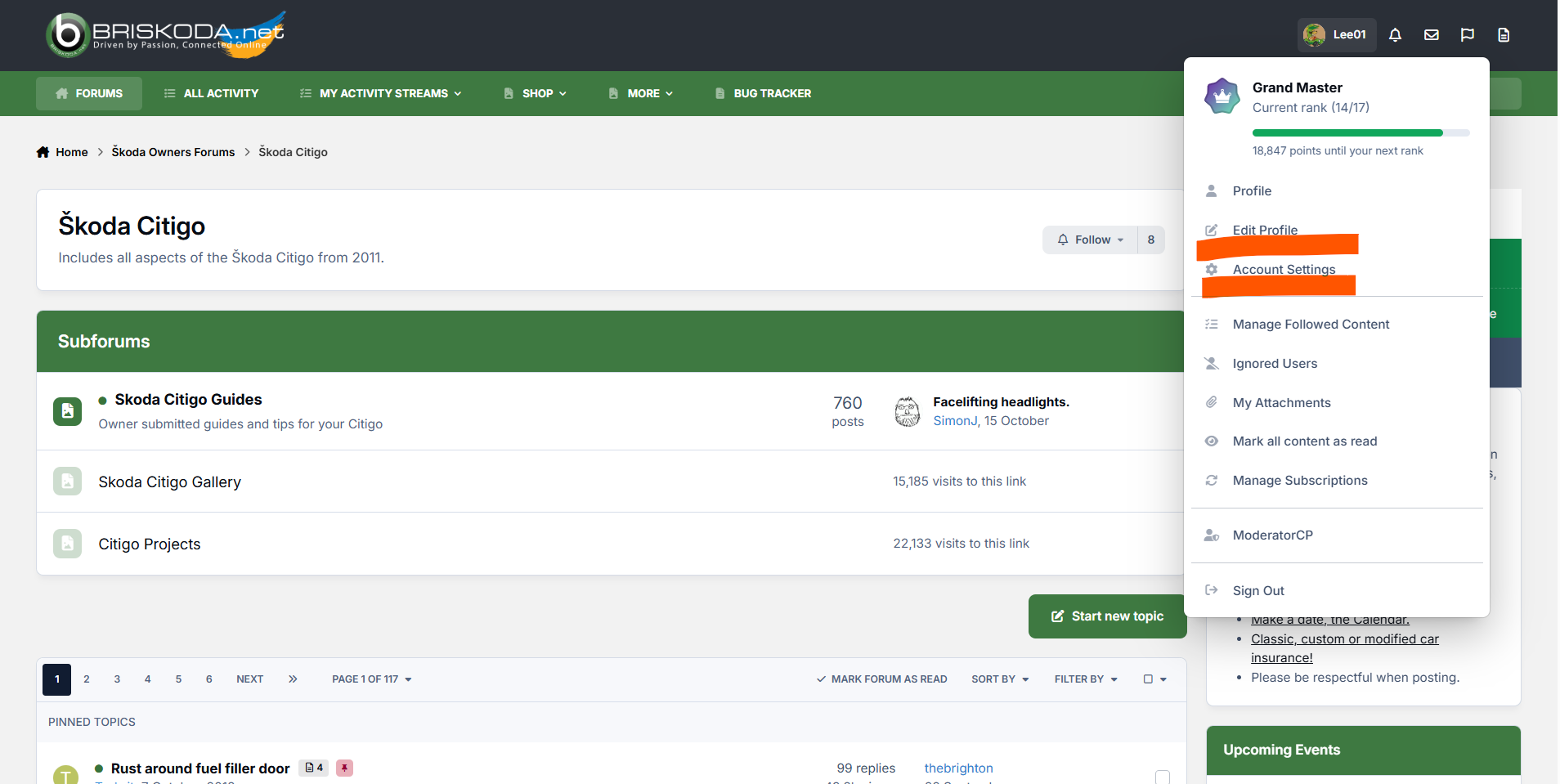
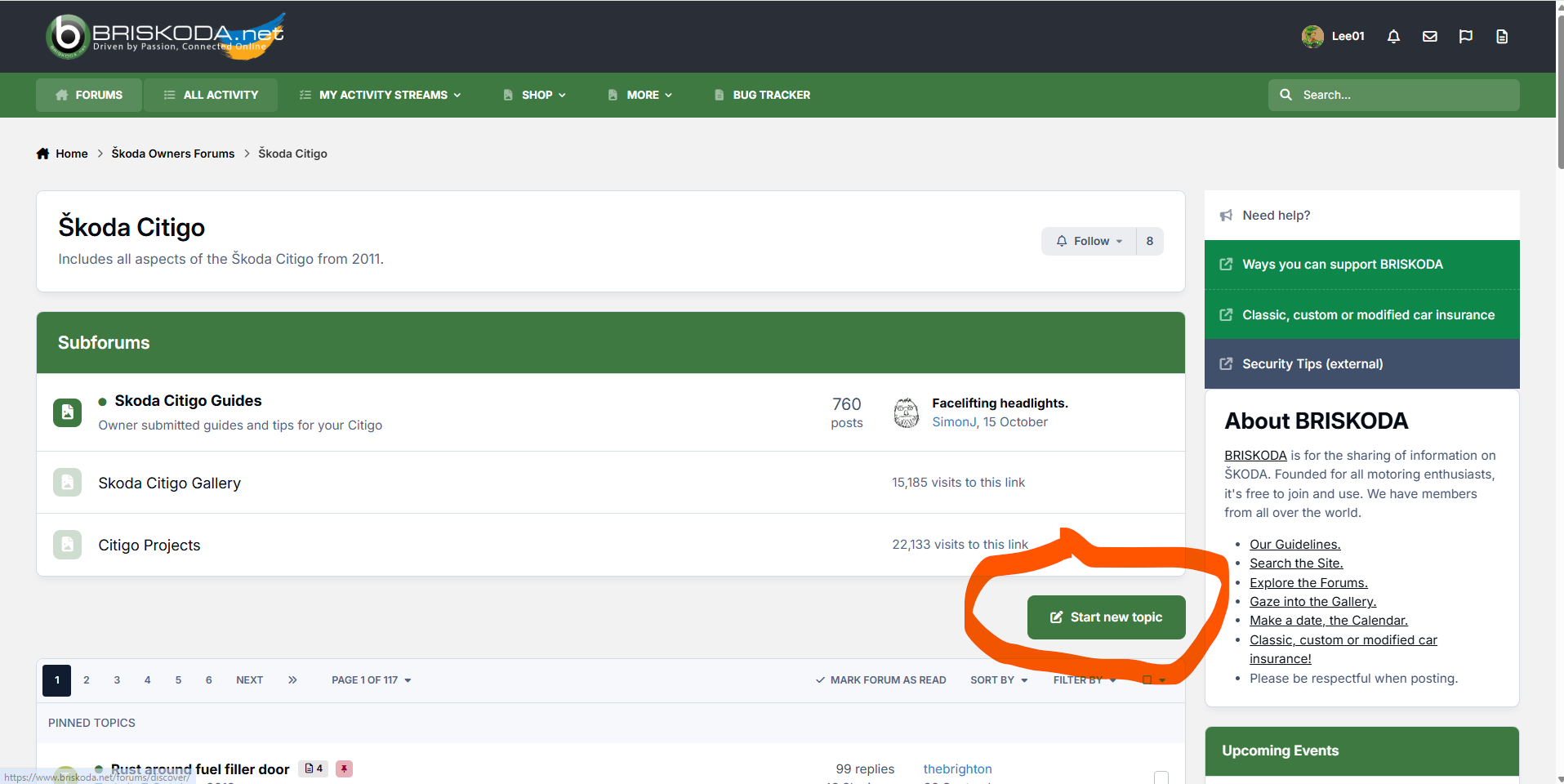
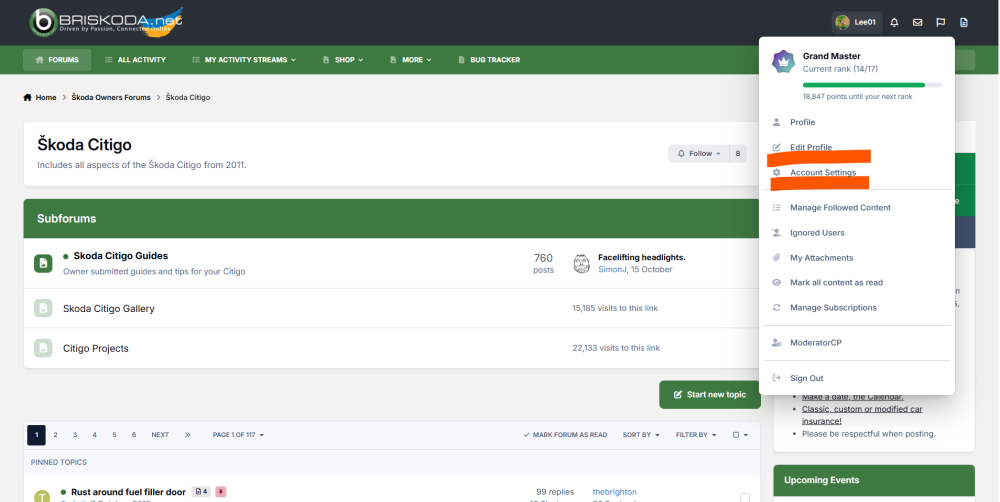
  6. Click on 'Start New Topic' To update your email address, click on your profile then it's either 'account settings' or 'edit profile'.
  7. I suggest all involved 'wind their necks in' otherwise people may find themselves taking a short holiday.
  8. Do you still have the VIN? I don't know how the Irish MoT system works or if you can search by the VIN on the Irish website. Maybe @olddog can answer that?
  9. You might ask for @pab567's assistance.
  10. Admin note; Briskoda, www.briskoda.net nor the site owner will be held liable for any loss of your data nor will the aforementioned be liable for any malfunction of your mobile devices in the event you go ahead with this app. Outside links are opened at your own risk.
  11. Welcome to Briskoda 👋
  12. Moved to Parts for Sale for greater exposure
  13. Cybertruck killed Did Elmo get to Mars yet 🤣 https://apnews.com/article/cybertruck-cybercab-discontinued-musk-sales-6938a145d365f8e31b26bb9c45264b24?
  14. Welcome. Cool pic ✌️

Account

Navigation

Configure browser push notifications

Chrome (Android)
  1. Tap the lock icon next to the address bar.
  2. Tap Permissions → Notifications.
  3. Adjust your preference.
Chrome (Desktop)
  1. Click the padlock icon in the address bar.
  2. Select Site settings.
  3. Find Notifications and adjust your preference.