TheWanderer
Resident Member
-
Joined
-
Last visited
Everything posted by TheWanderer
-
I'd be interested in what that has to offer too over 1941.
-
Never heard of 1960 other than the year. If anyone else has any information on 1960 it would be greatly appreciated.
-
32°C, the air con was on, but it plays havoc with my sinuses and so it's on & off regularly and window ajar. That and the long drive down from the midlands, I started to feel light headed and nauseous, so needed to get off the M25 at the nearest junction which luckily was only a matter of ⅓ mile away. Where I stopped was actually quite a good place as it was just shy of the ambulance station at Chertsey, should I have needed it. I had a good drink of water a spray of GTN and was fine after that, albeit with a bit of a headache.
-
That journey had just 5 stops Donnington Pk services, final destination, then bar traffic lights Beaconsfield services and home. The heat started to make me feel ill so made a dash for the A320 (hope I didn't trip a camera) as I had a brief pause near St Peters hospital as I thought I was going to be sick due to the heat. But I'm just happy with the car, the gearbox still leaves something to be desired with it's hesitancy, but performance of and everything else is brilliant.
-
I believe 1940 is the factory version of 1941. But nothing major if whats been said on here is correct.
-
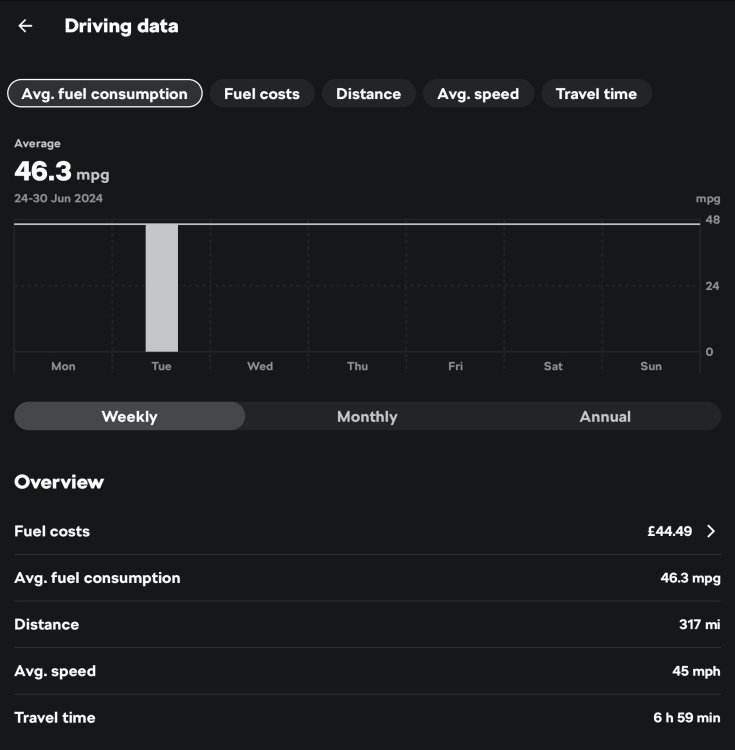
A trip to Nottinghashire yesterday, up via M25, M1, return via M1, A42, M42, M40 & M25, then A320. For me considering the traffic levels and the excruciating 20+ miles of roadworks on the M1 (hence the different route back), I didn't want to go out of my head with tedium... 😵💫🤪
-
That's correct. If you have a very low software revision number like 1803 then you'll need to visit a dealer first, so they can do it and possibly replace a component, before they can upgrade the system firmware to higher revisions and then upto 1941 & subsequently 1969 or newer if a newer revision exists.
-
-
Well it hasn't appeared on my system yet. I have it on a usb stick should I want to go ahead with the update. Not in a hurry to have it, my system is working well with the odd little glitch but they don't happen often so not worried about it. But as I'm thinking about changing the car in the next year or so due to costs, I'm not fussed.
-
-
-
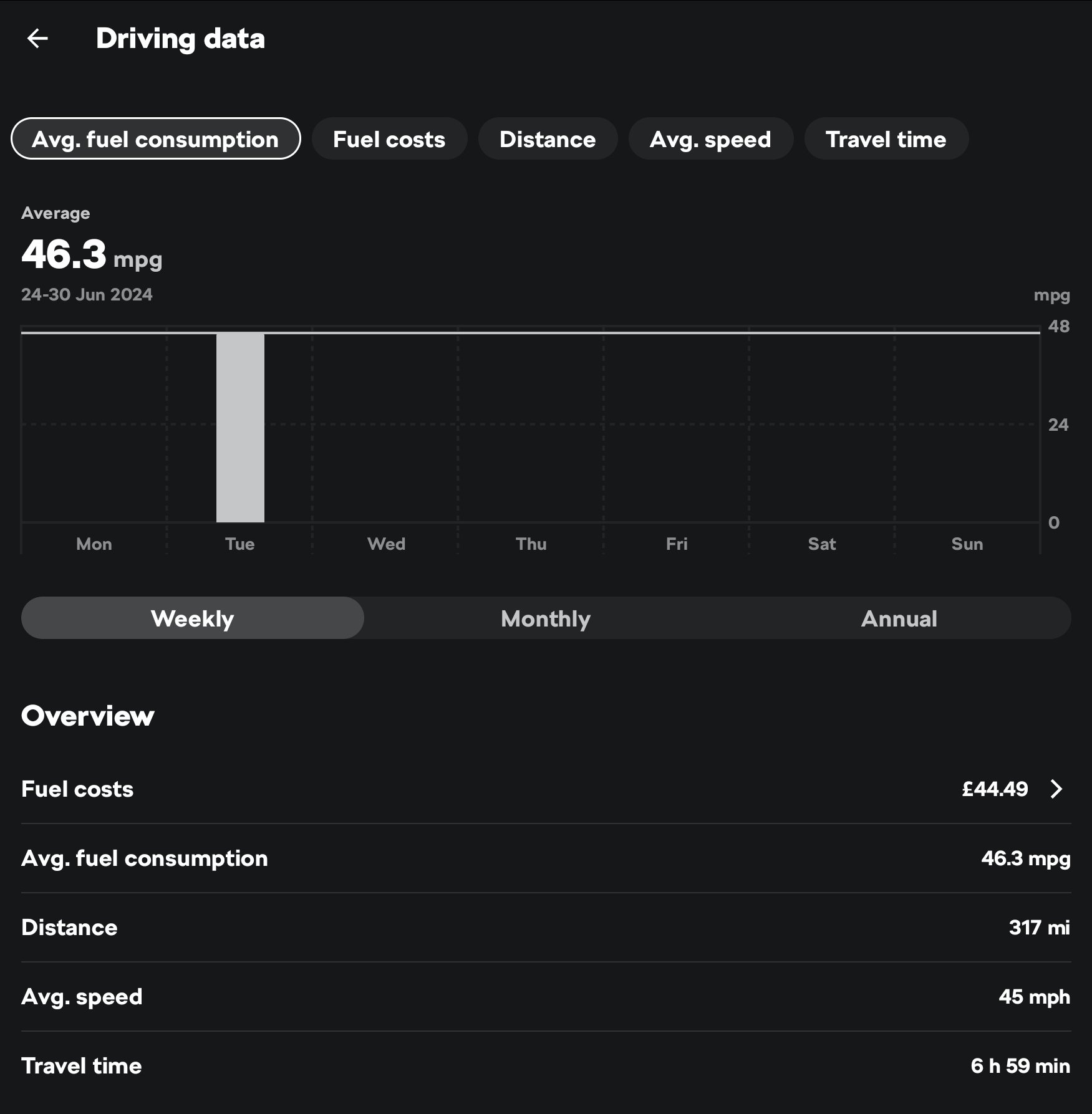
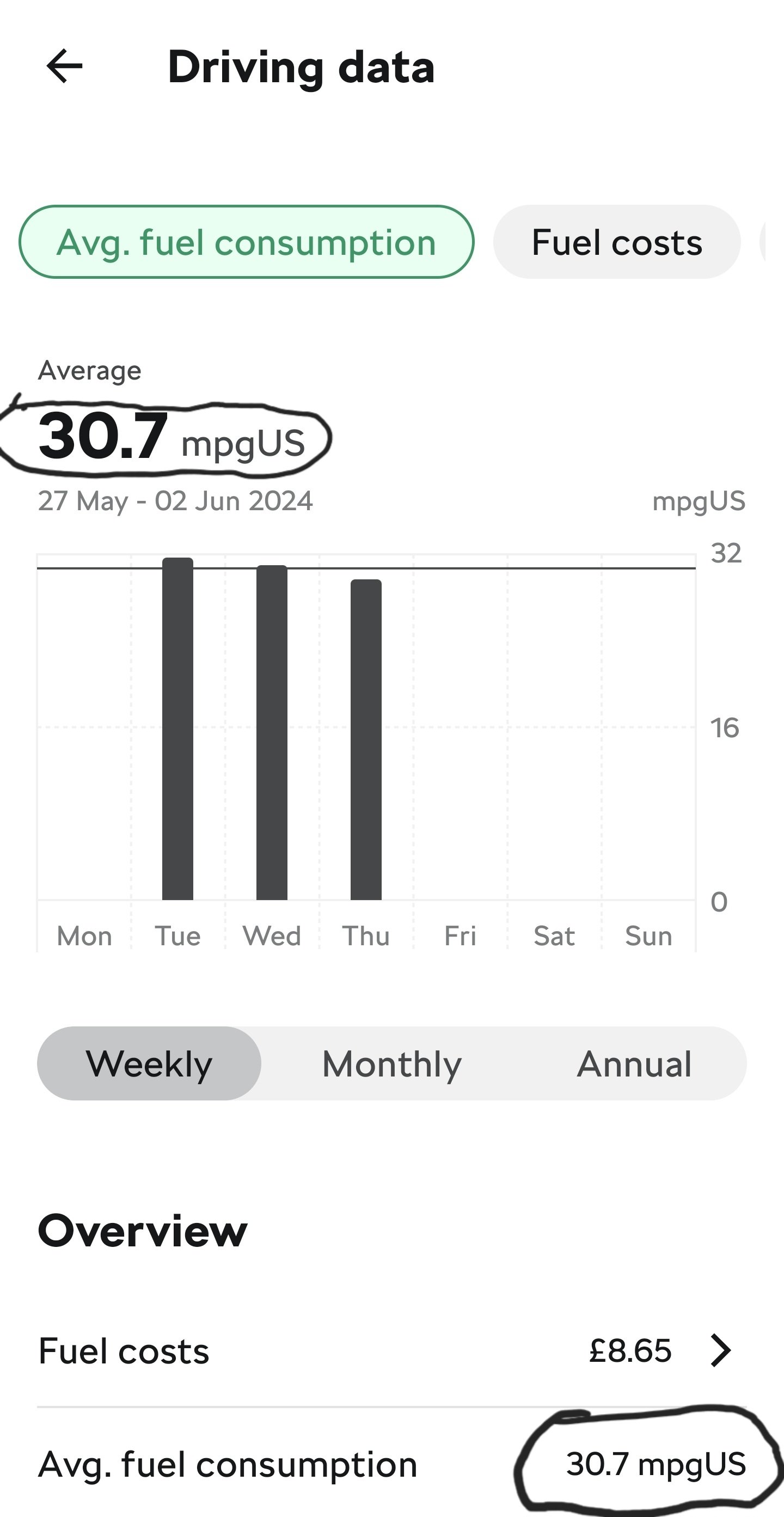
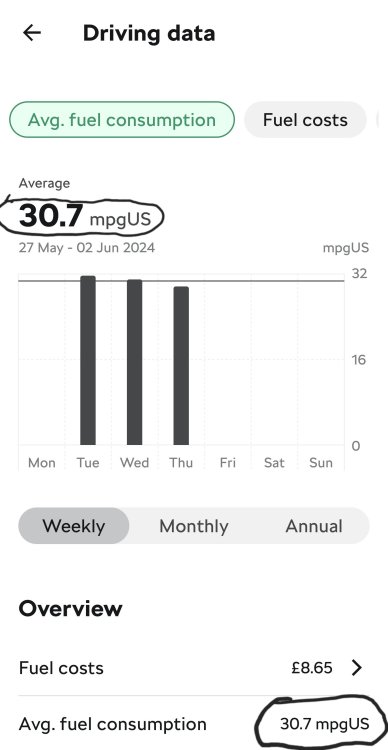
I've just checked the app the app this morning and it has reverted to the stupid US Mpg stats AGAIN..

-
Yep. New tablet time. Android 8 is extremely obsolete and outdated and a security risk. Even my S22 Ultra is running Android 14 and UI 6.1 and it will be obsolete in less than 6 months as fewer and fewer updates will be forthcoming.
-
Never heard of seen that happen before. Not really sure what to suggest, there's a few VW group independent in Camberley, plus Camberley Skoda Service Centre, otherwise it's Garlands in Aldershot for diagnosis and repair. The only thing that may work is taking the fuse for the infotainment system out for a few minutes and putting it back in and see what happens.
-
I'm connected at the moment via Norton's VPN and it allows me in.
-
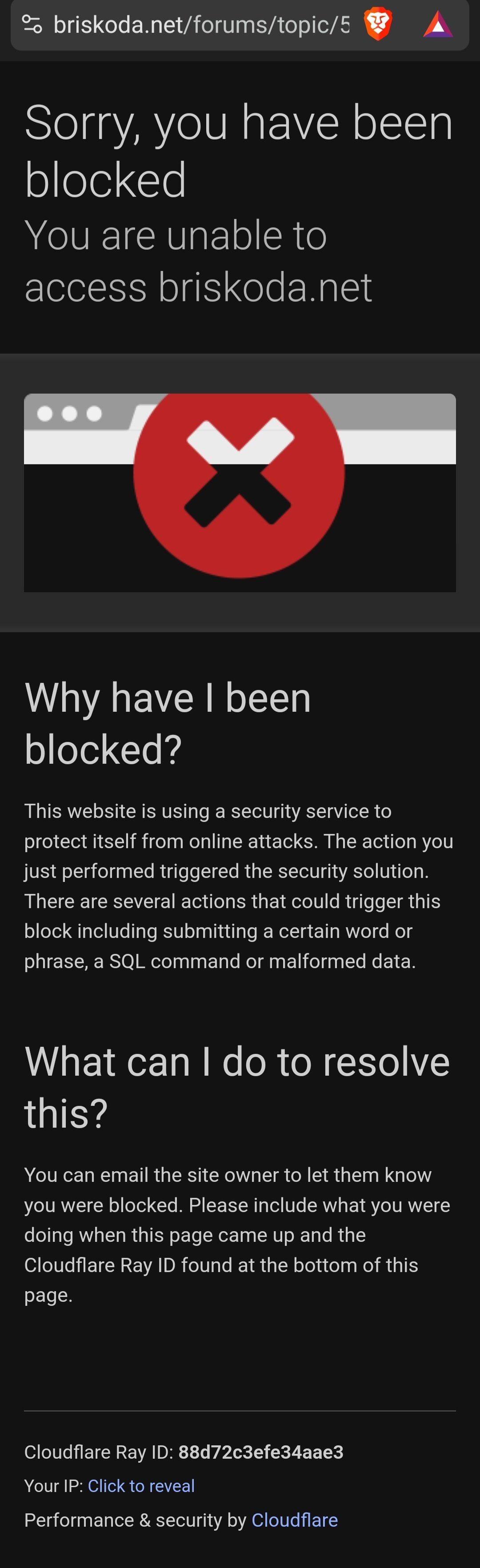
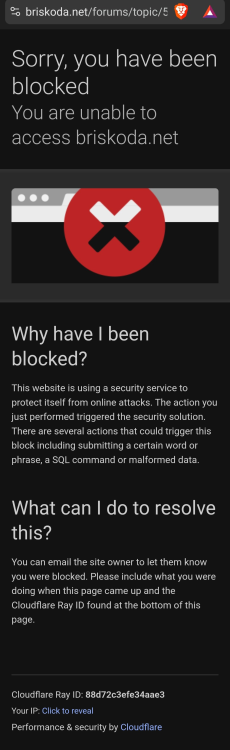
I used to have ExpressVPN installed on my devices and all I'd get was the aforementioned image or shown below, even if it was set to UK. I don't know why and I couldn't access it unless my VPN was disabled.
-
You will get blocked by Briskoda.net if you use a VPN, you only gain it if your PC/phone or tablet is unprotected, which is a bit of a pain. But hey ho.
-
Just a thought you guys haven't got AV,Security software or a VPN running on your phone perchance? Any of them can affect AA and stop it connecting or running entirely. Mine wouldn't yesterday as it had a VPN and Security scan going on in the background. Stopping it and switching off the VPN resolved the issue.
-
What are you getting?
-
The plain one is a bit more upto date. I've yet to see any updates on the "Essentials" version.
-
I find them very comfy and I have a "fuller figure" and I often use the heated seat function for my back, but when I do longer distances as I will next week they're boon, trouble is sometimes I find them a bit too comfortable and can make me a bit sleepy, so I drive with the window just open for fresh air.
-
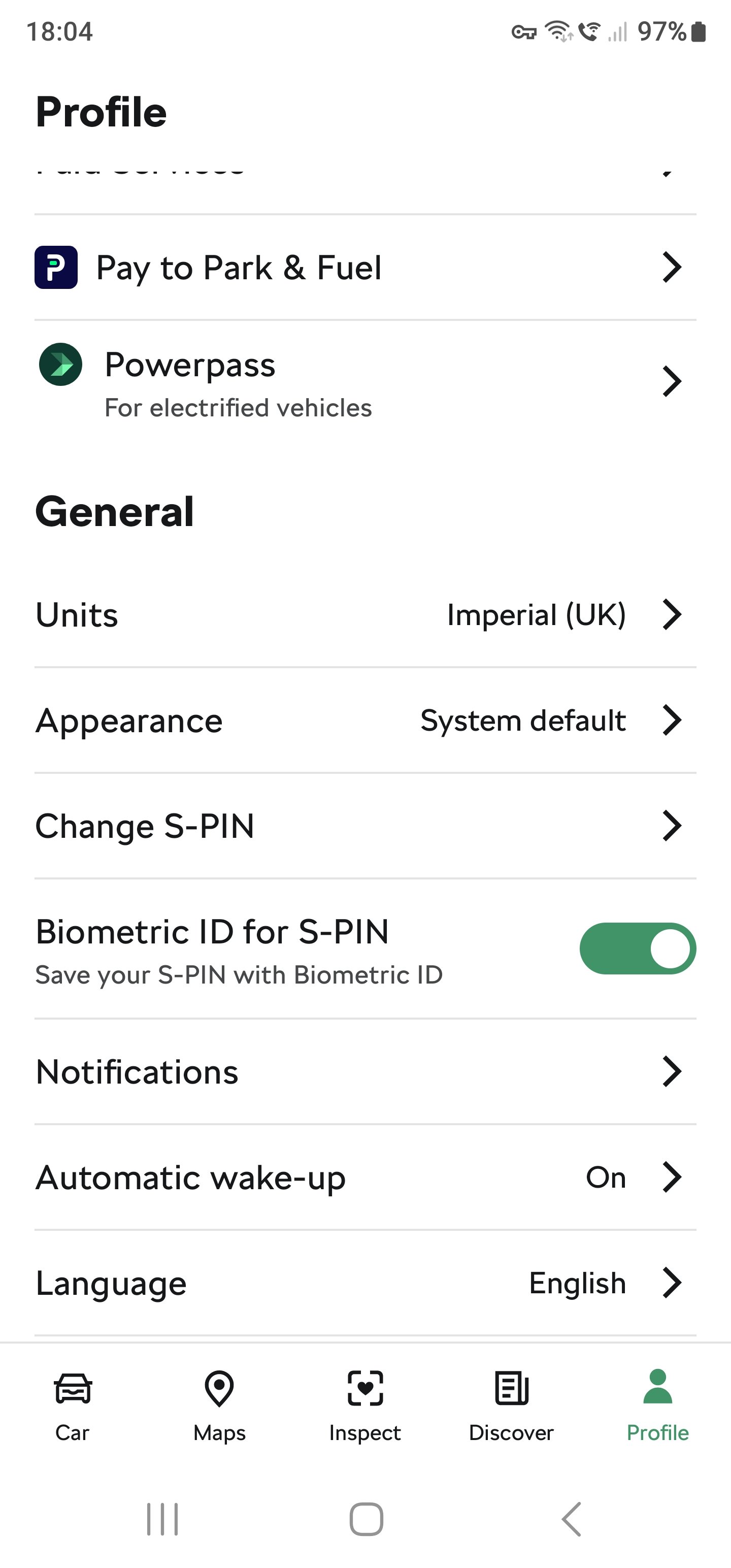
I had a check on Play Store today for my daily updates and there was an update for the newer version of the skoda app and it installed itself and all of my measurements are now in imperial (UK) as per my profile selection.
-
I have, they even called me and it's still damned well like it.
-
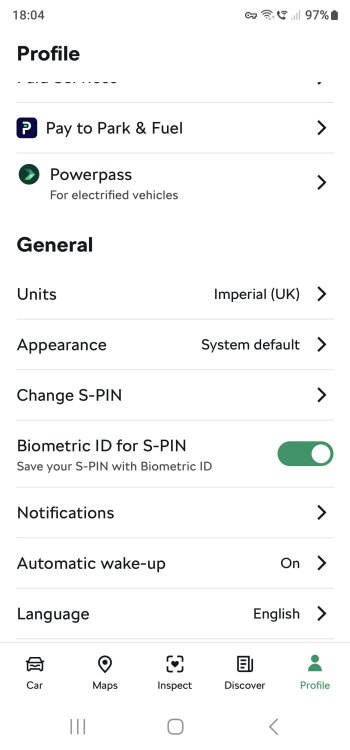
The problem I have is that despite the units being set to Imperial (UK) it still shows things in stupid US measures.
-
I should've pointed out that it depends on whether you have the heated seats & electric seats.