TheWanderer
Resident Member
-
Joined
-
Last visited
Everything posted by TheWanderer
-
Teardrop setting?
-
If you want to stop the screeching and other noises from the rear wiper clean it and screen with some white vinegar
-
Thank you very much. Most appreciated 😊
-
The top one with the temps etc in the dials.
-
Know the feeling!
-
I have the virtual cockpit, but I don't have those displays available for some reason.
-
Try going via comparison sites, also using cashback sites, done those it the past and one year got a significant discount on the premium and £75 cashback, which made it about £200 cheaper.
-
Just checked there's a recall on mine, but not officially been advised as yet
-
I managed to do the same putting it into a protective sleeve and then trying to get it back out again.
-
There's a link to it a page or two back, the usual caveats apply and there's a guide on page 26? of this thread which you should have a look at first. And if I can do it, then I'm pretty certain that you can, but if you're not happy doing it get a dealer to do it, there's a TPI out telling dealers about it. If one won't do it, try a different dealer.
-
Nothing to worry about. Haven't you got the bonnet liner/sound deadener?
-
I've had this and the only way I could remedy it was to do a factory reset and start again so that all the internal WiFi settings etc were as they were when I first got the car and worked correctly.
-
Just use an interior wipe or a kitchen cloth with some white vinegar, use some cotton buds or cotton wool to get down the sides of the switches.
-
https://www.google.com/search?ie=UTF-8&client=tablet-android-samsung-rvo1&source=android-browser&q=interior+plastic+scratch+remover
-
Both are very good products, you pays your money makes your choice.
-
Try going via Skoda Connect app on a phone, mine runs out on 01.03.24, so I'll try buying via the app, not worried about Sat Nav updates OTA etc, I use Waze or Google Maps, might get sign recognition & renew the remote thing. Not worried about ambient lighting.
-
I had two updates no ides whatsoever about what they did or are for, although one did mention Manual and other error fixes! I wonder what it's broken, rather than fixed.
-
I get the park sensor rubbish pop up if I sit in the car for a few minutes with the engine off, but it's irrelevant so I ignore it. Other than voice control doesn't work and has changed from female to male, it's all good.
-
I tried to use it today and Laura has had a sex change and it spoke to say the function I wanted was temporarily unavailable please try again later... 😮💨
-
They can do it, there's a TPI out regarding the matter and has been for a considerable period of time, they're just being lazy and don't want to do it, find a different dealer.
-
I'm sure that the linkage to the necessary files are still available on here somewhere, just a matter of trawling through the pages from 26 thru to the end.
-
I thought it had been discontinued, I wanted it when I ordered mine and it wasn't available to order, which is a shame as it was a useful feature, much more useful that voice control.
-
TBQH you haven't missed much. I find the voice control erratic at best and utterly hopeless at worst. It's one of the things that should be done away with as it's erratic & often erroneous behaviour can actually be very much a distraction when it does something that is unexpected.
-
Delete any previous pairings with the car on both car & phone and re-pair them. That often works if the infotainment system screws it up.
-
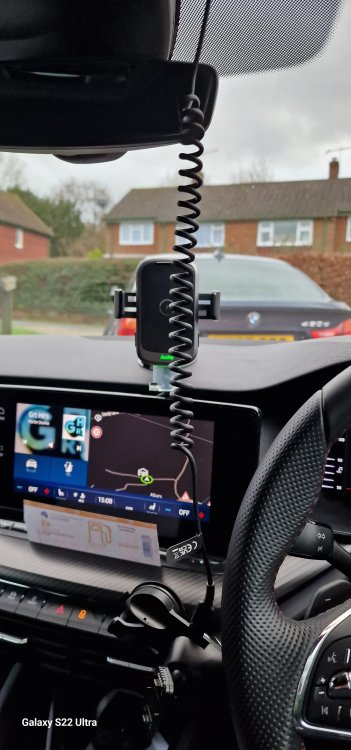
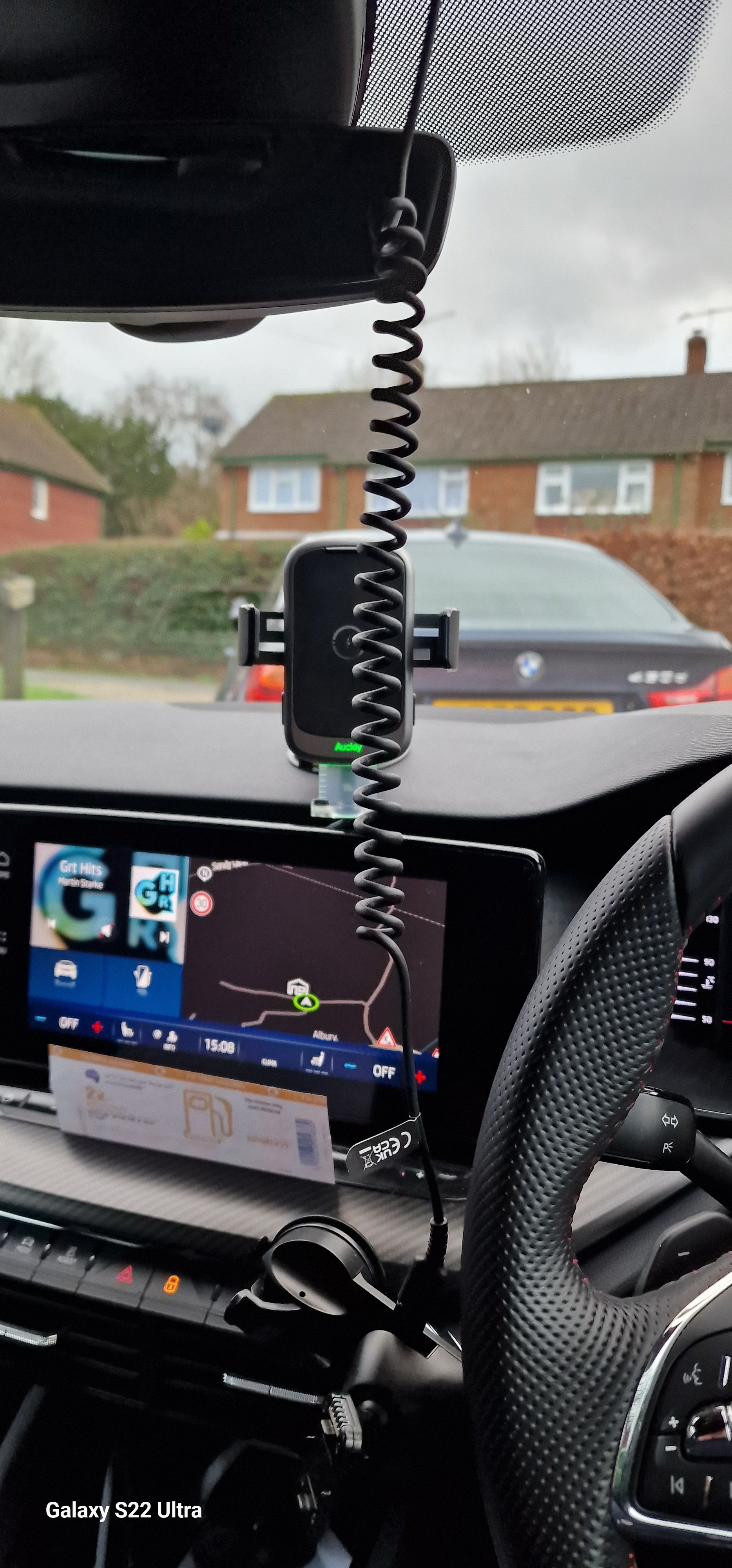
Here's my wire, it cost about £6-7, from Temu. A cheap coiled USB C to C cable and a £1,50-2 USB C to Mini USB adapter. It's hanging down as I removed the dashcam to download it after a near miss with an a**ehole who decided to run a roundabout whilst holding his mobile phone texting! I suspect he's not going to be happy getting a NIP! 😈