TheClient
Resident Member
-
Joined
-
Last visited
Everything posted by TheClient
-
The profile from op says Ireland... come on. Surely not!!. 😉
-
You'll be experiencing the well documented oil consumption issues on the ea888 gen 2. See sticky on 1.8 2.0 tsi engine failures for lots of reading. Unfortunately, your out of the 30day automatic right to return assuming you purchased from a dealer. But if you document the fault and show them what it is likely to be they will eventually be left with little option but to take the car back and refund. As resolving the problem is likely to be uneconomic. Like £3000 plus as a guess.. If there is no visible oil leak and no pooling on undertray, it's almost certain you've been caught by the scraper ring clogging that has afflicted so many.
-
As a first start, without going too all out, I'd try an all purpose cleaner first. Obviously, what you don't want, is to go at it with something aggressive and remove that mark only to be left with a replacement mark from some other permanent solvent or cleaner.. You could also try and buff with some vinyl protectant around the area and it should make all the area darker and mark leds noticeable. That's a starting point. I wonder if the suction mount plastic has reacted a bit with that soft dash plastic..
-
Any will work. Don't think it changes anything. Just a serial number change with the same mfr allows the system to treat it as a new battery. Check rating though and technology.
-
Sounds like as I suspected. It is the electronic thermostat. They are a fair bit of work to replace. Not impossible DIY, but not a lot of fun! Took me 2 days - but I did have a problem which required most to be disassembled a second time. I think the workshop estimates are allocated like 6 hours ish for complete job. The replacement unit remains much the same as when the gen 3 was first released. They are a weak point in all gen 3 EA888s. The engineering inside them only built to last so long and so many duty cycles. I got 6.5 years / 70k miles on my golf R out of the original one. I would say this is not the only component part existing across all motor marques (including BMW), that is not built to be durable beyond 4 / 5 year mileage.....
-
If they changed the door control module or adjusted any coding in convenience then maybe re-coding required. The loss of puddle lights or card lights, could simply just of been a case of a missed connector left unplugged on re-assembly! But anyway, we digress, back to the OP'S issue of locking / unlocking - no coding is required to my knowledge. It wasn't required when I replaced a lock in the MQB / mk3 platform either.
-
Those things requiring configuration coding to enable, yes. But not configured with the lock itself i dont believe. I don't think the op's issues will relate to coding. A good question though asked, what is the source / brand of the new lock?
-
If it was coolant bypass valve, that's the TMCU or electronic thermostat. That will drive an engine light and will need to be replaced in all likelihood if it is reporting a static or in your case probably Intermittent open circuit fault. Check for wiring fault first though. Strange descriptor - I thought for a bit it was referring to one of the coolant flow solenoids.
-
OK. What I would suggest if you can is do a full scan with VCDS or ODB eleven and see what is recorded, if anything. If you can't do that for the moment, I'd suggest you remove the lock or at least the handle cable to the lock and the door card and observe locking and unlocking it. Does it work as expected. Does it lock? You can usually test with a screwdriver or something to mimic the catch in the door. It maybe easiest to remove the lock from the car but leave the electrical plug connected. I suggest you try first with the cable to the lever unconnected. See if it will lock without the handle connected and outside of the car shackle / hook.
-
What was wrong with the old door lock or what was the symptom you were trying to solve.?
-
Sensor sounds likely now following @J.R. post. Edit. If temp sensor is bottom of sump. Whole volume of oil would need to fluctuate and spike like that and it seems unlikely in a moment of time as per explanation @J.R. See for example.
-
I'd still start looking as I outlined. There must be a blockage. What else could it be. 150c driving normally is not normal. And not normal for it to spike in same sedate driving conditions. Edit. You could replace the oil temp sender I suppose. Or test is somehow by using a control temp and see if it is varying / spiking. Seems unlikely but could be I suppose.
-
Reading through your post and the use of a flush and seeing those oil temps I suspect some blockage, probably oil pickup would be first look, although bit surprised oil pressure not showing as well. As a second option, maybe check the main oil cooler for blockage. 150c at 85 or 100kph is very high I'd say.
-
Vcds will just report the same voltages as you’ve measured.
-
I didn't know there were any waterpump upgrades available!! To be honest, if you look on the grassed area in my photo of parts removed, you will see the module with the waterpump bolted up. the waterpump I'd already alloy. It is the inners of the module workings that seem to fail like the plastic seal bushes and so on. In my case they eventually leak into the pcb and its then fried. In other cases I've seen it still tends to be the workings of the module, rather the water pump itself That leaks. So I think your stuck with replacing and expecting a very strong possibility of failure in a similar time frame. Mine did about 6.5 years, 75k miles. But some element of failure will be duty cycle related...
-
When I had my 2011 vrs 2.0tsi, I did use a basic vgate elm327 reader at times with torque pro app. It worked. As well as vcds. Is something wrong with your elm327 dongle? What app are you using?
-
Maybe it was just capped off. For the purpose of starting the engine and a short drive, you'll be OK to cap off or tape up the extra port. If something is not connected that needs vacuum, it'll probably complain with a fault code soon enough!
-
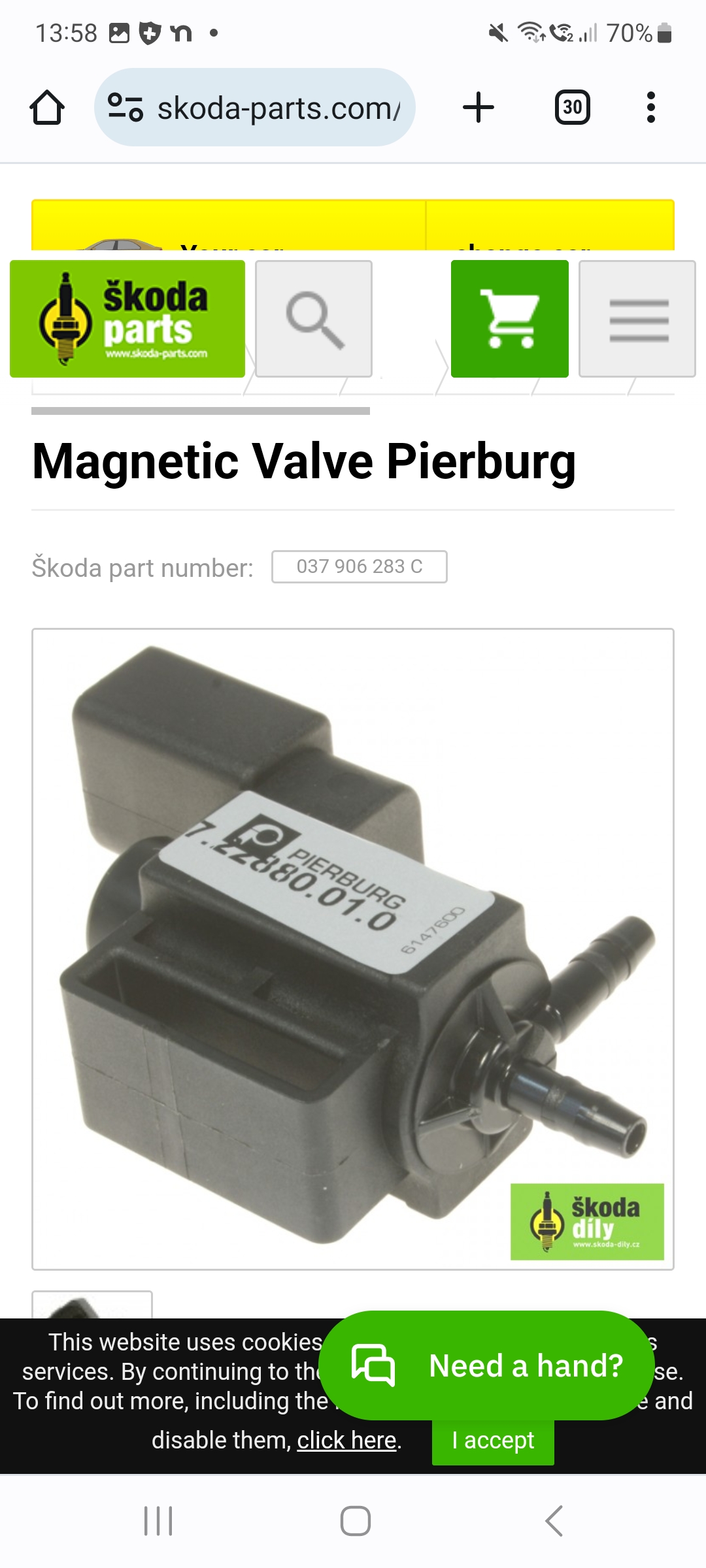
Same with pierburg.
-
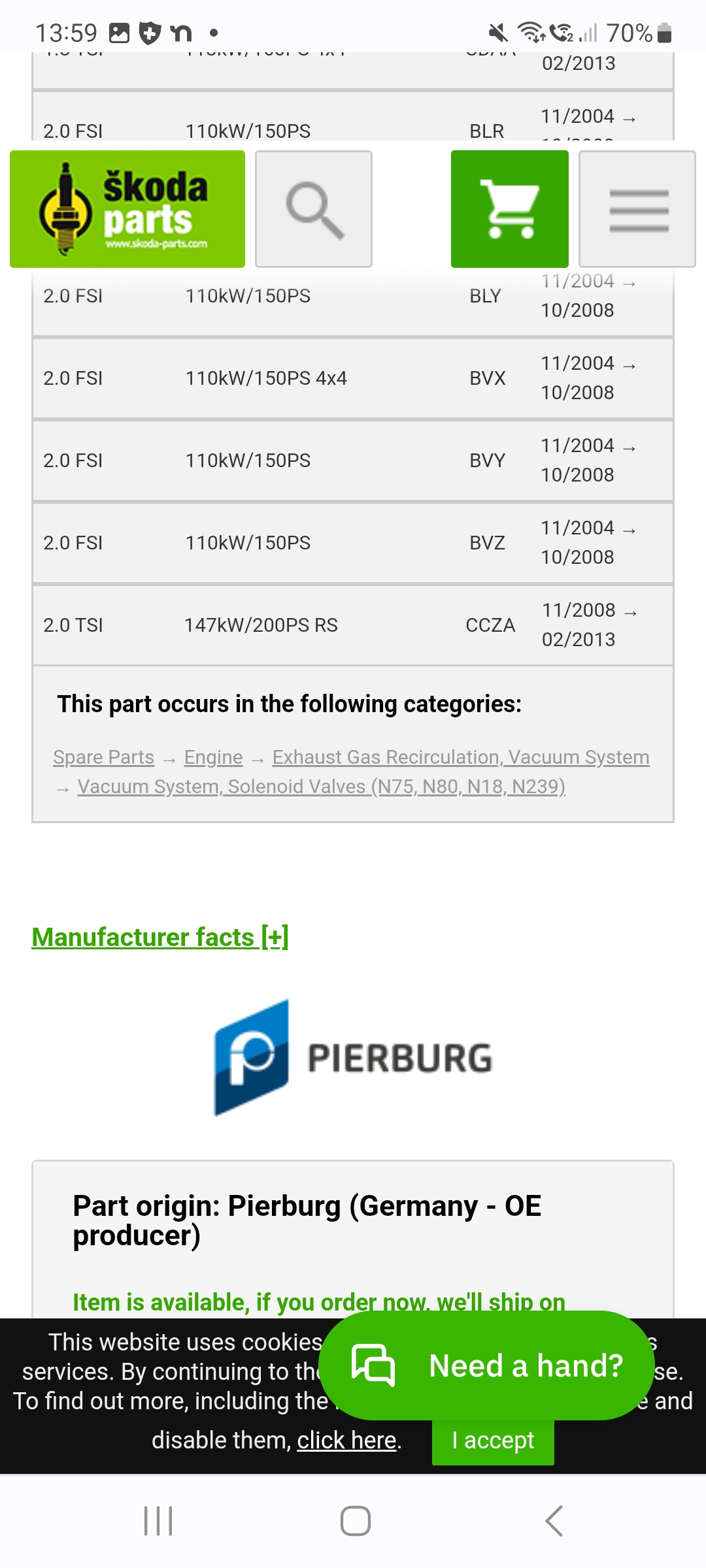
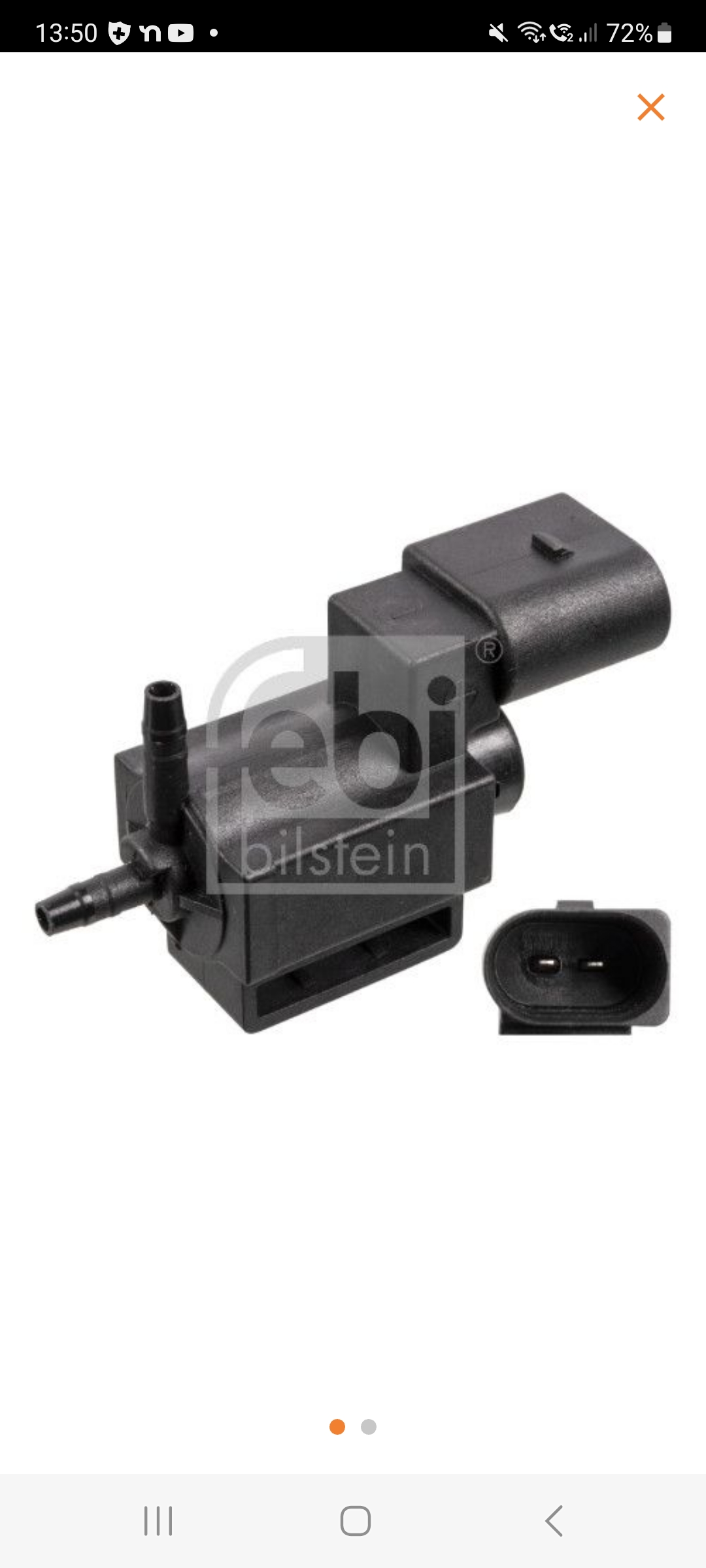
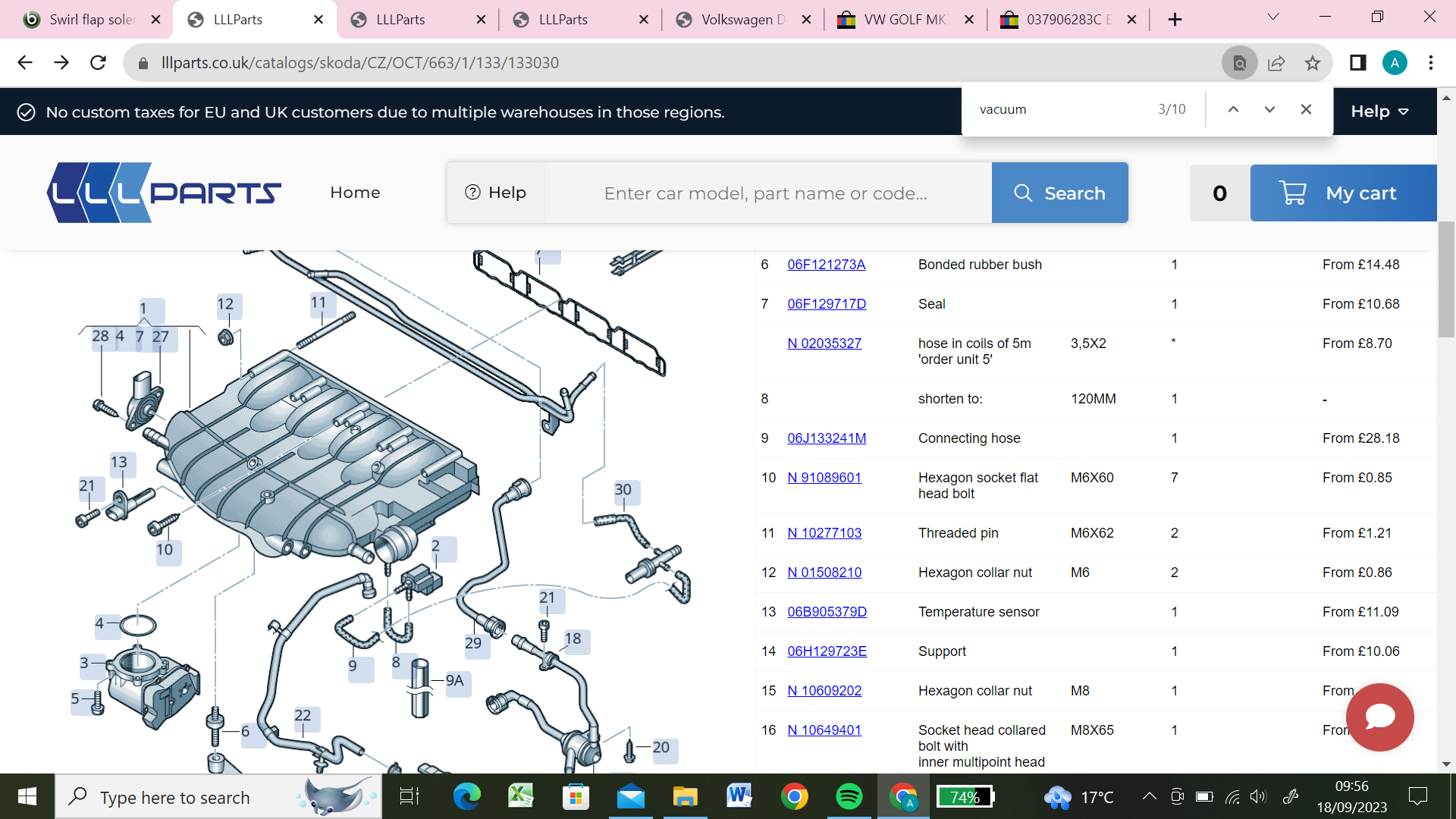
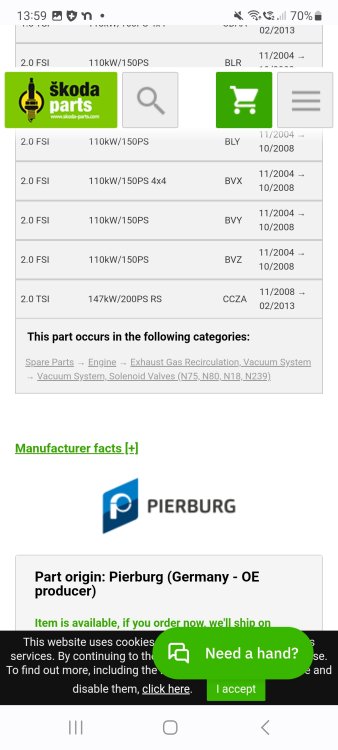
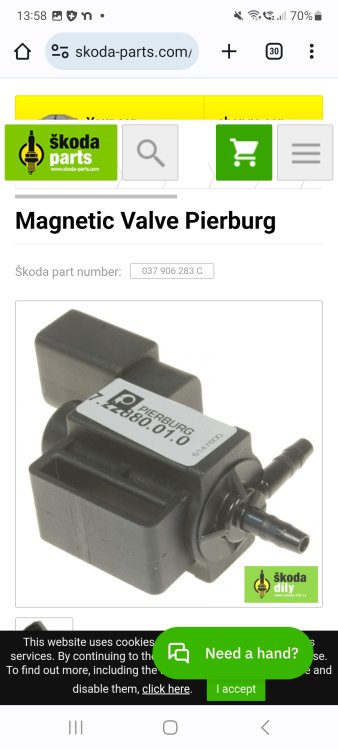
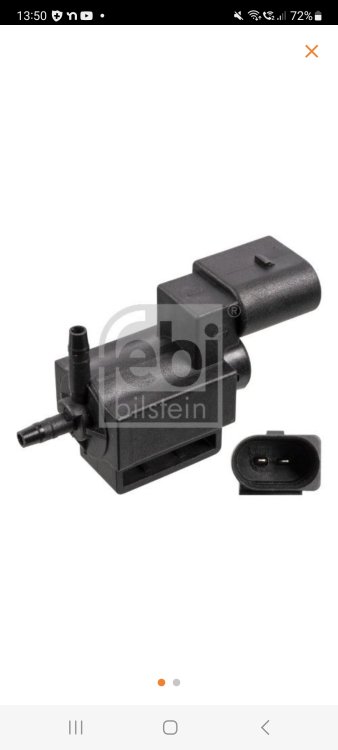
According to the parts listing for ccza, item 2 (missing from portion of list I photograped) is 037 906 283C. Which the febi equivalent is 177 869 which looks like this - with two ports. More or less identical except one of the ports will be duplicated - either vacuum in or vacuum out. Is this a replacement manifold, i.e. wasn't original to car?
-
Sure. I guess you could try to just plug / blank off the extra port if everything else works / fits correctly. Maybe this set up was not for an identical vehicle and there was a pass through vacuum to something else nearby as well (on a different car model).
-
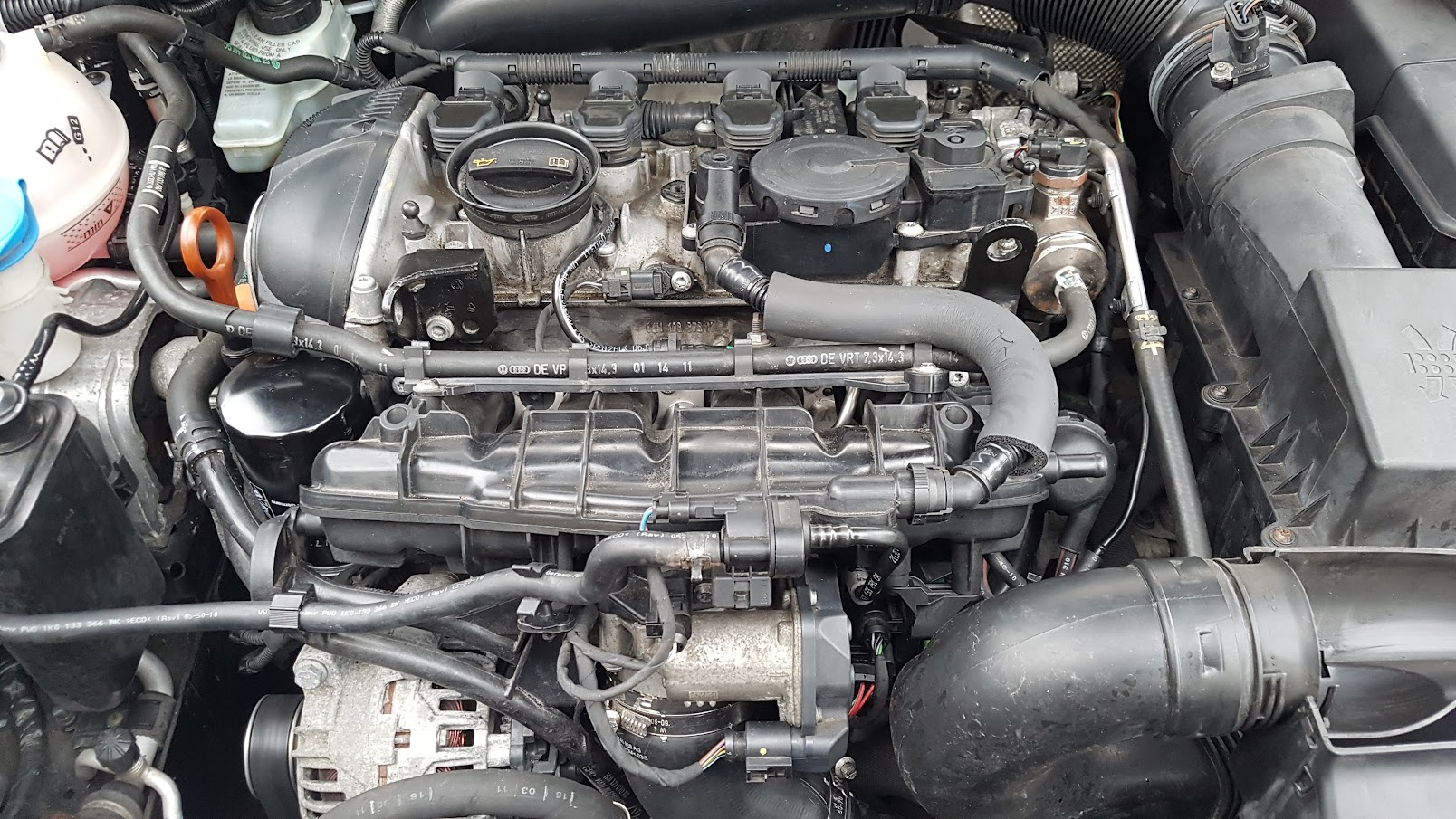
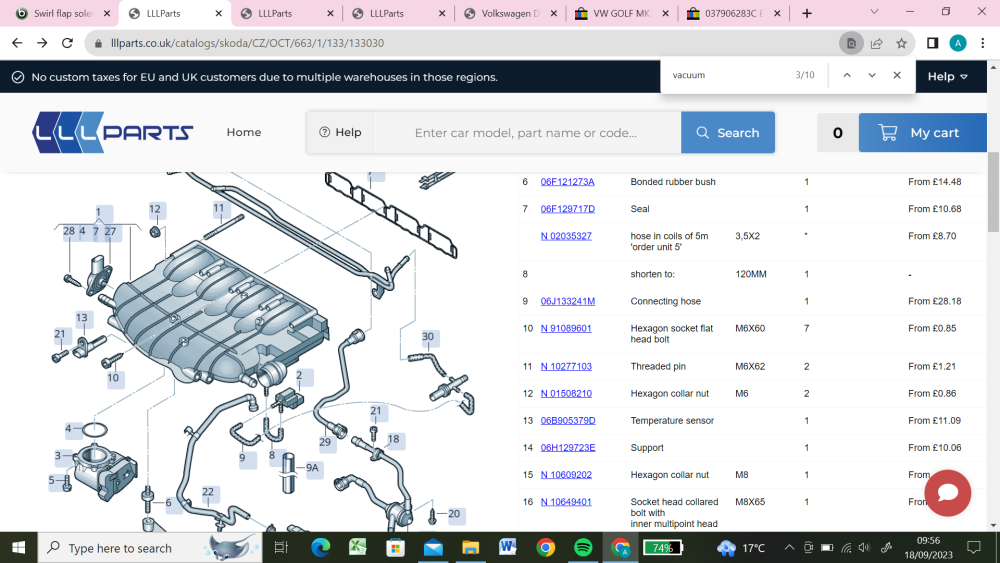
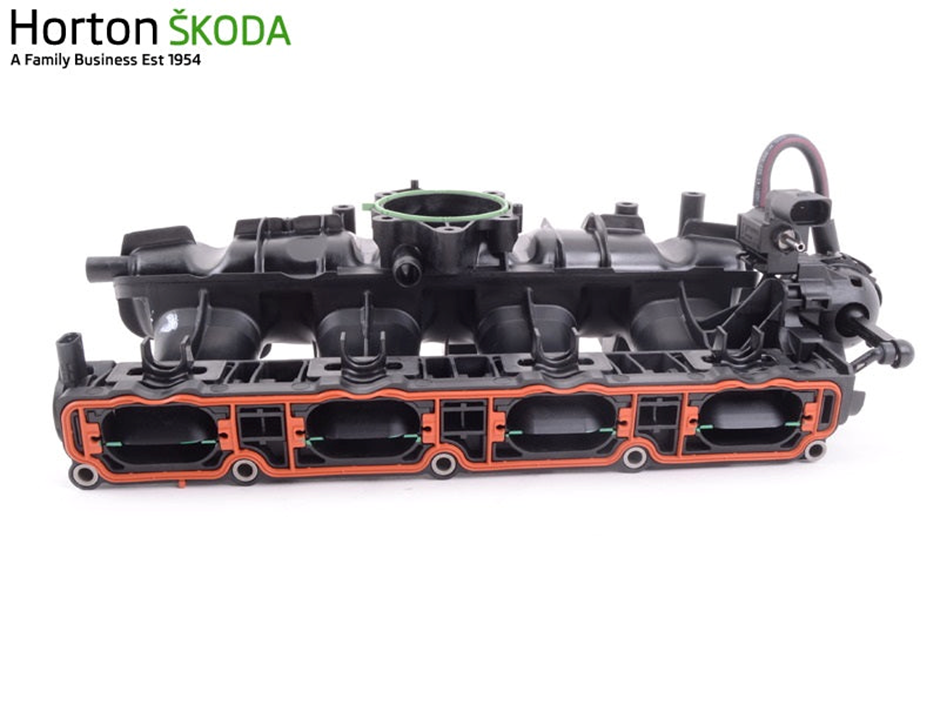
The solenoid has three ports? That doesn't look right according to this parts diagram. Or this photo of the assembled intake manifold (06J133201BH). Is this a replacement manifold with the solenoid supplied on it or was it originally on the car? Is it genuine skoda or vw? What is the part number on the actual solenoid? 037906283C 037906283C
-
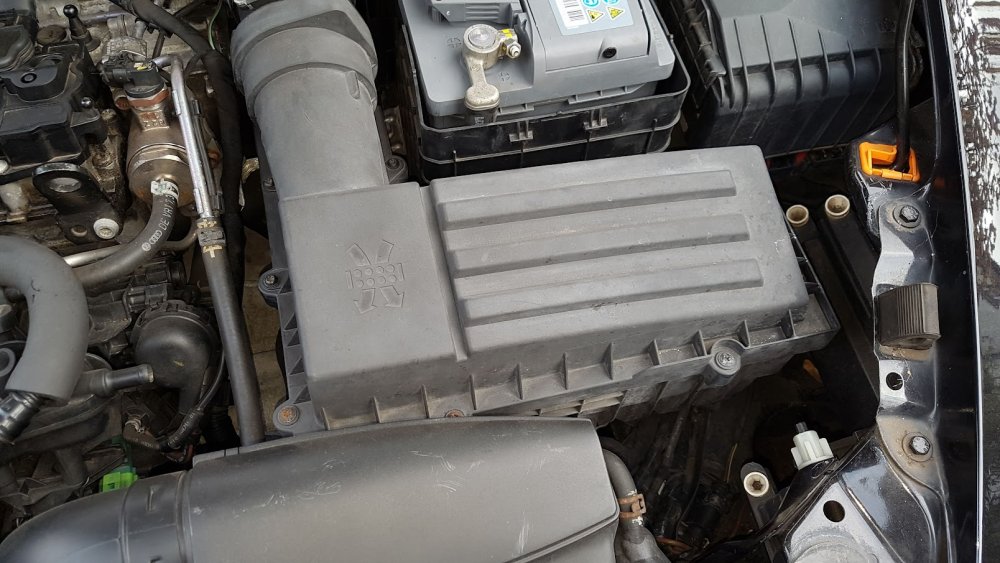
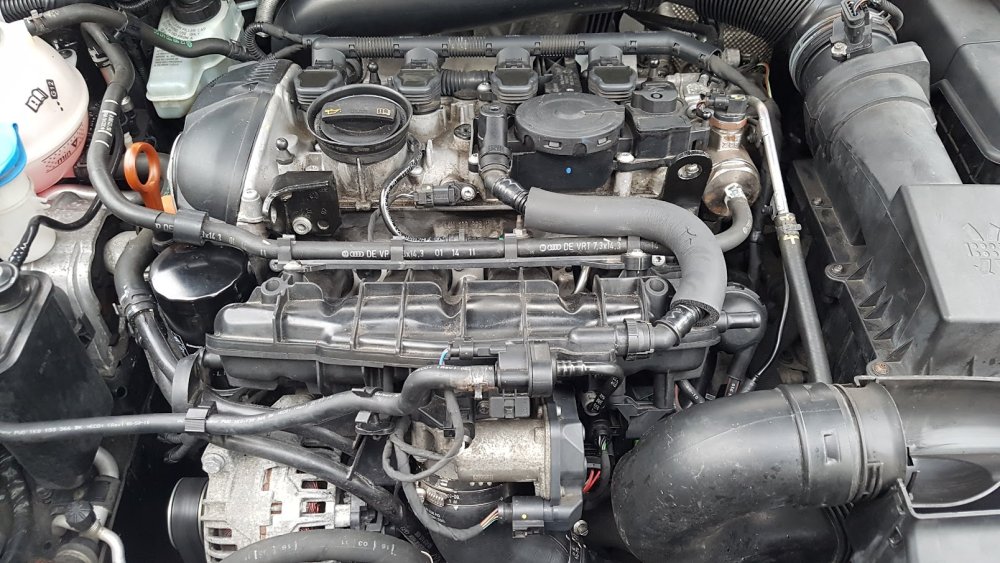
Do these 2 photos help? From my archive when I pulled the manifold and did intake port and valve cleaning and injector testing....
-
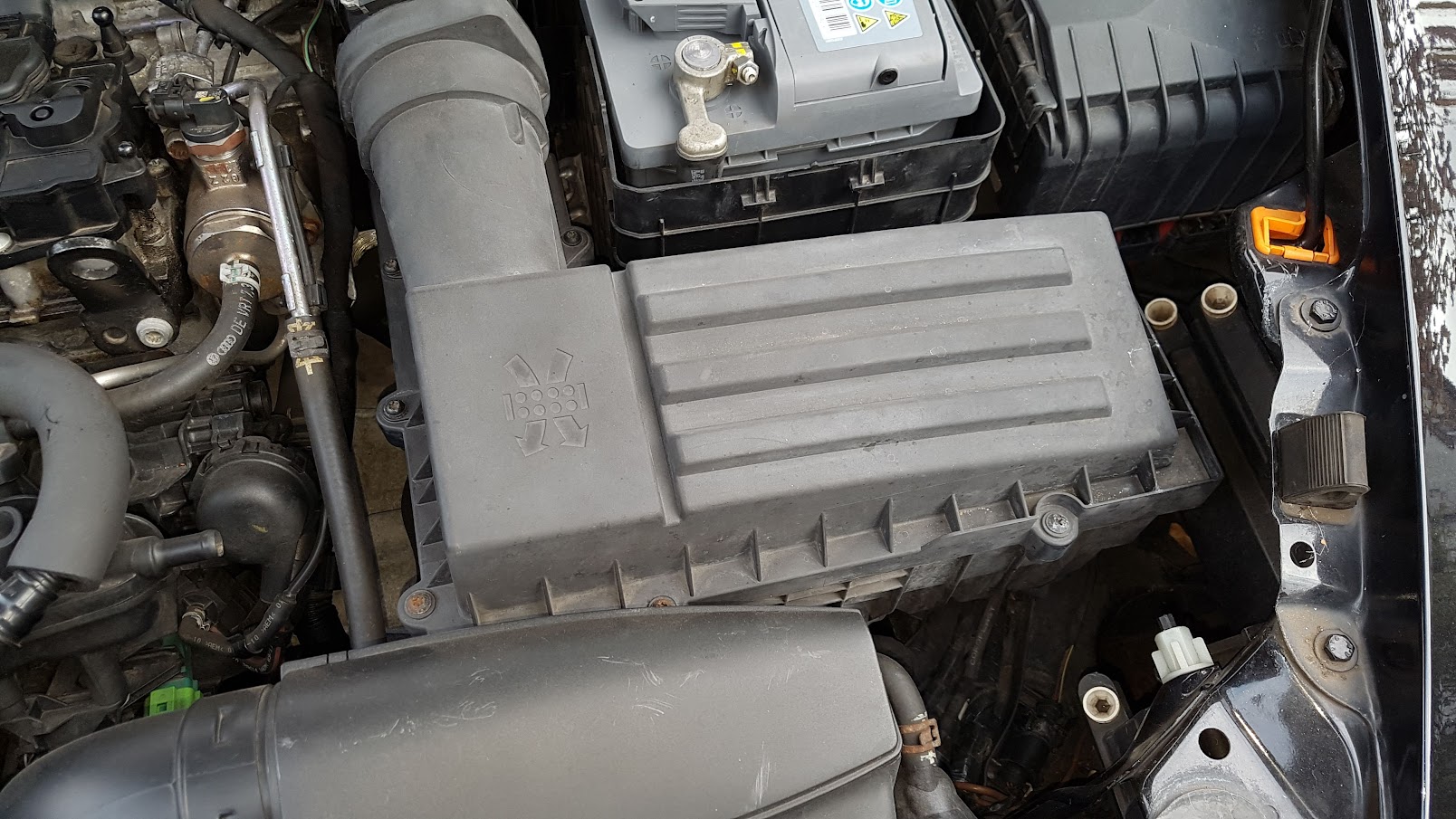
Oh that one, for the vacuum feed for the running flap actuator, it will come off the engine vacuum somewhere. Can you not find a free and flapping vacuum line that needs a home?
-
Yep. That end of the intake manifold, right hand end? itls blanked of in uk and probably Europe like that from factory. This is assuming your talking about the large plastic spigot in the photo, not the other one in background? A wider angle photo of the whole manifold would be useful for context. Looks unfinished I know. If you look inside with a mirror and torch, you'll see it closed and not punched out unless someone has punched it out!!
-
What engine. If that's a ea888, they were blanked off like that.