Tell
Members
-
Joined
-
Last visited
Everything posted by Tell
-
That bit yy.mm found by using that SQL browser file I got told about on the threads here after I spent about a year asking did someone know where it was in the files.... will be the key (thanks to a bright spark). They won't have two or three sets of that running. All the package / file names you can disregard. That's the one that MartiniB uses now to publish with the yy.mm. We needed that lookup so we could look across releases of the brands. The Derivation: Technical Note - Derivation of the YY.DD as shown on the Infotainment Screen I have now been told how to read that YY.DD date off the files after putting out my request for some time for a bright spark into these Mib3 files. It's been delivered. If you don't want to load up the file you can look up what year the and periods the files relate to. It's important with MIB3 files you don't alter the contents because you can't they are signed and they will refuse to load. So no tampering with the files like mib2 standard maps. Anyhow, this is how you do it thanks to C34 on the Briskoda site... only two posts popped up to tell me. You need to install DB Browser for SQLite. This has an extension in it to read the NDS Associate files, the normal SQL Lite brower that is popular won't. Install the MSI of DB Browser for SQLite in the link above. We now use C34's text... In this example on the file Update OI_P119_EU_202425_Offline_Update.zip contains data from 23.12 (YY.MM). You can check this for example in the MIB31_EU.ROOT/3D/PRODUCT.NDS file. This is a SQLite database, you can find this information in the updateRegionTable table. You open the table up and have a look. Does help if you have database experience . On the VW file, for 2024/25 I got this: View attachment 43716 So that is they, for the technically minded of where the YY.MM is stored in the files. Handy if you come across one and not sure. That's how you nose about those files not that you need to... or you can just trust websites like this.
-
In MartiniB we trust... think that's a religious quote. Seat haven't managed to get anything up different ?. When we were having this debate recently a Seat poster was quoting a file reference which was published of the last release (one current, 24.6) but not on their website wrapped page so it's reference had been found by someone. Might be worth scouring that server if not already. At one stage they were quite good at filing the map files that they had been given, not so good at publishing of recent.
-
It was when Times Radio opened it had a logo of Talk Radio where the delete thingey comes in. MartiniBs one would be delete the icon and re-import but if you aren't seeing anything then it won't be that. Well the mib3 manuals, early ones told you how to import the logos like mib2 in png form but they never implemented it. Think it was all part of the lock down to prevent unauthorised access to the unit. It was the POI import in mib2 that had no signature controls on which gave rise to the tool kits and tool boxes and a dic tac came out to remove it. Other people think the same. So you got this not very well executed method which Vag probably think is dandy.
-
You got to nag phonostar radio for the missing ones. Basically they are a poor contractor to the Vag group for the logos. Poor QA from Vag not making sure that the phonostar database of logos is upto date. You see MartiniB said about deleting some. This will be where the channel has been recycled into something else so as to get that to take effect you delete what you have....
-
Unfortunately, this one isn't blessed with SE in the manifest file so doesn't work with Seat. However, a Google on the part code brings up what the Russians have been up to on these units: https://www.drive2.ru/b/652194564542564317/ The red menu is where the existing database is shown... we probably knew that. Might be some other bits and bobs in those links of interest. I see from the read, Phonostar is pretty diabolical at having up-to-date logos even for Austria. I'm sitting out Mib3.
-
-
-
Feels more like the tool you formatted it with and media. Fat goes to 32gb and exfat is used above but then there are specialist versions of Fat that were / are supported prior to exfat coming put. Utility programs that use non standard cluster size to make it fit. Highly unlikely a mib device would take too kindly to those formats produced by these utilities. True if it's 32gb or less SD media the natural format would be Fat. Above that you switch to exfat. https://www.transcend-info.com/Support/FAQ-748 People bought the 64gb cards when the combined release of mib1/mib2 high would not fit on some 32gb cards. Exfat comes in on those although some people opt for ntfs but that isn't designed for solid state memory access. Only a mib2 release now so fits on 32gb card without issues. Rule of thumb is <= 32gb FAT, >32gb exFat. Use Windows to do the format not a utility program.
- 53 replies
-
-

- 1
-
-
- columbus
- discover pro
- mib2
- mib2h
-
Tagged with:
-
The corollary on the inbuilt filemanger unzip in Windows 10 / 11 I found it worked on mib2 high files, but much slower than 7zip as you found, whilst the file manager unzip messed up mib3 navigation files. It wasn't seeing one of the critical files when one was looking to decode mm.yy. Thus it might be a good idea to check you have the very latest release of 7zip. That's what I did when I found I had the issue with the built in unzip file manager. Vag suggest 7zip for mib3 navigation files you certainly need it over the in built ones, they have the TAR file type.
- 53 replies
-
-
- 1
-
-
- columbus
- discover pro
- mib2
- mib2h
-
Tagged with:
-
You might find a newer 7 zip. Skoda often if not always mess up making zip files. MartiniB swears by another program....
- 53 replies
-
-
- 1
-
-
- columbus
- discover pro
- mib2
- mib2h
-
Tagged with:
-
Assume we are talking about a Skoda. Other Vag brands Seat, Audi may hit you with Mapcare but then you should know about this. I know once somebody said you didn't say left hand SD slot. I'd assumed they would use that. You pull out all other SD / USB drives during the process. I'd format the card to exFat certainly. Funny sector size and it won't read the drive correctly. That's a Fat thing and you shouldn't be using NTFS. So I'd reformat the card again. Only present to it the metafile in the root and the two subdirectories. Mib1 and mib2. Needs them both, it's known people have tried to be clever in the past and over think... I'll only give it mib2. No all three of those entities. Nothing else on the drive. Then you kick it off with that update thingy as per the manual. It's true I've installed it on a Seat. I wouldn't have thought they would have left Skoda off the update as they did with Seat a few year back. It's going to be presentation difficulties more likely. The Mac OS where you need to use CleanMyDrive to dust off the garbage that Macs leave which mess up the checksums. Try another SD card, will fit on 16gb now or USB. In the past people have said download again although the unzipping process via 7zip should be sufficient to identify any bad data connections that would have messed up the download. Fingers crossed. My method of working is download. It's in the download directory Make a directory where it's going to be unzipped to on the HD Open up the download file with 7zip then just drag and drop all of it to the unzipped directory Then copy the unzipped material to the blank SD card.
- 53 replies
-
-
- 1
-
-
- columbus
- discover pro
- mib2
- mib2h
-
Tagged with:
-
If you try to use the SSD will probably see it as a massive drive and get confused. The manual will say 32gb or 64gb. Not 1tb. The units whilst they might give the idea that you are using a PC, they are emulating these file systems with constraints and they certainly don't like to see anything else on the presented drive other that what it's going to work with or big drives.
- 53 replies
-
-
- 1
-
-
- columbus
- discover pro
- mib2
- mib2h
-
Tagged with:
-
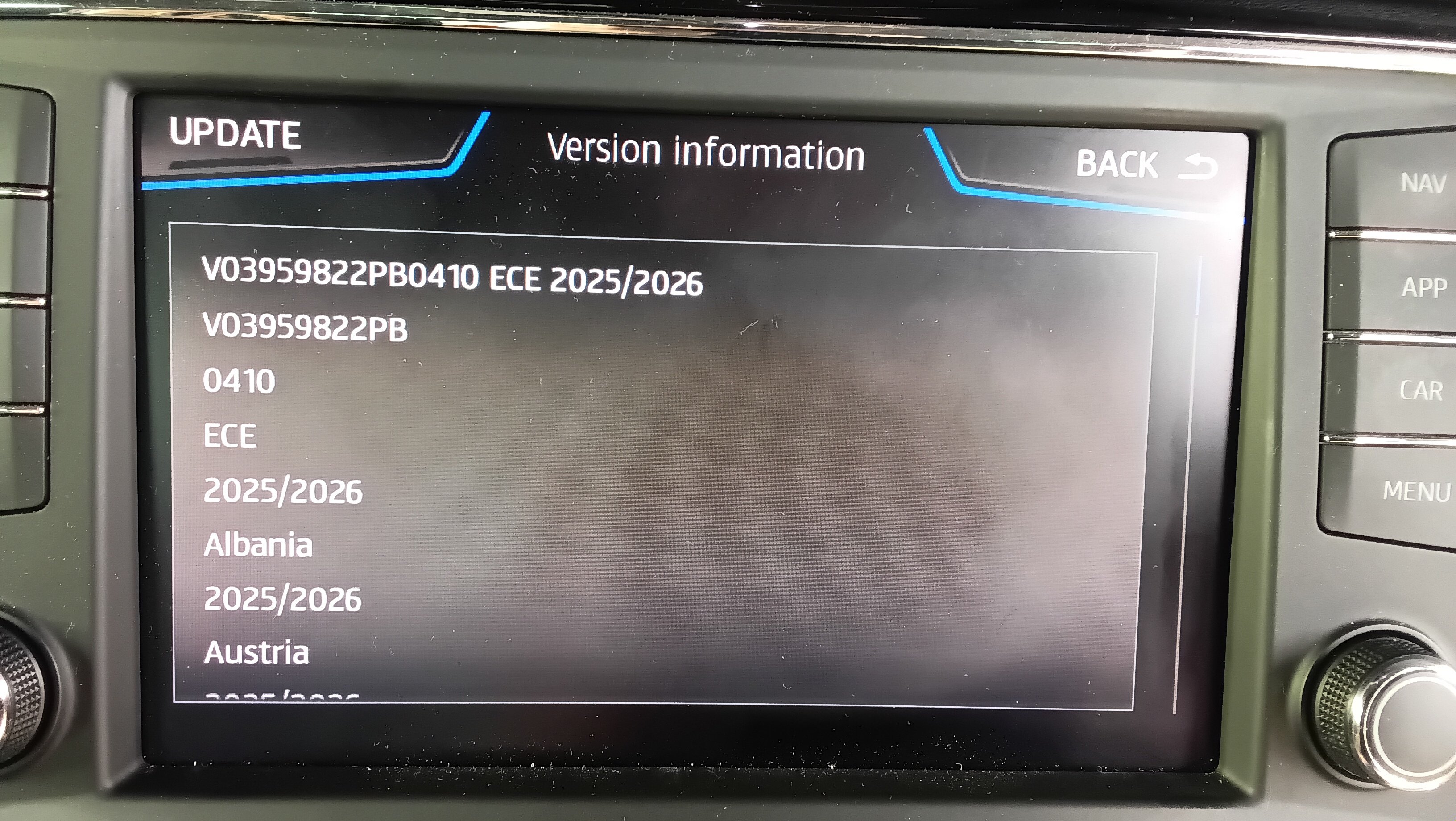
I wouldn't worry too much about the latest firmware. It will update to 410 directly from what you have without going through any intermediate stage. Use an SD card or USB in exfat with only the files on it un zipped with 7 zip. The attached PDF shows how they should be presented. 40 minutes or so should do it not that I do it that way. All issue are generally presentation issues in how the unit expects to see the files. Assuming you didn't use a Mac else you use cleanmydrive. The built in filemanagers to unzip the zip file can lead to issues. You can't peak a look at the unzipped files and re save them. So it has to be unzipped files presented to the system as the metafile and the two subdirectories mib1 and mib2. Start it off and you'll be fine. 40 minutes with constant power should do it or a bit longer if not interrupted. Discover_Pro_June_2020_EN.pdf
- 53 replies
-
- columbus
- discover pro
- mib2
- mib2h
-
Tagged with:
-
At the end of the day the mib2 high isn't fussed about whether you use Seat, Skoda etc navigation FeC codes but I do worry that the Bentley and Porsche file profiles might be like they did to Seat once why I said you can put the other brands in there. I did wonder what happened if you added Europe plus the RoW whether it worked the same... seems it does. For MartiniB testing since we never test our RoW then find people moan about issues. MartiniB doesn't have mib2 high now and I tend to just load Europe in... let RoW do their own testing. It was a unit someone had bought via the net from the UK imported to Australia then it needed the life time RoW FeCs. Basic Mib2 higher education 😉. Do a bit when issues come up.
- 53 replies
-
- columbus
- discover pro
- mib2
- mib2h
-
Tagged with:
-
Yes detailed documentation here. I've helped out Australians before getting the RoW code in. Pinnacle of mib enthusiasts work. They took the mib tool route for life time FeCs but got the European one. Simple enough to change to the correct one. It defaulted to the European one. GitHubGitHub - Mr-MIBonk/M.I.B._More-Incredible-Bash: M.I.B. -...M.I.B. - More Incredible Bash - The Army knife for Harman MIB 2.x aka MHI2(Q) units - Mr-MIBonk/M.I.B._More-Incredible-Bash
- 53 replies
-
- columbus
- discover pro
- mib2
- mib2h
-
Tagged with:
-
From Mr Bonk material: How to generate FEC codes for MAP support 0ABCCCDD — Maps6 : • A Brand 2 = Audi, 3 = Bentley, 6 = Porsche, 7 = Sitz, 8 = Skoda, 9 = VW, C = MAN • B MIB version 1 = MIB1 HIGH (Harman), 3 = MIB2 HIGH (Harman) • ССС Region 000 = Europe, 100 = USA and Canada (NAR - North America Region), 400 = Middle East (AGCC - Bahrain, Kuwait, Oman, Qatar, Saudi Arabia, UAE), 401 = AGCC + Turkey, 402 = AGCC + Israel, 500 = South Africa, 600 = Australia and New Zealand, 700 = India, 800 = Argentina, Brazil and Mexico, 801 = Chile, 900 = Asia / Pacific, D00 = Rest Of the World (ROW - Rest Of the World) • DD valid until year (DD is Hex value) DD: • 4c= 2030 • FF = ~2075/Lifetime Examples MIB2 High: • Skoda: 0830004c → Europe until 2030 • Audi: 0230004c → Europe until 2030 • VW: 0930004c → Europe until 2030 • Seat: 0730004c → Europe until 2030 So you should see the FeC 063.... blah blah and that's the Porsche navigation FeC and you need a long life one. Bentley would be 033.... etc. Probably Skoda owners don't also own a Porsche why it doesn't come up. We don't talk about Bentleys either 😉. Prefer a Bentley myself. They might still have done the dirty and left out the navigation FeC and the part number in the steering scripts for mib1 / mib2. When they did that once with Seat I just turned mine into a Skoda and Seat so it runs with two long life navigation FeCs, one for a Seat and one for a Skoda just incase they get absent minded about supporting Seat again left it as is. Was a trick the mib enthusiasts gave me. I could see they could do that for the more esoteric brands. Yes so perhaps with the esoteric cars you might need some navigation FeC surgery if they start to drop them out of total manufacturing of the upload... as what happened a few years back on Seat. You'd cross that bridge when you found it. Mr Bonk Github software was my friend and an expert who had solved it on Seat. You'd check the navigation FeC. Adjust to long life using the Mr Bonk stuff if applicable... they had an IFS Root module written (Porsche was listed). I assume Bentley and Porsche hit you with mapcare so you need the life long FeCs. Then if it still doesn't take it. You do the FeC trick of making it another brand for navigation. All clear as mud. Quite a few Audi drivers end up here having loaded up their version of the all in one software to handle mapcare. VW and Skoda had it for life. How far Bentley and Porsche owners have sorted that out pass... then as said Vag might have got absent minded about the manufacturing of these files for those brands. That can be doubt with.
- 53 replies
-
- columbus
- discover pro
- mib2
- mib2h
-
Tagged with:
-
Well you look in the parts identification in the file and it identifies the part number against the profile of the unit. This release. PartNumber1="V03959803A " PartNumber2="V03959821CK" PartNumber3="V03959821PD" PartNumber4="V03959822PB" PartNumber7="V03959817KA" PartNumber5="V03959804QP" ApplicationSoftwareVersionNumber="0410" SystemName="ECE 2025/2026" Variant="ECE" ReleaseName="2025/2026" DevVersion="P410_N60S5MIBH3_EU_NT_Q3.24" PartNumber4 is always Seat. Those are documented (somewhere... Mr Bonk). It's whether the filters into the mib1 / mib2 script bypass Porsche PCM4.0 ?. What we did find out once was that when Seat was left out of the FeC ID you could put a Skoda one in. So if you have got said Porsche mib2 high and it's not seeing it try entering the longline navigation Skoda FeC. Wonder was partnumber 6 was ?. 3 Skoda. 1 Audi. 4 Seat. Porsche ?. Leave that to the youngsters without a fractured collar bone 🙄.
- 53 replies
-
- columbus
- discover pro
- mib2
- mib2h
-
Tagged with:
-
-
Well done MartiniB. Thought they must have been just round the corner.
- 53 replies
-
- columbus
- discover pro
- mib2
- mib2h
-
Tagged with:
-
Effected the UK where the TMC provider that VAG used stopped broadcasting traffic reports. Inrix in the UK continues. Columbus model can be coded to swap the channels to pickup Inrix. Admunson mib2 the guys here worked out a fix for that but you have to use old Maps, Here Maps, they had the flexibility to do this via updating a sequence of modules... overwriting the map file. The solution is on thid thread. I have reproduced on the SeatCupra board in one place. TMC UK Solution Traffic Master discontinued their UK RDS broadcasts of traffic information which VAG cars used in April 2023 for TMC, solution exists by shifting reception to the alternative UK broadcaster of traffic management data, Inrix. Click for the Mib2 High Fix Click for Mib2 Standard Fix For mib1 standard or high follow the Mib2 high fix. Just needs VCDS / Obdeleven code change. Mib2 standard doesn't need coding. See the relevant links. Mib2 high is a Columbus Mib2 Standard is an Admunson in Skoda terms. Full credit to those involved. All info is on the Skoda thread but mashed up with chit chat and getting there. Vag aren't going to fix this issue. It was clear from early on.
-
Poor QA. Then they probably tested it again before releasing the fix. 🫣
-
Yes we haven't seen the Audi pre release yet.
- 55 replies
-
-
- 1
-
-
- amundsen
- discover media
- maps
- mib
-
Tagged with:
-
Are you sure they are the correct size ?. If the images are from a home brew site they may not be. The pick them from the site I linked will be since they are for the Vag units of that vintage. I could see the mibsolution.one ones or via that Phonestar site may not be, perhaps.
-
If its like mib2 you can pick each one up by hand. It's not a bulk update. Check a mib1 manual. An adhoc way of uploading them existed. It was supported by Vag. Mib3 they scrapped it. Expect it was in mib1. You select the station then pick each one off from the SD card as I recall by holding onto the button or something. Probably Google AI assistant will help. This is how to do it in mib2. I wrote a how to for that. Mib1 will be similar. https://www.seatcupra.net/forums/resources/radio-logos-mib-2-only.43/ Trusty DV52 / Don is on the subject https://www.golfmk7.com/forums/index.php?threads/radio-icons-gen-1-units.325205/ This is where they are over the air or not. If not over the air, you in fill as per my link on mib2. Mib1 will be the same but need to be correctly sized. No user infilling with mib3. Mib1 and mib2 is whether over the air and making good where missing.
-
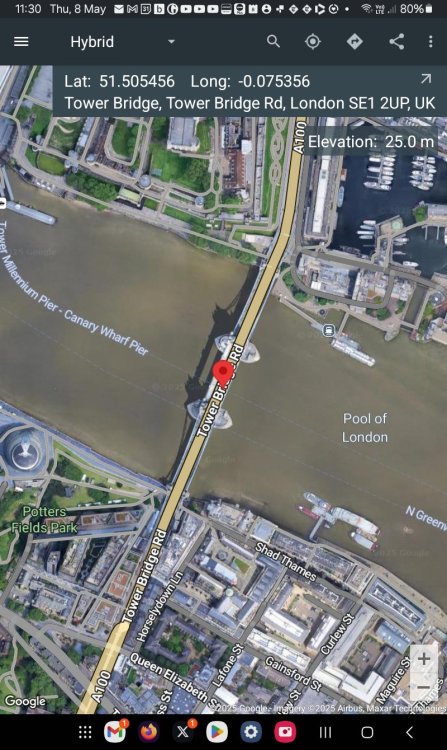
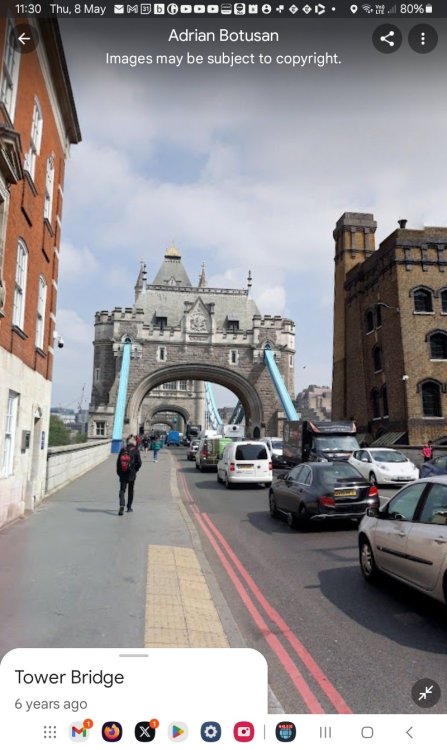
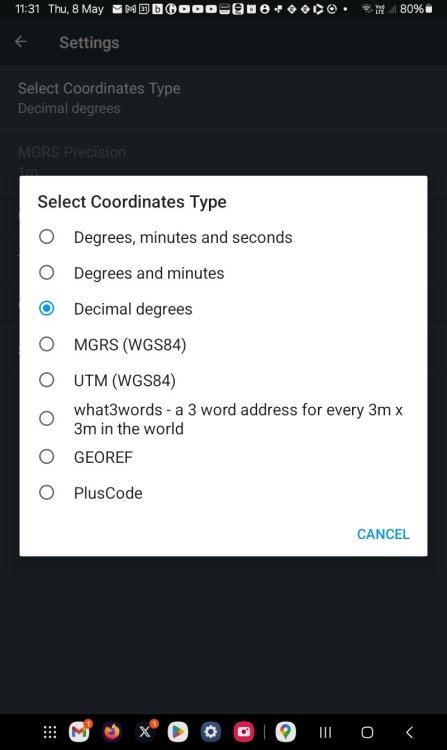
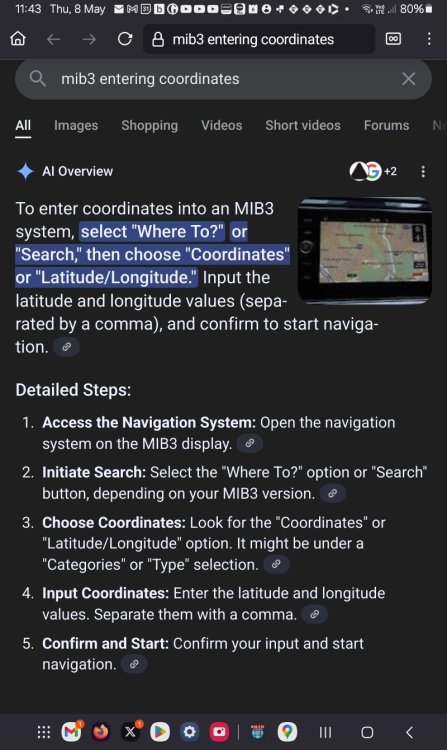
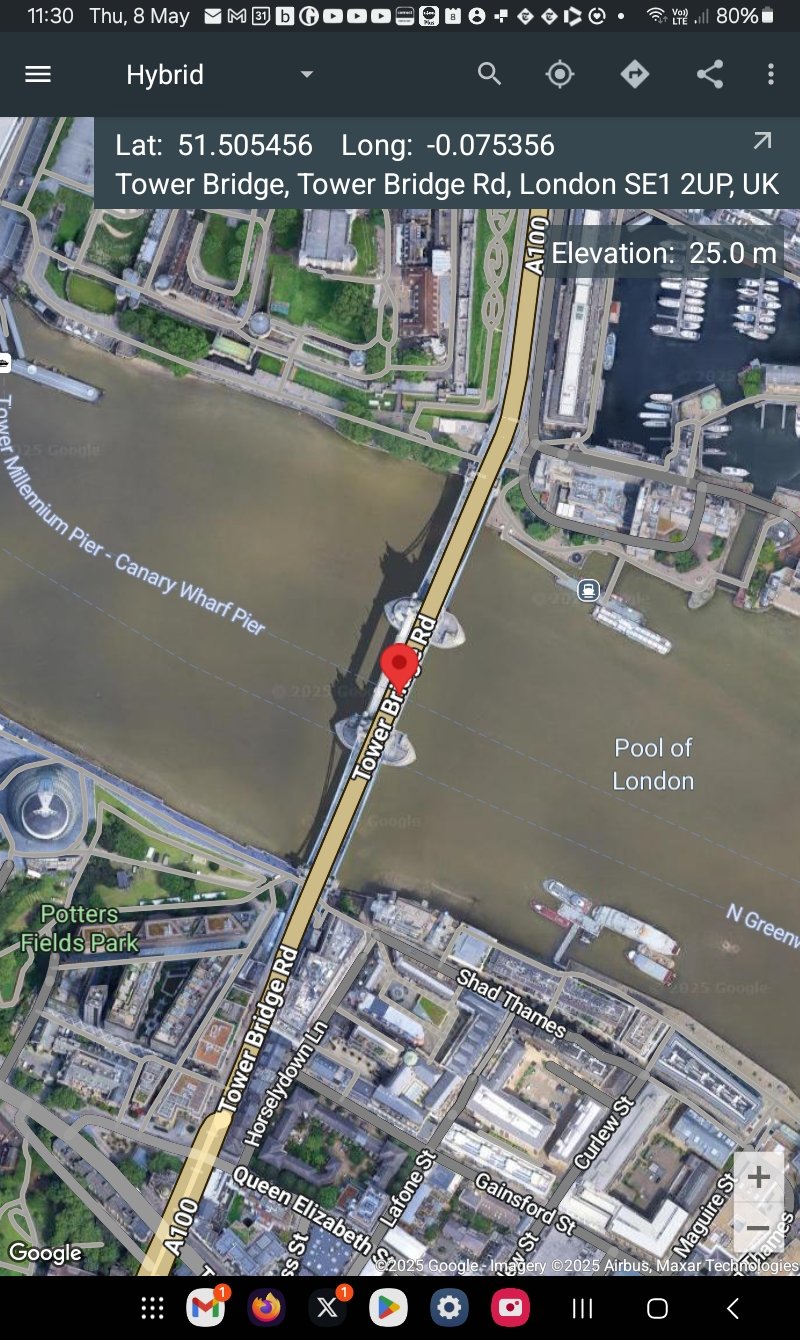
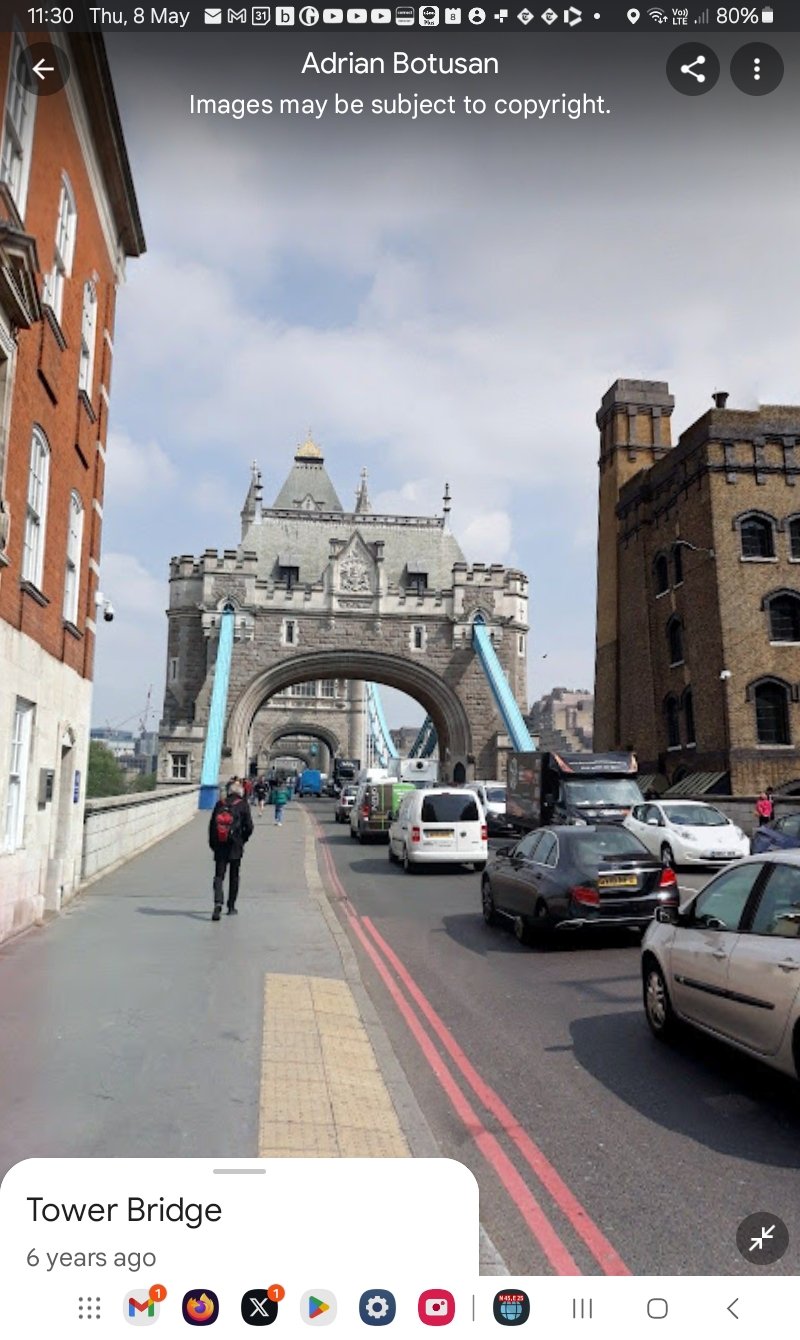
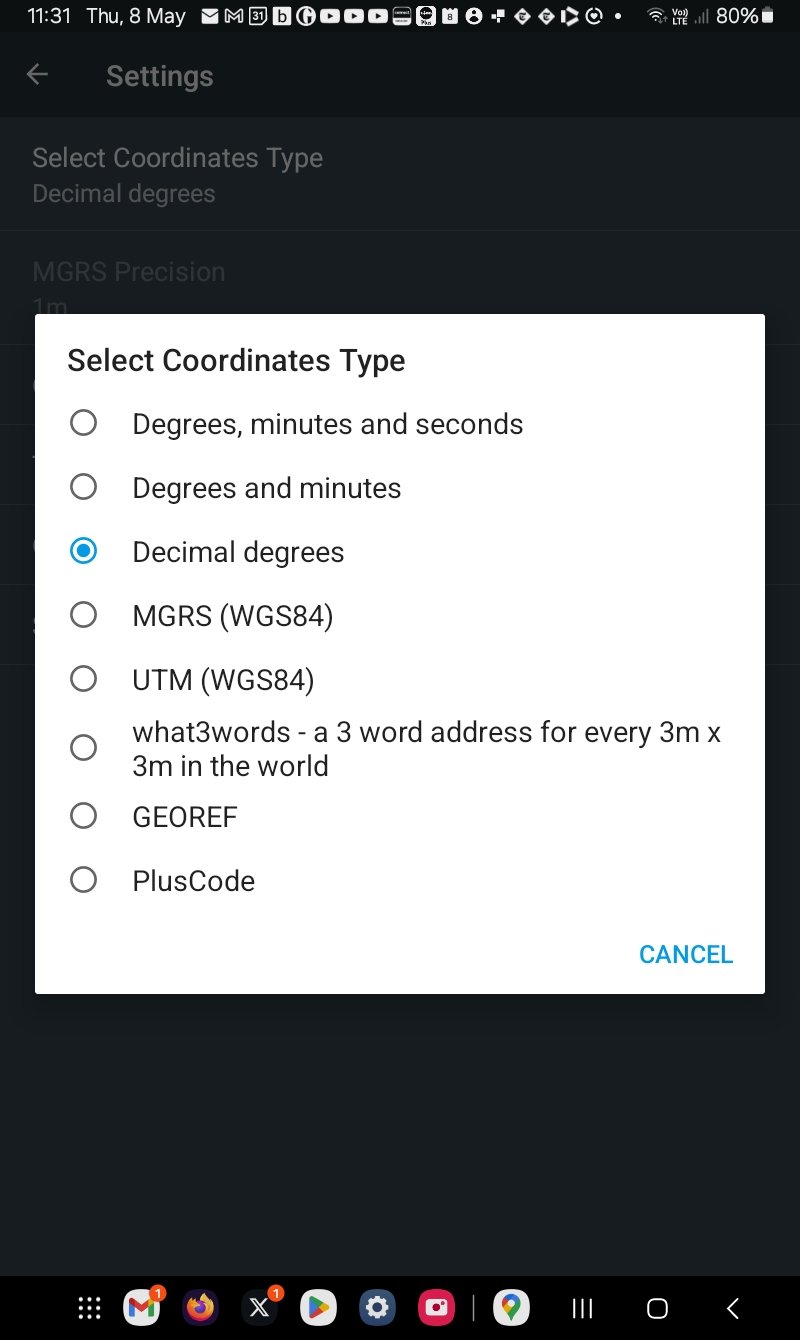
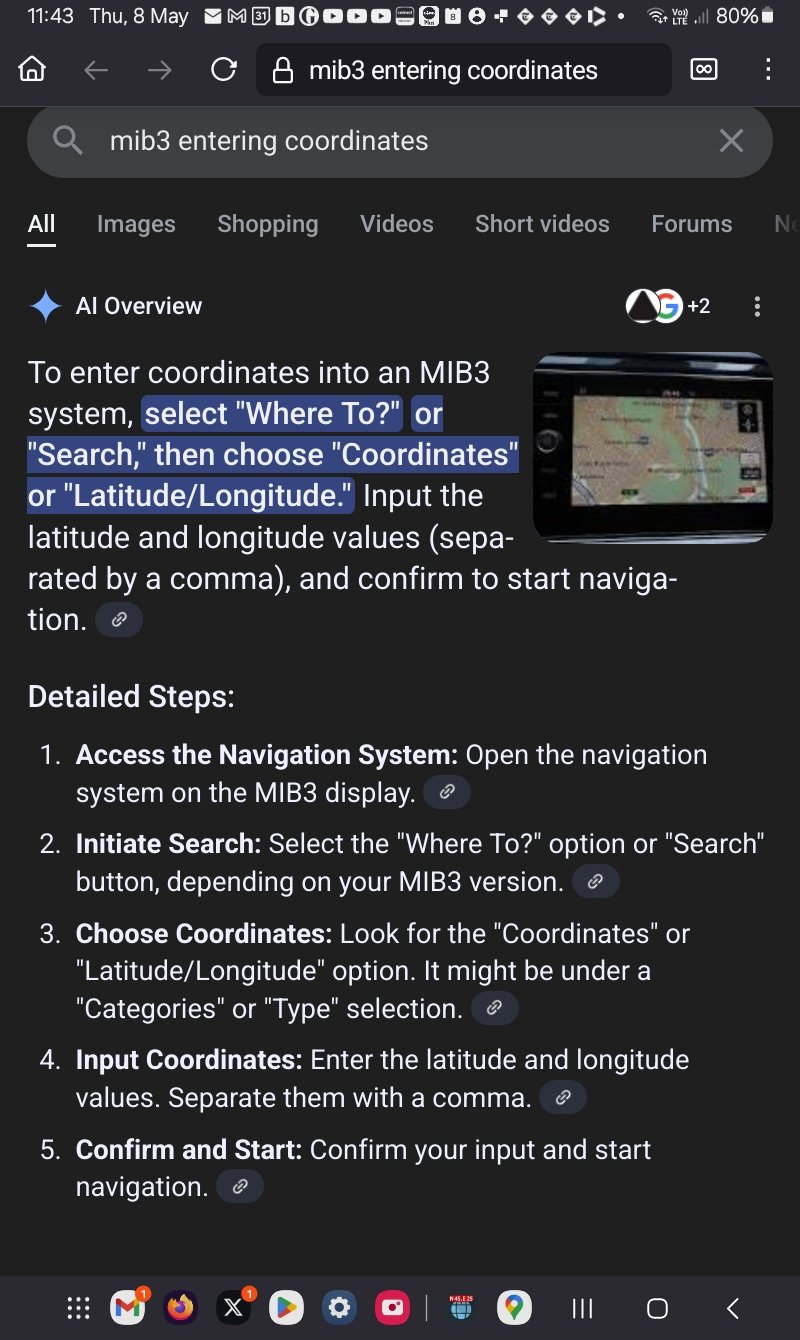
Other suggestion is the one I use for find x,y coordinates to enter in mib2. It will work with mib3. N45,N25: https://play.google.com/store/apps/details?id=sands.mapCoordinates.android&hl=en Transcription involved but it does allow you to store in the app locations and street walk. Suspect for the street walk you need to keep open / load up the old street view app. Example: Supports the construction of a range of coordinate systems. Mib2 was the DMS (first one), third conventional decimal degrees. Mib3 does import X,Y coordinates which is easier than fumbling with the map unit in the car. Swiss army knife for coordinates. Just an idea to tide you over.