
AnnoyingPentium
FREEDOM
-
Joined
-
Last visited
Everything posted by AnnoyingPentium
-
Definitely, you also need to ask yourself how long you plan on keeping the car as well. I had received mine as a birthday present and they were purchased during a sale with massive reductions at the time.
-
Indeed. I have my laptop set for that too. Can't beat a book before falling asleep though.
-
I remember reading a thread about said topic that if memory serves, you posted in as well. I'll see if I can find the thread as it's relevant to this, I reckon. It's also the reason I took my Alpine stereo out because the blue light was affecting my vision - so opted for an orange back-lit stereo for now.
-
These are the units you'll need if they're non-xenon units. https://www.eurocarparts.com/p/aftermarket-headlamp-471780091 https://www.eurocarparts.com/p/aftermarket-headlamp-471780101
-
I found that replacing my headlight units helped stave off some of the yellow-ness as I was in the same boat as you after replacing mine for Philips +130% bulbs. The range was better but still as yellow. If your existing units are needing polished then you can get kits online for them instead of replacements. Also, turn the brightness of your dash down to help you see outside without it glaring back on you. Particularly if you wear glasses like me. Hope this helps.
-
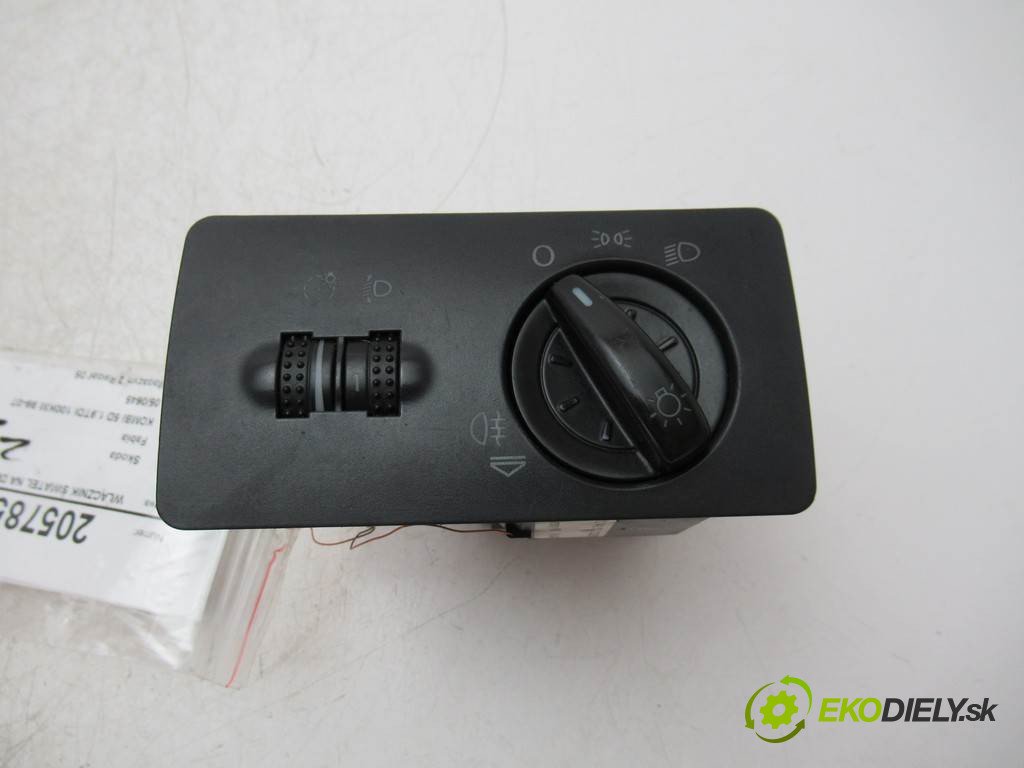
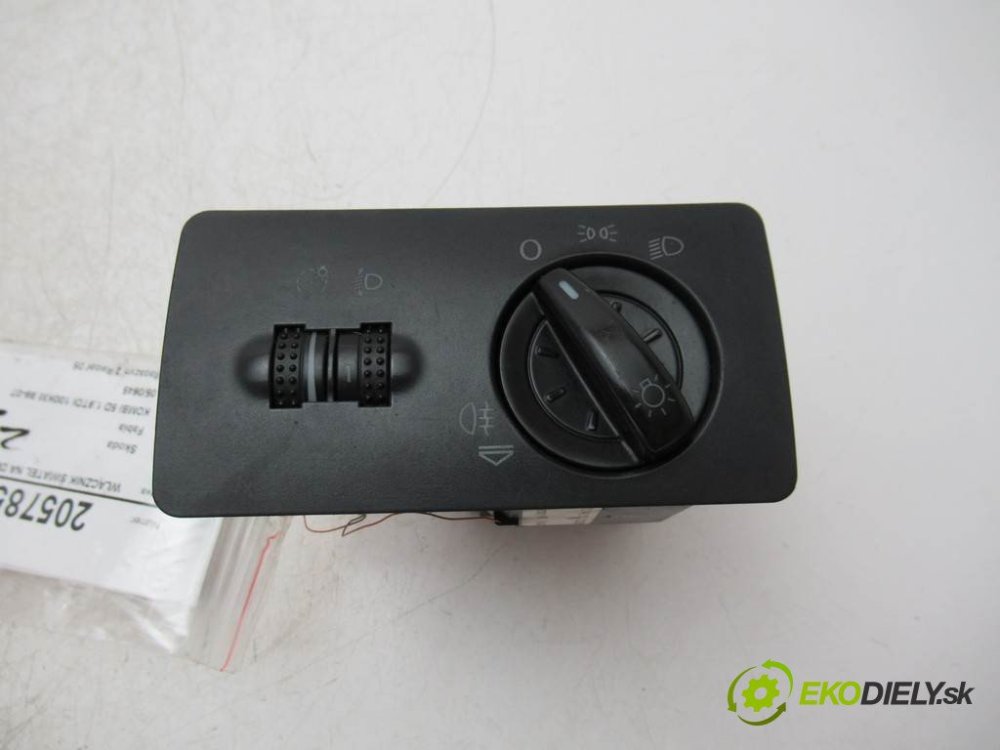
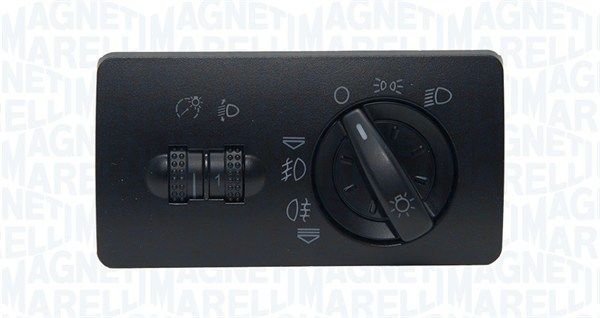
A tell-tale will always be illuminated on the dashboard. Otherwise there's a fault somewhere in the circuit. There's also a possibility that the wrong lighting switch is installed, such as one from a model where foglights were not equipped. Here is one from a Fabia with fogs fitted. Here is one from a Fabia without fog-lights equipped. As you'll see, one is missing the graphic to indicate that the front fog-lights can be used. I think this is what you meant, and if so, I hope it helps.
-
It is; pull once for front fogs, pull again for rear fogs.
-
Did just that against the garage door. Surprisingly the drivers side one was very close in level.
-
It's my initials indeed. It's also stealthy with the X-reg idea as, like myself, I didn't want it to be too brash if I were to get something. Just enough flair without being too "in yer face".
-
I had been swaying between getting a private plate or not doing it. I ended up getting it and sticking it on the car, it'll go with me to whatever the next shed is too. A private plate isn't to everyone's tastes, and it wasn't really to mine, but it grown on me enough to say I'd like to get one at some point... and so I did!
-
Absolutely gutted to hear that. Hope you are okay.
-
-
Could you have a partially duff lighting switch by any chance? It's almost as if it doesn't make any connection at all.
-
Ran that in mine a couple of times (until September, and very spaced apart uses) to see if it was any good when I bought the Fabia. **** all difference. Never touched it since.
-
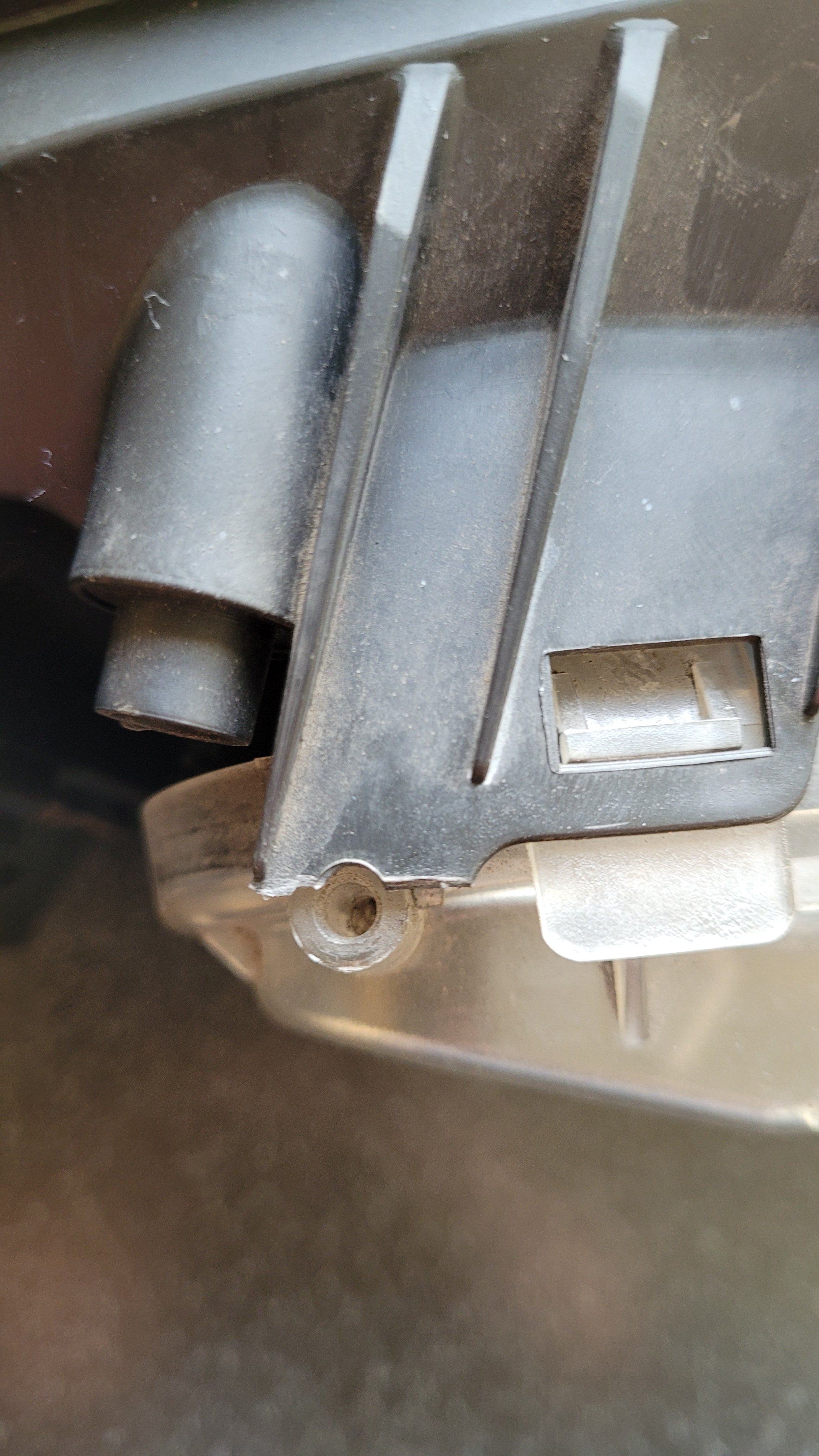
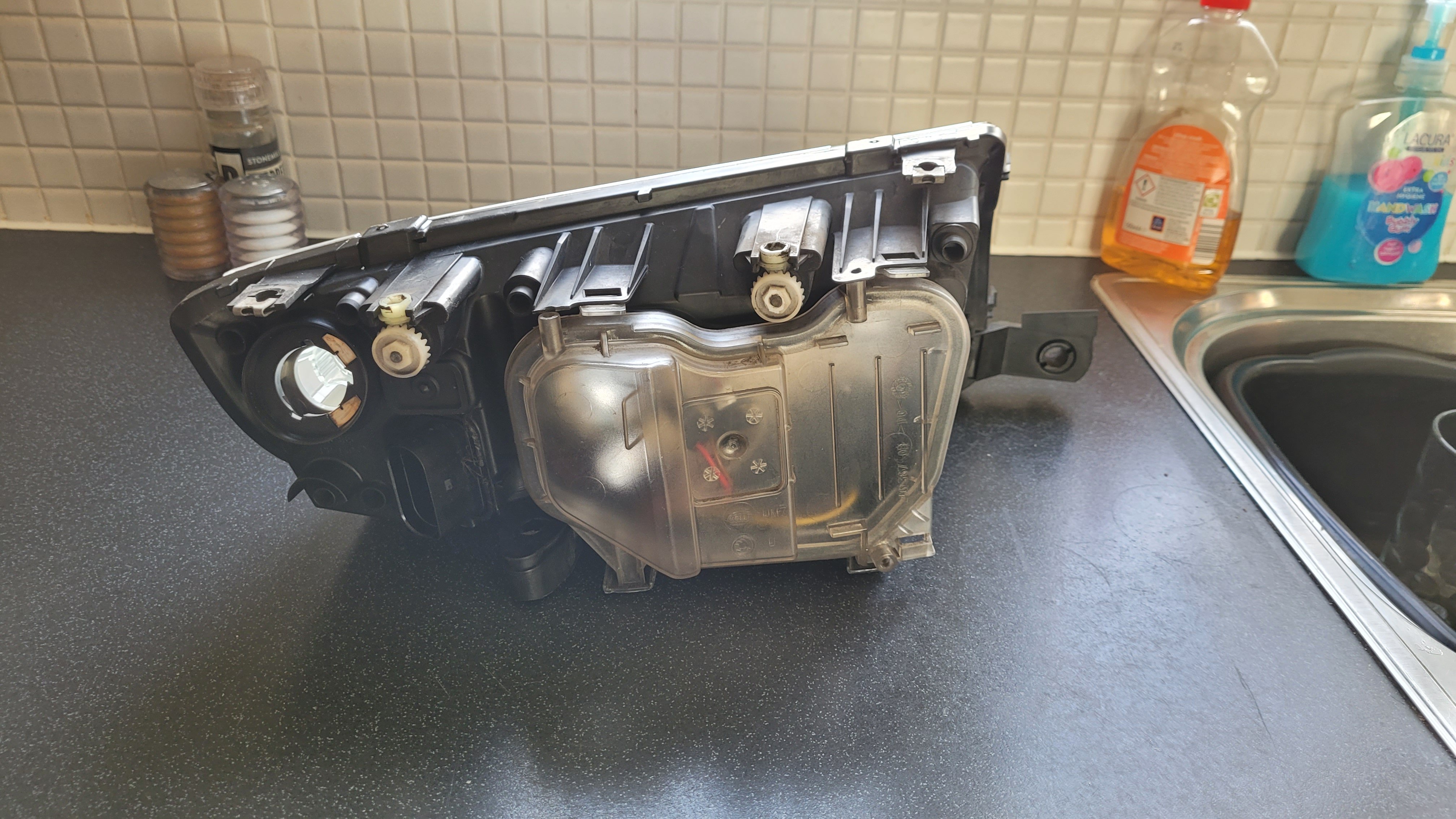
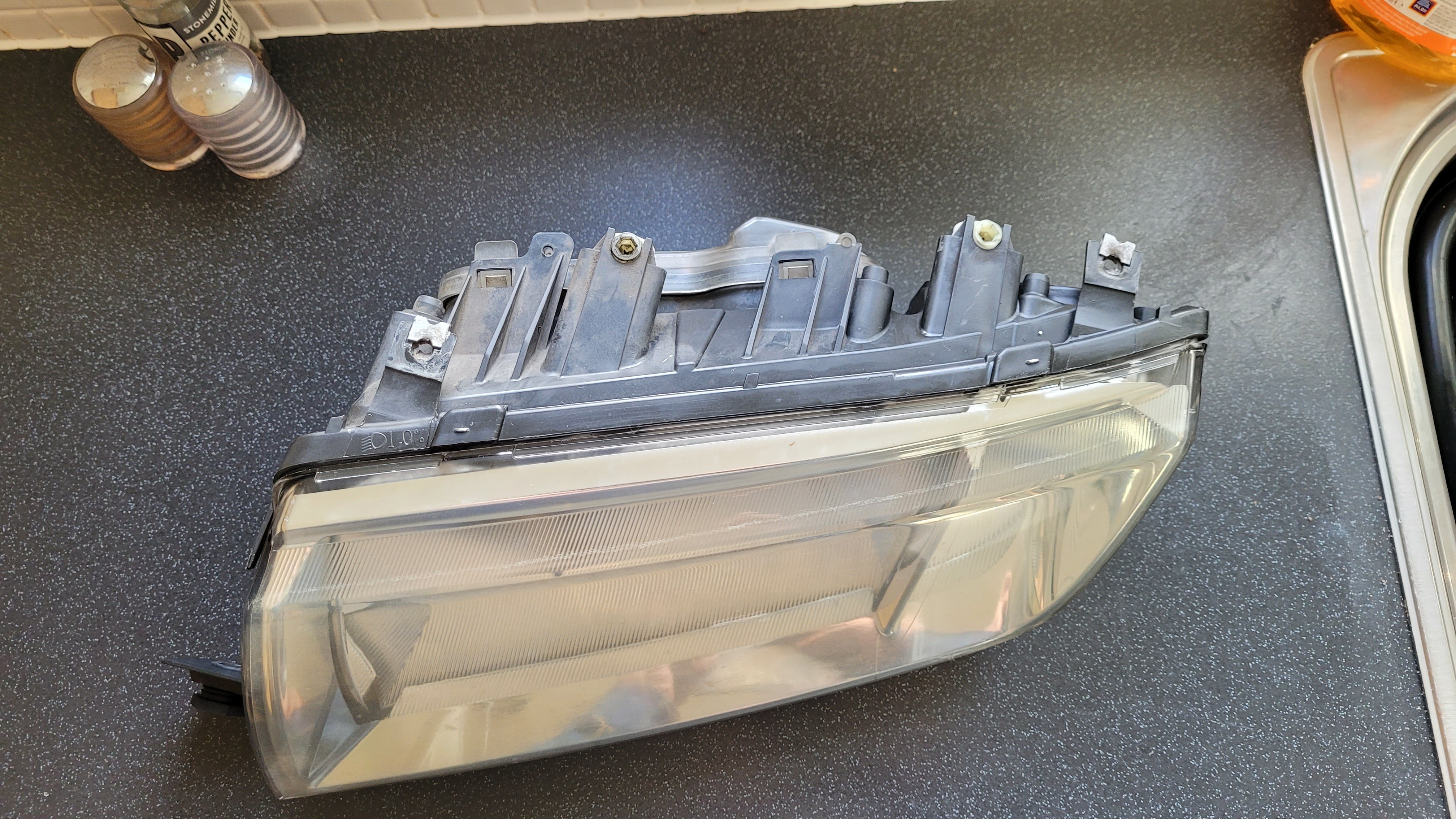
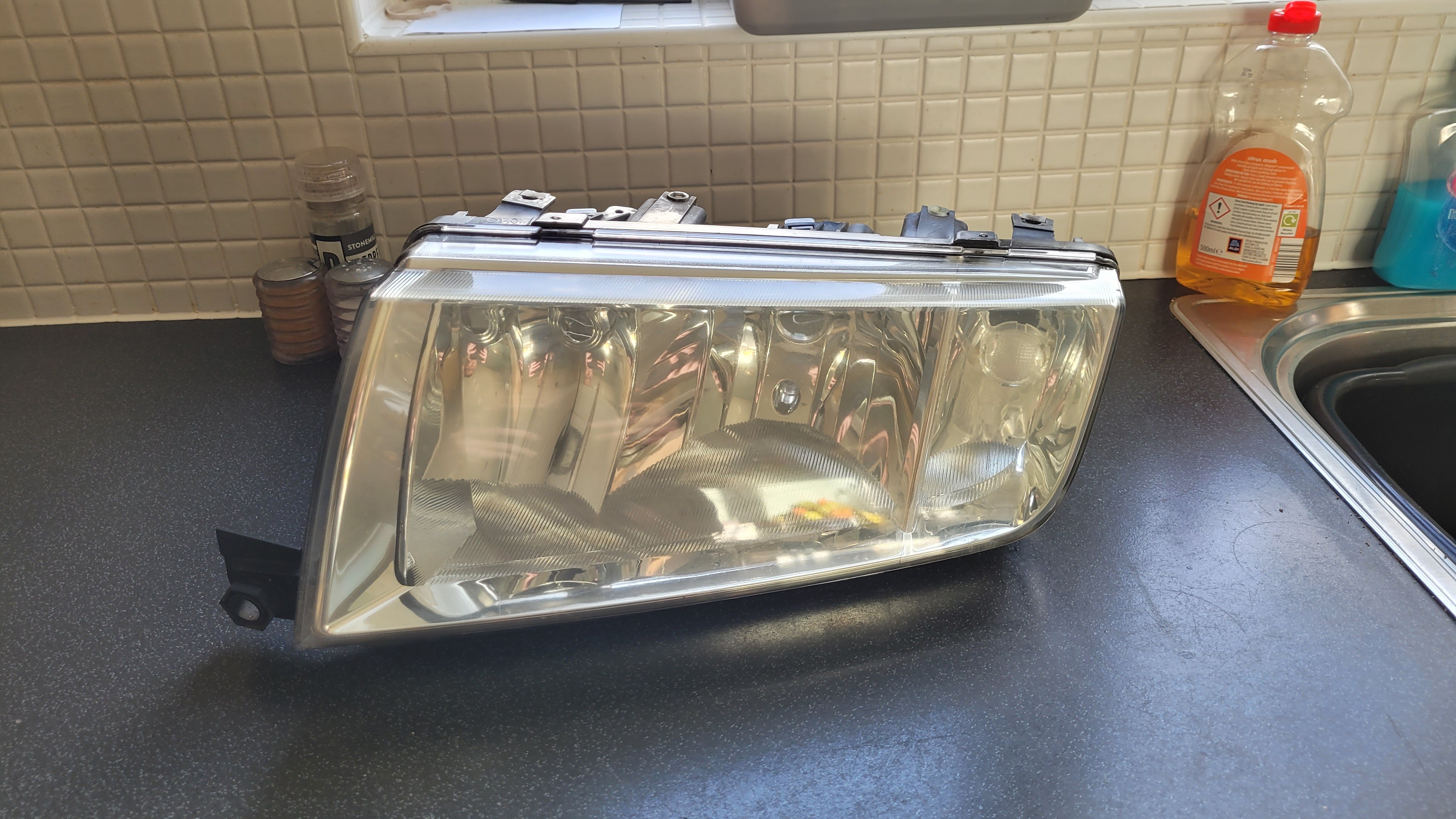
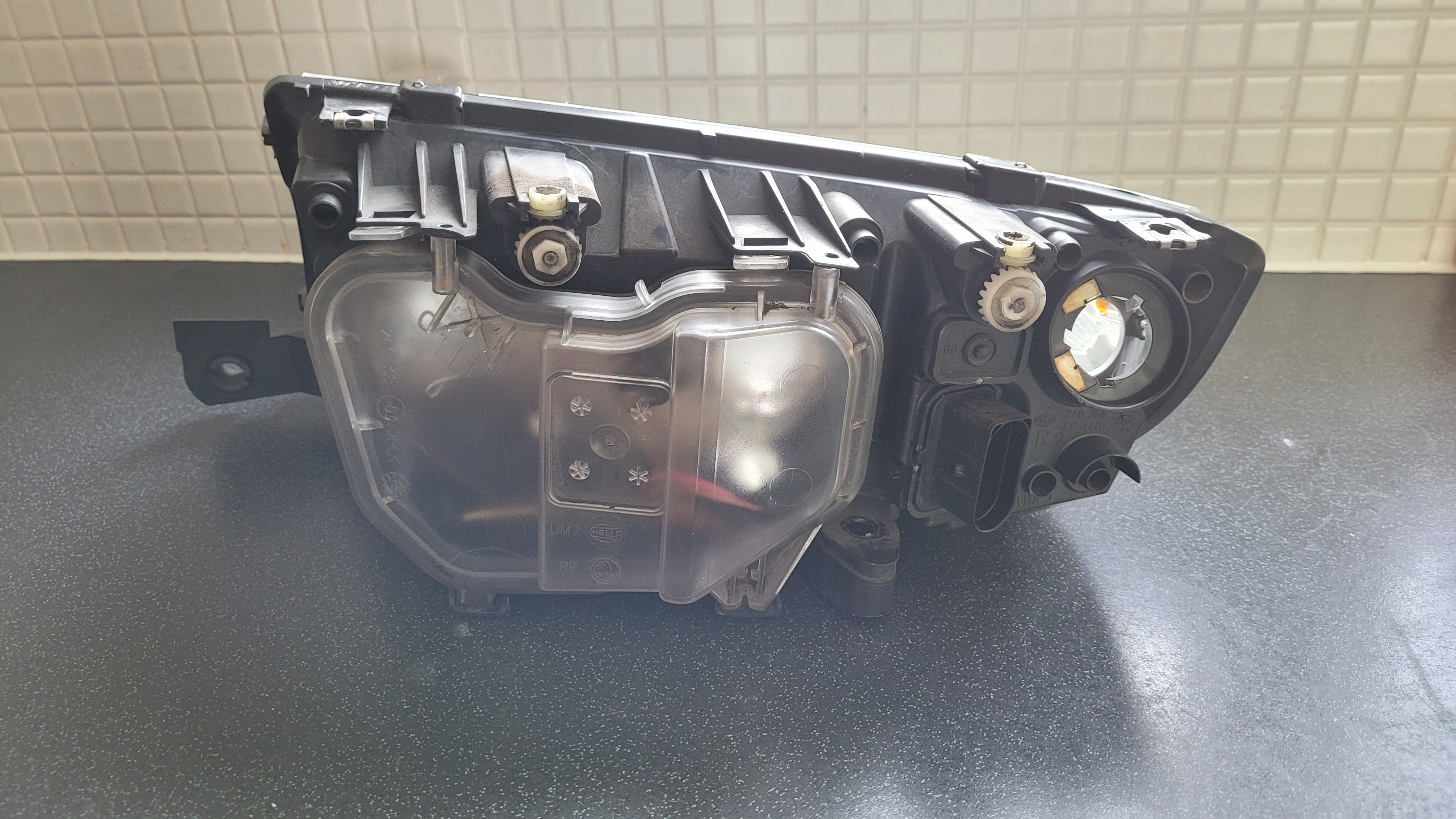
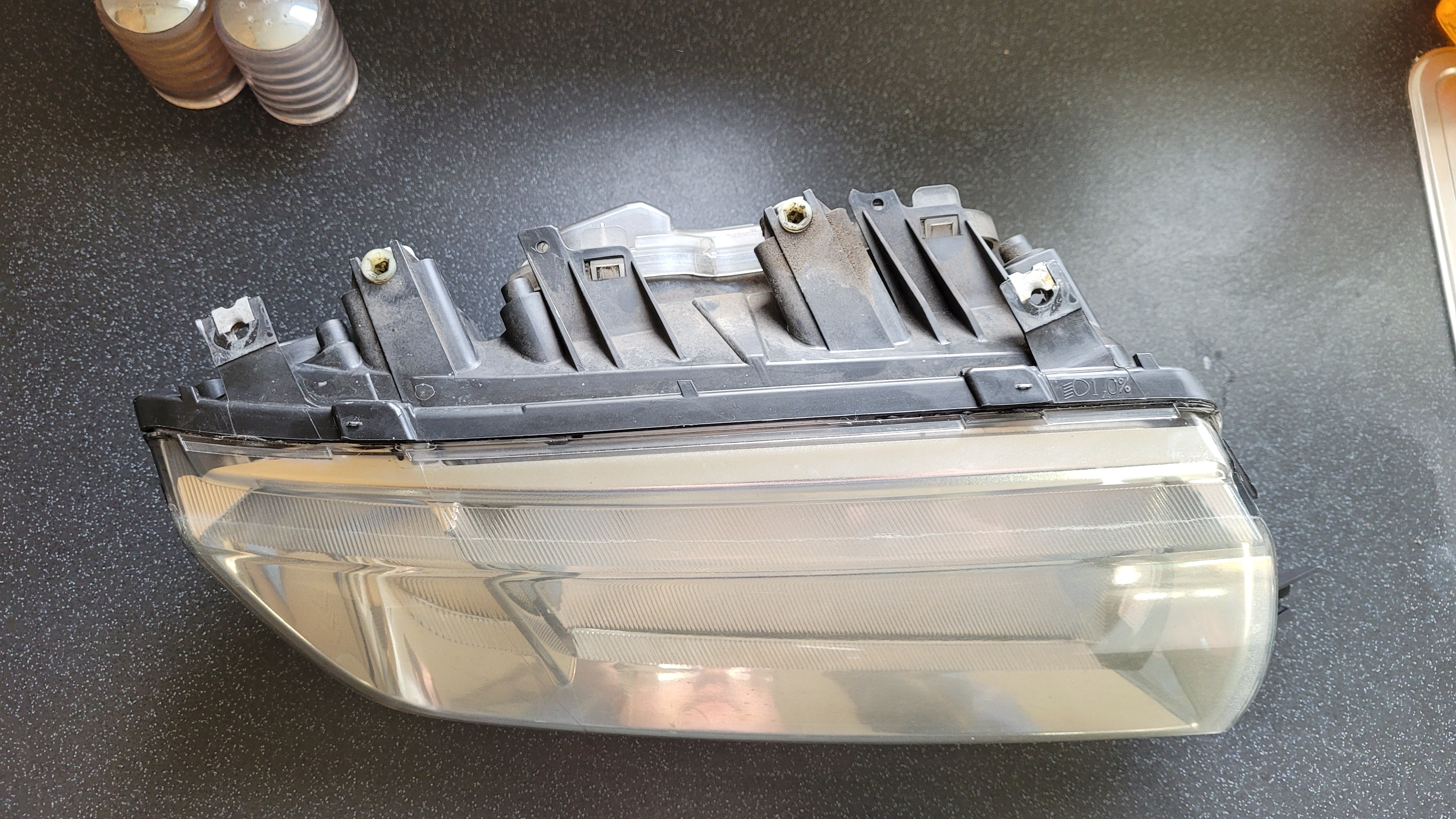
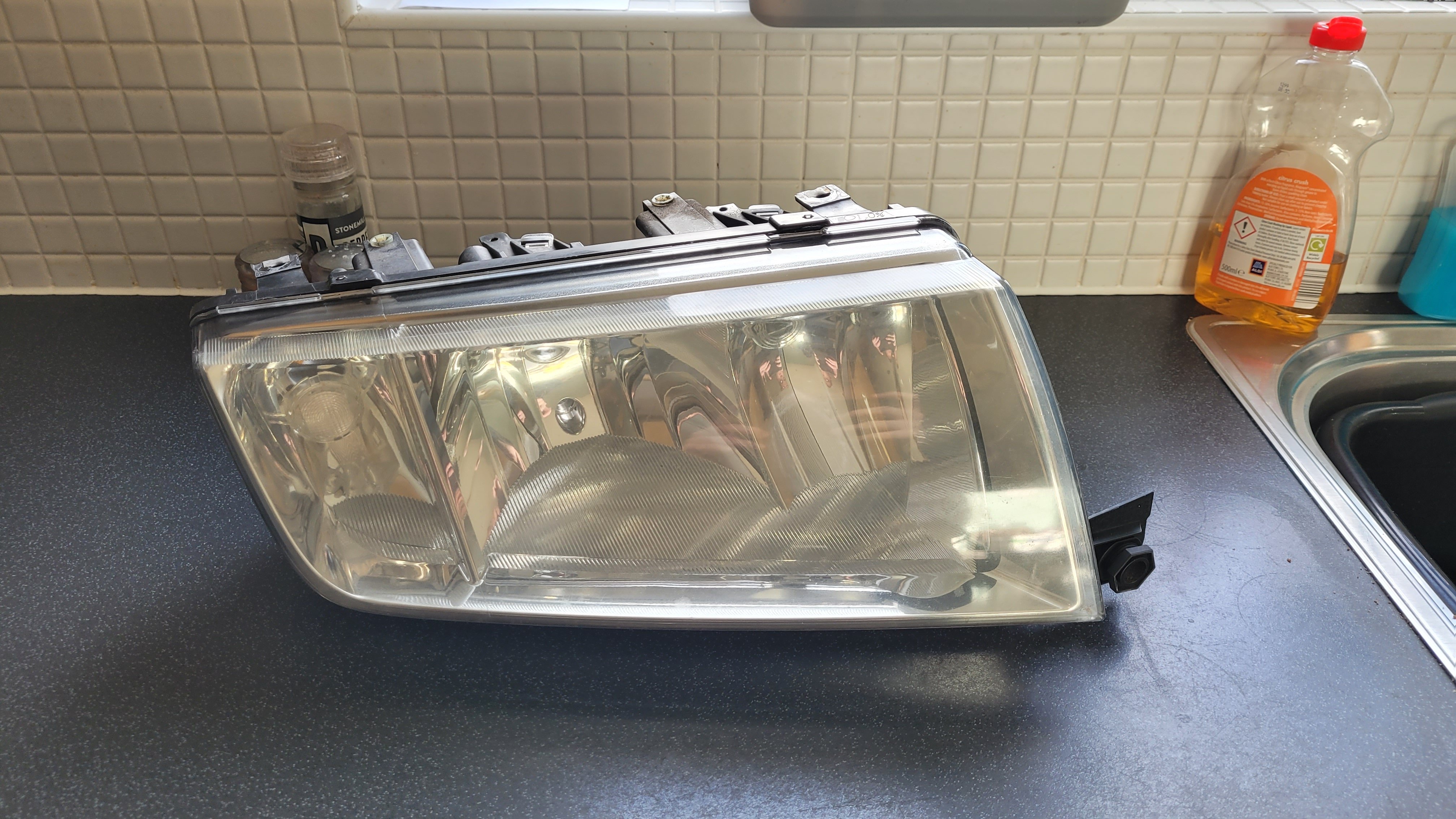
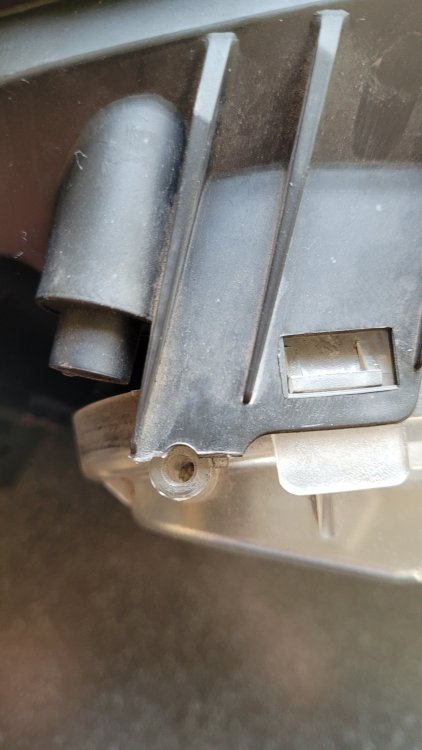
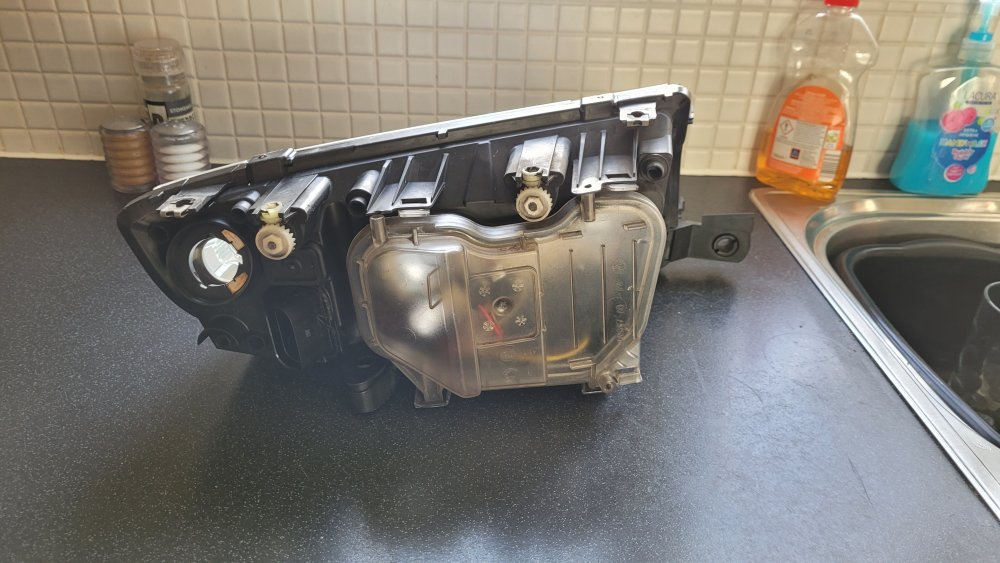
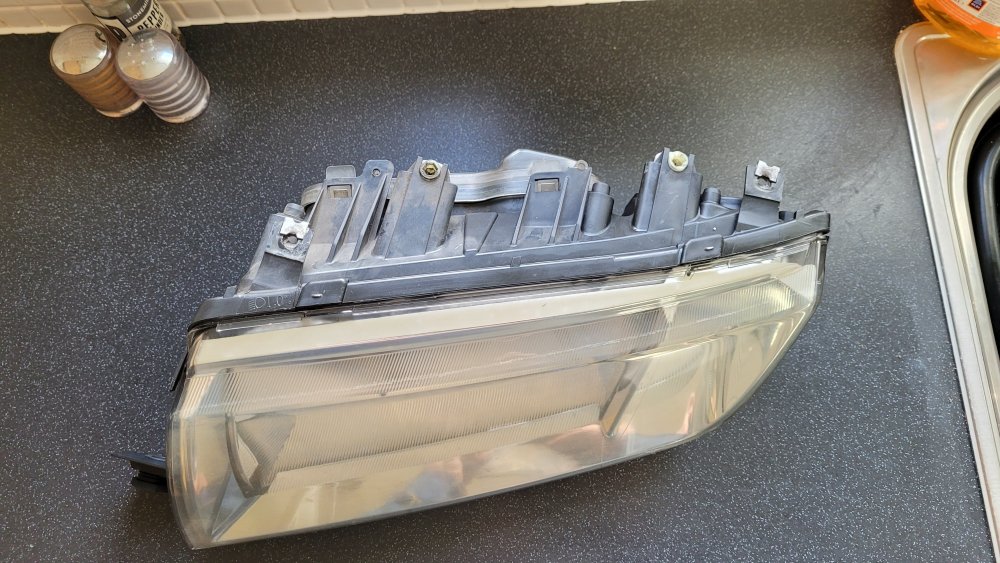
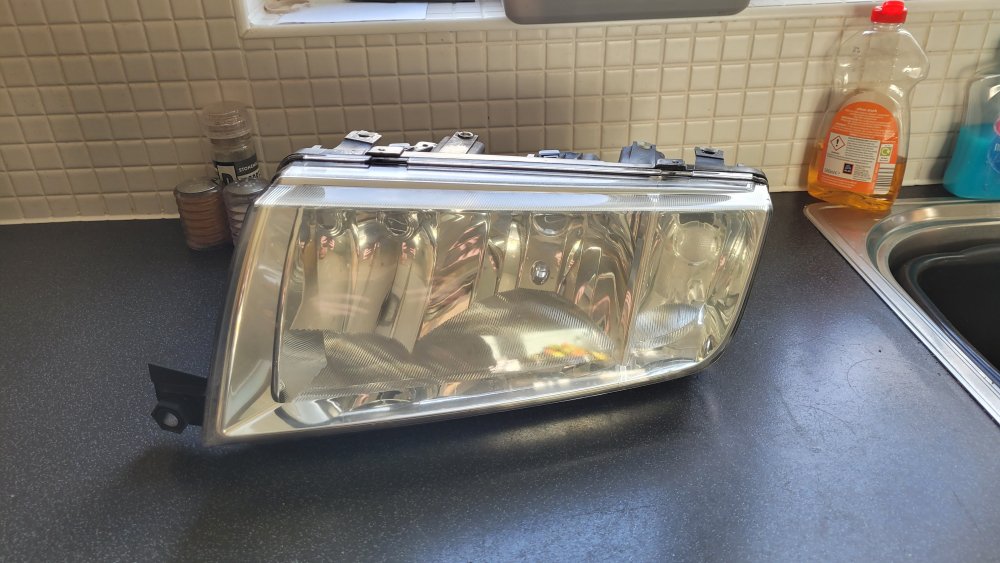
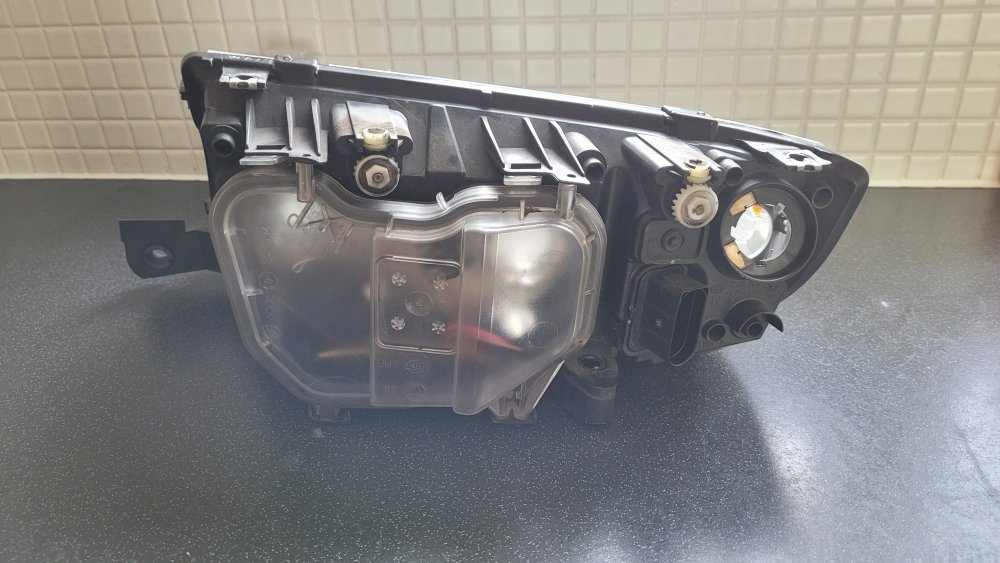
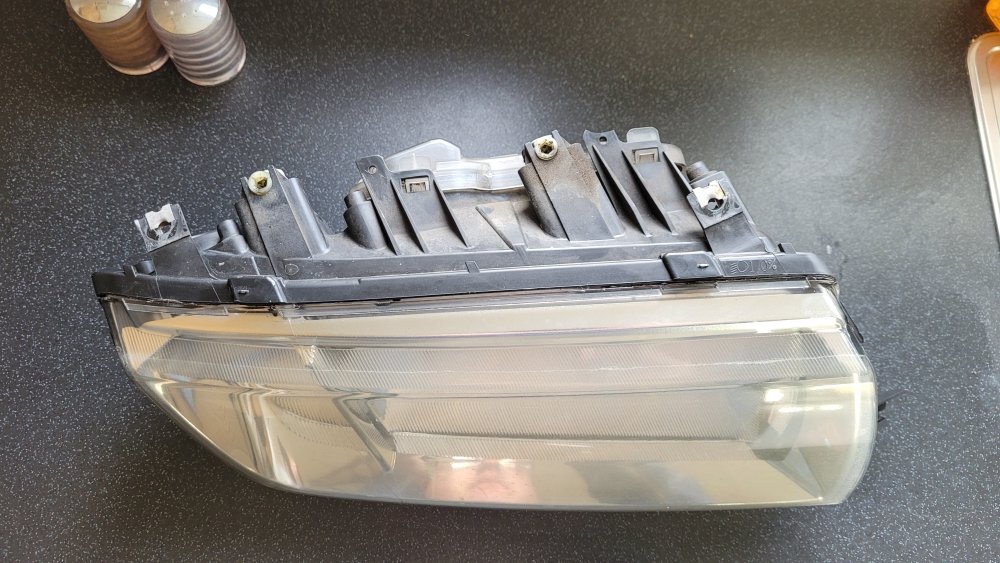
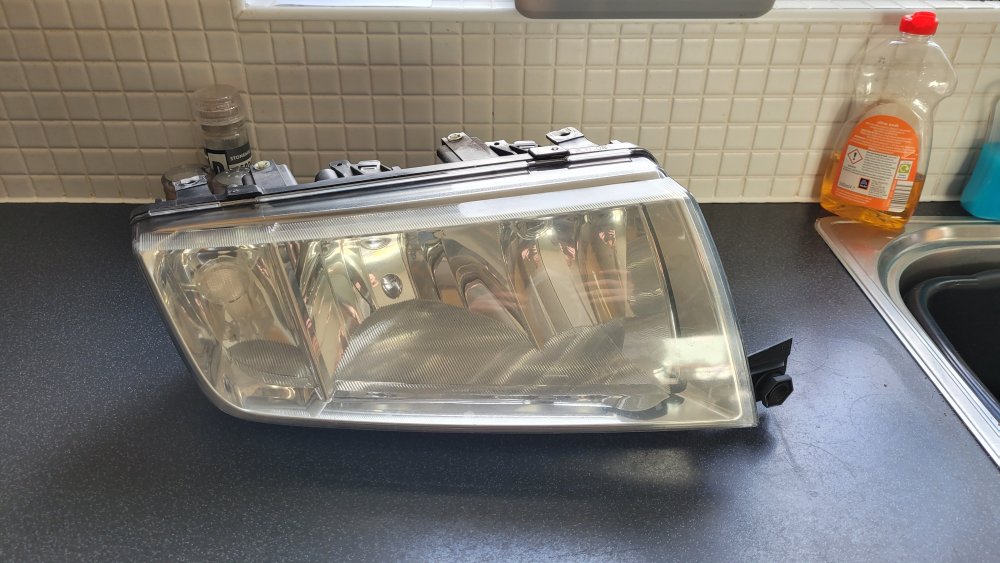
Make & Model: Skoda Fabia Mk1 Headlight Units Price: £15.00 per unit, or £25.00 for the pair. Description: Headlights are from my 2006 Fabia. They have, of course, been on the car since new presumably. As such, they have yellowed somewhat but are better than most from Fabia's since they were sanded back. These are cheaper than your conventional "new" replacements, but are used. Both will need motors which you can take from your old units, along with bulb holders for the indicators, again from the old units. Either can also be found on eBay. Would be of use to someone seeking quick and cheap replacements. Really need these gone as soon as possible as they take up a lot of space, that I don't really have. Condition: Used. One is missing a little screw-thread type tab but it is not one of the ones used to secure the lights to the frame of the car. Shipping: £5.30 a unit on top of the sale price, don't blame me, blame RM. Sent RM (Royal Mail) 2nd Class Large Parcel. Personal delivery by myself can be arranged within 35 miles (excluding Glasgow) in exchange for some cider tokens or petroleum funding. Collection: Collection from KA6 can be arranged. This is the cracked tab on the passenger side headlight, see centre of below photograph. It does not affect the structural integrity of the headlight housing as far as I am aware. All inquiries can be made here but should turn to private messaging beyond general questions.
-
It's a striking colour, really stands out in the sea of white, silver, and black cars. Plus that build is really a one of a kind, so it's definitely something special.
-
Glad to see you're enjoying Trev's motor then.
-
I did the same, mine were from eBay. I was going to get one of those "hot glue dent pullers" from Amazon. It was @jars who recommended them to me, so he may be able to provide some information on them. The 1.4 16v would be nice for me too. Personally, I wouldn't mind a diesel though. The 1.4 8v does seem like the best for the DIY mechanic, at least compared to the technical level of the other engines from the range.
-
Still a nice little bit of kit though. My Fabia started on steels like yours. I must say, I quite like a Cayenne coloured Fabia.
-
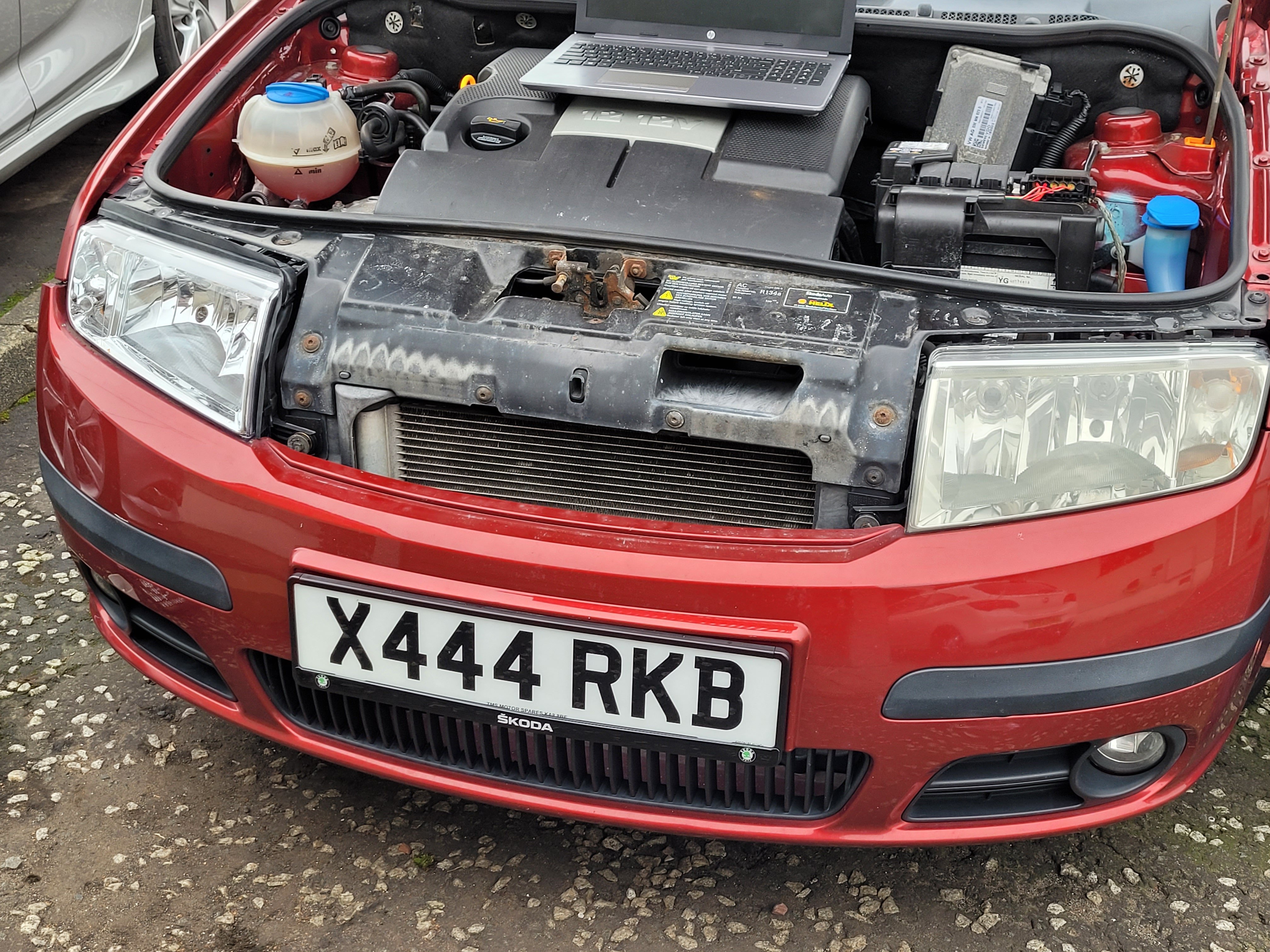
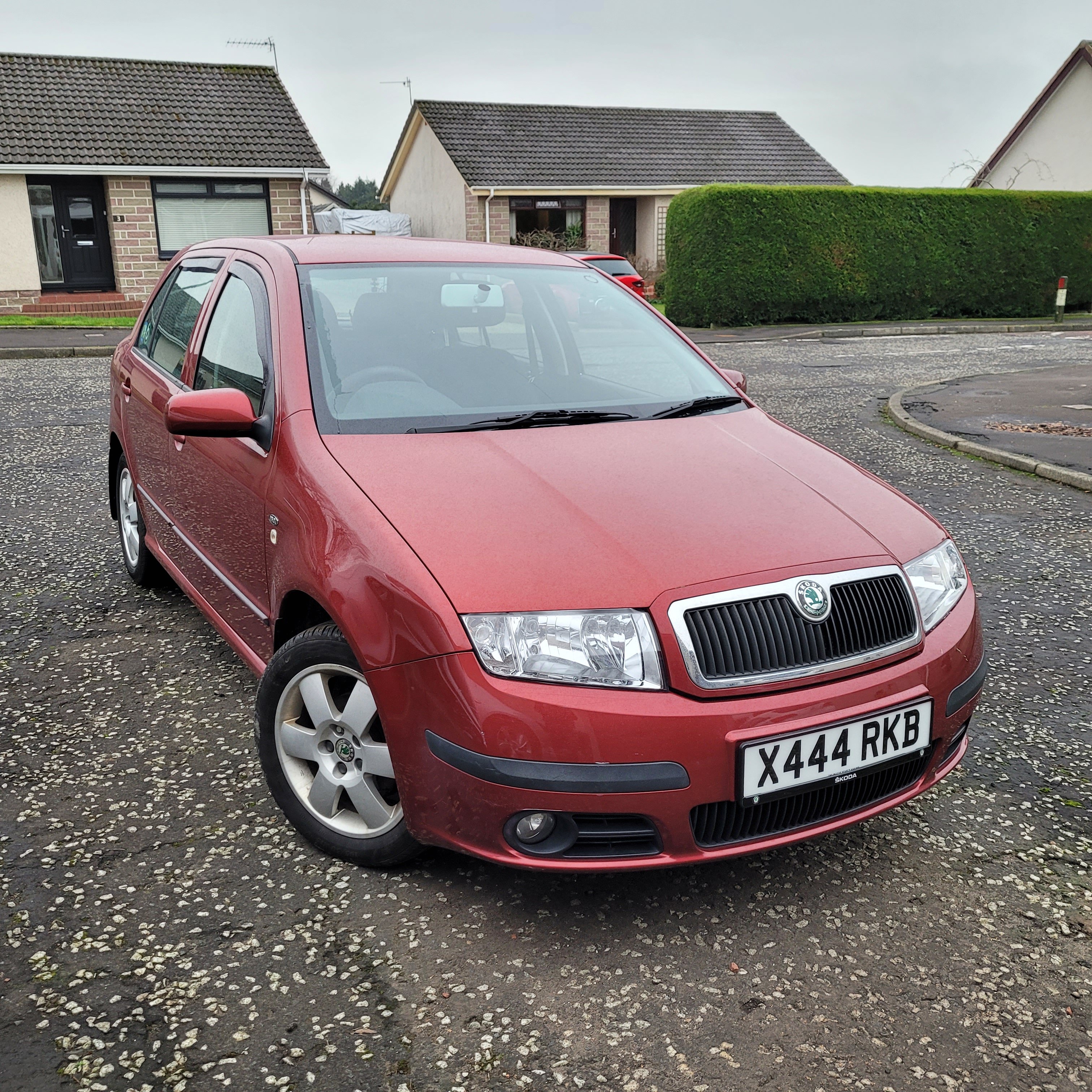
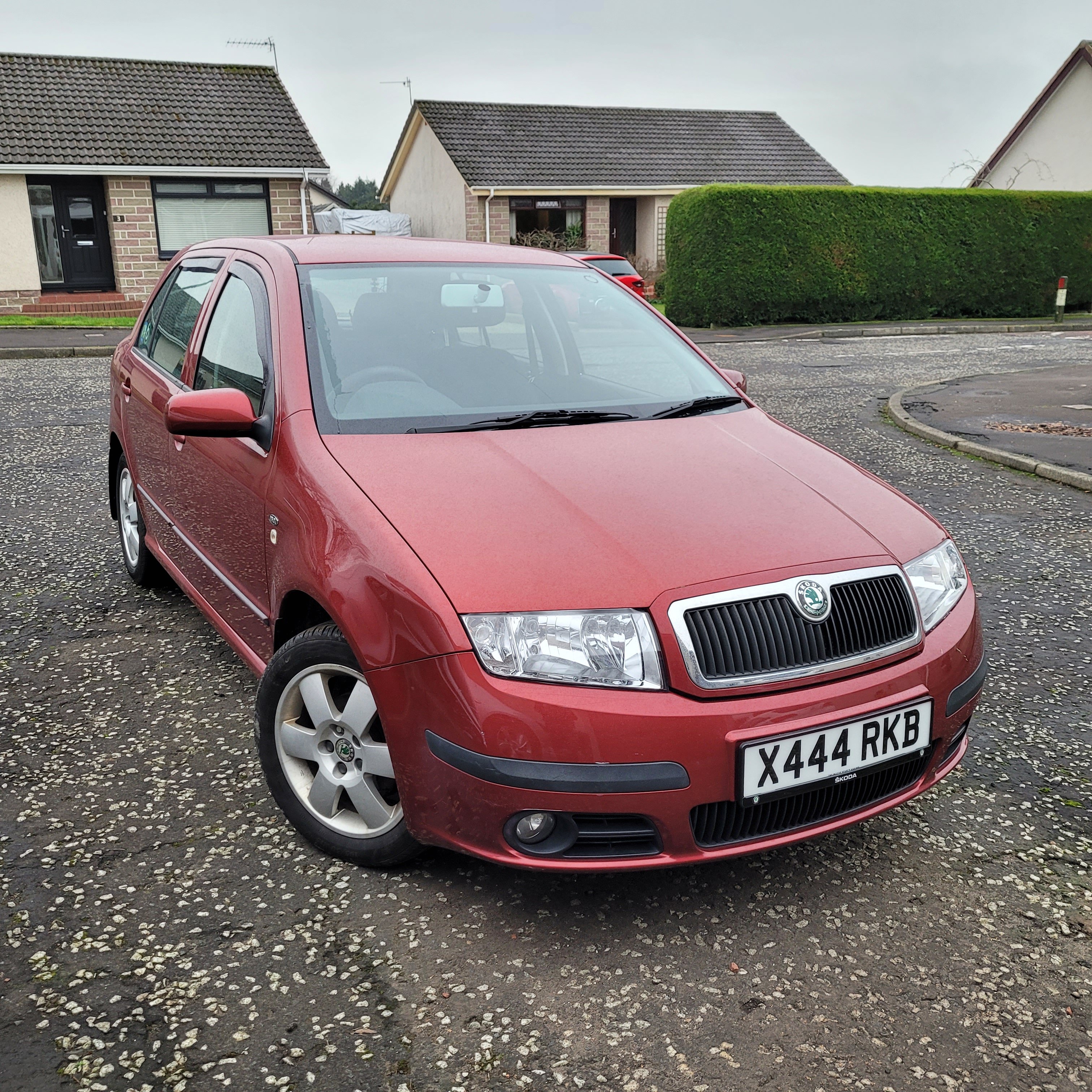
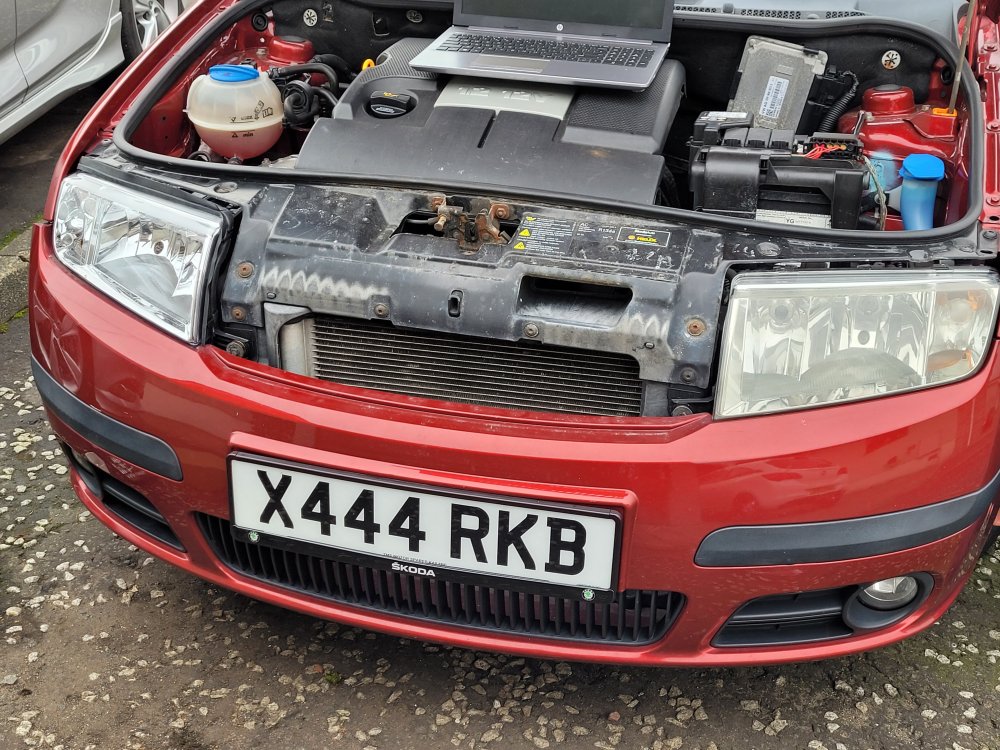
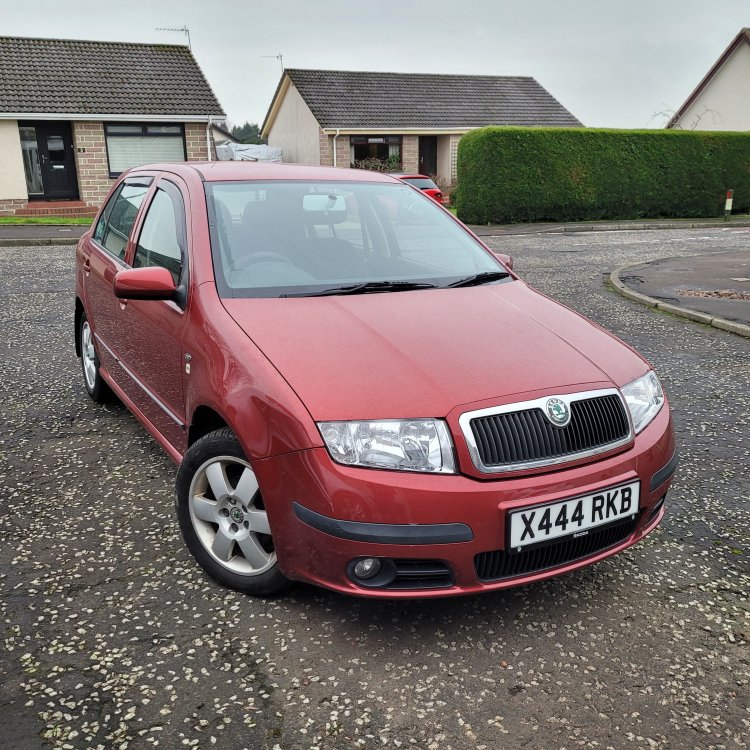
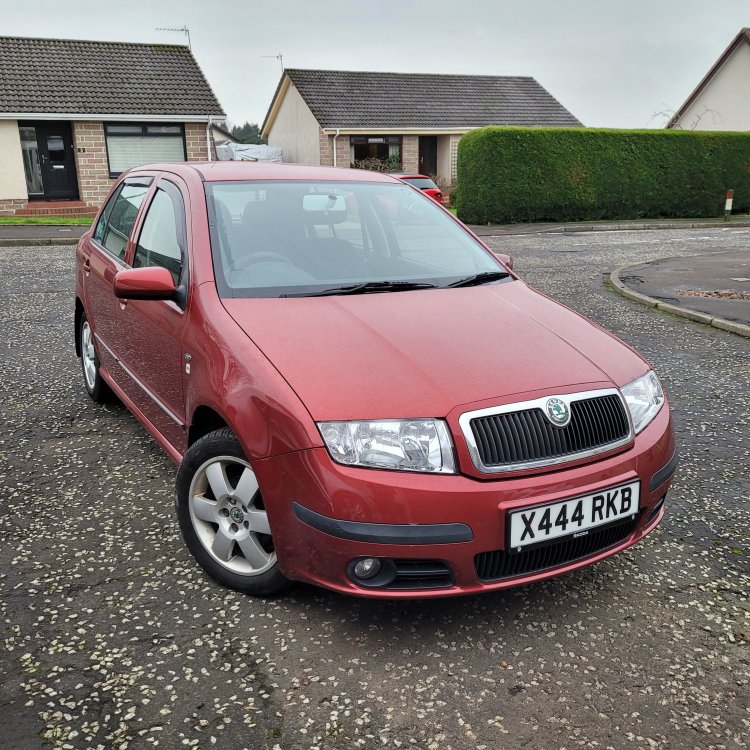
So there was a thread in the Mk1 Fabia section relating to headlight unit replacements that I may have accidentally hijacked... ANYWAY, I bought these from CarParts4Less or whatever it's called. They're basically a division of ECP (Euro Car Parts) and a wee while later these DEPO branded ones arrived. Hopefully this should be it until the end of the wee thing's life. The bumper was also refitted a lot better, making sure panels were flush and gaps consistent. The before and after is pretty shocking as well, even with one of them polished back.
-
Got my mitts on some Depo headlight units from ECP.
-
You'll need the VCDS owners map from this thread. Hope this helps.
-
Thanks Mike, there's no rush to get it running.
-
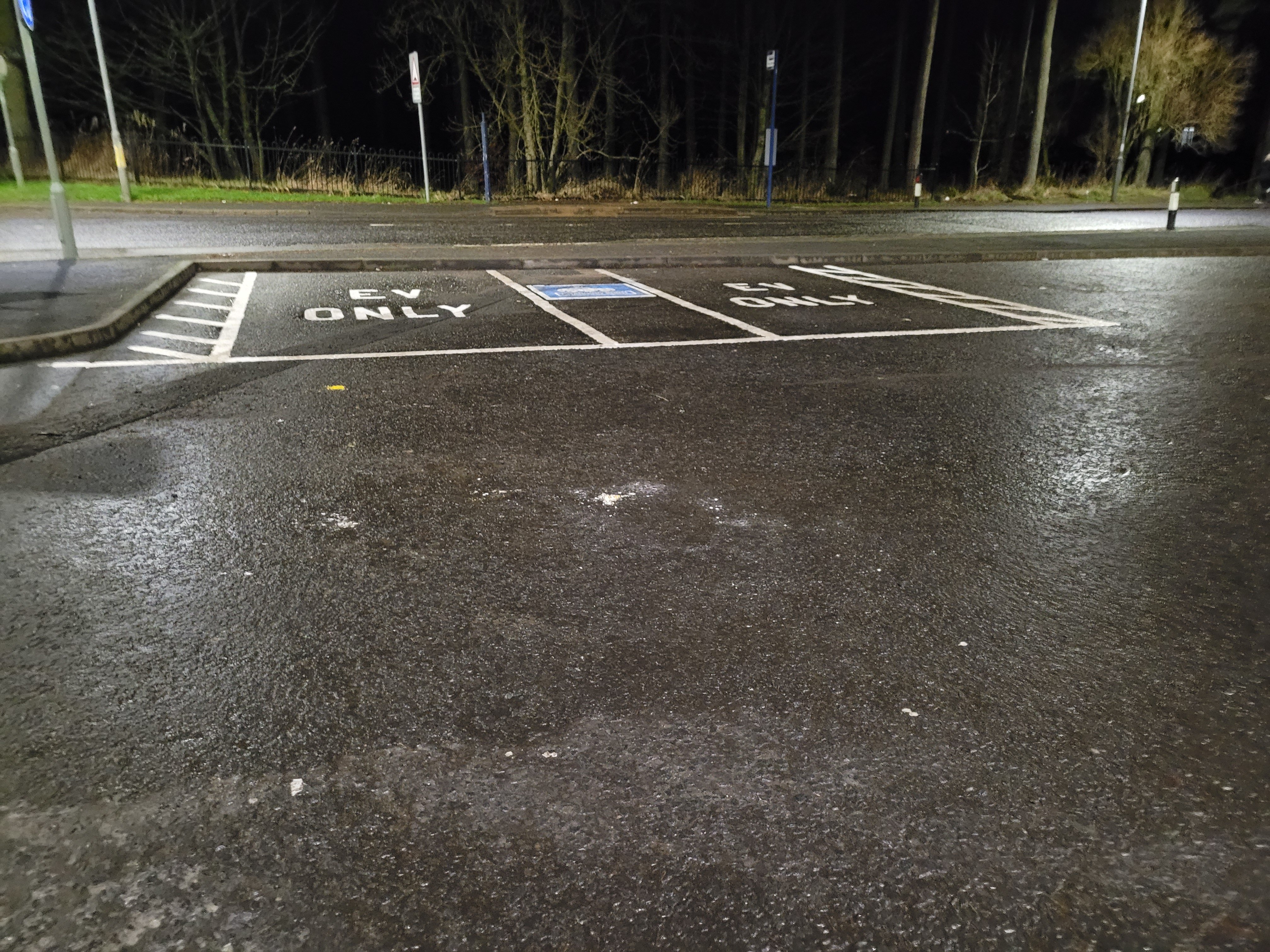
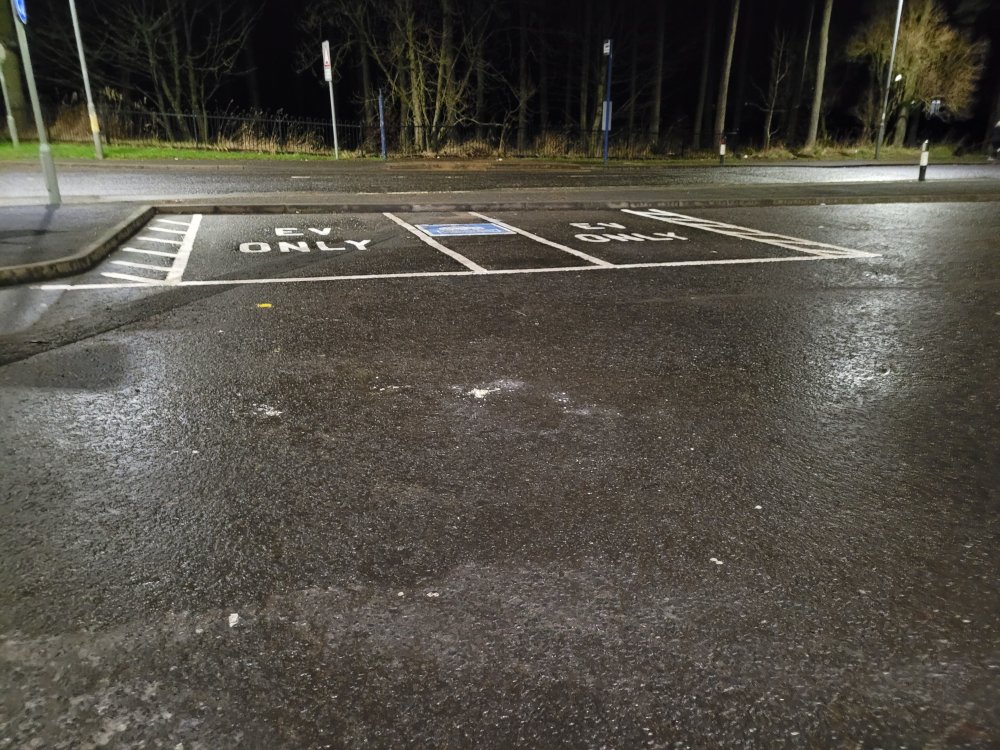
Snapped this last night when I was going to pick up our Chinese takeaway order. They haven't installed the chargers yet so when you arrive you'll have to just pretend it's charging your car.
-
Thanks for all the help guys. I really appreciate it.