Cairus
Members
-
Joined
-
Last visited
Everything posted by Cairus
-
-
If you don't share an auto scan here and say how some of your retrofits were coded and what doesn't work, nobody can give you serious information
-
wrong coding, assuming the Virtual Cockpit firmware supports it from the Kamiq platform... a polite note, Karoq questions do not belong in a Superb topic
-
-
It is allowed
-
If you Change Settings by the light, you have To do a Reset in the Main Settings of this ",Modul," in This examble, light,what you have Change
-
Misunderstood... Have you connected the switch yet? Coded it in the BCM?
-
Which module? If you had read the text carefully, you wouldn't have had to ask this point.
-
This is normal... You can do nothing
-
Every 2Q camera have SwaP Protection by TSR. Patch IT with the Dataset
-
You mean FW480?
-
You have unit A5. You can Code the Lane Assist
-
Child safety lock activated on the driver's side keypad?
-
-
-
-
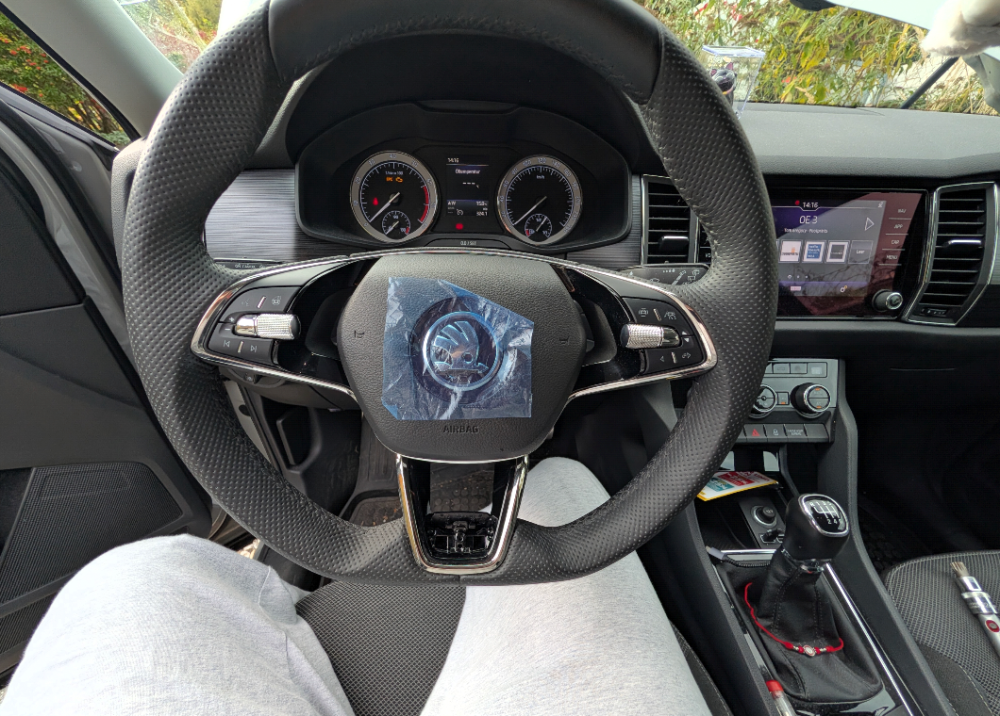
@Bap33 Take the Position of the Jack Pads We have now the New Generation:
-
-
-
-
-
-
-
You've already released the safety lock on the plug, right?
-
Fw 0253T https://mega.nz/#P!AgEDeRWdGttRAsXCXNEvOYEm17bDYWmmCzT6PSQ-j8N-pb8V3EhGv0DeiL_wgPndDwA67vYcMJnYzgwns09MczzMVhqv0hy801-YQ74oYN-C2_fJM3WJuwxAafcWEp8FrbTCBOUC9FI