Skip to content

Cairus

Members
  • Joined

  • Last visited

Everything posted by Cairus

  1. Yes, you need Calibration Error Log is The "No Basic" Error?
  2. IT Dont Work with EU Firmware and HW
  3. Cairus replied to a post in a topic in Škoda Kamiq
    Correct, only ACC hold the Speed Downhill
  4. Now i unterstand... This is normaly an Audi Feature, but try this: Unit 13 Coding Operation_moden From Mode 1 Change To 2 The Change is 10km/h step To 1km/h
  5. I think I misunderstood it at the beginning. You can set the speed in 10km/h or 1km/h on the ACC lever.
  6. No warrenty: Byte 21 Bit 0-1 pACC_Regulation_on_priority (on off) Bit 2-3 pACC_Reaction_to_end_of_traffic_jam (with or without speed adaptation) Bit 4-5 pACC_Learning_to_drivers_offset (on off) Bit 6-7 pACC_Reaction_to_narrow_places (dynamic_obstables, static and dynamic, off)
  7. A thank you for the post would be a nice gesture ☺️
  8. When you buy the unit from the same Car, normaly you dont need an Dataset
  9. A serious answer can only be obtained via a reasonable diagnostic tool and the error memory
  10. When the Car is SFD 1, you dont need Odis
  11. How do you come up with thousands of dollars? For example, a Golf 8 retrofit kit: I just found this on AliExpress: €1,320.45 | OEM for VW Golf 8 Passat B8 Rteon Tiguan TERAMONT Golf 7 ID4 ID6 DCC shock absorber/set https://a.aliexpress.com/_EHIH0gW
  12. https://www.oemvwshop.com/3v0951523-whs-pushbutton-for-tiptronic-satin-black-white-p286746/?sti=8398743
  13. You mean this: 3V0.951.523 / 3V0 951 523 / 3V0951523
  14. following: unit 13, unlock SFD, Coding, CC To active........ Control unit 17, unlock SFD, adaptation, display longitudinal control coordinator, CC active...... Attention, both depend on HW and SW
  15. CC ACC and pACC is SwaP Protection Or did you mean CC in Unit 13
  16. You have Odis? Vcp or VC Tool? GeKo for CP?
  17. Let's not forget the technical aspects. The facelift model has the significantly better control unit generation
  18. IT dont Work at this Car year
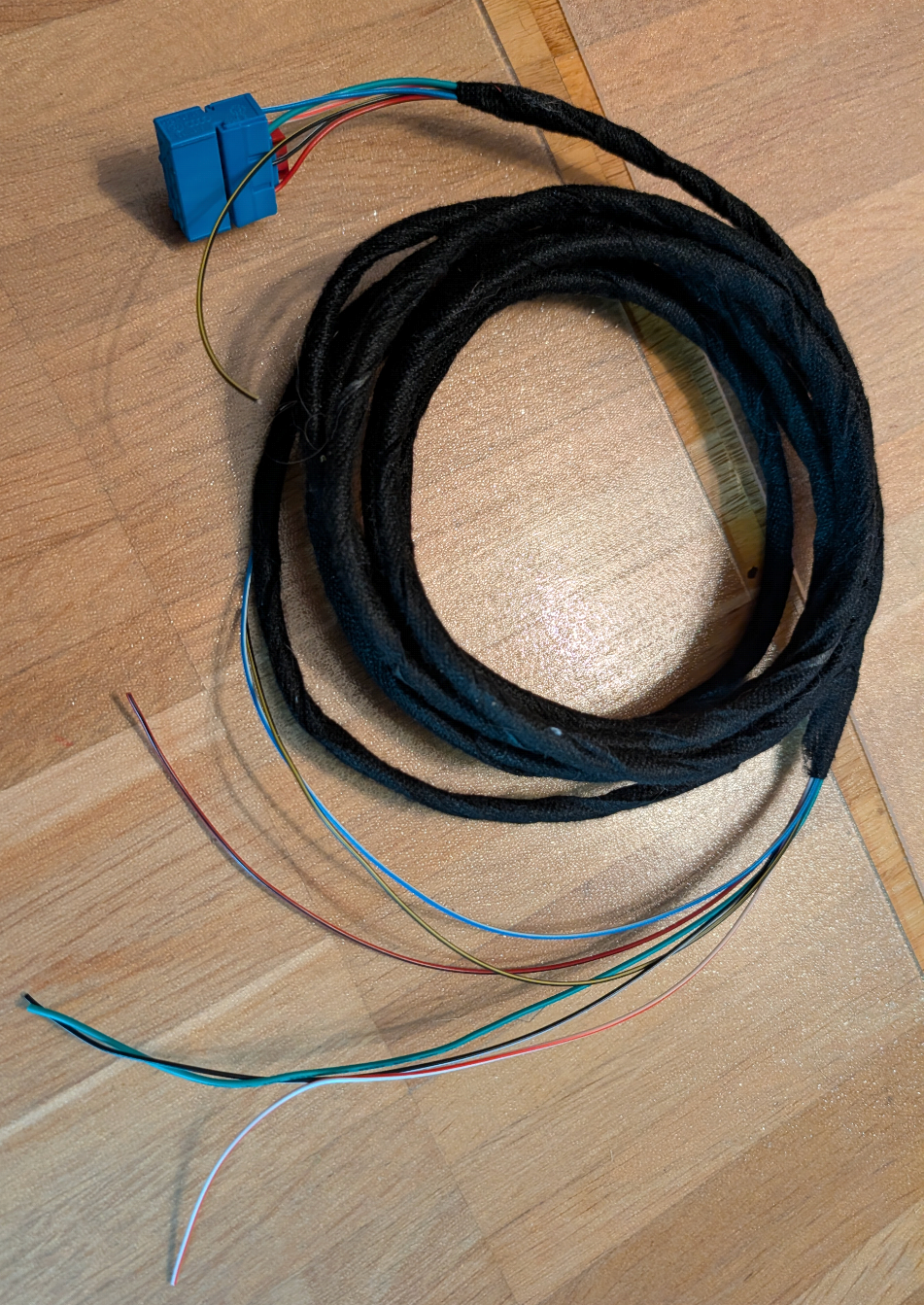
  19. So, today the conversion was technically completed. 🥳 The rear axle sensor was installed, wired, and connected.

Important Information

Welcome to BRISKODA. Please note the following important links Terms of Use. We have a comprehensive Privacy Policy. We have placed cookies on your device to help make this website better. You can adjust your cookie settings, otherwise we'll assume you're okay to continue.

Account

Navigation

Configure browser push notifications

Chrome (Android)
  1. Tap the lock icon next to the address bar.
  2. Tap Permissions → Notifications.
  3. Adjust your preference.
Chrome (Desktop)
  1. Click the padlock icon in the address bar.
  2. Select Site settings.
  3. Find Notifications and adjust your preference.