Skip to content

Cairus

Members
  • Joined

  • Last visited

Everything posted by Cairus

  1. You also Connect Can-Bus?
  2. Much too expensive. LHD for €370 each, OEM supplier Skoda, but without the Skoda logo.
  3. You dont need vcds, when you have OBD 11 Pro
  4. Copy it to an SD card, directly in the root directory, i.e., at the top of the screen. Then open the service menu, press the setup button until a menu opens, and then click on update. The rest should be self-explanatory.
  5. The View button on "analog speedometer, Maxi dot" only switches between the last selected Maxi dot image and the current one
  6. With and without LED Control unit. Ans wich Index for LED unit and Unit 4B
  7. What exactly is the voice saying? I don't understand the text exactly
  8. What say the Lady exactly?
  9. I think that's not meant to be malicious, you're thinking too much
  10. You need Meta. Yes you can brick the device
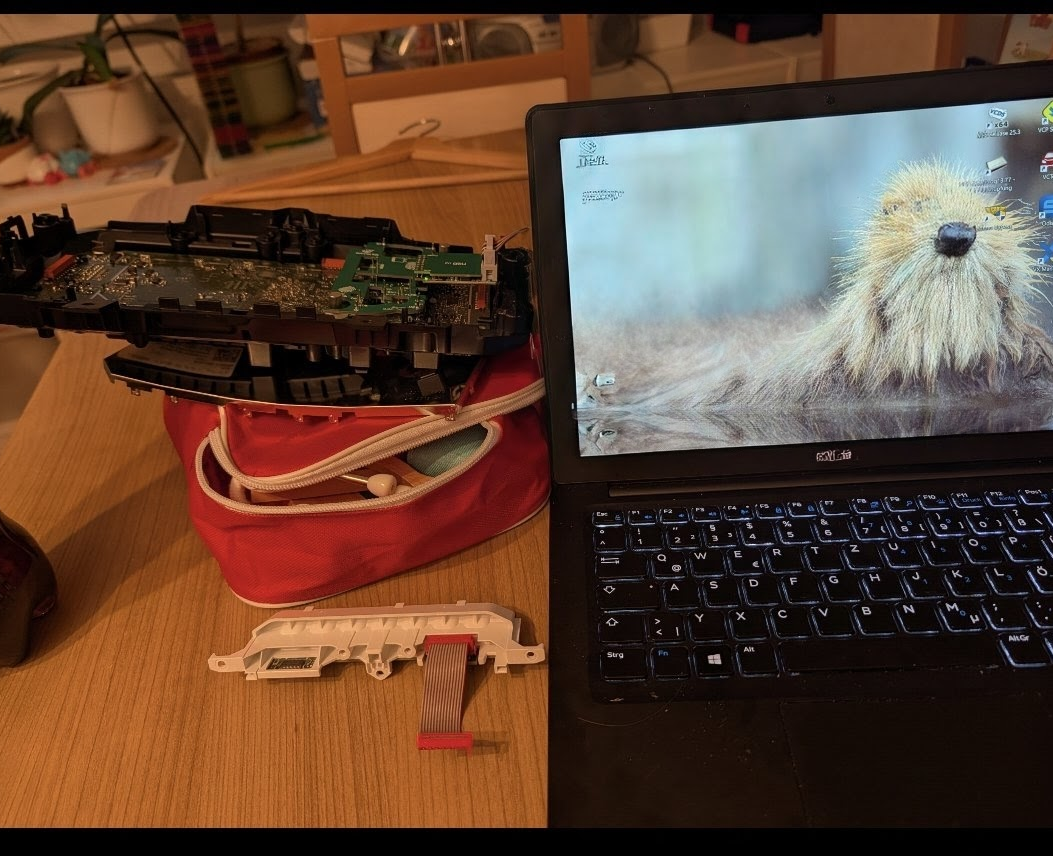
  11. You can't buy courage and stupidity. VC as a real estate master, as a reminder. My own VC is on the table because of the full backup. Furthermore, the mileage has finally been corrected on my own VC. I had a Karoq/Kodiaq VC lying around, which is now a copy of mine. 😅
  12. Bluetooth have notthing to do with Skoda Connect
  13. Bluetooth is SwaP/FeC Something Strange...
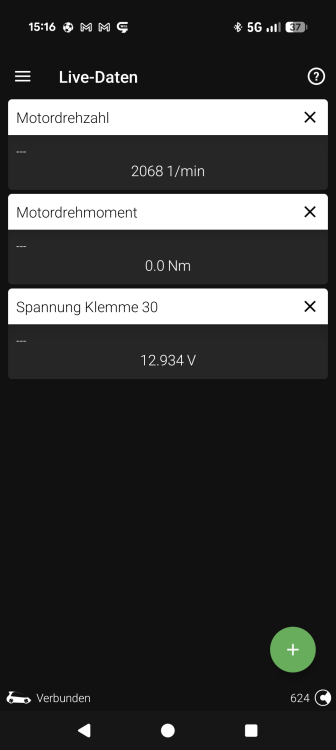
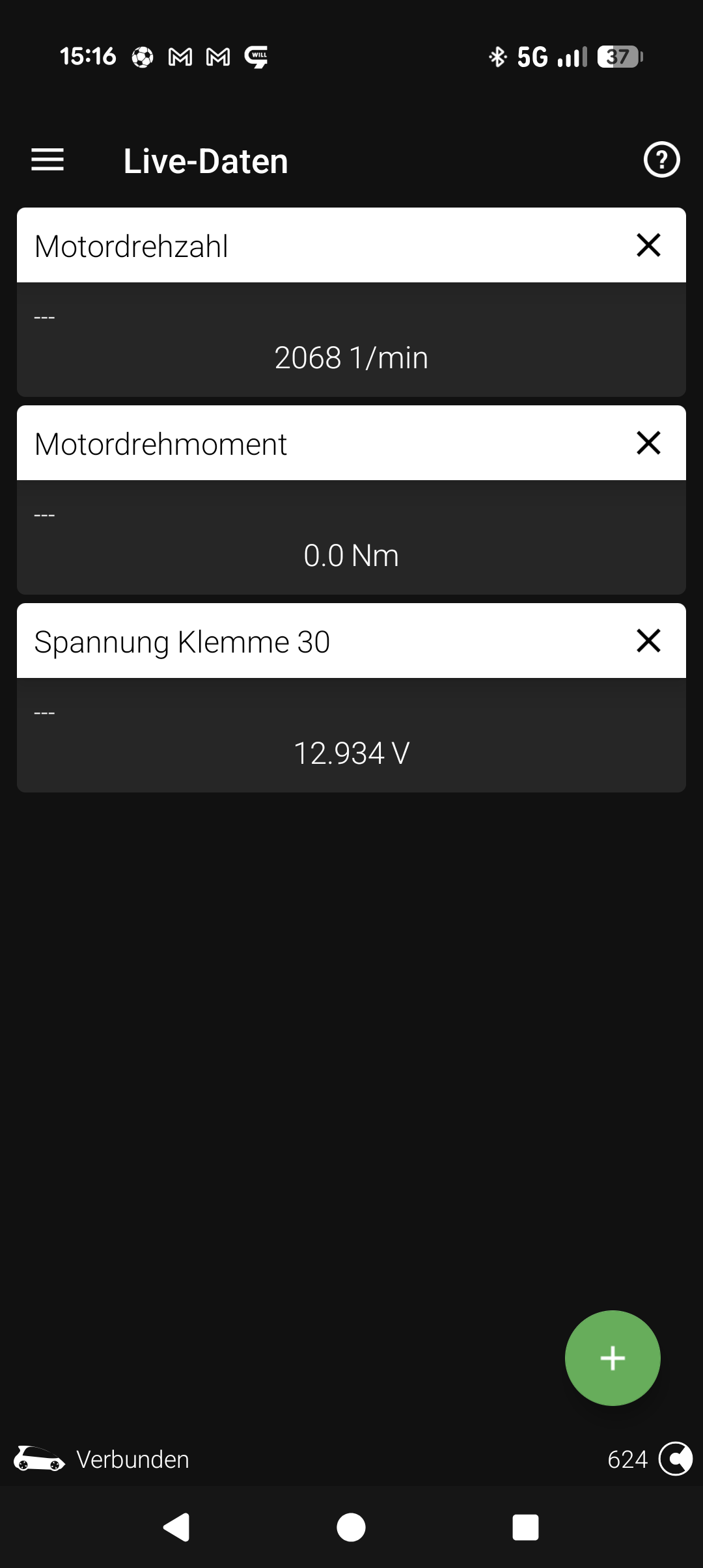
  14. How ist the battery voltage by Start the engine?
  15. The first 20-30 seconds have nothing to do with a functional test. The engine is cold, various systems are heating up, etc. the system provides full energy. EOL = End of Life
  16. Why would that happen? We have four MQB platform vehicles at home, including one without start-stop from Factory. None of the vehicles exceeds 14.6 to 14.8 volts after starting. this is normal. Or what you mean? The BMS dont Charge the Batterie every time. The BMS say via LIN when the Batterie is To Charge. When your Car have every time min 13,X Volt, your Batterie ist EOL Or you mean the "Fake" rekuperation?

Important Information

Welcome to BRISKODA. Please note the following important links Terms of Use. We have a comprehensive Privacy Policy. We have placed cookies on your device to help make this website better. You can adjust your cookie settings, otherwise we'll assume you're okay to continue.

Account

Navigation

Configure browser push notifications

Chrome (Android)
  1. Tap the lock icon next to the address bar.
  2. Tap Permissions → Notifications.
  3. Adjust your preference.
Chrome (Desktop)
  1. Click the padlock icon in the address bar.
  2. Select Site settings.
  3. Find Notifications and adjust your preference.