skoda1982
Members
-
Joined
-
Last visited
Everything posted by skoda1982
-
Set your front assist to LATE in settings stops what your experiencing like sudden warning/braking. You might be scolding the thumb wheel and it’s changing display temp oil
-
It’s anti hijack stops someone opening your door and nicking things off passenger seat or you’re boot you get more noise going over pot holes
-
I'm going to say it. You cannot update like that. Updates are done automatically Maps are done twice a year June and December and the cannot be backdated you need skoda connect up to date free or paid for if not you won't get any
-
Go to shop
-
Why would dealer say clean your sensor when you don't have acc sounds a fob off take it back
-
Updates might be only skoda know customer doesn't need to. Cruise have you got ACC (adaptive cruise control) only uses sensors. if not its manual you set the speed and decrease speed by the rocker switch on the end of left stalk it doesn't slow down if yo are getting close to a car you have to use the rocker or flick the switch ontop
-
Updates are done automatically
-
SEL just leave in AUTO set your temperature it does all your fan speeds for you
-
3 year warranty you can extend to 5 year. Skoda configurator to see and add options then you get a code to give your dealer AS FROM 1ST APRIL 2023 THERES A 3% INCREASE IN ALL PRICES
-
-
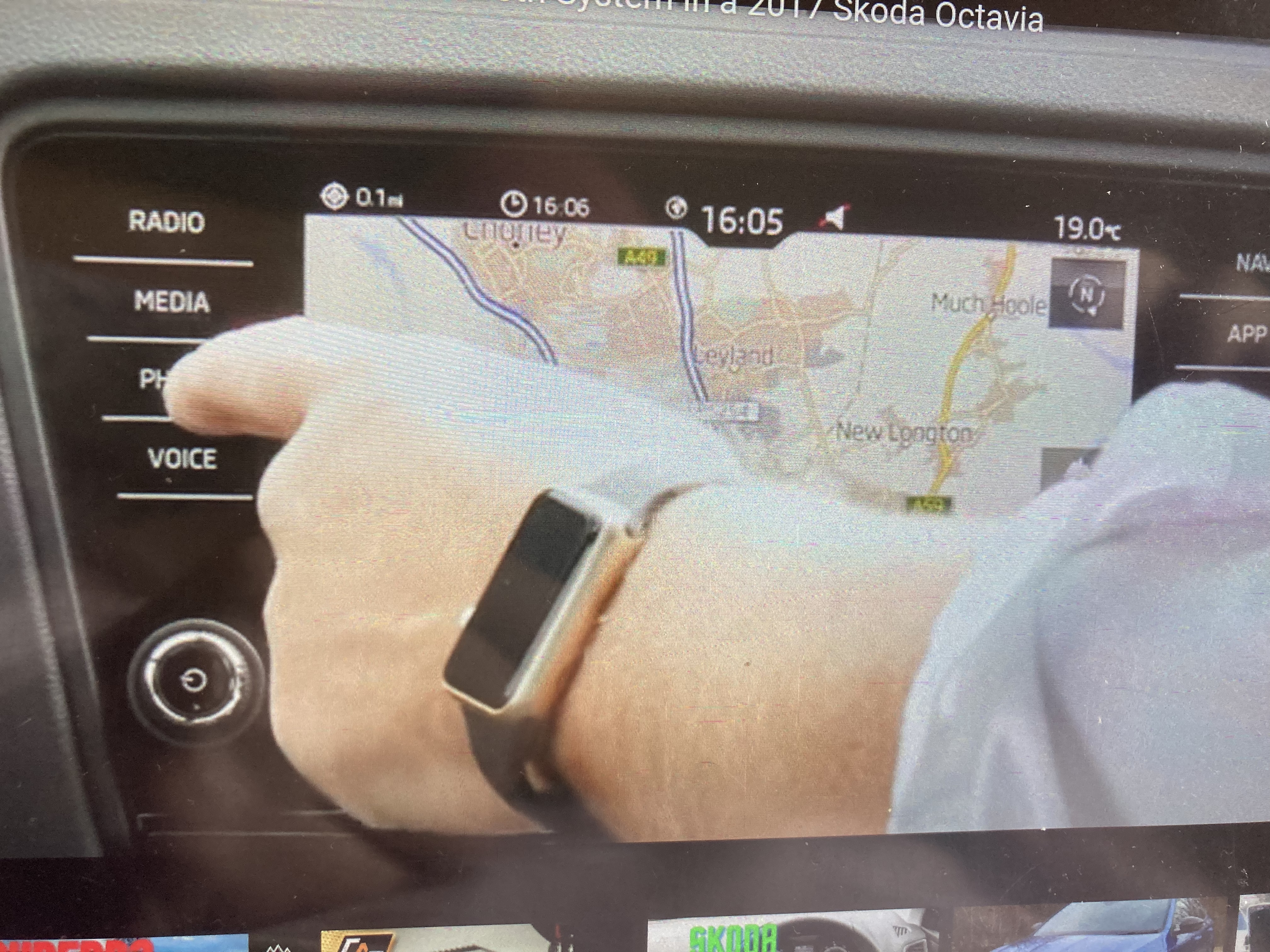
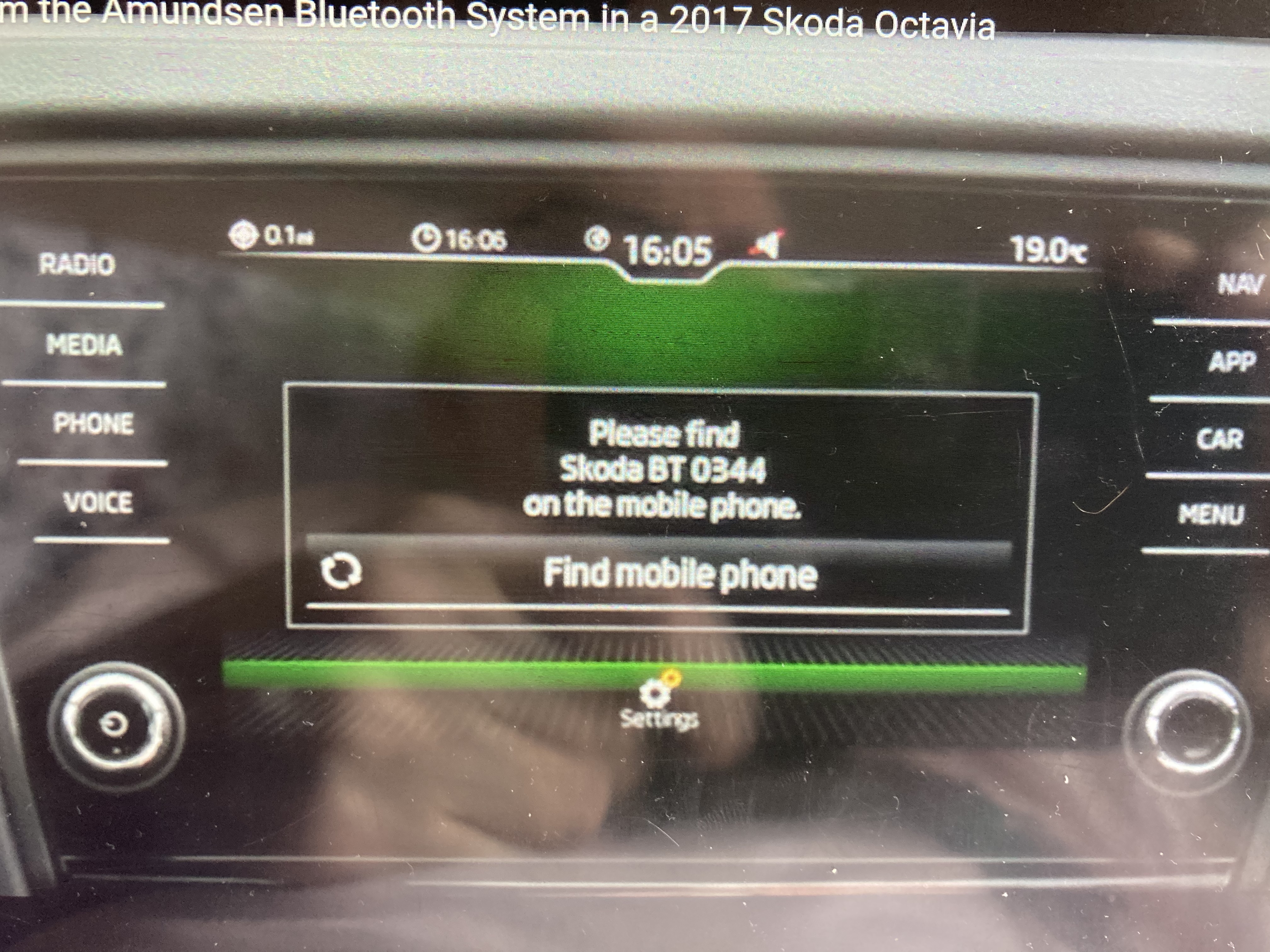
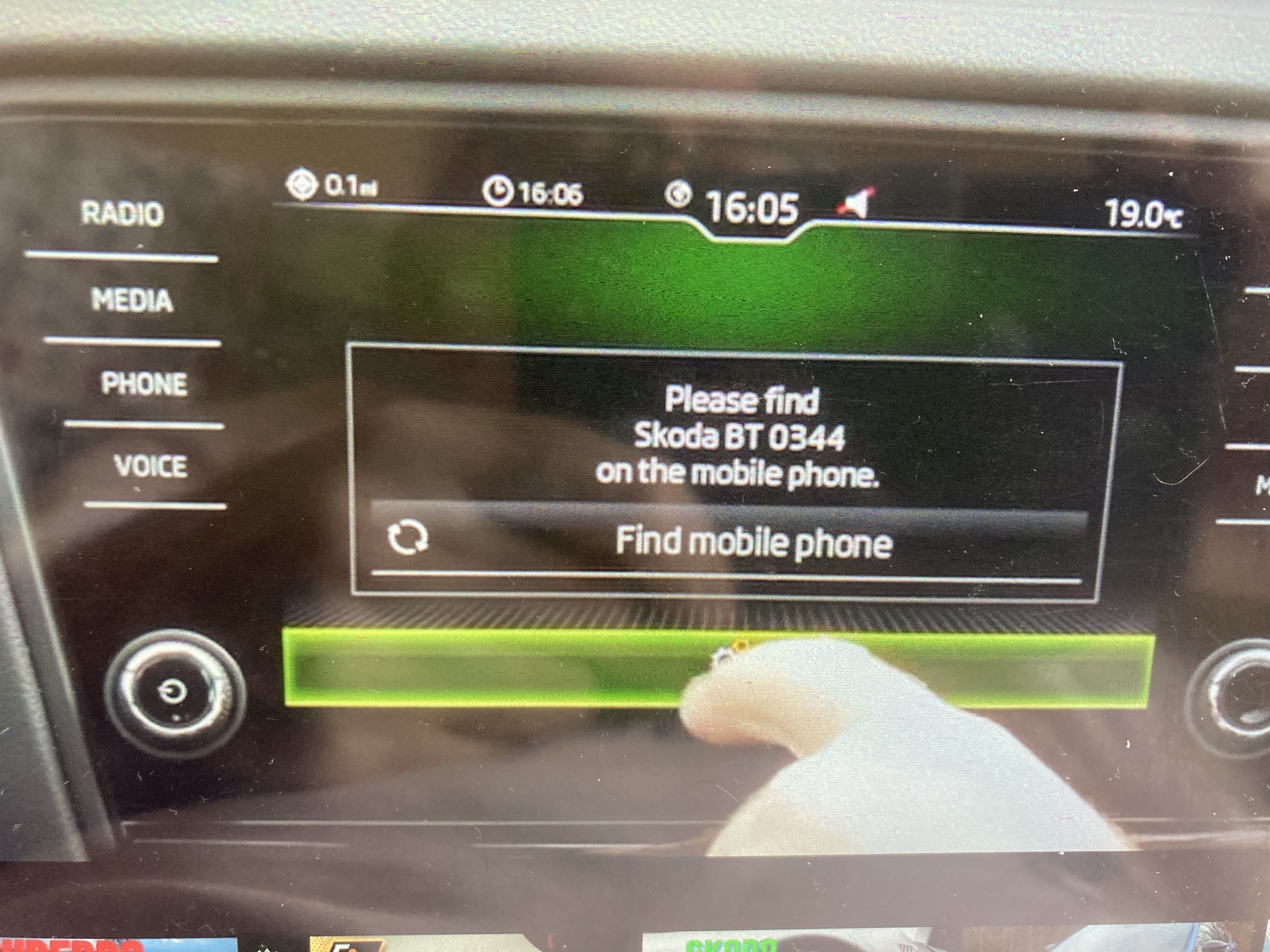
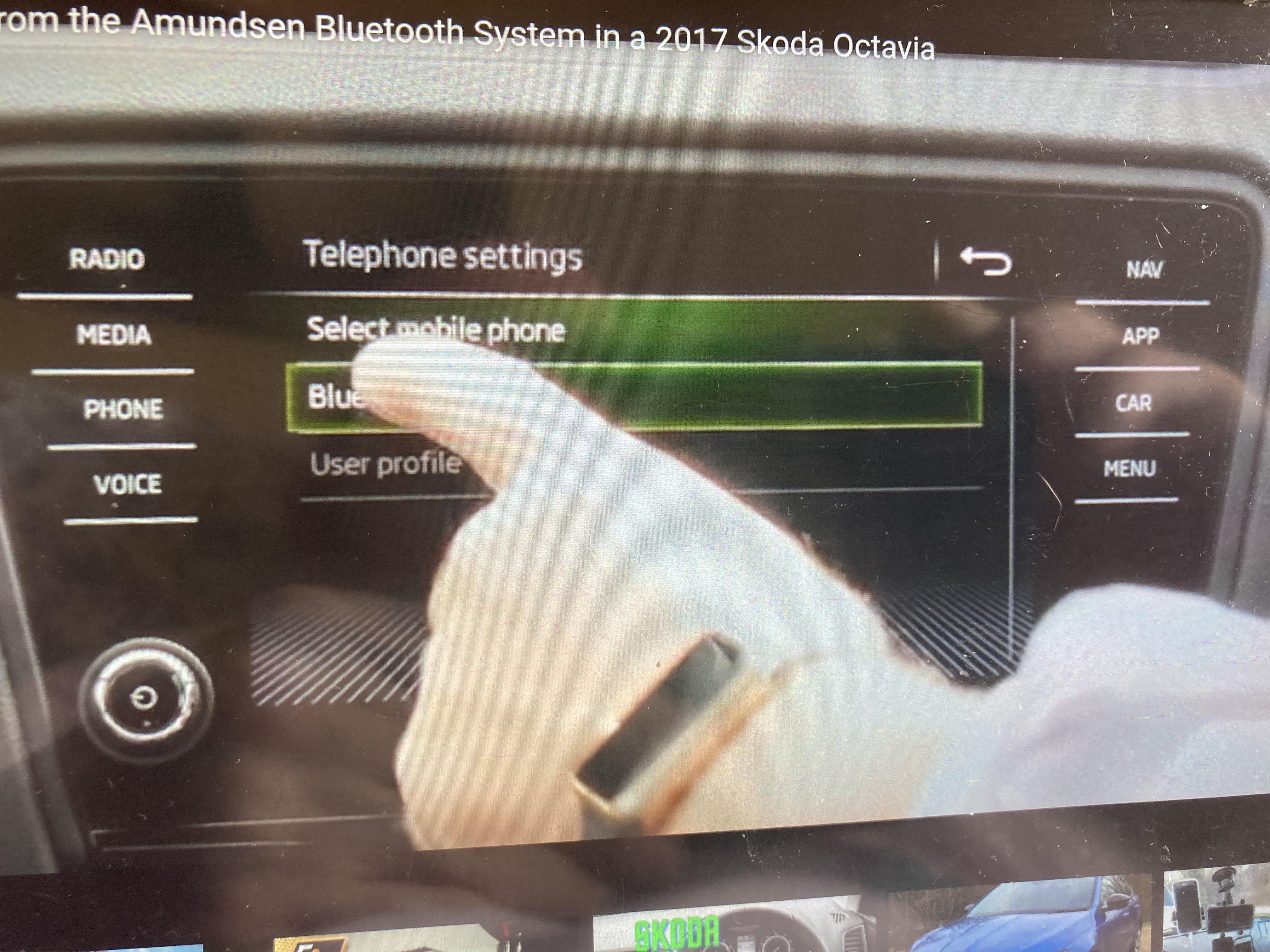
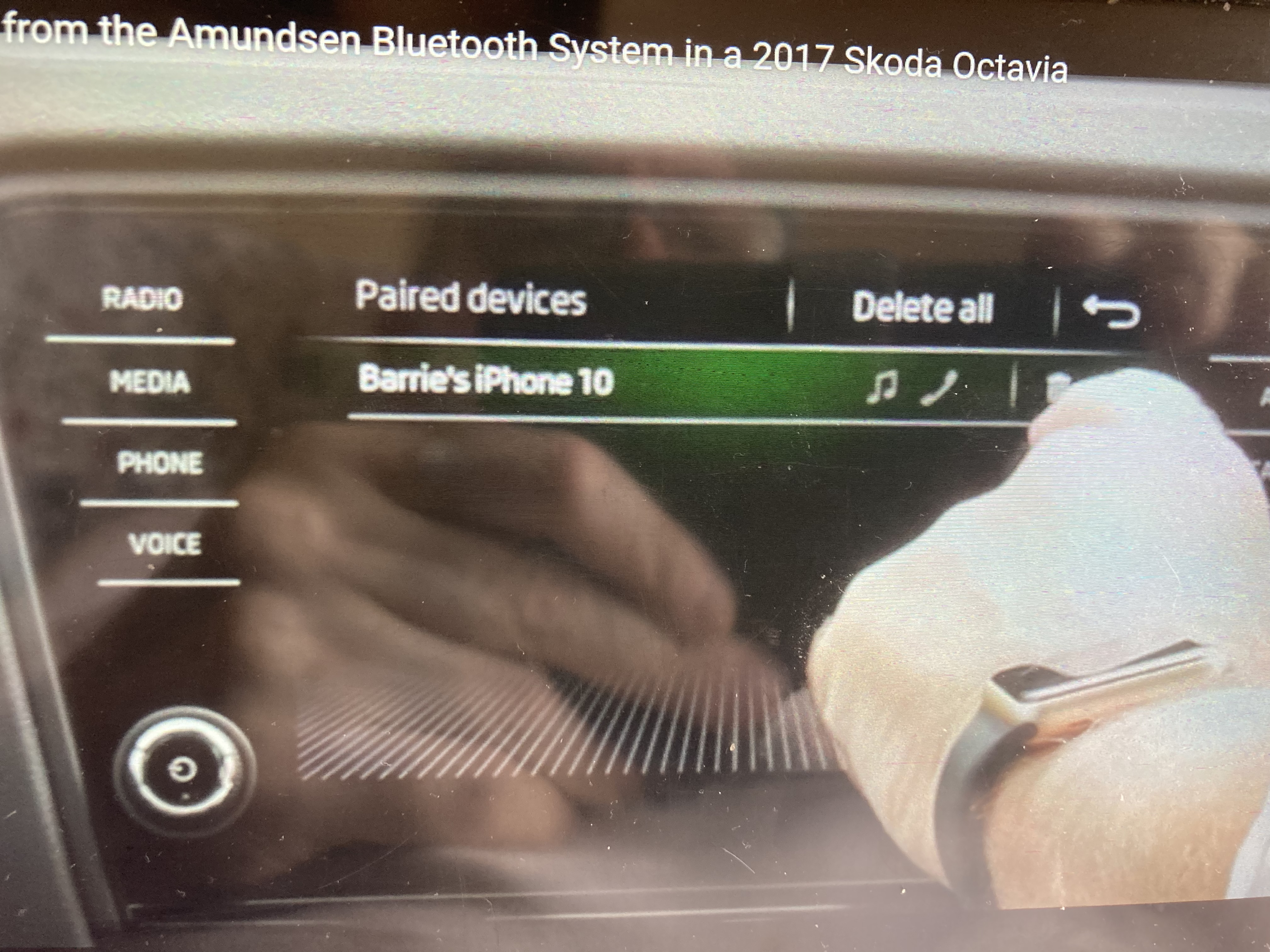
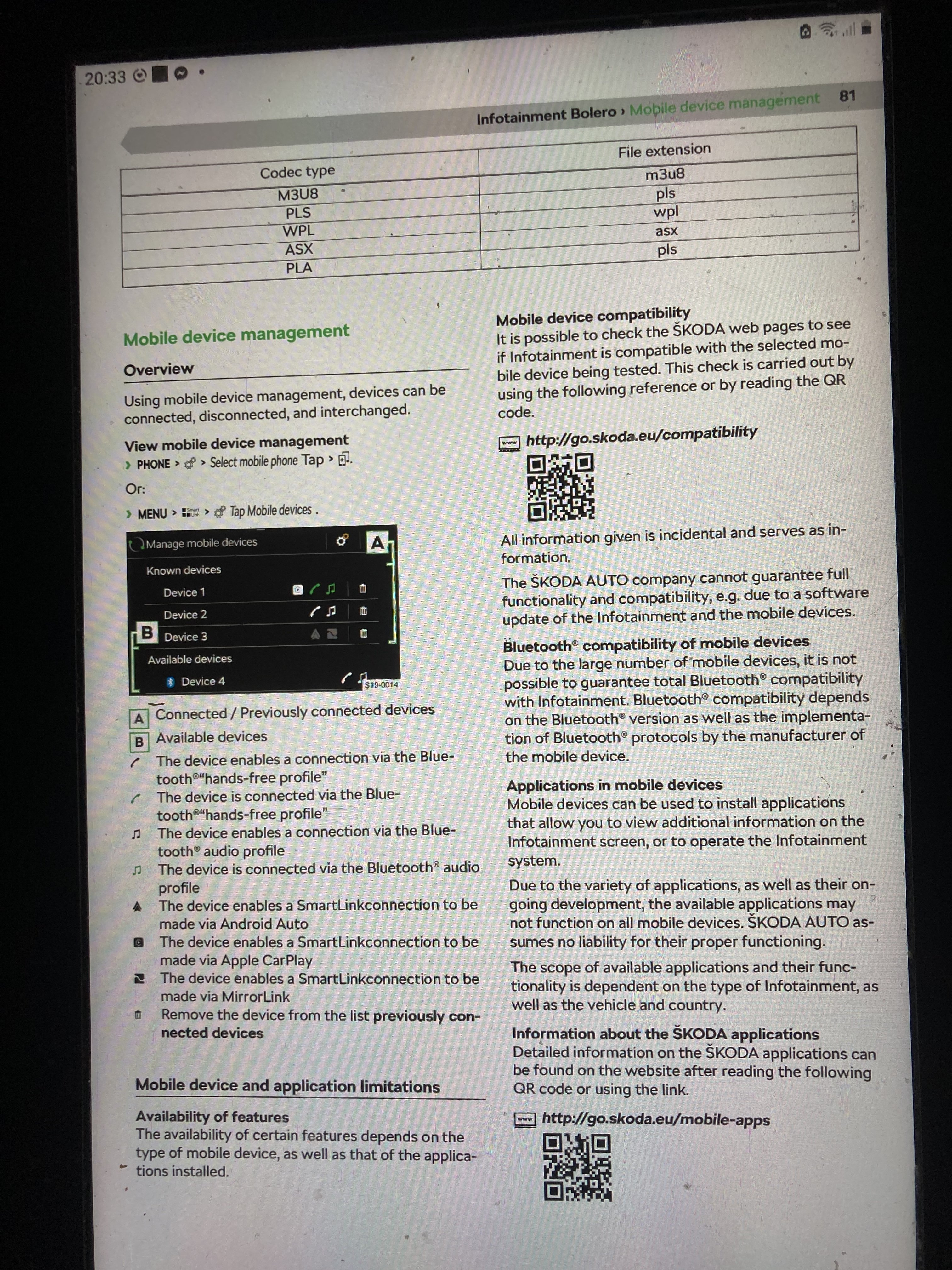
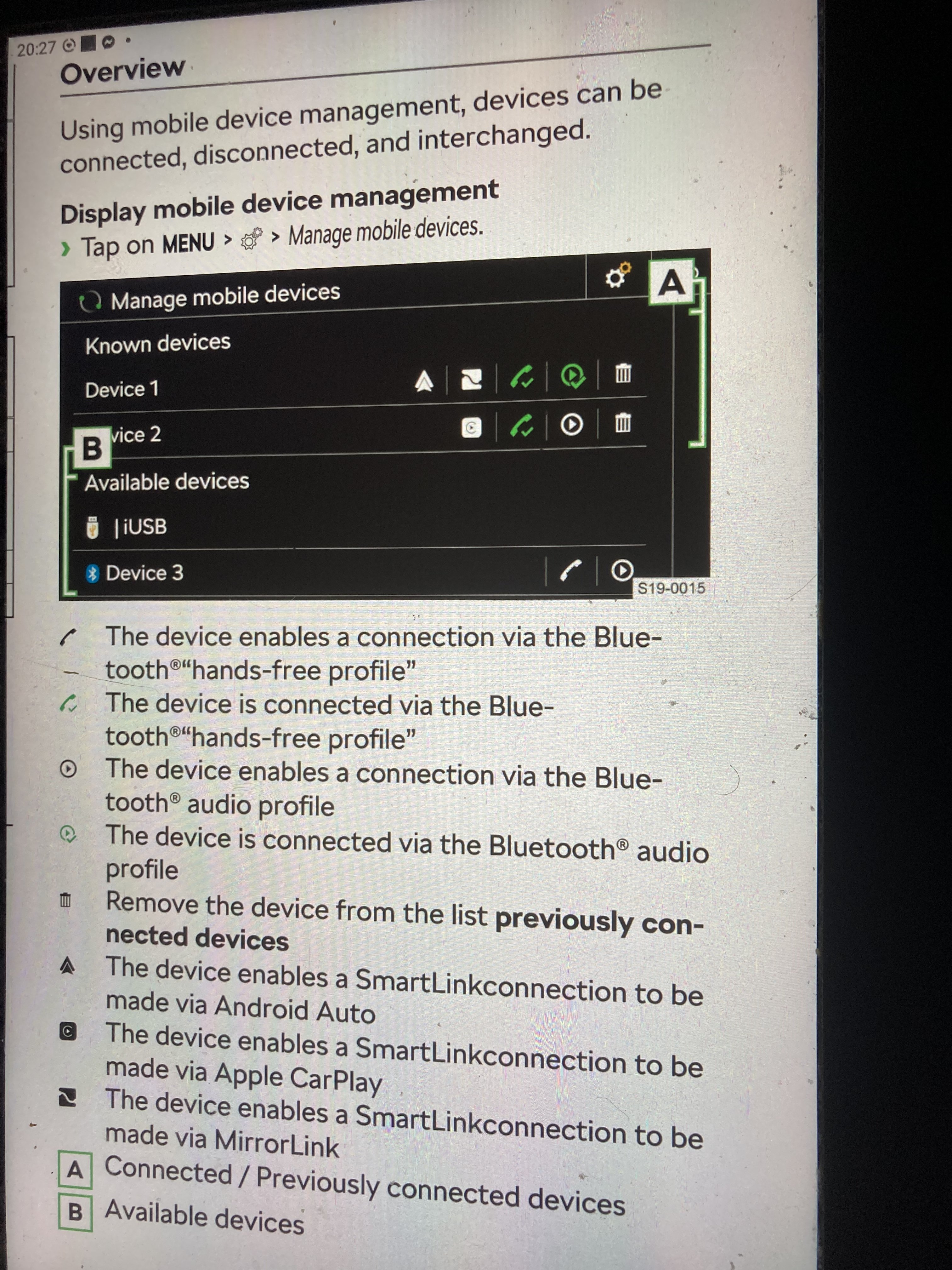
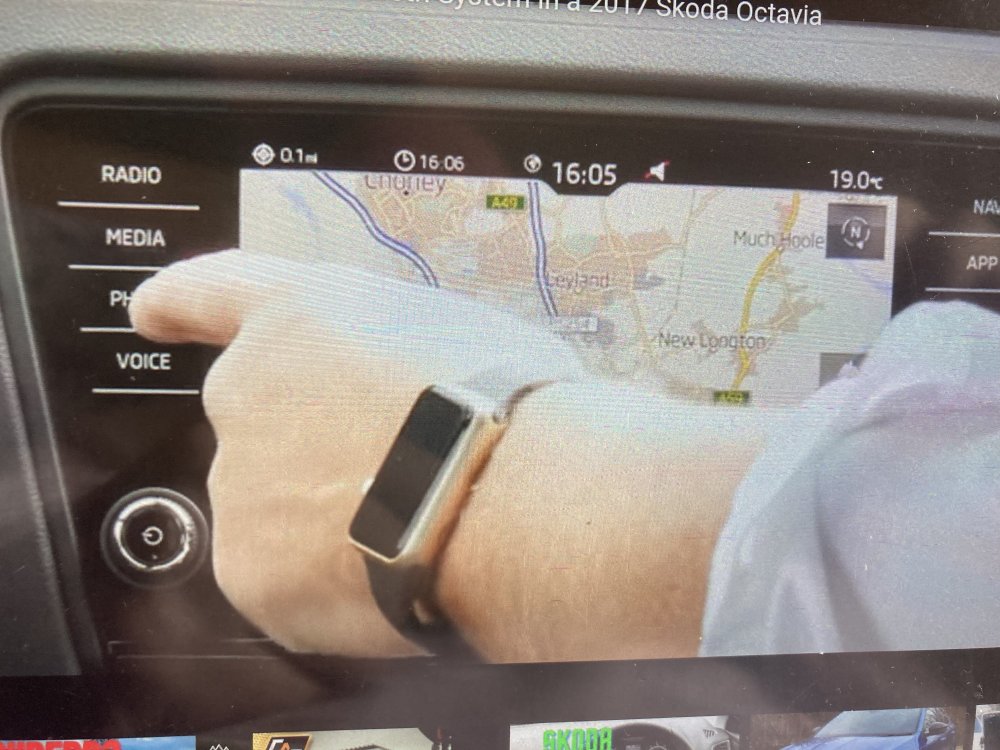
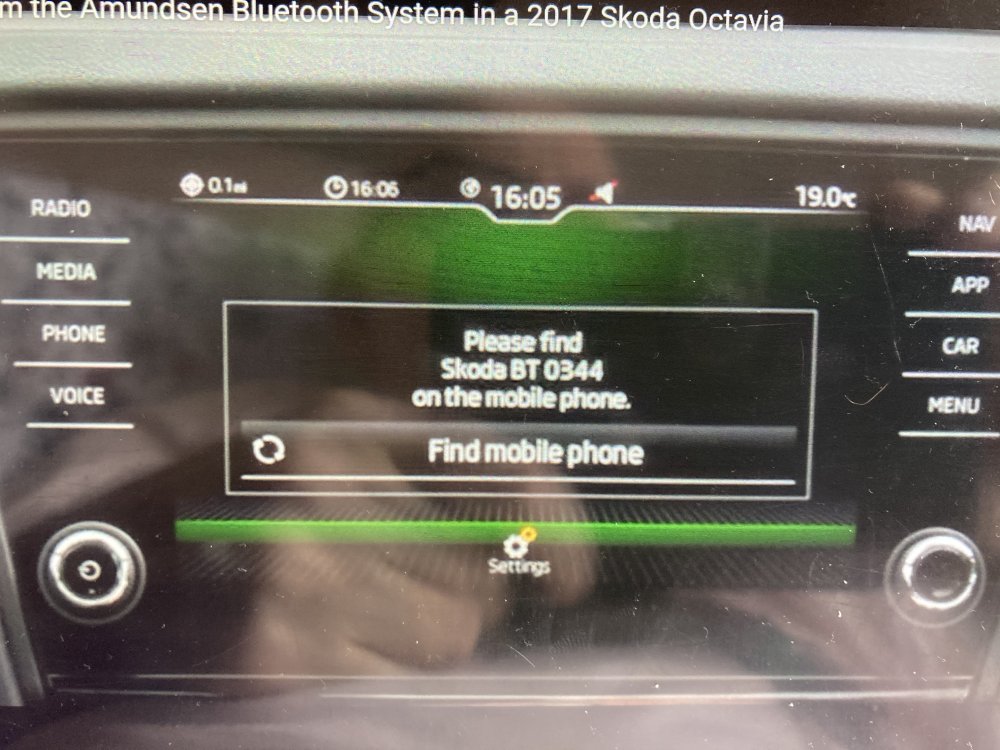
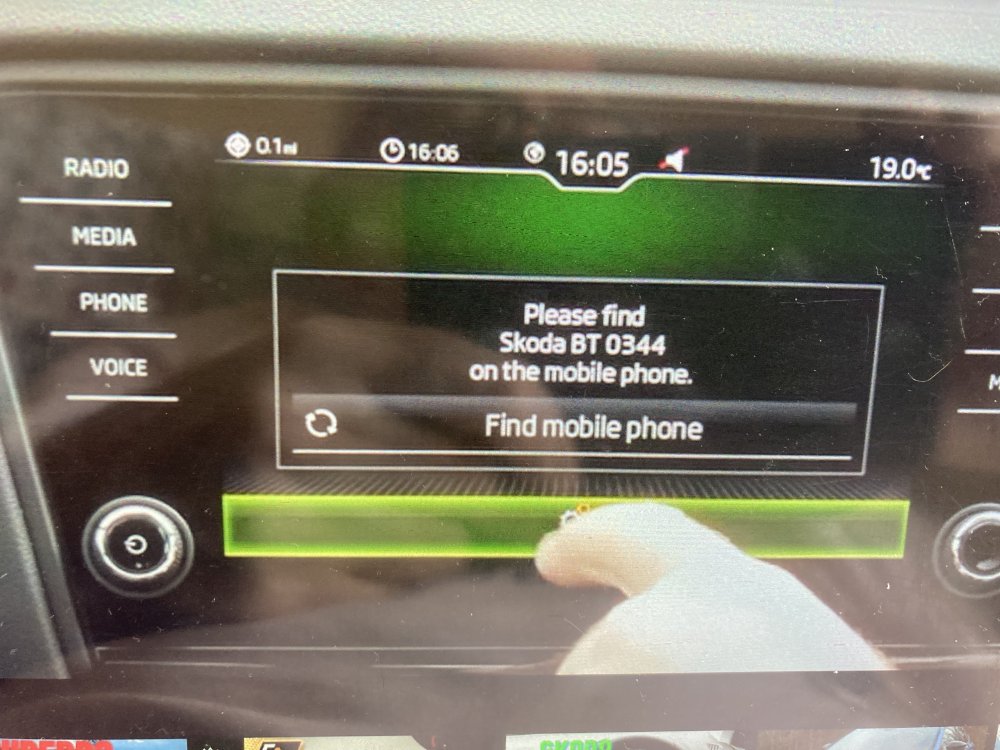
They are photos I took out of the owners manual they are not on your screen just follow the instructions. What spec of car do you have do you have knobs or just a flat screen on your informant. It’s the Bluetooth you get rid of not the phone. Delete the Bluetooth connected to the phone it deletes the phone. try the steps in the photos starting with the first then work down
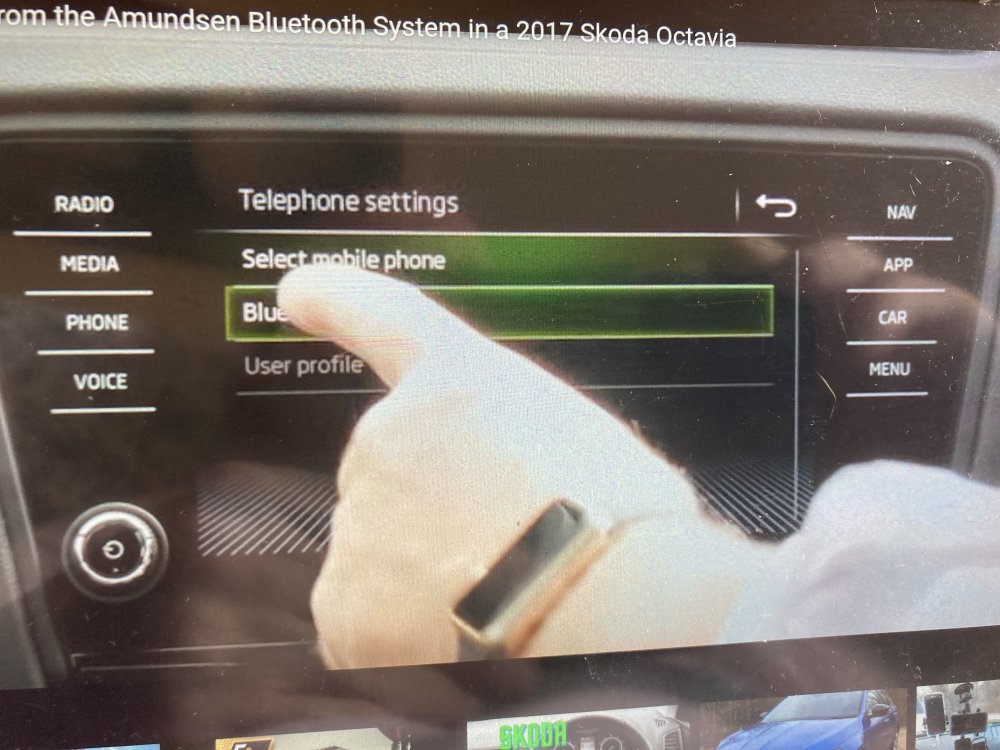
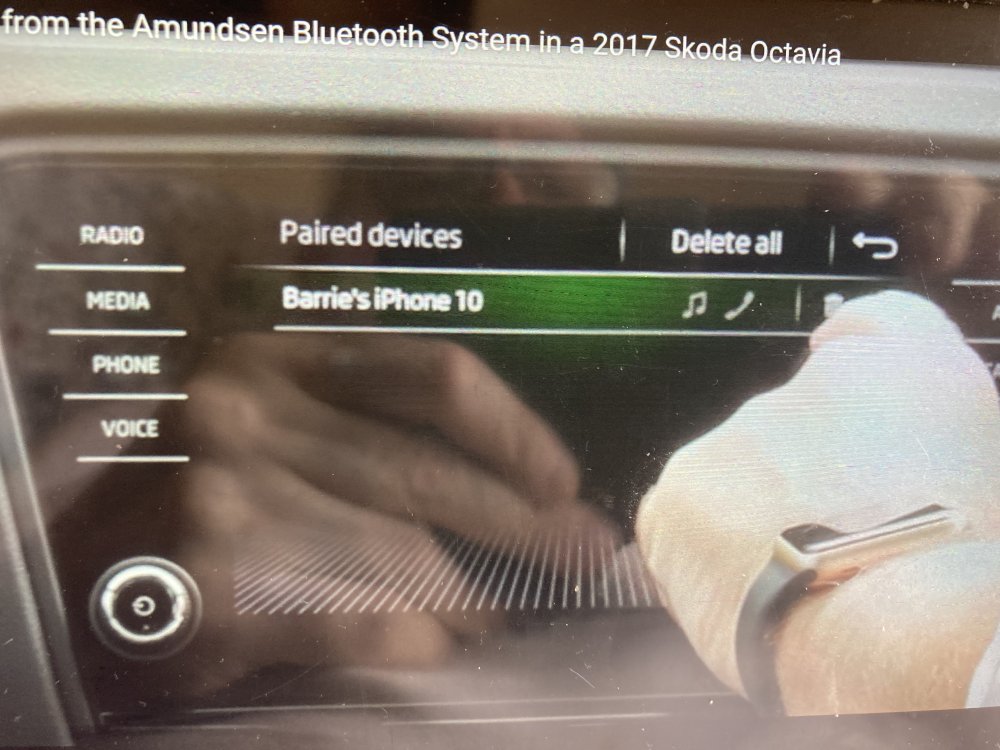
-
Press media what spec you got
-
-
-
It’s the download and install the last part is for people with kessy here is the full how to I took a section from it Over-the-Air Update Functional restrictions Škoda Connect Over-the-Air Updates are sent to the vehicle via Škoda Connect: Online System Update service. An Over-the air Update can be delivered to the vehicle only if: • The vehicle has a primary user, in which case the vehicle is visible in MyŠkoda for the primary user and primary user is visible in the vehicle (Menu -> Users). • Online Mode is enabled (ON) in the privacy settings (Menu -> Users -> Settings). Locking The vehicle cannot be driven. The user must leave the vehicle and lock it for the installation to start: • If the vehicle is not locked within ten minutes of the Install button being pressed, the update will not be completed. • If the vehicle is reapproached and unlocked, it must be locked again within two minutes, otherwise the update will not be completed. The same applies if the function automatically unlocking the vehicle when the key is detected approaching is enabled. KESSY locking/unlocking of the vehicle is disabled, the remote (central) control remains functional throughout the process. Safelock will not be enabled (the doors can still be opened from the inside). Comfort Opening is disabled (central locking will be unlocked, but the windows stay closed). Coming/Leaving Home will not be activated (all lights stay off). The alarm is deactivated, the LED on the doors continues to flash (until the door control unit is updated).
-
As it says press ok to download drive to work or where it’s going to park or press ok to download on your drive leave car lock it it then download will be download as long as you don’t open the car. If you do open the car it saves what it’s down loaded will continue once locked some updates are 8gb or more so can take hours when the green circle on the top left is full it’s completed When it’s downloaded it says installing. It even says all this in the kamiq owners manual under online system updates
-
I have found out why it comes up with that message I got part of it wrong must apologise me thinking it does it in the back ground when driving it doesn’t. What I do if there’s an update I press ok with engine running set off l get the message so I put navigation screen on so I don’t see the message again. That’s my mistake because here’s the answer Over-the-Air Update Functional restrictions Škoda Connect Over-the-Air Updates are sent to the vehicle via Škoda Connect: Online System Update service. An Over-the air Update can be delivered to the vehicle only if: • The vehicle has a primary user, in which case the vehicle is visible in MyŠkoda for the primary user and primary user is visible in the vehicle (Menu -> Users). • Online Mode is enabled (ON) in the privacy settings (Menu -> Users -> Settings). Locking The vehicle cannot be driven. The user must leave the vehicle and lock it for the installation to start: • If the vehicle is not locked within ten minutes of the Install button being pressed, the update will not be completed. • If the vehicle is reapproached and unlocked, it must be locked again within two minutes, otherwise the update will not be completed. The same applies if the function automatically unlocking the vehicle when the key is detected approaching is enabled.
-
-
Any updates just press ok then drive as normal it downloads in the background while you are driving because you are on the download screen it says cannot do this while driving but it does its a safety feature to stop you looking while it downloads just go onto what you normally have on like radio. There's a circle top right with numbers in comes up that is notifications drag screen from top down tap notifications tab that's how many downloads there is. To check if downloaded go into notifications
-
Have you looked at the SE Drive it's is £775 more than the SE EXTERIOR > PRIVACY GLASS INTERIOR > SILVER HAPTIC DECORATIVE INSERTS AND HOT STAMPING IN GLOSSY BLACK > HEIGHT ADJUSTABLE DRIVER & FRONT PASSENGER SEATS – MANUAL ENTERTAINMENT AND COMMUNICATION > AMUNDSEN SATELLITE NAVIGATION WITH 9.2" TOUCHSCREEN DISPLAY, WEB RADIO, VOICE CONTROL AND TRAFFIC SIGN RECOGNITION > CARE CONNECT 1 YEAR AND INFOTAINMENT ONLINE 1 YEAR > GESTURE CONTROL STANDARD EQUIPMENT (OVER SE)
-
They all come with auto wipers as standard chip shortage didn't impact them. To turn on wiper stalk up once from off. At first if its just light rain the act like intermittent but as the rain increases they go quicker
-
£44 for renewal year
-
Check front assist has not been turned off in settings. How do you know it’s not working. Always keep Radar clean
-
Yes you can drive while updating it does it in the back ground just press update. It means you cannot do anything. Just press update and drive then leave it to do it’s thing. After it’s updated press the on button till the system restarts. You know there’s an update/ notifications when there’s numbers showing in the circle on the top right the numbers mean how many
-
I find a good read is the owners manual found out loads I didn't know