logiclee
Resident Member
-
Joined
-
Last visited
Everything posted by logiclee
-
It is.
-
I said in one of your other threads that without Primary User setup weird things happen.
-
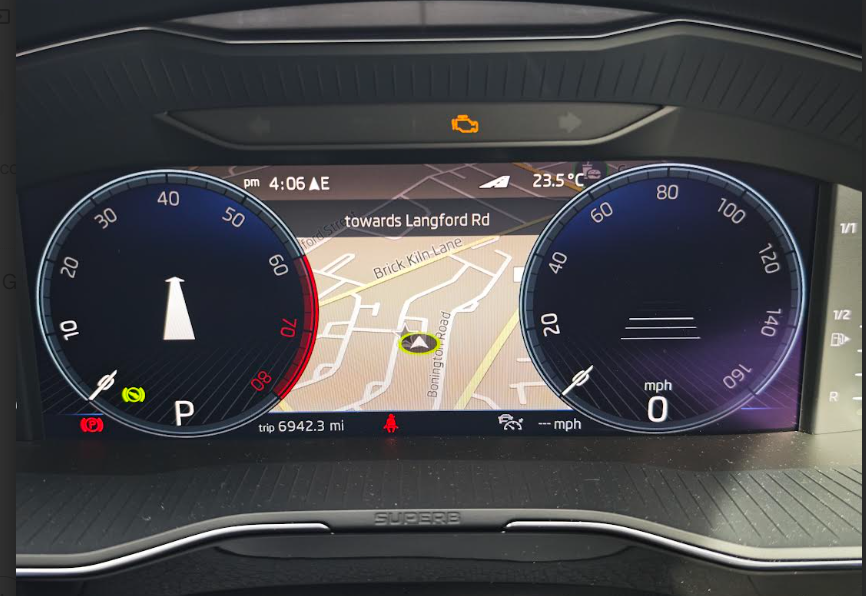
You are not going mad. I've seen it but have to have route guidance selected in the left or right display. Here I have google maps on infotainment, maps on centre display and route guidance on left display. Notice the message saying towards Langford Rd. That's being generated from Google Maps and I'll often see ETA etc flash up.
-
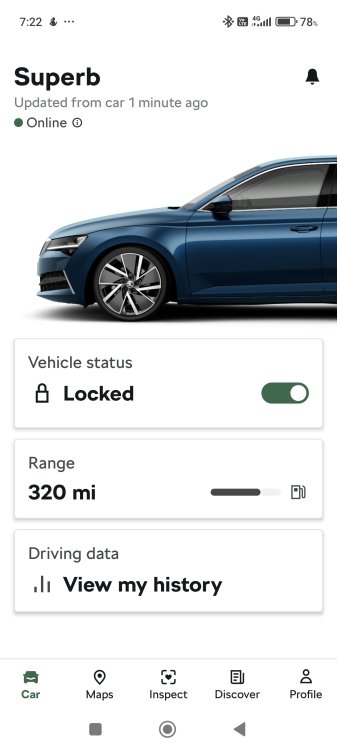
There's a toggle on mine. Karoq and Superb.
-
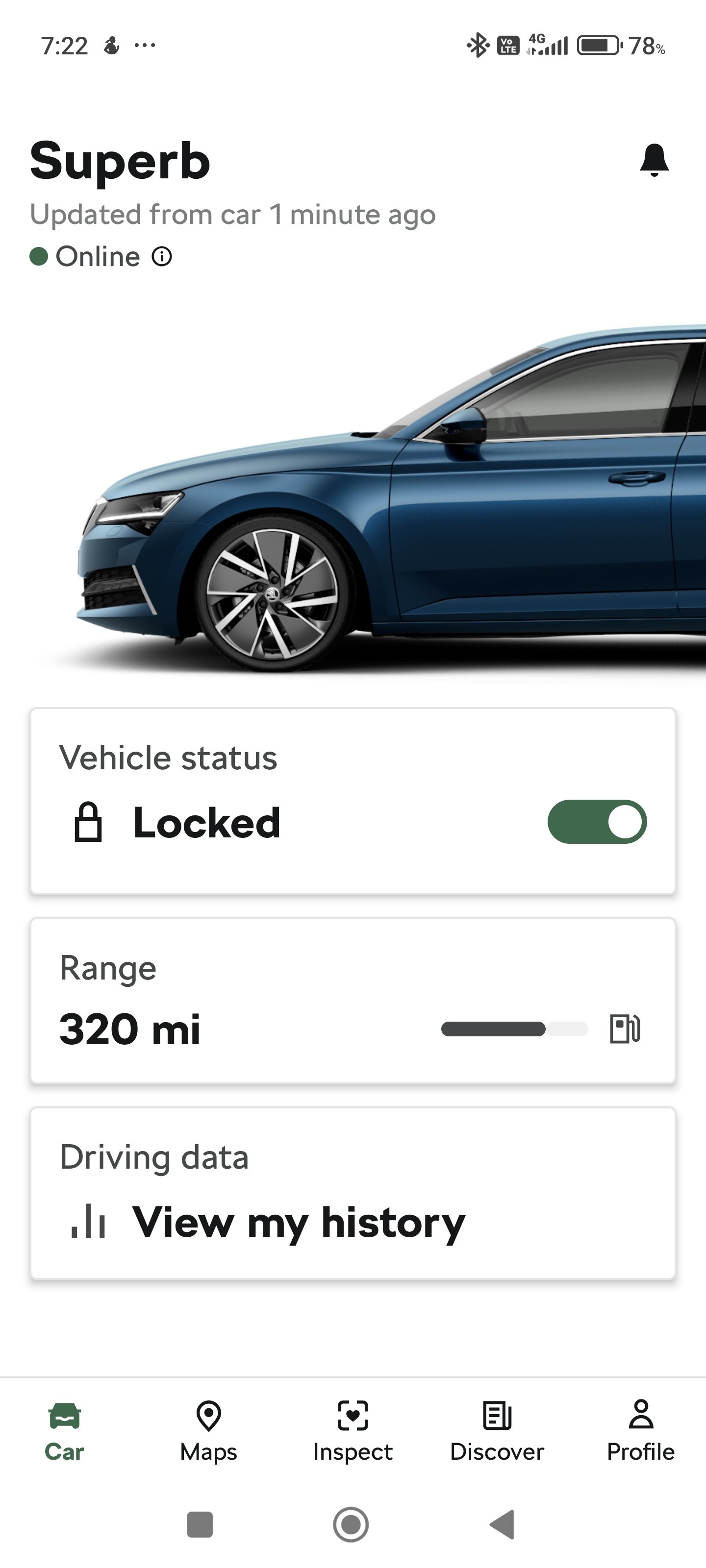
I've done it before with my Passat. My last two Skoda's I can just use my phone and Skoda Connect App to open the car though.
-
Rainworth?
-
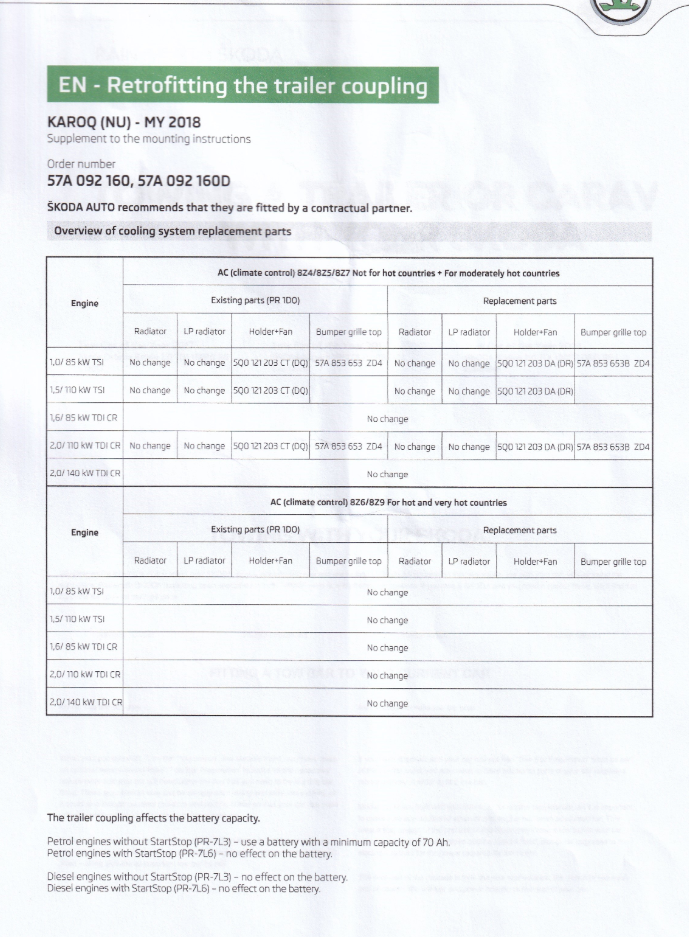
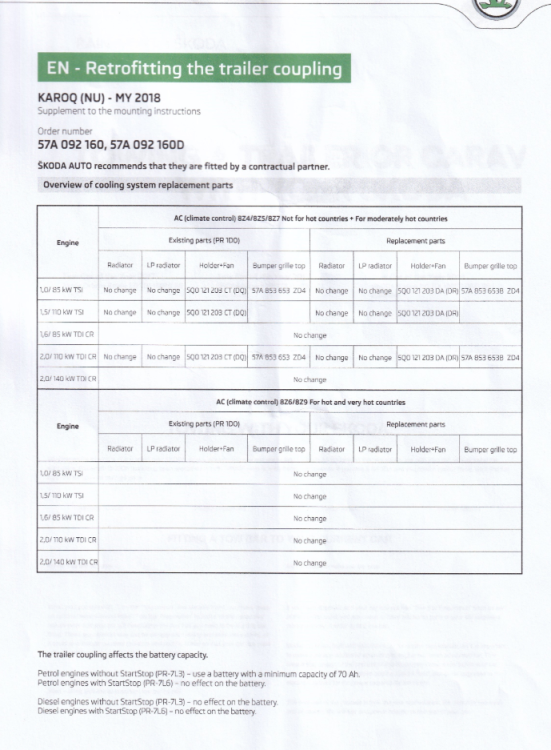
It depends on model and engine as to what is required. Found this for Karoq but nothing for Superb
-
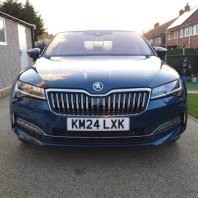
I have one of the last Mk3's registered mid 2024. It's on 0330 firmware. This is the third MIB3 vehicle I've had. I've not had any issues with primary user other than the initial faff of registering. I do live in a strong mobile signal area though. Android Auto on cable has always been rock solid. Wireless was solid on my Karoq but the Superb does tend to have the odd stutter on music but rarely has a complete disconnect. I do find VAG systems are very choosey to cables on Android Auto though and I've had new cables not work well. I've settles on UGreen cables from Amazon, never had a problem with those.
-
Have you tried connecting the wifi and disabling the e-sim?
-
In my experience strange things happen if you haven't got primary user setup correctly. To do so I'd do a factory reset first then go through the setup procedure ensuring you have both keys and a verified account.
-
The only issue I've had with MIB3 in addition to the odd USB issue is the twice it's not booted the canton amp up so I've had no sound. Shut down, get out, close drivers door, lock and then get back in and restart then it's back. I'm sure later models get OTA updates.
-
There have been many updates to the MIB3. I've had Karoq and Superb with MIB3. It's stable enough now. I sometimes have the odd glitch with playing media from USB but that's about it. I mainly use Wireless Android auto anyway,
-
Swap the battery Wifes Skoda Octavia was doing wierd things for a couple of months. Displays changing, cooling fan running when cold and aircon off, radio swapping channels. I'd condition the battery and it would be OK for a few days but then acting up again. Alternator tested OK. New battery has solved everything.
-
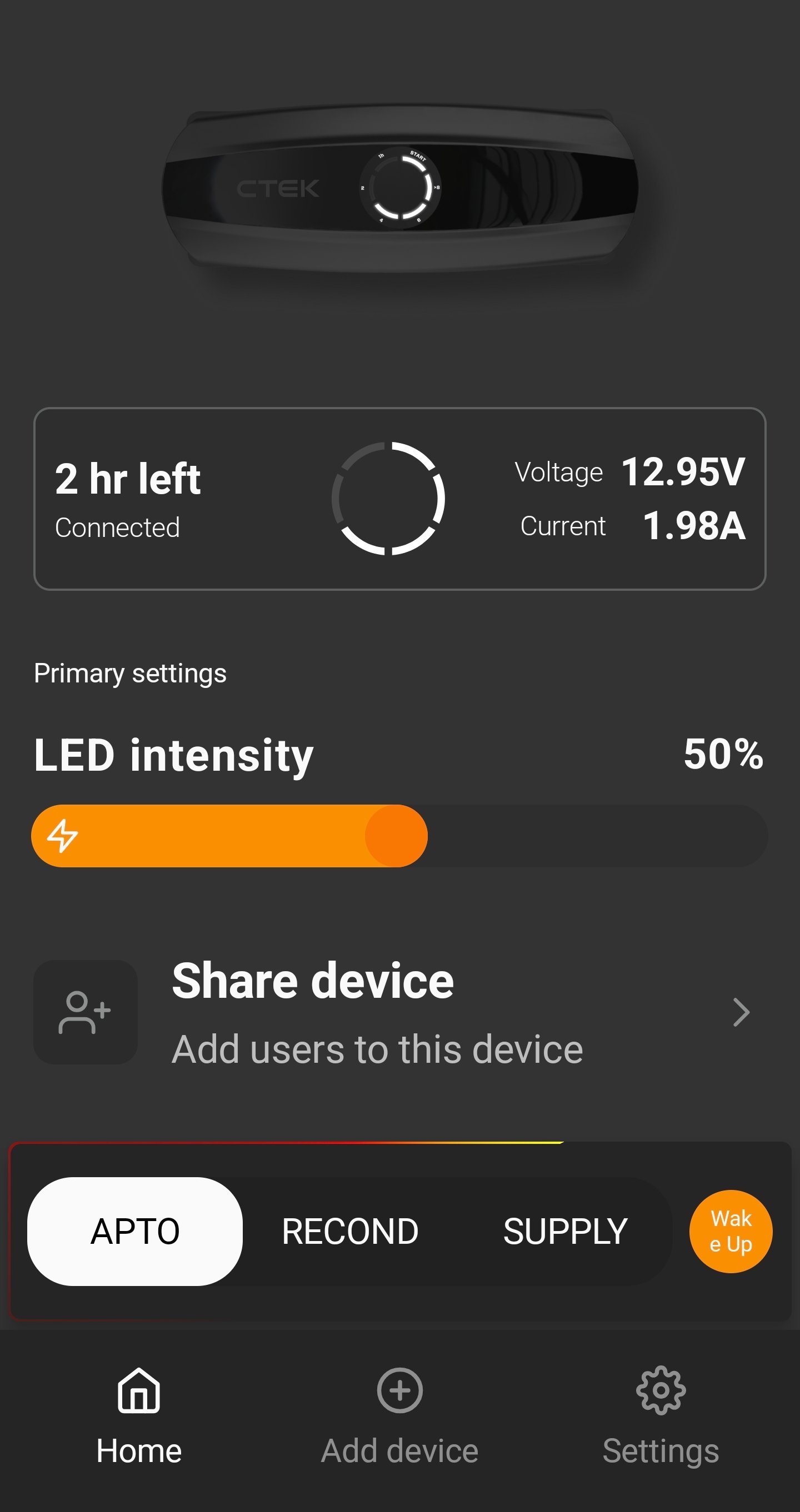
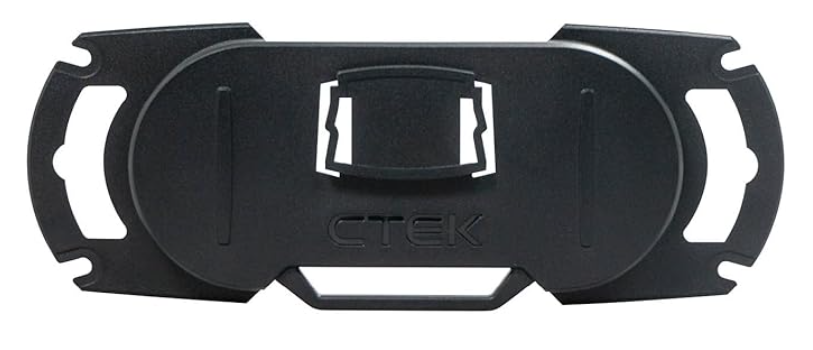
Over the years I've had MSX 5.0, 7.5 and 10. Started with the 5.0 and then bought the 10. 10 was too powerfull for the 12V socket adaptor so swapped that for the 7.5. I used the 7.5 for a couple of years until the One came out. I watch most of the youtubers with big car collections Shmee150, Harrys Garage etc and they all use CTEK. I think I first saw the Ctek One on Shmee150's channel. If they are happy using them on cars worth 7 figures then that's good enough for me. Also appears that brands like Ferrari supply re-branded Cteks. I bought the wall mount bracket for the Cteck One and have it permanently mounted on my garage wall and it conveniently doubles as a cable tidy.
-
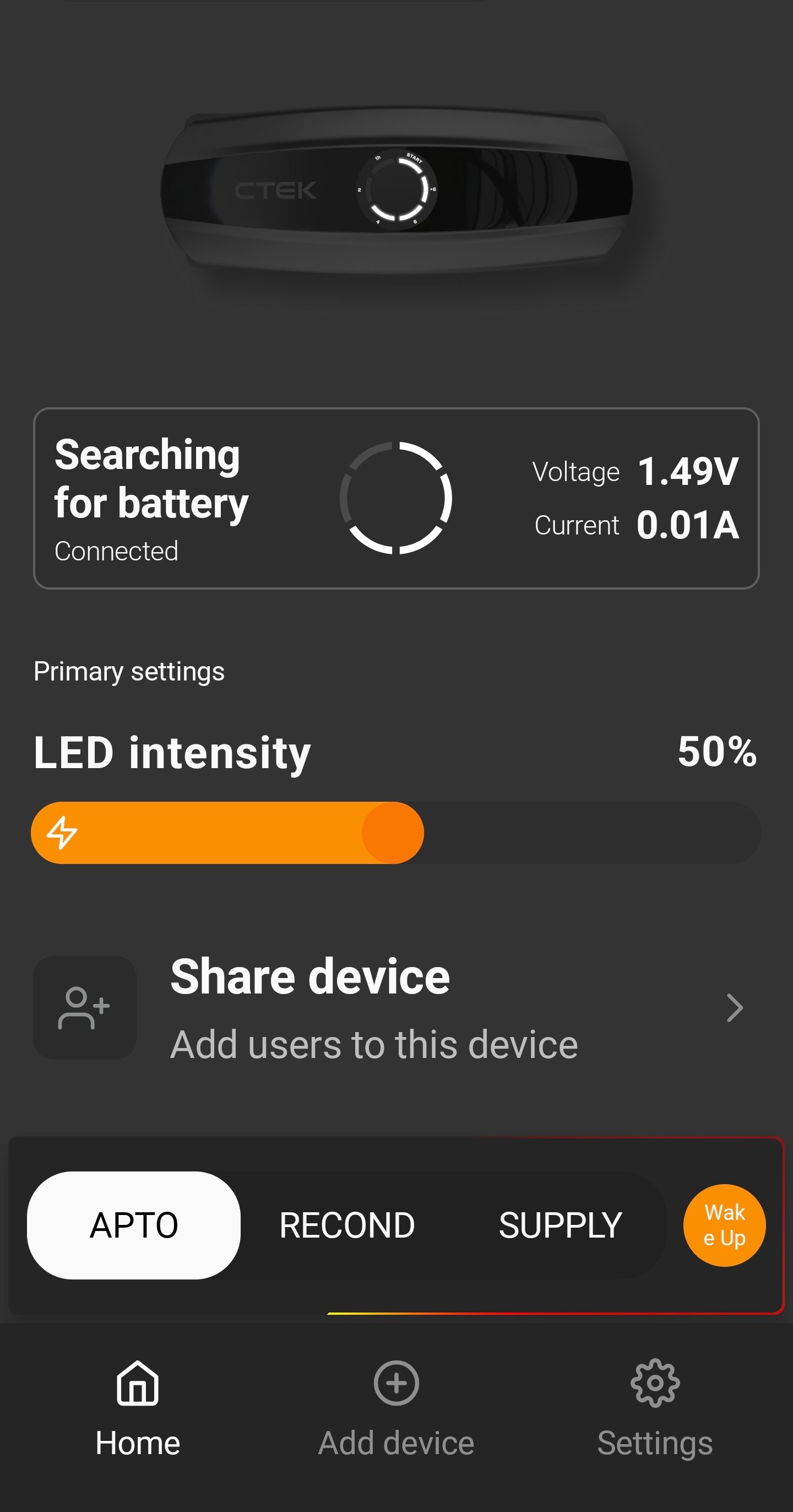
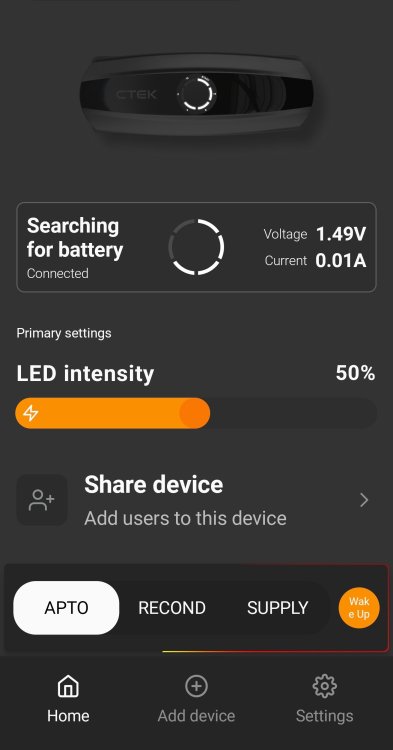
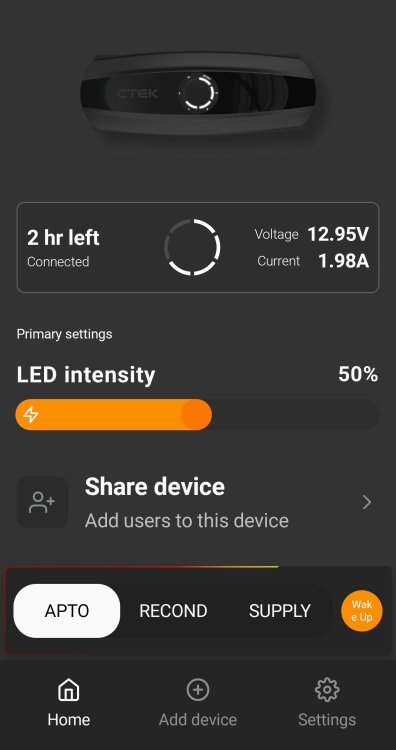
I have the Ctek One. My Superb is mainly used at weekends and can be stood a couple of weeks at a time. As it's garaged I can use the aux socket adaptor with lead through the window. As the Ctek one is bluetooth you can bring up the voltage and current at any time. I believe the wake function allows connection to a totally flat battery.
-
Just changed the battery on the wife's Octavia. No problems starting but.... Cooling fan cutting in when temp low and aircon not on. Central locking acting up Headlights pulsing on tick over Various other weird things. New battery and all OK.
-
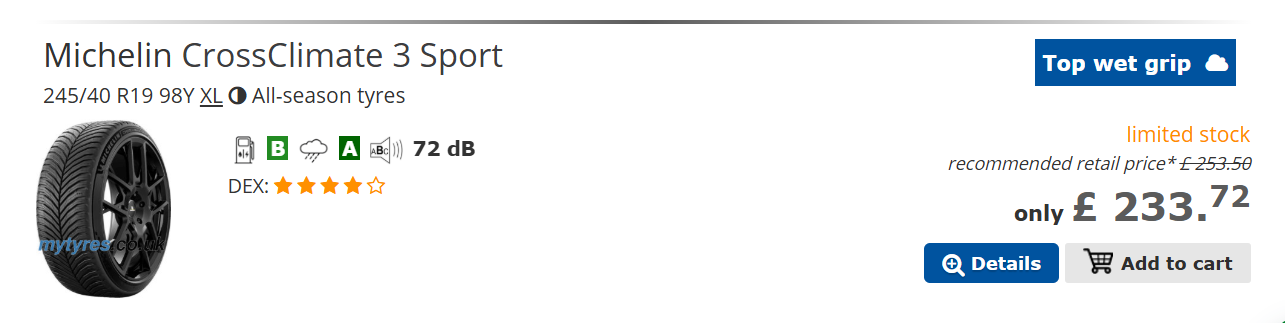
Prices have evened out a bit now the 235 section is more popular. Back when the Superb 3 was introduced with the 19" wheels and 235/40's it was a rare fitment. The 245/40 was a more established fitment for JLR and others at the time
-
-
The more popular sizes are being released first. Many Superb owners fit 245/40 19 as they used to be a fair bit cheaper than 235/40 19.
-
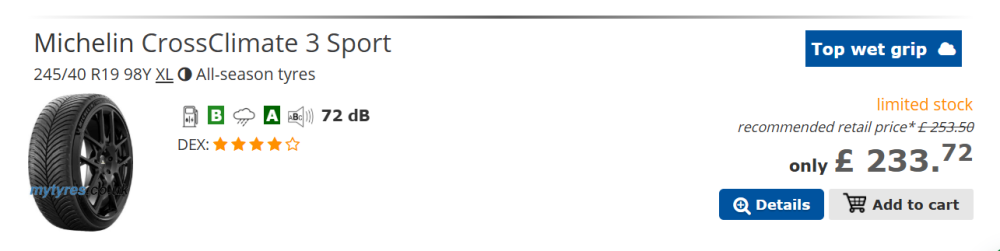
While I agree Sports Car is a stretch. A Superb with a higher output petrol, DCC suspension in sports mode and on 19" wheels makes a half decent sports saloon. And I've had the Sporty Jag XF Varients and Audi S5. Certainly enough to do good tyres justice. I'll be trying the CC3 Sport once prices stabalise.
-
Ouch! I hope they drop a bit before I need to swap.
-
Most All seasons have pretty soft sidewalls and flexible tread. You don't get the same direct feeling from the steering wheel that you would from a premium summer tyre. The new CC3 Sport has stiffer side walls and modified tread blocks so they feel more like a sports summer tyre. But everthing is a compromise. The CC3 Sports are not as comfortable as the CC3 and have a higher wear rate.
-
CC2 is pretty decent in summer but you only get the usual All Season turn in bite feel. No where as good as a premium summer. I suppose the CC3 Sport is the solution for that.
-
I've had Michelin Cross Climate of both generations on numerous cars and vans. They are quiet and comfortable and excellent in snow, but there are better cold wet performers if you don't see much snow. The CrossClimate 3 is now out together with a CrossClimate 3 Sport. I wouldn't be concerned fiiting XL tyres with 55 profile, plenty of sidewall there. All seasons are usually a bit softer anyway.
-
If they are a Skoda specialist ask them to change the service interval from variable to fixed and reset it when you have the service.