TheWanderer
Resident Member
-
Joined
-
Last visited
Everything posted by TheWanderer
-
Had about 3 updates, the only minor glitch I've had was with the infotainment system saying loading settings and its only done it twice and not seen it since.
-
Yeah that's it, so the caller's name appears and the option to answer or decline it, like the Mk3 did.
-
So was mine and it had been fault free so far.
-
Hi. Can someone with some brains please help me with this, if you connect your phone via Bluetooth to your car and someone calls, can you get who's calling to appear on the virtual cockpit? I can't find any setting to do so, my Mk3 would put it on the VC, but Mk4 doesn't seem to.. 🤔 Thanks for your time
-
Sorry. Never heard of it.
-
Brexit, the gift that keeps taking away...
-
How titillating... 😆
-
If it asks for any financial details or personal details then treat it as a scam. I've not had any email from such a company and if I did I'd be highly sceptical about it. If you want something activated go to your purchasing dealer and get it done there.
-
No joy here, sometimes the logo appears, sometimes it doesn't. Not having a SD card slot is a right pain.
-
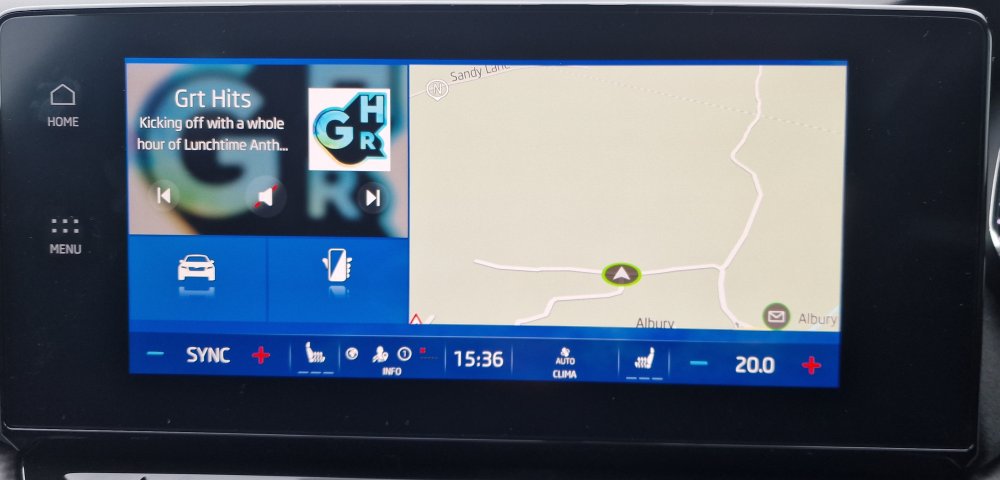
Hi folks. I was wondering if someone can tell me how to get the infotainment system to show the radio station presets from start up, rather than this mess! Thanks.
-
I put mine in P and apply parking brake manually
-
Parcel shelf? Or under the floor of the boot?
-
Usually along the inside of back lip of the boot.
-
On second thoughts...
-
Tech for tech sake.
-
Skoda connect is a RPITA to setup, it has taken me at least 8 attempts to get to partially work, I've got to contact the dealer again with my driving licence details to enable unlocking by mobile phone. Don't know whether it's worth the hassle tbqh.
-
I don't know I've only just started to interrogate the infotainment system, I know it did an update/upgrade yesterday, so it's a 50/50 whether it came from the factory like it or it did it itself.
-
New software revision.
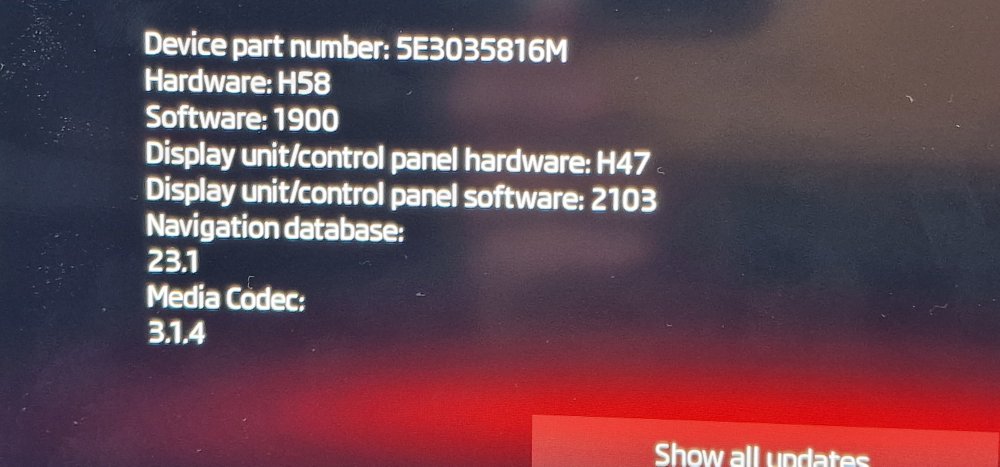
-
Well it seems to be working now or should I say yesterday.
-
No popping noise, just loading settings, although that stopped just as I arrived at the dealers 🙄 But it meant that I couldn't access anything on the buttons, tried a reset it wouldn't work either.
-
Already having a few software issues with infotainment system doing "Loading settings" all of the time, clock not holding the time. Can't get Skoda connect app to connect with the car, despite myself and dealer following the on screen instructions.
-
I just realised it's next to a dog 💩 bin too. TBQH I'm not liking it (car) much so far.
-
My beastie. They missed off the wireless charger, even though I'd paid for it. So they're going to order it in and retrofit it.
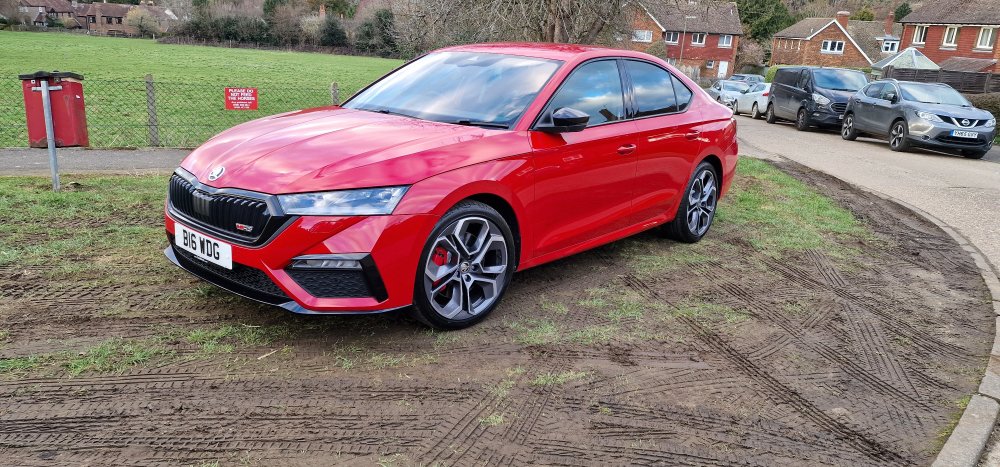
-
I get my car tomorrow, somewhat ironically I'm expecting to be suspended by my employer in the afternoon after someone made a complaint about me. The worst case is that I'll lose my job over it, so the car will be taken one week and could returned to the dealer a couple of weeks later.
-
Just can't afford it at the moment. I had Scotchgard applied and a paint/damage thing, which I have used a couple of times on the current car and is good.