



Kenny R
FREEDOM
-
Joined
-
Last visited
Everything posted by Kenny R
-
I’m no PCP expert but my experience is the “ balloon ” payment is what you have to pay at end of term if you want to keep the car. The residual value of the car is normally higher than this and it is normal to have enough equity to pay a deposit on your next pcp contract. You can also get a settlement figure and trade in the car before end of term again normally with enough equity to put down as a deposit on a new car
-
Normally it would be connected to a machine that evacuates all the gas and this is checked against the correct weight of gas from the sticker on the slam panel. The machine then draws vacuum on the cars ac system and sits for around 1/2 hour to check for leaks. The machine then cleans the gas that was removed and adds the correct amount of oil and then refills the car system with the correct weight of gas. All in all should be done in an hour or so, unless faults are found.
-
Could be due to the fact that the latest vehicles cannot legally tow or have tow bar fitted, as there is no allowable towing weight on vehicle plate on the drivers door pillar, unless it has tow bar or at least tow bar prep at the factory.

-
I’m not at home at the moment to say exactly where, but it’s either at the start or end in the line that says 2022 Skoda Kodiaq Sportline 1.5 DSG
-
Nothing to stop you just getting the basic oil change service that your plan will cover done at the dealer, and getting the cam belt and DSG etc done elsewhere.
-
My order paperwork clearly states 2022 model
-
If you have auto selected the fan speed will vary as required, but in any car I’ve had with climate, the fan has never turned off.
-
Not just the Enyaq, the new facelift Kodiaq brochure has the same statement.
-
The previous version Columbus in my previous Yeti and the later version in my current Kodiaq have always had post code search.
-
So if you drove the car to the dealer, the steering column couldn’t have been “snapped “ If they are now telling you it’s snapped then they must have snapped it. Is the car still at the dealer as it will be un drivable if the column really is snapped. I really think there is a mix up in terminology here, have you actually seen what is broken, or have any pictures?
-
As I said in my previous post, most of the reviews for leads on eBay and Amazon say that mini usb plug need plastic trimmed to insert fully into dashcam socket properly, have you tried this?
-
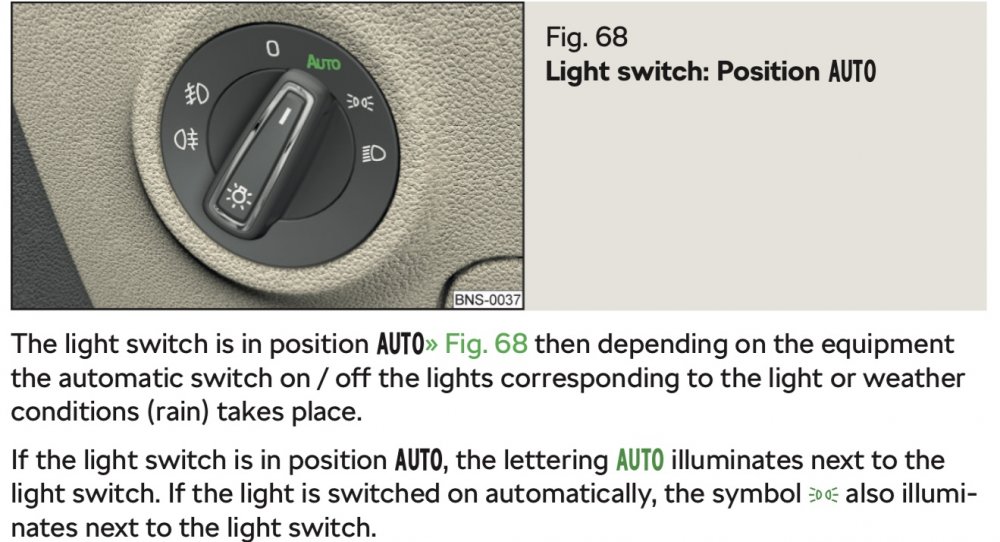
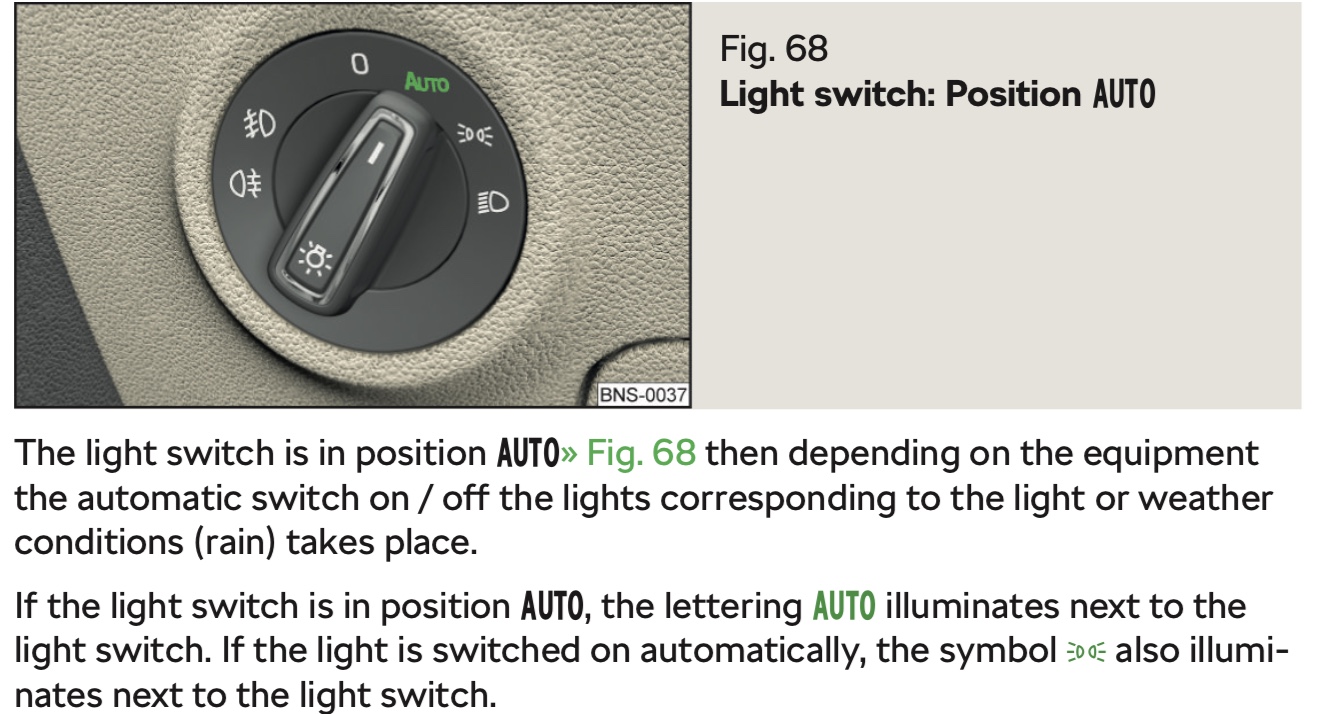
The icon on the light switch illuminates when the lights are on.
-
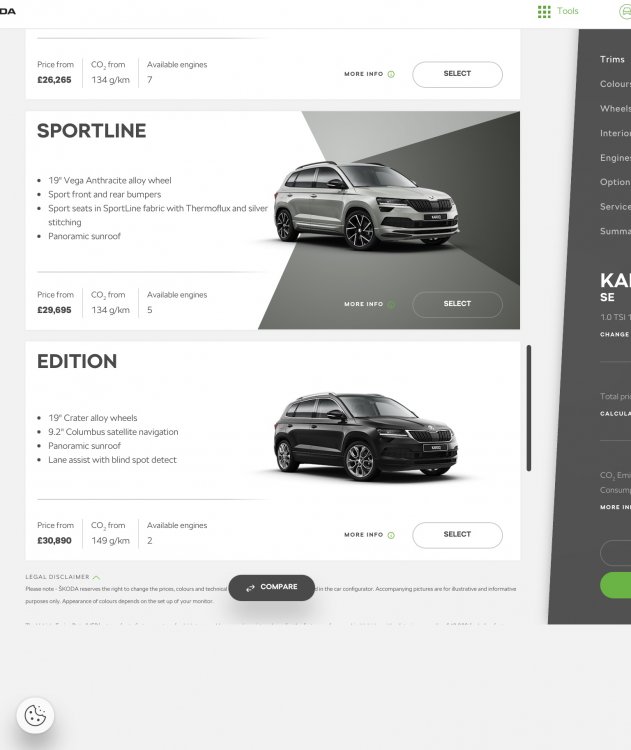
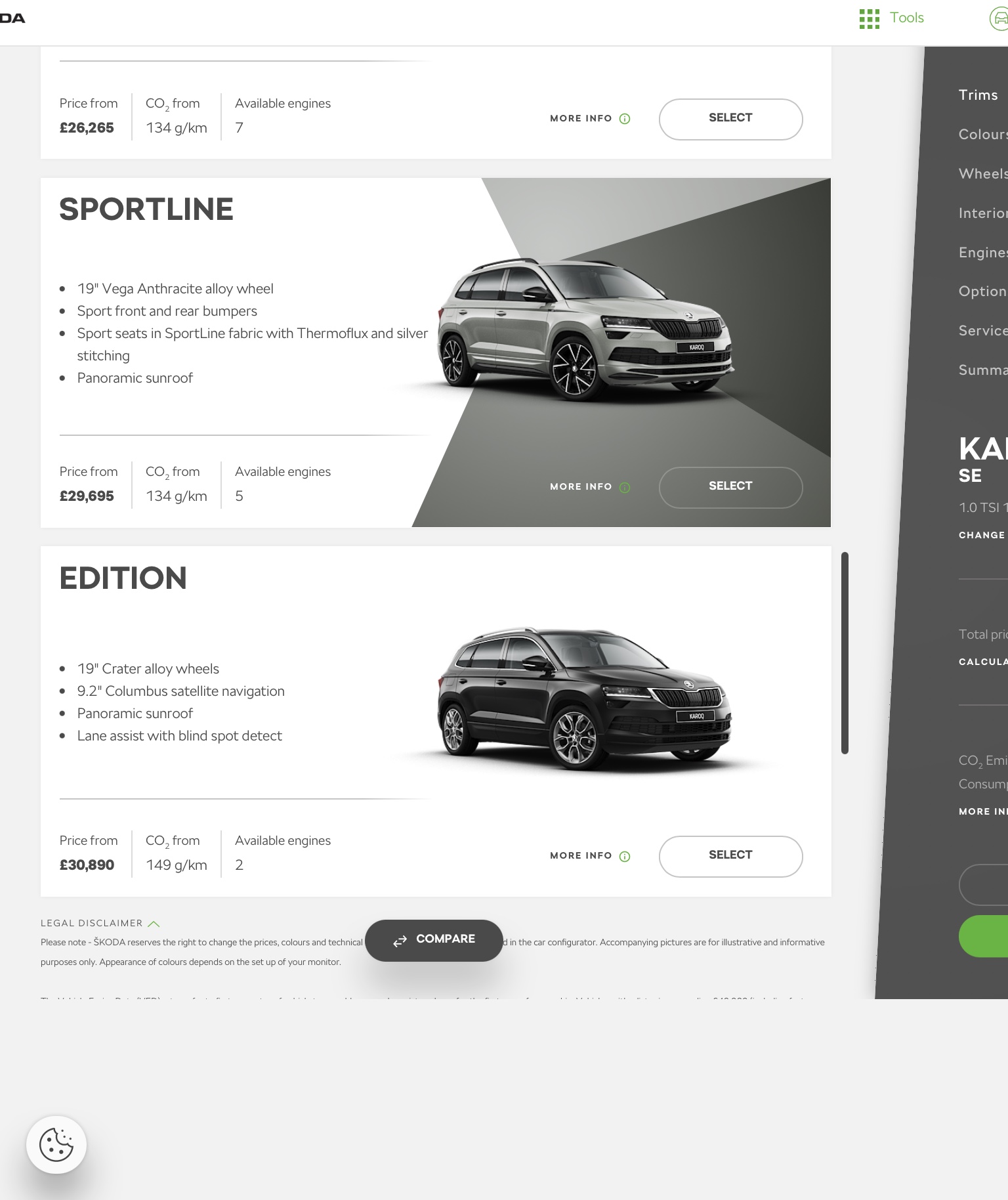
The Edition is shown on the configurator which is basically the same tool the dealer uses. I would find a better dealer.
-
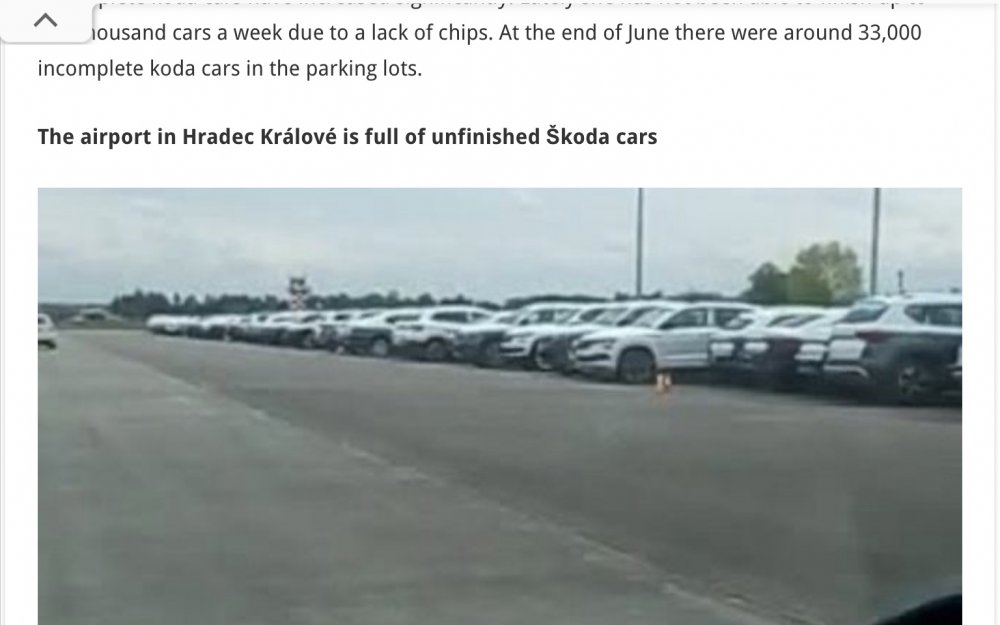
It’s probably one of these..
-
There are different pollen filters for LHD and RHD Yetis. If your airflow arrow is facing the wrong way you have the wrong filter, but I agree with @Wino it looks like your looking at it the wrong way.
-
When looking for a short usb C to mini usb for the dashcam in my forthcoming new Kodiaq, some of the reviews mentioned having to trim some of the plastic off the mini usb plug to allow it to be fully inserted into the dashcam socket.
-
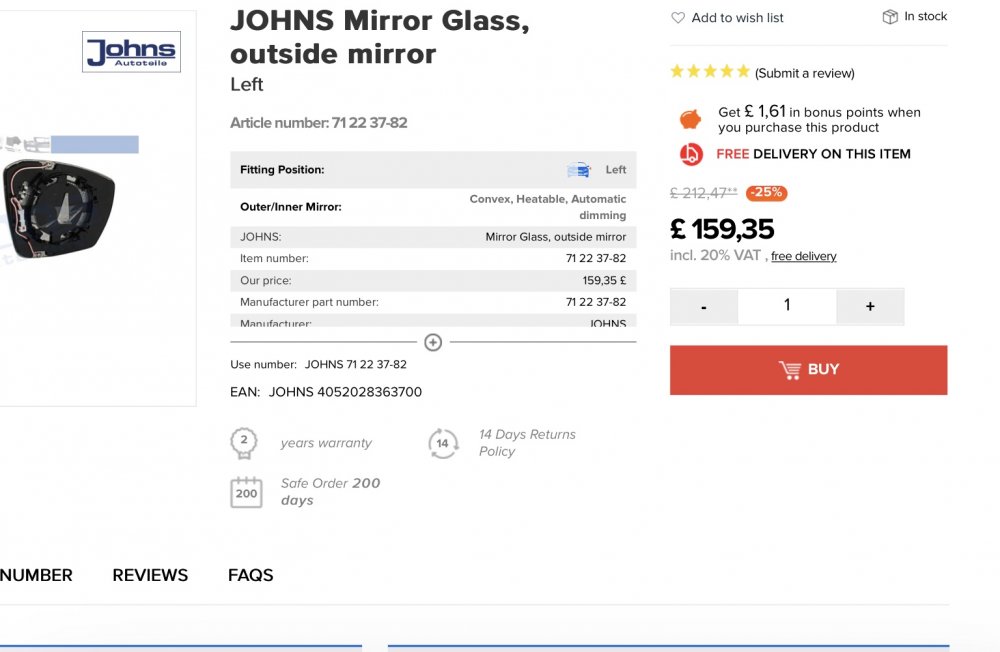
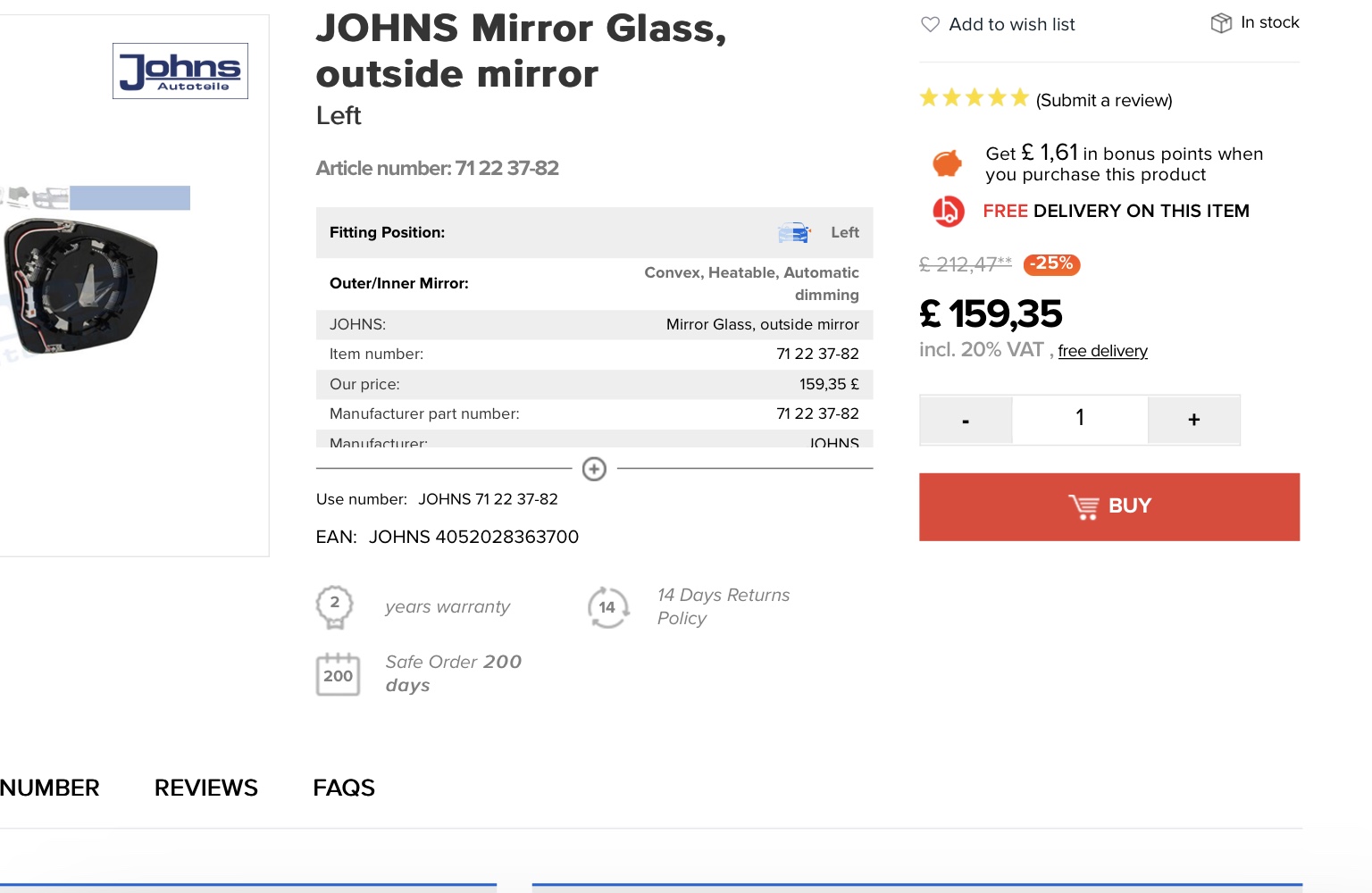
Looks like if you want replace like for like and keep the auto dimming, it’s going to be expensive
-
Never had any excess to pay for test drive before but my dealer has £750 excess for courtesy cars.
-
-
What model do you have? Does it have xenon or LED headlights?
-
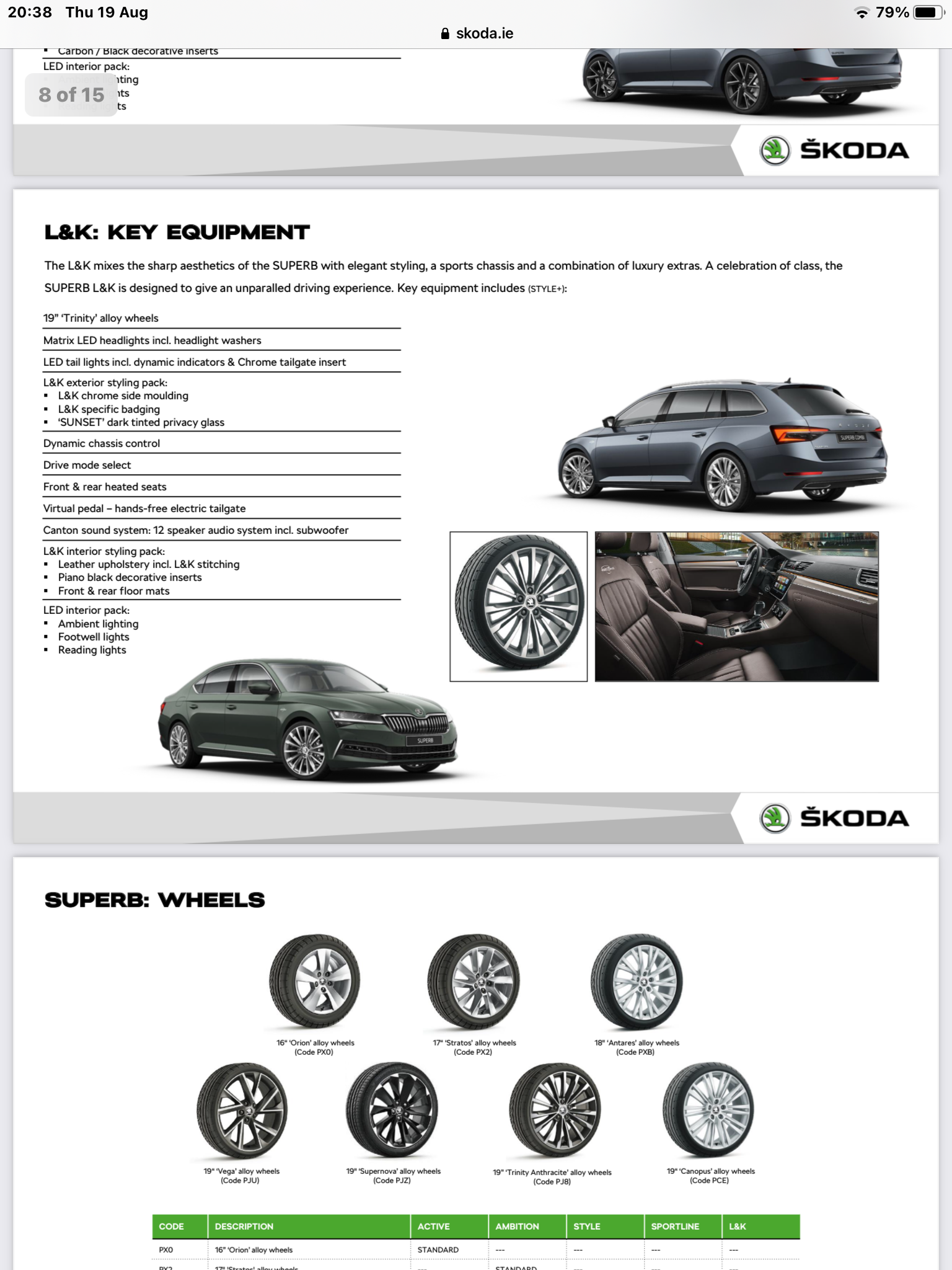
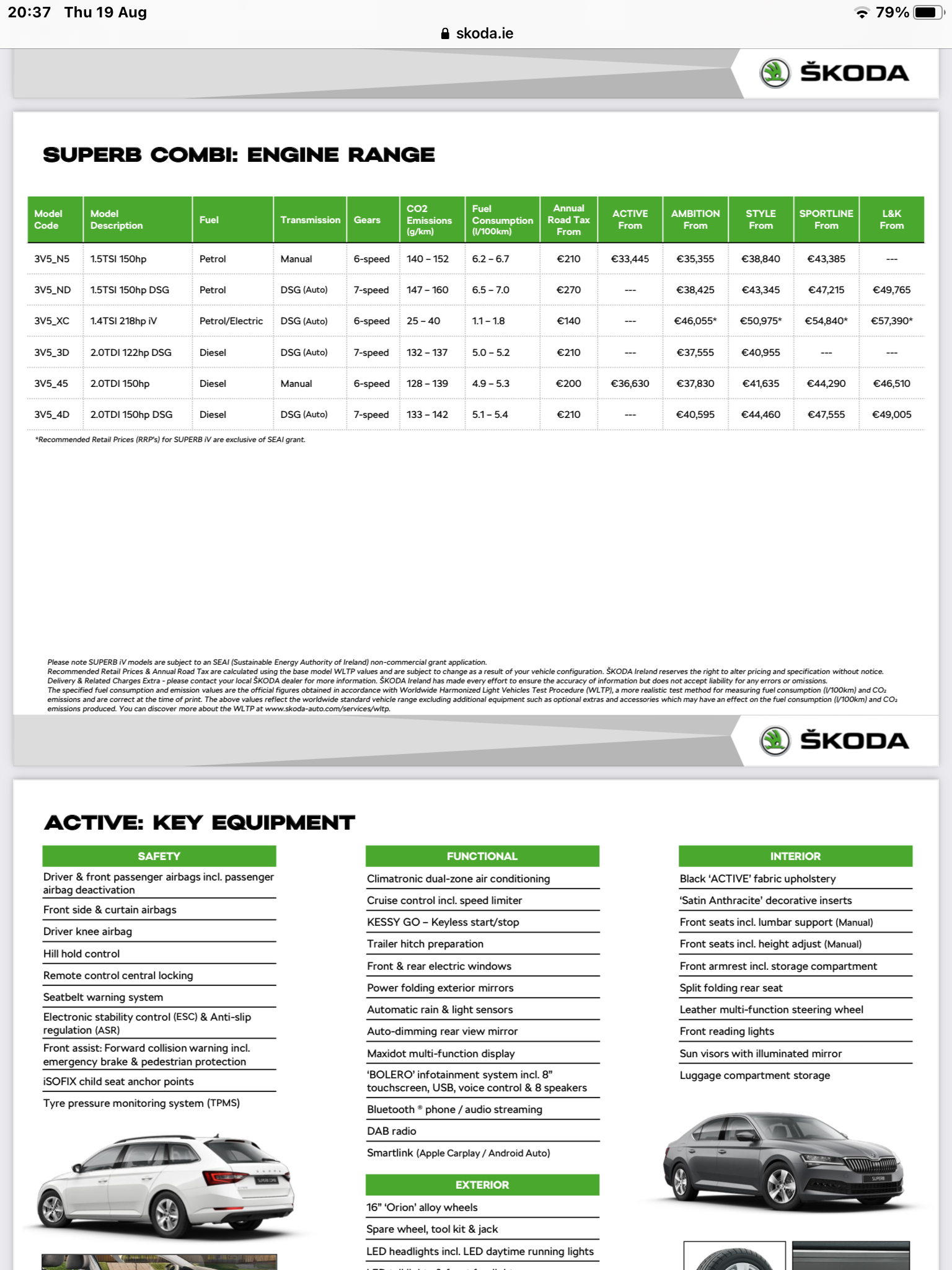
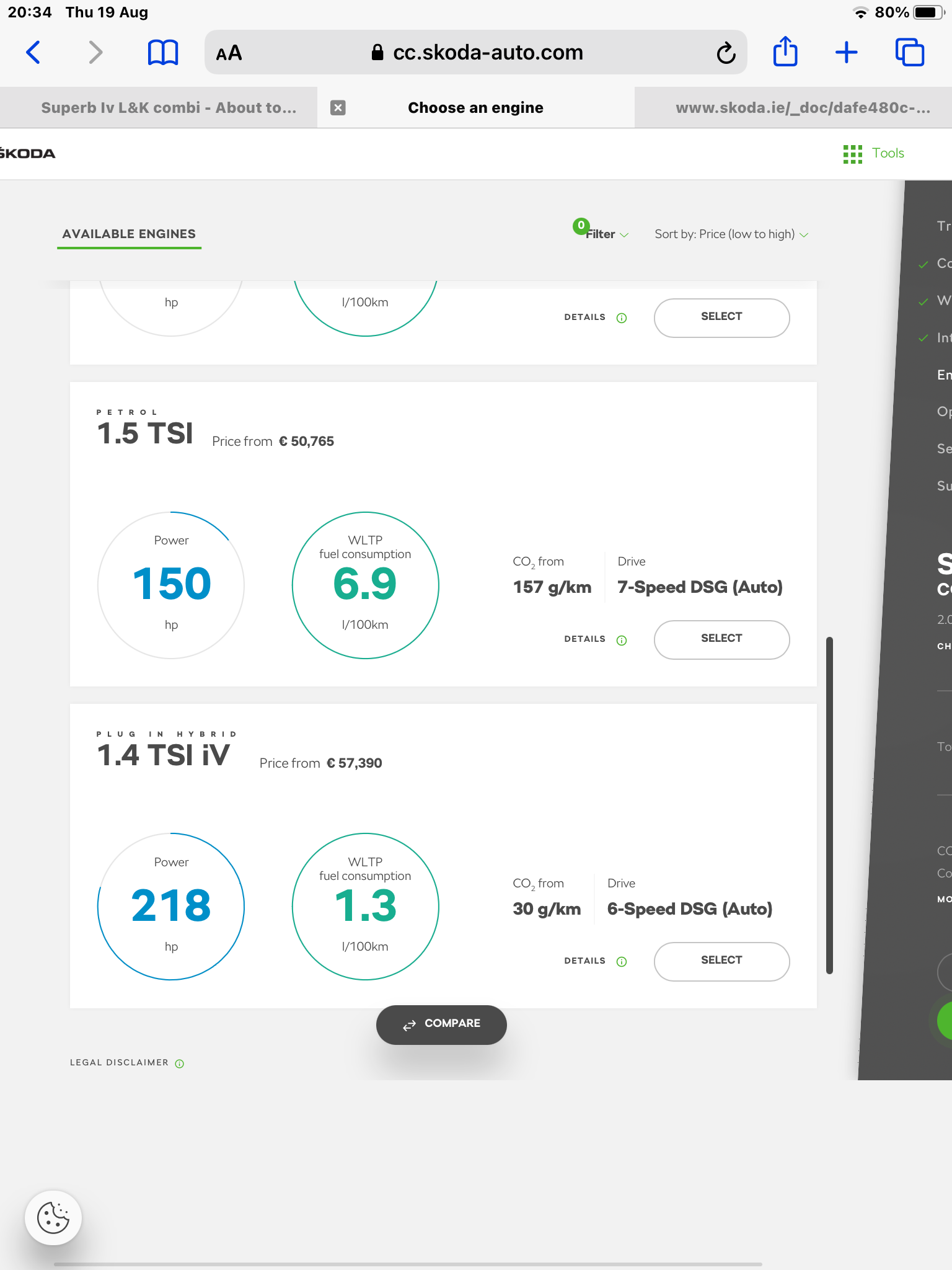
I don’t understand what your looking for, both links I provided have info for the superb combi iv and even has a link to the configurator where the iv is also covered
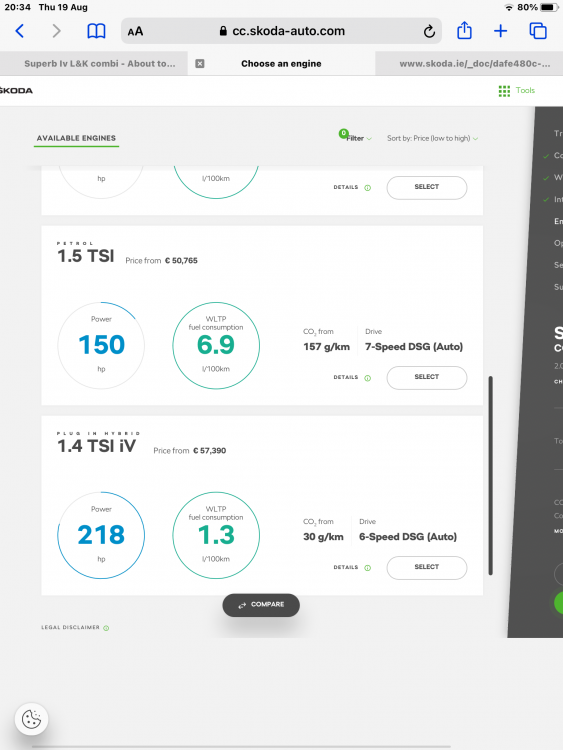 It certainly doesn’t take 4 hours, I have done it by using the passenger door as to not to shut down when drivers door opened, ignition doesn’t need to be on. Radio might shutdown after 30-40 mins and is normally done by this time but it’s easy enough to continue update. I have also started transfer and used car whilst update in progress, if you stop car it will continue where it left off next time you start the car.https://www.skoda.ie/models/superb/superb-combi-lkSkoda dealers supply and fit dashcams, pity you hadn’t negotiated the fitting of one as part of your deal. My son got the dealer to connect in wiring kit for dash cam as part of his Enyaq deal and he transferred the dashcam from his previous car.



Important Information
Welcome to BRISKODA. Please note the following important links Terms of Use. We have a comprehensive Privacy Policy. We have placed cookies on your device to help make this website better. You can adjust your cookie settings, otherwise we'll assume you're okay to continue.