Everything posted by Cairus
-
Octavia 4 and 2Q Kamera?
-
Yes, the problem is known. However, you won't get the navigation back with a firmware update to version 03xx. The FeC has become invalid.
-
That's the whole point of the MQB platform. Unless it's a factory-installed sport brake system, the differences are minimal. Otherwise, compare the PR code. I can practically take apart brakes like that blindfolded by now 😅 I also recommend using a wheel hub grinder with your cordless drill, so that the hub gets clean too.
-
Why you To Map Update over Service Menü?
-
https://mega.nz/folder/Fy9RDZiA#yrWsQsk8Vfie0skUs4XytQ
-
This
.thumb.JPG.84aafbcdca86873b99cbe7a84025b8a5.JPG)
-
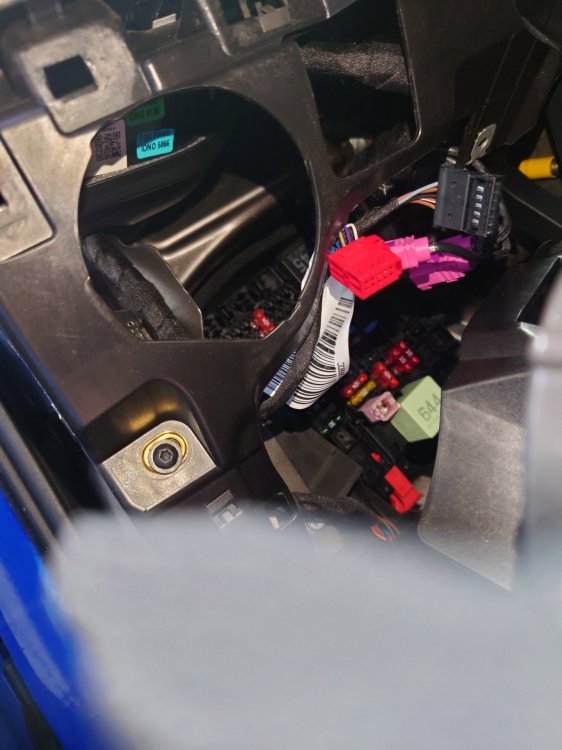
This was Scala
-
-
-
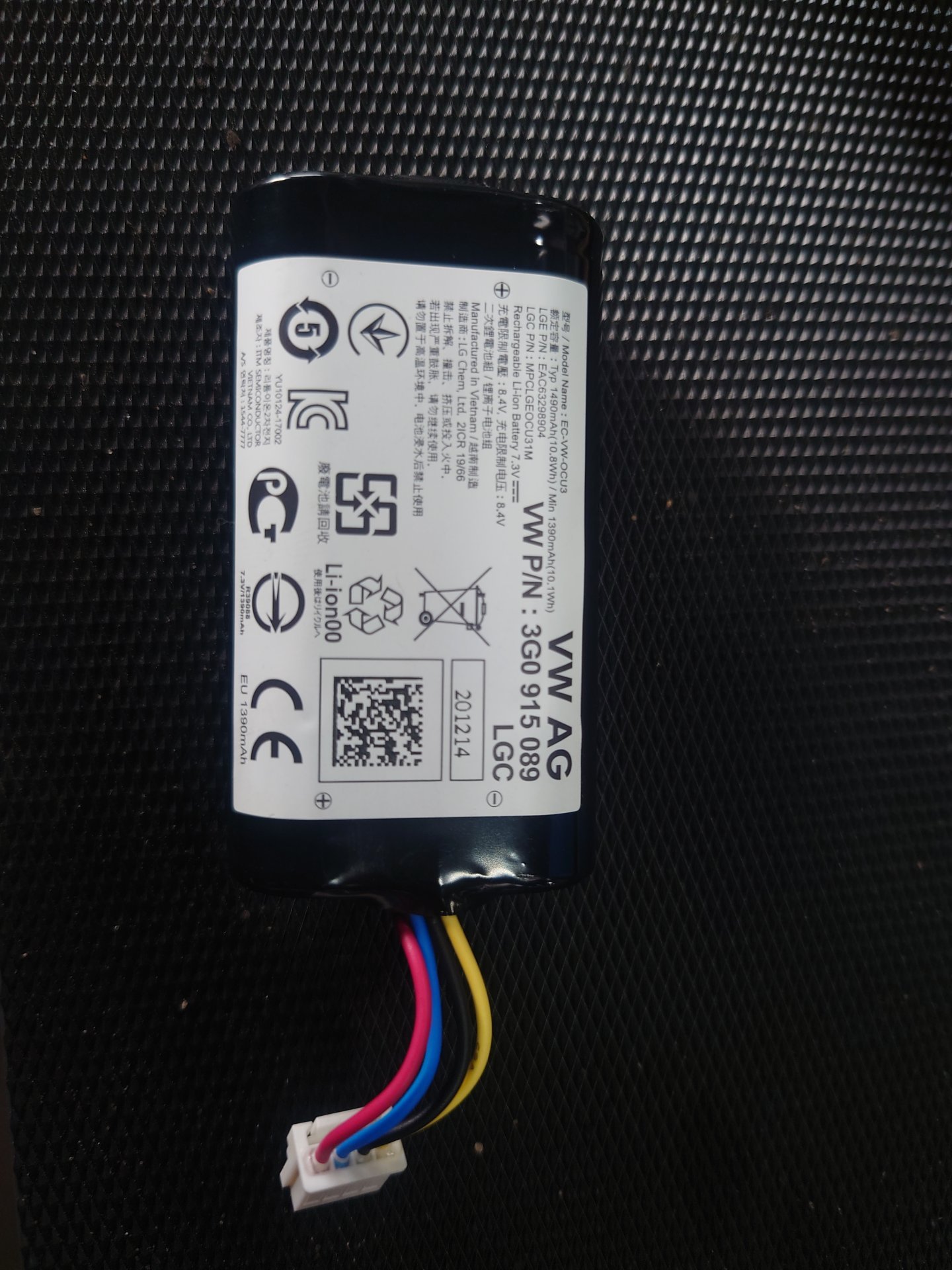
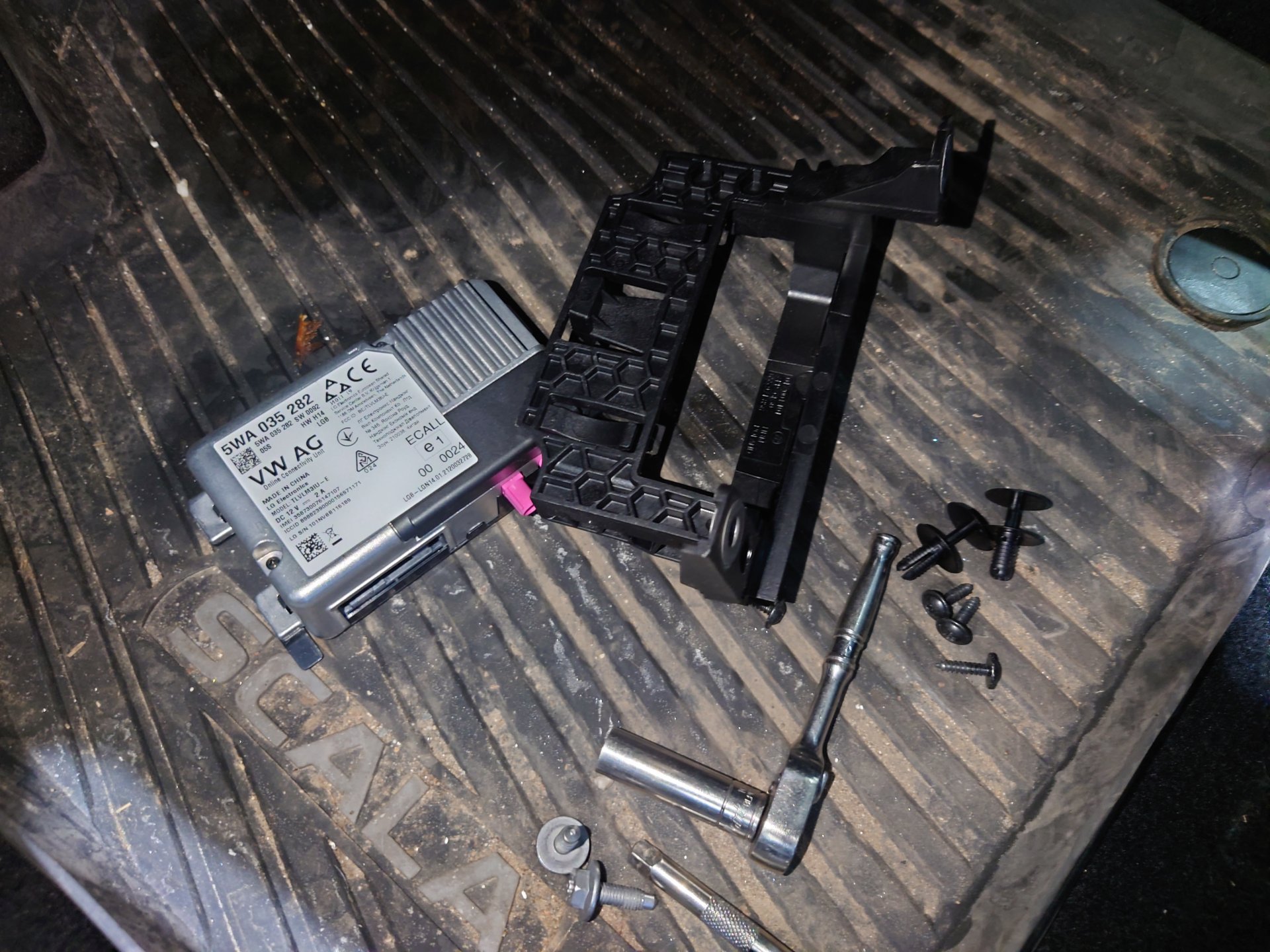
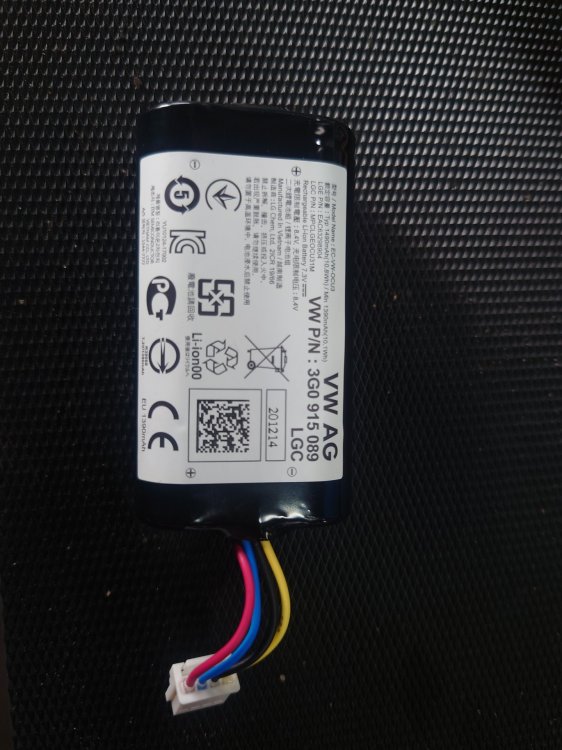
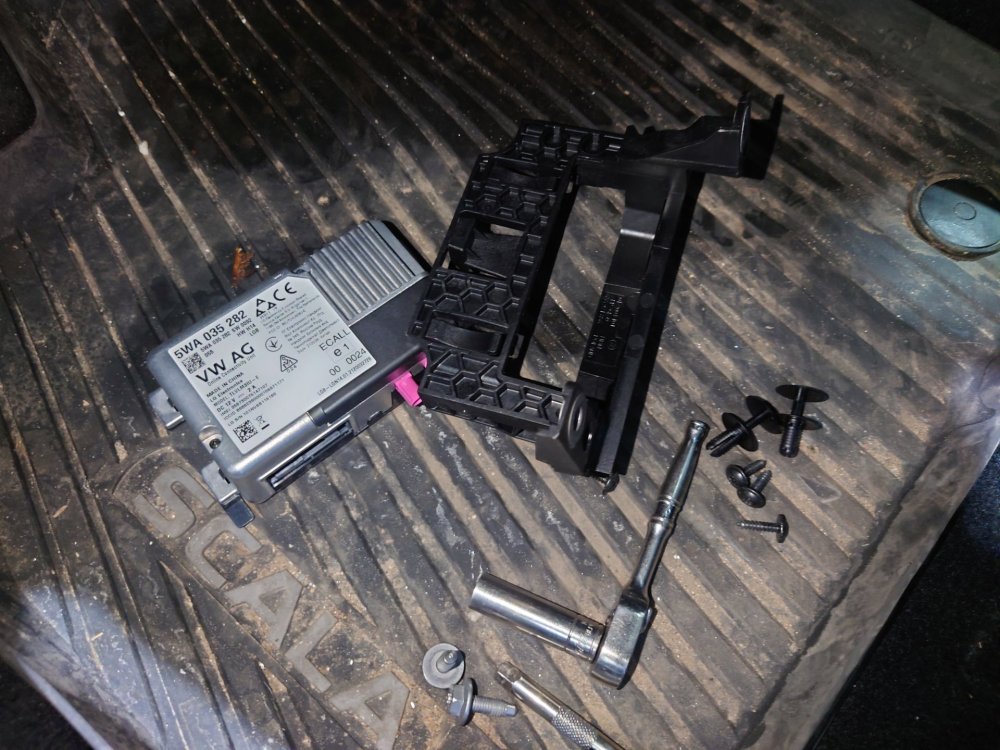
The OCU's backup battery isn't charging. If you get an error message, good luck replacing it...
-
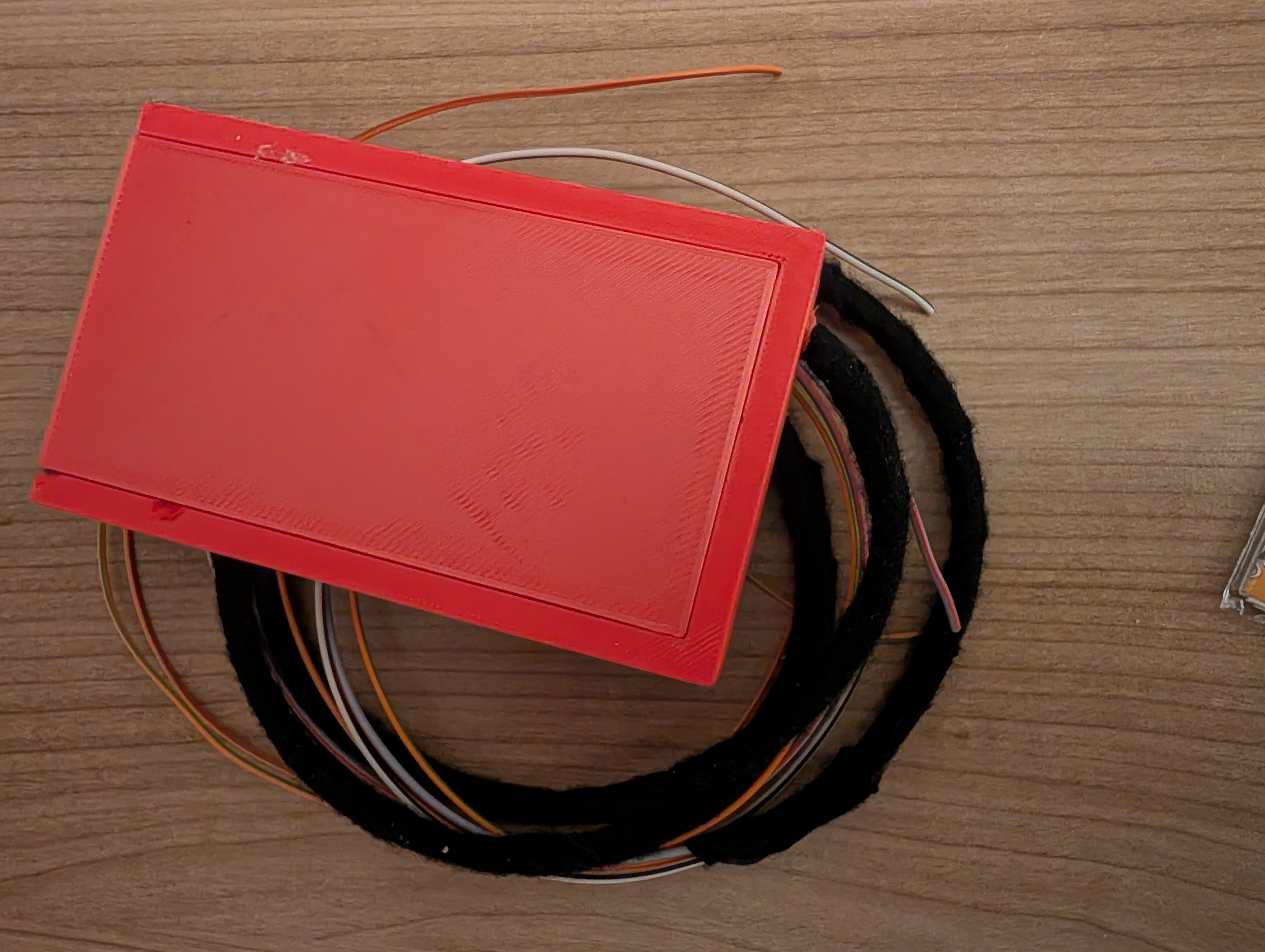
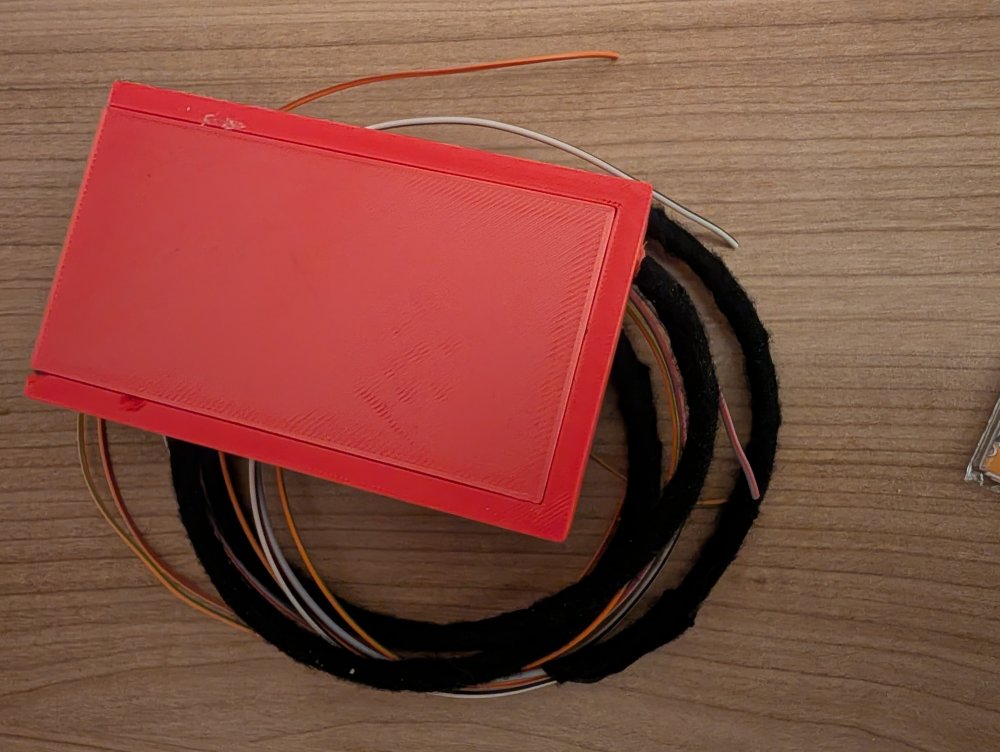
I built my own module which is freely configurable. I also deactivated the start/stop function. Material costs were €15-20.
-
Yes Vcds Scan is OK
-
-
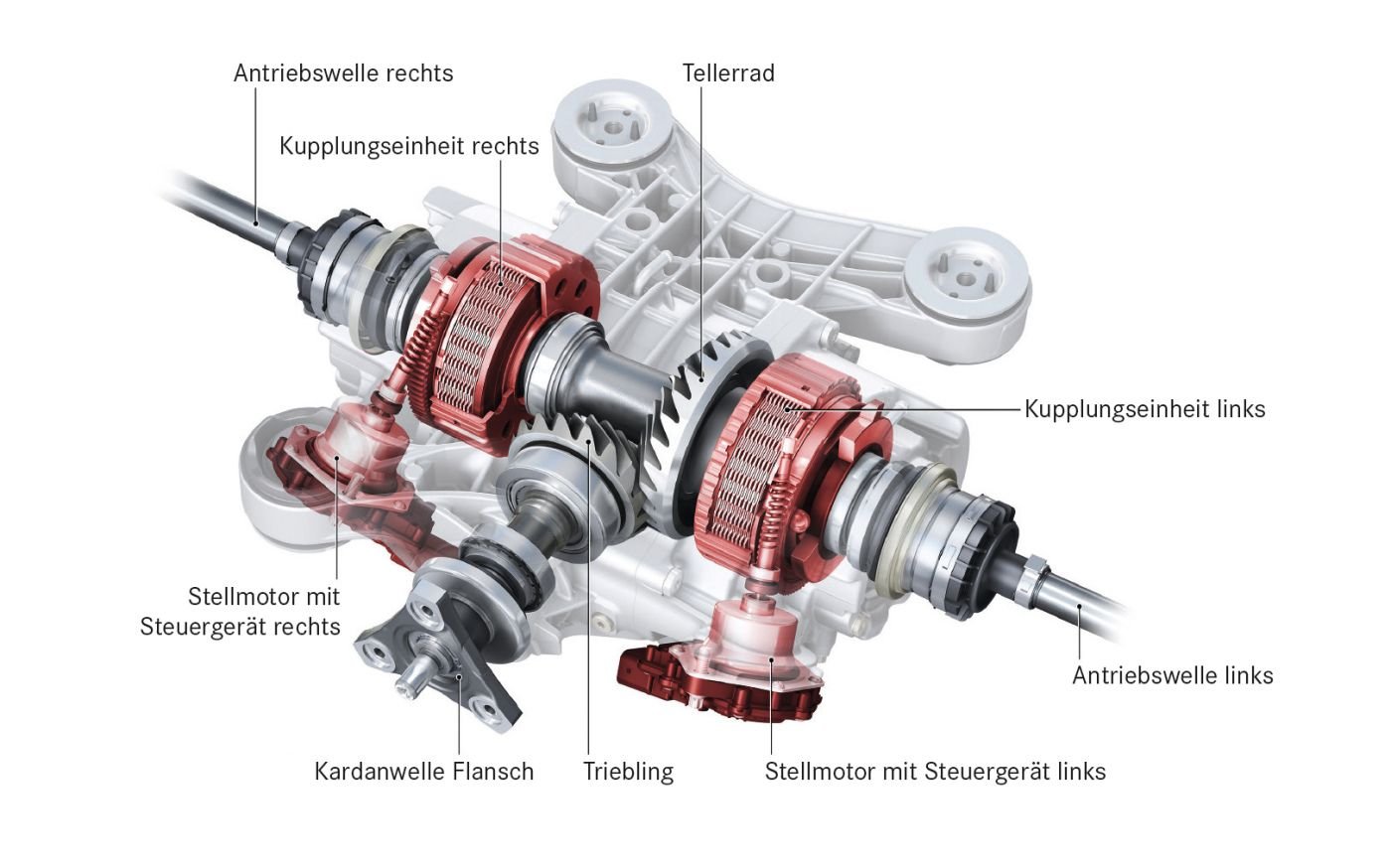
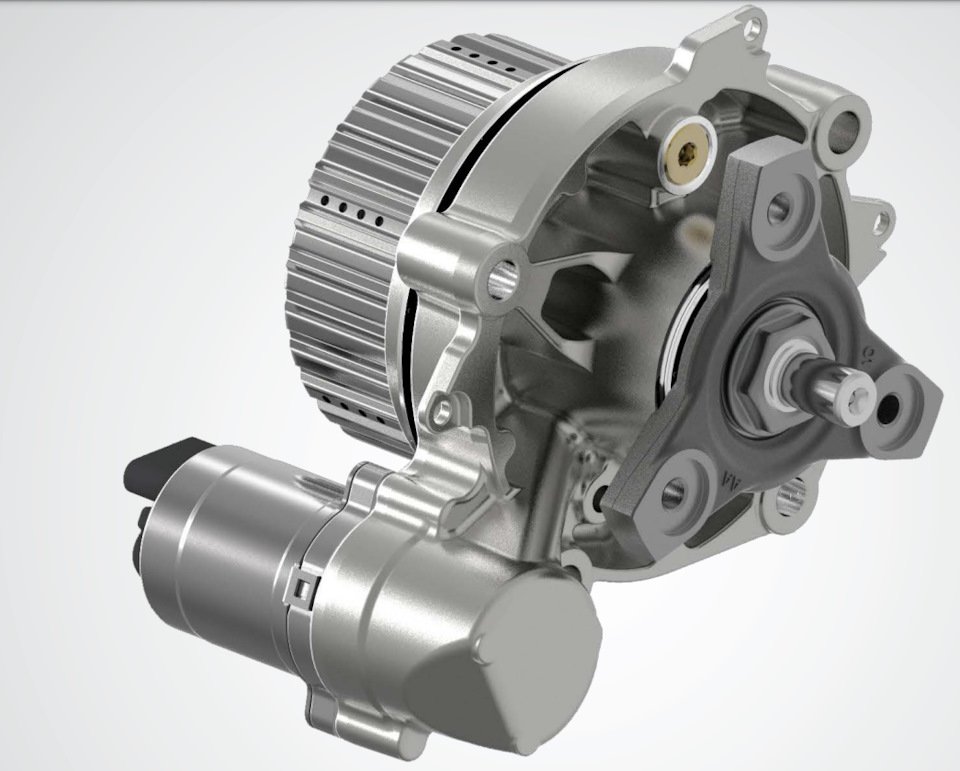
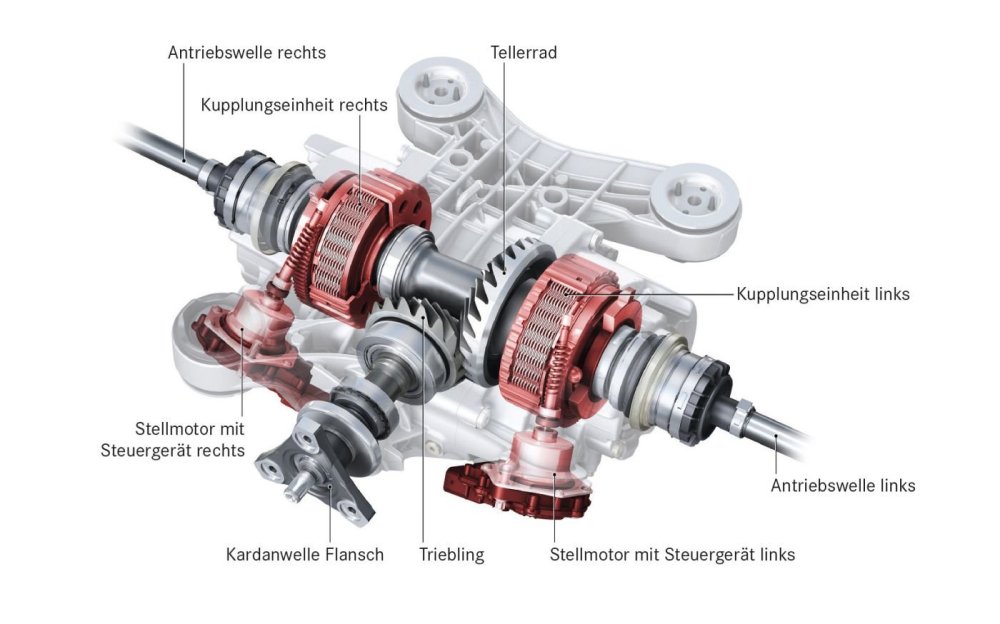
@travs OK, so VW started converting the MQB "Classic" vehicles to GEN6 earlier than expected. The first ones to be converted were, of course, the new models based on the MQB EVO platform. I understand your intentions, but with this type of transfer case with a single clutch, you can essentially only change the fact that you already have more power transmission to the rear axle in normal driving situations. In other words, a bit more "bite" of traction. Many people (Gen5) like to code it for the Audi RS model. However, I see this as a disadvantage because the oil pressure is increased, resulting in more power transmission even during normal driving, and therefore more wear and tear on the clutch plates. The transfer case for R models, etc., internally or project name "Twin" for short, has different friction plates. These individual wheel clutches are briefly subjected to a torque of 1200 Nm during clutch testing on the test track at the end of production (EOL - End Of Line). Tuning in this case wouldn't be my main concern. Back to the Haldex. I personally recommend a Haldex service every 15,000 km. You'll only be doing the clutch a favor by doing so. You have a Autoscan for me of your Car?
-
@travs You drive a Superb 3, what year is it? I don't recall the Superb 3 ever getting a Haldex 6. But I don't know all the details offhand. Personally, I'm not a big fan of optimizing the Haldex system; it already has a tuning protection feature, at least it did with the Gen 5. What kind of optimization are you specifically looking for?
-
-
-
Which SW Version you have now?
-
Is normal, EU Regulation
-
Drive Profil Mode Change a Lot of more Systems
-
This is ACC
-
An Octavia 3 is an Octavia 3, regardless of whether it's a pre-facelift or facelift model. I just happen to have an Octavia 3.5 at home. Show a Picture please from select driving Mode over mib 2
-
I don't know of any Octavia 3 where you can select the driving profile via the radio (MIB2/MIB2.5). I have one myself at home. Do you have DCC?
-
As a little extra, even the VW R models, Audi RS3, and Mercedes A-Class AMG, Cupra etc...have a multi-plate friction clutch; only the high-performance models have two of them, and the preload is achieved differently. However, the complete system isn't a VW or Audi development. It also comes from our company. Currently, we're offering the electrification of this model. 😜
-
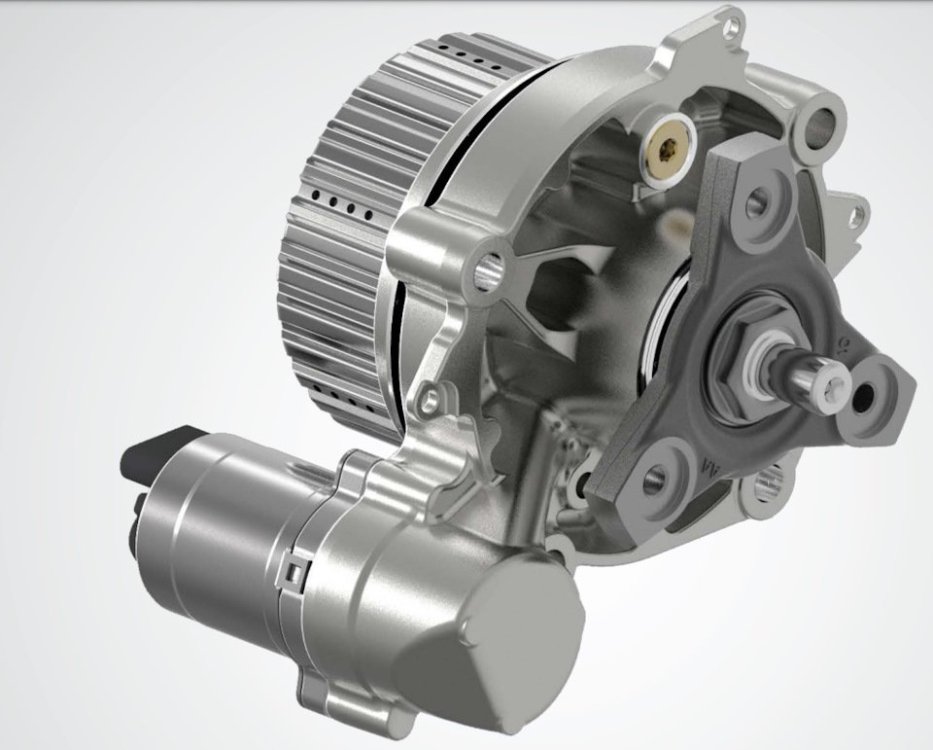
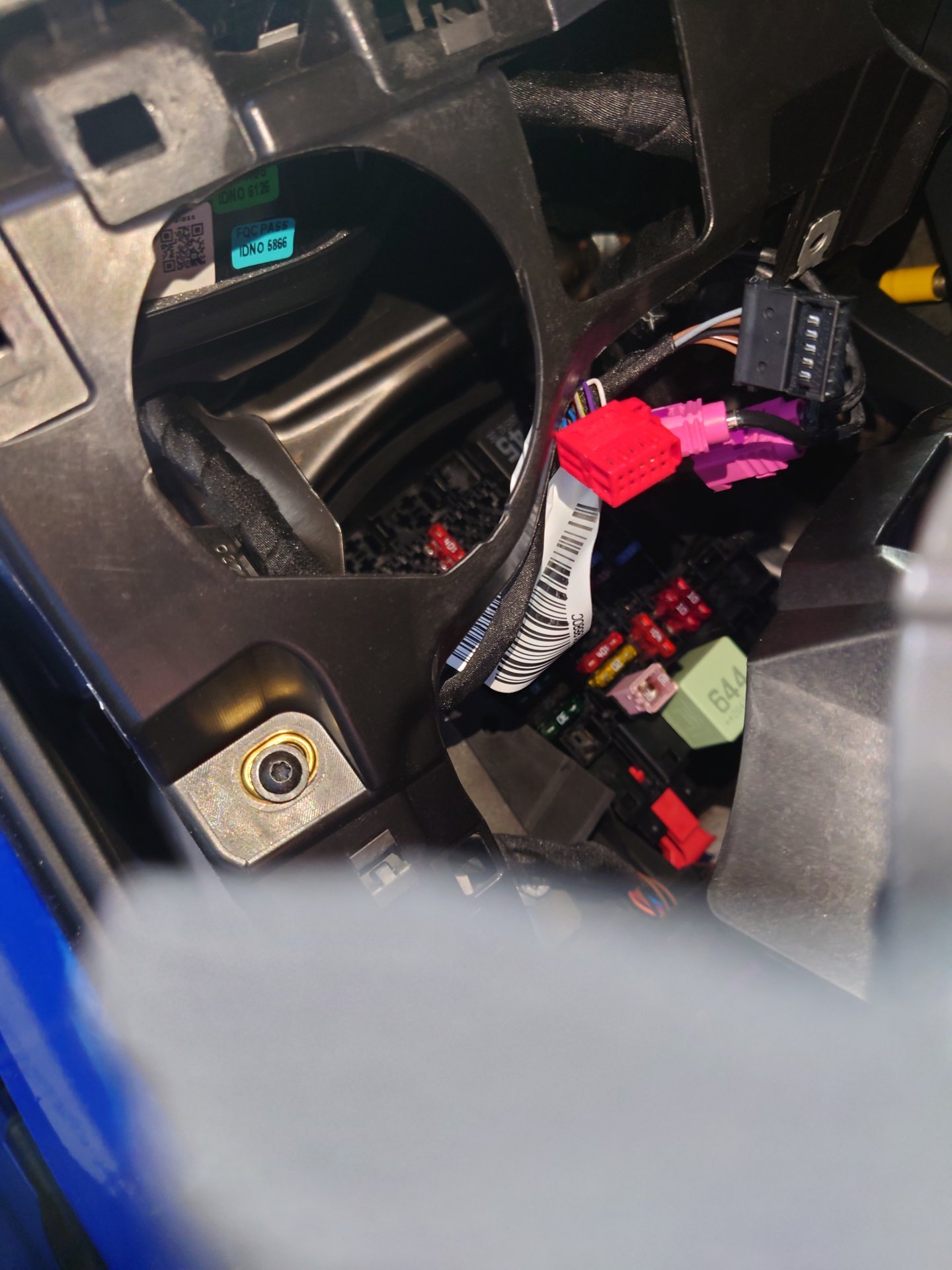
Gen 6 Controller ist no include in the Pump

.JPG.18aac822c1359e969a566be349589484.JPG)