Cairus
Members
-
Joined
-
Last visited
Everything posted by Cairus
-
Yes to Support it... You need the document that describes the channels. This list might help: https://www.t4-wiki.de/wiki/Messwertblock
-
Which HW & SW Version have the mib 2 Unit?
-
Which vehicle did you use to read the data? Felicia? Back then, there was another list showing which channel was which; even the workshop with the factory tester didn't see that. OBD11 can't be blamed for that.
-
No SFD 2 / UNEC Car
-
-
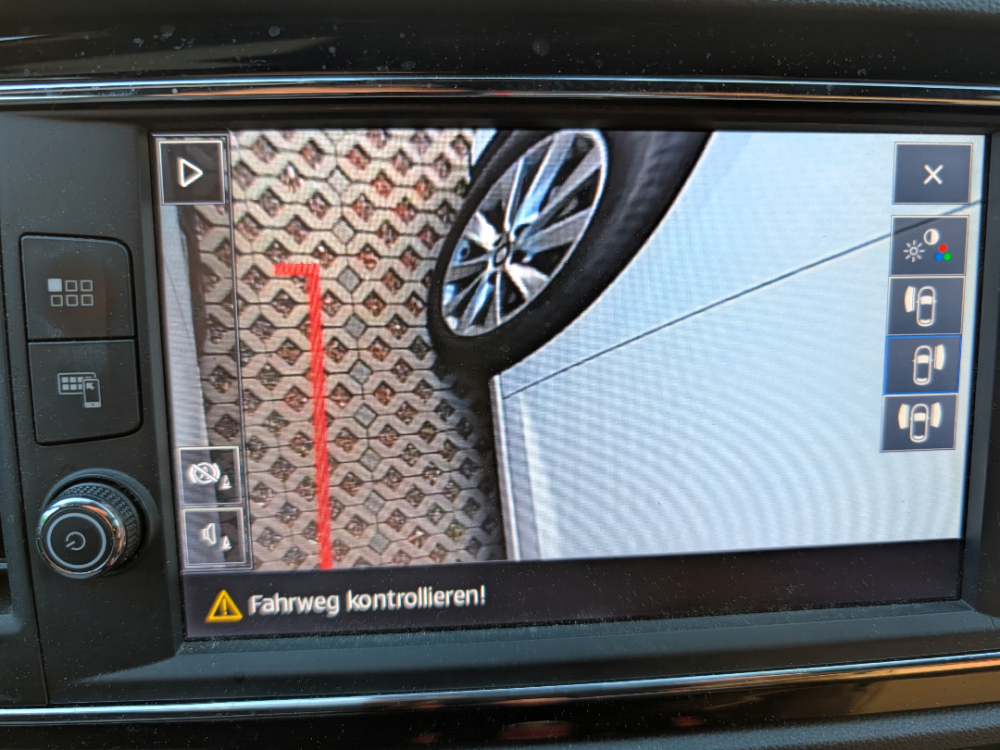
The only things you get from Skoda are expensive plugs and an expensive reversing camera.
-
Which Car? Skoda released the SFD 2 protection at most two months before the EU deadline. I've had plenty of MY24 vehicles without SFD 2. I can tell you exactly if you send me the VIN via PM. The Kodiaq 2 and Superb 4 were exceptions. Regarding a diagnostic tool, what features do you want to be able to use? For data set and firmware flashing, I definitely recommend VC Tool. For everything else, Car Scanner Pro is sufficient. OBD 11 costs a monthly/annual subscription. VCDS is too expensive without VIN restrictions. VCP costs an annual subscription if you want the latest version. VC Tool also costs money, monthly/annually, but offers the most features. It requires a VAS 6154a dongle.
-
Sorry ist no Plug & Play solution
-
Mib 2 Retrofit is now Plug Play solution
-
You have To Change Display, Unit, Unit must be patched. It depends on where you buy the parts, but you can expect to pay between €400 and €1000. This depends on whether you choose MIB Low or High, which display, etc.
-
-
-
OEM Skoda, No Problem High Version : Part Number: 5Q0980568B Connector Camera T8t/8 = Blue = Orange/Brown ---> Car Side T12g/12 = MIB 2 T8t/4 = Yellow = Orange/Violett ---> Car Side T12g/6 = MIB 2 T8t/1 = Red = KL30 = SC18 = 7,5A = Red/Blue Wire T8t/5 = black = KL31 = Ground = Brown T1d/1 = White = Video Signal = T12j/6 = MIB 2 T1d/2 = Black = Video Signal = T12j/12 = MIB 2 No warrenty
-
I remember that problem from my Octavia 2 days. What always helped me was to lock and unlock the door repeatedly, while firmly tapping under the door handle with my fist and changing its position.
-
Only German Link Activ until 12pm https://mega.nz/folder/4zMQBRAB#un-JU5fvB0ARzapC8DAdXw
-
You have MIB 2 Low or High?
-
One step forward. Door connector replaced, cable pulled through, test connection in vehicle with new door connector.
-
As I already mentioned in another forum, his 2022 Kodiaq no longer has long-term coding in control unit 09, the BCM. Everything there is set to 0. Additionally, please note that you cannot view the coding in any system using a VIN. Only with ODIS and server access can you perform an SVM comparison.
-
-
Okay, let's give a detailed answer. You'd have to use the ToolBox to create a dump, then decrypt the encrypted file that manages the image files. There are hundreds of individual images, and all of them would need to be replaced. A colleague of mine has a VW unit in a Seat and spent a total of three months manually replacing these individual images.
-
Reflash Firmware, Unlock Developer Mode, SWDL Download
-
-
-
-
Simply replacing the steering wheel does not change the coding of control unit 16. Of course, if you replace the control unit because you are retrofitting a heater, then the coding must be adjusted again.