




Cairus
Members
-
Joined
-
Last visited
Everything posted by Cairus
-
Use the warrenty
-
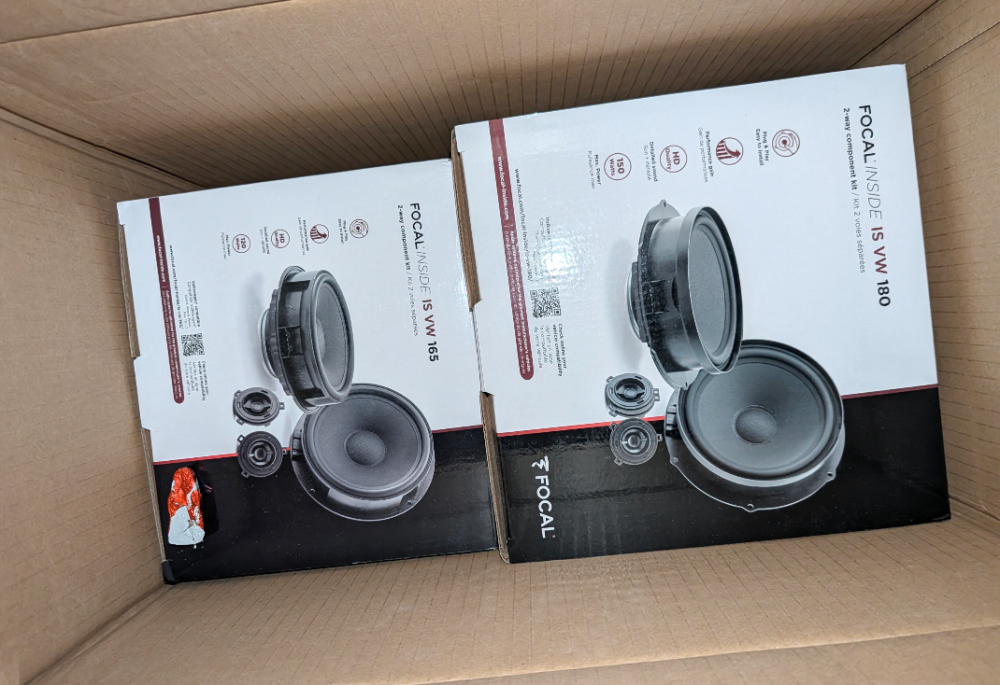
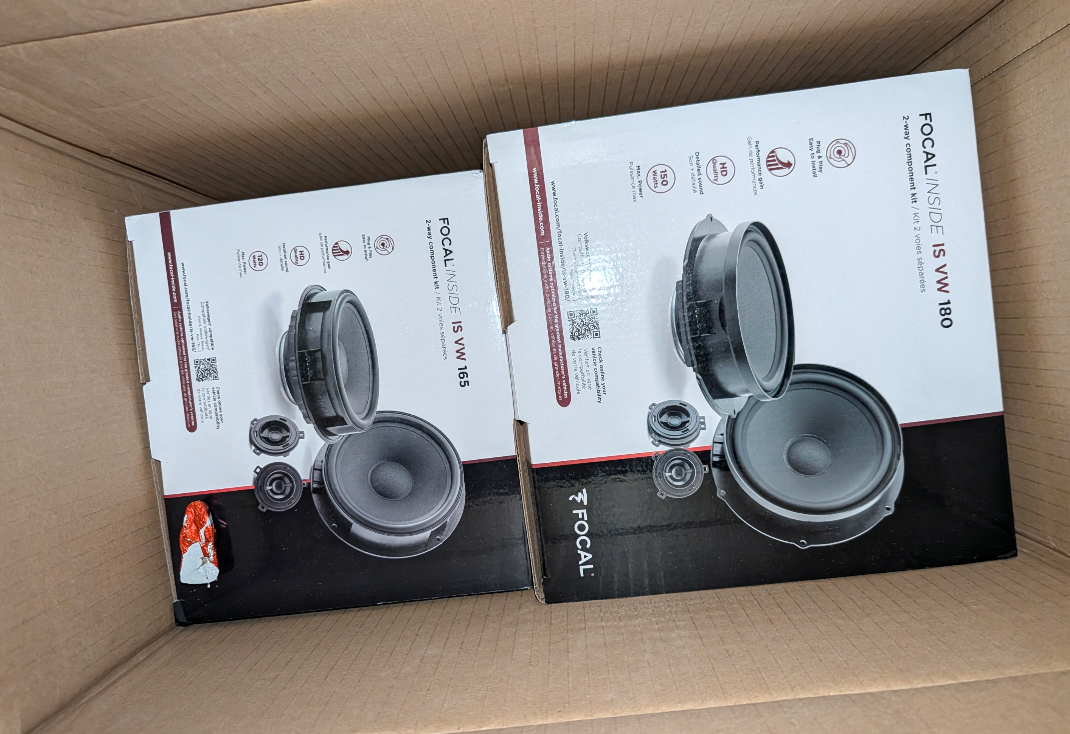
They're asking about a map update. They haven't mentioned anywhere that the navigation system isn't activated yet.Download, extract, copy the 6 files directly to the root directory of a USB stick. Then update in the car. https://mega.nz/file/lrdBWB6b#5mBUd67LKWBmyvcjNjP1iH_DJvYu2qSxica97cRLmtwIt depends on your vehicle's features and year of manufacture.Just for funI know the Tool Box, But you have to enable the developer Mode. But the Patch dont need themIn your own risk I've never tried it that way before. Always used navigation system. This is only a Patch https://mega.nz/file/Rr1WnQIK#MijNeTL--HRhpy5Rzqi7mWhmN6ZyRfRHIzVHQ9fnkYAYour photo shows a normal cruise control (CCS) system, and the marking only indicates a button for accessing the menu in the on-board computer for the assistant systems.What will be retrofitted: Focal INSIDE IS-VW-180 Focal INSIDE IS-VW-165
 Brand manufacturers or budget manufacturers.Try this... https://mibsolution.one/index.php/f/180234 My Image is offline, have To Upload thisYesIn Austria Always with This partsOur 1.5tsi have it from FactoryThen Octavia 4Which Radio System?I was able to activate all buttons except for the onboard computer using part number 5E3919719 via firmware and data set. However, there is another part number for Karoq, Kamiq, Kodiaq, Scala, Fabia, Rapid, and Superb.Stop, something wrong, Share a Pictures of your unitInstall This Patchl Only for Firmware 0255TNo AA& Apple Car Play FeC Code which is valid, No solution. ToolBox is a good ToolYou have the correct USB Board and Coding?Mib-helper.com

Important Information
Welcome to BRISKODA. Please note the following important links Terms of Use. We have a comprehensive Privacy Policy. We have placed cookies on your device to help make this website better. You can adjust your cookie settings, otherwise we'll assume you're okay to continue.