JR RS
FREEDOMLite
-
Joined
-
Last visited
Everything posted by JR RS
-
its called Privacy glass - standard stuff, where the rear glass have a privacy tint from factory.
-
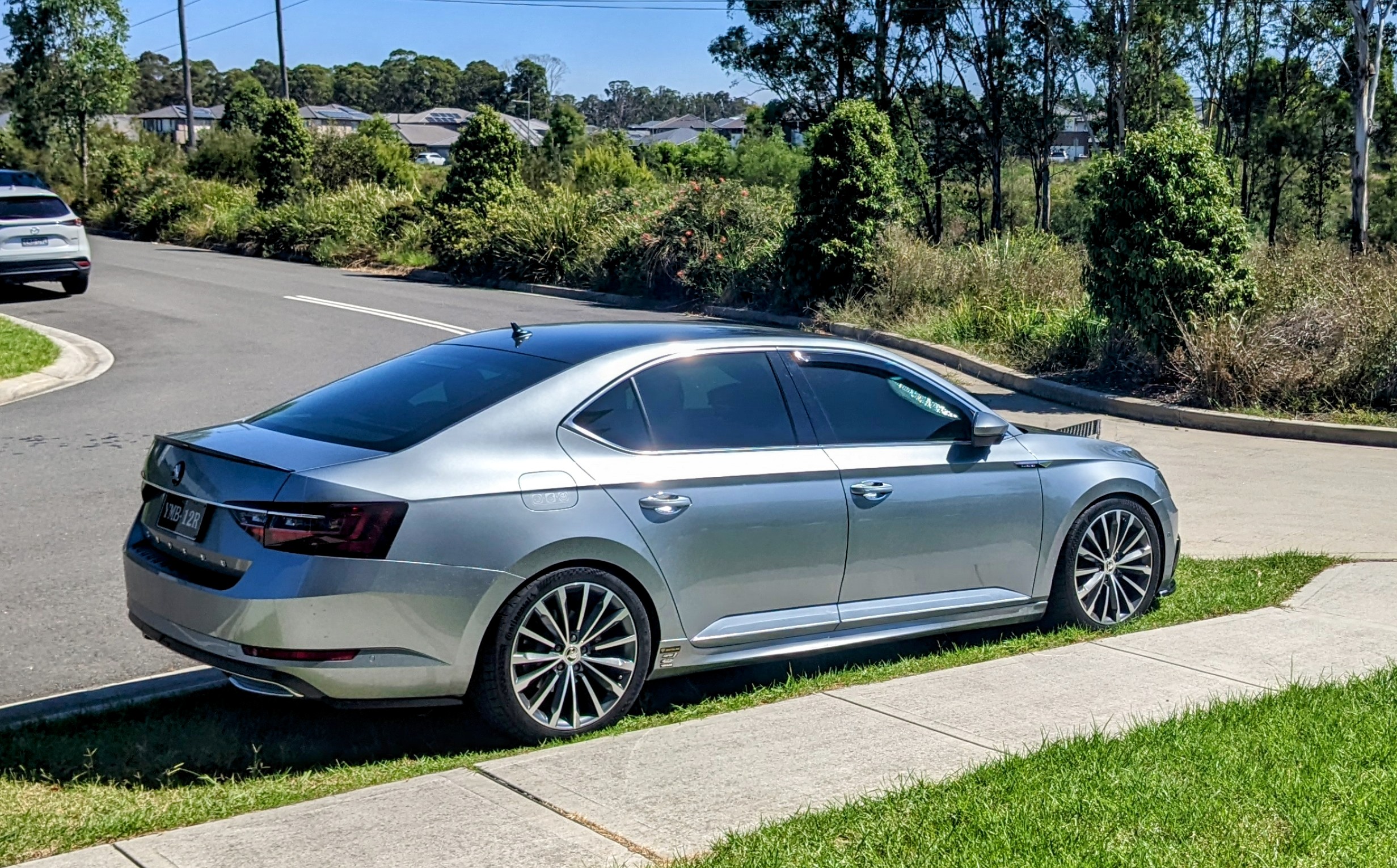
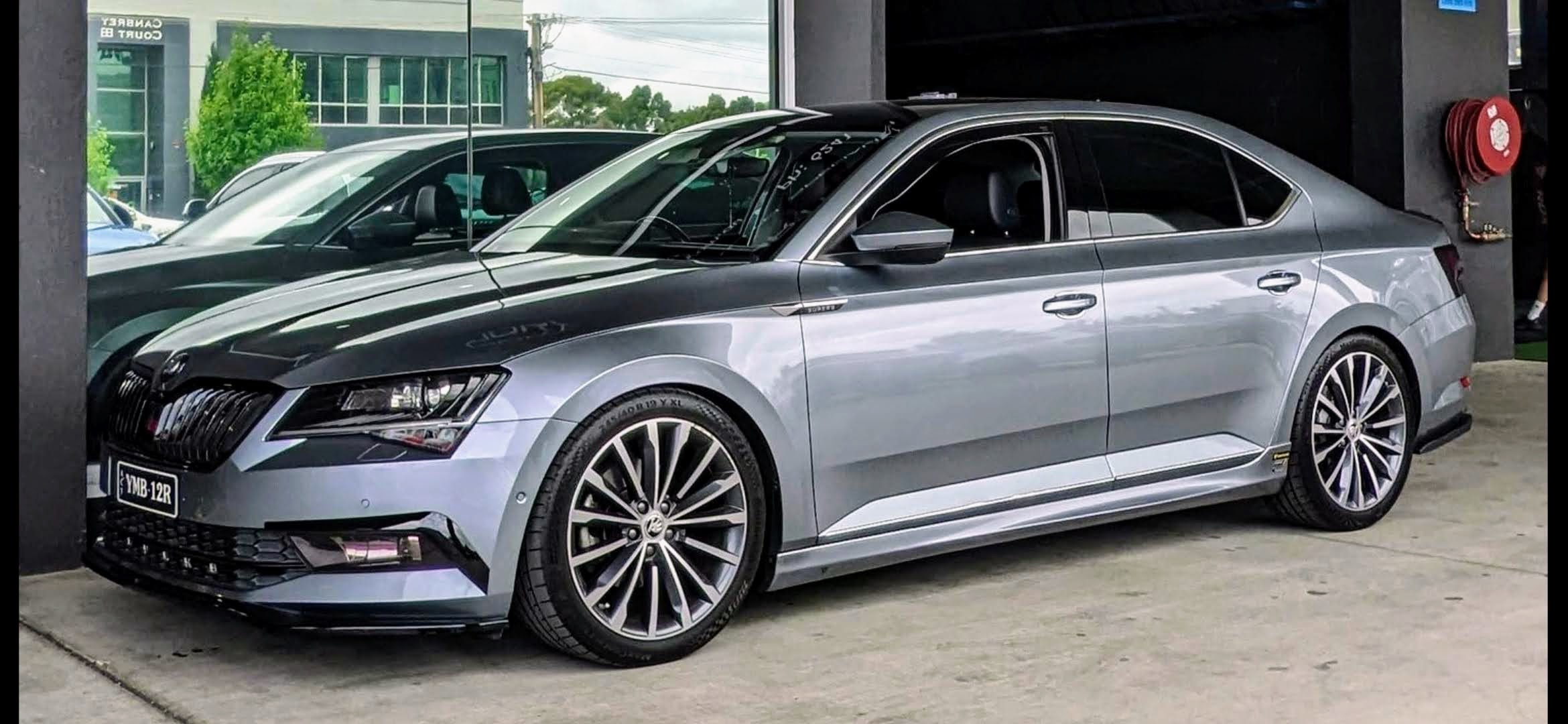
the black trim on the front doors don't match the black trim on the rear doors!!! makes no sense at all as to wat has been done to the trim on this car's doors!!
-
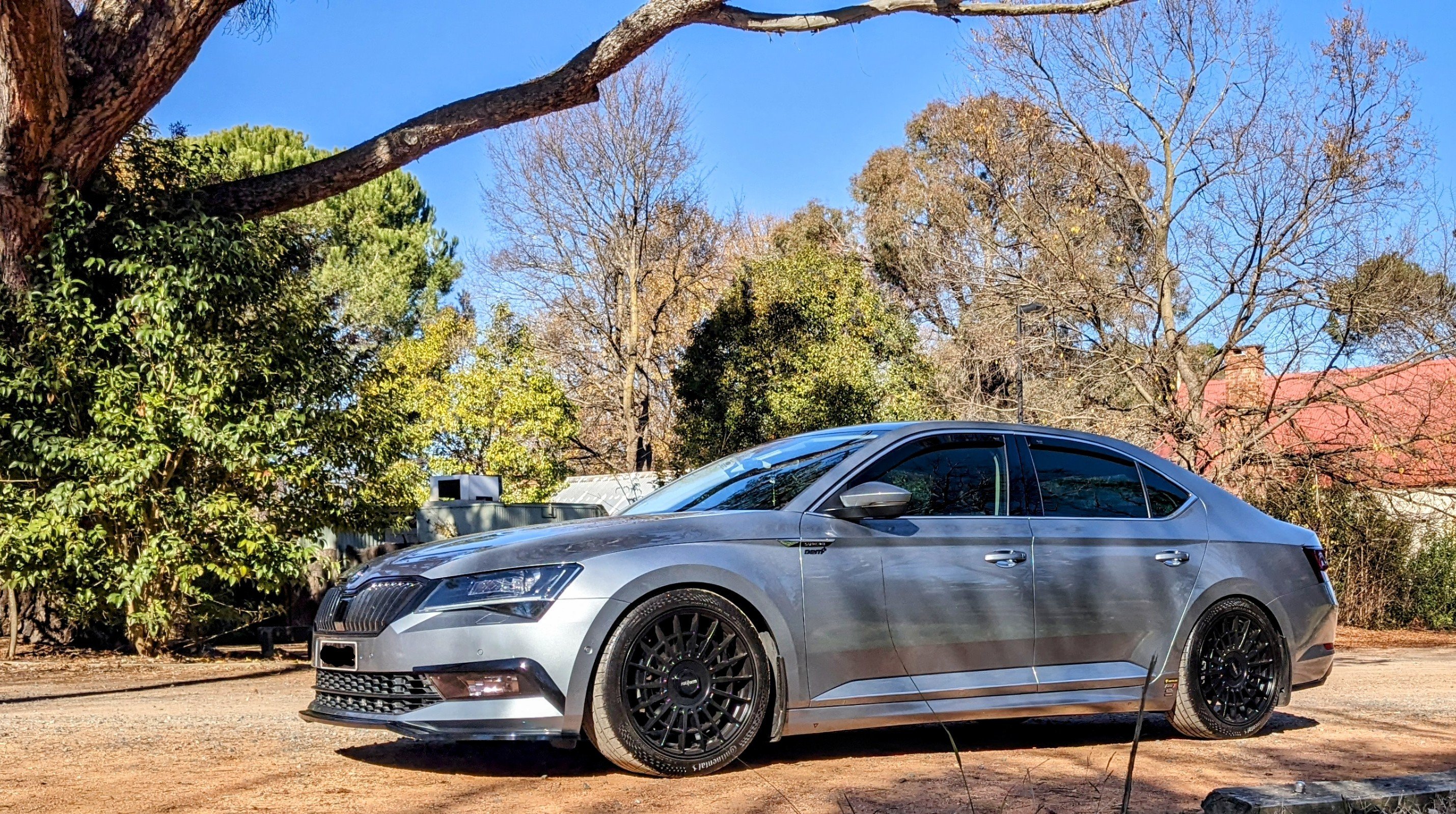
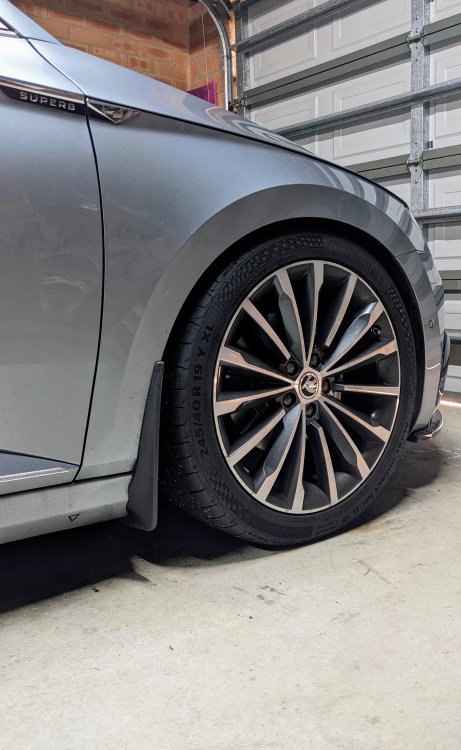
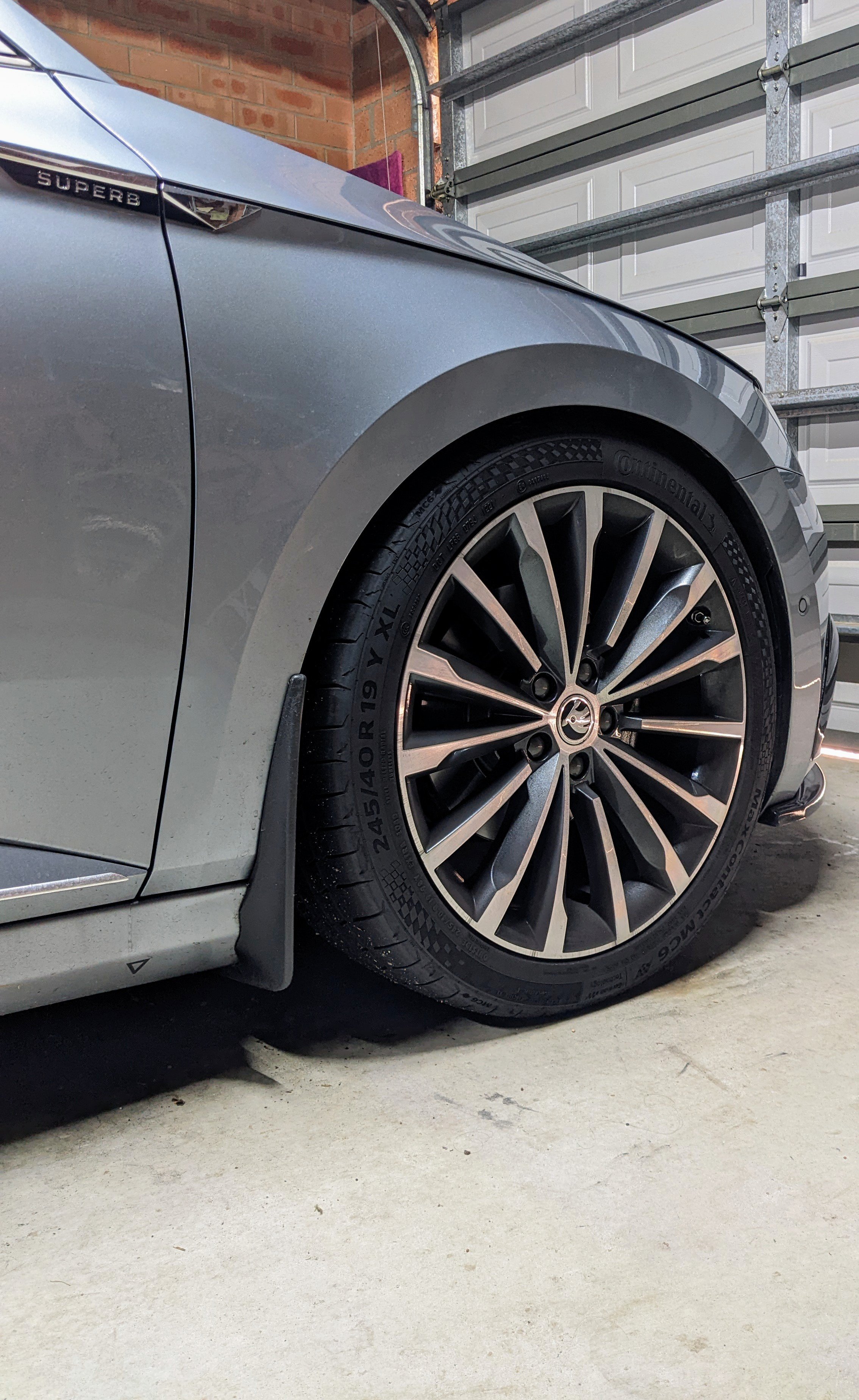
245/40/19. Original was 235/40/19. The 245 tyres r cheaper, more readily available, more comfortable, and more accurate speedo readings. Many here in Oz have made the switch to 245 tyres.
-
given the car is a non-sportline Superb - it should b chrome trim all round. u can even see the front bumper lower trim is chrome as well. the black trim is out place and it is strange why they left the bits below the front window as chrome.
-
all good. The DCC setup is 10mm lower than standard suspension, hence why the Eibach only drops it 20mm. good luck with ur setup.
-
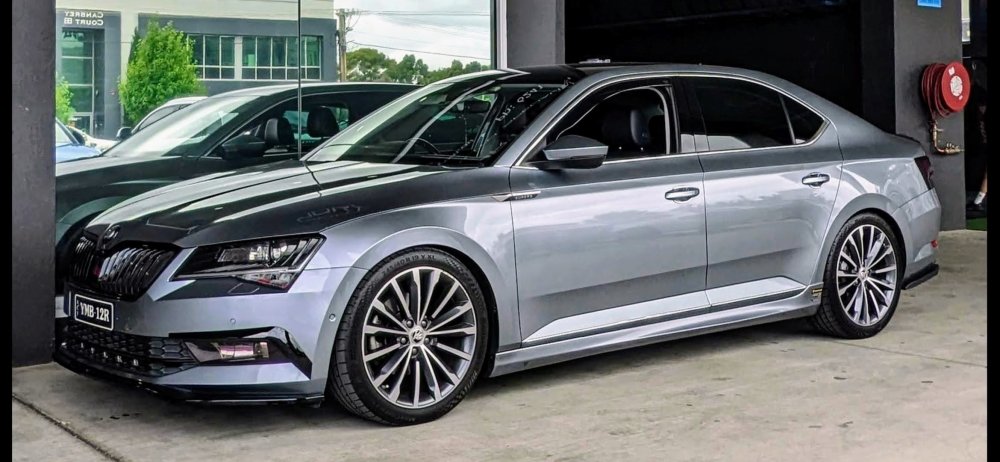
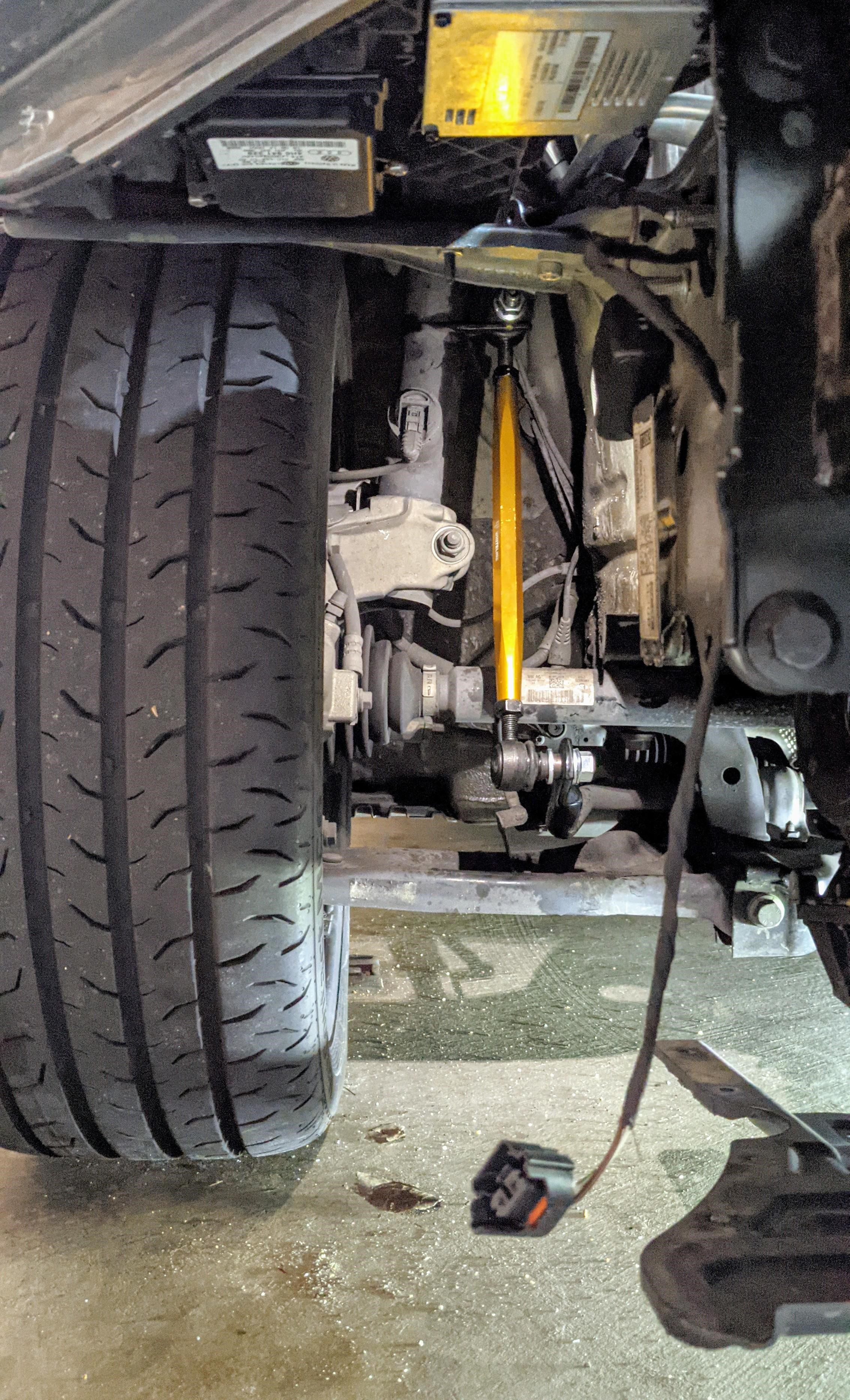
Mine is lowered 20mm on Eibach Pro-kit springs. The springs firm up the car a bit, and reduces some of the bouncing and wallowing. I've also got a stiffer rear swaybar - helps keep the car flatter when taking corners. ....and finally the DCC mod (which loads the VW Arteon suspension algorithm) that makes the ride perfect. The compression and rebounds r spot on, no more bouncing or bottoming out and u get 15 DCC settings instead of the usual 3 DCC settings. APR offer a similar thing - it's called Suspension Control Unit (SCU), but they charge 10x the amount I paid for the DCC mod. Coilovers r too expensive, especially the DCC compatible ones, and it's not perfect.
-
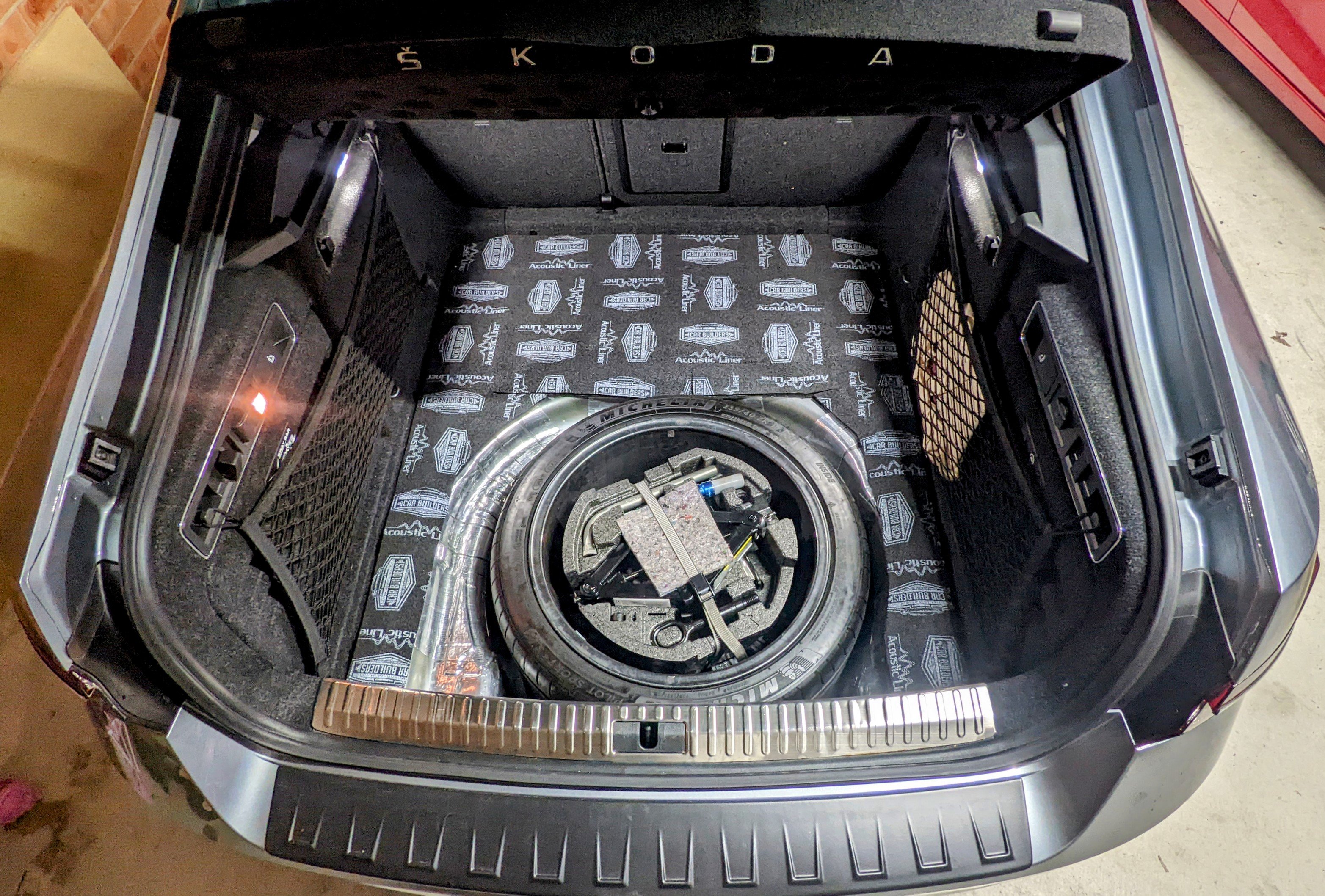
I used Car Builders Acoustic Lining foam. https://www.carbuilders.com.au/acoustic-liner-carpet-underlay-stage-2
-
Lol. Wat @MartiniBexplained. My bad for thinking that everyone knows wat I mean when referring to "280"!! ....and I don't even own a 280 myself!! Then again, i was quoting someone else who also referenced 280 in the same way as I. One should connect the dots......
-
280 front brakes won't fit under 16". Need minimum 17".
-
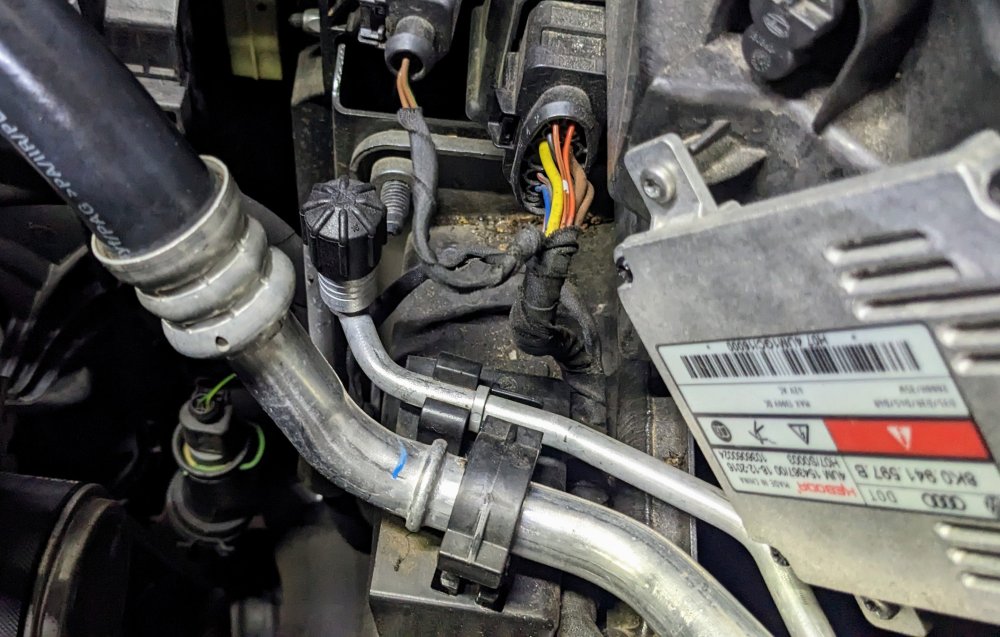
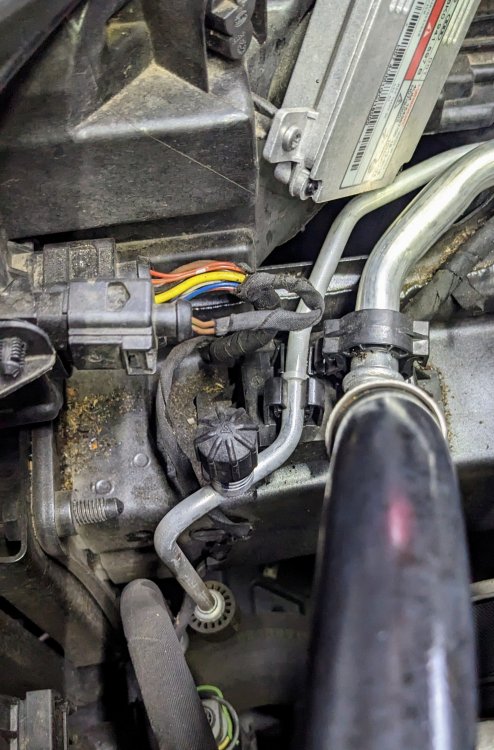
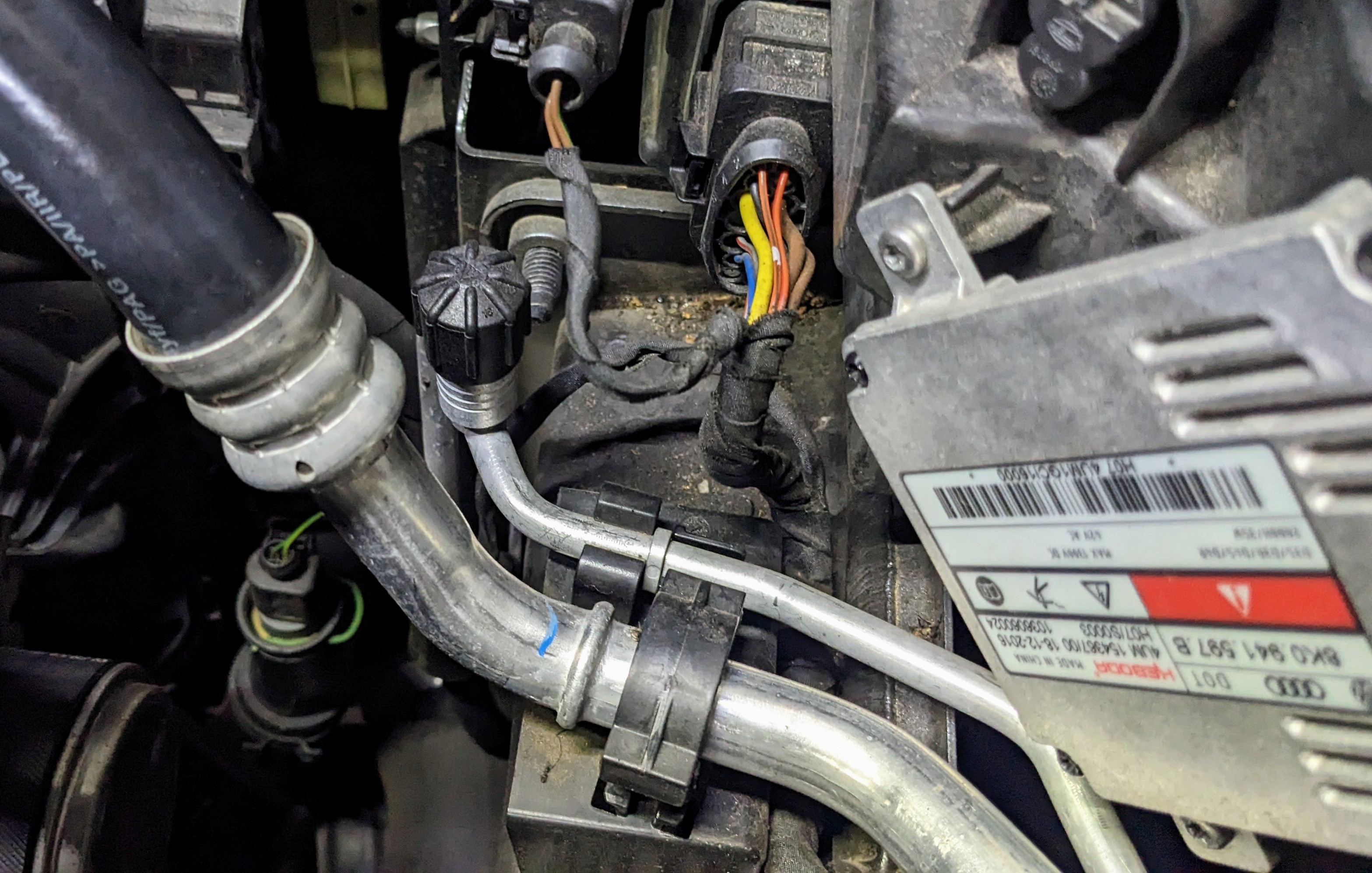
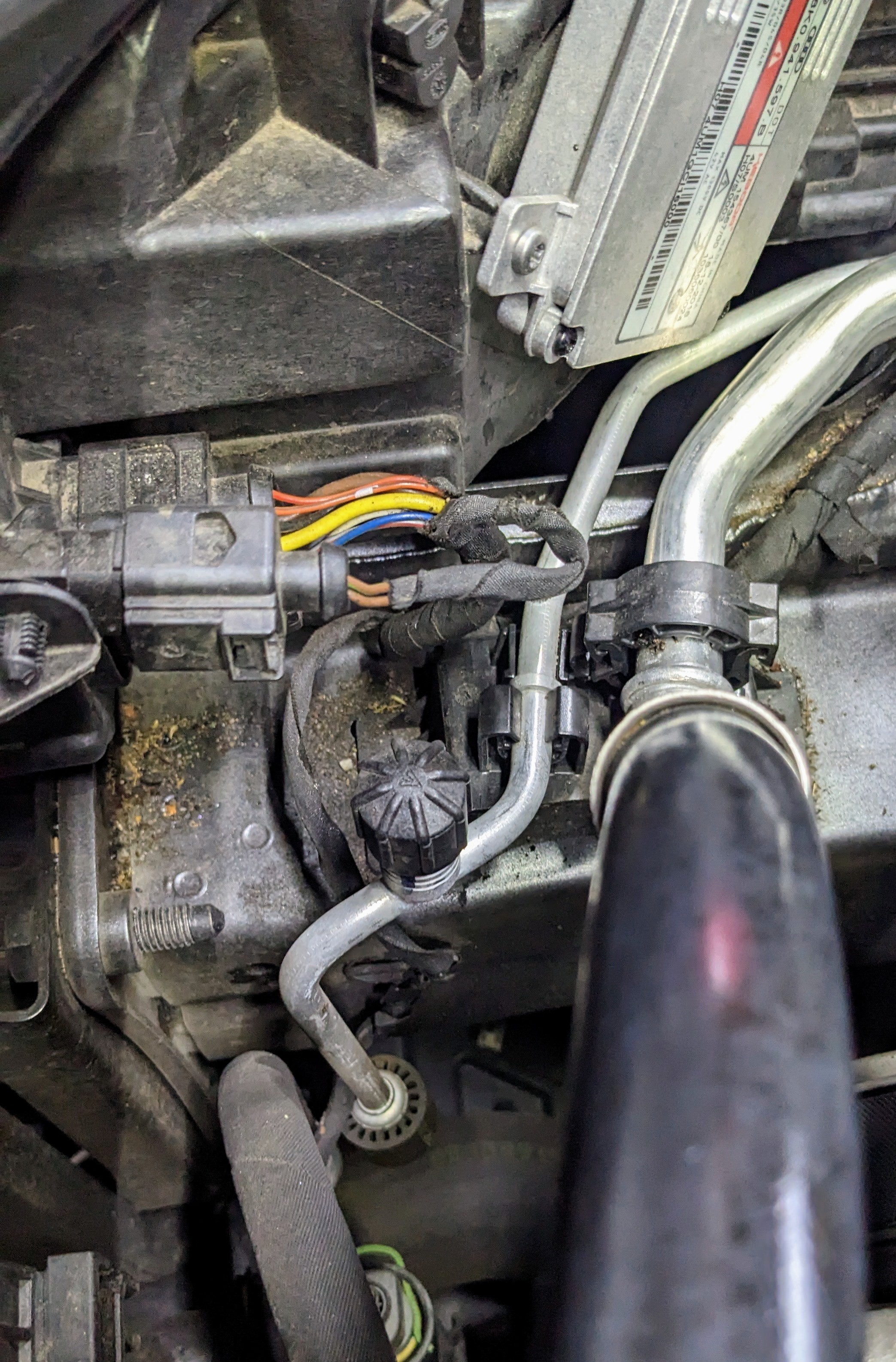
As requested @Danoid there is plenty of clearance between the headlight wiring harness and the A/C compressor lines.
-
again not sure if this is a RHD vs LDH thing, but i was able push the connector block bit back down the rabbit hole - there was enough room, just.
-
i've been buying stuff from Kopacek (previously SuperSkoda) for more than a decade now, stuff for my Octavia RS before, and now my Superb. never had any issues with the quality and fit of their products. never had any issues with delivery. only complaint is shipping costs, especially all the way to the other side of the world, Australia.
-
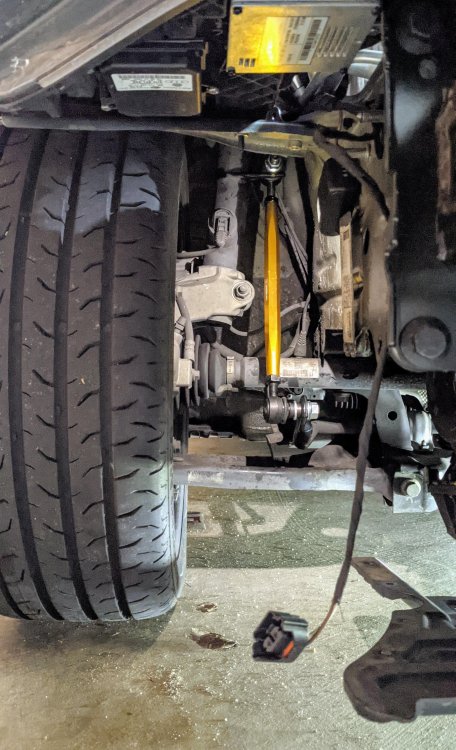
Usually it means something is up with ur light control modules - hence the AFS Error. As a result ur headlights r now in "limp mode", pointing downwards. There r two modules under each headlight. Not referring to the ballast module, which sits at the back, which u can see from the engine bay. Unfortunately to access the light control modules, u need front bumper off, which means front wheels off and wheel arch liners off. Worst case scenario - the motors inside have seized. In this case u'll need the entire headlight replaced. Using a scanning tool first - check for an error codes, before u go start replacing things. U can see the two light control modules in this pic - one black, one silver. This under the left headlight.
-
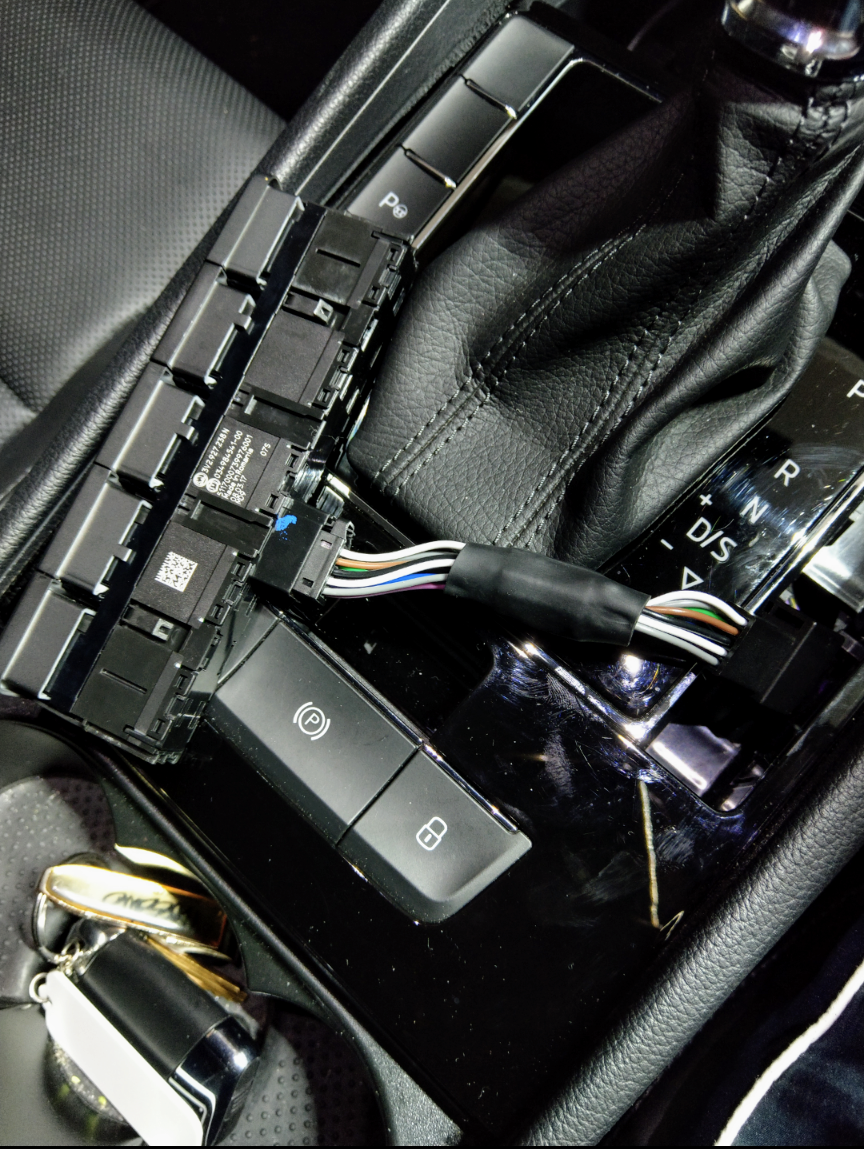
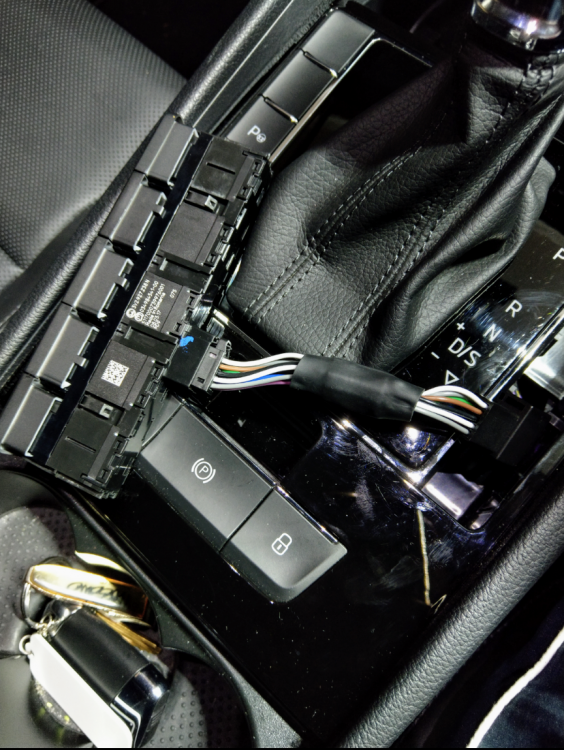
I used essentially used the same tool as that shown in @MartiniB pic. With the switch module - that centre wiring loom is for the entire switch module. In my case, it's the wiring loom for Start/Stop, Driving Mode and Traction control buttons. There is no need to swap the individual button positions.
-
it is not an easy job as it involves baking the entire headlight unit in an oven so u can soften the adhesive/bond holding the plastic cover to the headlight itself. once its off - u then need to remove all the left over adhesive/bond, clean it up, before applying new adhesive/bond and attaching the new plastic cover. warning though...... too hot and u cook the internal hardware & electronics, thus ruining the headlight completely!! not hot enough and u'll struggle to get the plastic cover off.
-
I pryed upwards slightly from the bottom, as shown in the pic above, then pryed and lifted from the top, in a similar manner at the top to lift up the entire switch panel. There was no need for me to remove the gear shift cover. Then again, mine is RHD, so the switch panels r reversed.
.thumb.jpg.7c1924612bccf724e0c7df607193fceb.jpg)
-
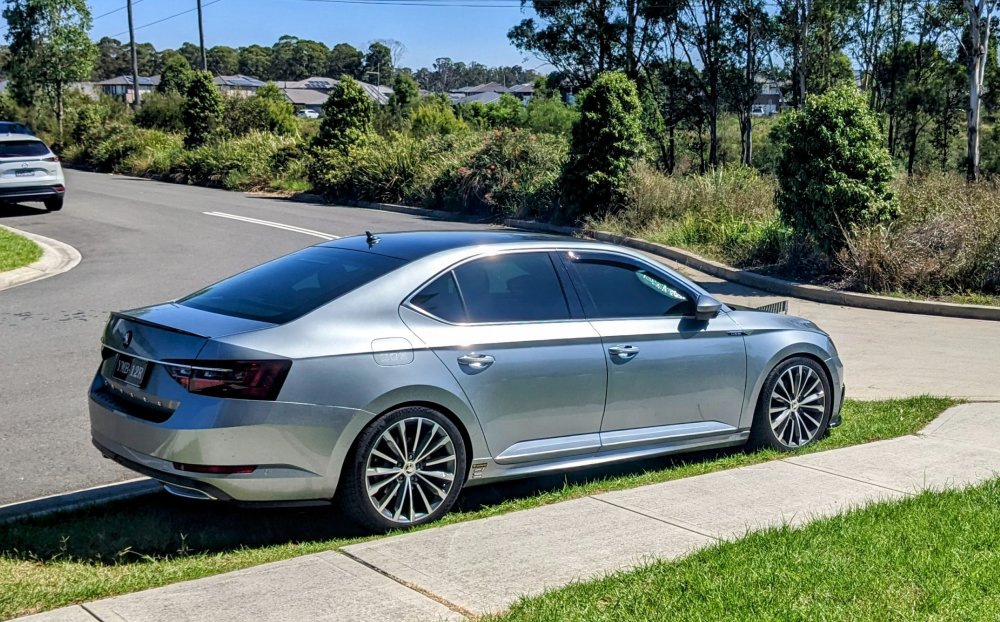
I was dead set on swapping out my factory 19" Trinity for 19" Supernovas when I bought Gandalf many many years ago - but I've grown to love the Trinity and I think it's the perfect fit for the mk3 Superb. The Trinity is here to stay for..... infinity!
-
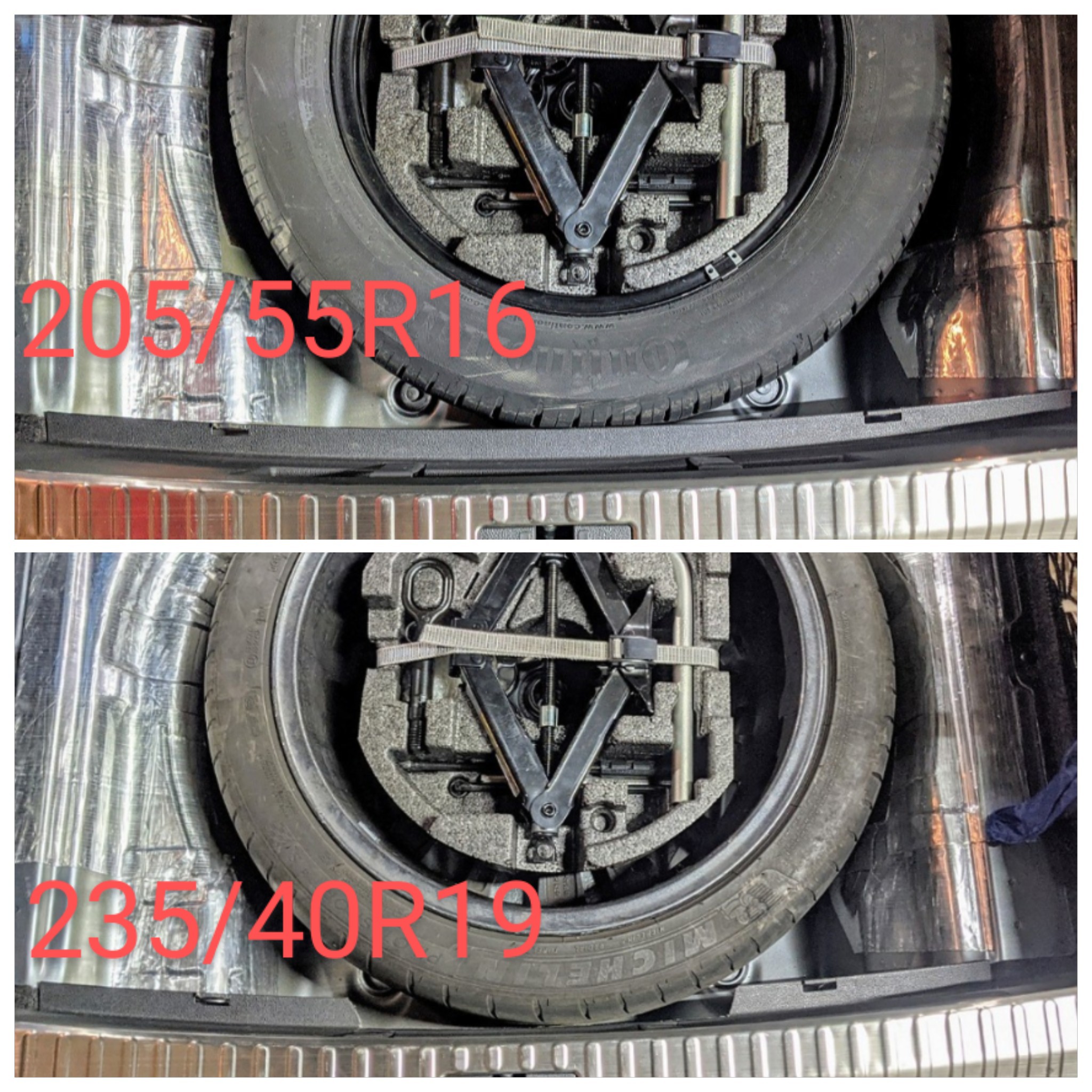
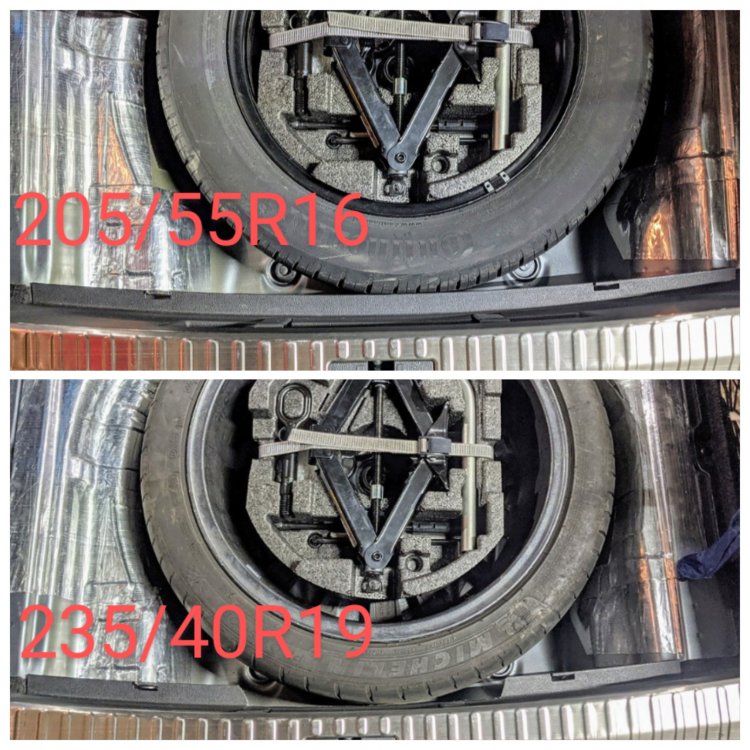
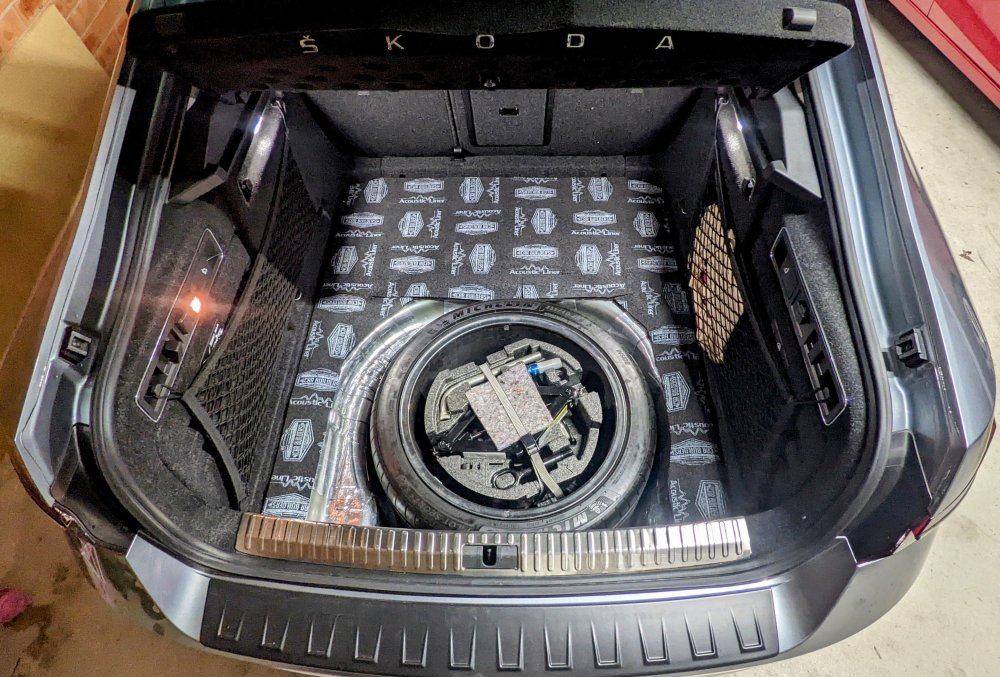
U say u have 19" alloys, yet u give specs of an 18" tyre!?!? Given u have an L&K - I'd say u have 19" alloys with the standard 235/40/19 tyres. I used to have the factory 16" spare, now I've got a full size 19" as spare. 19" full size spare.....
-
Sadly plenty of VAG vehicles here in Oz suffer from butter soft brake discs. I've seen countless change their discs well before they hit the 50k kms mark!!! Plenty more being told at their 45k kms service that their rotors will need to b replaced. That's impressive that ur wife's Q3 has done 150k kms plus on the factory brakes!!!
-
Likely it's been helping that little bit here n there. I've been doing lots of twisty mountain road driving with plenty of braking, over the years. Not sure if it's related, but Gandalf has done almost 75k kms now and still plenty of meat left in the factory original brakes.
-
Yes it's possible - u just need to get in touch with Julian first to organize it. The requirements for recipients are: 1. a VAS5054A diagnostic dongle 2. Laptop with Windows 7 or 10. Laptop needs approx 100GB storage available. 3. Ability to Jack car up in your garage to have all 4 wheels off the ground at the same time 4. Wifi range to the garage where the car is 5. Ideally (but not essential) a battery charger while the upgrade is in progress due to battery drain while ignition is on. And you need Julian to send you a link to download some software and for him to do the rest.
-
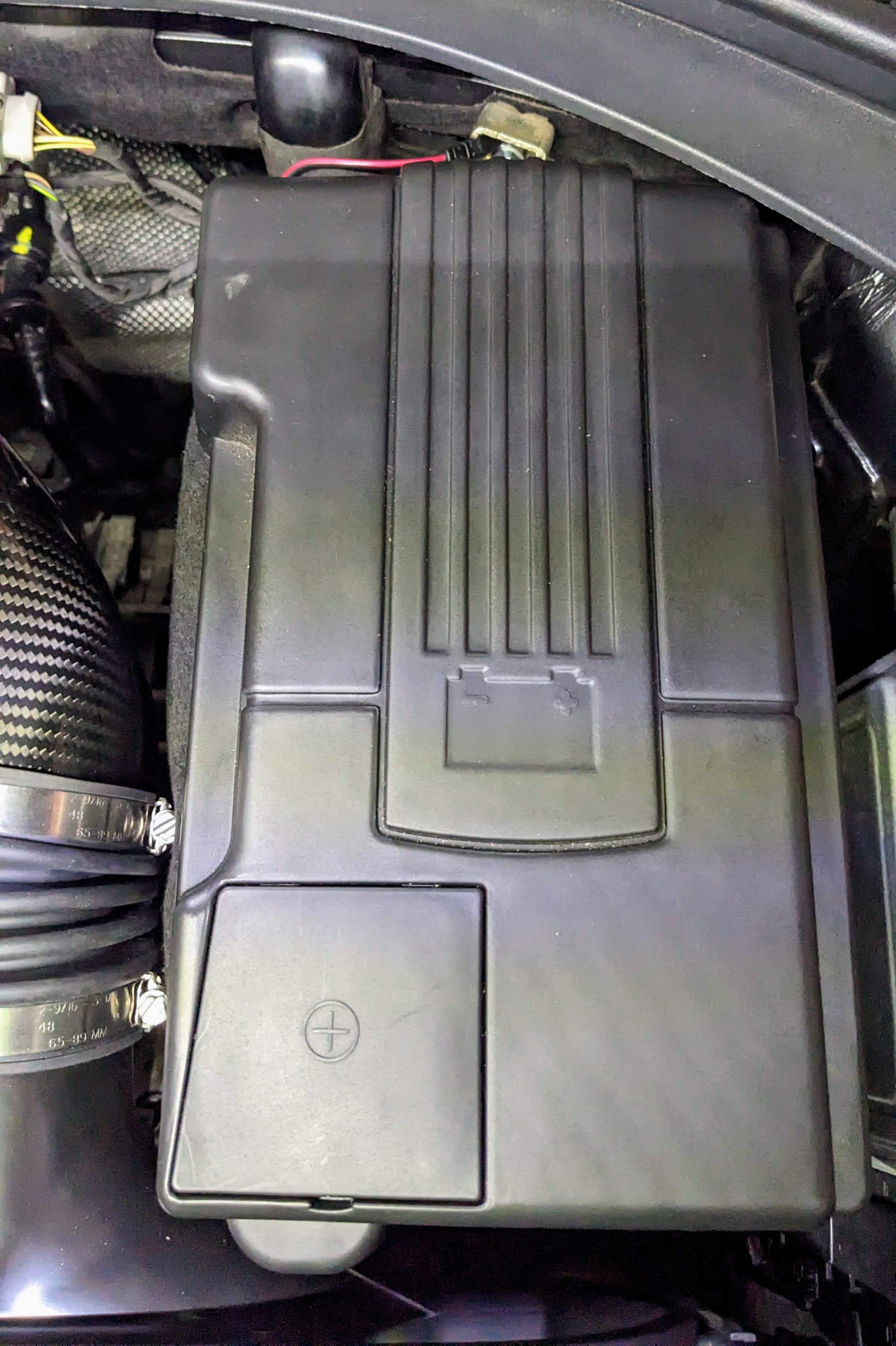
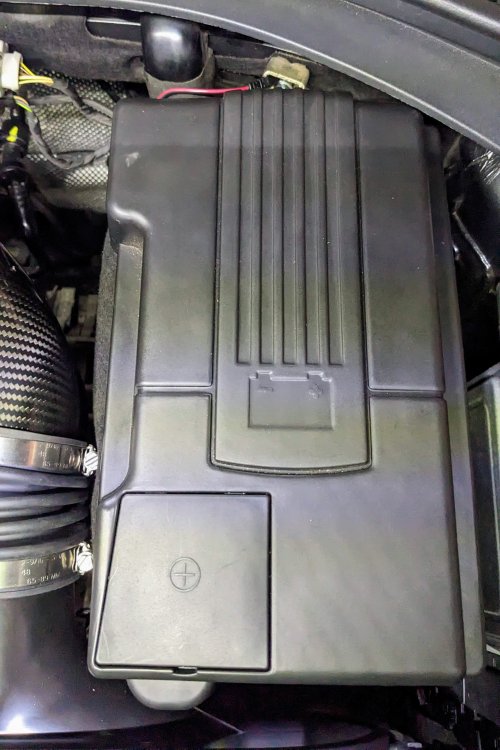
Yes it just sits in top, but one end (top right) is wedged under firewall trim. It's not ideal as it's loose, but it's been good the past few years. Hasn't come off, no matter the driving conditions or style. The battery felt cover around the sides also helps it stay put.
-
Yup, that's the one. I sourced mine from AliExpress, including the battery cover. AU $13.81 34%OFF | Battery Pool Protective Cover Box Interior Modification Positive And Negative Pole Dust Cover For Skoda Kodiaq Octavia Vw Tiguan https://a.aliexpress.com/_mPrjI08 AU $88.11 | STYO Car EA888 engine hatch cover/Engine dust shield cover For PASSAT B8 2.0T GOLF 7 2.0T TIGUAN 2.0T Superb 2.0T KODIAQ https://a.aliexpress.com/_mOkXXS8
-
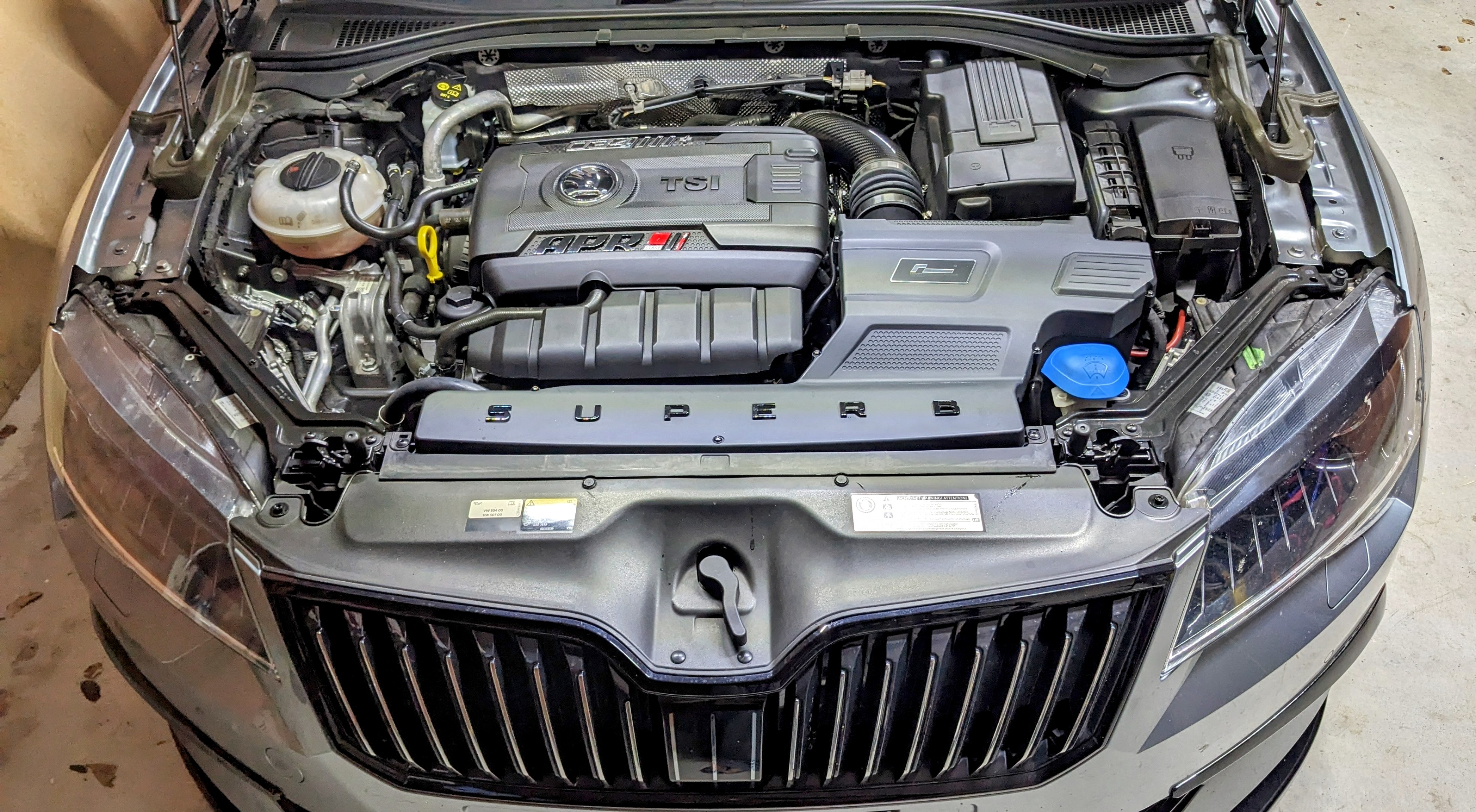
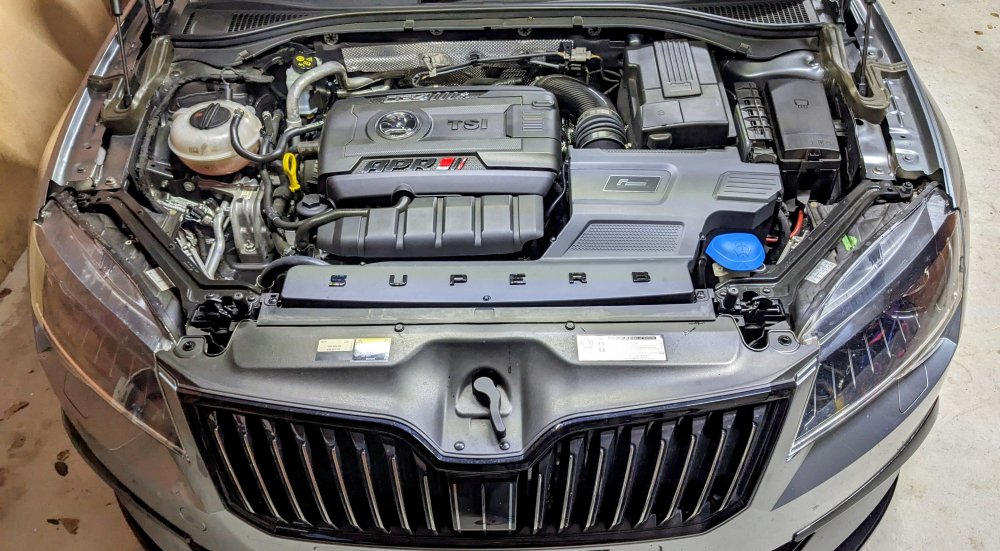
Not much on mine - the obvious things r aftermarket intake, carbon fiber turbo inlet pipe, bling on the engine cover, engine cover extension and hard plastic battery cover. No bling bling colours for me.
-



.jpg.b7d23823079b833aa4f5fe6cceefb926.jpg)