JR RS
FREEDOMLite
-
Joined
-
Last visited
Everything posted by JR RS
-
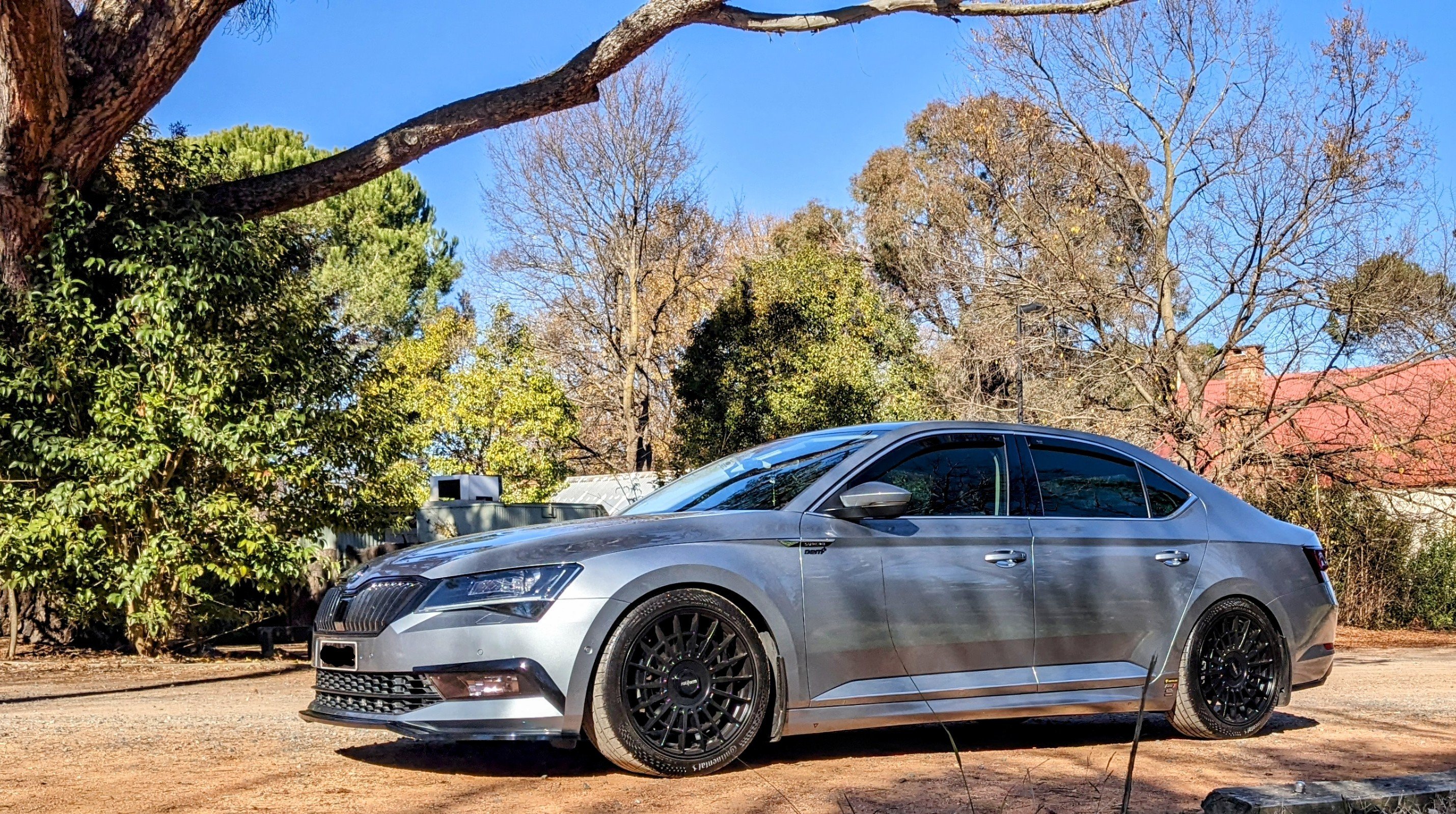
Given the way I drive, I'm very pleased with fuel economy of my 220. In ur speak, that's 35 mpg (UK). On the freeways, I avg 6.5L/100 (43.5 mpg) Best I've done is 5.5L/100 (52 mpg) I have a APR Stg 1 tune, 19s (with 245/40 tyres) and run all 4 at 38 psi. I filled up this morning - 70L of 98 RON went in. Boy did it hurt given the fuel prices now!!
-
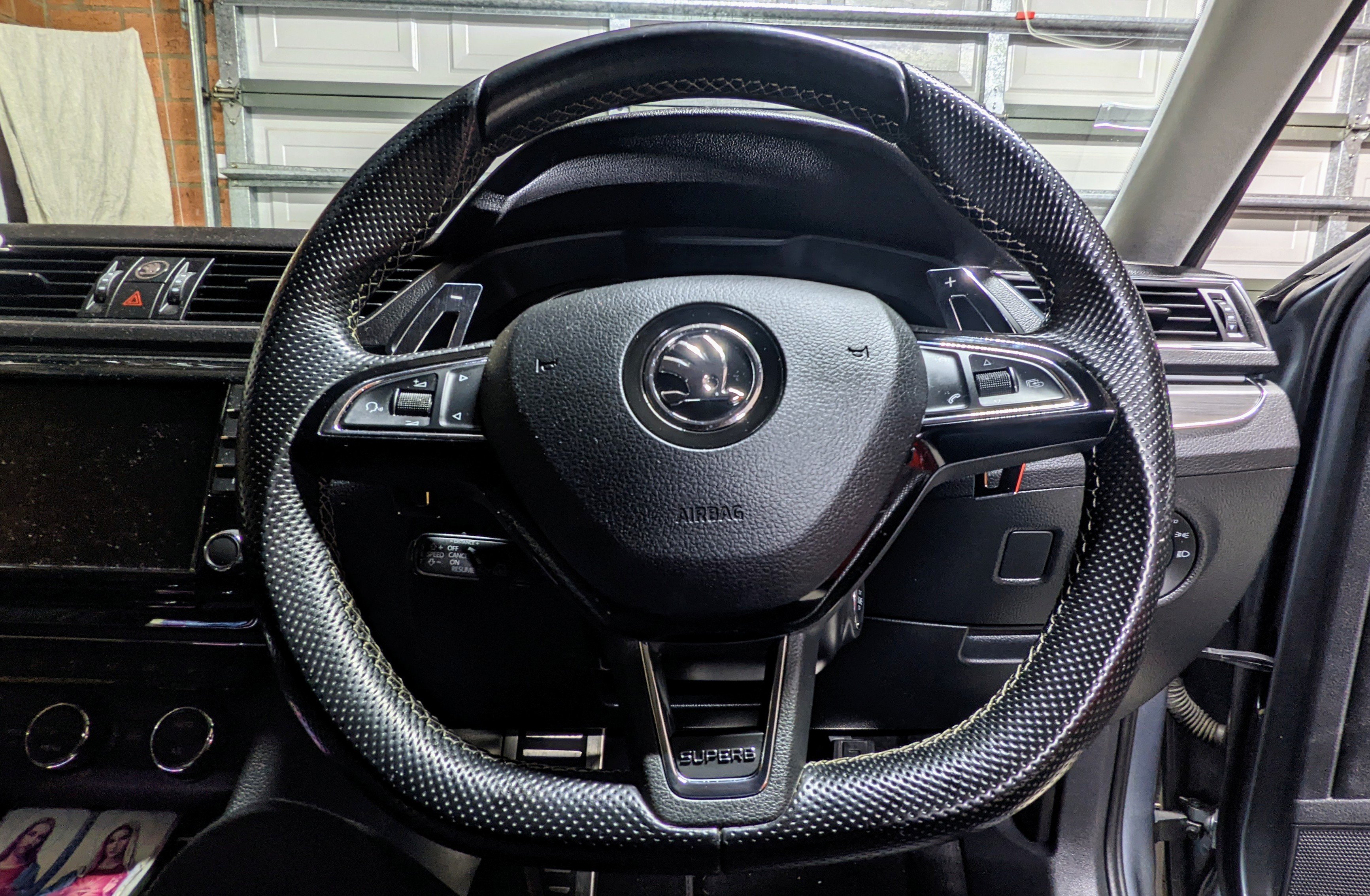
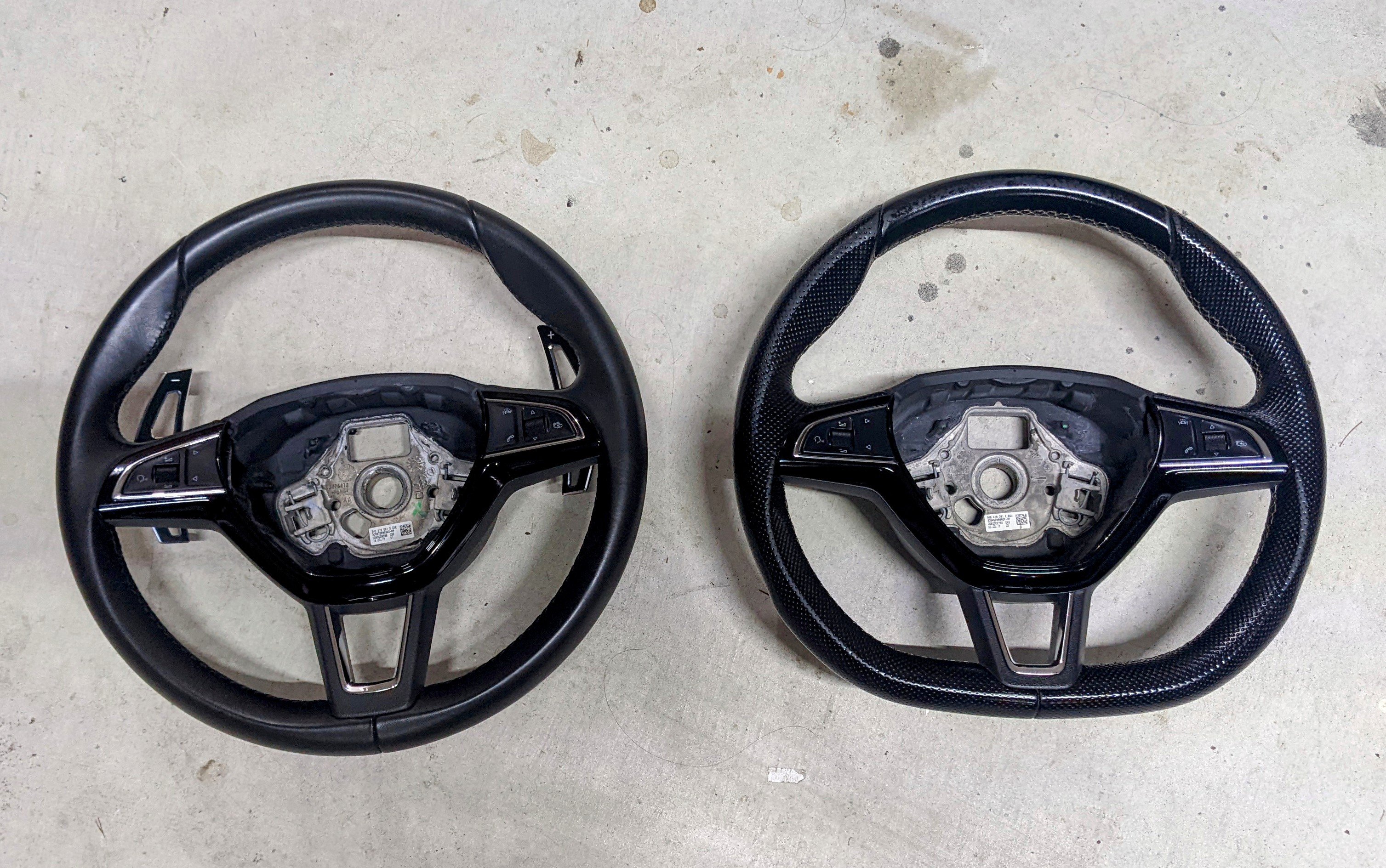
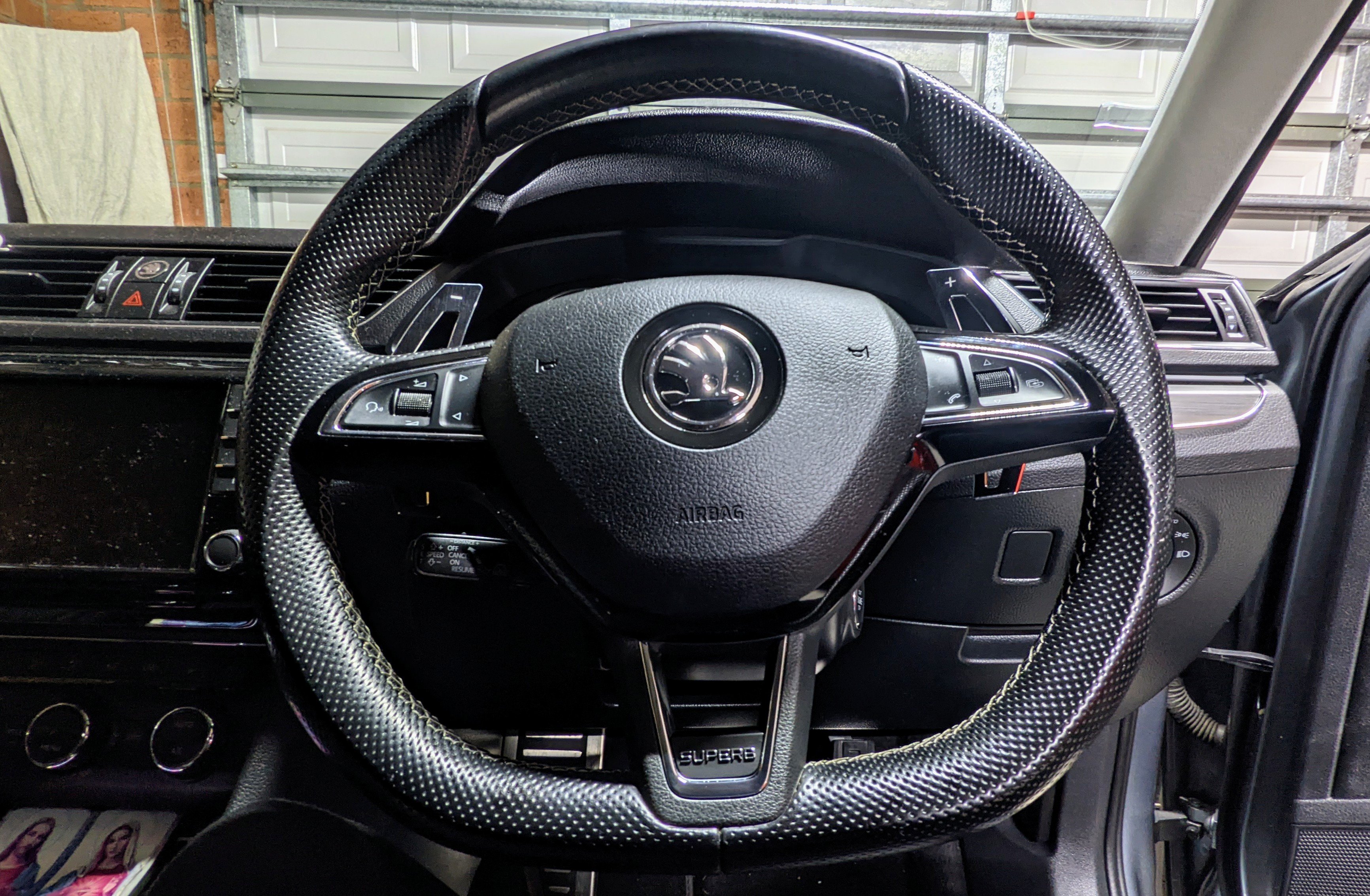
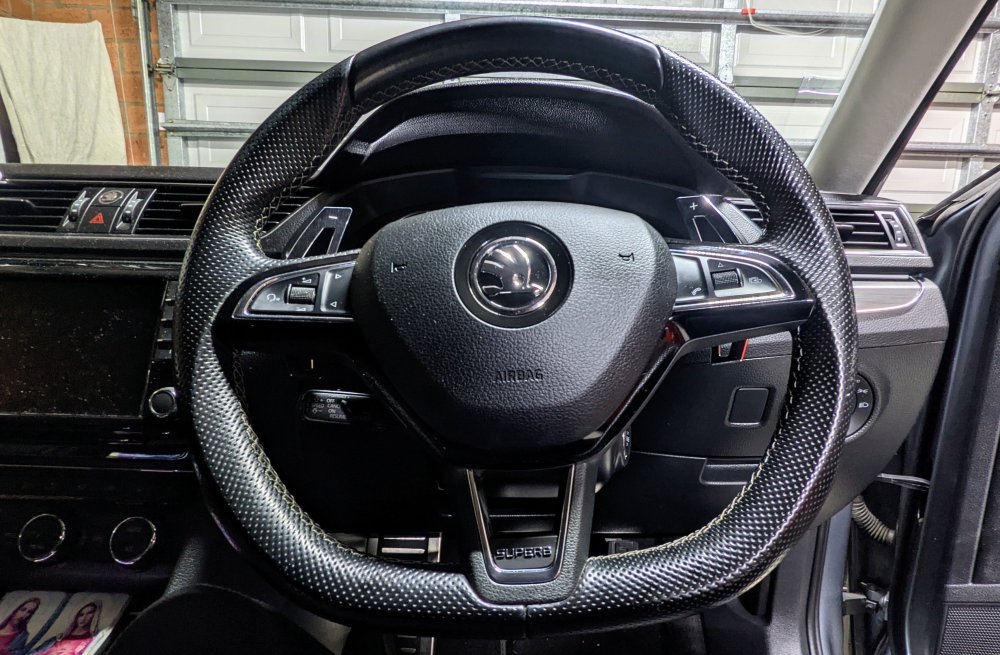
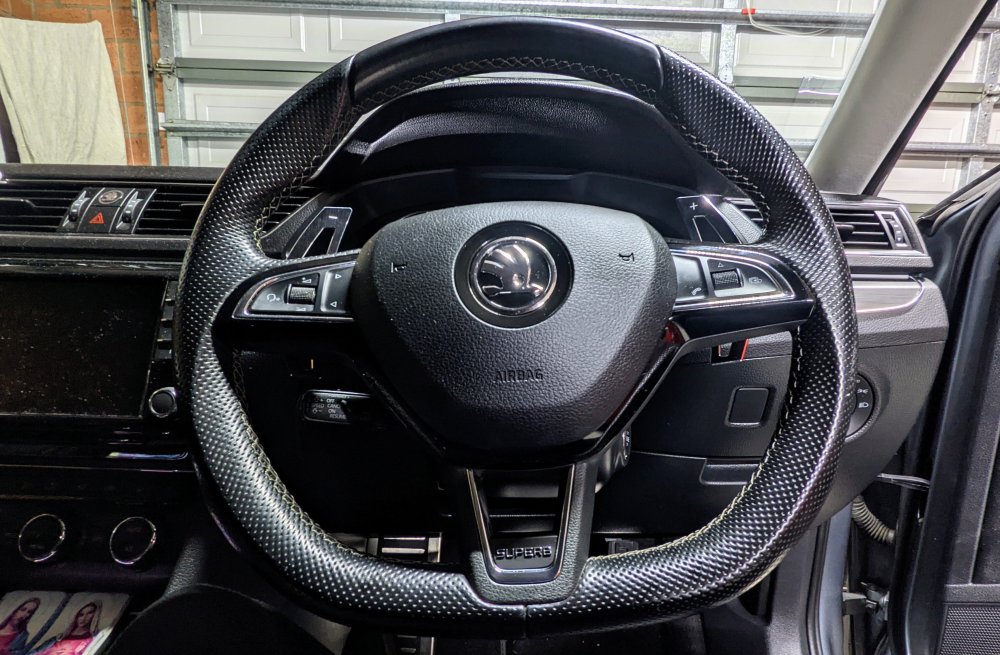
The flat-bottomed steering wheel looks nice in the Superb. I retrofitted this one from a Sportline Superb, put some paddle shifter extensions, and put a Superb name plate.
-
i wouldn't mind looking into acoustic glass, however i have no idea of part numbers, nor if it would b ever possible for me to source it here in Oz.
-
Not sure. U would have to ask @pab567 My thoughts r still no, u can't interchange screens and keep the same glovebox unit, but according to pab567, they r interchangeable.
-
3V0919606 is MIB2 Columbus. Definitely not MIB2.5 Ur original one, 3V0919605A is a MIB2 Bolero unit.
-
Columbus comes in MIB1 / MIB2 / MIB2.5 / MIB3 flavours Virtual Dash requires MIB2.5 and higher. AndroidAuto/CarPlay, Smartlink, MirrorLink requires MIB2 and higher Wireless AndroidAuto/CarPlay required MIB3.
-
I'm surprised they're interchangeable as u say. If that were the case, then it should've worked for Fernando. BTW, that is not a MIB2.5 screen. MIB2 screen has buttons, which is also wat Fernando says he's got that version. MIB2.5 has bigger 9.2" screen with no buttons.
.jpeg.0380bd1bb29613a6594e5ac44b343bd6.jpeg)
-
I get more wind noise than tyre noise, and I have 19s. The 19s with DCC and 245/40/19 tyres r far far from noisy. My Octavia RS on 18s had more tyre noise!! The wind noise has been annoying me now cause everything else is quiet. Then again, I'm sure the wind deflectors, wing mirrors and mud flaps r all adding to the equation.
-
U will definitely need a new/different glovebox unit. The screen unit and glovebox unit work as a pair. U can't mix n match. Simply changing the screen alone will NOT work. Then u'll need component protection removed, unless u get an MIB2 unit that already has it removed. Coding will b needed too.
-
Ah fair enough. 👍 I like using the paddles every now n then, however I find myself always having to reach for the stock paddles with my short fingers. The paddle extensions however makes the task much much easier for me.
-
so ur saying it is quicker for u to move ur off arm off the steering wheel and on to the gear selector, then shift up/down.......than it is with shifting with the paddle-shifter at ur finger tips?!?!? phwoahhh regarding catching the knee, yes, it can happen, however i always leave my car with the wheels straight, hence shifters r at 9 and 3 positions. won't have any issues then getting in/out of the car.
-
A bargain indeed. Keep in mind that when u go from non-heated to heated steering wheel, u'll need to change the clock spring too. This means more $$$. I also think, a very big think, that the airbag might b different in addition.
-
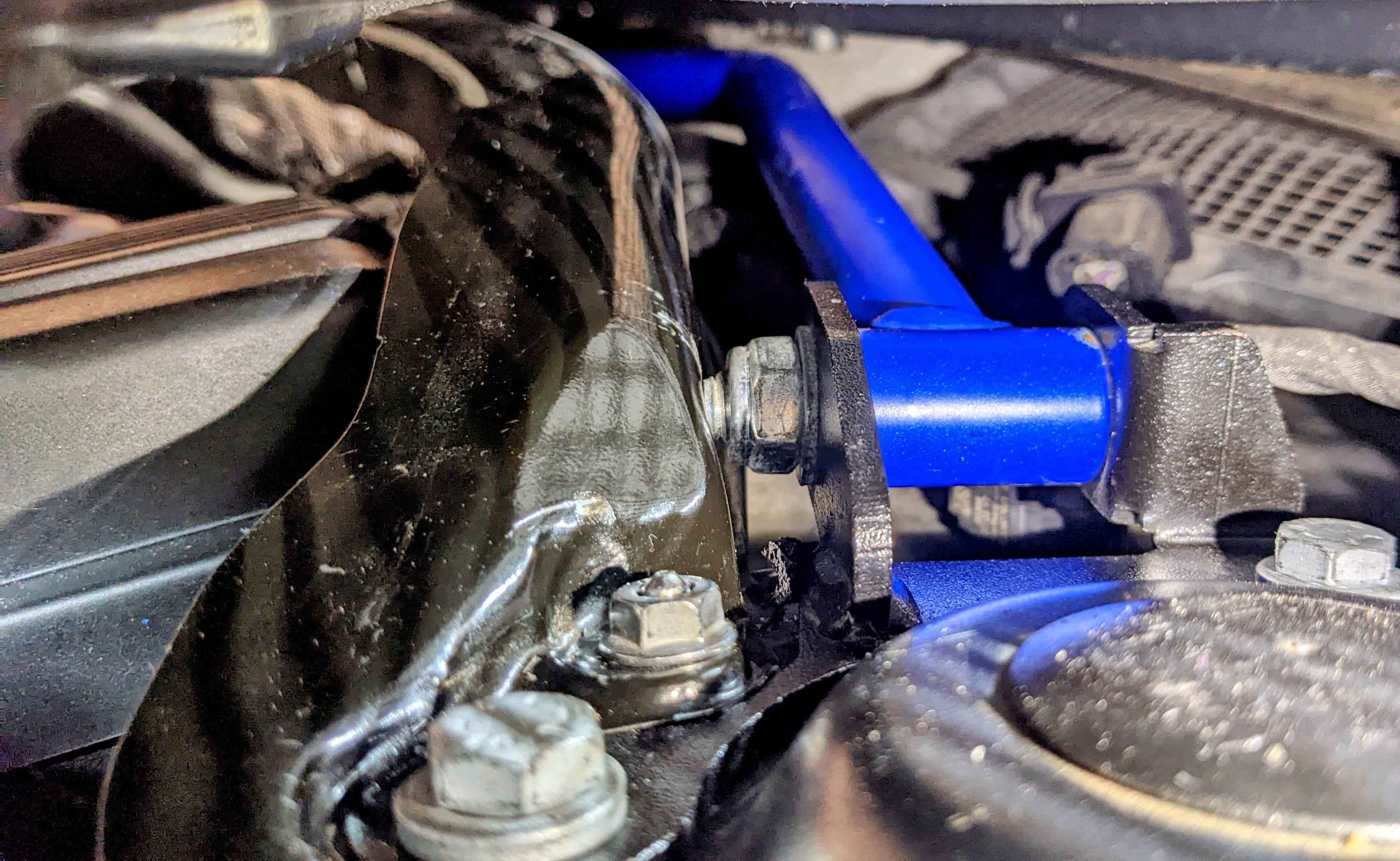
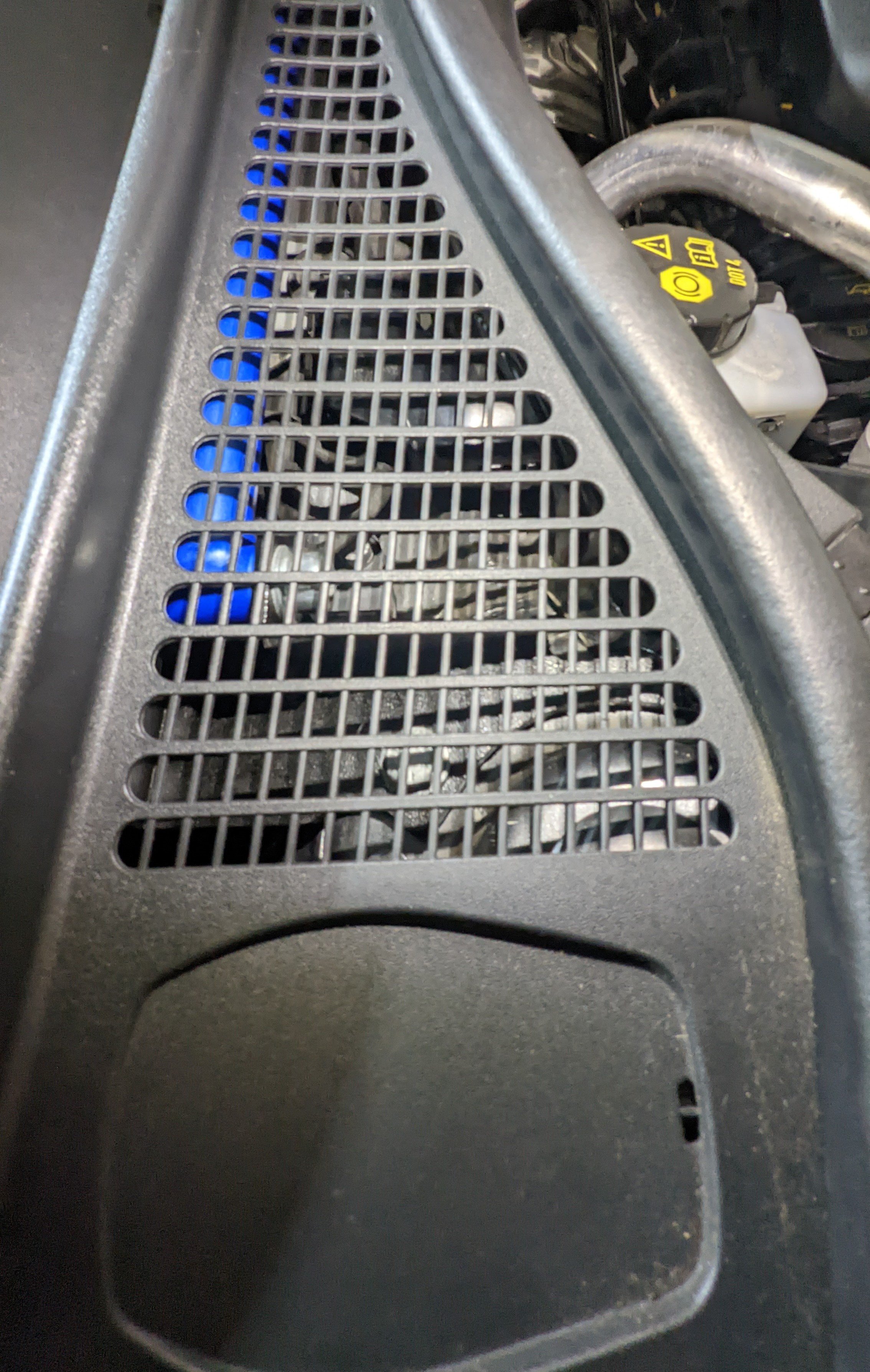
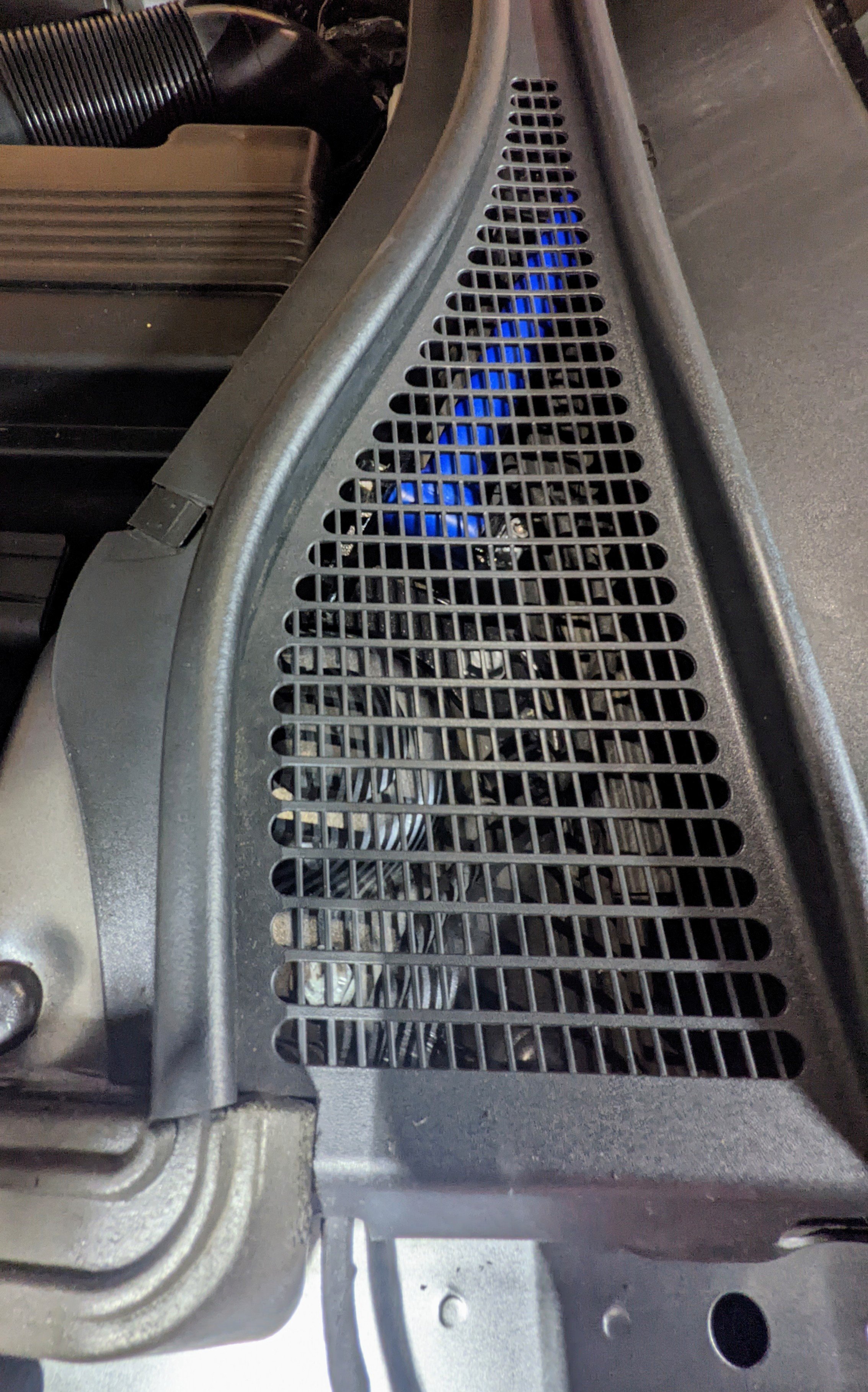
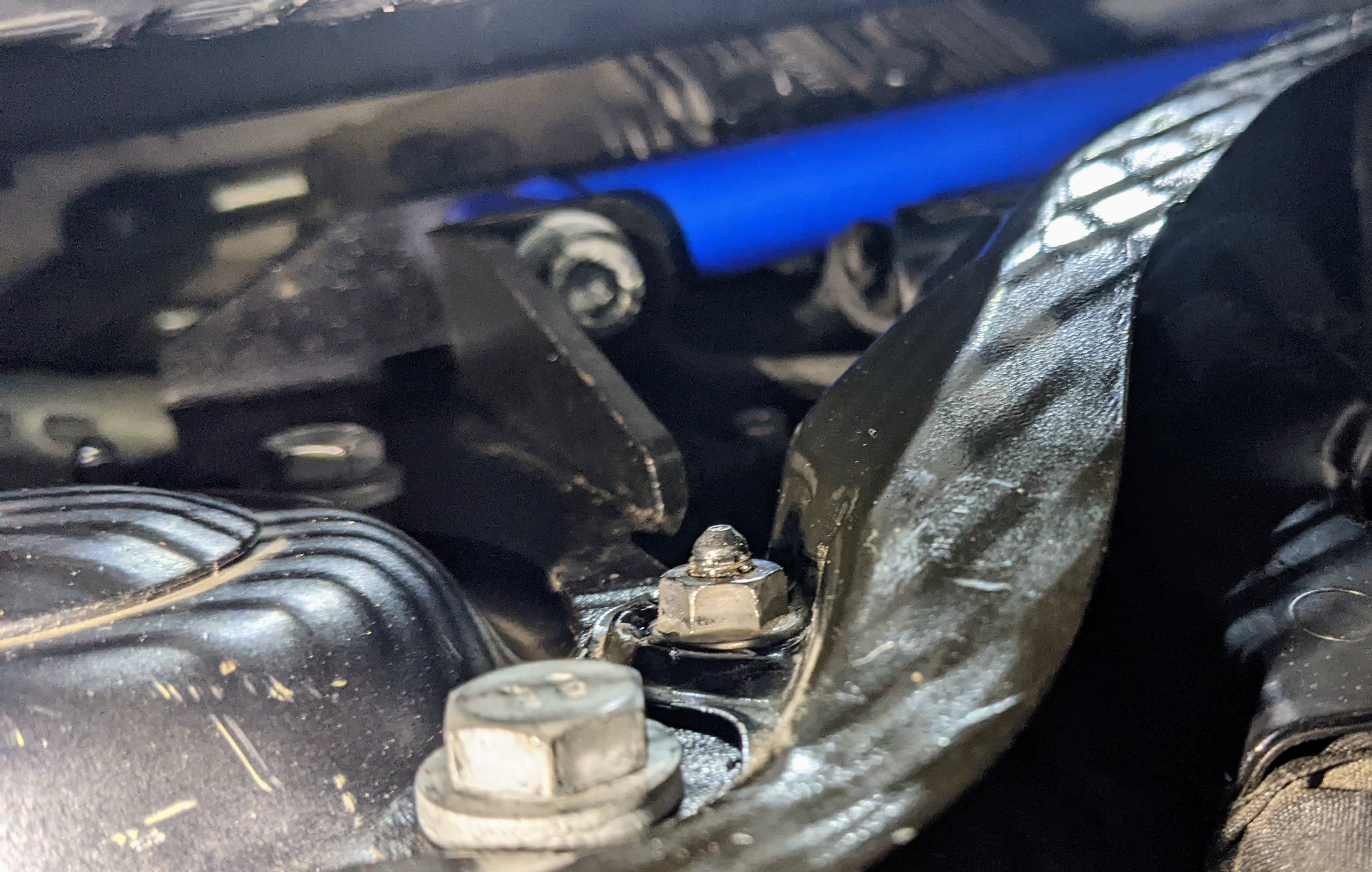
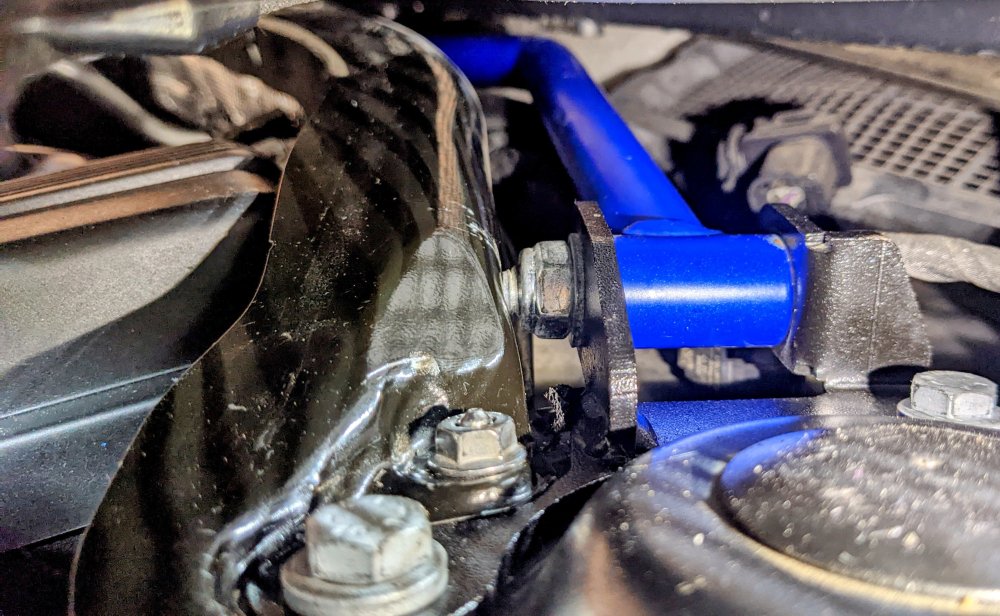
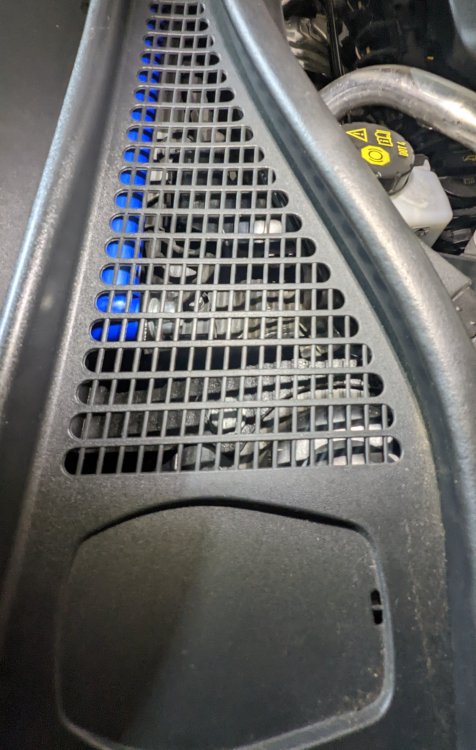
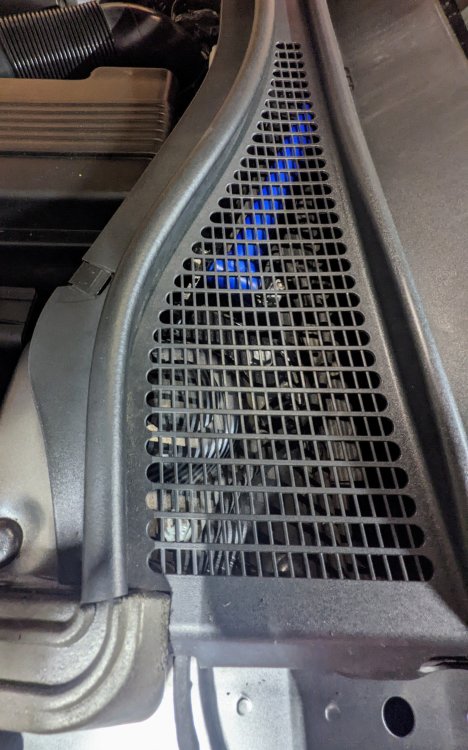
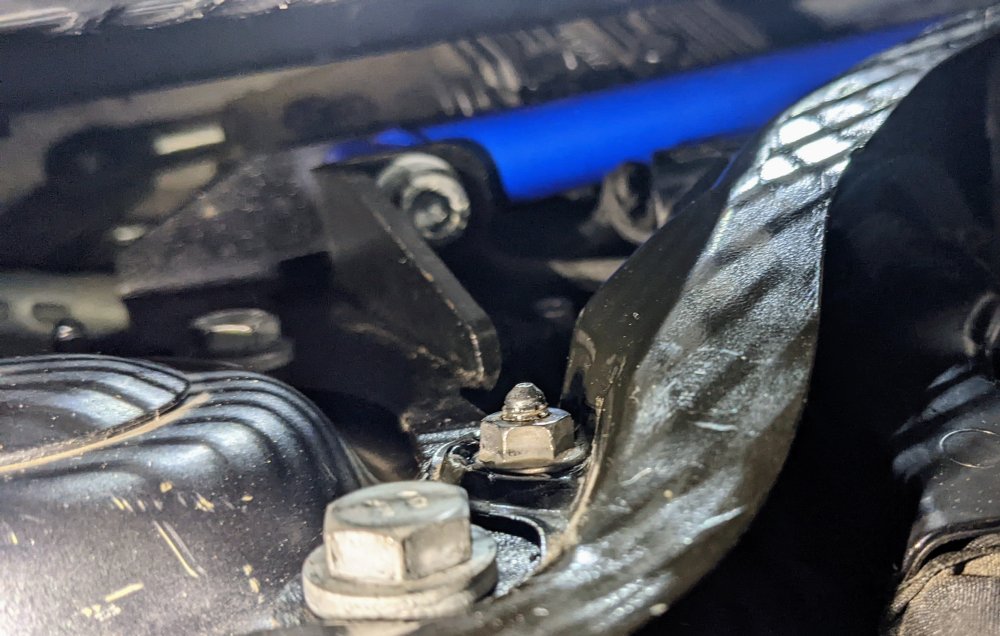
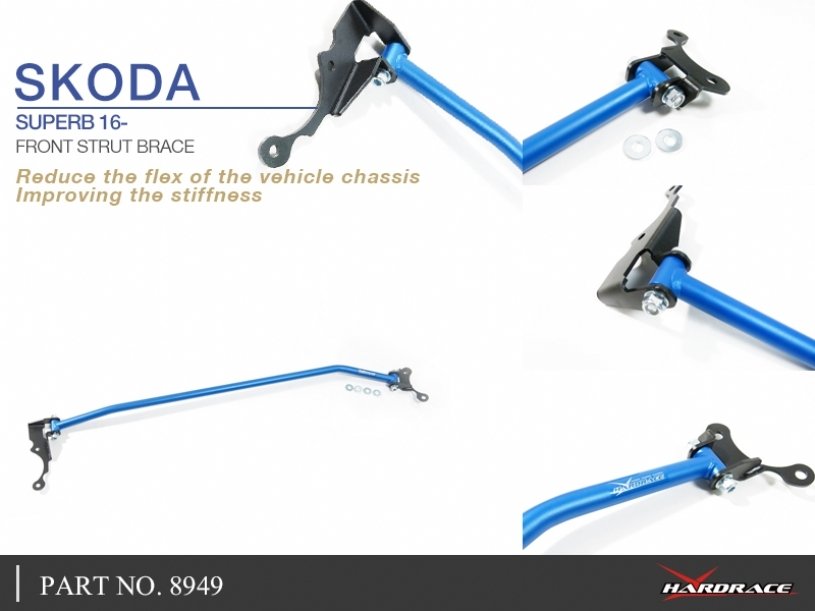
Gandalf needed braces, so today I put a front strut top brace 😁 It's a Hardrace Suspension strut brace - SKU 8949. Fitting was a bit more challenging than I was expecting as I needed to loosen the black firewall plates in order to slide the brace under it, so it would sit flush against the strut tower. Do I need it - no. Do I want it - yes.
.jpg.3f1a0eef783cc00b047d724cb5d82638.jpg)
-
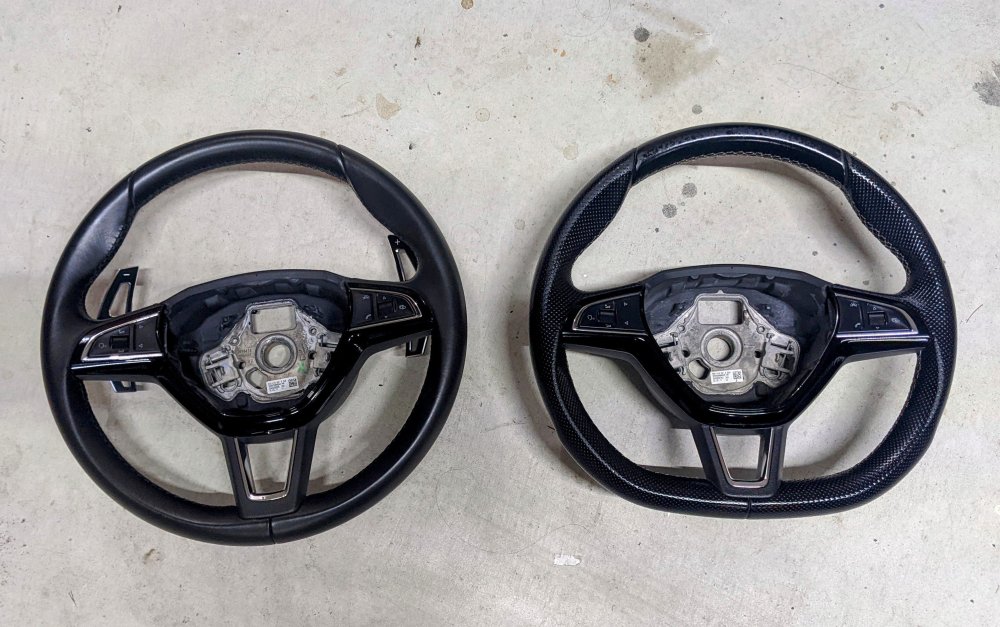
I got the wheel without the airbag. So I simply remove the airbag off old wheel, and put in other wheel. Straight fit. As I mentioned before, I got it secondhand, for $200 AUD.
-
Lol....no plans at all. I like my buttons (MIB2) and analog cluster 🙂
-
Bought it secondhand of a friend who sold his Superb. Alcantara version is nice, but I have perforated leather seats, so this version steering wheel suits perfectly.
-
I've put sound deadening material in the boot floor, boot sides, inside each wheel arch, and under the rear seat bench. Has made a noticeable difference. Haven't done the doors.
-
Replaced the steering wheel with a Sportline version. Dressed it up with paddle shifter extensions (AliExpress) and a Superb nameplate (Kopacek). Old Wheel: 3VO 419 091 S CWE New Wheel: 565 419 091 E BGW
-
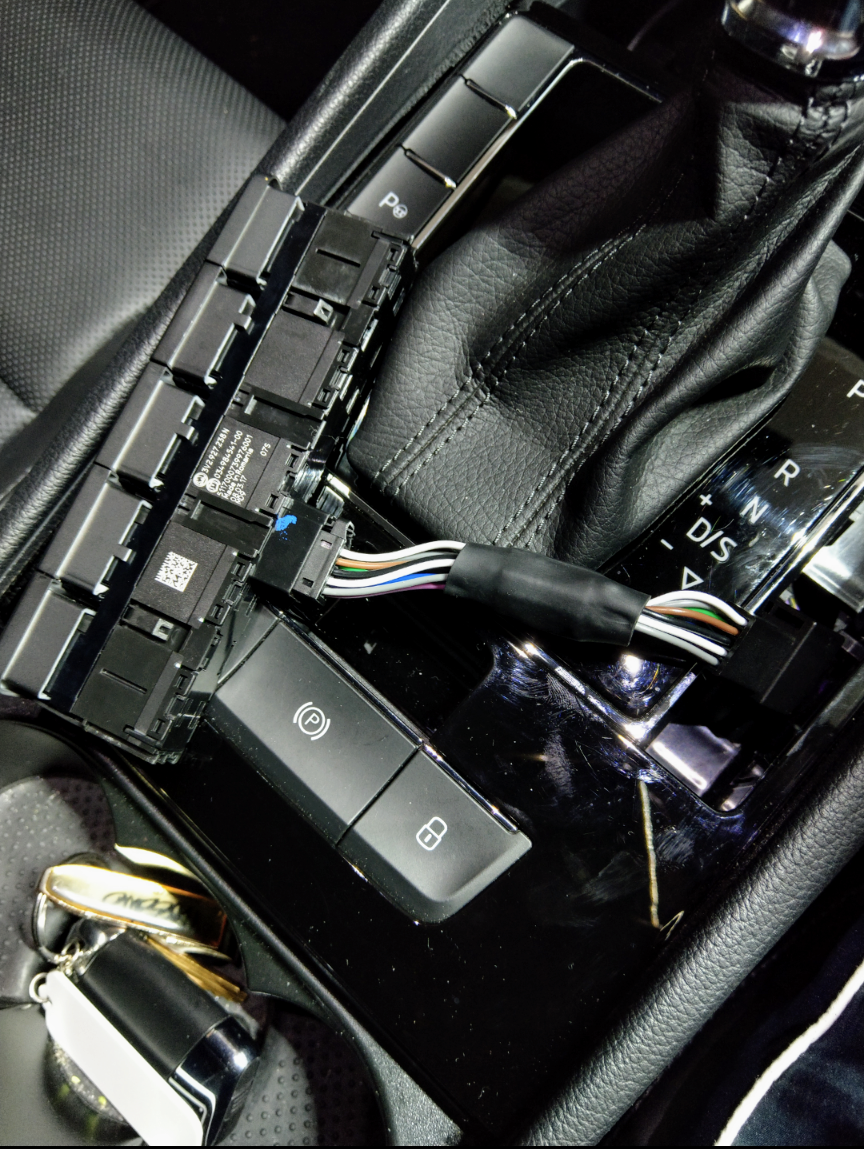
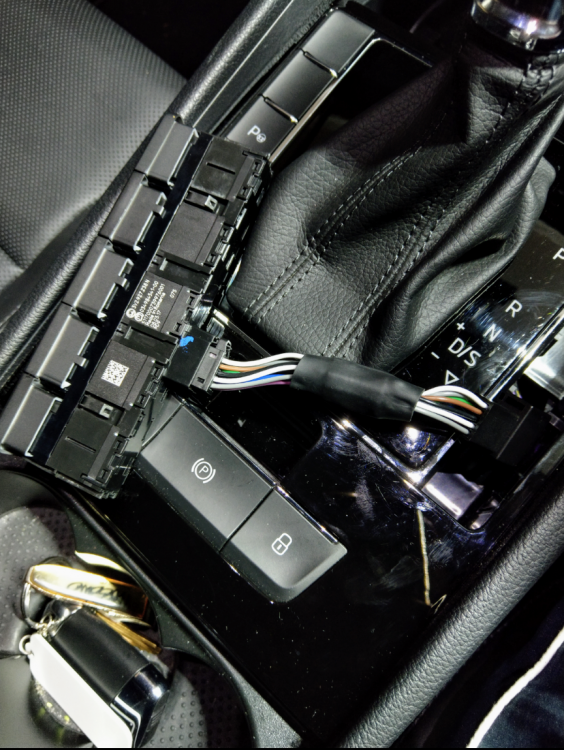
I put a start-stop memory module - brilliant as it keeps the start stop switched off, or on, depending on how u left it, and u still have the option to use it at ur command. No errors. No warnings. No tricking. Beats permanently disabling it by coding it out.
-
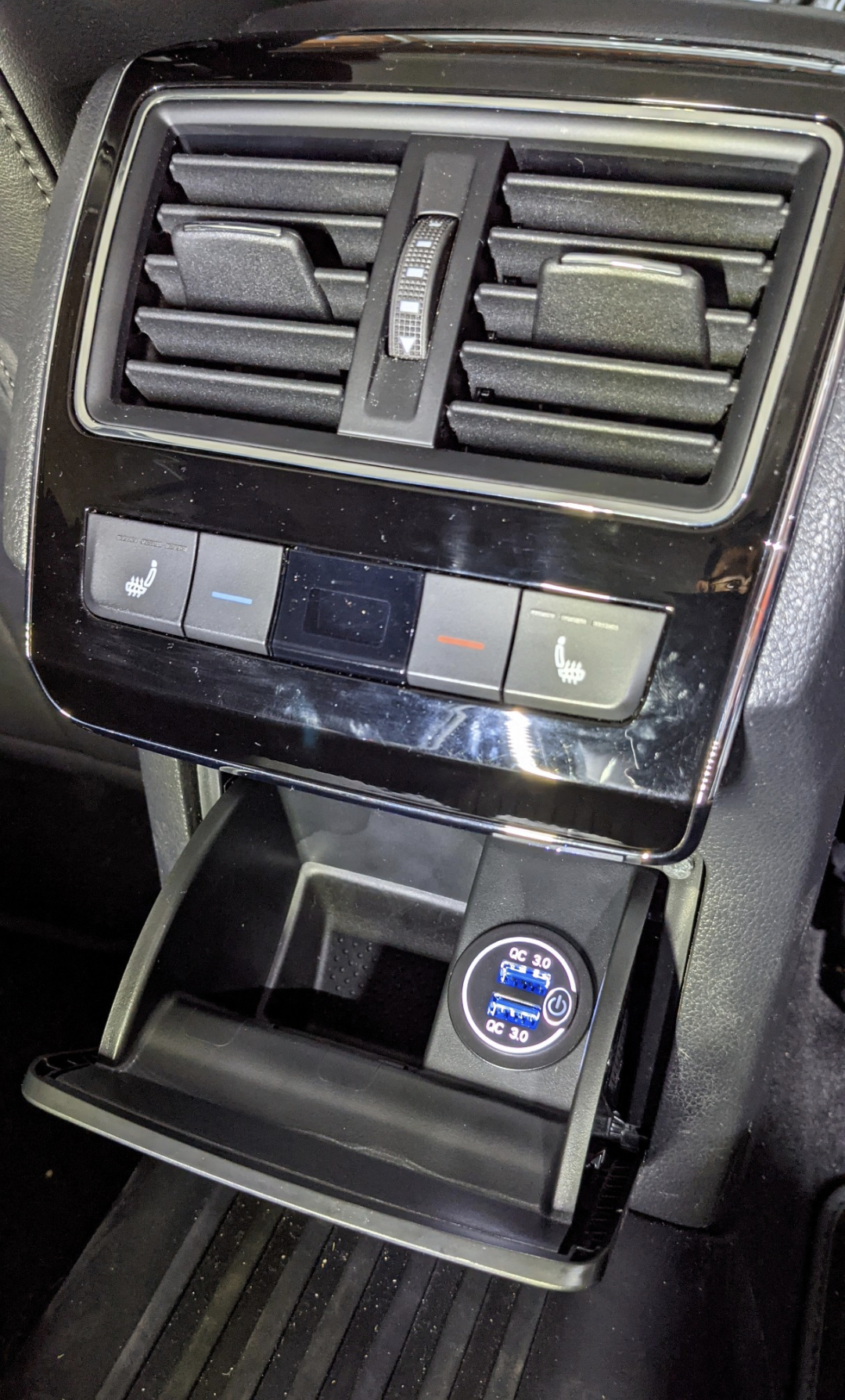
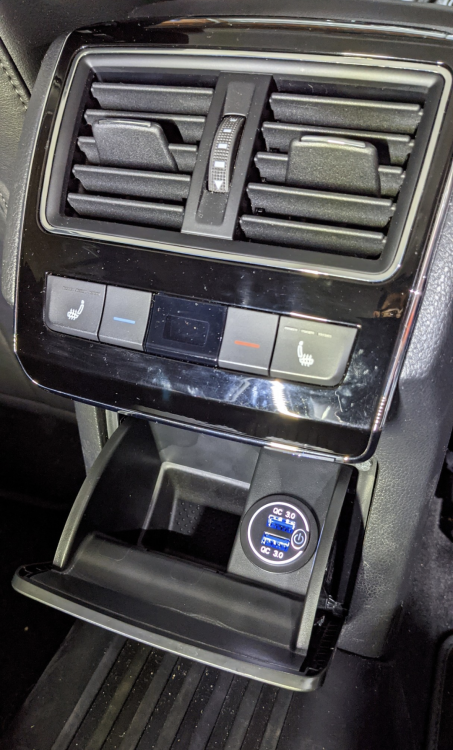
The one I have that has a separate switch to turn the charger on/off, including the light illumination.
-
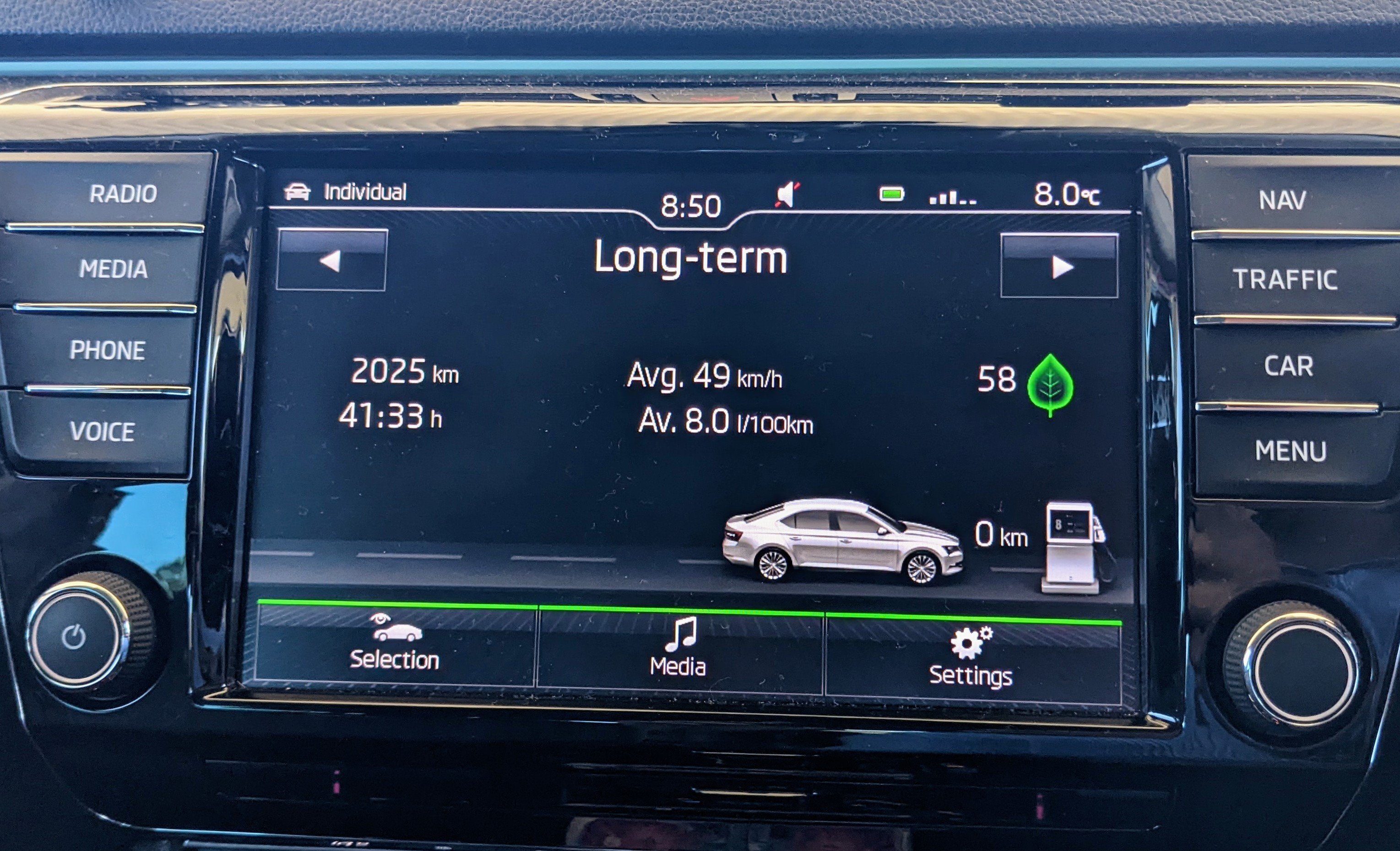
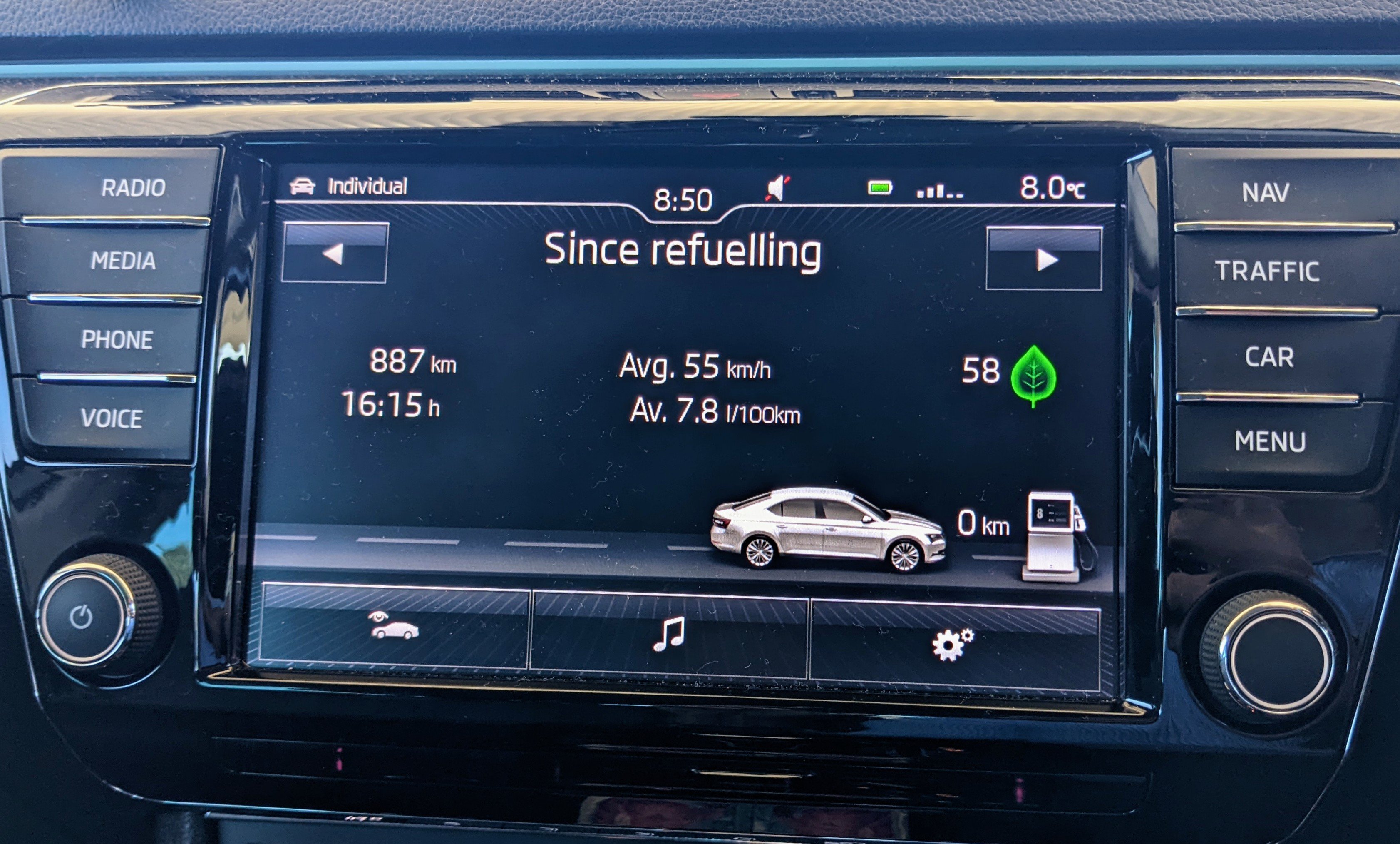
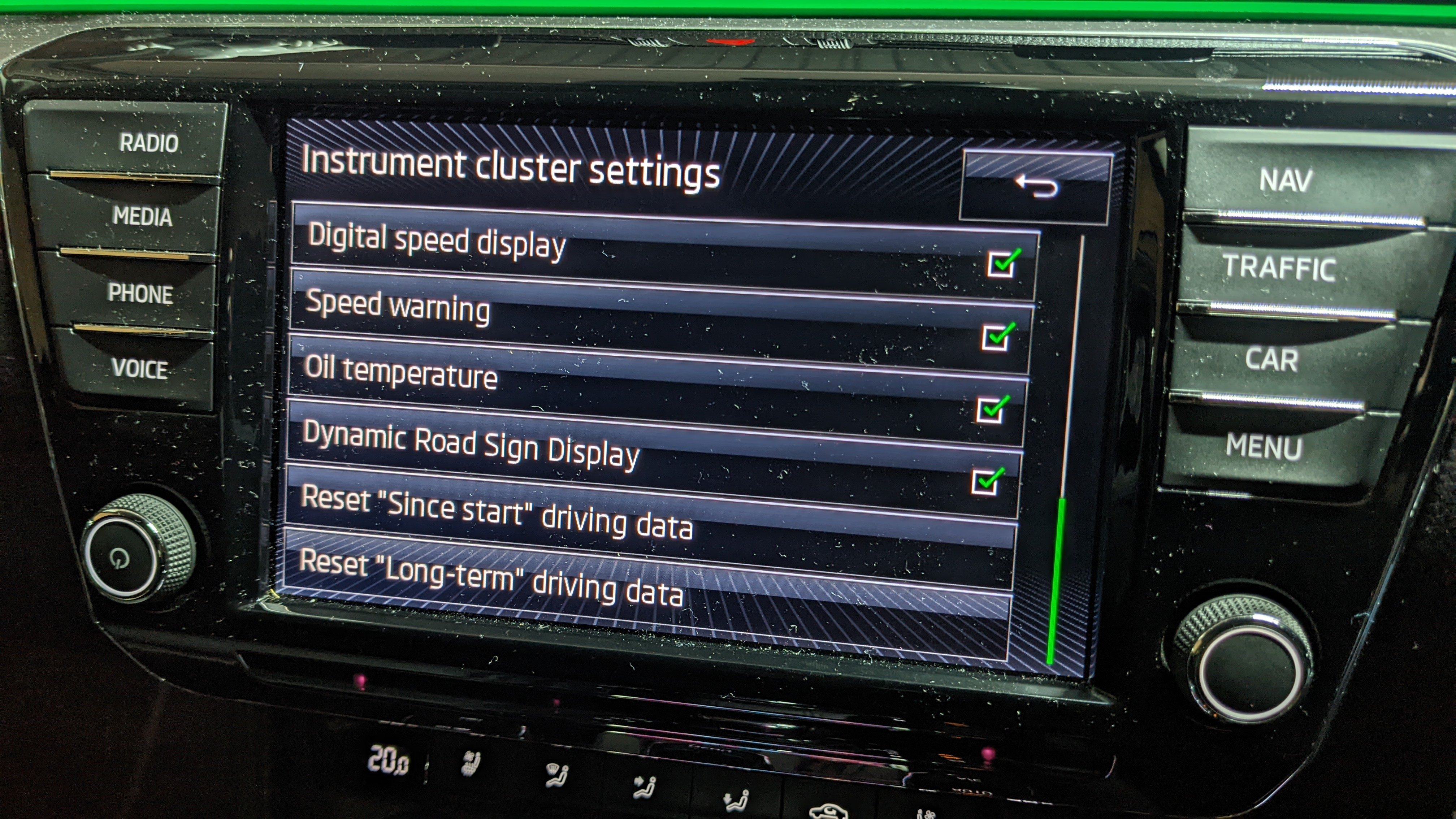
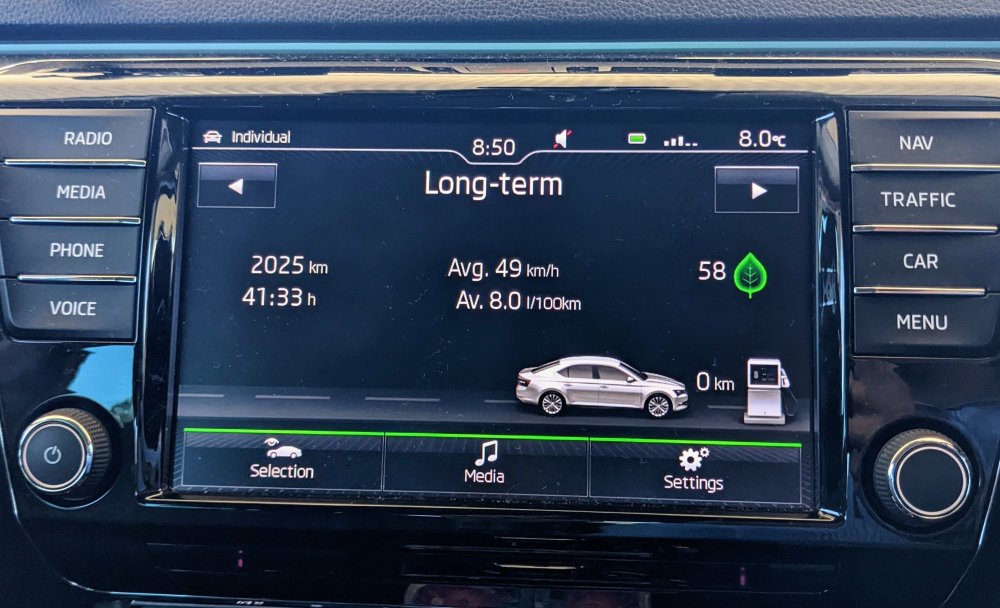
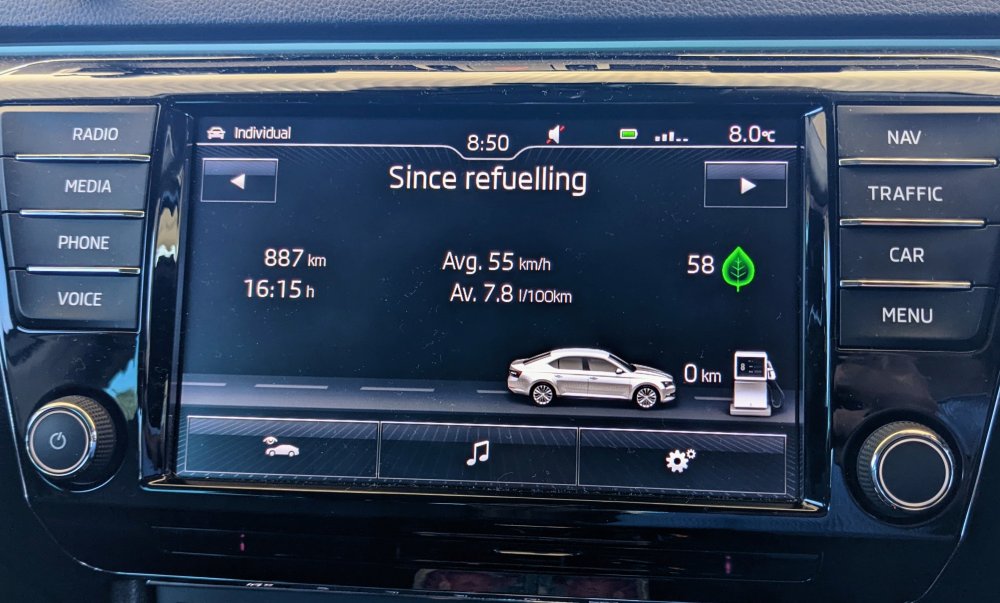
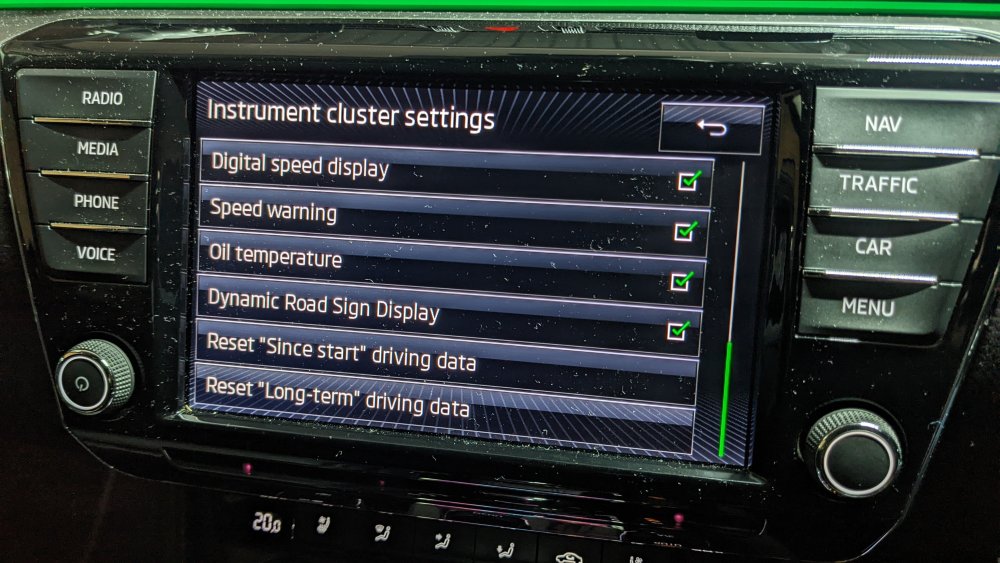
I'm pretty sure with mine, the Since Refueling resets each time I open & close the fuel flap. Maybe it's also knows when the fuel is filled to the top, and then resets it. Don't know. But u can also reset the Since Start & Long-Term fuel data in the Instrument Cluster settings menu.
-
Sorry, unfortunately I don't know which hardware revisions didn't have wireless AA, and which revisions onwards started having it. Correct, the SW version alone may not fix it for u. It's the HW version that u need to look for. As @Patent said - take it back to them saying wireless AA no longer works for u. Ask them for the part number of the unit they removed, including it's HW and SW version - so u can compare.
-
MIB 2.5 and MIB3 units r vastly different hardware & software wise. An MIB2.5 will not work a mk3.5 (facelift) Superb, or on anything that came with an MIB3 unit originally. I haven't heard of anyone retrofitting an MIB3 unit into a previous gen car, but it would involve changing a whole bunch of other control modules, including the gateway. With regards to ur wireless Android Auto not working - the initial MIB3 units did not have wireless AA - they only did wireless CarPlay, and wired AA. It was only later that they added the hardware for it, with the newer units. So if they swapped ur MIB3 unit with one of those older versions, then it would explain why u don't have wireless AA anymore. Does Android Auto still work when u connect via the cable?
-
Overkill - no, when u consider the Kodiaq RS TDi, which was Bi-turbo, was producing 240 Hp, 500 Nm. The Kodiaq RS TSi only gets the DQ381 gearbox.
-
Don't think so. Would most likely require a different clockspring part. None of the Skoda models thus far have capacitive sensors in the steering wheel, so not sure if the brains r there to understand it, or if it can b coded in. Maybe the mk4 Octavia, and mk3.5 Superb have it, with this new steering wheel, but I don't know.