CFB
Resident Member
-
Joined
-
Last visited
Everything posted by CFB
-
Don’t do it!! How could you swap out a Yeti for an EV? Keep it till it falls apart. SWMBO has had her Octy VRs diesel since 2012 and it’s done over 140,000 miles with nothing major having been replaced. Kind of shows how reliable the older models are. I had 3 Yetis over the years nd wish I had never got rid of the last one.
-
The boot of the Mk2 is the same shape as the Mk1 so you should be able to find one more readily for that car
-
Can you not just use the usbc socket by the rear view mirror? I have a front and rear Viofo that records incidents when parked and it’s plugged into that.
-
Which models have the full matrix headlights with AFL which blanks out the parts of the beam in segments? I currently have a Mk 2 kodiaq which has this feature and it’s a must have. Due to circumstances I may have to switch to a Mk1. Looking at pictures of them, it’s unclear which do and don’t. TIA
-
Yes and no. It’s a euro mandated safety feature which resets to on by default every time you turn the ignition on. Lane assist tries to keep you in the lane you are in and has a hissy fit if you try to change lanes without indicating. Travel assist keeps you in the lane and steers to follow the lane you are in. Good on motorways and dual carriageways but possibly dangerous on anything else. Neither will change lanes for you.
-
Drive to the rear wheels when needed, like pulling away hard from traffic lights! It just digs in and goes, no front wheel spin either. 😂
-
If it senses movement… Are you on your feet for most of the day and have the key in your pocket? Just a thought.
-
Oh, and I should have mentioned the excellent video quality
-
Have a look at a Viofo A129 front and rear. The front fits up behind the mirror but I don’t think you can really hide the rear one but it’s about the size of a matchbox though
-
I don think he is. Just showing a little surprise at what his car might have as standard extras that Skoda have potentially added to the spec of his car.
-
Would the VIN number help you?
-
I did find an option to deactivate the TSR in the assist systems screen so did that. It worked for the first drive but reset to enabled on the next. It seems it is another that needs to be disabled on every drive. 🙄
-
I’ve had a similar experience and have been looking how to deactivate TSR. Could you point me in the right direction please?
-
And all this because I was posted about the economy of my particular model. 😂😂😂
-
ACC does exactly the same in standard form. For me, travel mode is only really useful on the motorway and dual carriageways, where there are clear road markings down the carriageway and is not really suited for driving on any other type of road due to road markings not always being present. It can pick up kerbs but is easily confused on rural roads.
-
ACC adjusts to the speed of traffic ahead and to speed limit signs. Travel mode does exactly the same. The only difference between the two is travel assist steers to keep the car between the lines on the road even round bends. There are a few circumstances where it gets a bit confused though.
-
No idea about the grille LEDs but yes, the rear long lamp is fake. Maybe it will become “live” in future updates or sold as an option?
-
I can’t remember if I set it up like this, but I have an autohold icon at the top of the infotainment screen. It may be slightly different using pedals, but I use hand controls and find a very gentle pull on the accelerator ring achieves a smooth pull away. I am assuming that being gentle with pedals does the same.
-
I started to use Waze but the annoying comments get right in my tits! Any way to disable them? I’ve tried but gave up
-
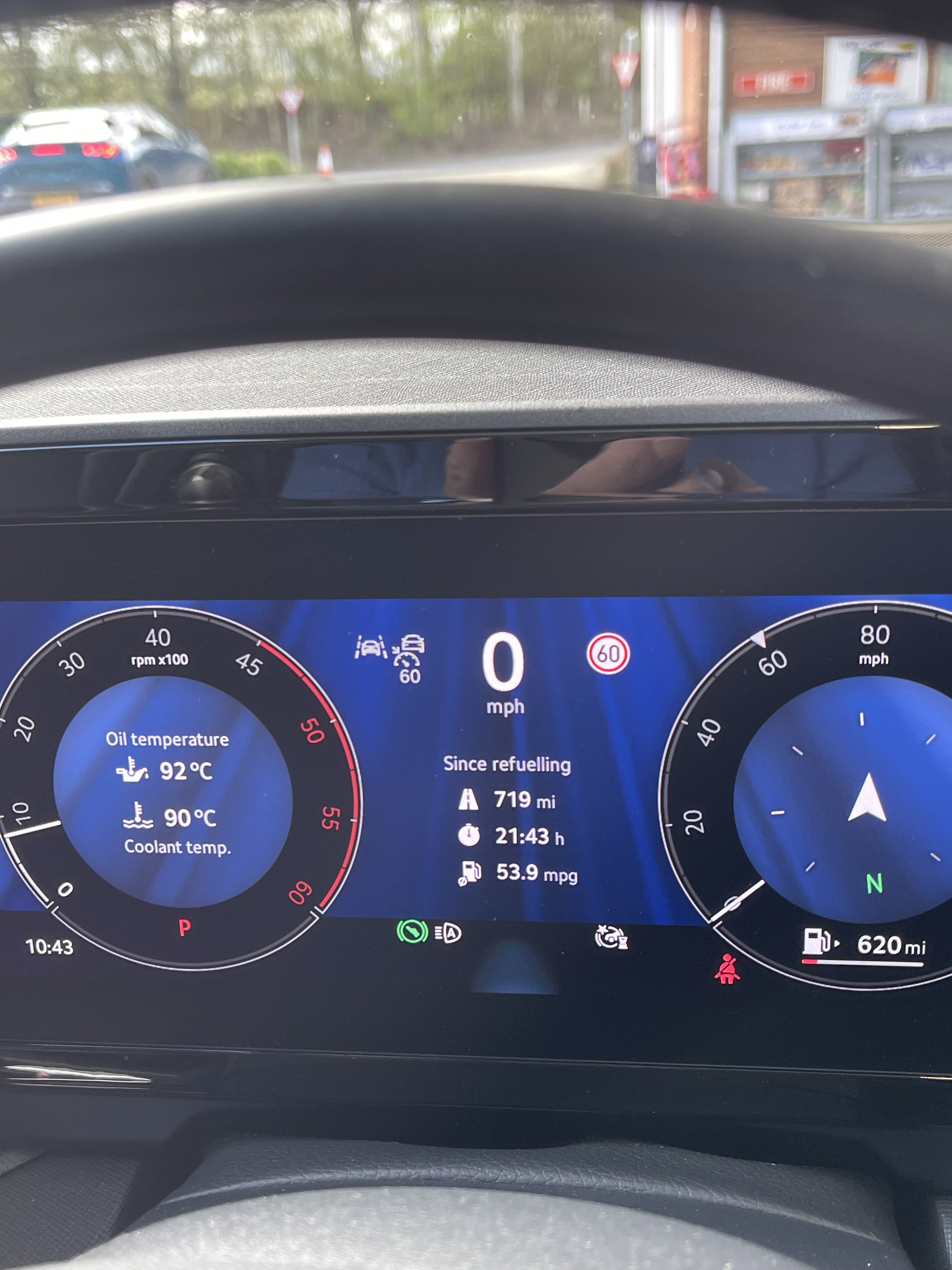
Yup. I used to use ACC on the same route because I was lazy, getting low 600’s, but just using human powers of observation improved things. The car has very little engine braking so I can let off quite early for speed limit changes and approaching slower vehicles in front. We get a lot of tractors round here. Also letting off to coast down hills and only applying throttle when needed to maintain speed help massively. In the current fuel price hike I’ve also started driving on dual carriageways and the motorway at 65mph. It seems to make little difference to journey times. We’re doing a 400 mile trip shortly and I worked out that it will only add 30mins so I call that a win. BTW, has anyone else noticed that quite a lot of other drivers seem to be doing the same?
-
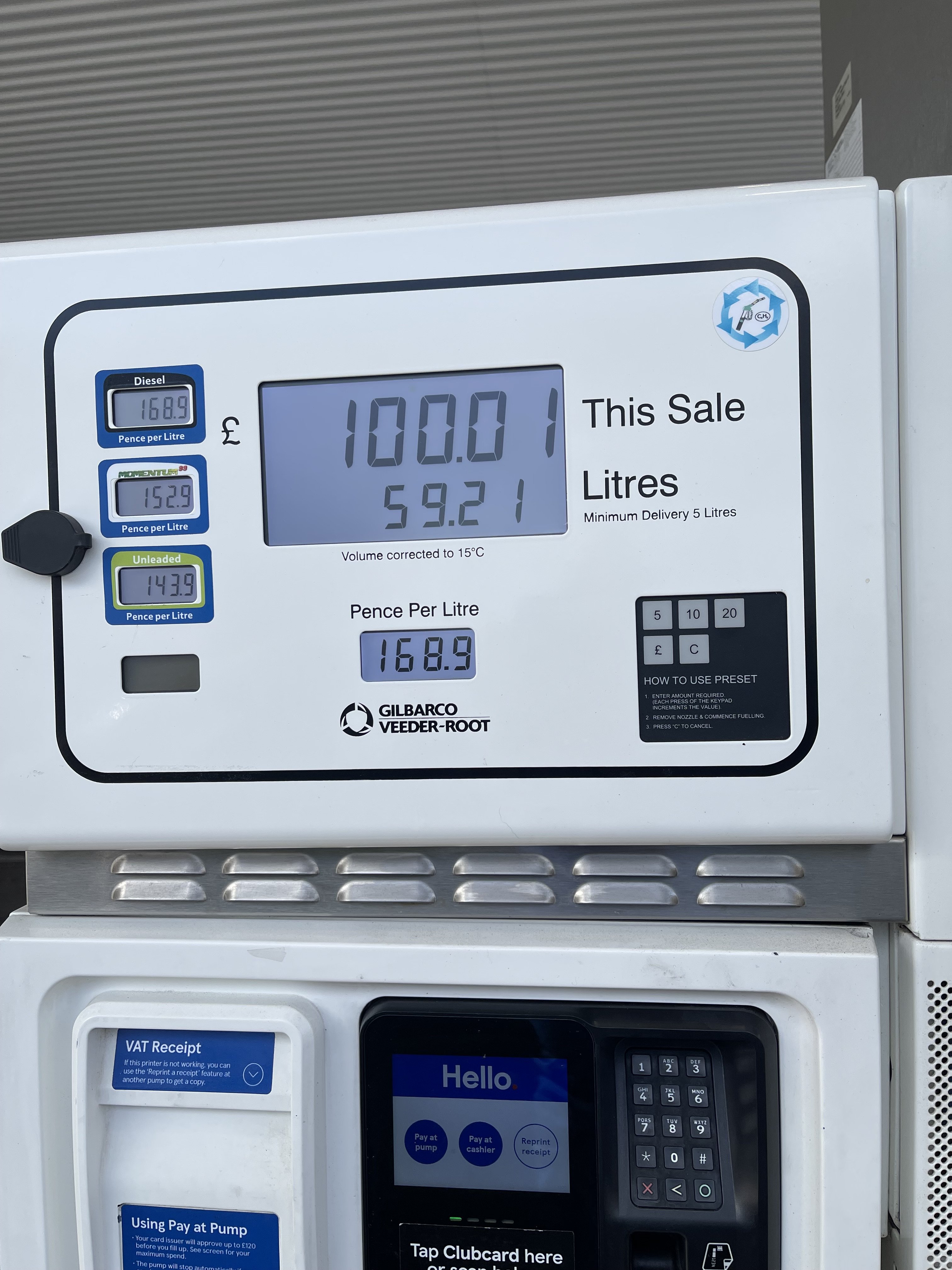
2.0 SEL DSG Driving slightly more gently but still making progress, and my highest range so far, mind you it cost £100!! to refill it against the normal £75. Not a lot we can do about that though, eh?
-
-
It’s a bit strange that the wife’s android stays connected all the time.
-
I believe if you have ACC then travel assist comes as part of that package. I added ACC as an optional extra and have it. I must confess that I didn’t know anything about TA until I saw it when turning lane assist and speed warning off using the steering wheel controls.
-
One of the salesmen at my local dealer has the same problem when he goes over a certain bridge. Apparently he thinks it is due to a 5g mast right by it. Who knows? I have a similar issue. Having recently had the software update, both my iPhone and the wife’s android will connect but after about 15-20 mins, disconnects and we are unable to reconnect without turning the car off, locking and restarting it. Also having a problem with the car wifi. I have a new data plan, after the first 12 month free with the car expired which worked perfectly by the way. It is now impossible to set up and I keep getting an error message saying something like eSIM owner not assigned. It’s going back to the dealer in a couple of weeks, let’s hope they can resolve it.