Breezy_Pete
Sponsor
-
Joined
-
Last visited
Everything posted by Breezy_Pete
-
Messaging you now.
-
Hi, yes, I can help with this. No other control modules are involved, the driver's side and passenger side modules talk to one another, but nothing else. Replace the ceramic resonator if you can, or message me for hands on help.
-
-
-
-
-
-
Use phone camera to get a photo of the male half of the connector on A-pillar. Compare number of pins fitted, to number of contacts with wires in the door loom female connector. If there are the same number, there will be no point in adding wires to the door loom.
-
Did you look at the document I linked? (Posted five days ago)
-
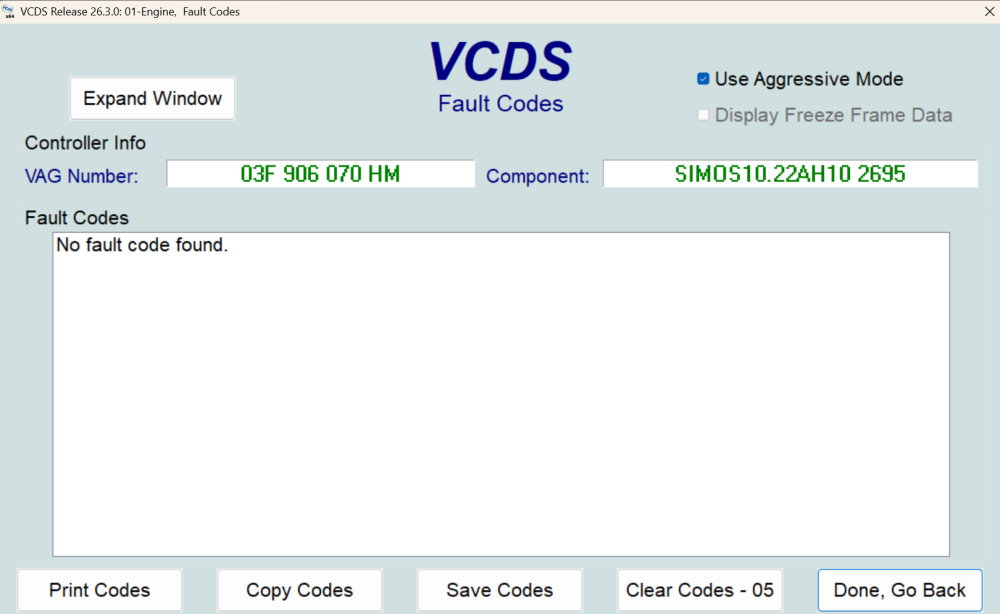
And this pic was taken just before lunch. First time I've seen this output in a while 😁:
-
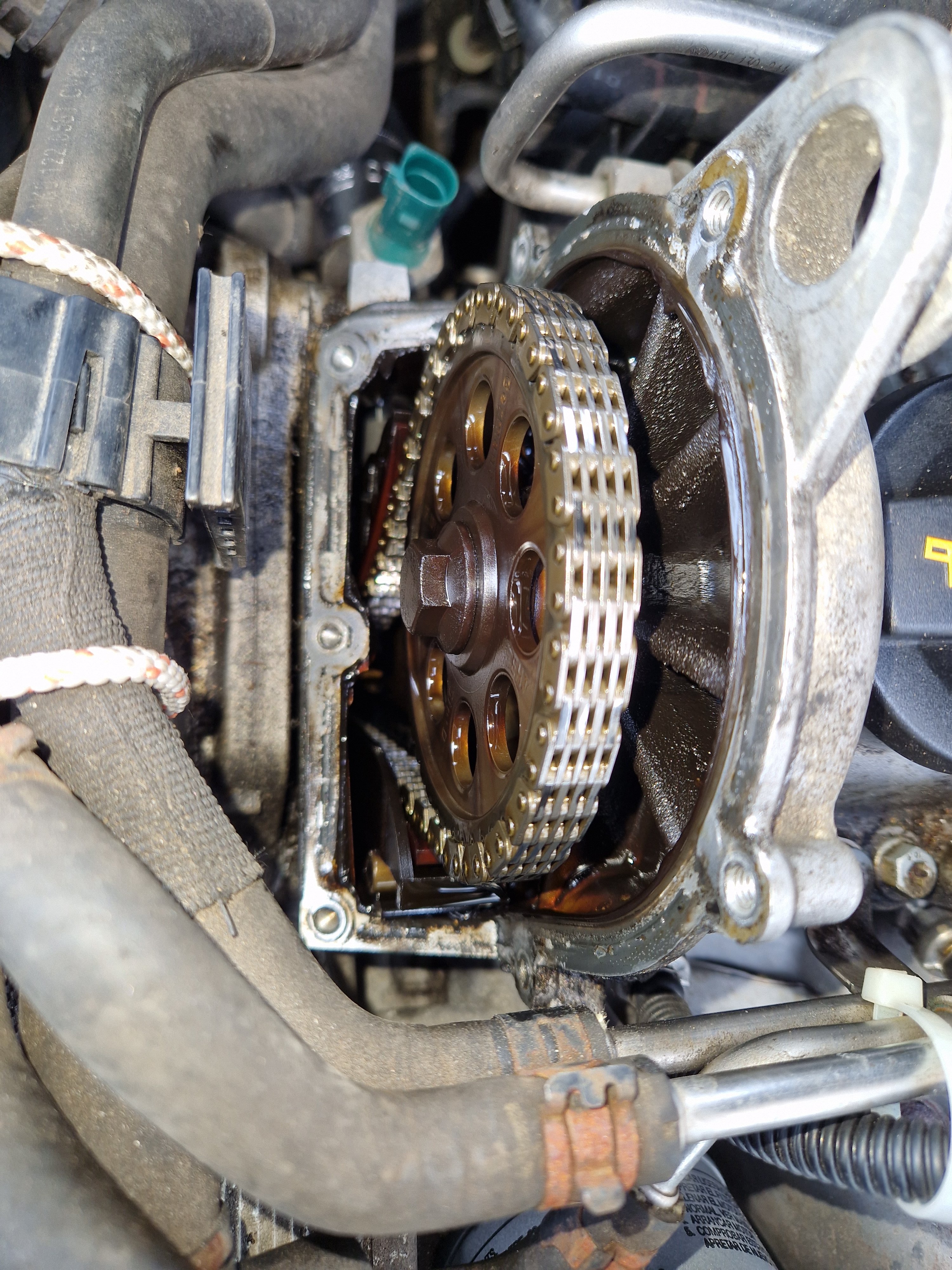
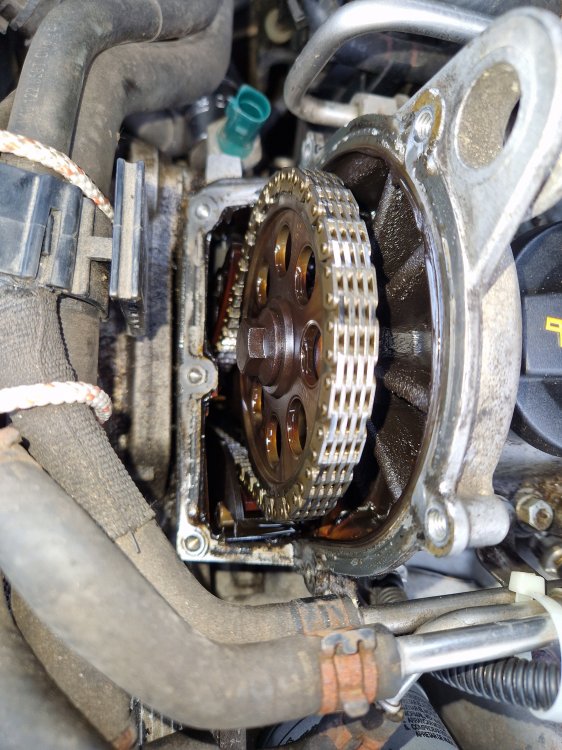
This pic was taken before my partner made me realise that plastic hose bracket could be removed. (It needs to slide towards the firewall 10mm to come off, there's a sneaky locating pin on it at the bottom which goes into the rubber 'hose grouper' thing).
-
Thanks. I realise it isn't the very best approach, but it cost me a lot less of my precious (I'm old!) time and effort. I was happy to do this on this engine, because I know it may have other problems that would require possible major work or DIY complete replacement (that's often more economical in time and money in this country, not true everywhere). I'm thinking there of a possible fire-ring headgasket leak which may be responsible for the coolant pressurising. I did find my spare intercooler matrix to try, just in case it might be that instead, but haven't fitted that yet. I doubt it is this, but worth trying for the minimal effort at some time. I managed to do the whole top chain cover off/on without draining coolant, by tying those hoses out towards expansion tank and removing the plastic clip from around them. That gave just enough space to move the sealant coated cover back into position without knocking it on anything and disturbing my neat lines of sealant. Must pop out and check if the oil leak seems to be gone after this morning's drive. It would have been easier to clean off the old sealant if I had drained coolant and moved that lot all completely clear, and I could have used the locating pins from the timing pin kit if I had. I'm writing most of this for the information and interest of anyone else reading who might contemplate doing the same, if they get the same fault code. Other crucial thing is to remember that the crank locking pin, only locks it in one direction; you have to force the crank clockwise against it to be sure the crank is in the correct position. This can conveniently be done with a 12-point 18mm socket-plus ratchet handle, or ring spanner, on the crank bolt, ratchet strapped back to the wishbone, preventing reverse crank rotation while making adjustments up top.
-
There was no excessive slack. Think of it as crank in locked, pushed against pin position, with cam slightly 'late' initially, due to chain being slightly longer. Then free the cam by loosening sprocket screw, and rotating cam forward to its correct position (where the cam lock screw will fit nicely), while sprocket stays where it is, with tension on driven side of chain. The tension everywhere is the same as before, but thanks to the infinite adjustability of the cam sprocket, engine is now timed correctly.
-
Main driver reports "best it's ever driven". Seems very happy with the improvement, as am I. I think your doubts @stigma my be partly due to not yet having understood completely.
-
No! The chain elongation simply meant that the correlation between shafts was no longer correct. If the driven (front facing) side of the chain gets a little longer, the cam becomes 'late' relative to crank position. Adjusting cam sprocket alone can fix this.
-
I don't believe the chain ever jumped a tooth. The tensioner was replaced 6 months back approx.
-
Lots of words there that I'll read later, but no, there is no dowel or fixed alignment between camshaft and sprocket, you just do up the (new) screw when you have everything correct.
-
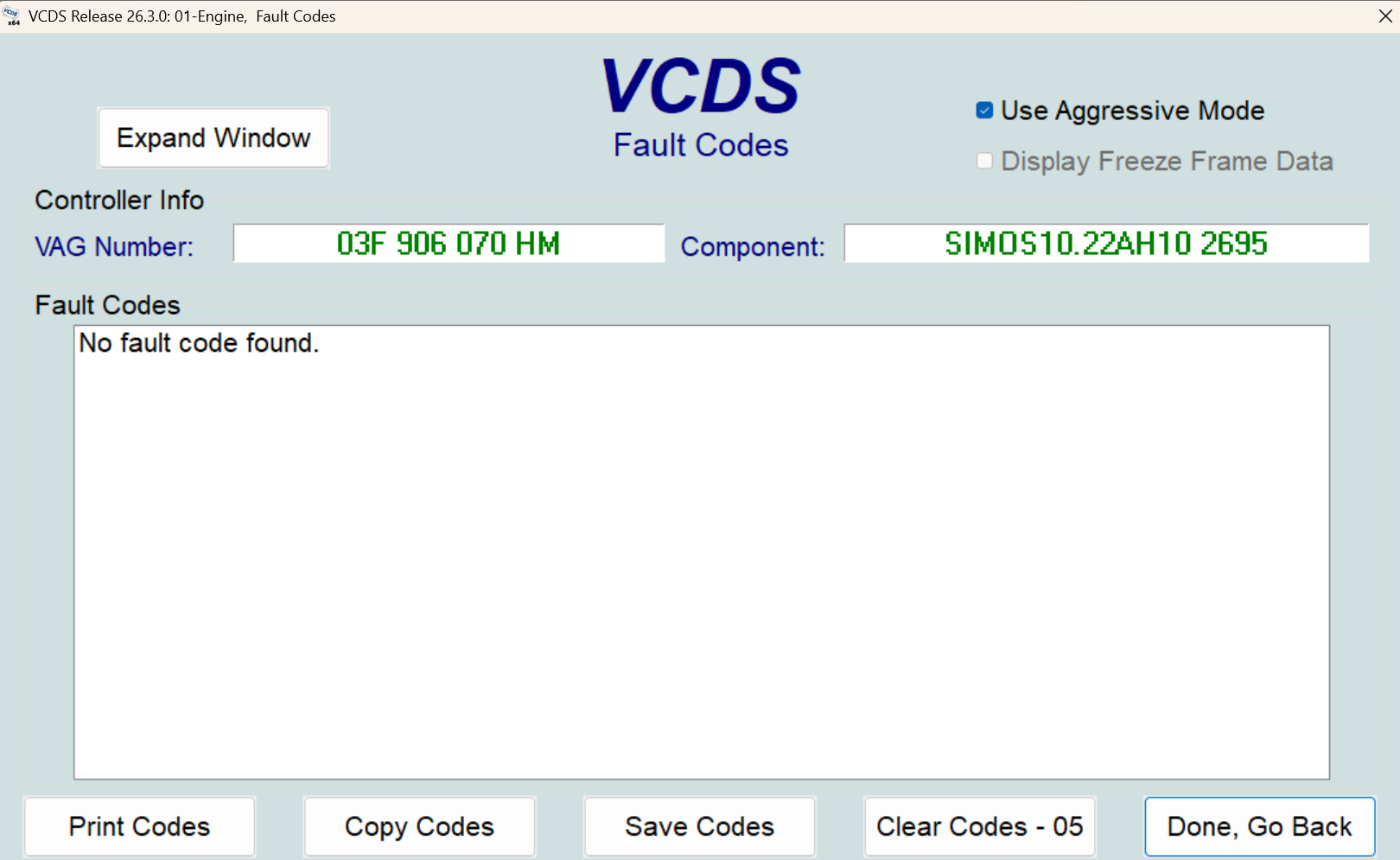
By tweaked, I mean I locked crank and cam and then reset the cam sprocket in the correct place. Due to chain elongation, the correlation was off by a reported 5.8 degrees or something. See top of page 4 for vcds fault report. Much easier than replacing whole chain, sprockets etc. Also has hopefully cured a small oil leak from plastic top chain cover.
-
Timing (chain) tweaked yesterday, and all went well. I realised afterwards that my concern about creating more slack on the tensioner side for the tensioner to deal with was nonsense. There's no change in the tension anywhere in the system, because everything is the same as it was before, just the cam sprocket moved round a little relative to its shaft (to give the correct correlation with crankshaft). There is a VCDS adaptation for adjusting something post-chain change, but I'm not sure that's essential. If anyone knows what benefit that might give, please let me know ( @stigma ?). Seems more eager on the throttle from low revs, which was the issue - as well as the recurring elongation fault codes. Needs the usual driver to comment, as she hasn't driven it yet. It will be interesting to see if there's any economy improvement too.
-
Good point. Always should be top suspect for any door-related electrics fault on a mk2 or newer.
-
Yes, those are the right numbers. Don't damage the originals whilst removing though, and keep them. Aftermarket will inevitably be lower quality. Might be better off trying 2nd hand genuine instead?
-
No idea, never touched a Hyundai. J.R. hasn't been on here in several months, not since last August.
-
I'll message you to ask for the VIN, so I can look up which version of window motor you have. Mk2 Fabia had 3 different types during its production. If it's the earliest, 6Y1959801 and 6Y1959802, it'll be driver's side module needing repair.
-
-
I don't know if it is the correct sensor for that fault code, but this link suggests that suffix CH is equivalent to the -AH. See here https://www.skoda-parts.com/spare-part/05l907807ch-nox-sensor-skoda-54223.html