ords
FREEDOM
-
Joined
-
Last visited
Everything posted by ords
-
I'm on my original battery and S/S is always used, so have to disagree with your statement about a shortened battery life. I go along with your other point re coding.
-
You seem to be well looked after insurance wise. I'd have thought the insurance company would want it repaired as soon as possible to avoid more expense. At the moment it seems you're just looking at a new mechatronic unit which is already not cheap. For them to say it's ok to drive it with the risk of having to pay out considerably more, is to me unheard of. In the Uk they always do their best to pay out as little as possible.
-
You're putting a demand on the battery and the alternator is just doing its job. With no demand the altenator is basically idle. That's my reasoning.
-
Hope you've got that in writing.
-
That's exactly what I do if parking on a slope as the handbrake is taking the weight of the car and not the pawl. If on the flat I just use park and don't bother with the handbrake. In traffic I leave it in drive and let the S/S do its thing.
-
Not too fast, not too slow. I do mine in a second I guess
-
What subtle differences?
-
Do you have a sunroof?
-
Do you have a sunroof?
-
My rear washer didn't work for many years and never failed the MOT, not even an advisory note.
-
I did that a few years ago and to be honest didn't notice any difference. However it could be that without the update you won't be able to load the 2023 maps. Just my thinking.
-
I have just done this update successfully.
-
Did you code the new battery?
-
Ok, maybe that's why they are the price they are.
-
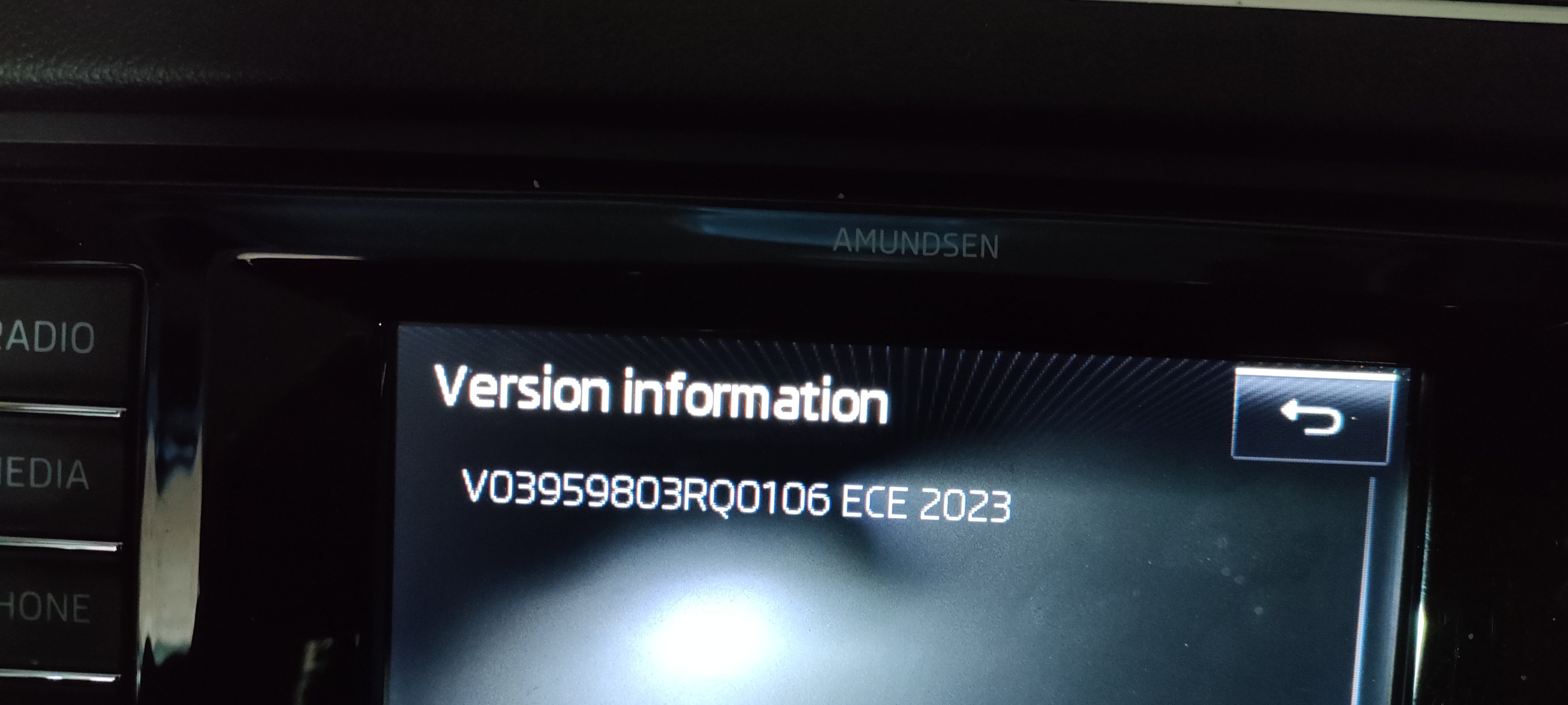
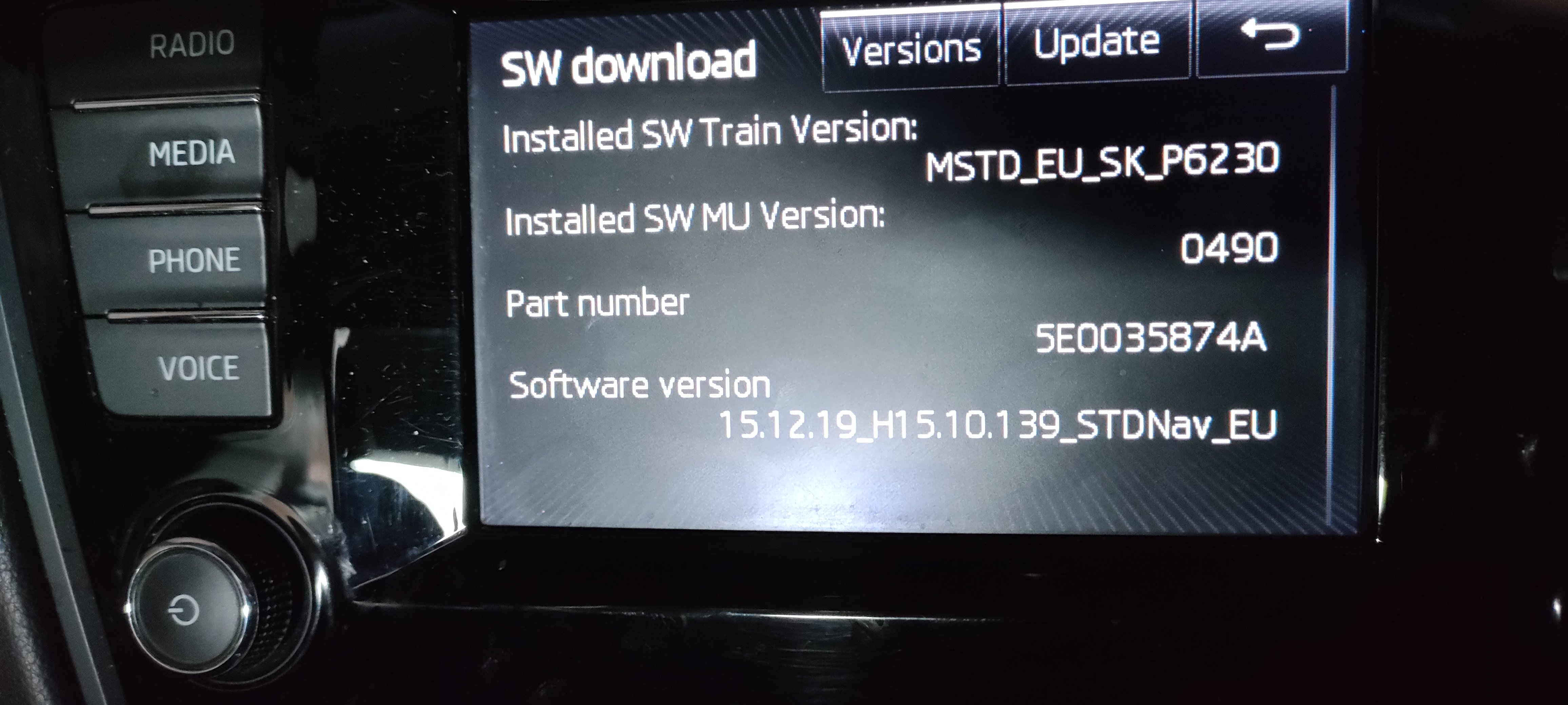
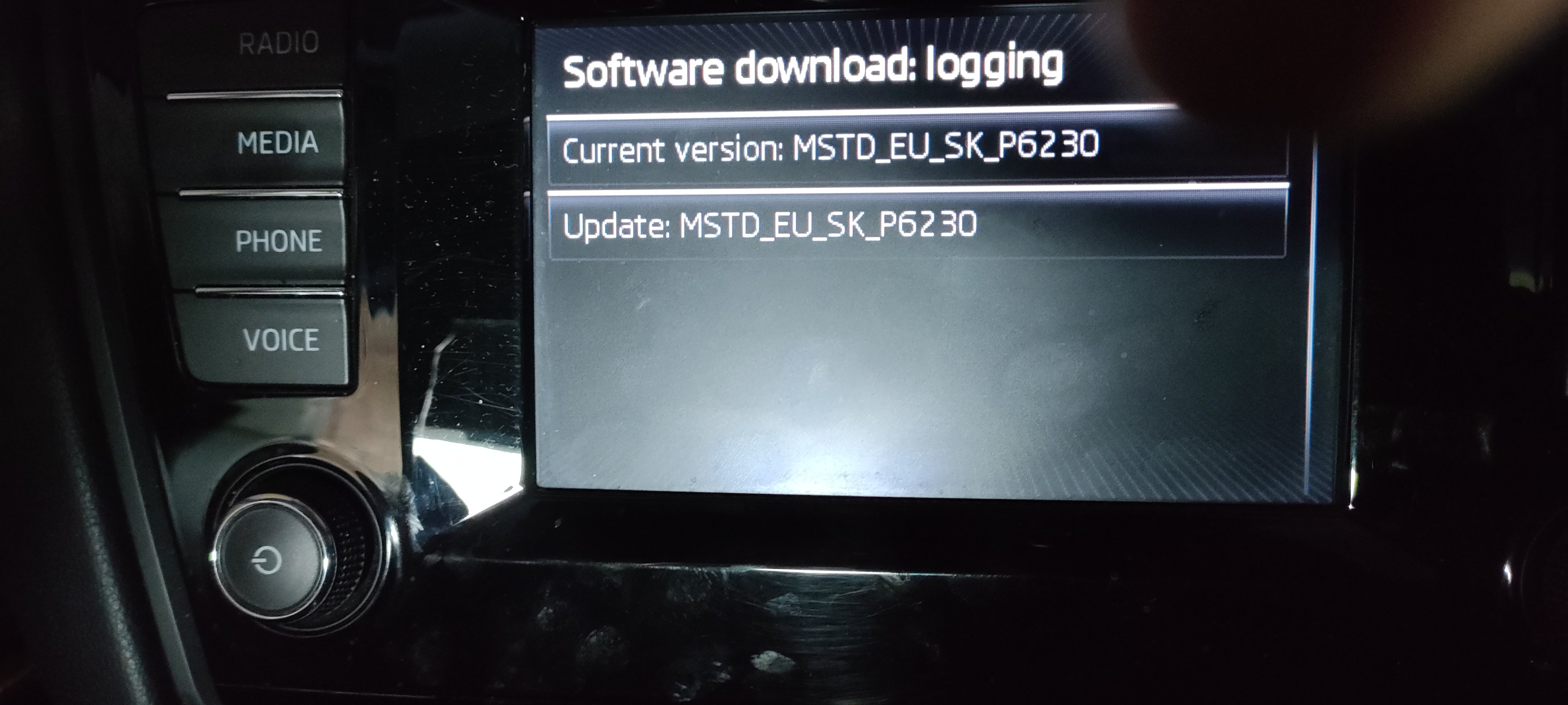
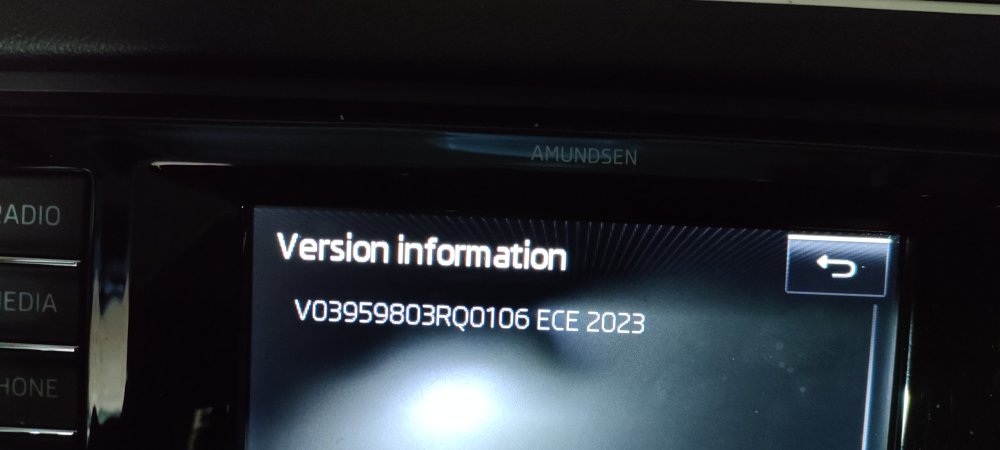
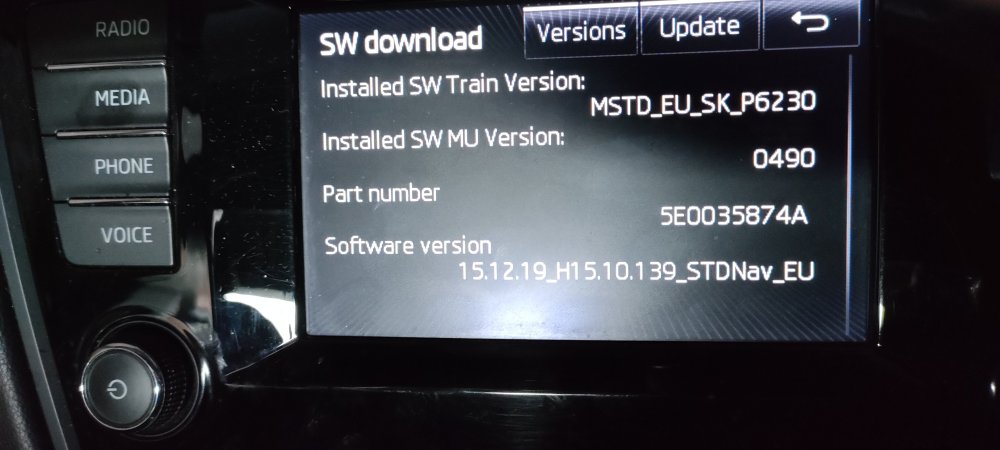
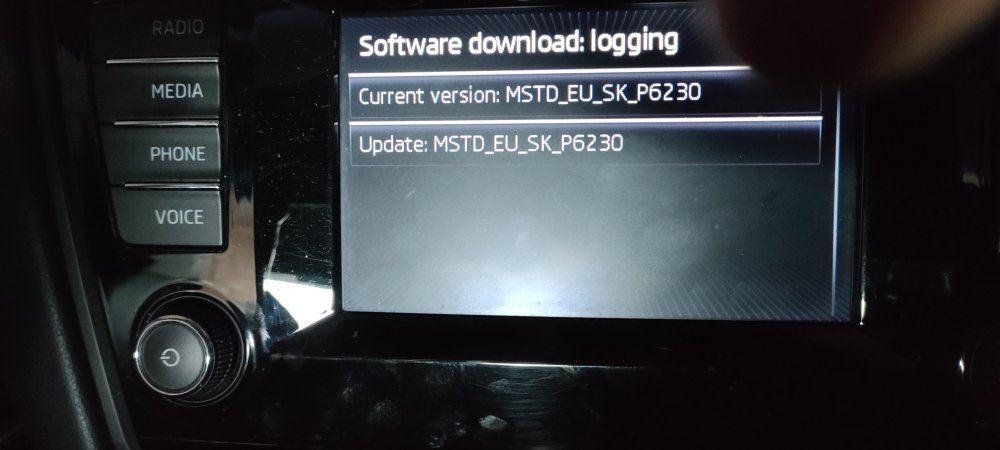
I've just done this update, so thank you for the above. I just deleted the old info on the card and didn't format it. The file size was just a few MB too big so I just deleted a few countries I know I won't be driving in. I didn't change any part numbers and it worked. Attached is the current version. It does appear to be updated, but I forgot to take a pic of the old version.
-
Maybe that's what I saw. Sorry if it's wasting your time.
-
There are some listed on eBay
-
Or use a bit of sticky tape.
-
That plastic cap is £14.92😖
-
Scan it for codes.
-
How old is the car & what engine?
-
OP says he checked it.
-
No hard and fast rule when it comes to batteries. Mines on the original battery, rated at 380A. Whether I'll get any warnings on the dash or stop start won't work or a sudden total failure I don't know. I'll find out one day As you only do short journeys are you able to charge it up now and then?
-
Did that include coding?
-
How long?