TheUltraRunner
Members
-
Joined
-
Last visited
Everything posted by TheUltraRunner
-
Congrats @drnovshek Finally it arrived! Looks really nice in this red color!
-
No.
-
Exactly. This is why it's impossible to determine if a certain car has the latest update or not based on comparison with other cars.
-
Newer keys go to standby if they are not moved for certain time. The only way they scanned your key is when you were moving away from your car.
-
We are not. Not all cars get the same updates. It depends on what components are build in the car. For some the latest is 1803, for some 1806 and for some 1810. My car for example was updated to the latest SW in mid December and I'm still on 1788. All updates for certain VIN are pushed from the factory. Once an updated is available, the garage sees that and they should call you to bring car in for the update.
-
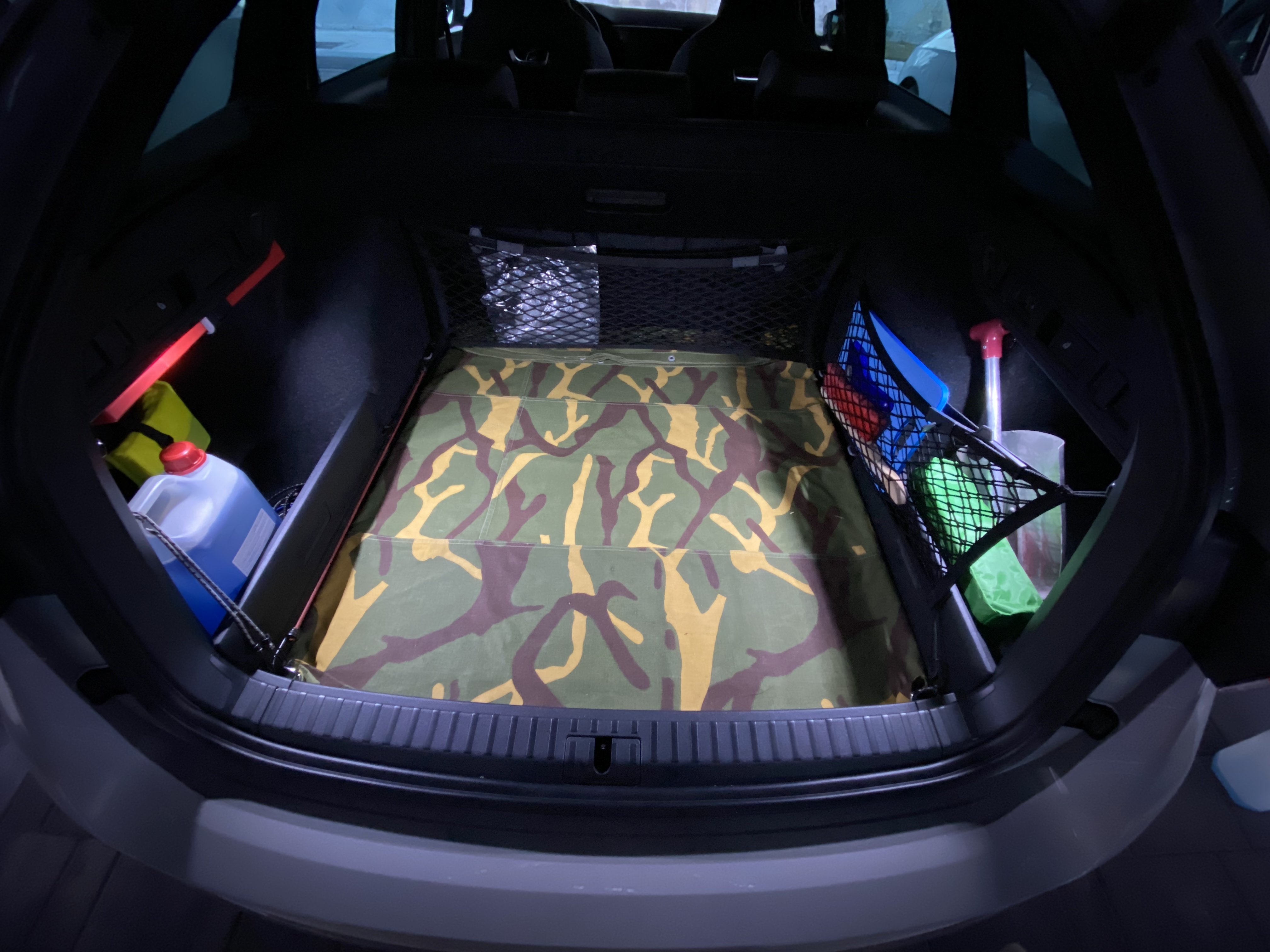
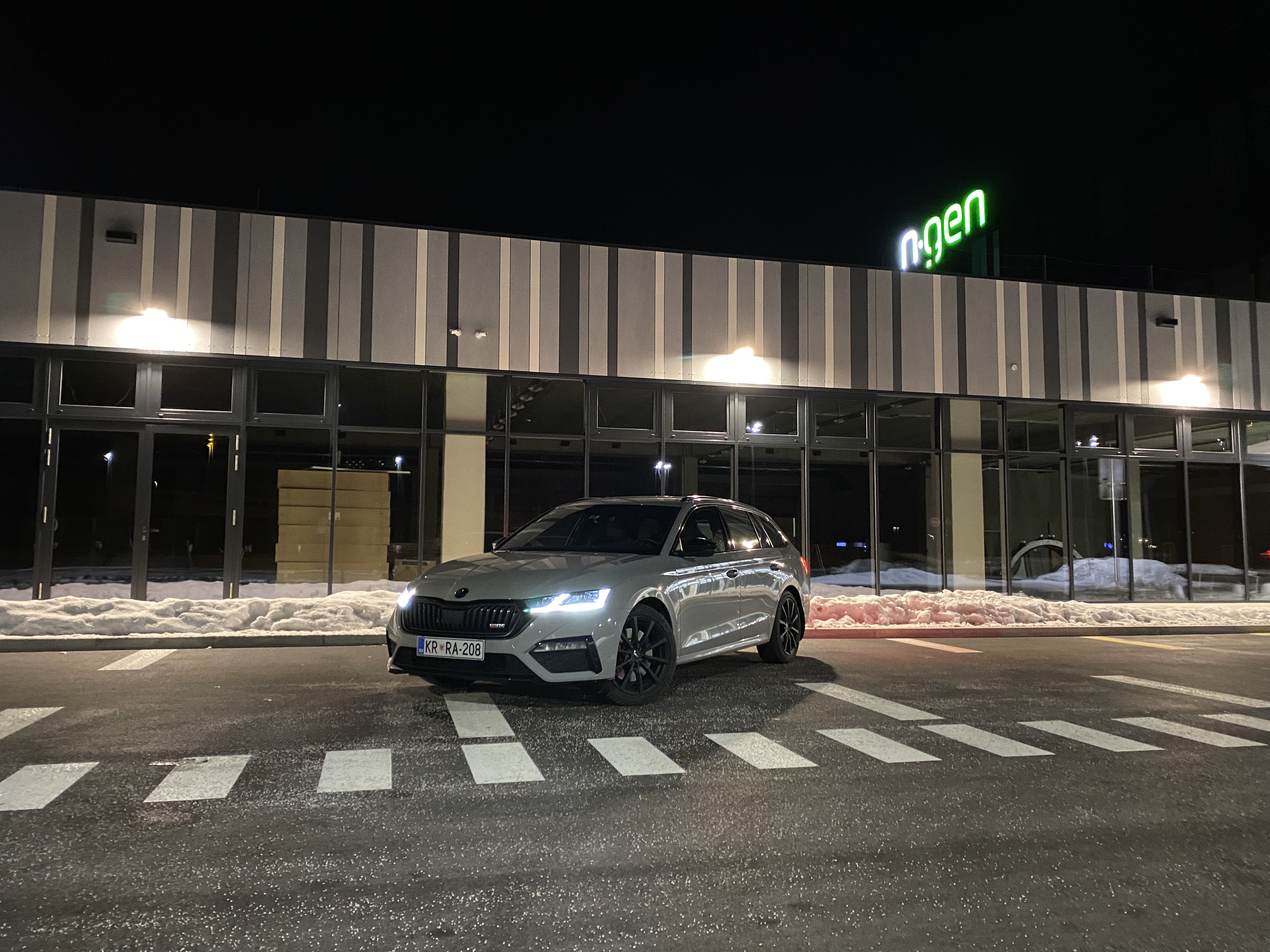
A small modification from yesterday.
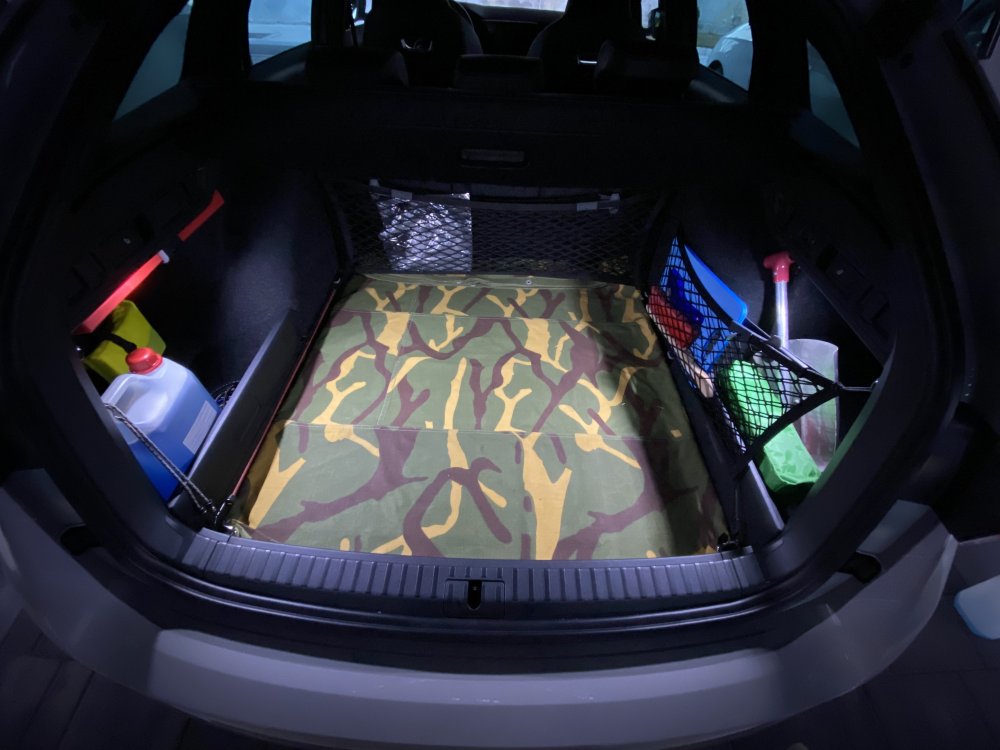
-
Although I wrote differently in my posts above and to be completely honest, I guess I wouldn't buy one neither if I were in the same position as you. Especially if you already have a nice car you can enjoy. I hope you can get yourself one once they sort out all the issues.
-
We should post more pictures here. 🥰
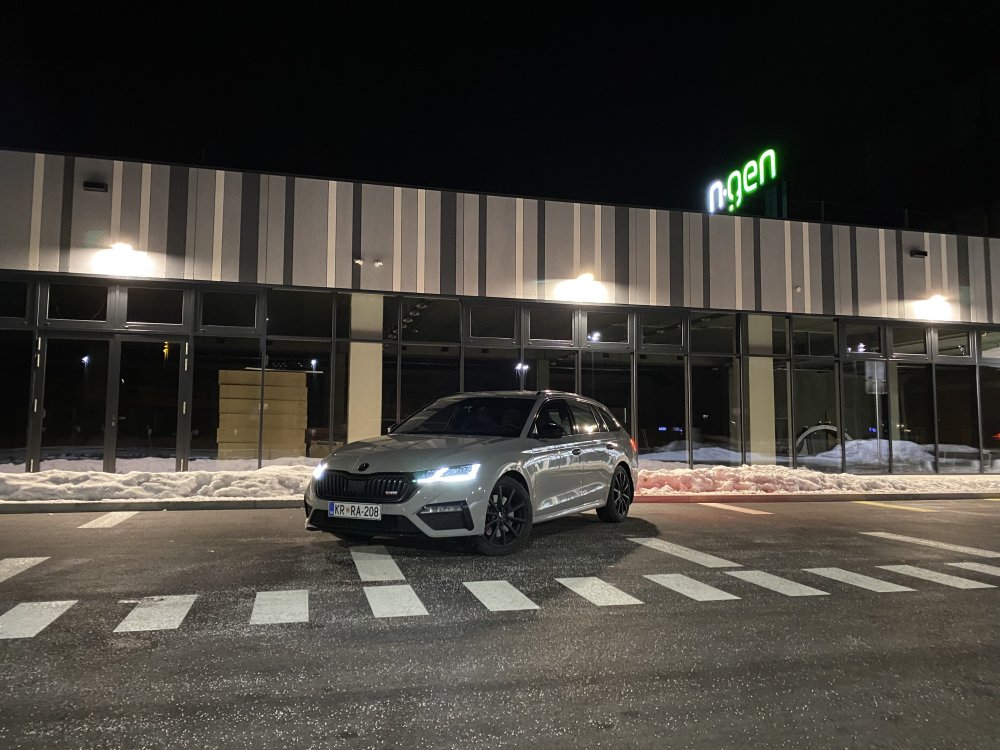
-
Wouldn't a long drive also help in this case? Since not everyone has a charging device. Battery can recharge itself while driving.
-
That was recommended before we knew about ignition being on for 2 hours.
-
Not sure if Superb has the same way of updating maps as the new Octi. Could be you still need to do it manually in the Superb?
-
Both issues could be connected to the bad battery. Start/stop system won't work if the battery output is under a certain value and the engine struggles to start when the battery is bad. Going back to the dealer is your best option.
-
I totally understand it's not optimal for all situations. Just wanted to share my experience.
-
I also bought a new USB C key when I got the car. But after a few months the music started to freeze occasionally, songs didn't want to go forward or backwards, etc. A month ago I finally decided to buy a Youtube Premium subscription and I'm more than happy. It works flawlessly through Apple Carplay and even the sound is much much better. Now I even get some deep bass from that Canton subwoofer. 😁
-
Hi What exactly do you mean by struts? Shocks?
-
Glad we could help. 😅
-
Maybe wait till the mk4.5 TSI comes with 320 HP and 4x4
-
One year passed owning a mk4 RS TSI without any major issues. By the time you will get the car a lot can happen. I still have high hopes Skoda will sort things out.
-
Haha I checked how it's written in Slovenian language. So translation to English is like: - Pull the bonnet down - Release the bonnet from approx 20 cm height - Check if the bonnet is firmly closed - Don't press on the bonnet if it's not firmly closed - Open and close the bonnet again
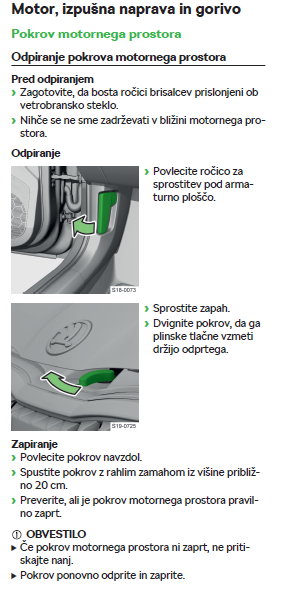
-
What exactly doesn't make sense to you? This is how I was closing the bonnet on all my cars and it's the same with the Octi. I release the bonnet from approx. 20 cm height so it closes itself. I never push the bonnet down in the lock position with my hands to avoid damaging it.
-
How time changes. I waited 2 and a half months when I ordered mine back in October 2020. 😲
-
Like others I would also pass this offer. To apply a ceramic coating, the car needs to go through a certain process. Which requires time. And the coating also requires to cure. Which also requires time. And congrats on your new car! 👍
-
As Jarekwi mentioned, you first need to press the Set key which brings up a screen with a few other settings beside Start/Stop.
-
You get used to it. Only wish I have is that start/stop system would have a dedicated physical button. And overall system could be a bit more snappier. Other than that I don't have any major complaints.
-
It's wired since MySkoda is working fine all this time. I just renewed my licenses yesterday. 😇