Edela
Members
-
Joined
-
Last visited
Everything posted by Edela
-
Not really. PHEVs have a big buffer of about 30% which is enough to protect battery. I charge mine till 100% with max current daily, I see no noticeable degradation after 4 years.
-
Put it in P or N and kick down accelerator. Though it will start revving up quite a bit, which is not optimal for a cold engine, and may as well shut down quickly after. But if battery is not full and you want to start it charging, that should work.
-
Could you elaborate what does it mean and how it is done?
-
Oh wow, yours worked for so long! I'm close to 42k, mine are to be changed for the second time already.
-
Yes it is one unit. It overheats due to some design flaw and sooner or later starts behaving as you described. No SW update would fix that. You'll find quite a few of us here who went through screen replacement.
-
They will install new screen. Good you have warranty.
-
Ok, then I misunderstood the topic and confused the OP. I'll check that one on my car to see how it works.
-
I think pre-FL cars don't have this feature of adjusting to speed limits, unless you are driving with Travel Assist engaged and the function is on in its settings. It does not depend on navigation settings I think, you'd need to look for it in assistant systems settings.
-
Please ask them for details, what exactly they were updating?
-
Dying 12V battery gives all the possible errors indeed. Not too rare all of them except for 12V battery discharging. I never had a full array of errors popping up, but had some exotic ones like electric drive error or gearbox error, and it was due to 12V battery, too.
-
I soundproofed my trunk on pre-FL - floor, sides and lid. On rough road it did no make any difference really. On good roads it became quieter though. Changing tires actually gave more difference than soundproofing. So I guess this is how Octavias are...
-
I'd be a fan of Skoda for life if they actually had some channel for end users to communicate back to developers. Can't really rely on workshops in the process, they often seem to not bother at all.
-
-
Might be helpful to select a service partner in MySkoda app. Then the app reports problems directly to workshop, and as far as I understand, does it right away as error pops up. So even if nothing left in logs for some reason (which I doubt when it comes to drive errors), there will be evidence of smth being wrong.
-
There are tons of Octavias out there with 12V issues, including 2023 models which do not charge 12V battery at all. It is fun to see them trying to avoid fixing yours, making it look like your fault. I would request them to provide evidence that anything was damaged by the supposed spill, I'd say simply picture of something liquid near something won't be a proof enough in court, would it? Let em show what short circuited there. Perhaps they could also demonstrate how supposedly spilled stuff got there inside? On pics you posted I see no signs of it being leaked from above.
-
Good to know. It just looks exactly as on FL, but myself, I've never seen it myself on pre-FL cars, including 2023 models.
-
On first picture is FL, on second one is pre-FL. I guess in a short while the only questions being figured out on this board will be the confusion between facelift and older models.
-
No. Correct conclusion is identifying and fixing your problem which kills 12V. Sorry can't help with that, you'd need to look for competent techs and maybe involve Skoda to get it resolved.
-
Charges 12V battery when HV is charged, supplies power to 12V system from HV when ignition is on. When ignition is off, no amount of power in HV saves you from flat 12V. When I had issues with 12V that was my question why the hell HV can't charge 12V on its own. Later I learned that many, if not all EVs have the same issue.
-
Just a reminder, the car can't charge 12V battery from HV battery. So there's no connection between two.
-
If you bought Skoda, you are going to get used to pulling fuses. Dealers would often do the same for you but for a price and keeping your car for half a day.
-
Quite frankly, I understood nothing. Are you on adaptive cruise control? Why do you come closer to the car in front despite your car braking? It's not like you have 60mph speed difference between two, is it? Mine will use regen to just slow down to match the speed and will keep distance to the car in front, unless I overcome it by accelerating intentionally. It will only (I guess, never tried that) apply brakes in emergency if I will continue accelerating too close to the car upfront, but that is not quite normal behavior on the road.
-
Could you elaborate what you mean by that?
-
That is normal behavior for the app since it was first rolled out, no matter the version. Most of the time data still goes to the car, but app can't retrieve anything form the car back. If you stand next to your car and activate heating, you will often hear it actually starts even though app doesn't show anything. Also, use departure planner to preheat it in the morning or when you finish work. You don't need an app for that.
-
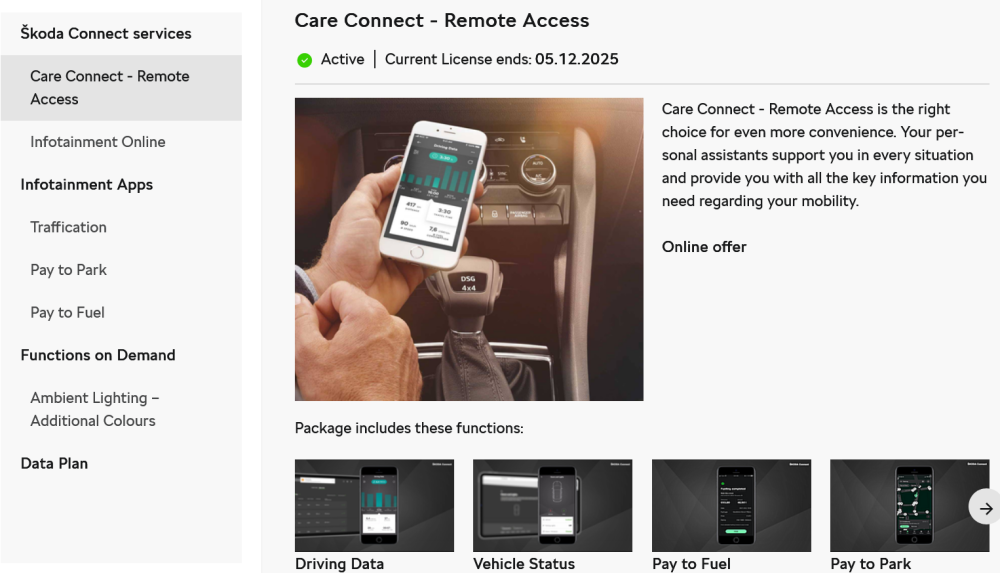
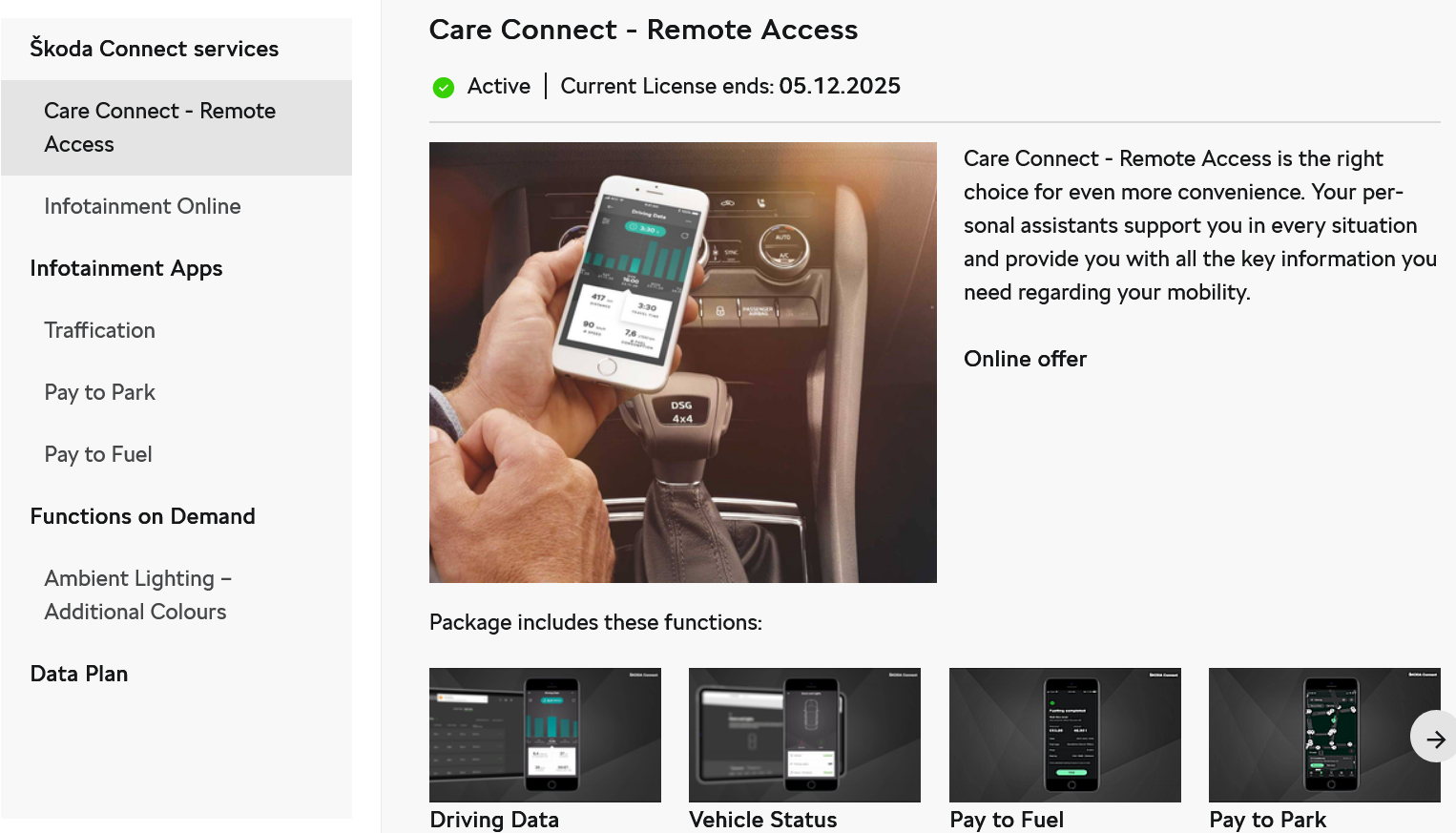
If you want control car features from the app, you need to buy Care Connect - Remote Access. Your car does not need a data plan for that, those are two different services. This is what you need from skoda-connect.com: