john999boy
Honorary
-
Joined
-
Last visited
Everything posted by john999boy
-
I've been watching this with interest as an EV will most likely be my next car but I haven't decided what that will be, let alone what charger! What's the 'included hub' that you refer to?
-
@fsec I realise it's OT but would appreciate some example artistes/tracks please.
-
I've moved this thread to a new topic but I must admit that I'm still a bit mystified about the problem - maybe this is down to English not being your native language @Kodiaqcro? Why not update your profile settings so others can see. 👍 The video also only seems to play on my phone and not the desktop but I can't really tell what it's referring to.
-
That request will open up a can of worms but I believe the answer is yes! 😉 IIRC it's called VIM (Video In Motion) but don't forget it's illegal to use in the UK.
-
olduns has decreed the cruets will be retrieved from the 'chateau' today.
-
The red globe means no internet connection.
-
Definitely a bargain.
-
All the more reason to do it then as people who don't look here may well look there. Just add the relevant details and you may well be surprised.
-
Try posting in the Wanted section. 👍
-
You need to be a Freedom member to be able to sell on Briskoda. 👍
-
I don’t use the mirror dip function but think you’ve misunderstood the previous quote. What he refers to is having the switch in the left adjustment position to enable the auto dip ability. There may be an additional infotainment box to tick but as I mentioned earlier, it’s not something I use and it was quite a long time ago when I disabled it.
-
Looks like you've got it sussed now. 👍
-
Adjust the nav volume as it's 'talking' as it's different to the radio volume.
-
As above plus it really is the easiest thing to do yourself.
-
All sorted now + just noticed your interests! 🤣
-
I still think it's down to some new regulations that may be incoming or have just arrived. Need someone with CSI time to investigate! As an MOT is based only on that day, any subsequent failure would say that the car is not safe to drive from then on. Booking in to a different place for a repair and re-MOT was a good suggestion. In this instance it's similar to low tread tyres - okay () to drive with - but in reality you wouldn't.
-
It may be related to your non UK location so please update you profile details.
-
I think that’s the situation too. Maybe something relatively new but it is what it is.
-
Two topics merged.
-
You may need to enable data transfer on your phone for when it is connected by USB. That is the only way to connect too. BTW the cables can be very finicky.
-
I don't think it would be a problem in the newer multi charging places such as Braintree.
-
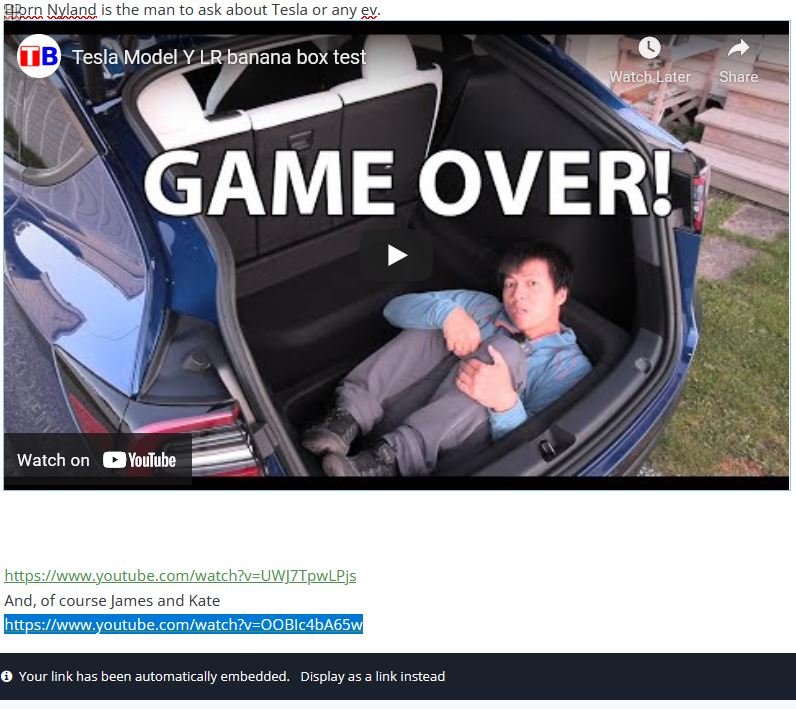
@garym999 I'm not 100% sure with the iPad as I prefer to do these things on a PC but essentially there should be an option to either have it embedded or insert it as a link. Here's one of @classic's that I've just adjusted.
-
There's a setting to improve the audio (but never does) - I think it's called sound enhancer or similar. That just needs turning off. There's a few threads regarding this too.
-
I presume the sills are the same as every other VAG car so there's no reason why a suitably positioned 'jack' isn't the way to go.
-