john999boy
Honorary
-
Joined
-
Last visited
Everything posted by john999boy
-
What about the icon in the top right corner?
-
What happens if you just touch the screen again somewhere without a button?
-
Maybe not quite the thread to mention this but I've been watching some videos on the Artisan Electrics YouTube channel as they install different types of wall chargers. It's surprising the different features that some have and how others are able to have custom fascias to match the charger location.
-
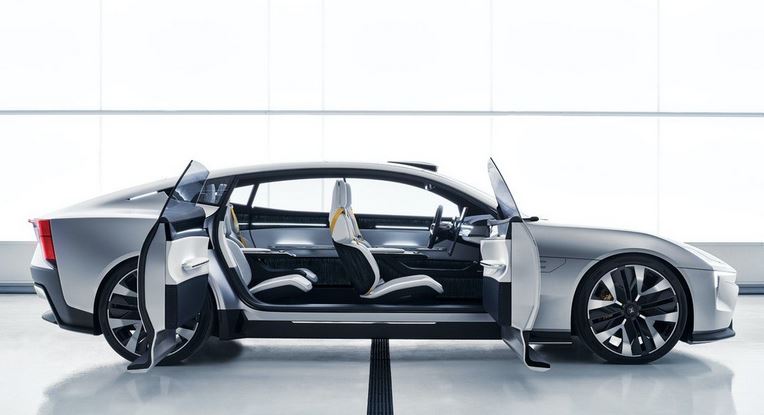
Polestar are doing a Roadshow next week to allow people to have a good look around the Precept before it's officially released. More photos to follow after the event.
-
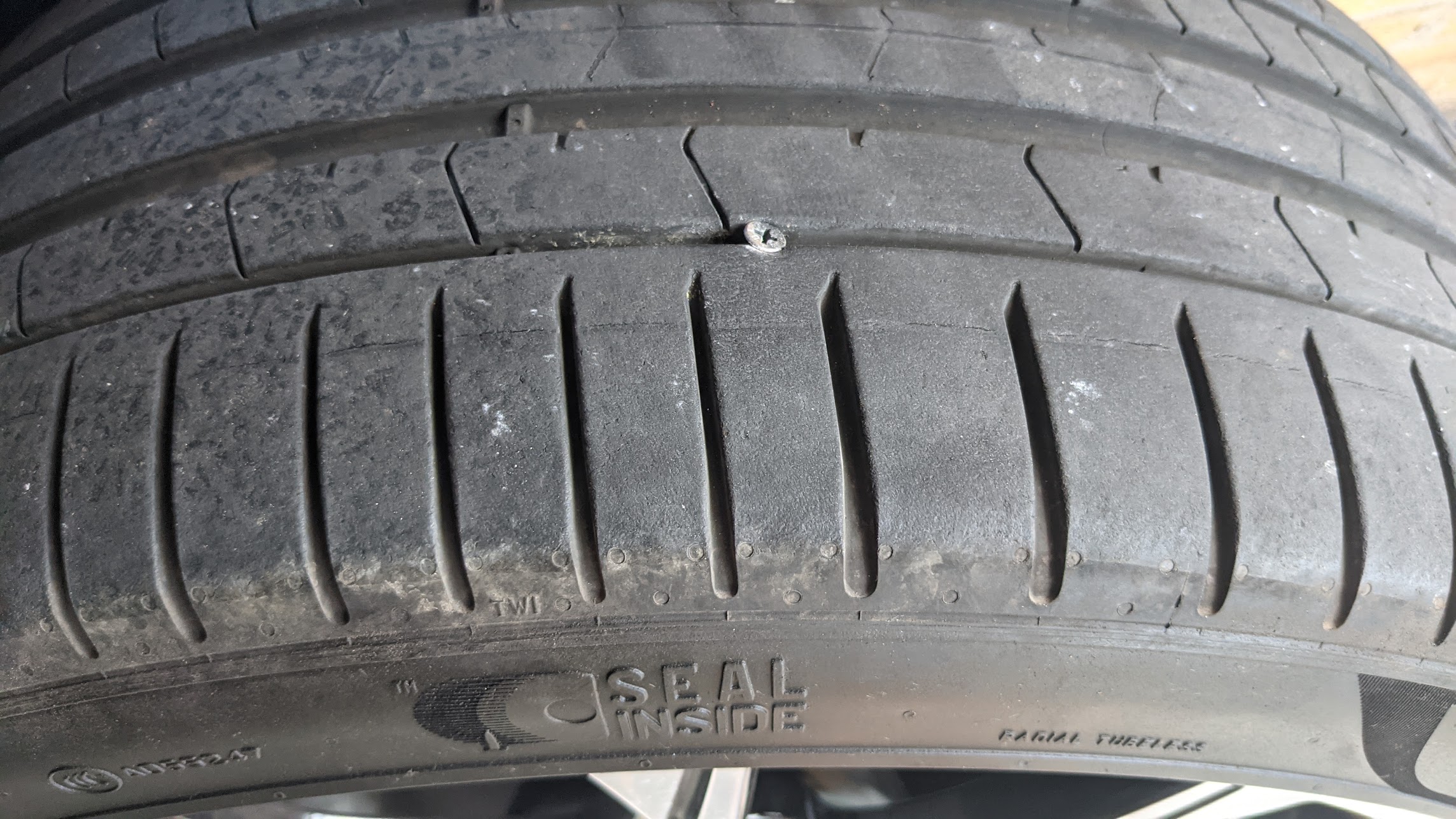
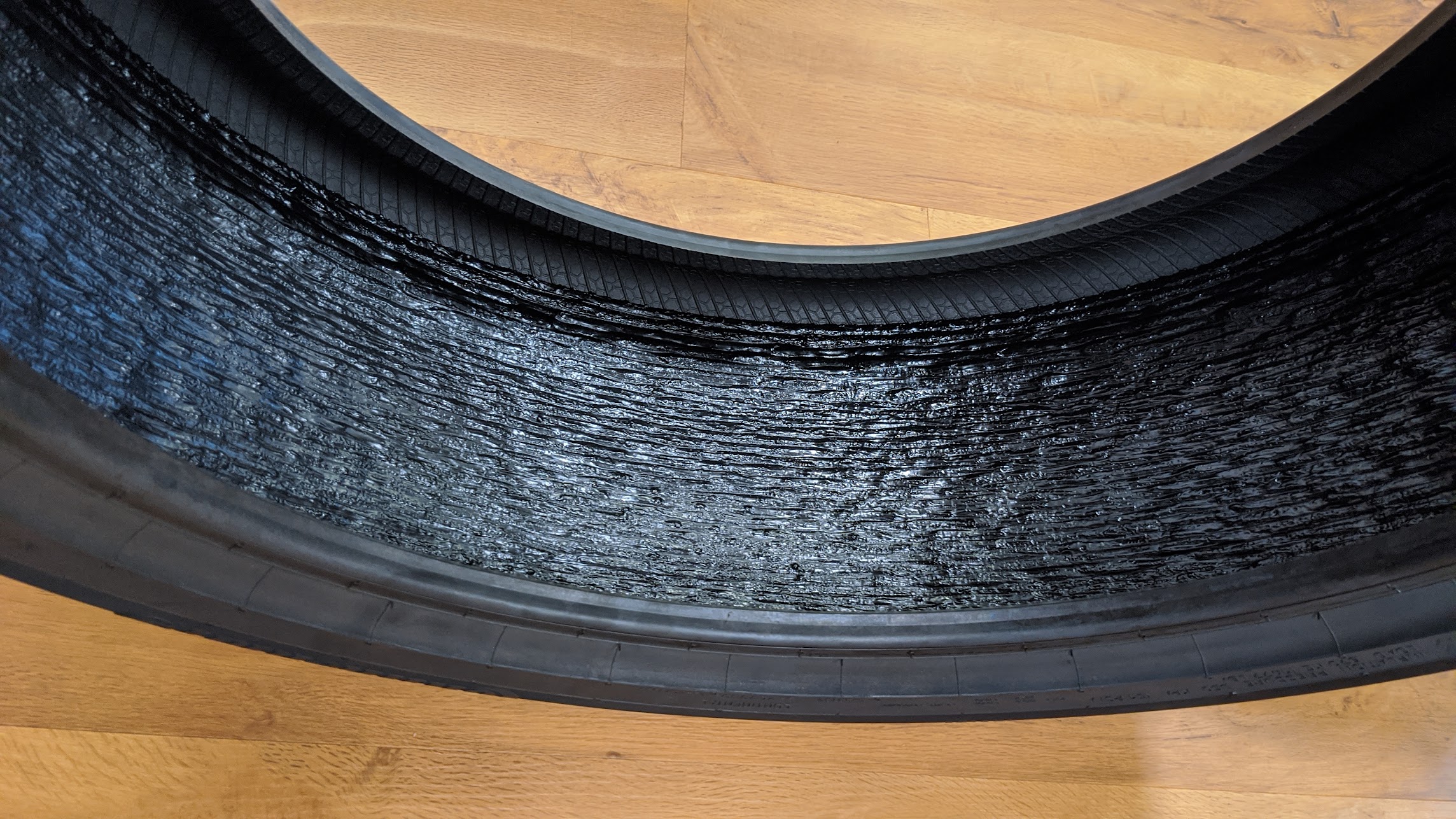
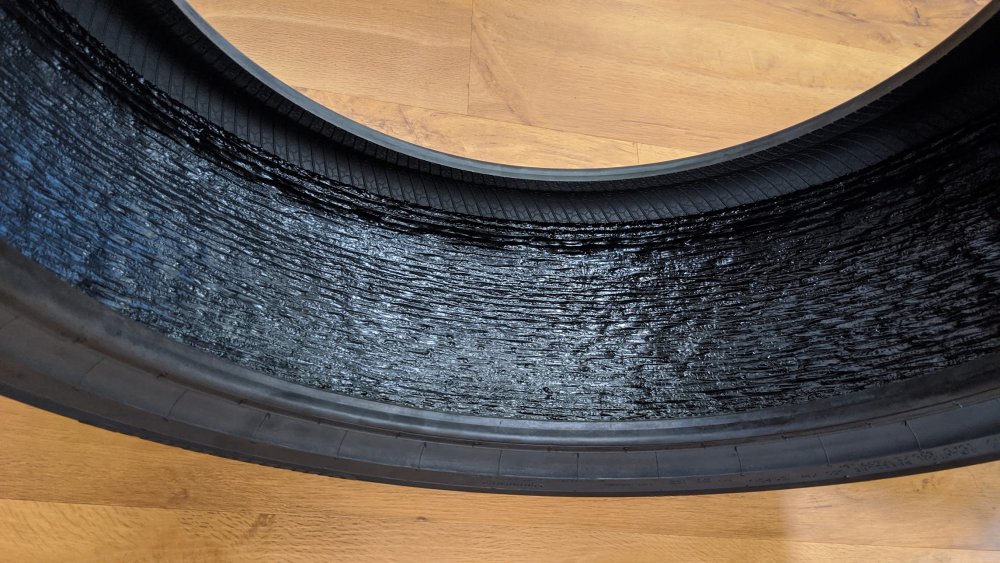
I had this recently:- It must have just happened prior to me stopping as it was totally flat when I got back to the car. I removed the screw, pumped it up and it's been fine since. Here's a photo which I took when 'exploring' what was actually inside the tyre.
-
Has Android Auto ever worked on this car? Have the phones got AA installed?
-
Ask if your employer does a salary sacrifice scheme for electric cars as they can work out cheaper than ICE cars.
-
My apologies. Your initial post was a bit confusing.
-
The date shouldn't be settable from your phone.
-
Guess time:- Have you driven the car since refilling as that may reset the errors?
-
Just out of curiosity, how long has the Kodiaq been able to display Google Maps directions in the Maxidot? Does that include the Virtual Cockpit too. Any other cars able to do this?
-
Have you got the wiper switch on the first (auto) position?
-
Nice video but I can’t help but wonder how long it will be before you sticker bomb this car too! <<<< P.S. You haven’t updated your profile.
-
Hatch open?
-
I'm not too sure about the Skoda Portal but invariably @MartiniB manages to find the latest files before they're 'officially available' so why not follow his posts in that section? FYI the maps are usually updated every 6 months.
-
Check out the links in my signature.
-
Sorry for not replying earlier but it doesn't appear that they are.
-
For someone who's been around for over 15 years I'm sure you can manage a bit more than the occasional lurk Dave!
-
@AnotherFabia I have altered your username as you obviously haven't read the Site Guidelines.
-
That depends upon which side has a motif on and if you're right or left handed and like to show the motif off or just appreciate it.
-
@Luckypants Where did you get the info regarding the bespoke network? I only ask as when I had a smart meter (original) installed a very long time ago, the installer had different SIM's available to him and he just used the one corresponding to the strongest phone network. That meter was removed when I changed supplier and obviously wouldn't have been any good with the latest versions anyway.
-
Can we have some photos @Alanphe
-
@Rustynuts is the person to speak to and may have an already updated one available.
-
It wasn’t my quote above but I do think that the product that ‘no longer smells like arse’ isn't an iron removal item as I’ve yet to come across anyone saying it actually smells nice - which I’m presuming is inferred?
-
Not too sure why you’d want to buy from eBay when you can download them for free. Check out the links in my signature.