JR RS
FREEDOMLite
-
Joined
-
Last visited
Everything posted by JR RS
-
with regards to connectors i used, i'll get that for u soon, but essentially i got them from AliExpress. with regards to the BCM pins, have a read here - its a discussion i started in another forum that goes through in great detail about the process i went through to determine the right BCM pin to use. in my case, i ended up using LB39 on the B-Connector. speaking of BCM - there r differences between MY16 and MY17 control modules!! MY15 and MY16 had the "early" setup. Skoda changed it from MY17, until MY20, when it changed again when the mk3 facelift Superb was released. for example, MY15 & MY16 has module 55-headlights for headlights & DRL stuff. MY17 onwards, this was moved to module 4C-multifunction module. no more module 55. BCM versions i believe r also different. as a result, there will b difference in coding (OBDEleven or VCDS). u can definitely use the 14-pin piggy-back plug that comes with the DRL light bar if u don't want to use the DRL dimming function. by default, the DRL light bar's 14-pin plug is wired to trigger (turn on) when the low beams r turned on, i.e. Pin No. 6. if u want, u can change it to Pin No. 10 or 12 so it triggers when the headlight DRL's r on. difference here is that it won't dim when the headlight DRLs dim. they'll just remain at full power. good luck with the install 👍
-
So no need for a winding tool to push the rear callipers back? Simply push by hand?
-
On my Superb (MY17) there r noticeable differences between each of the driving profiles. Suspension, throttle and steering all behave differently in each mode. The infotainment screen will normally show on the top corner the driving profile mode ur in. If u can't see it feel the difference, something not right with urs.
-
Early MIB3 units could only do wireless CarPlay and wired Android Auto. MiB3 unit since then can do wireless BOTH CarPlay and Android Auto. MIB2 and MIB2.5 units can never do wireless - hence they need dongles like AAWireless or OttoCast.
-
I know of a few peeps using the Ottocast mini in their Superb and they like it. Very small, easy to use.
-
It's needs to b the "high" version tail light - both inner & outter lights, which has a different wiring harness for the dynamic sweeping of the indicator. Then yes, u need to code/enable it.
-
That varies from country to country.
-
Fingers crossed they can sort it out n recover it. SD-card could b a potential culprit, but it's hard to b sure. Hopefully good news for u soon.
-
Glad to hear the guide was helpful. With regards to the issues ur having - did u use the VW firmware for ur Passat? Cause the Skoda firmware is different. Many have followed the same or similar instructions with success. The guide I created was that based on mib-solutions and Github.
-
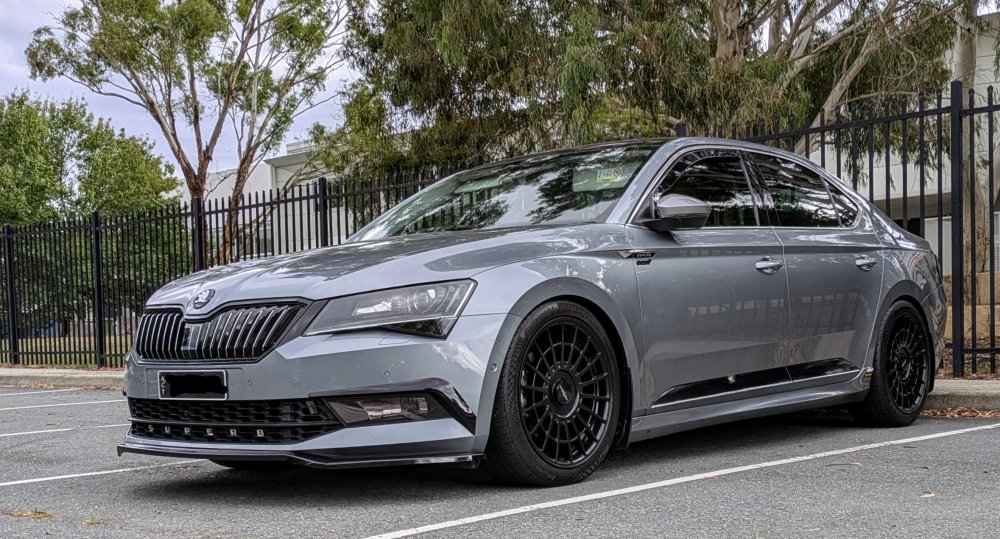
i had no issues using 15mm spacers with the factory 19x8" (ET44) rims and 235/40/19 tyres. i had slight scrubbing, at the rear only, on full compression when i switched to 245/40/19 tyres. at this point i changed to 10mm spacers. i'm now running aftermarket 19x8.5" (ET35) rims with 245/40/19 tyres - no spacers required.
-
using the correct LEDs in correctly aimed headlights will not cause any dazzling, nor attract any unwanted attention from Police. p.s. - i'm not saying its "legal"
-
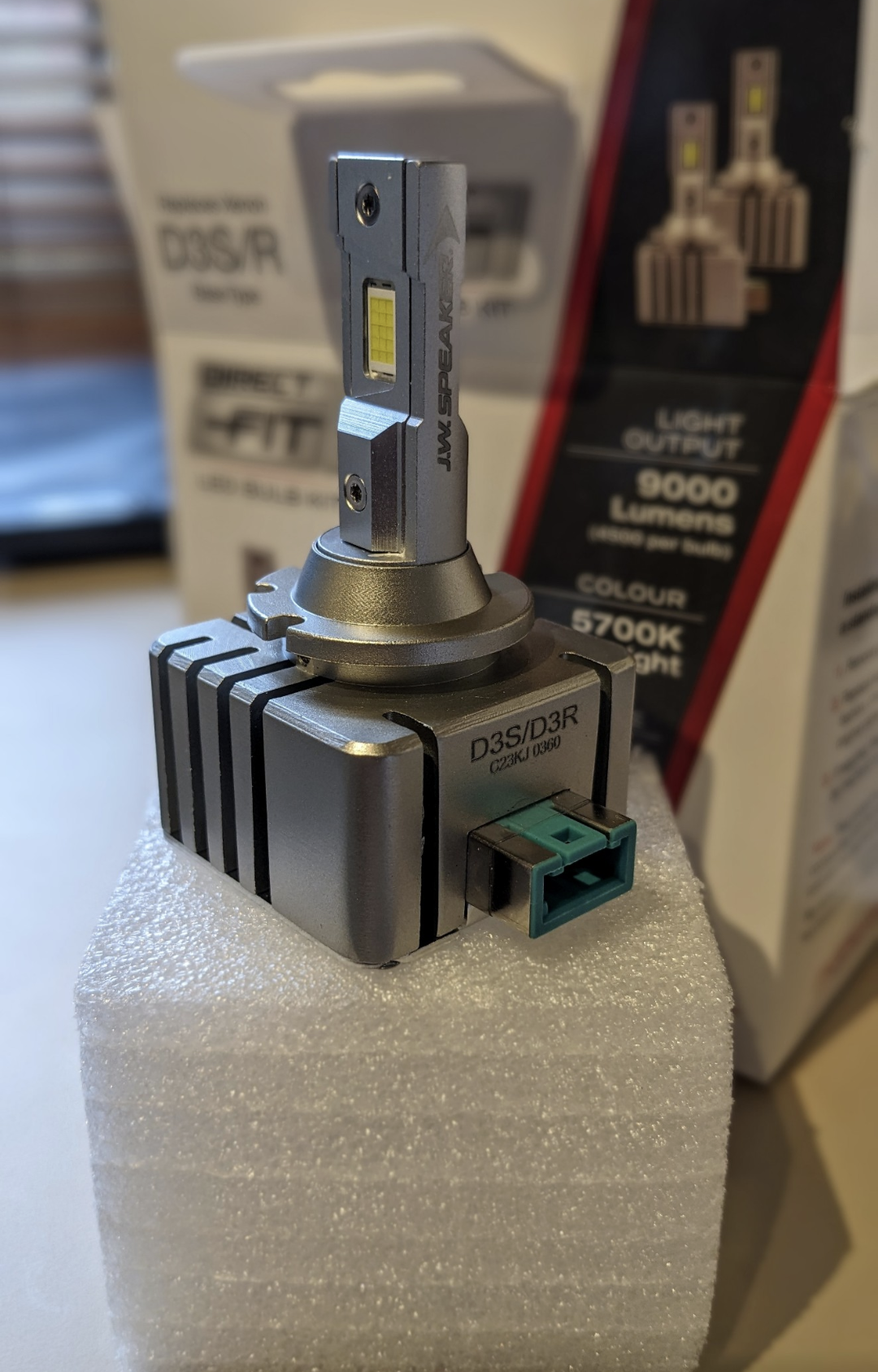
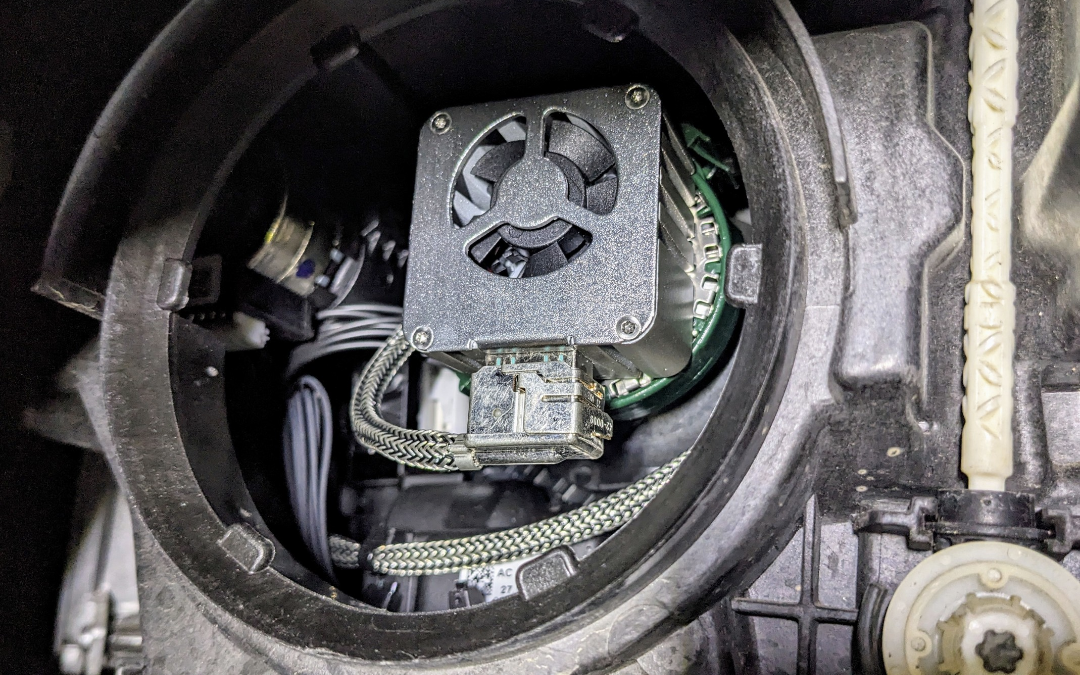
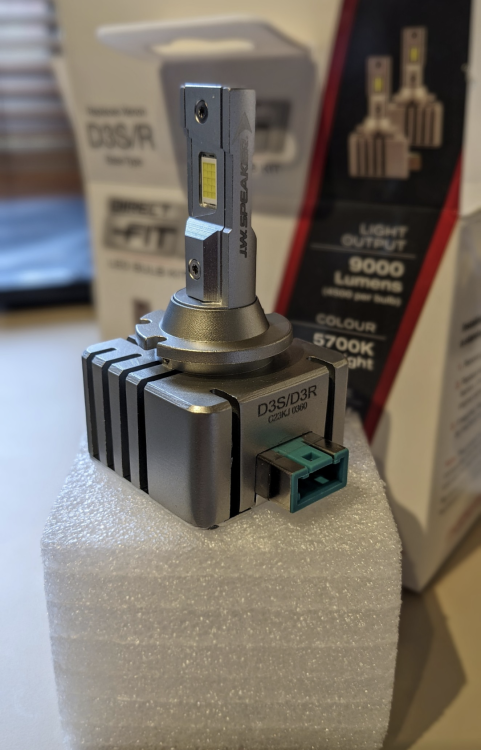
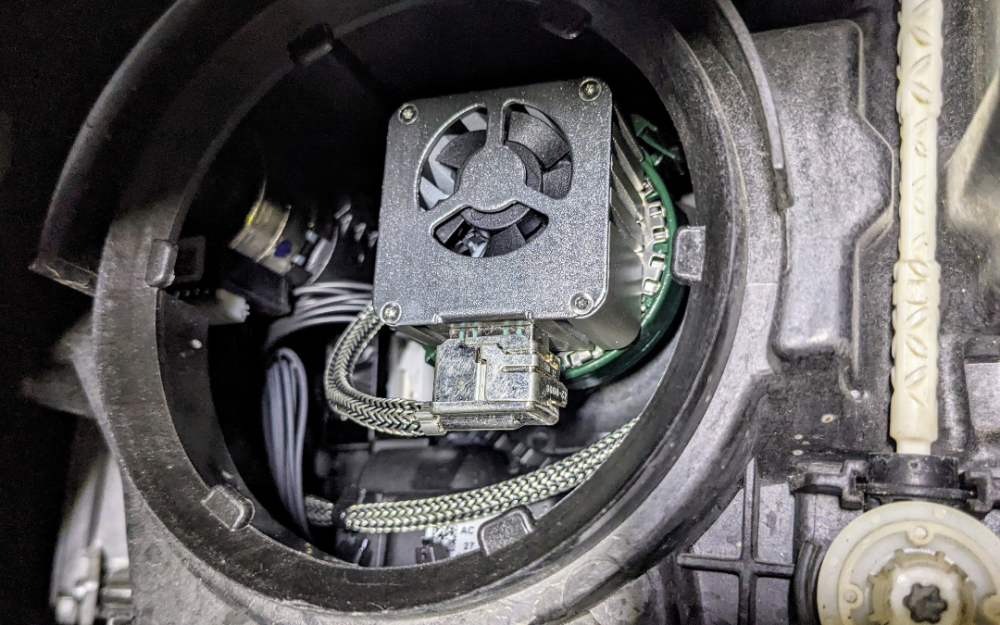
in my opinion - definitely worth it. my previous xenon Phillips xTremeVision Gen2 bulbs were still good, but they were nearing 6 yrs of use, so i decided to refresh them with LEDs. with LEDs, they get quite hot, hence make sure u get one with a heatsink AND fan. But the fan has to b slim enough so u can refit the headlight cover at the back. if the fan and/heatsink is too bulky, then u won't b able to refit the cover at the back, which will allow dirt n water to get inside the headlight, potentially damaging the internal electrics and motors.
-
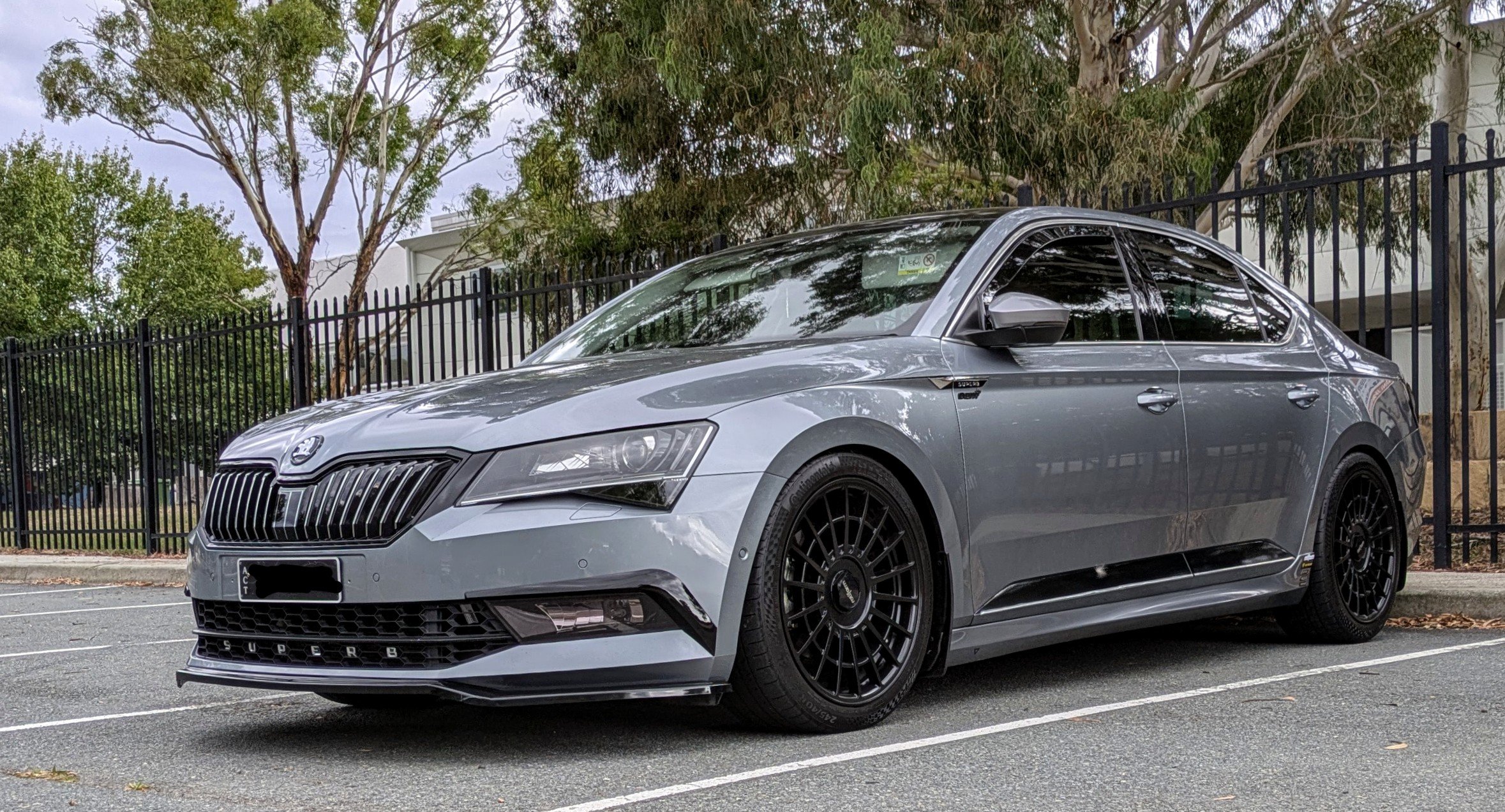
Looks like u have a facelift Superb. It has a different bumper grille design.
-
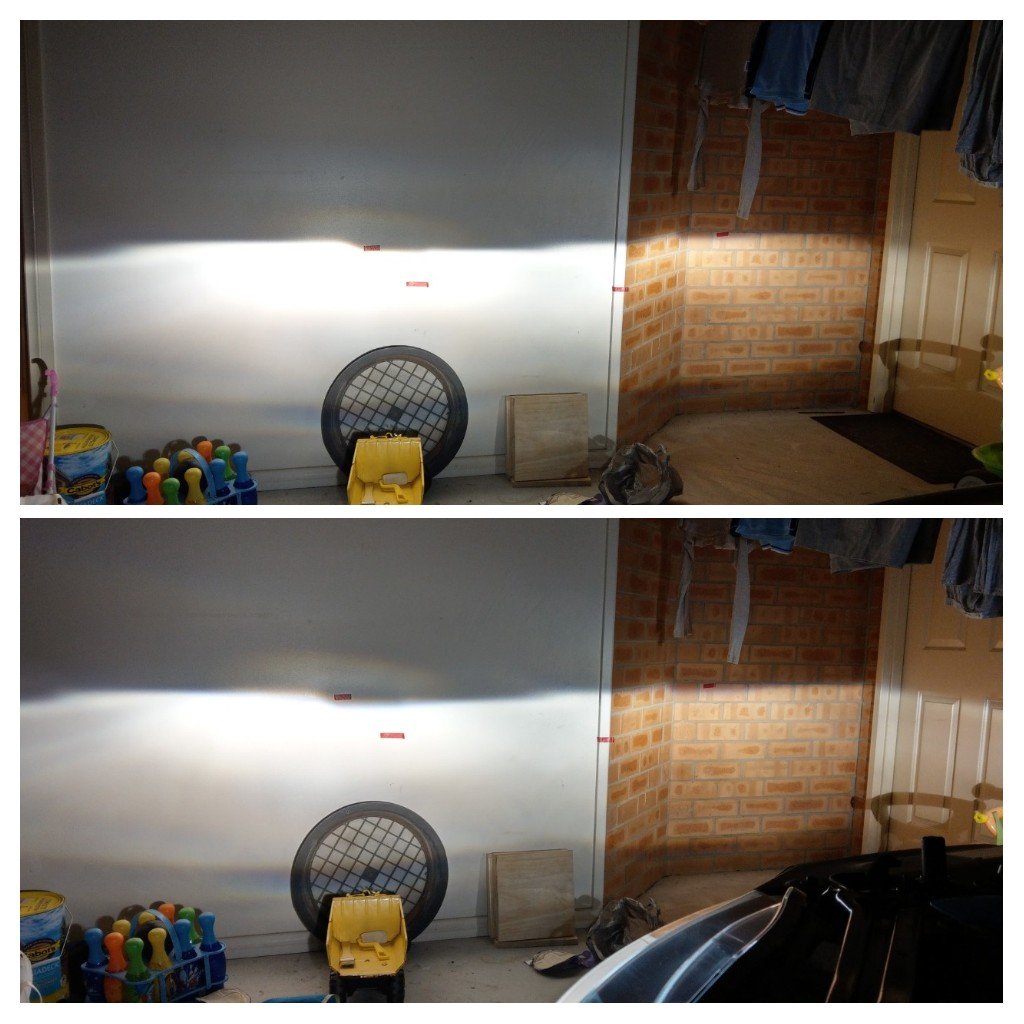
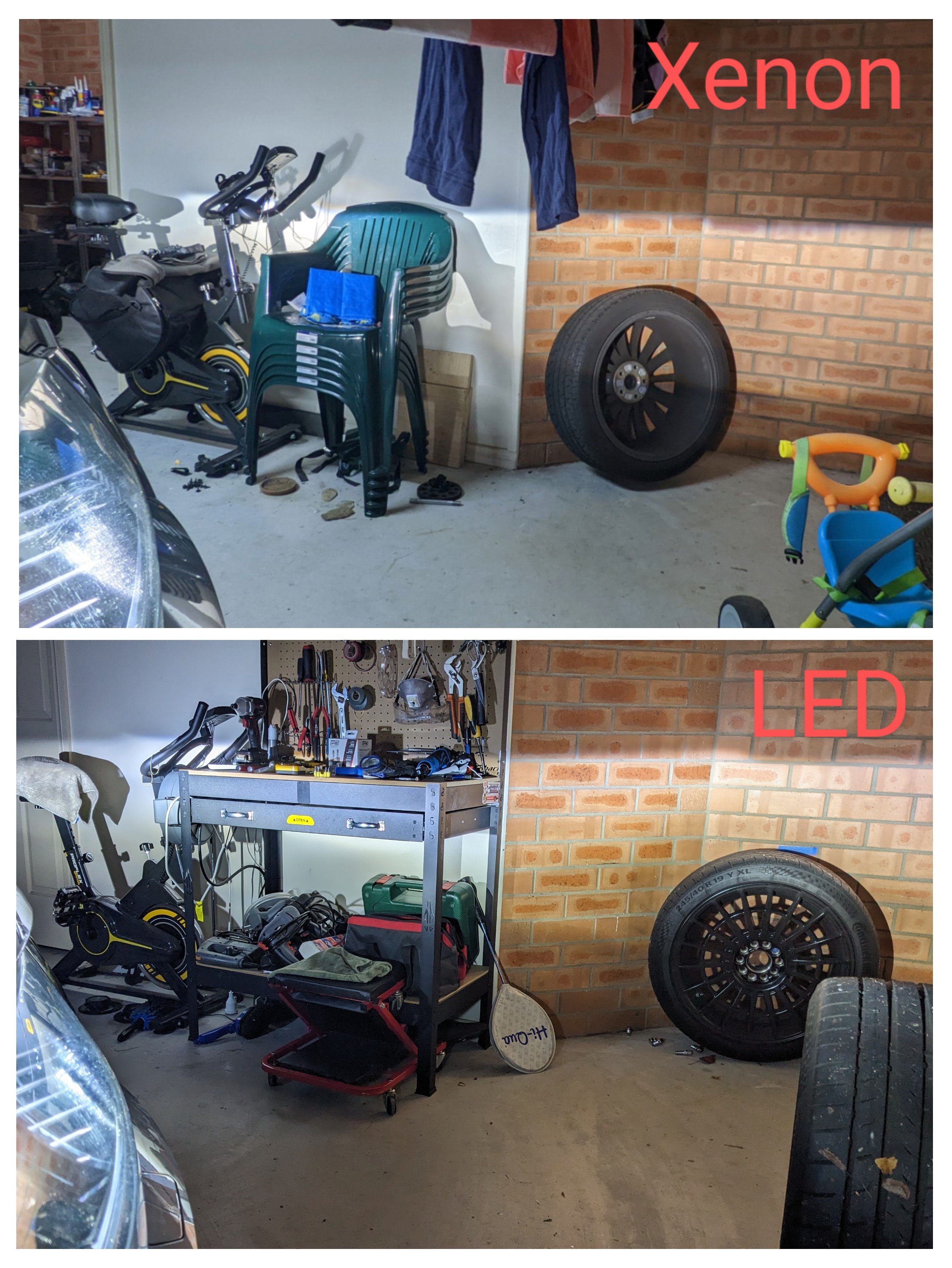
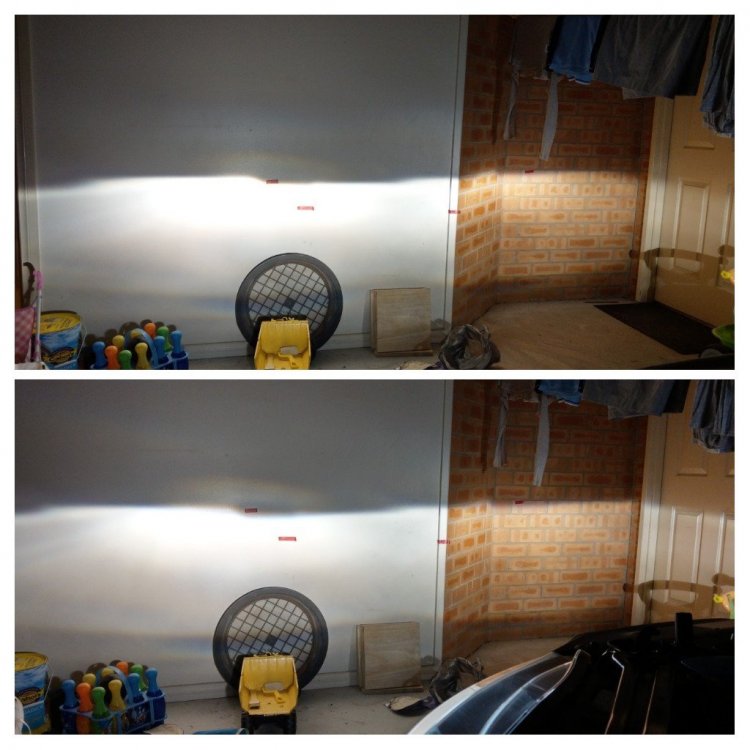
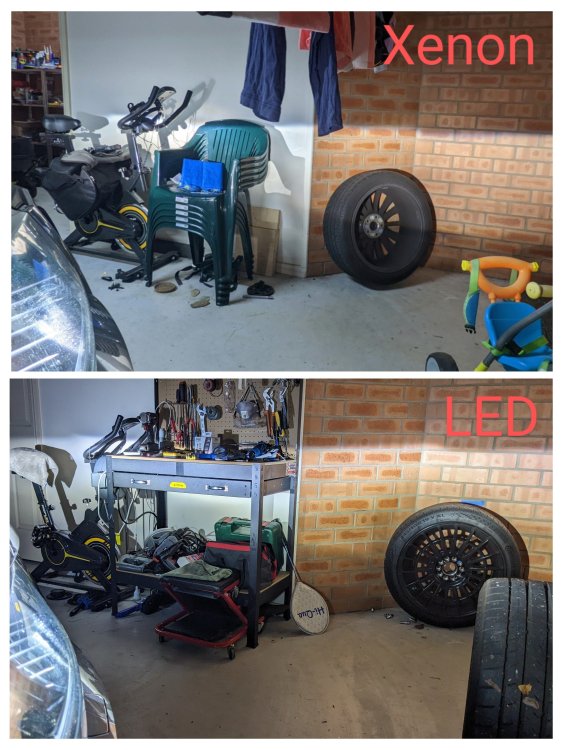
Previously (6 yrs ago) I had replaced the factory xenons with Phillips xTremeVision Gen 2 - it was much brighter & better. Top - Factory Bottom - xTremeVision Gen 2 The switch to LED bulbs was better & brighter again. Video of it now.....
-
I replaced the D3S xenon bulbs with D3S LEDs about 1.5 yrs ago - no issues, no errors, no coding needed. Mine is MY17.
-
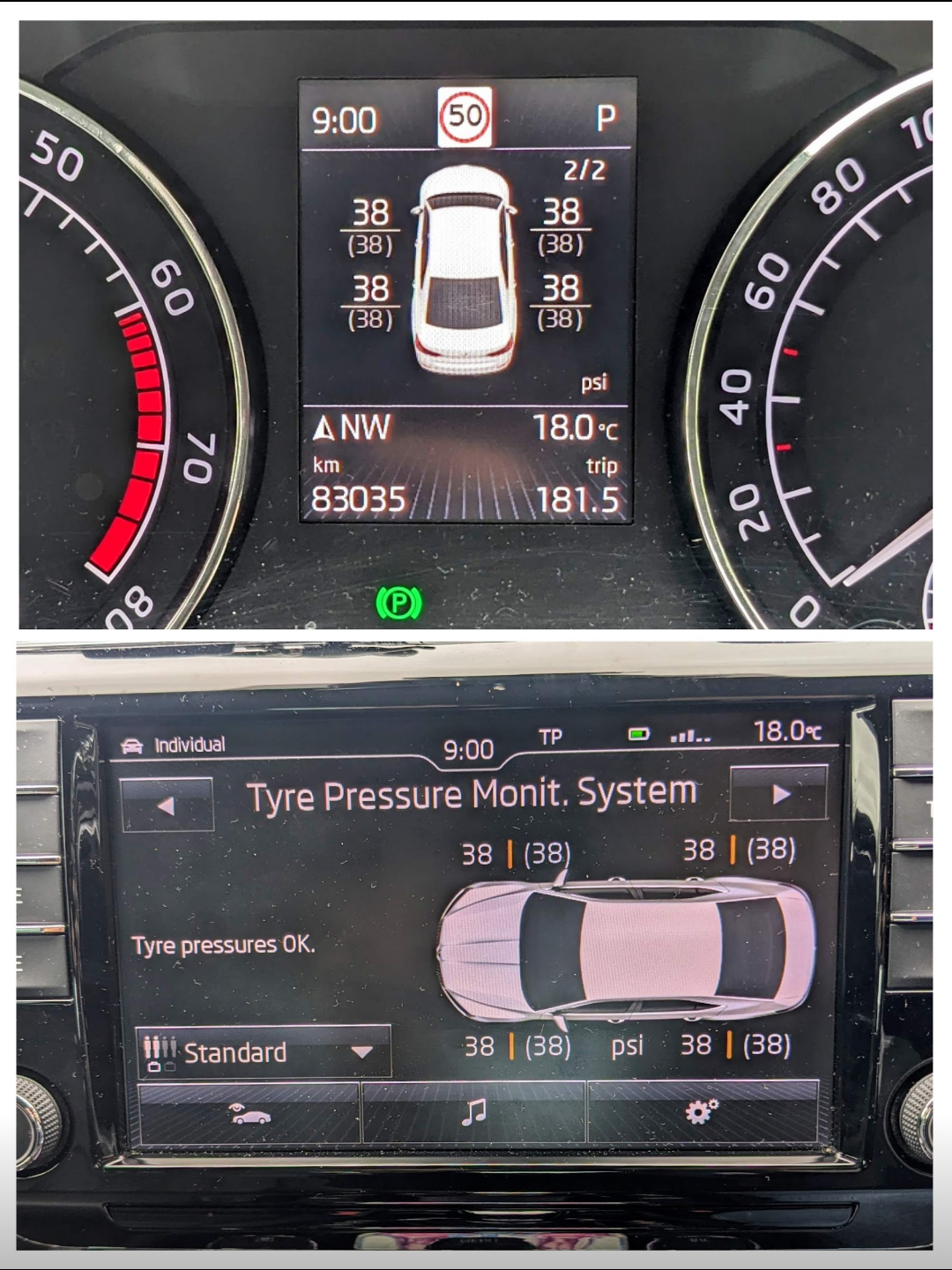
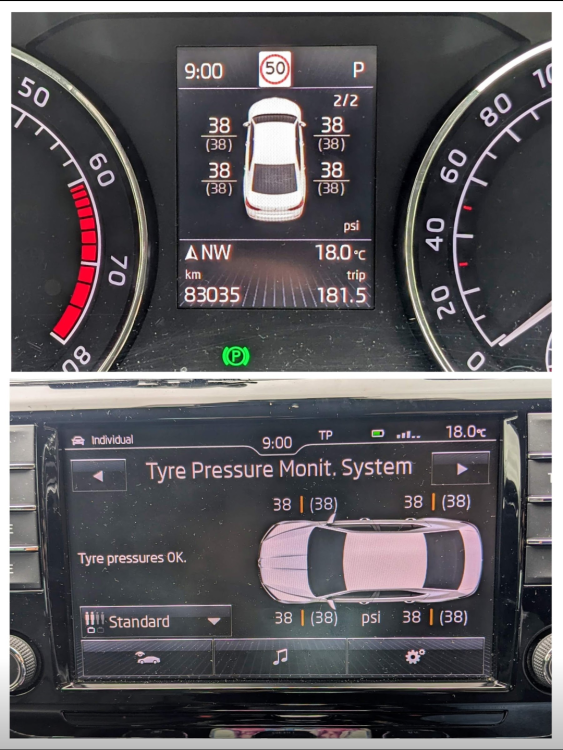
Direct TPMS always displays the tyre pressure, regardless of pressure loss.
-
Kopacek sell them. both clear & tinted versions. for SUPERB III - fantastic mirror side marker in Audi DYNAMIC style - CLEAR version | Kopacek.com - Skoda Tuning with worldwide express shipping for Superb III - fantastic mirror side marker in Audi DYNAMIC style | Kopacek.com - Skoda Tuning with worldwide express shipping
-
Headlights - no Rear tail lights - no Wing mirror - yes U can retrofit the rear tail lights from the facelift, high version, which does dynamic/sweeping indicators. But u'll need to change a number of other things though, including wiring harness plug.
-
It's hard to tell wat is going on with urs. Provided u followed all the coding instructions across all the different modules, there should b no reason for it not to show on ur instrument cluster.
-
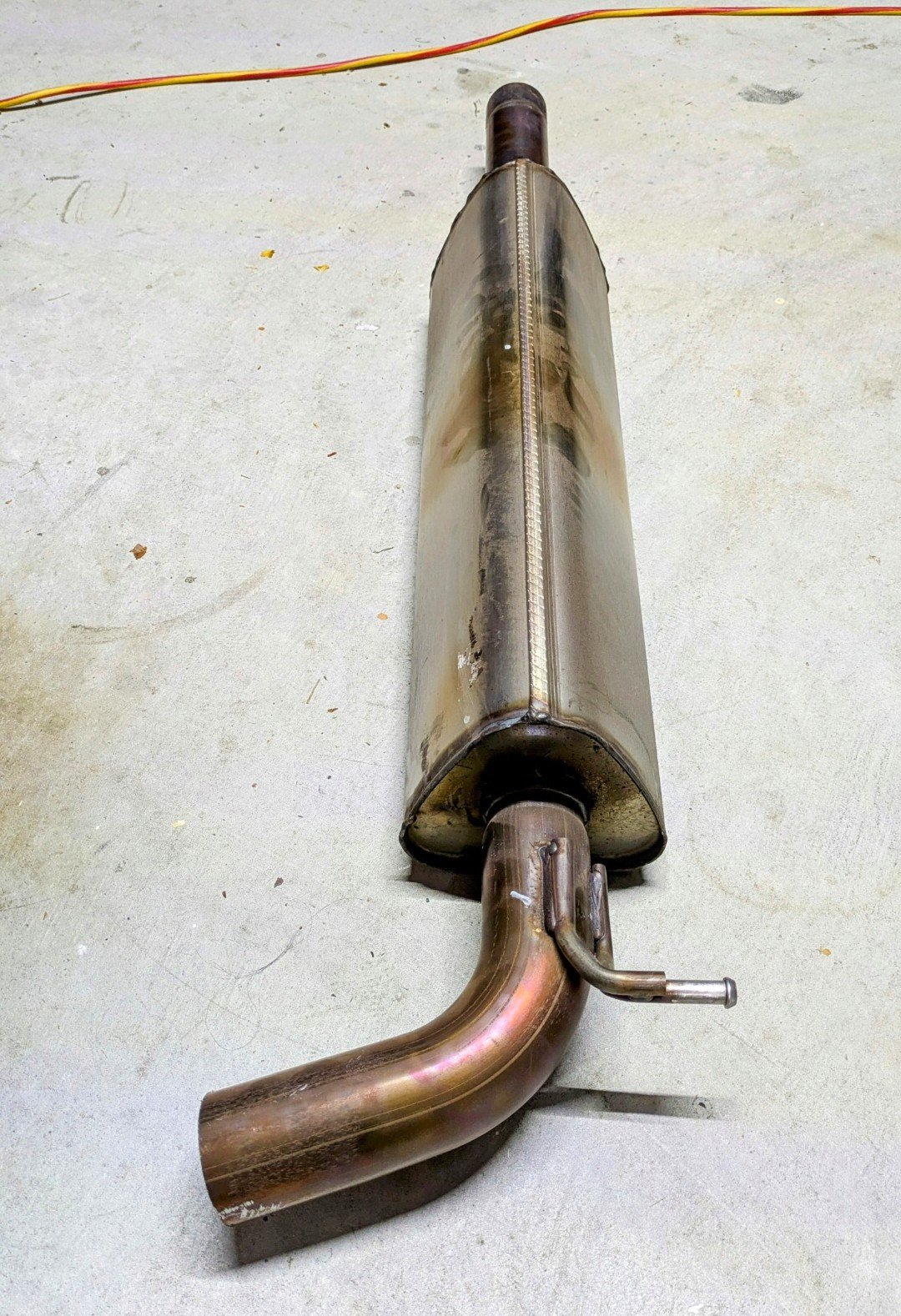
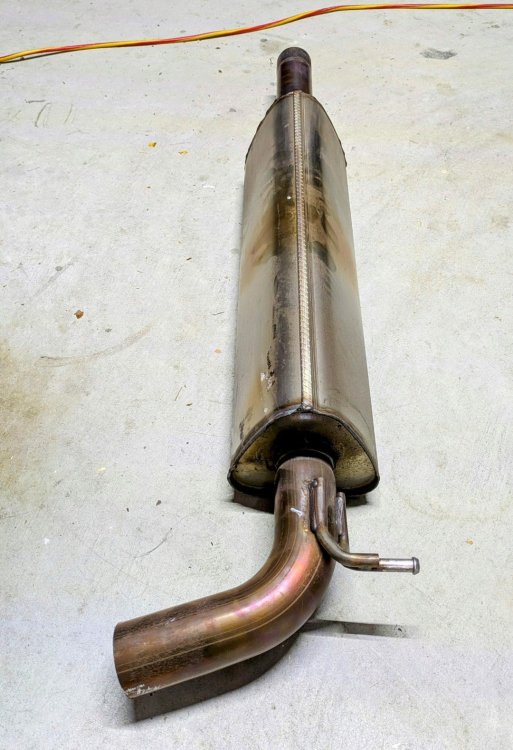
I'm not sure of cheap options, but either u remove the res delete pipe and put back the centre resonator back or replace with an Anti-drone Res delete pipe. Not cheap though. I have a RPM Performance Anti-drone Res Delete Pipe in my Superb. No drone whatsoever at any speed or any engine load.
-
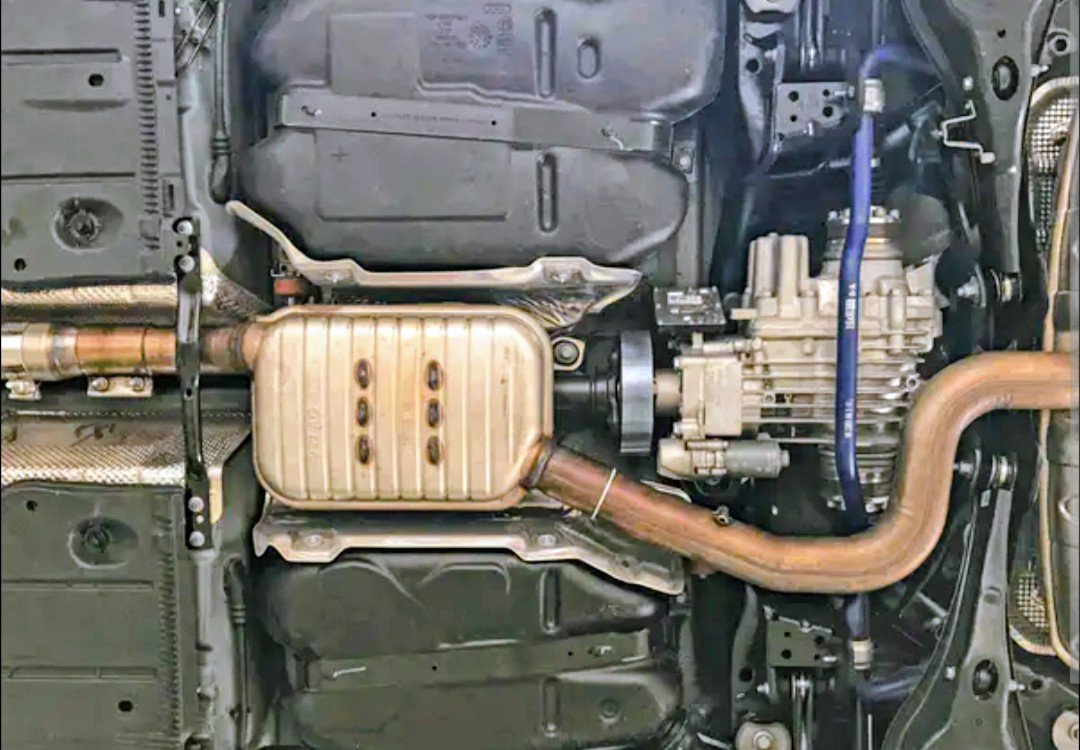
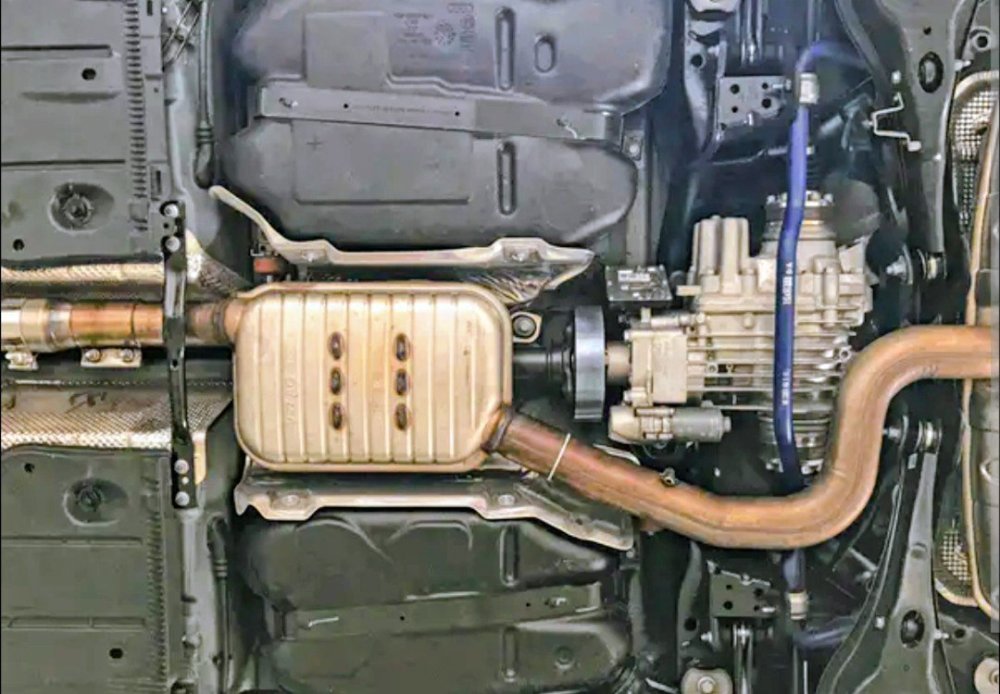
Yup, based on ur pic - that definitely has a resonator delete pipe. 272 has similar exhaust setup to 280 - both AWD.
-
Coded exhaust valves won't cause the drone. Sounds like a res delete pipe is in place. The AWD Superb 280 has a resonator (square looking box) in front of the rear axle. The FWD Superb has a long rectangular pyramid type resonator at the centre of the car.
-
I bought the trim off the wreckers, based on the colour/finish. Mine was definitely Brushed Silver. Wasn't looking at the part number specifically as it was confusing, as ur finding out.
-
-
No, it's not a straight swap. In addition to the physically different SLA (version B) headlights:- u also need different light control modules (1x for each headlight) parameterization file for the 4B Multi-function module. Need to use VCP or ODIS. Coding changes to 4B Multi-function module. Need to use VCDS or OBDEleven. Coding changes to 09 Central Electrics module. Need to use VCDS or OBDEleven. Coding changes to A5 Camera module. Need to use VCDS or OBDEleven.