JR RS
FREEDOMLite
-
Joined
-
Last visited
Everything posted by JR RS
-
-
No, it's not a straight swap. In addition to the physically different SLA (version B) headlights:- u also need different light control modules (1x for each headlight) parameterization file for the 4B Multi-function module. Need to use VCP or ODIS. Coding changes to 4B Multi-function module. Need to use VCDS or OBDEleven. Coding changes to 09 Central Electrics module. Need to use VCDS or OBDEleven. Coding changes to A5 Camera module. Need to use VCDS or OBDEleven.
-
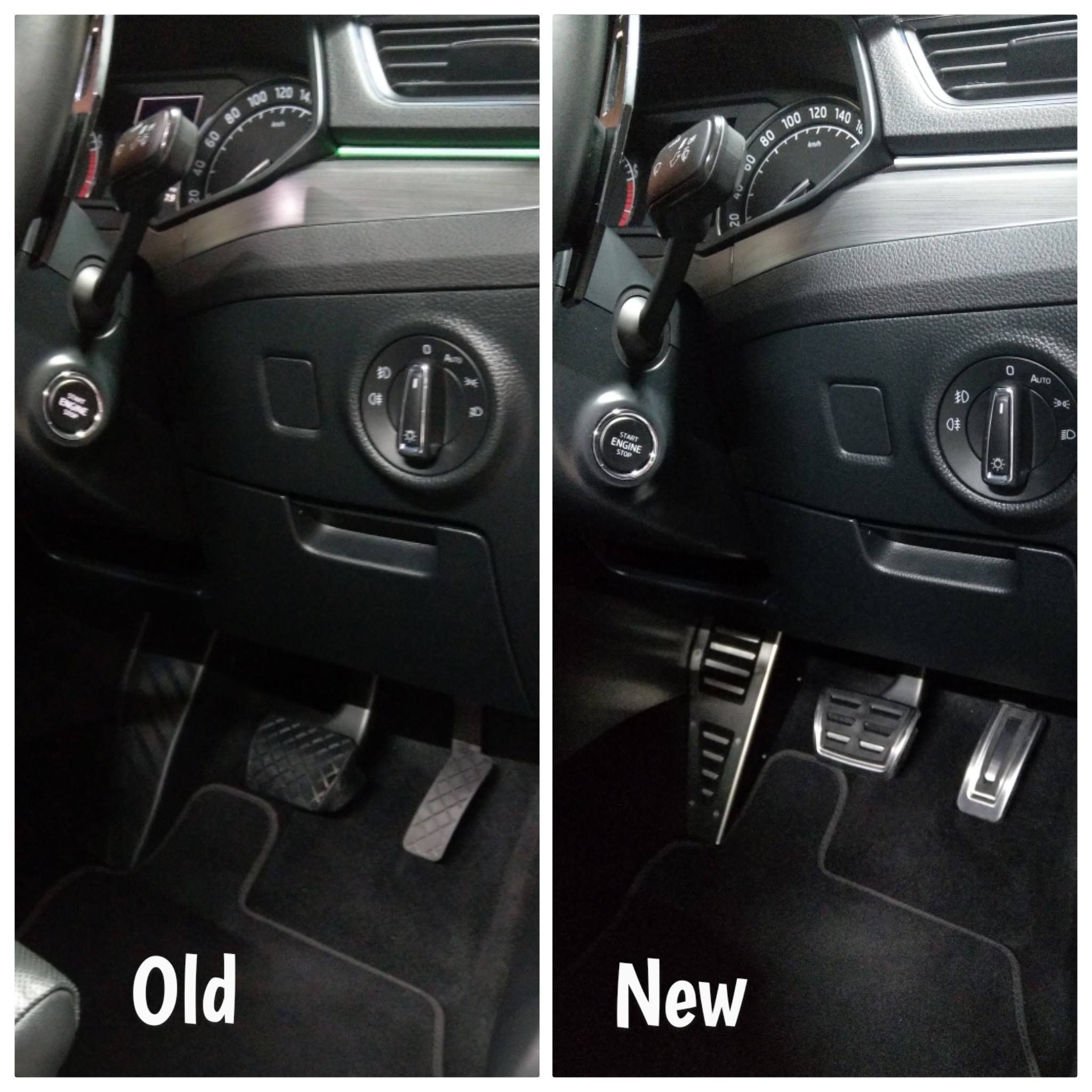
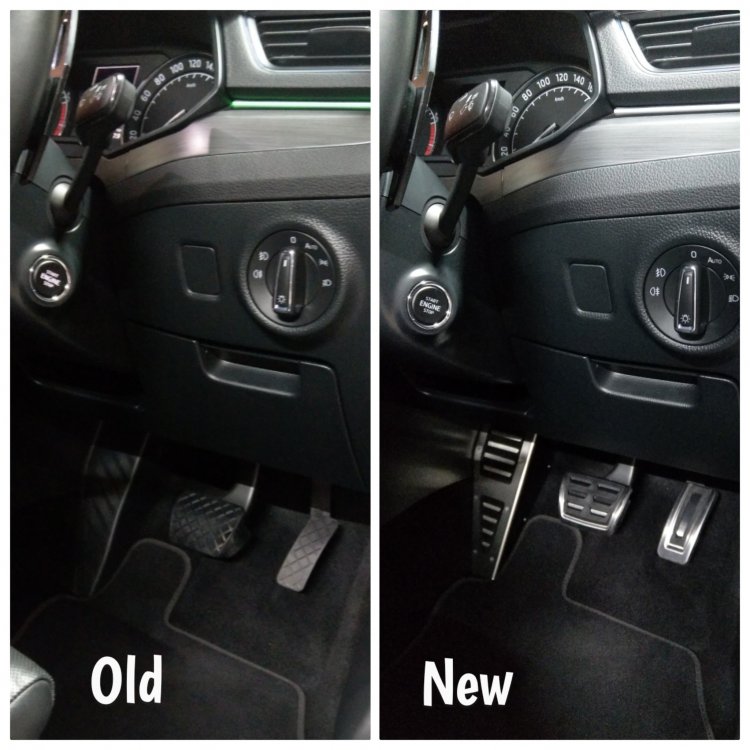
There never has been a vRS Superb. The Sportline trim Superbs get the aluminium pedals as standard. I got some aluminium pedals covers, from Kopacek, to go over my plastic pedals. I also got the footrest aluminium cover too, to match. Been many many many years now - all good.
-
No, still factory DCC shocks, but I've done the DCC Mod & DCC Recalibration, which completely transforms the factory adaptive suspension feel - no more bounce, no more wallow, no more bottoming out.
-
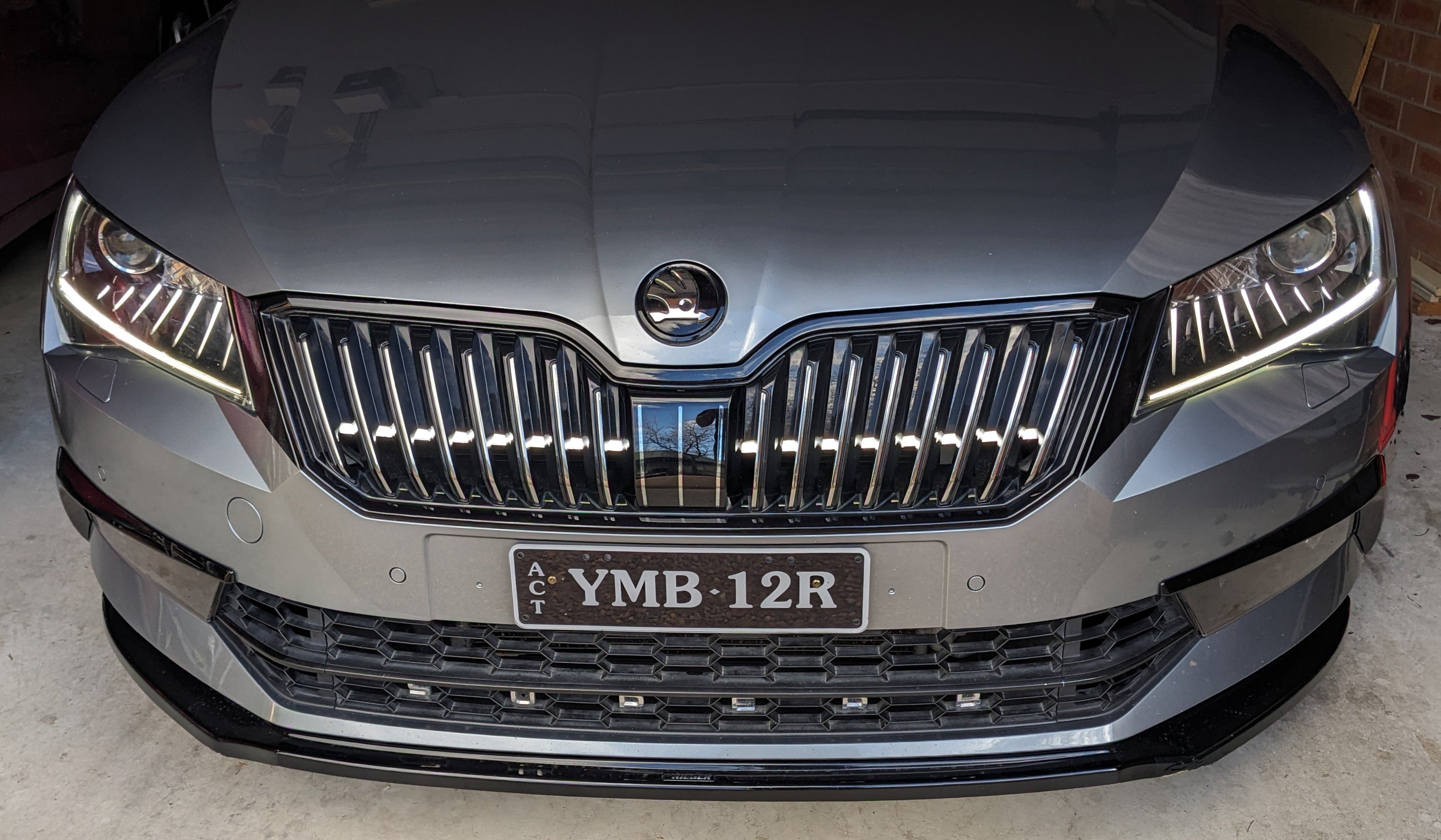
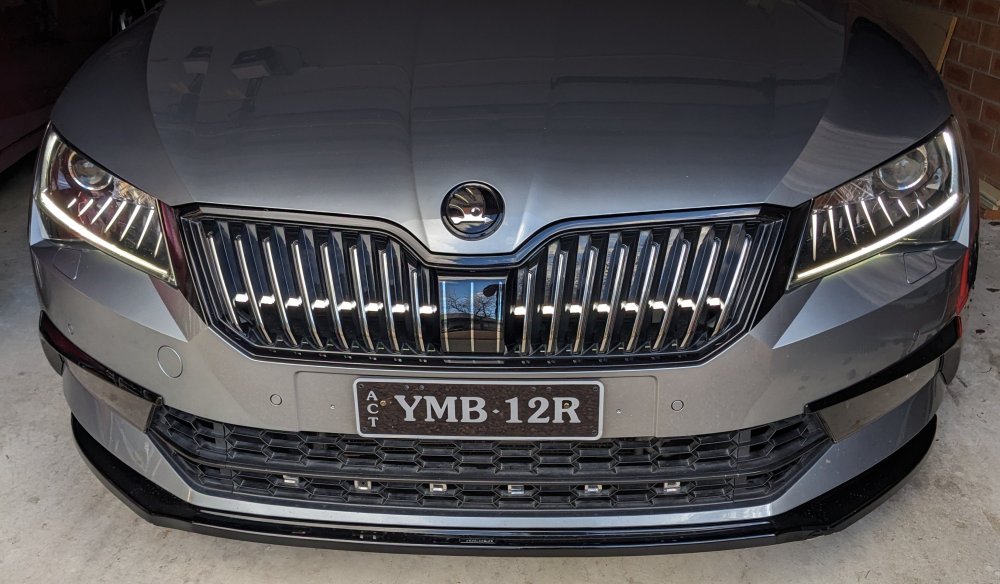
SLA = Smart Light Assist. Yes, it's the eyelashes version.
-
ideally, u should b getting the part numbers that match ur current headlight. u need to b aware of LHD vs RHD in theory, u can use 17A/18A in place of 15A/16A. u can't mix 3V2 and 3V1. if u have version A (last letter in part number), u must get version A replacements, not version B. version B has different internals, hence different light control modules (LCM). part number meanings below. 3V2 = right hand drive (RHD) 3V1 = left hand drive (LHD) 015A = bi-xenon left head light 016A = bi-xenon right head light 015B = SLA bi-xenon left head light 016B = SLA bi-xenon right head light 017A = bi-xenon left head light 018A = bi-xenon right head light 017B = SLA bi-xenon left head light 018B = SLA bi-xenon right head light
-
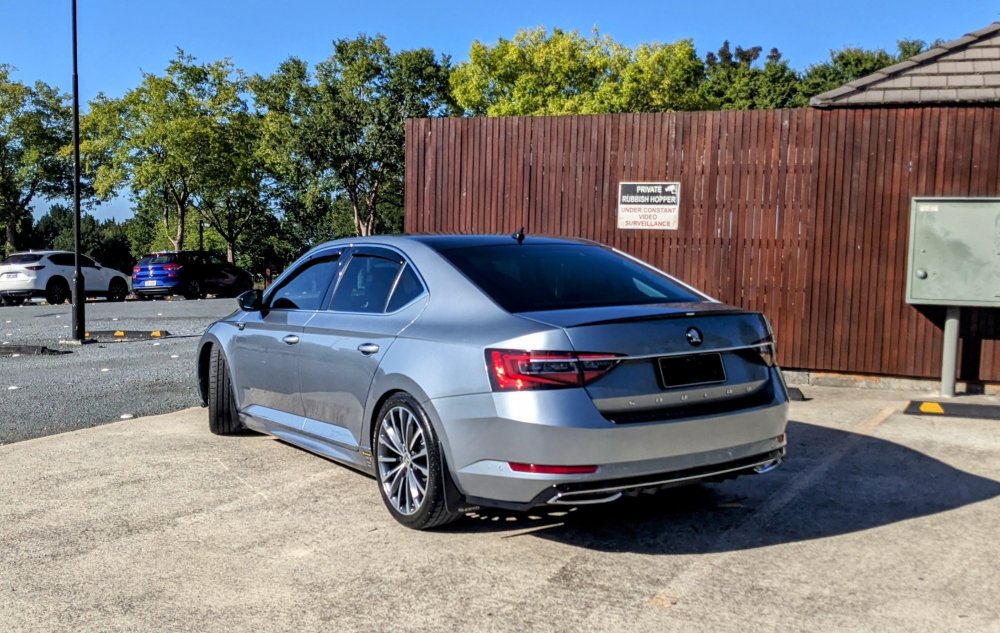
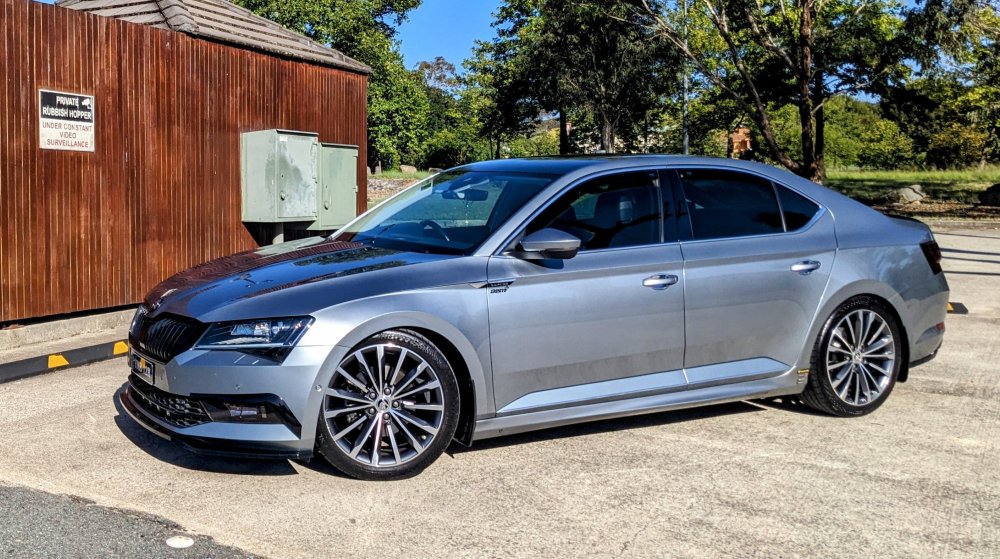
Eibach Pro-kit springs lowered my car 25mm. i also have a FWD 220, with DCC shocks. this was how it was when i had the factory 19" Trinity rims.
-
I don't have a virtual cockpit, so I can't give u an answer apart from all the details I've already provided at the start of this discussion. The second page of this discussion, user RT_SGP with virtual cockpit shares about his experience. Does that shed any light for u?
-
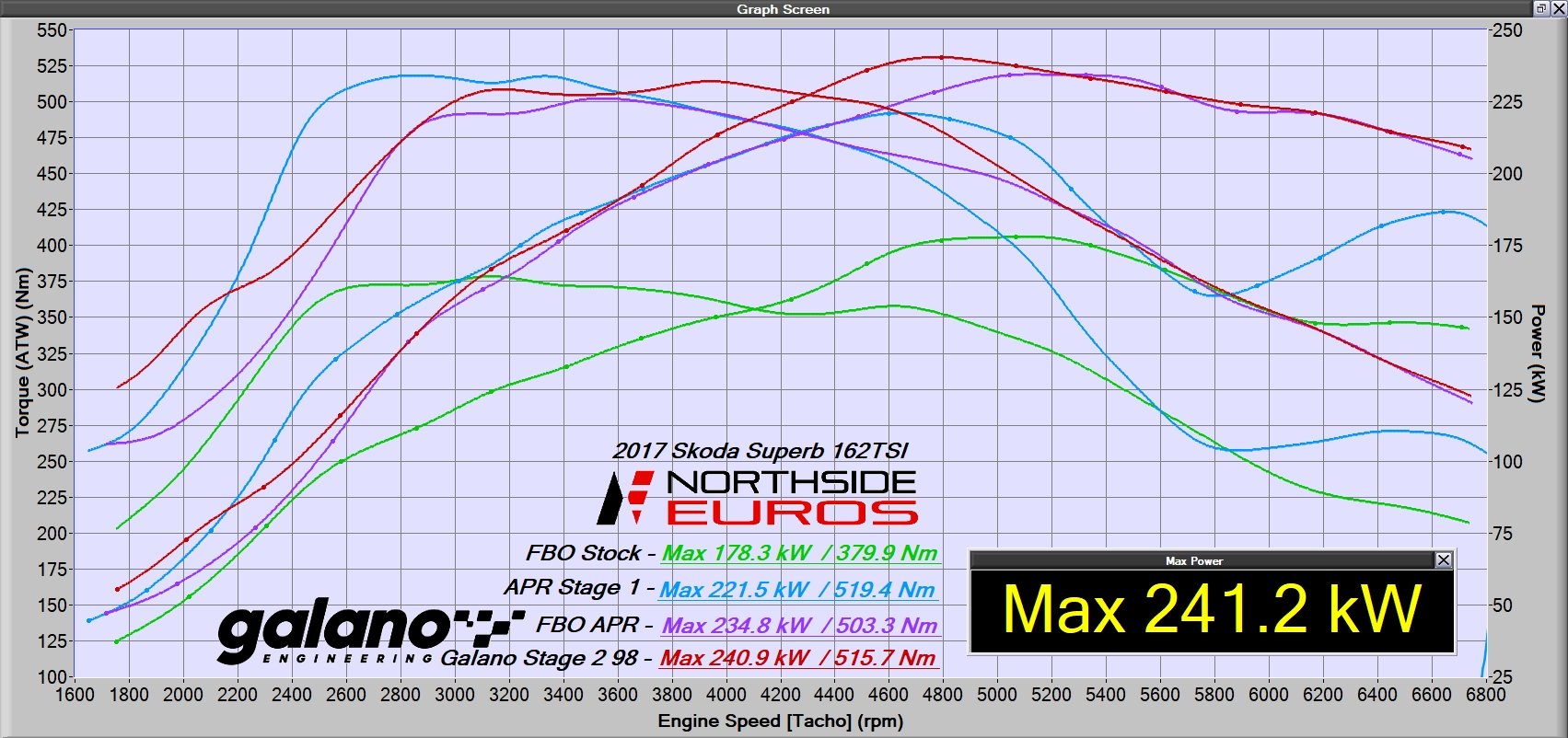
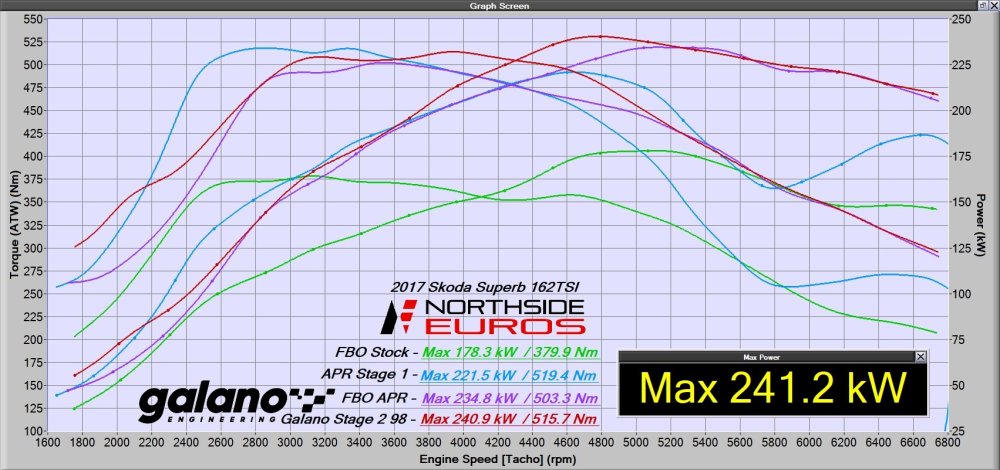
Gandalf had a downpipe & tunes switched yesterday. 😁 Now running Galano Stage 2, producing 241 kw 516 Nm (at the wheels) on the dyno. i switched ECU and TCU tunes from APR to Galano so i could satisfy my downpipe itch. Green - factory setup with Racing Line Intake and Turbo Inlet Pipe - 178 kw / 380 Nm Blue - APR Stg 1 ECU (Hi-torque) + TCU tunes with Racing Line Intake and Turbo Inlet Pipe - 221 kw / 519 Nm Purple - APR Stg 1 ECU (Hi-torque) + TCU tunes with Racing Line Intake, Turbo Inlet Pipe, IE Intercooler and downpipe - 234 kw / 503 Nm Red - Galano Stg 2 ECU + TCU tunes with Racing Line Intake, Turbo Inlet Pipe, IE Intercooler and downpipe - 241 kw / 515 Nm NOTE: these r "at the wheels" power reading, not the engine.
-
the cross over has been done!!! woOot switched ECU and TCU tunes from APR to Galano so i could satisfy my downpipe itch. Gandalf is now running Galano Stage 2, producing 241 kw 516 Nm (at the wheels) on the dyno. comparison of dyno numbers below. torque is down but that's because i had the "Hi-torque" version of the APR tune before. APR stopped doing Stage 2 many many years ago, which meant no APR downpipe options. hence my switch to Galano so i could get the IE downpipe. its only Day 1, so i haven't had a chance to properly test it out, but initial thoughts r:- car throttle response is a lot more eager, likely due to the IE downpipe with less restriction. the take-off/launch is much much better thanks to Galano's "boost-by-gear" trickery for FWD cars like mine. car keeps giving more power as i go up the rev range the exhaust note, thanks to the addition of the IE downpipe with the RPM resonator delete pipe, is much better now on idle and sounds really nice when giving it the beans!! will try get a sound clip soon. compared to the APR TCU tune, the Galano TCU tune holds the gears a bit longer. i'll need to get used to this. gear changes r still smooth, upshifting or downshifting. Dyno lines explained..... Green - factory setup with Racing Line Intake and Turbo Inlet Pipe - 178 kw / 380 Nm Blue - APR Stg 1 ECU (Hi-torque) + TCU tunes with Racing Line Intake and Turbo Inlet Pipe - 221 kw / 519 Nm Purple - APR Stg 1 ECU (Hi-torque) + TCU tunes with Racing Line Intake, Turbo Inlet Pipe, IE Intercooler and downpipe - 234 kw / 503 Nm Red - Galano Stg 2 ECU + TCU tunes with Racing Line Intake, Turbo Inlet Pipe, IE Intercooler and downpipe - 241 kw / 515 Nm with 1 & 2, u can see Gandalf running out of puff much earlier, compared to 3 & 4 where it is holding for longer, thanks to the intercooler. NOTE: these r "at the wheels" power reading, not the engine.
-
Not that I know off, sorry. The VCDS/OBDEleven version is doing the same thing as shown in the video above. There is a setting in Module 08 HVAC: "Basic Settings" and under it is "Adapt flap end stops".
-
It's the same one.
-
-
@Pooroldcodger - those noises r not normal at all. Have u tried doing the Climatronics Recalibration procedure? It does flippy flappy stuff with the vent actuators. A Google search will reveal a number of how-to-guides. U will need OBDEleven or VCDS to do the procedure.
-
Sorry to hear that. I've heard off a couple of other peeps in the past who have removed their Koni shocks due to knocking. No fix. Bad design.
-
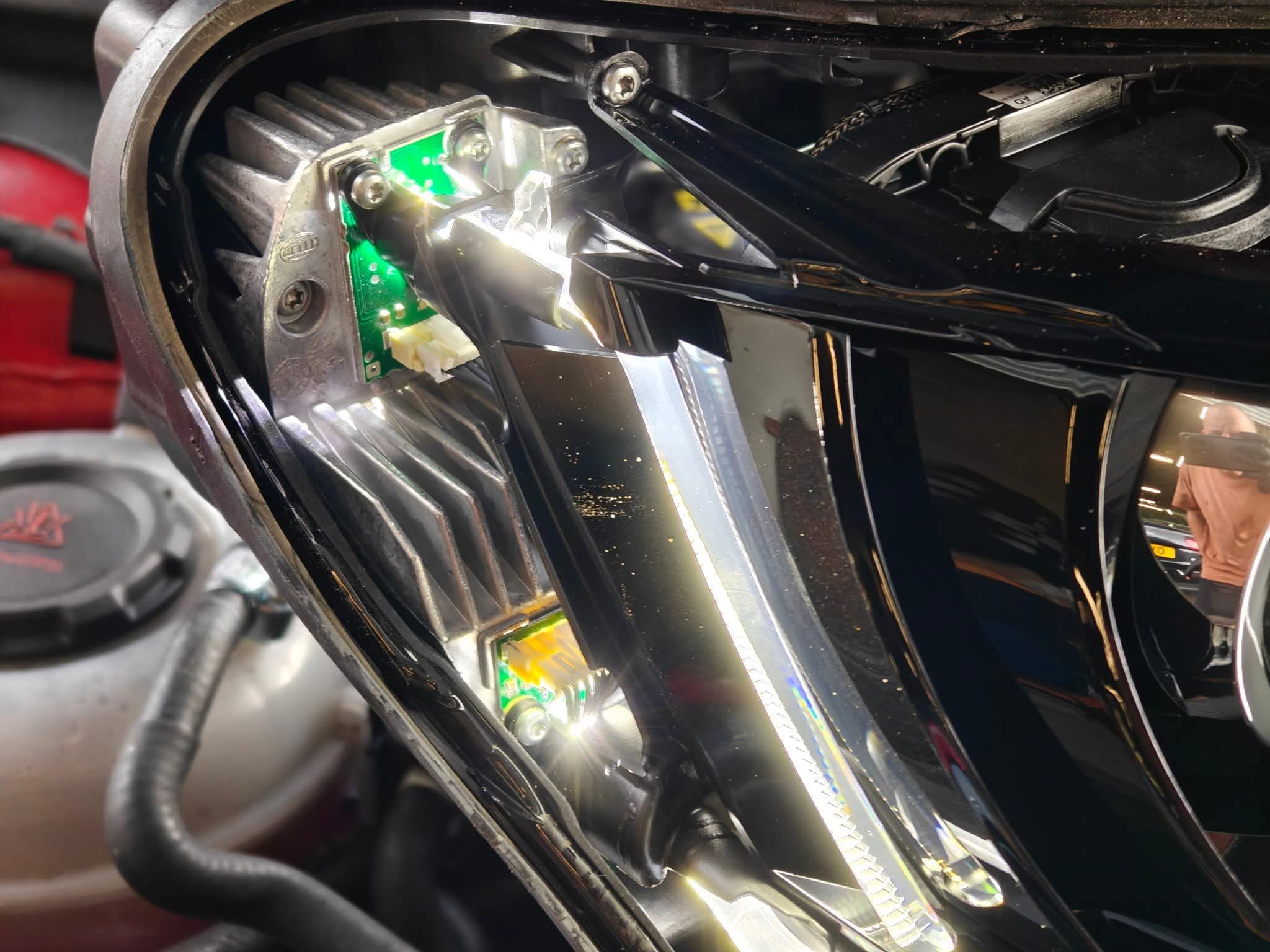
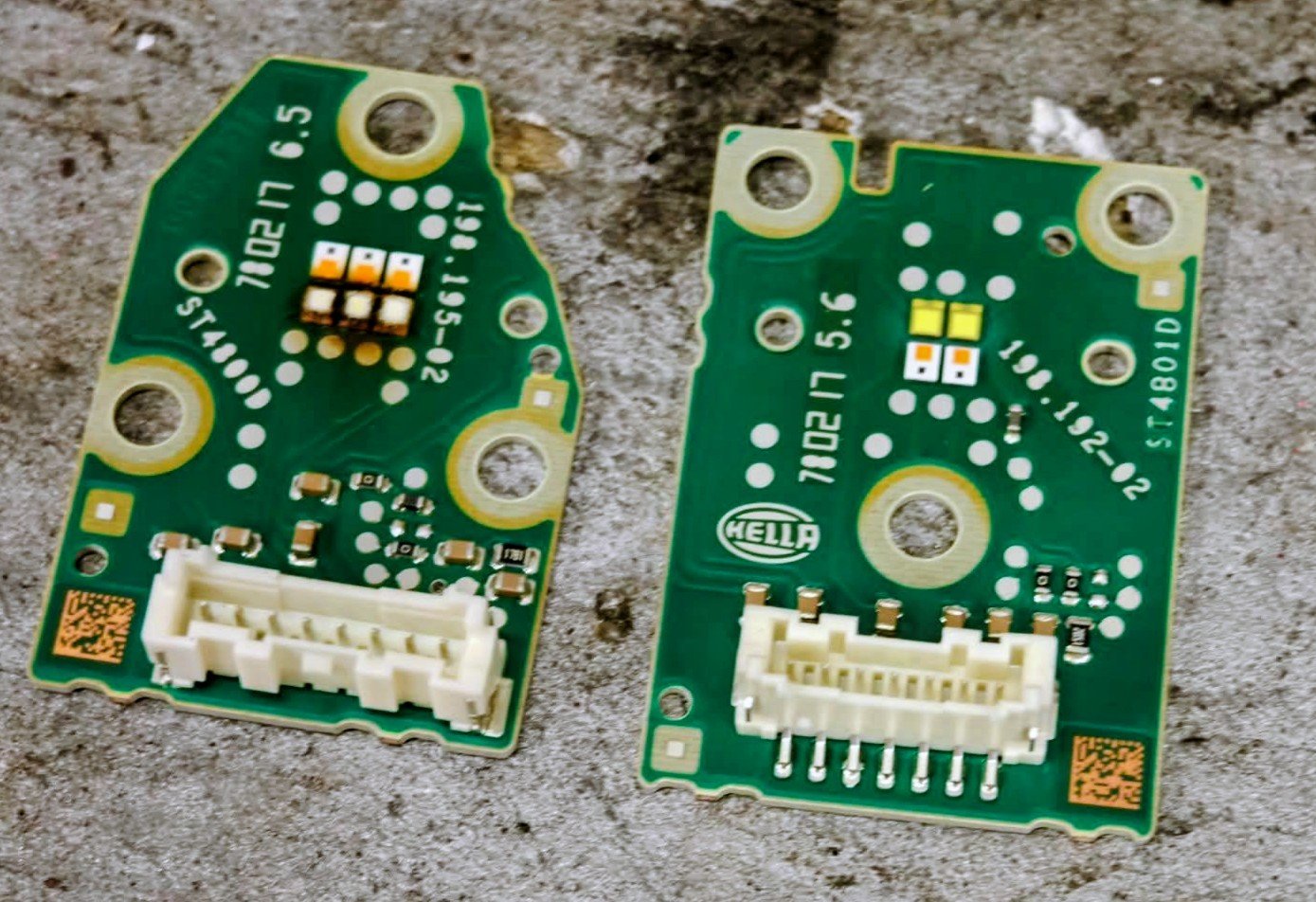
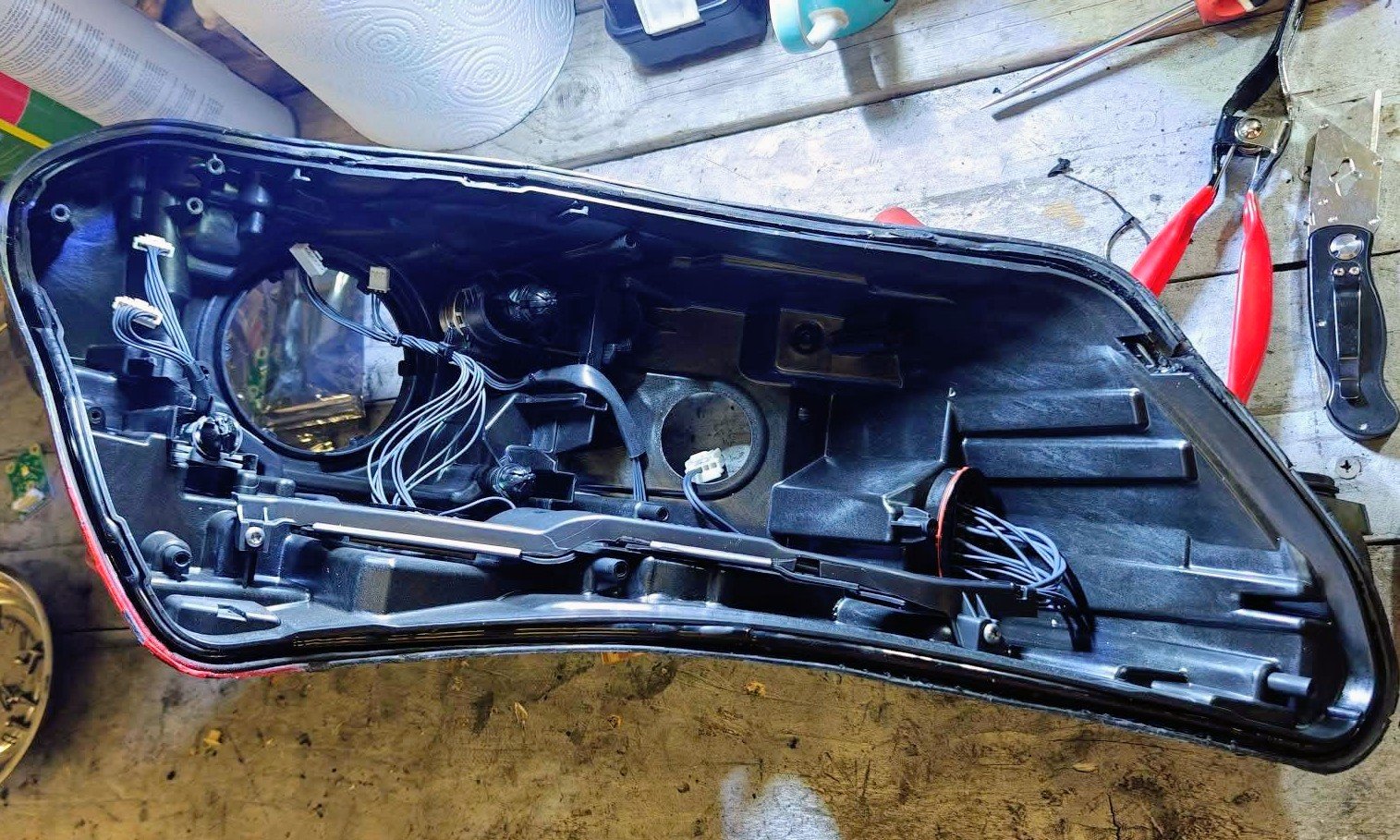
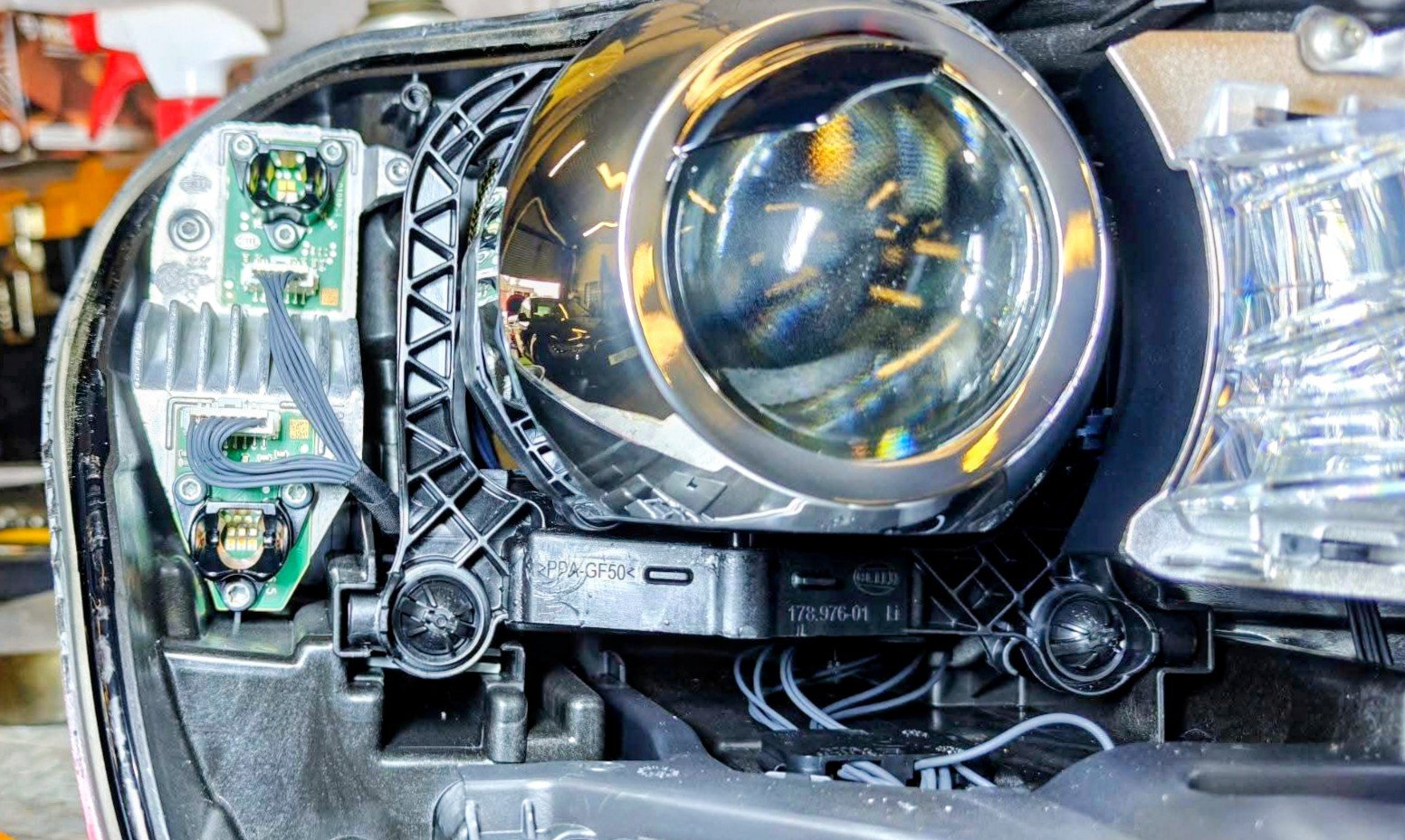
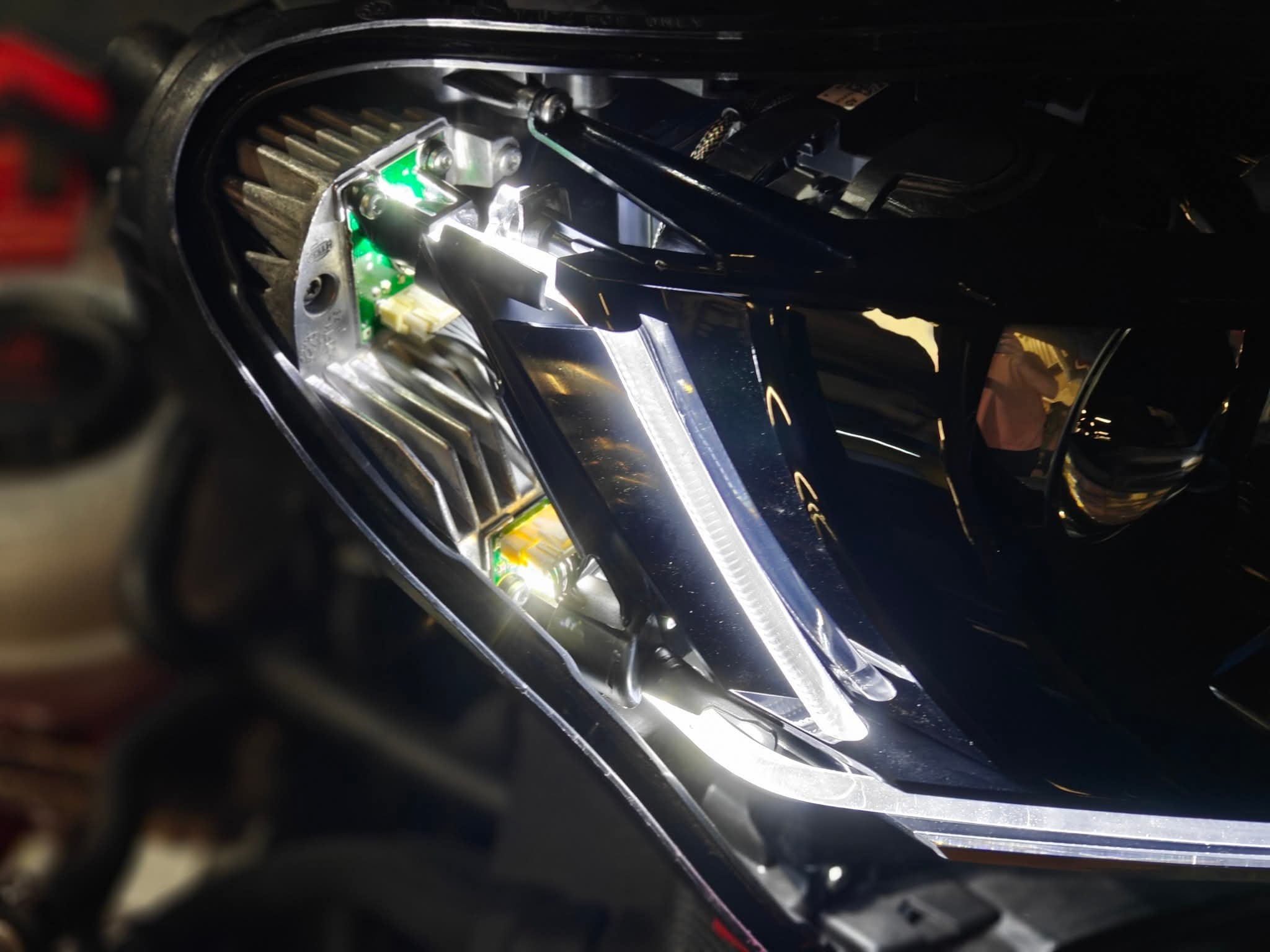
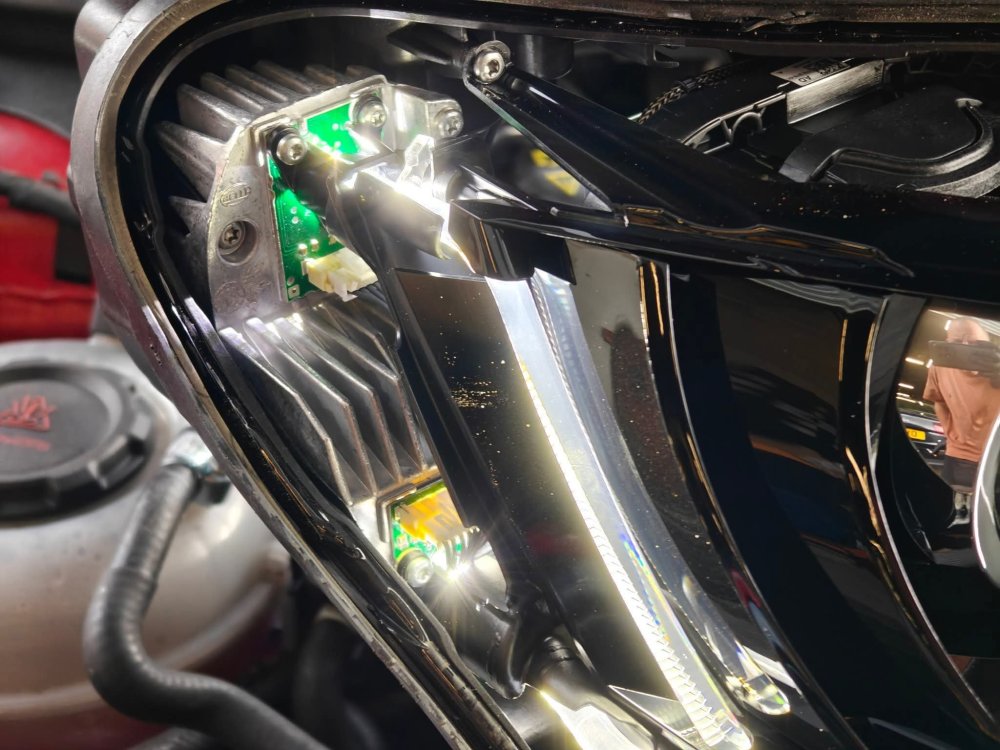
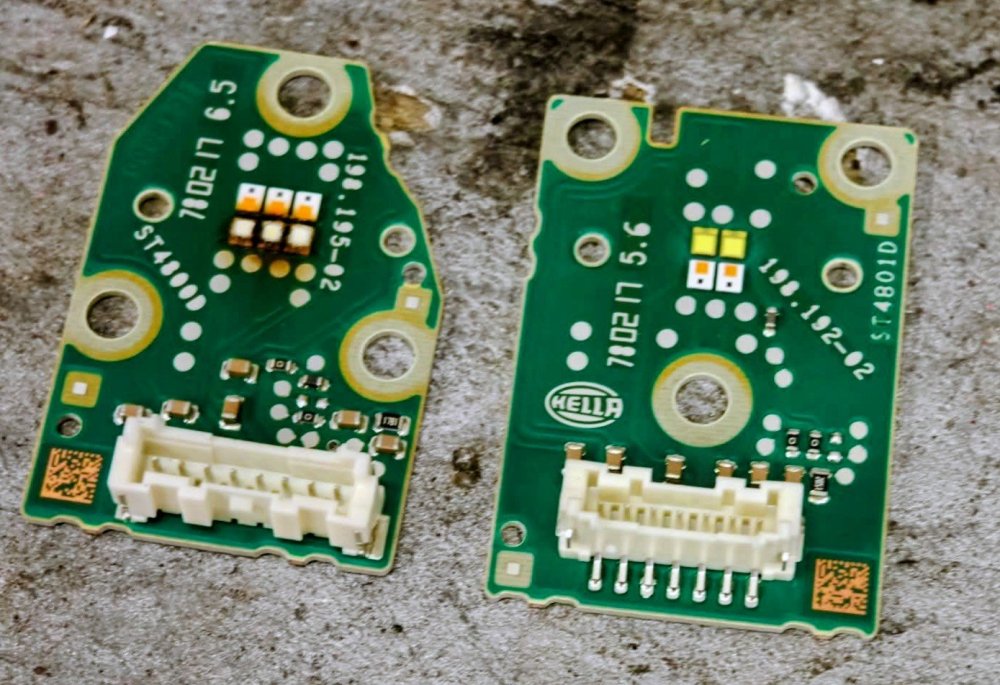
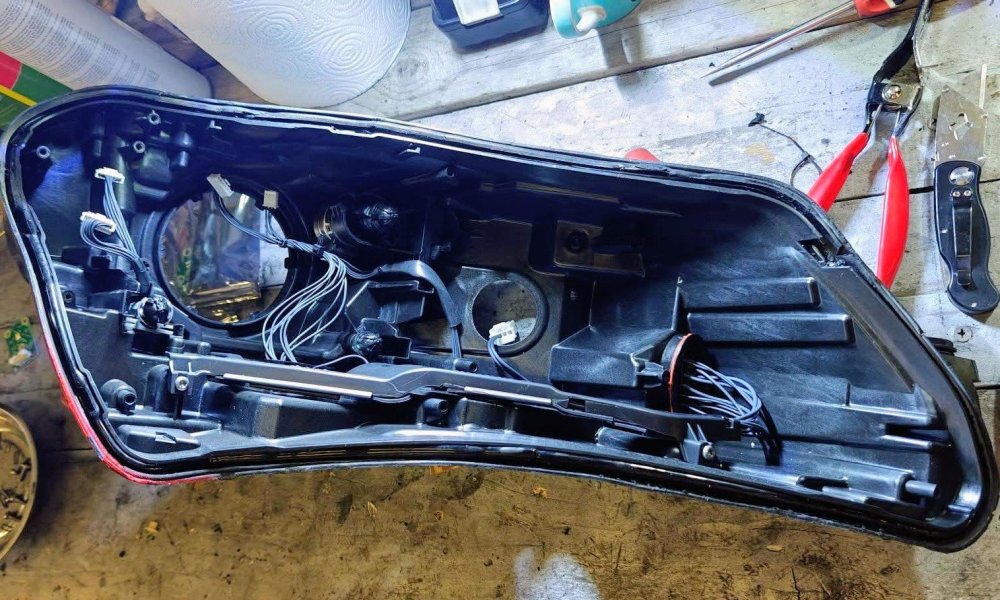
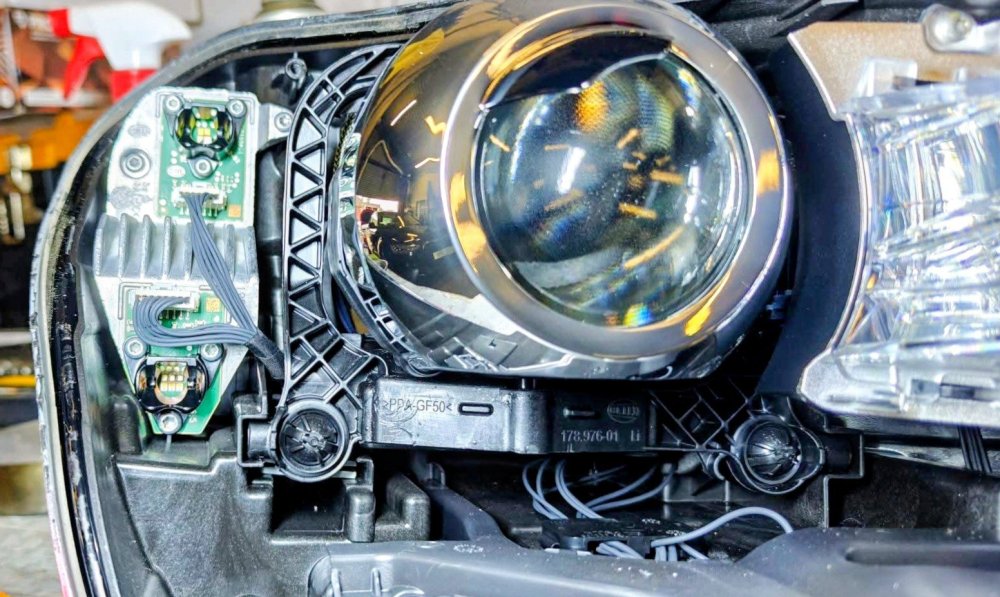
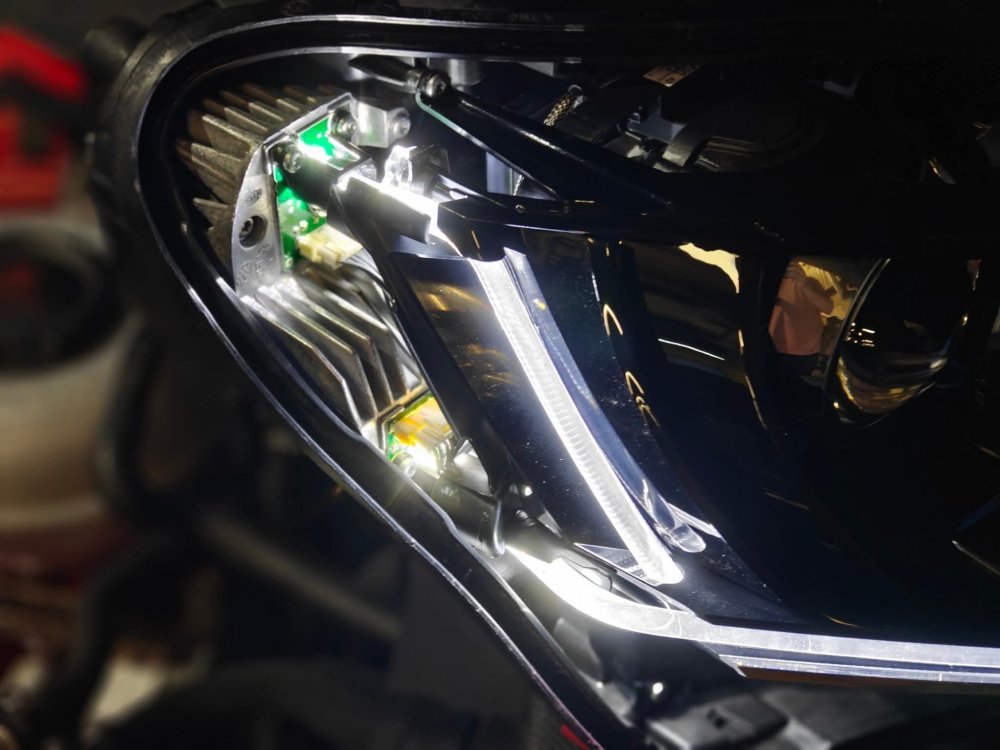
The LED DRL tube is burnt at the end where it sits on the circuit board. That's why it's yellow. It's whole headlight replacement unfortunately. Otherwise, if ur feeling brave, i.e. u open up (dismantle) the headlights completely, u can then source the DRL tube and DRL circuit board from AliExpress and replace the burnt components. I haven't done it, but these pics r from others who have. The second pic, left one, shows a burnt LED.
-
98 is a better load rating than 94, so there won't b any safety or performance concerns.
-
sounds like strut top mounts.
-
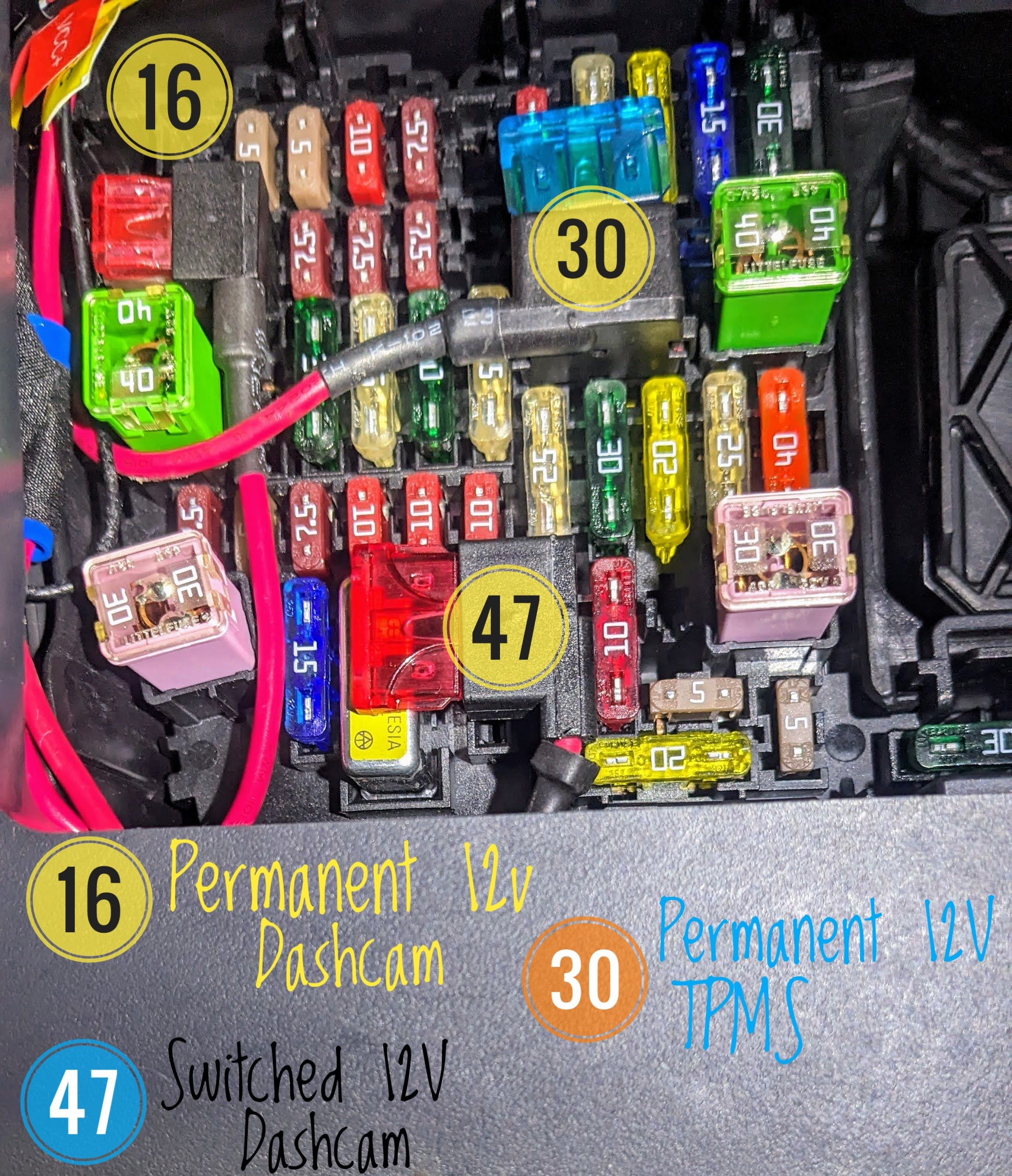
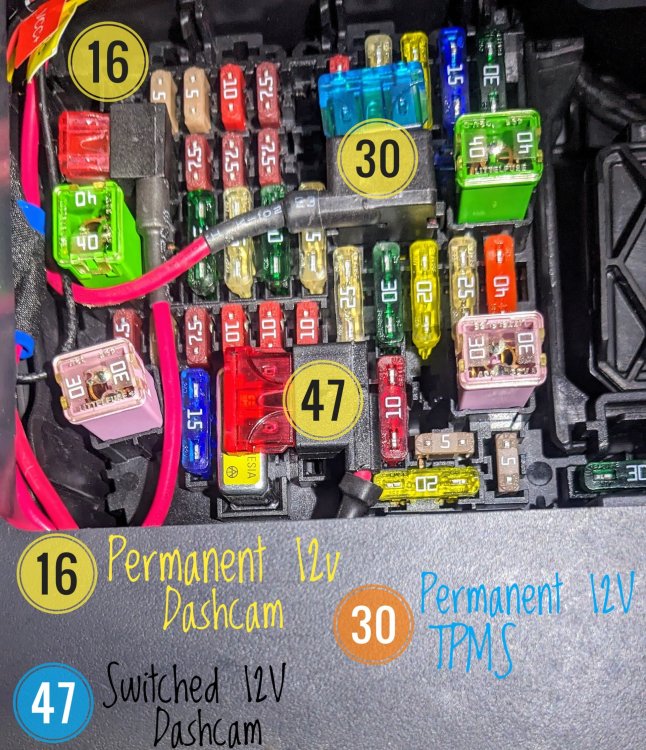
when i required a switched fuse location for my dashcam install, i used #47 - Rear Wiper.
-
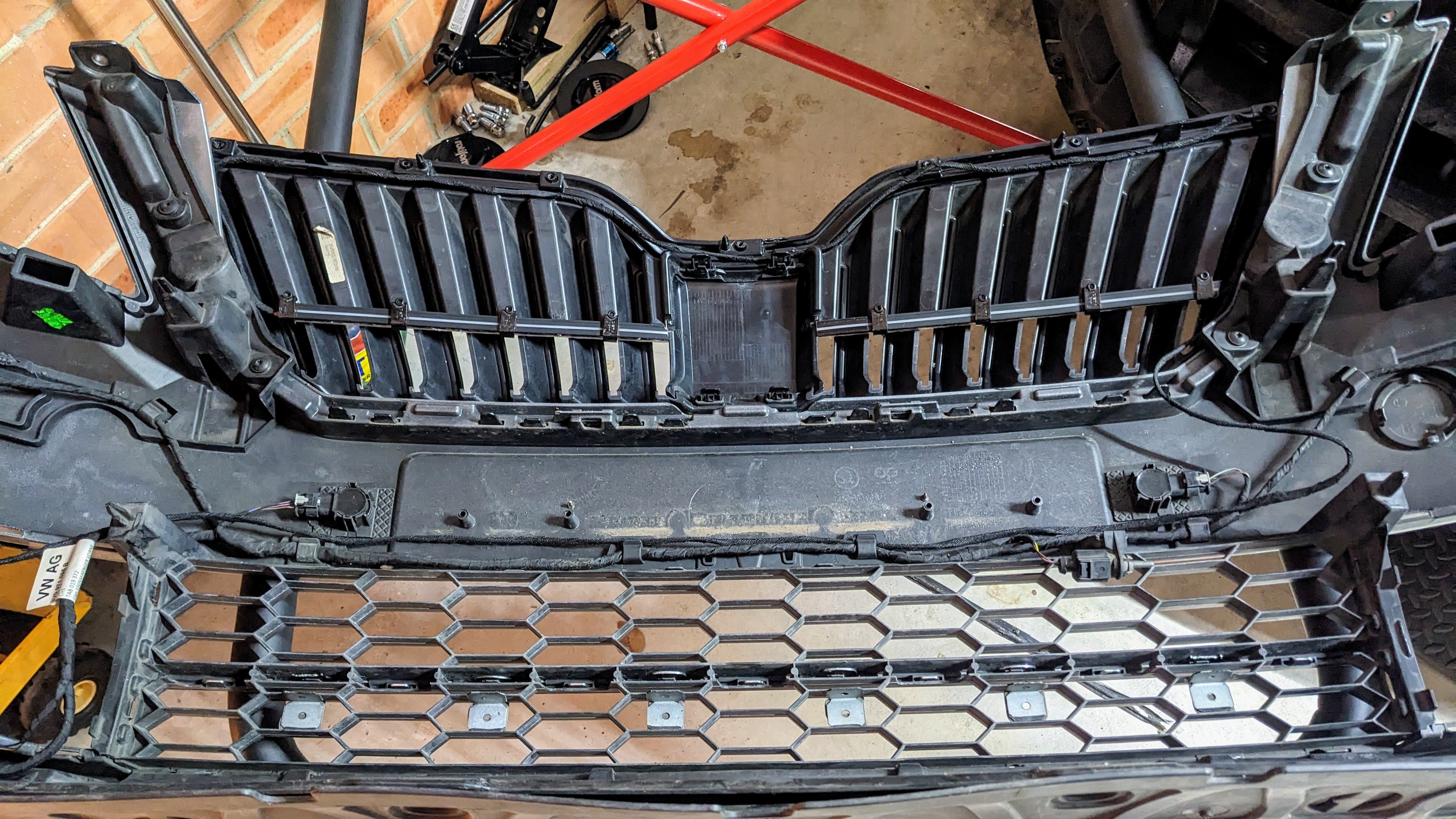
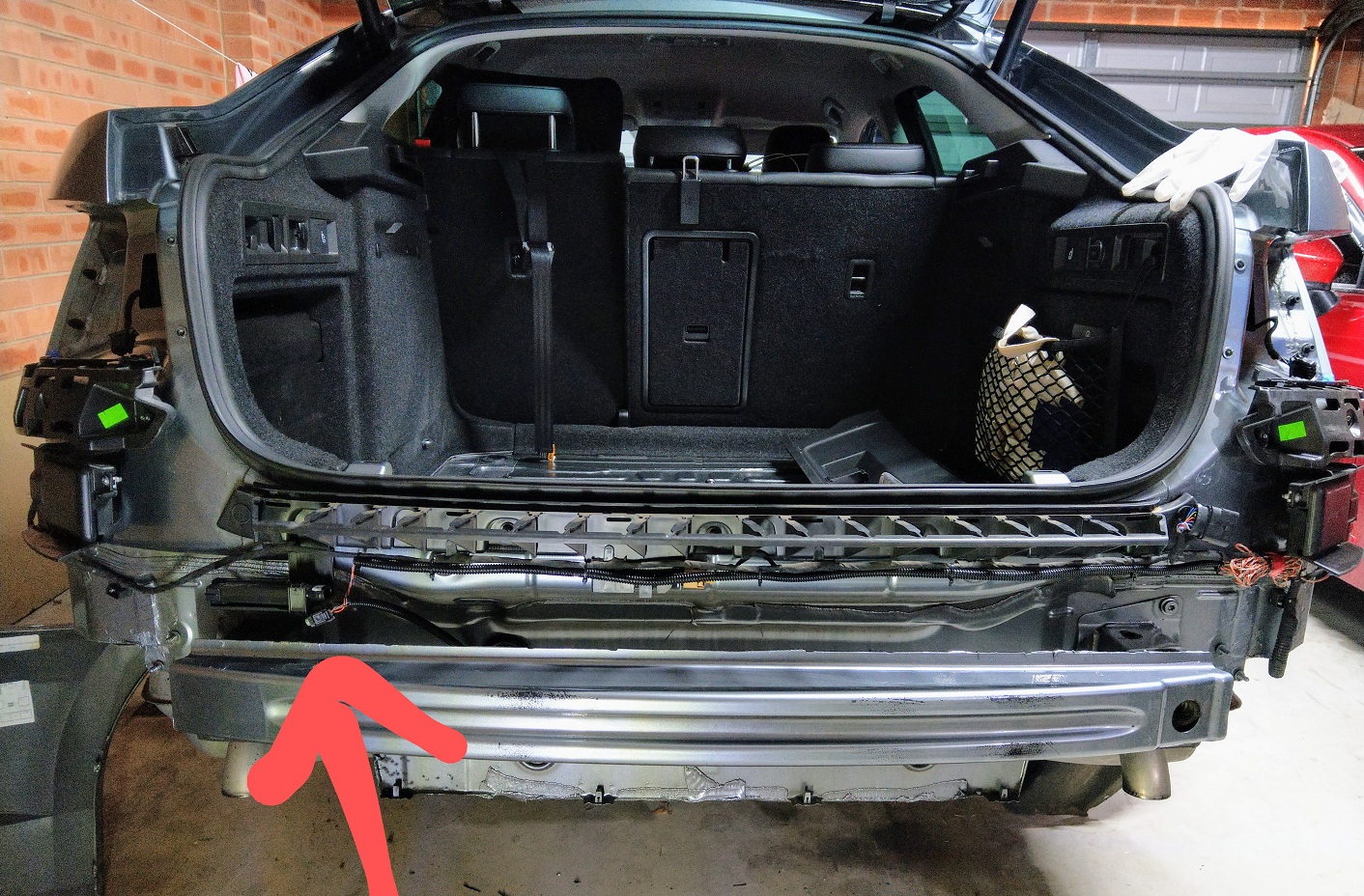
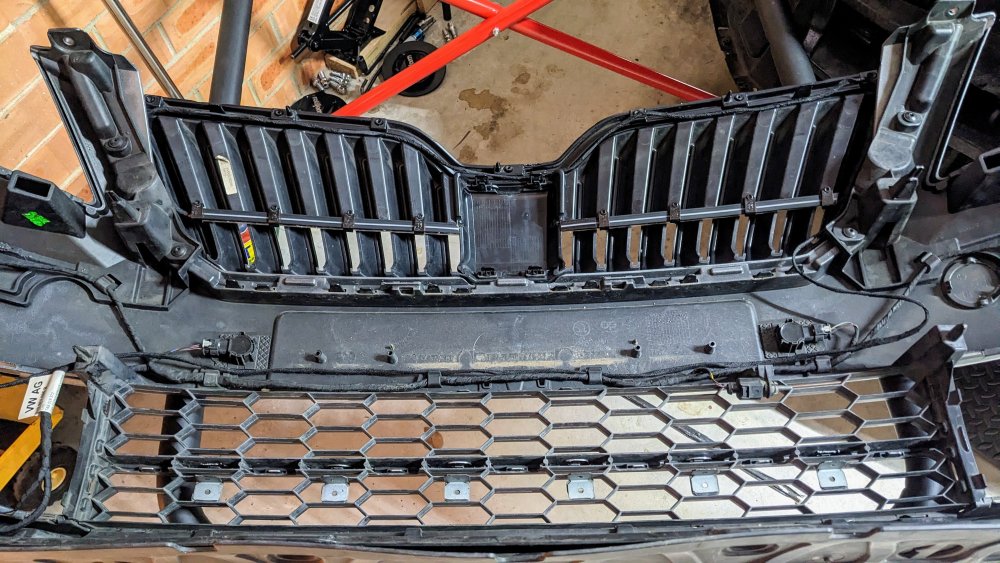
Front bumper needs to come off in order to remove the lower centre grille. I've removed it myself. Pic below of it. There r lots n lots of clips holding it in.
-
All mk3 Superbs r made in Czech Republic. Unless ur in China, India or Russia - they supply/build their own local only version.
-
both mk3 Superb pre-facelift and facelift don't have dynamic indicators in their front headlights. sadly not possible at all. facelift Superb rear taillights can do dynamic rear indicators. pre-facelift can't. u can get aftermarket wing mirror dynamic indicators, for both facelift and pre-facelift.
-
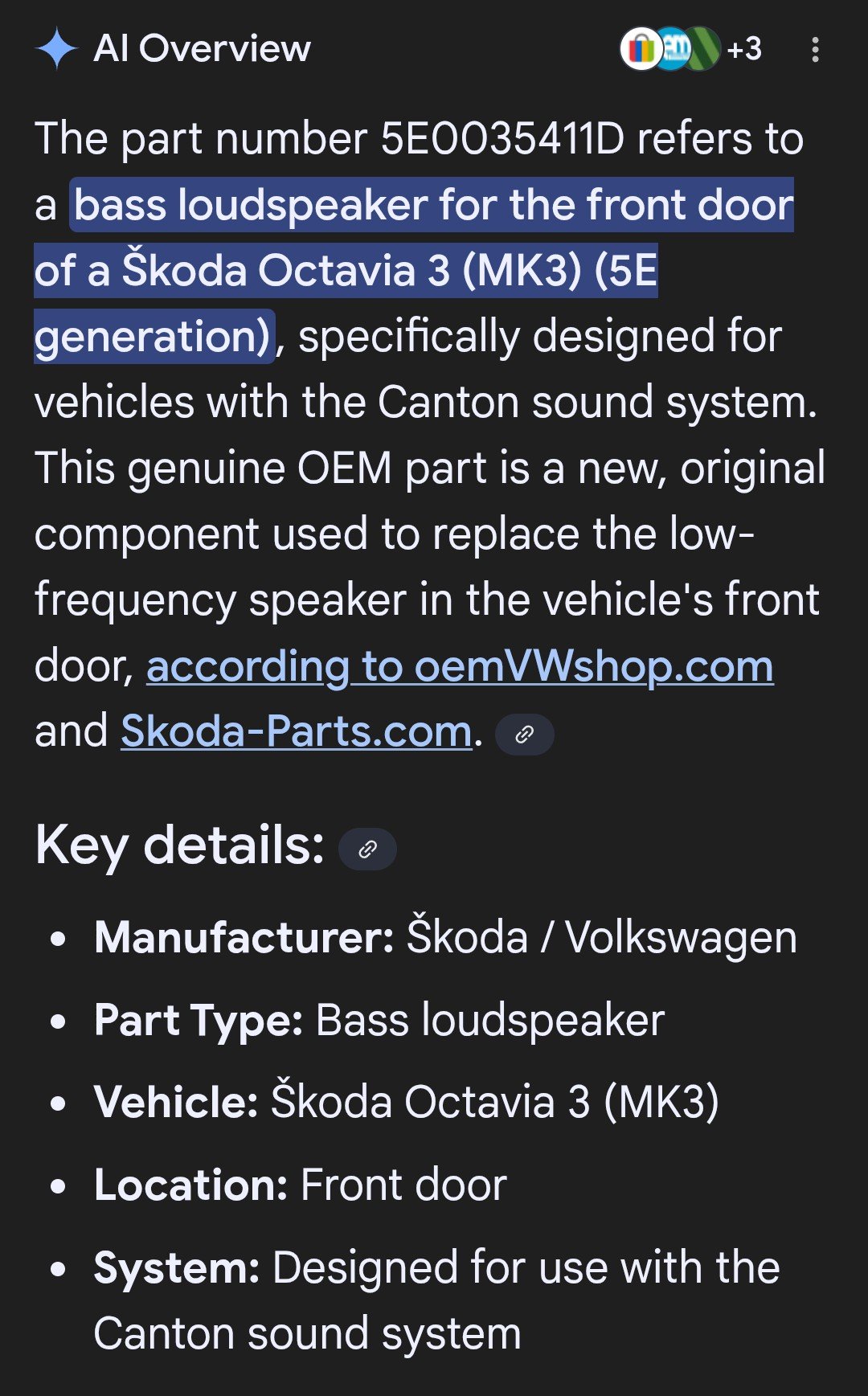
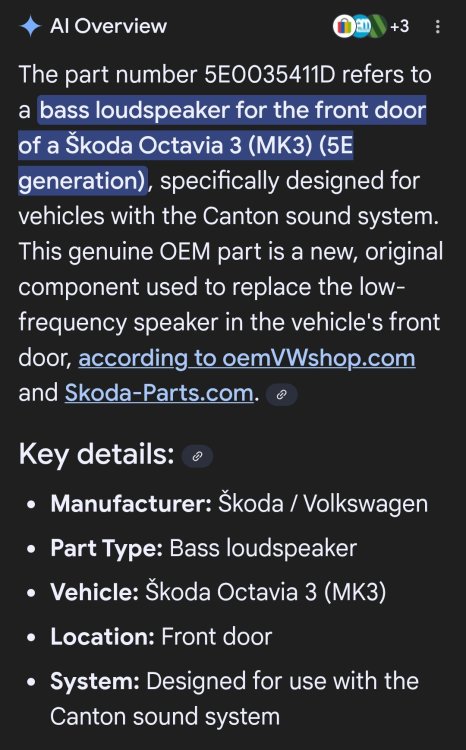
It's the Canton version.
-
-
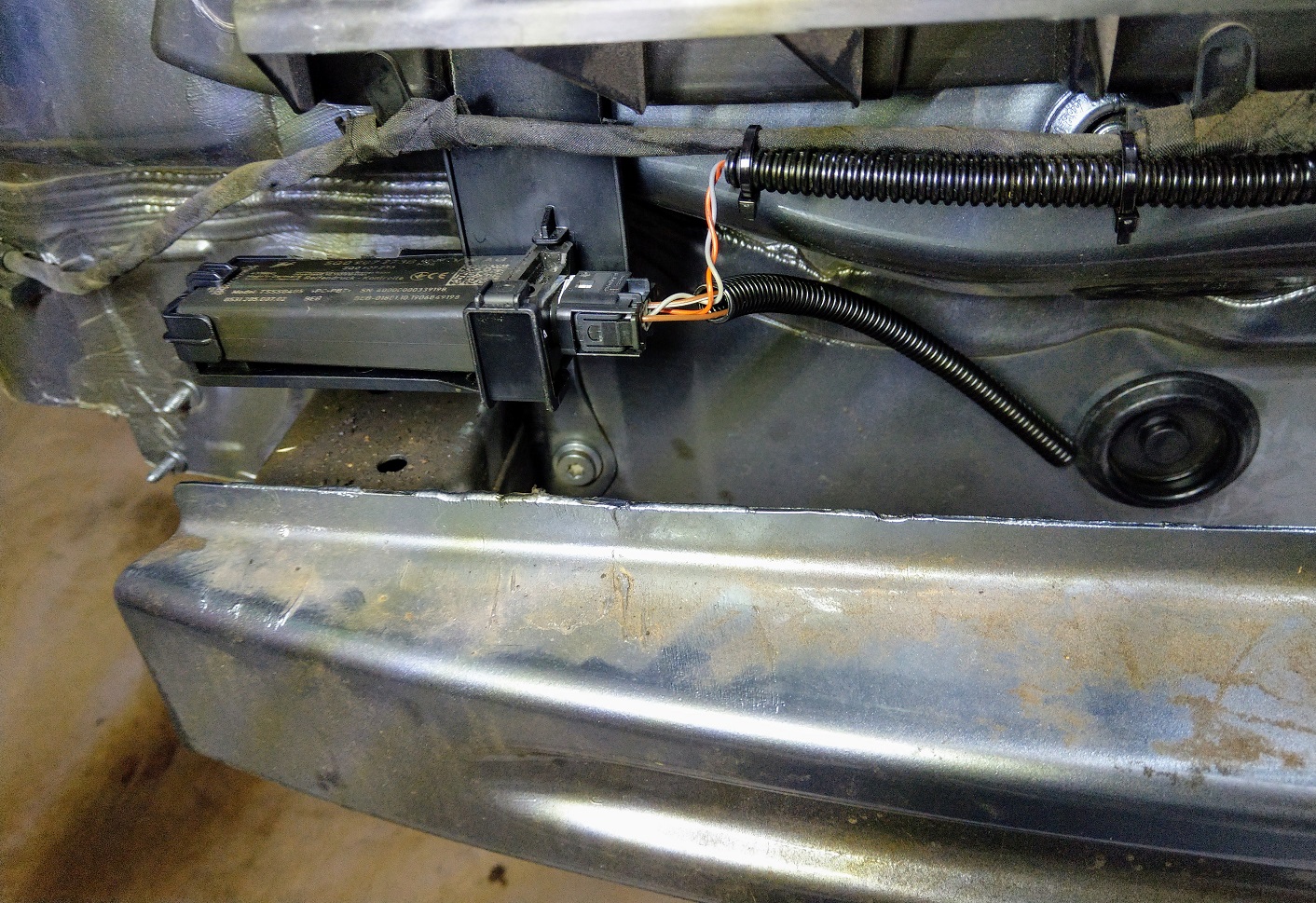
It shouldn't matter horizontal or vertical mounting. I did horizontal as that is OEM for the likes of Golf, Passat, Kodiaq etc etc - so I followed that. It's been 5 plus years now - no issues with rain or water getting in.