SteveTheElder
FREEDOM
-
Joined
-
Last visited
Everything posted by SteveTheElder
-
Yesterday compared mine with Waze on iPhone/CarPlay at 60 & 70 mph. The car speedo was surprisingly close, never reading more than 2mph above Waze. Octy 4 on part worn 205/55R17 tyres.
-
Calm down mate, you’ll blow a fuse… Yes, I’ve had the app upgrade too, and at the moment get the “Connection Failure” notification, so logged in to the online web portal. It looks like there has been a big UI update to the web side of things and I guess the app will have too; I like the new web portal layout. At the moment it seems the app gateway servers are still down during/after the upgrade/update. It’ll be back. I’m curious though. You say the app had lost all of you data - how do you know if you can’t connect? All that has happened is that the new app needs you to login again and enter the VIN. My only gripe is it’d be good if they let us know when a major update is happening though some form of app notification.
-
Hmm… never thought of trying that! I just use one of the ports in the back for charging extra devices.
-
Challenge I have is to add a battery to my solar panel array is an upgrade/replacement of the inverter. Can’t remember the technical details without digging through loads of emails. Puts the cost up significantly, which is the frustrating bit. Though I’m hoping that at some point it becomes viable. I’m very impressed with the solar generation and have adapted our routine to maximise use of self generated power.
-
Can’t say I agree with you re. battery storage along with solar panels. I have a small fixed array on a south facing roof, paid for themselves in under seven years. Conversely, I have looked in to battery storage three times over the last five years. Each calculation comes back with an ROI in excess of 15 years at best, most realistically it’s nigh on 20 years; and yes, I have included overnight low rate charging. Best advice I’ve had is that a better would last about 12 years. Not investing in battery technology is a no brainer. All a bit frustrating ‘cos storing self generated electricity seems like a sensible thing to do. Hey ho! Battery development might change that equation but only if the costs don’t escalate in the process. Back to EVs, where will we get all the electricity from? (rhetorical question). Only a couple of months ago there was talk of rationing supply.
-
Sadly all too true. Your ideas a way too good for any Govt to enact 🙄
-
No apologies for dumbing down this thread, but if the Govt want the masses to go for EV instead of ICE cars then they need bigger carrots and smaller sticks in their approach. What that looks like is probably an individual thing but I'll start with sorting out the charging infrastructure - increased availability of fast charging points, charging points that actually work, and in places where people want to stop on long journeys (so not only in the supermarket car park).
-
Good to know you’ve got it [sort of] working. On selecting Media I get the choice of USB or Bluetooth. Selecting Media I then get a listing by Artist, Album, Genre, Tracks etc. so not strictly the folder structure. Having said that, my folders are by Artist name with any of their Albums in subfolders containing the tracks. Did you know it can also play video? Out of curiosity I added a couple of .m4v files to a test folder, in car selecting one just plays it - but ONLY audio while the car is moving. What is a bit worrying is that stopping at a junction, pedestrian crossing, etc the video moving image is shown - until owing again. Massive danger of distraction in my book! Needless to say the video files are deleted. I haven’t found any ‘safe eject’ either - nor have I had a problem just unplugging it when the system is off. The drive has worked fine both in the car, on my iMac and iPad.
-
Curious! Mine displays the folder structure fine (or it last time I used it). Later today I’ll have look on the computer at how I set it up.
-
Yes, very easy to see at night, and if you have it, voice control makes it even easier.
-
Welcome to the Briskoda forums. I’m pleased you like the car and totally understand your frustration with the infotainment system. The bugs are taking too long to iron out and it takes a while to get used to the tech. For the drivers seat, save your position to a memory, then when opening the door just press that button, the seat should move without the ignition on - if it hasn’t already. I also suggest experimenting with the voice control for the satnav if you can’t set a destination before driving off. The voice control isn’t foolproof, but does work. After two years I’m still learning the best way to set it but getting there. Voice control is great for radio, media (usb stick), and climate control. To charge my iPhone 14 Pro I use the MagSafe charger in a rear USB-C port. My manual box is a bit clunky going into 2nd, but much better when it’s warmed up.
-
Take a look at this thread from a couple of years ago. Not the official wireless charger but a few options discussed that would fit in the centre console near the USB-C ports
-
That’s a good call; on a previous car I was convinced a rear wheel bearing had gone, as were several more knowledgeable friends. Workshop could find no bearing fault - but did spot a tyre defect. New tyre, no ‘bearing’ noise.
-
Well done for pushing it through this far. Hopefully the dealer &/or Škoda UK will now get you car fixed.
-
Drone shooting... is that like clay pigeon shooting? 🤣
-
Could it be surface corrosion on the disk? There will be a clear patch under the pads and as the edge of that hits the pad there will be a tap sound. Perhaps accentuated by a sticky calliper not initially releasing the pad(s) fully.
-
If other online services are working ok the I guess it’s the gateway at the Škoda servers that’s down at the mo. I used the app for a while and whilst useful it was unfortunately very slow - to the point it was quicker to enter the address directly in to the satnav. As a result I no longer use it.
-
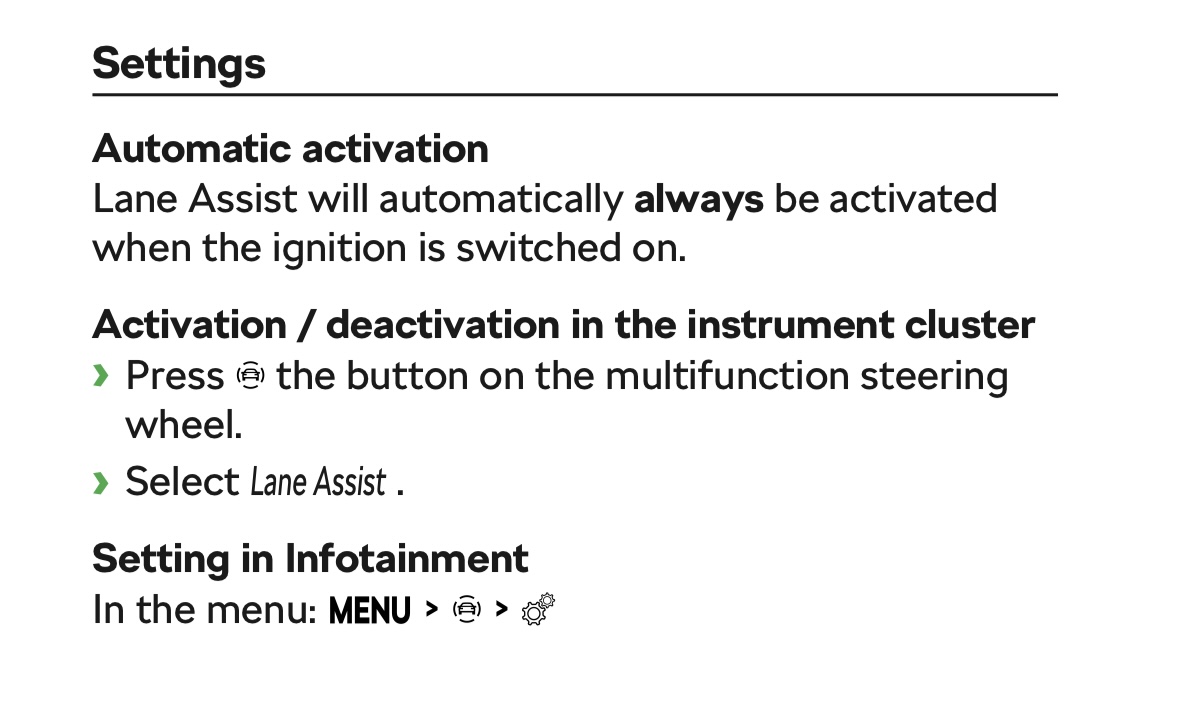
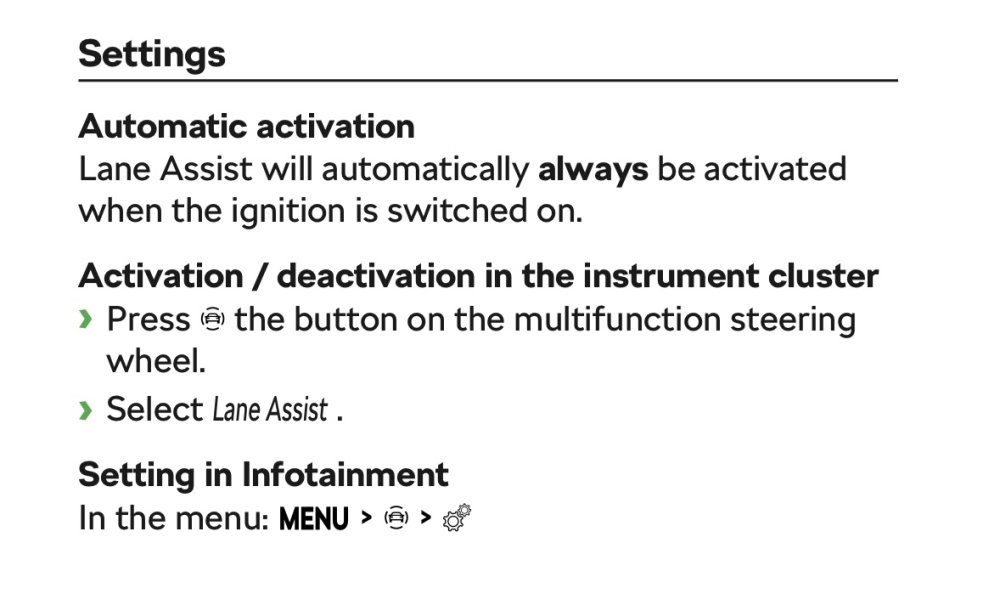
Can be done via the steering wheel controls. On the right hand spoke the upper button gives access to the Assist Systems. Use the chrome wheel to scroll to Lane Assist then click that wheel to untick the box. After a few seconds the menu will close by itself. AFAIK it can’t be permanently disabled, so has to be done each journey. To turn off the vibration you need to go through the infotainment system. This setting persists.
-
Seems to be working fine for me 0712hrs this morning.
-
I've been looking in to new wipers too, and bought Bosch A331H for the rear and Bosch A860S set for the front off Amazon. The rear fits perfectly. The front set I returned. The driver side blade is 600mm, the original fit on mine (SE L First Edition) is 660mm. The one from the set would fit fine but the swept area is smaller, as I am tall and sit high in the car I need the swept area as high as it can be. I haven't yet bought a replacement but am leaning towards the Bosch A310S set which has a 650mm blade (lower cost than the A860S set too).
-
I assumed enabling the auto-unlock when approaching the car also locked it when walking away from it. Never liked the idea so never enabled it. Does this random unlock leave it unlocked or does it re-lock after a short while?
-
No problem for me, 20+k miles in.
-
The privacy settings allow the location to be uploaded to the servers, or not as the case my be. I think th default is not to sync hence a guest user location wont be seen. As I understand it, the ‘authorities’ can override that and track the vehicle. Hopefully your Škoda Connect is now working as you want/need it to. Yes I believe it is, though never tried/proven it.
-
Yeah it’s frustrating when smartphone apps act pretty dumb! Only once have I had the unlocked when it is actually locked issue and that coincided with the car being in a location without any internet connection - so it couldn’t sync the status to the servers. Are you using the Android version or iOS? Your comment about the grid showing route planner not car location sounds like a previous version of the iOS app I use. I now get a Navigate tab which has two options - Parking position and Trip planner.
-
Certainly worth the conversation and try to get an extension. It will probably have to come through the dealer and may need approval from Škoda UK - which poses the question of who to talk to first -depends on how well you get on with the service manager at your dealership I guess.