pab567
FREEDOMTech
-
Joined
-
Last visited
Everything posted by pab567
-
This means you have done something wrong. Use Manual SWDL and select all but emergency in Main and emergency in CPU.
-
First of all: this is NOT Amundsen, this is SWING. Pls share VIN in PM.
-
The same:
-
Yes, you can change all RequiredVersion lines to "0". It can be done befor you start the update.
-
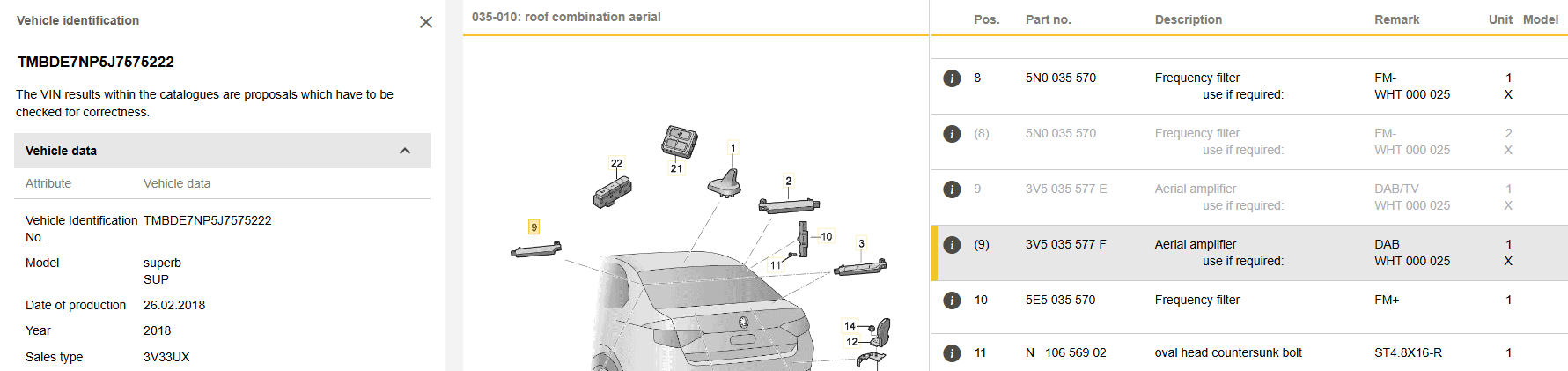
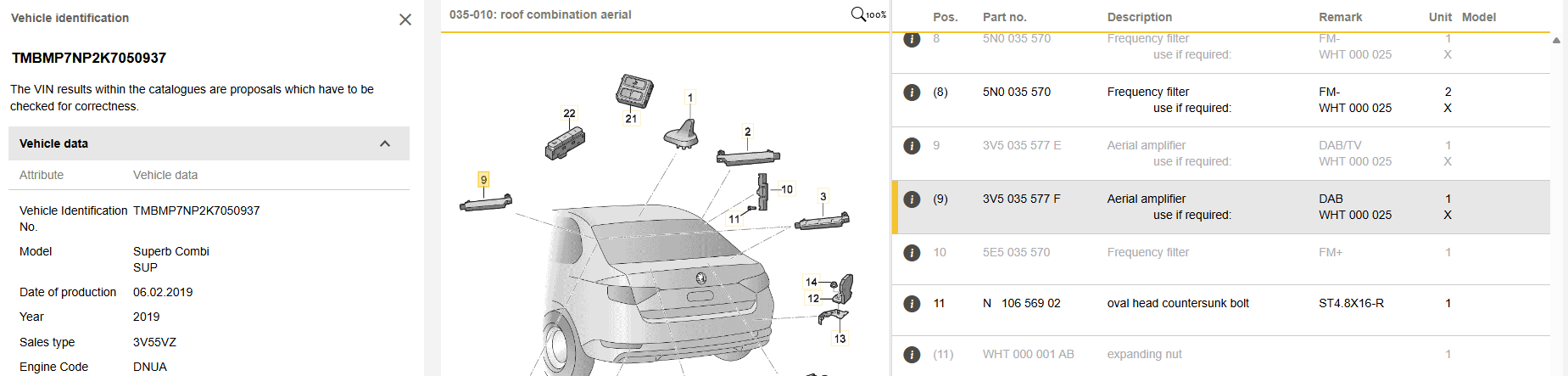
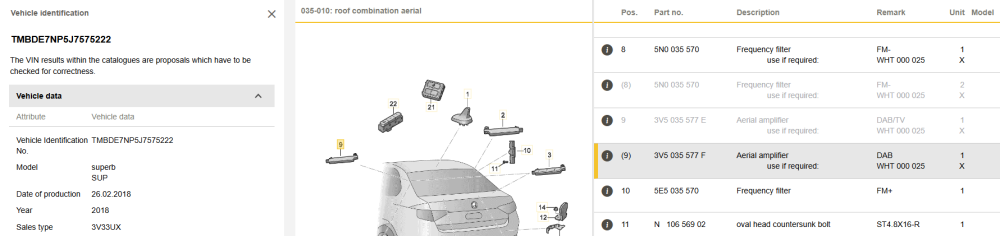
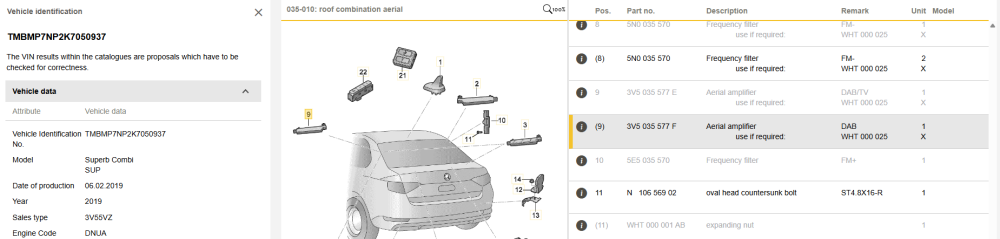
@Aciduzzo your antenna amplifier is 3V5 035 577 F:
-
Nope, you modify it on SD card
-
@augusto73roma you have to patch swdownload from toolbox and then start installation of 0480 firmware. It will break with some error messages - you have to modify metainfo2.txt (change "RequiredVersion..." lines from any version it has to "0").
-
@AJK87 sent me VIN in PM
-
MIB STD2 Toolbox is the answer
-
It's never Plug&Play. New unit must be reworked - patch must be applied for Component Protection and activations, unit must have coding and adaptations adjusted to match car's equipment.
-
Yes, remote rework for single SD units is not possible. Another yes - swapping single sd card MIB2 unit in the glove box for a double SD card MIB2 unit means you could use a sd card patch to activate it. No need for the display unit to be changed.
-
PM sent
-
PM sent
-
@EvilBono you must have SMS soldering skills, QNX knowledge and either UART or EMMC-SPI. This will allow you to load MIB STD2 Toolbox into your unit that you can later use to activate new features like SmartLink and othe FEC/SWaP activated features.
-
PM sent
-
Yes, I will contact you in PM.
-
Weird, but sound issues are typical HARDWARE issue of dry joints in power amplifier ICs.
-
-
Sent in PM
-
-
I sent you download lonk for MHIG_EU_SK_K1552... what do you expect from the new firmware?
-
Confirmed :)
-
Check your PMs
-
Forget Chinese Android units, you need Bolero 5Q0035842x / 565035842 or Amundsen 5Q0035874x / 565035874. New unit must be patched first.
-
@kasfearless PM sent