Gabbo
Resident Member
-
Joined
-
Last visited
Everything posted by Gabbo
-
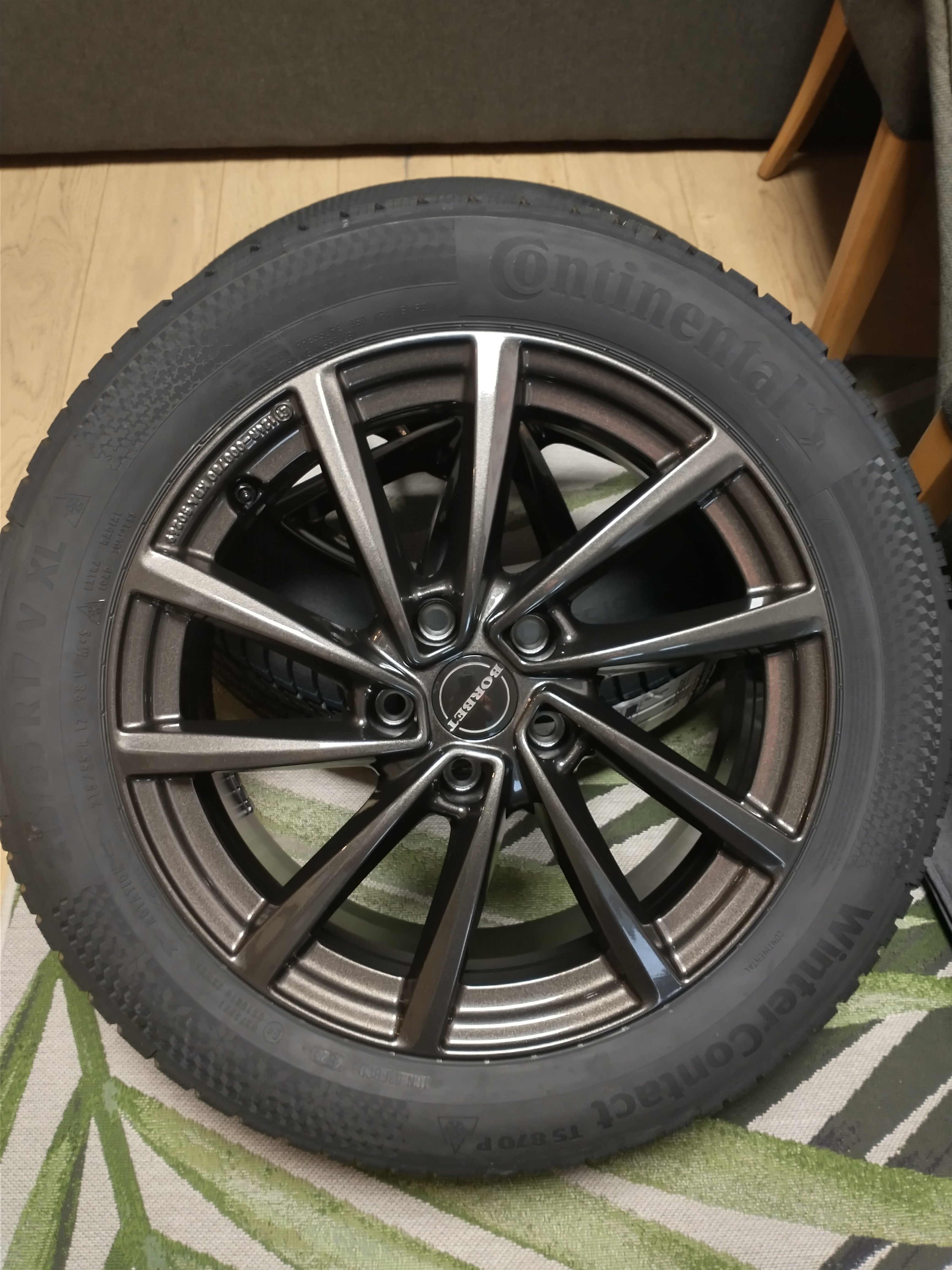
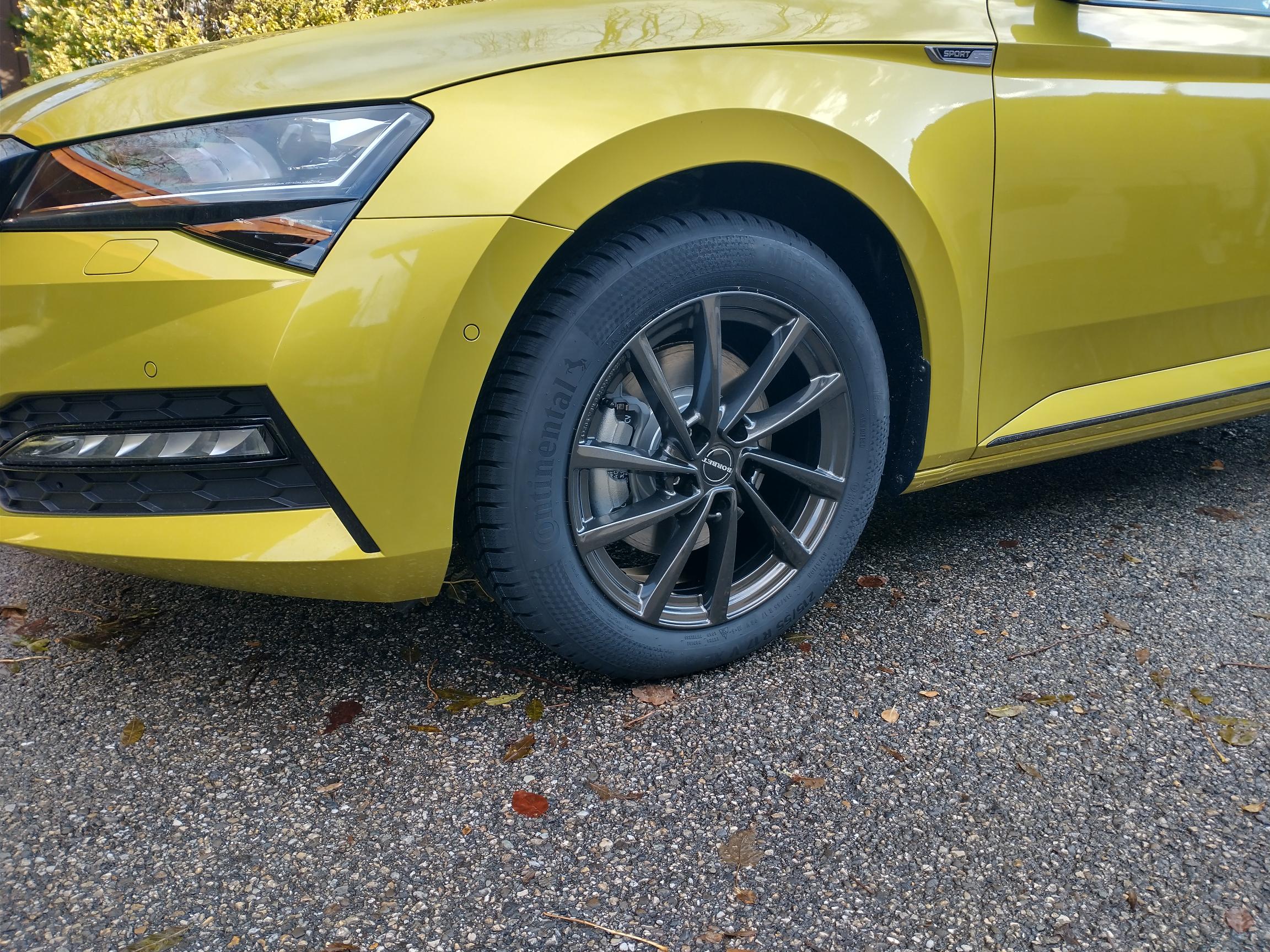
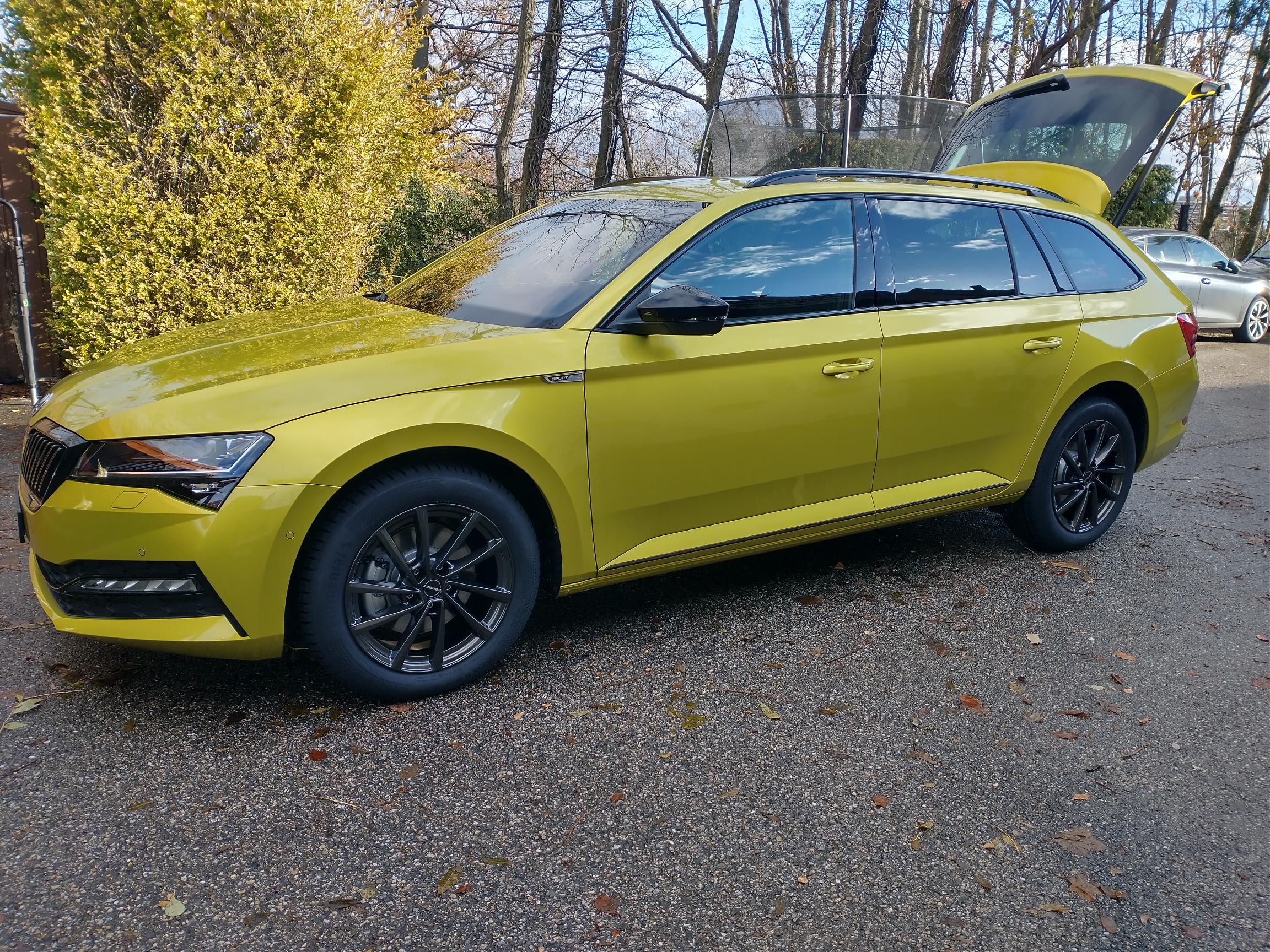
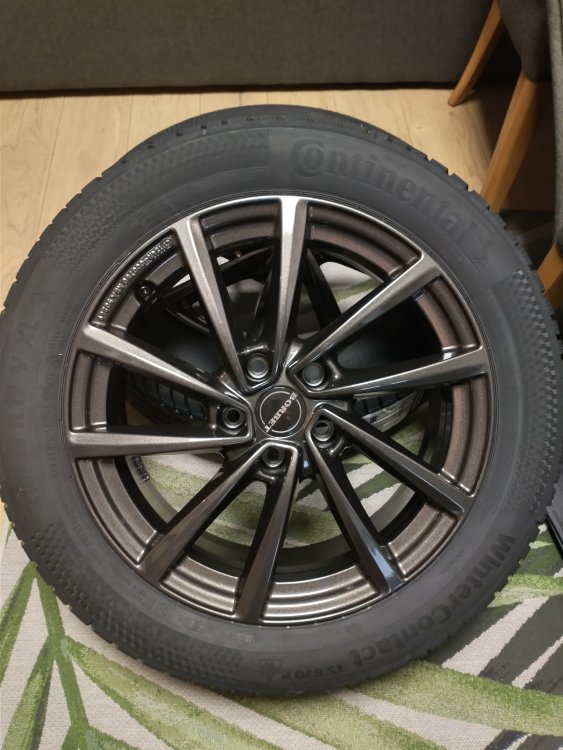
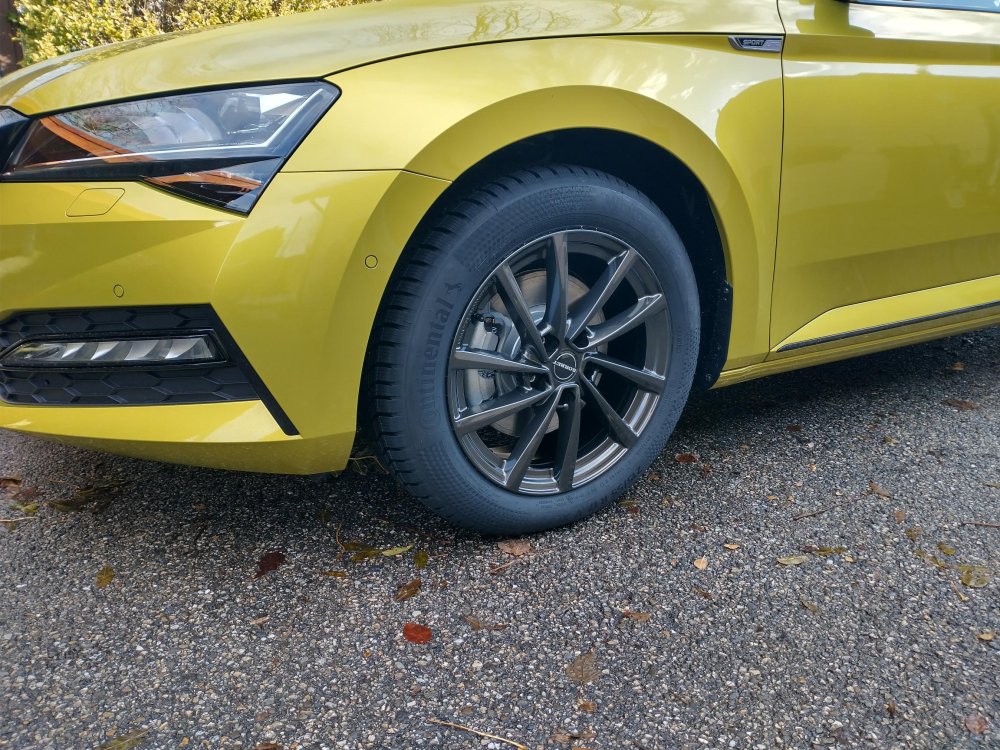
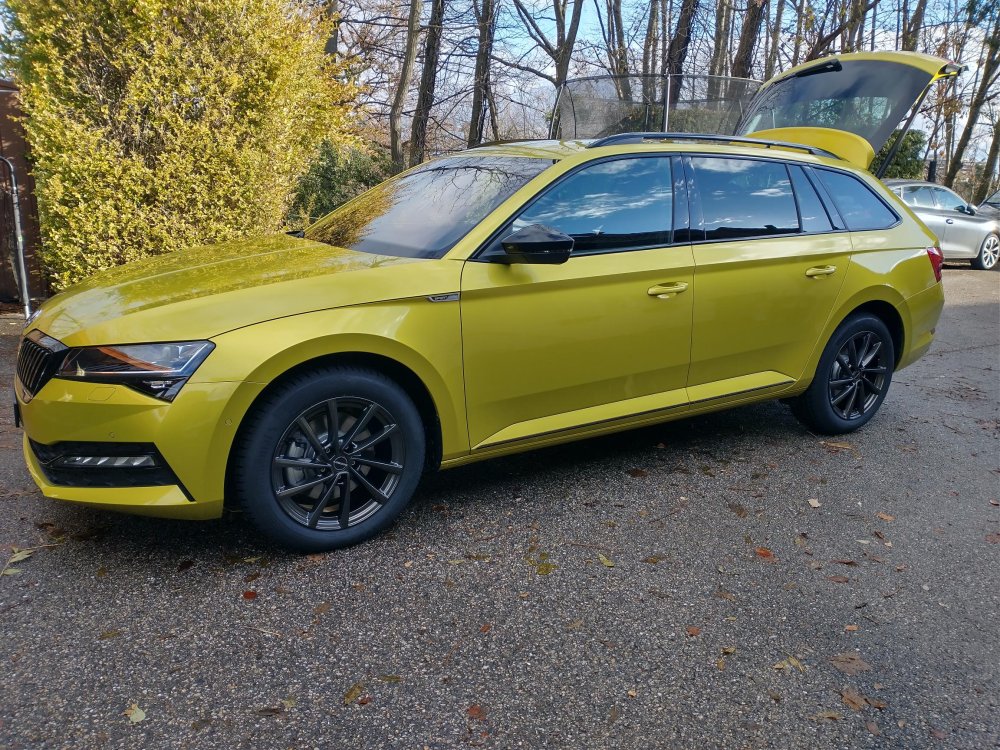
You will find any SKoda Official wheels will be very expensive compared with aftermarket alternatives. You can get nice looking aftermarket wheels much less than €100 that look great and as they are cheaper, you don't need to worry about dings and scratches. These are the 17" wheels I got for the winter here which were ~€800 for wheels & premium tyres (Conti Wintersports)
-
If you download the wheel and tyres brochure from Skoda directly they also provide this information. This will give you the officially homologated rim sizes and compatible tyres. In the UK I think you can still fit any tyre size you want to the car even if it's not matching the official figures. However in many countries in Europe, you will not pass your MOT without official work and tyre sizes. I'm not sure how the snow chains law work in Austria or France but you can also consider the hybrid chains (socks with plastic chains) which are much thinner and will fit into the slightly tighter places...
-
I have a 200PS TDI 2L from Nov.2023. My car consistently uses 1L of oil each 7000km. The first 3 times the dealer refilled the oil, checked there were no leaks and we were monitoring the situation. According to them, it's within VW spec so unless it gets worse VW won't do anything. I'm now at almost 60k km and it has stayed constant at 1L per 7000km. Min->max on the dipstick takes just about 1L. My 2014 Octavia TDI will do 30k km and use less than 0.75L of oil. They suggested it's due to the change in oil from 5W30 on older engines to 0W30 on modern ones but as it's under warranty they will not allow me to change. As it's constant I don't mind topping up regularly & bought 5L of Castrol Edge for £35 to keep it topped up between services
-
Thanks for your inputs. My car is a keeper but basically a motorway cruiser so light use. I think I'll ask them for the DSG service and Haldex (if they will do it). I have another 2 years of manufacturer warranty but I'm all for preventative maintainence rather than repair.. One of the reasons I asked about the DSG service was i have the feeling that some of the gear changes are a bit jerky sometimes and not as smooth as before. I'm always very light with the throttle and mostly drive with ACC active and was thinking a service might get it back to the sweet spot. Gabbo
-
My 2023 TDI DSG 4x4 is coming up to it's 2nd year 60k km Service... I'm assuming it will need some sort of DSG service? What about the 4x4 is there anything to do? Is there somewhere I can see what to expect the garage to do? Thanks in advance, Gabbo CH
-
The top choice for OBDII standard will give you the standard fault codes required by the legislation but will miss some codes which are manufacturer specific to your car. You should still get a code but perhaps won't get a description of the fault & will miss other items from live data & ECU information like coding. As you suggest, selecting the correct engine will give you access to more information...
-
What do you mean by preheating unit warning light? Do you mean the glow plug light? Was it fully on it flashing? If it is flashing it usually indicates problems with the glow plugs, however, this lamp is also commonly used for non emissions related engine faults. You really need someone to read the fault codes properly to be able to make a good diagnosis of where to start. A Bluetooth OBD dongle which you can use with a free app start from around £15. A good investment from my point of view even if some learning is involved for hire to use it. If you paste the output here, people will be able to help you more easily. Gabbo
-
Obd11 was advertising on it's website that it can support SFD codes automatically by connecting to VAG Servers. Not sure if this would expand to new features but you can understand why manufacturers would prefer to secure these features so that they can lock them behind a subscription paywall in the future.
-
I had a look at the Octavia forum & was surprised for the MK4 there's not a pinned thread for "tried and tested adaptations" to use with vcds/obd11. Perhaps the newer cars have some kind of protection making it more difficult to change the configurations/coding
-
@nicknorman changed this in his 24MY Superb MK3... I think there's another thread here in the superb section with his information/coding.
-
2025 as in a MK4 Superb?
-
I recently replaced mine on the Octavia (non pressure sensor part) and it was straight forward enough. I changed only number 3 iirc. The others would have been more tricky to get access to without a very long drive and perhaps universal joint. It seems the golden rule is don't over tighten & don't feel the need to turn an extra little bit as that can overtighten the plug making it difficult next time.
-
I think it's this one: https://www.skoda-parts.com/spare-part/03l963319d-glowplug-tdi-cr-skoda-15152.html And this one with a pressure sensor: https://www.skoda-parts.com/spare-part/03l905061m-glowplug-with-pressure-sensor-skoda-23614.html
-
If you replaced the battery with the same type (AGM Vs EFB) & approximate size it doesn't really need coding... I changed the battery on my Octavia myself (Same AGM type & 3Ah larger) & didn't recode anything. Stop start & all other functions worked immediately without any problems. After 4 years the battery is still going strong. To solve your issue, you need somebody with some basic diagnostic tools. I would say it's worth paying a Skoda or VW garage the price for the investigation even if you end up replacing the parts yourself... I would says it's still most likely an ABS sensor signal problem (next thing would be wheel hub with the magnet elements) or perhaps Cam/Crk sensor problem (more likely for the OPs issues). Gabbo
-
So I figured out why I think the icons on the virtual cluster have changed... (I'm not going crazy)... The settings of the virtual cluster were lost with the update.... Previously I had the Driving assistance info as one of the main entries in the in the big circles. Now it was only gear and speed. When you put the driving assistance in the main display, the mini icon in the bottom center of the display disappears (this new icon after the reset was one of the things I'd noticed has changed). Have now put back the virtual cluster settings to my liking so all is good 👍
-
There must be a fault to trigger those errors in the system & even if it is intermittent, the fault codes should stay in the history as "passive" errors if you use the correct tool to read them. A Skoda garage should also be able to install a data logger to monitor the wheels speeds and capture the behaviour This was how I diagnosed my fault, I could see the right rear wheel speed intermittently to 0kph while the others were working.... At least pinpointing the source will help the next investigations... Which wheel Sensor (already done) Check wiring harness Wheel hub
-
When I changed my rear right ABS sensor, I read that often it's not actually the sensor but can be the trigger wheel of the sensor which is built into the wheel hub. Without seeing a list of DTCs & performing some diagnostic is difficult to say what is the cause. In my post on the Octavia forum I showed how you can read the ABS wheels speeds to help diagnose which one if any is causing the problem...
-
Good news. This morning, after leaving it overnight, the functionality seems to be working again. Bluetooth is now active, although I had to tell it to connect to my phone manually. Lane assist vibrations are back & the icons are now showing on the virtual instrument cluster. I don't know why, but I have a feeling that the icons are different than before & the fonts for the Gear & speed have changed but I don't know if that's just me... Like the ocu update has allowed some other OTA downloads which weren't working before.... I'll try to find some pictures from before to prove I'm not going senile...
-
Yes, I know the settings for the lane assist quite well thanks to @nicknorman . Original I was driving with only ACC selected in the driver assist menu & the lane assist was very weak. Nick helped me find the button on the steering wheel to enable the driver assist option where other assist becomes much stronger. If it's not working 100% tomorrow, I'll book it into the garage. It's still under warranty for 14 months & I know the service guy quite well. I'll also try to logout my profile and login again just incase this is needed. I'd assume that others should have the same update offered so was interested if anyone else had problems after the update. Gabbo
-
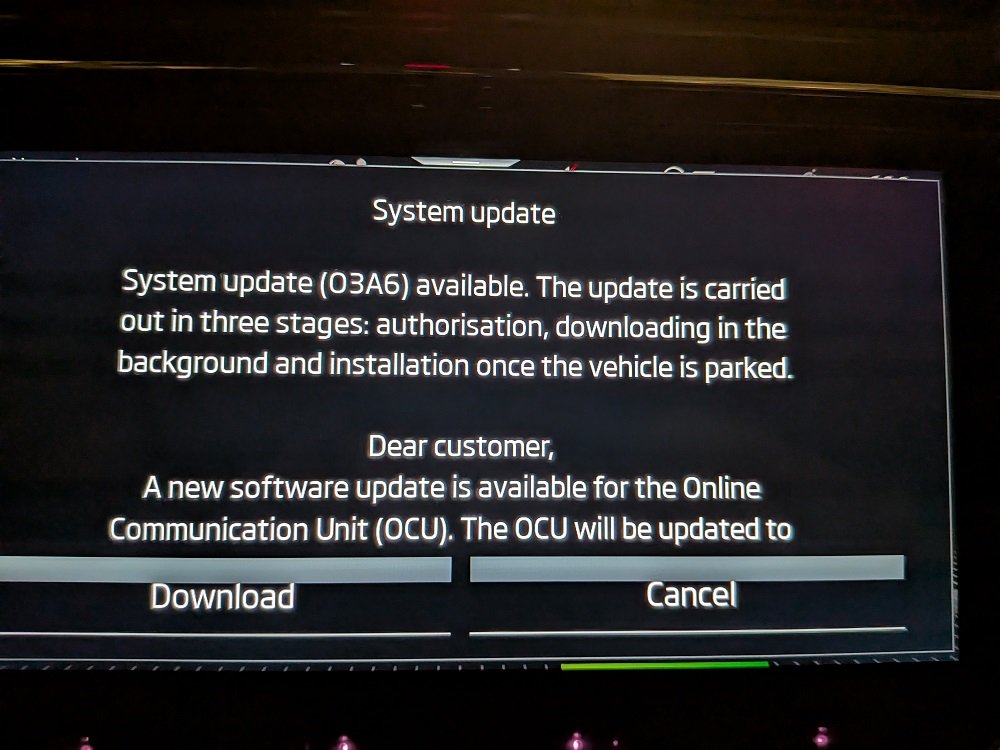
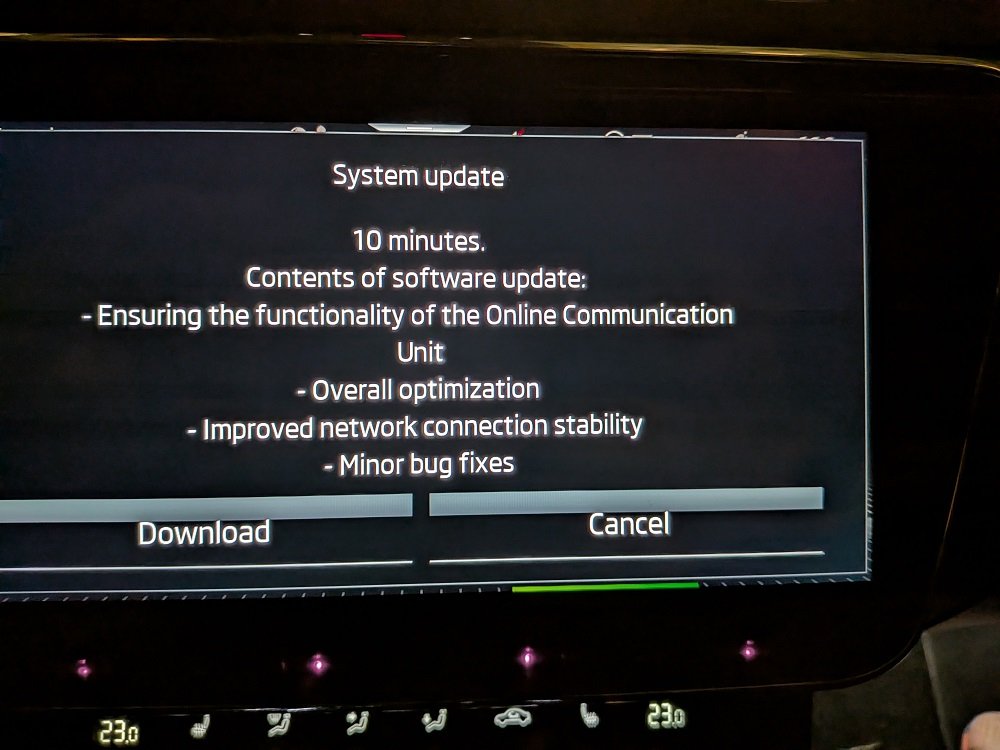
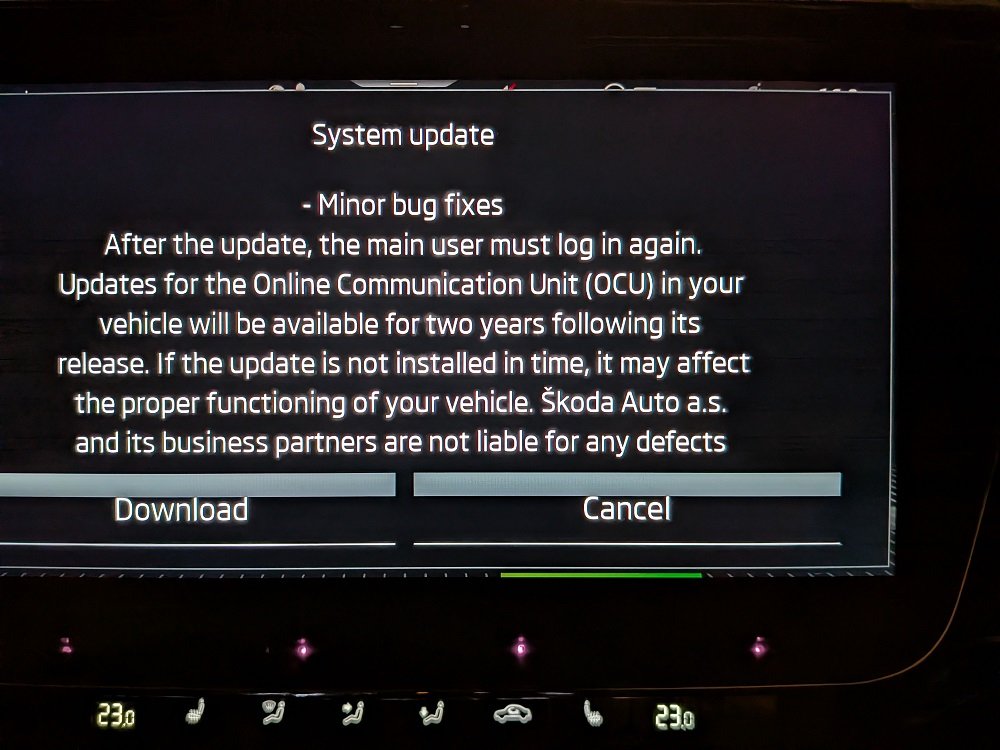
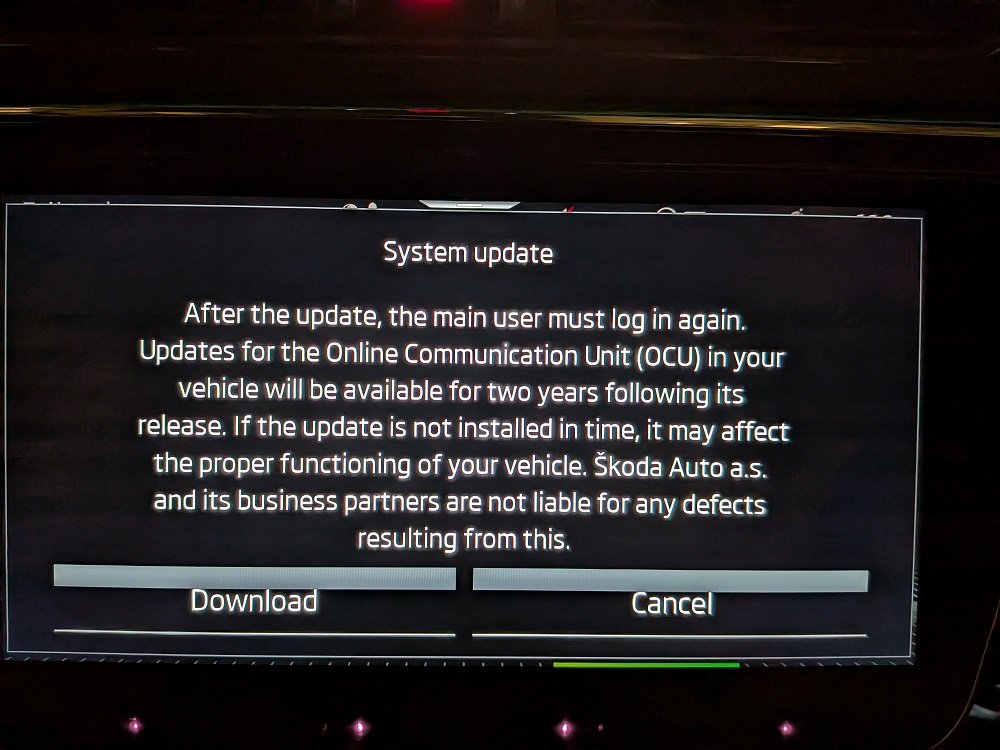
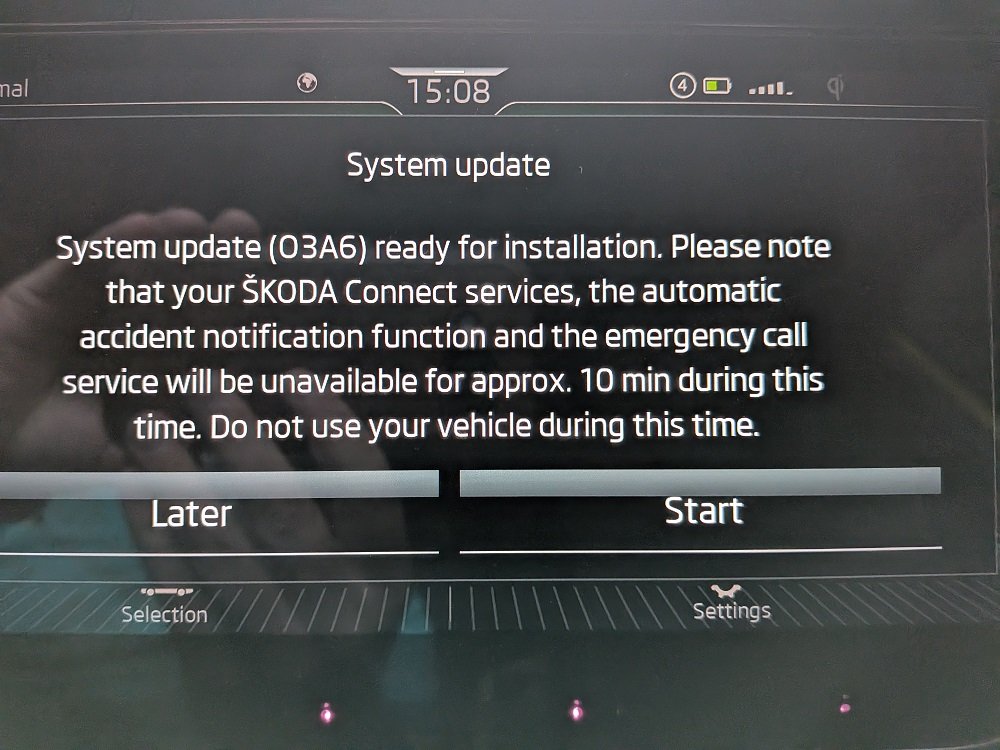
Last week, my car offered me an OTA update for the "OCU" Online Communications Unit. I chose update and after a few days it told me the download was ready to install. The install would start when I next turned off the vehicle & would take 10 minutes where several systems would not be available & I should not drive the car. I accepted & 2 days later I came to the car. On Startup it told me the OCU update is complete. However, i realised afterwards the car was not behaving like usual & several features were unavailable.... e.g. Lane Assist is not working, speed sign recognition is not working, ACC predictive speed reduction (for roundabouts & sharp curves), phone connection/bluetooth is not working, the climate control settings were all "random" like Hi - 25, Auto-off. I checked some of the settings & found many of them were "deactivated" in the settings menu. I've turned the ones I can find back on (Lane Assist, Speed Signs, ACC Pre Learning) however, several things are still not working. Driver Assist is not working (although it is enabled) and the lane keeping is weak (like it is turned off). Lane Assist Steering vibration is not working (although it is enabled) Bluetooth/phone connect is not working - If I select "phone" from the menu the MIB hangs saying "please wait".... I can then only access the navigiation but no other menus... The update did mention that the main user would need to "login" again but it didnt prompt me to do it (There is only 1 user configured). I also had problems with the MySkoda app which reported "Window Status Uknown", however after a GooglePlay update yesterday, it seems ok now. Has anyone else seen this update & had any problems with it ? I was hoping that a quick ignition-off/on might sort it but it did nothing. I will try it again tomorrow to see if things are better....
-
I have a Carista Bluetooth adapter which was €17 in Amazon and am using a free app on Android to read the DTCs & live data
-
Here is a link to the post I made about it with some screenshots & methods for investigating the fault with an OBD tool & free app. https://www.briskoda.net/forums/topic/533111-rear-wheel-speed-sensors-are-they-the-same/
-
I had the same problem on my Octavia (with the same errors in the display) and the fault was caused by an Wheel Speed Sensor Error. It was intermittent because the signal some times worked but it was an easy fix (€30 sensor) and should be 1 hour work.
-
This is also my experience & I can never understand the logic of how it chooses the route. Often when I chose to ignore it, the ETA will drop 25%. As for the "learning" I also cannot figure this out. I've been to Europa park once last month and every single morning it offers this as one of my "suggestions" when I get into the car. I drive every day to a small village where the kids go to school (using the nav to help with traffic issues along the way) and it never suggests this as a destination. I always have to type it manually myself...
-
I guess there's technically no need to do them together. But if you have to change the pump you might as well replace the belt at the same time as it's an expensive job that you don't want to pay for twice. Unless you do relatively low miles so a belt change would be in 5 years times, you might as well save yourself £800 and get it done together knowing that you don't need to pay again for another X thousand miles