langers2k
Resident Member
-
Joined
-
Last visited
Everything posted by langers2k
-
There's more to number plates than just spacing and font these days. Take a look at INF104 taken from gov uk rules number plates. It states: Based on that, the short plates shown above aren't legal as they don't show any of that information. I doubt most Police officers would care but if they wanted to make an example of you, they could
-
The standout thing to me is that you've no communication with any door module: Address 42: Door Elect, Driver Cannot be reached Address 52: Door Elect, Pass. Cannot be reached Address 62: Door, Rear Left Cannot be reached Address 72: Door, Rear Right Cannot be reached It's somewhat unusual to lose all four so I'd be checking for common points of failure, ie power or CAN-bus. I haven't got a wiring diagram for a Superb but I'd replace the fuse and check the fusebox contacts are in good condition, it's probably called the 'central locking control module' and at least on a MK2 Octavia, it's fuse 12 (10A) in the dashboard end fuse panel. It's probably the same for a Superb but check If that makes no change, check the door modules are getting power on pins T20d/12 and T20e/12. There are separate fuses which feed the electric windows but I don't think they are needed for the modules to communicate. Pretty sure the rear modules aren't 'proper' modules so I'd be concentrating on the front modules for now. Once you've verified the modules have power (and ground), I'd then suspect either broken or shorted CAN-bus wires. They'll be harder to track down but the door gaiters are an obvious starting point. If there's nothing obvious, you should do a proper test of the wiring between the CAN gateway and the door modules. TBH, given there are no obvious faults in the CAN gateway about CAN-bus issues/shorts/1-wire mode etc, it feels like power is a more obvious fit. As for the other faults: - Address 05 and 09 are almost certainly a side-effect of the missing door modules - Address 08 are unlikely the cause or will help diagnose this, could be a side-effect - Address 19 is expected (radio/nav removed, door modules are sad) - Address 2E is expected as the radio/nav is removed - Address 47, check the tweeter and wiring to front right door - Address 6D no idea, could be a side-effect - Address 77 is also due to the radio/nav replacement
-
Good luck! My only suggestion would be to check it works by connecting it in the front footwell before running the wires though the car etc
-
The original radio's don't have a feed to power camera's or similar...
-
Your Mac will hide the files as default so you won't see them. If you 'show all files', you might see things like: - .Spotlight-V100 - .Trashes - .fseventsd These are some of the files it's creating. You'll probably find they are in every folder on the SD card and just looking in a folder can cause them to regenerate
-
That is a 'dumb' camera, there is no CAN-bus connection, moving lines or anything fancy. It'll spit out a video signal whenever it's got power. If you use it, you'll need to connect it to the reverse lights to turn it on/off. You'll probably need either a time delay relay or a signal filter to get it working properly
-
Or maybe Mac shouldn't randomly add files all over the place... Anyway, there is a Mac tool (DiscoverCare) for VW maps so that might help you in future: https://app-connect.volkswagen.com/mapupdates/download/#download I've never tried it so I've no idea how good it is or if you'll need a VIN for a similar VW car to allow map downloads. No idea why there isn't a Skoda branded version either
-
Mac's tend to add extra files to the SD card which confuse the satnav A couple of solutions are mentioned in this post but I have no direct experience:
-
The OEM highline and lowline cameras both have a permanent live connection from fuse 18 (IIRC). They only turn on when needed, the highline gets a CAN-bus signal and the lowline uses a feed from the reverse lights. The lowline uses the separate power feed to avoid interference from the bulb monitoring system. As for Chinese versions, I'd hope the CAN-bus versions used the same logic. The 'dumb' versions with only power/ground connections will depend how you've installed them. Then again, there are so many different but similar looking versions for the Chinese cameras, it's impossible to know exactly what they do until it arrives. Even more so given the number of caveats/incompatibilities mentioned by the Sinosmart seller linked by @Vahids. As for MQB vs PQ, the MK3 Octavia is a MQB platform car so I'd suggest that version...
-
I'm afraid I didn't keep the script, it was just something I threw together quickly as it's the only time I've tried VCDS scripter. Generally speaking I'd much prefer doing things step by step... You can find more about VCDS scripter here: https://forums.ross-tech.com/index.php?threads/16993/ The scripting language is super simple. If I remember correctly, the issues I had were: - you need to set a non-zero equipment number in VCDS first (otherwise the module complains about 00000 not being valid) - it would do 'some number' of changes then freeze or get confused depending how quickly the module responded In the end I think I had to run the script 6-7 times, removing whichever commands were success to get all the channels changed...
-
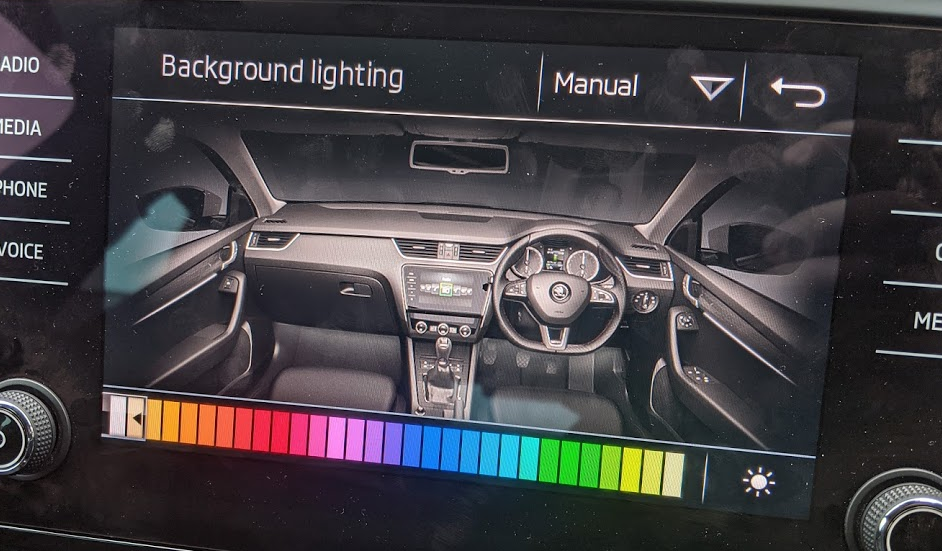
Yup and yup Assuming you have 10 colours at the moment, the 11-30 adaption channels will be set to 0. As soon any are non-zero, it should use all 30 rather than 10. TBH, it's a bit of a pain to do this via VCDS as you need to change each adaption channel separately - If you just want the colours on the headunit, that's ~90 changes - If you have ambient lighting and want them to match, that's ~180 changes If you have the 'automatic' option, that's another ~5-8 changes to correct the preset for each driving mode too. When I did this, I made my own colourset by interpolating the extra colours between the stock values: I think I used VCDS scripter to help my sanity but it still needed a little bit of hand holding...
-
If you're problem free, there is no need to update. If you do develop problems later, you can always update at that point As for the virtual sub, that'll need coding with VCDS or similar. Might be worth checking the VCDS section for a local member as they can probably help.
-
What VCDS cable are you using? If it's not a Hex-v2 that might cause issues...? Might be worth contacting Rosstech for advice
-
I don't think there is a 'correct' byte 18 value for the Octavia. Might be worth finding someone with VCP or ODIS-e who can fix the EEPROM for you
-
The fix is a MIB2.5 radio
-
At a guess, 5C0035680C or 5C0035680E would be the obvious choices but you'll need to deal with component protection... Might be worth seeing if @pab567 has any advice as this is very much his area
-
Not sure if there are any OE 17" steels. At a guess, you'd need: - 7,0J x 17" - ET49 - 5x112 PCD - 57.1mm centre bore That'll match a Trius alloy which was a stock option for the MK3 with 225/45 R17's fitted, they look like this: https://eshop.skoda-auto.sk/en_SK/alloy-wheel-trius-17-for-octavia-iii/p/5E0071497L+8Z8 You might need to drop to 16's if you want a few more options... It'll depend on your front brakes if they'll fit
-
It'll depend exactly which part number is fitted... IIRC, not all headunits don't have the video circuitry required for a reversing camera but at least some Bolero certainly do
-
That's correct, 4C is a 'virtual' module created by the ABS module so it doesn't really do much diagnostics wise. Fitting a TPMS button is much easier than a MK70 to MK60EC1 swap so that's definitely the simpler plan! A MK70 already supports ASR too
-
-
-
That's because the front fogs aren't part of the normal lighting config block They are earlier in the EEPROM but only seem to support bulb diagnosis on or off...
-
-
Are you in the right section? Pretty sure there is no MIB1 suitable for a MK2 Superb...?
-
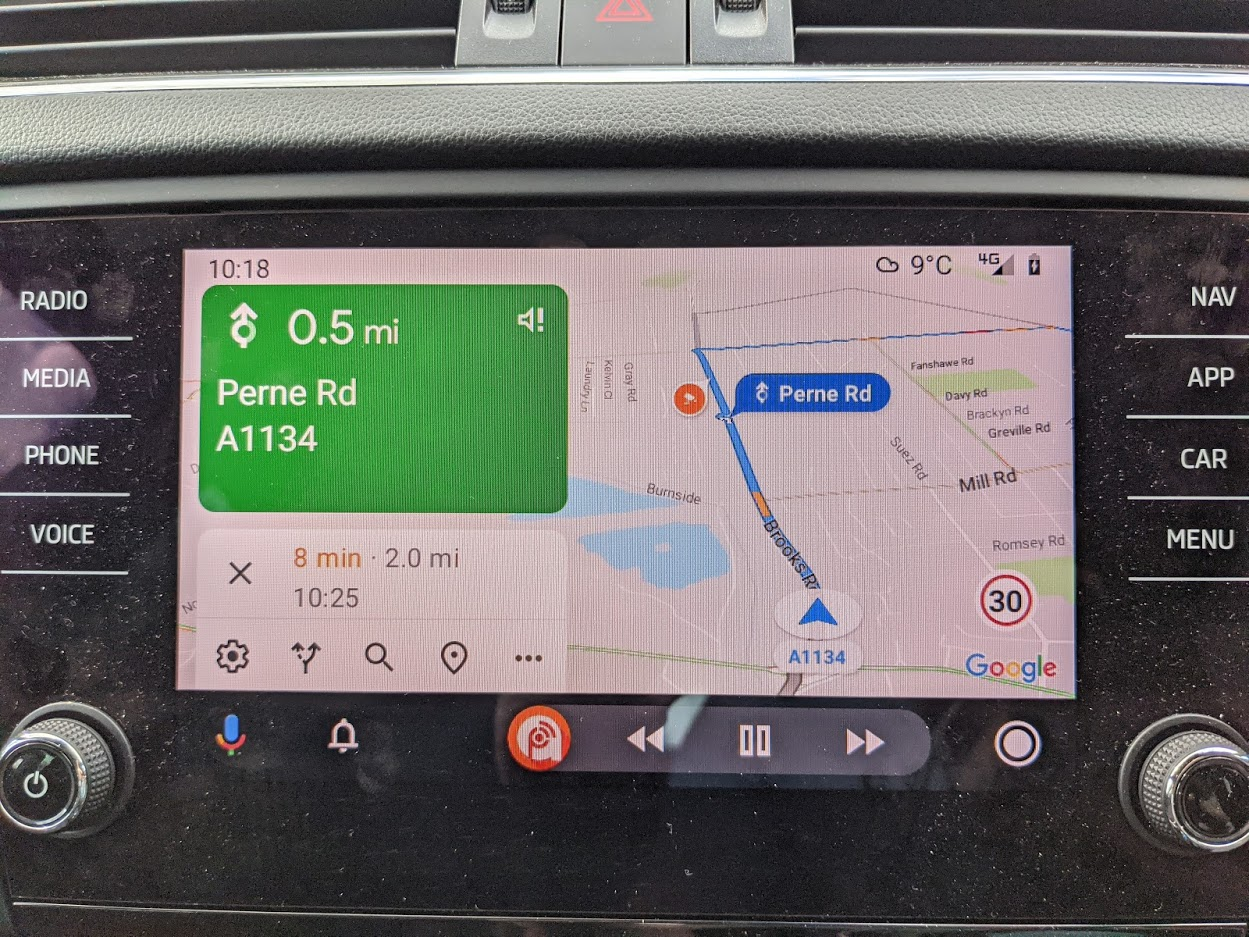
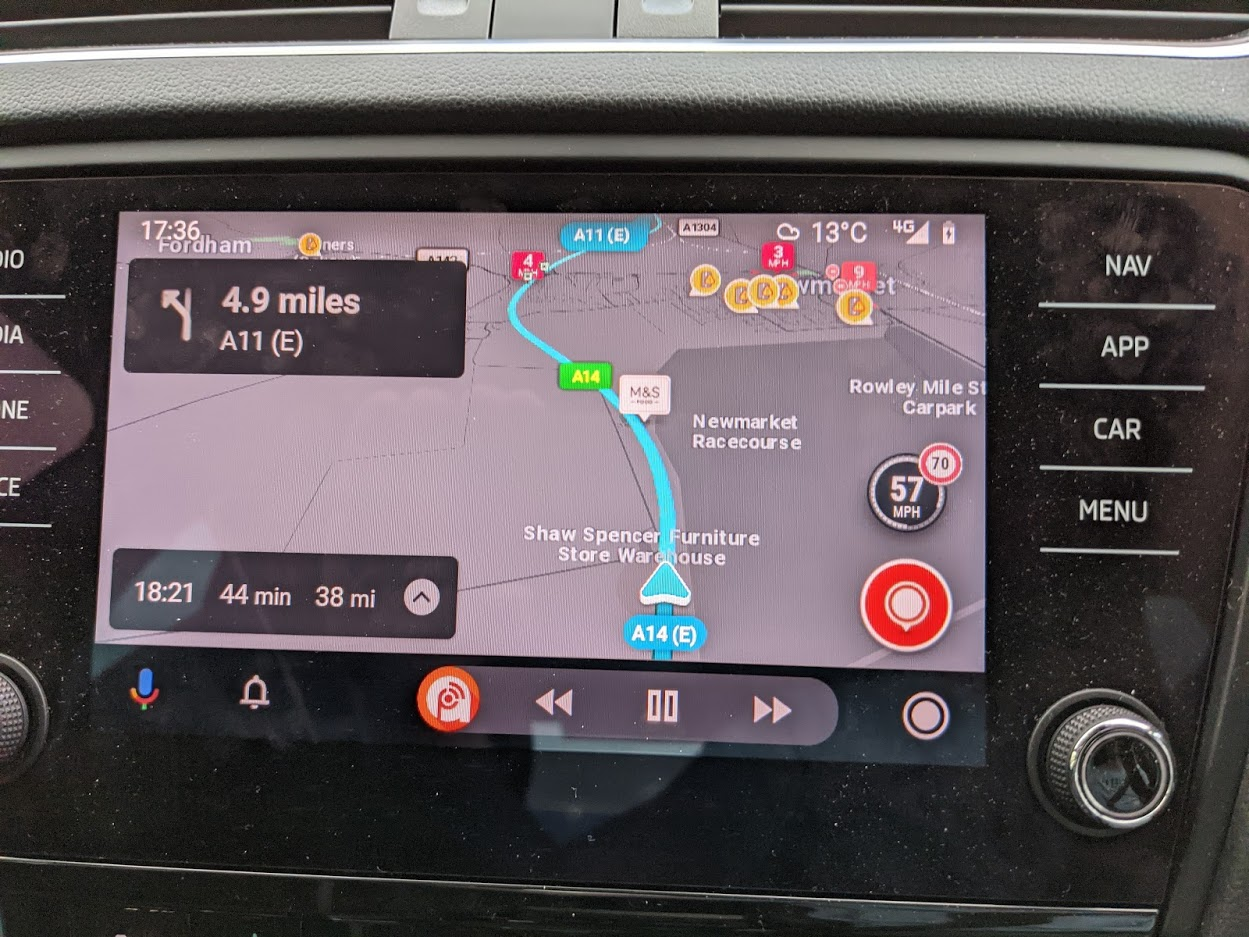
There are occasional ads on Waze but it's not a banner or anything like that. It'll just be a poi for KFC or similar on the map. Certainly nothing intrusive and easily ignored 👍 Both Waze and Google maps use live traffic for route planning/redirection. Checked my settings for Google maps and it seems there is a speedometer option. I'll give it a bash tomorrow and see if it does anything over AA...