langers2k
Resident Member
-
Joined
-
Last visited
Everything posted by langers2k
-
Pretty easy:
-
Skoda don't give a proper changelog, however the TPI 2049459/10 states that: So it should fix some bugs around those areas
-
Just done a bit more searching, seems like only the original vRS 245 'edition' and the later 'Challenge edition' got the performance monitor. The other vRS models including the 'normal' 245 don't seem to get it :( It should be possible to enable the lap timer using VCDS or similar though.
-
The performance monitor should be available regardless of driving mode Very surprised it's not present on your vRS, I had always assumed it was standard for a vRS... As I said above:
-
It's unlikely a garage will. An electronics repair shop might be able to read/write to the EEOROM but they won't know how to fix the needle configuration You can pick a ch341a with a test clip for less than a tenner. The test clip attaches directly to the EEPROM chip like this: That'll let you read the contents of the chip without any soldering etc. If you send me the contents, I'll tweak it for you and send a new file back. You'd just need to write the data and put the cluster back together with a MPH facia. There are a few cheap used clusters on eBay for which might be suitable donors for the replacement facia. Just check the symbol layout matches the original. Image taken from: https://www.drive2.ru/l/6475842/
-
I'm pretty sure all three things they've mentioned should be stock on a vRS. They certainly seemed to be on mine... For the performance monitor: - press either 'car' or 'home' >> 'vehicle' (depending on headunit) - press 'selection' in the bottom left - choose 'sport' or similar For the lap timer or navigation on the maxidot: - press the 'back' button a few times (right most button on the MFSW) - scroll up/down using the right scroll wheel - when you see lap timer or navigation, click the right scroll wheel You'll only get turn by turn nav if you've got a destination set and directions active If that doesn't work, take some pictures or a video so we can see what you're doing/seeing
-
The owners manual covers all spec levels so it's likely there will be an amount missing from any standard car. Still, on a 2019 vRS I'd expect it to have the lap timer, performance monitor (boost etc) and navigation to work on the maxidot
-
I expect anyone with VCDS or forget l other VAG specific tools can code the new abs module. Not sure if we have many members in France who have it? Or if they'll be close enough to be useful? Maybe try and find a VAG specialist. It's not a hard job to record the existing coding, replace the module and recode the replacement. I've done it on my drive previously...
-
I didn't think there was a gear position sensor on a manual. There is a sensor to say if it's in neutral but I thought the gear selected was just a calculation of revs vs speed.
-
If you replace the BCM, you'll need to recode it and check the adaption channels. You'll also need to pair the remote fobs too. If the BCM isn't from a similar Octavia, you might also need to have the lighting configuration fixed using VCP or ODIS (not VCDS).
-
Switching the scales is easy enough but you should have the EEPROM tweaked to correct the needle afterwards On a sidenote, you can also get large KPH display via an EEPROM tweak too as I think J.R. has asked about it previously. A super cheap ch341a programmer can read/write the cluster EEPROM in place
-
Weird, I assume the ignition was turned on? You can also go: - Select control module - 19-CAN gateway - Installation list
-
While I agree the online owners manual currently shows a navigation section for the Bolero, I think this is an error on Skoda's part. The MK4 brochure only mentions navigation in relation to the Columbus and just describes the Bolero as a radio. I'm with PetrolDave, I'd be very surprised if the Bolero supports navigation. Your only obvious choice is to use Android Auto or CarPlay and get navigation from your phone
-
It appears that none of these modules are fitted to your car: Address 10: Park/Steer Assist Address 13: Auto Dist. Reg Address 2B: Steer. Col. Lock Address 3C: Lane Change Address 3D: Special Function Address 47: Sound System Address 4B: Multifunc. Module Address 55: Headlight Range Address AD: Brake Sensors For a stating point, I'd remove them from the 'installation list' in the 'CAN gateway'. This video shows the basics, you'll need to find the above and untick them in the list shown at 2:32. Once that's done, use the 'Clear all DTSs' button and redo the autoscan
-
I don't think the MIB1 headunit fitted to a 2014 car will support mirrorlink or smartlink :( As for the keys, it'll probably be £200-300 for a 2nd one so I'd push the dealer to include one for free or at least heavily discounted.
-
Should do
-
Sorry, I'm not an auto-locksmith so I haven't got any videos showing how to use their tools :( I'd suggest you contact the makers of both tools to check they are suitable for your car and see if they have a guide: - https://www.xhorsetool.com/ who sell vvdi2 - https://maltchev.com/kiti/index.htm seems to be the creator of vag-tacho but I'm not sure Good luck!
-
Where are you based in the UK? The rear fog lights can probably be sorted using VCP or ODIS-e assuming the wiring is present. Easy enough to check, do both rear clusters have the same number of wires? As for the cluster, you'll probably need a new cluster with MPH inserts for the MOT. You have two choices: - fit the replacement cluster and have the immobiliser/odometer/keys transferred - fit the MPH inserts to your existing cluster and have the cluster EEPROM tweaked to suit
-
I've never used VAG-tacho and I don't think the common v5.0 supports a 2012 Octavia. I think you'll need something like VVDI2 or VAG-tacho with the VDO2012 update. Neither are cheap so I'd definitely suggest a decent auto-locksmith is a better (cheaper) plan...
-
Normally you slide them all on to the door card. Then as you push the door card on to the door, they will clip into the holes for you
-
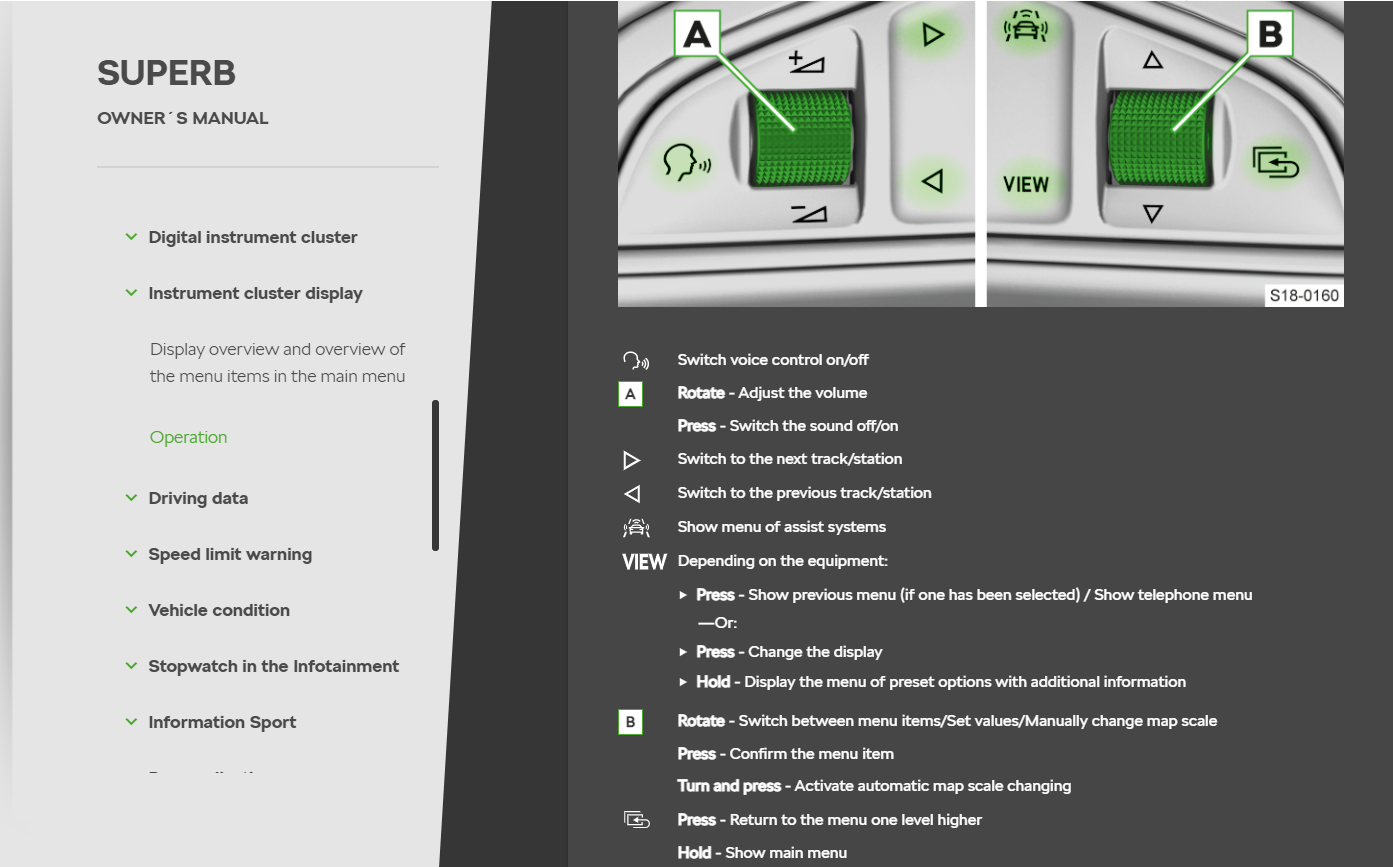
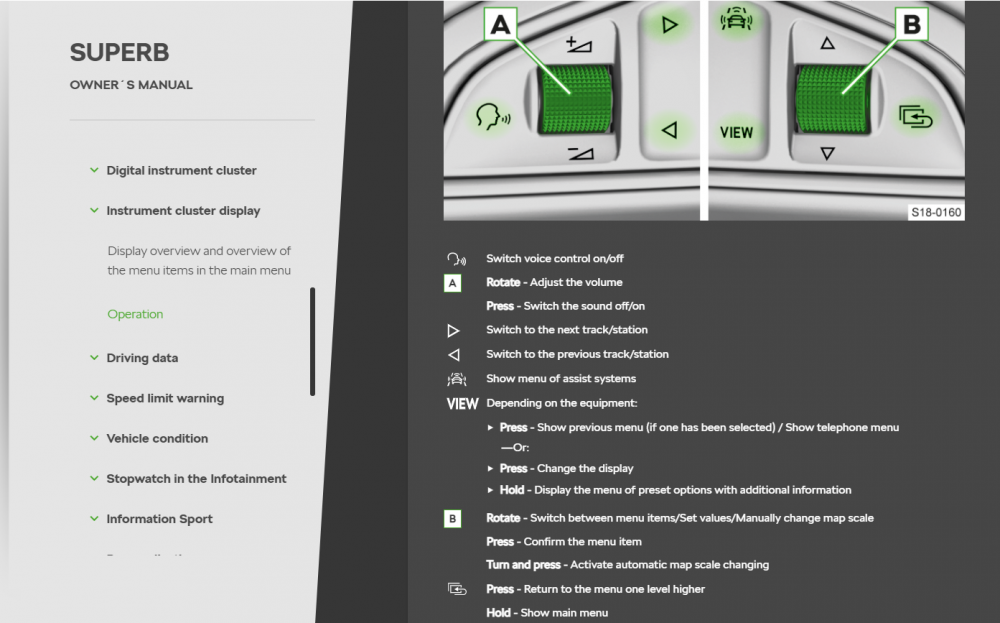
From a 2019 Superb owners manual: So no, there is no phone control when fitted with a VC as far as I know
-
I think there are a few spec levels when it comes to airbags, crew protection possibly? The details aren't super important as each car model/spec could be slightly different. My general point was that some cars will have curtain airbags along the top edge so if you're running wires along the top, please check and route them appropriately which may not be easy without dropping the roof lining For Yeti specific stuff, here's a random picture of a (sad looking) Yeti with the curtain airbag in place. I'm pretty sure the left of the image is the rear based on the seat belt point so if the airbag was unfolded, it feels long enough to get to the A-pillar: And a picture showing where they deploy which again suggests the curtain extends down the A-pillar: That's probably enough off-topic rambling from me
-
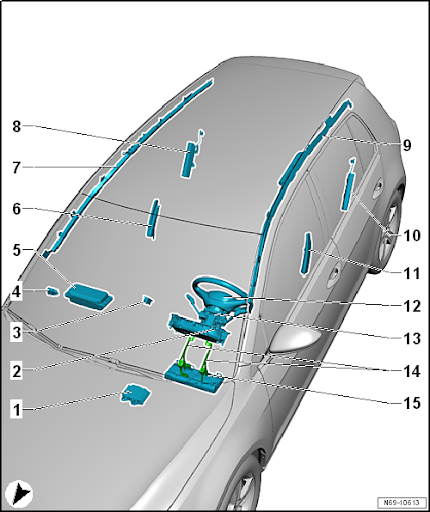
I think the ignitor for a curtain airbag is around the B-pillar but it extends over both windows and down the A-pillar Much like this example image for a Golf:
-
Depends how lucky you are when finding used parts... This might help:
-
Can you share some detail, just on the off-chance someone else has the same issue