




Kenny R
FREEDOM
-
Joined
-
Last visited
Everything posted by Kenny R
-
No matter what replacement battery you end up deciding on, and especially if you change from efb to agm make sure you get it coded correctly.
-
A quick Google of Elsapro returns that it is the VW dealers portal.
-
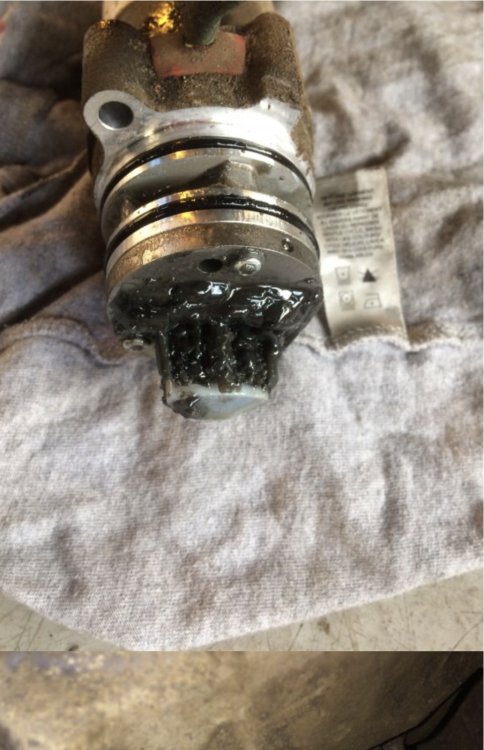
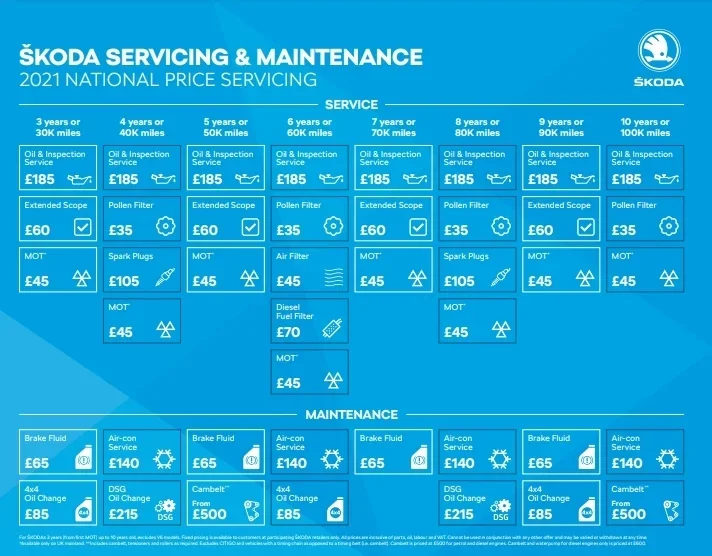
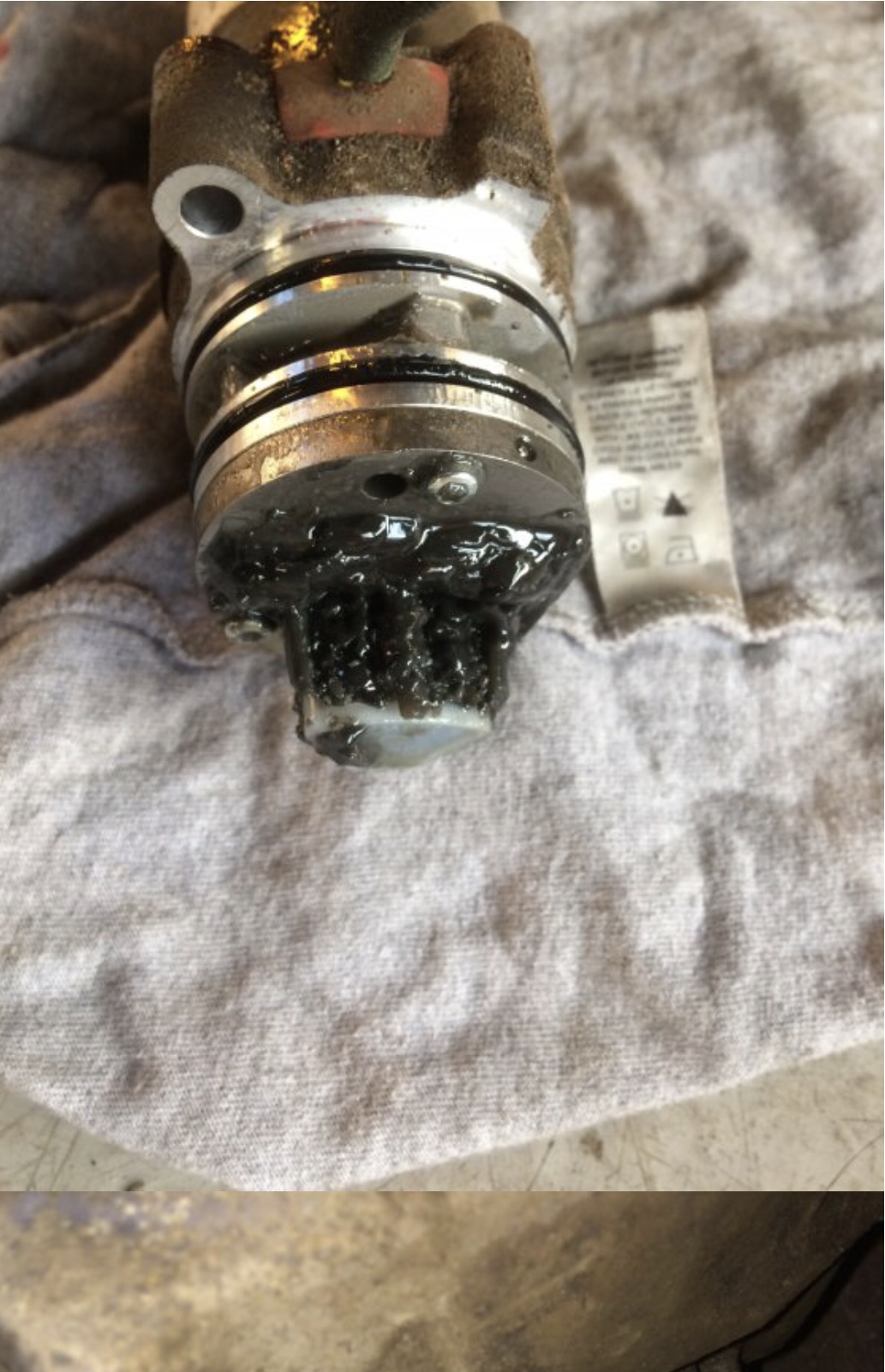
Haldex oil change and pump filter change/ clean depending on which version of Haldex you have is scheduled at every 3 years, but ideally should be done sooner as filter chokes up and causes damage to pump/ motor. The pump filter mesh was choked similar to the picture at 3rd service 7k miles on my previous Kodiaq and the pump/ motor failed shortly after, but luckily was covered by warranty. Attached chart shows time/mileage service item required.
-
I’m the same as Routmaster, I leave mine at 19° C , a/c on and auto all the time. If it’s hot outside the system will provide maximum cooling till desired temperature is reached and maintain a comfortable temperature.
-
Normally, when you have an incoming call you can use the volume control to turn the volume up or down before you answer call.
-
Have seen this previously in the yeti section, and it was the drivers leg whilst getting in or out was brushing against the light switch, turning it off.
-
Recirculation is initiated when reverse gear selected, and also when windscreen washers operated, and possibility some other reasons as indicated above.
-
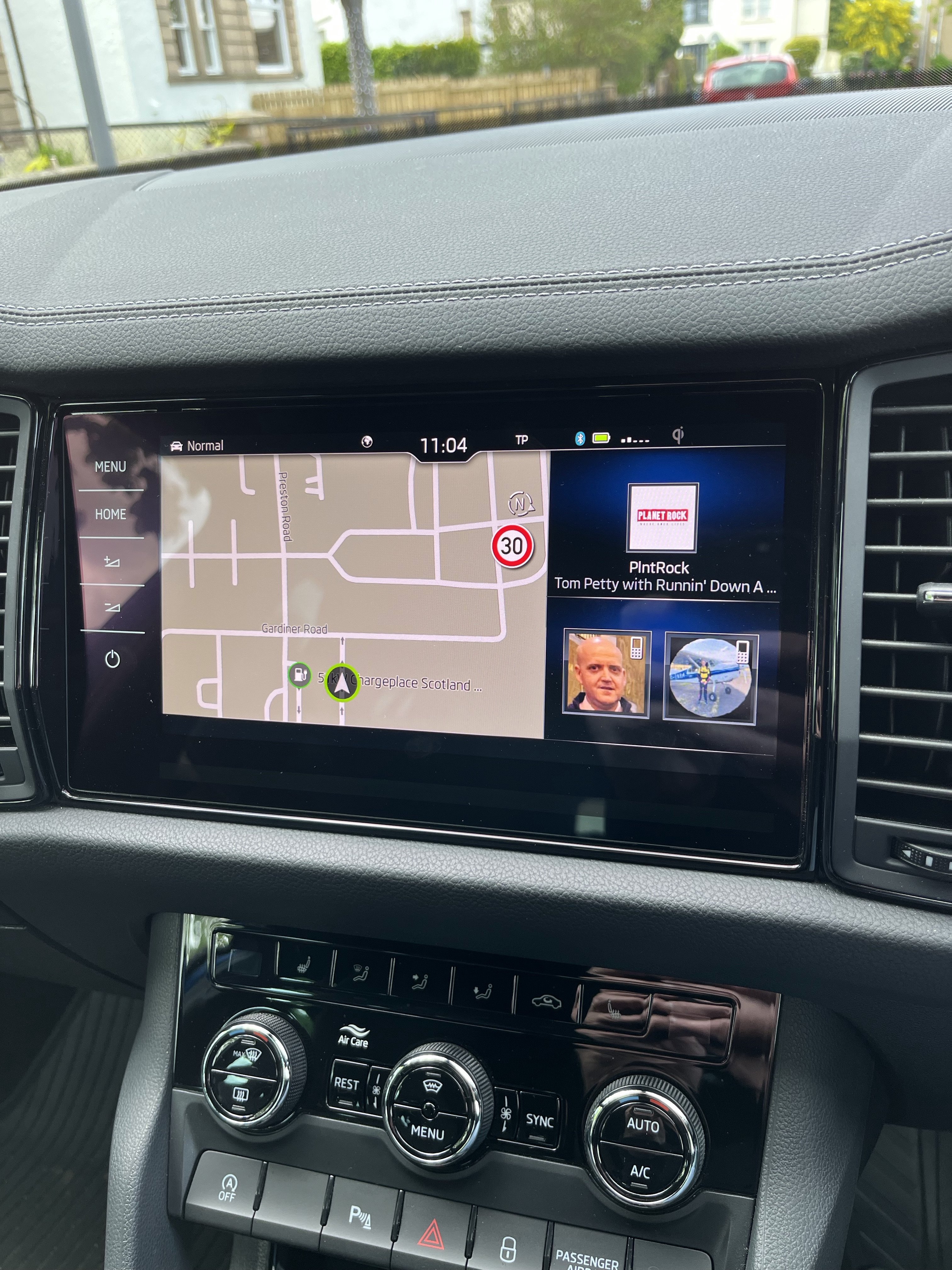
The N top right on the map gives you the option of North always being top of the map, or if pressed map will turn to direction of travel.
-
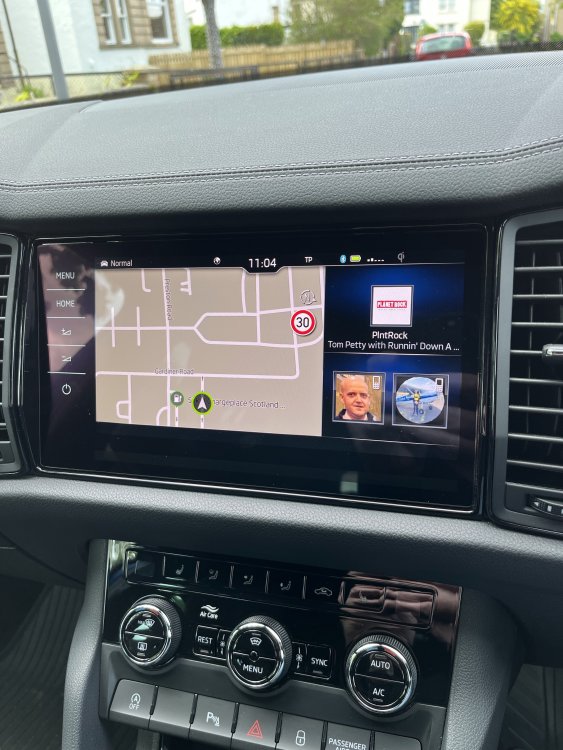
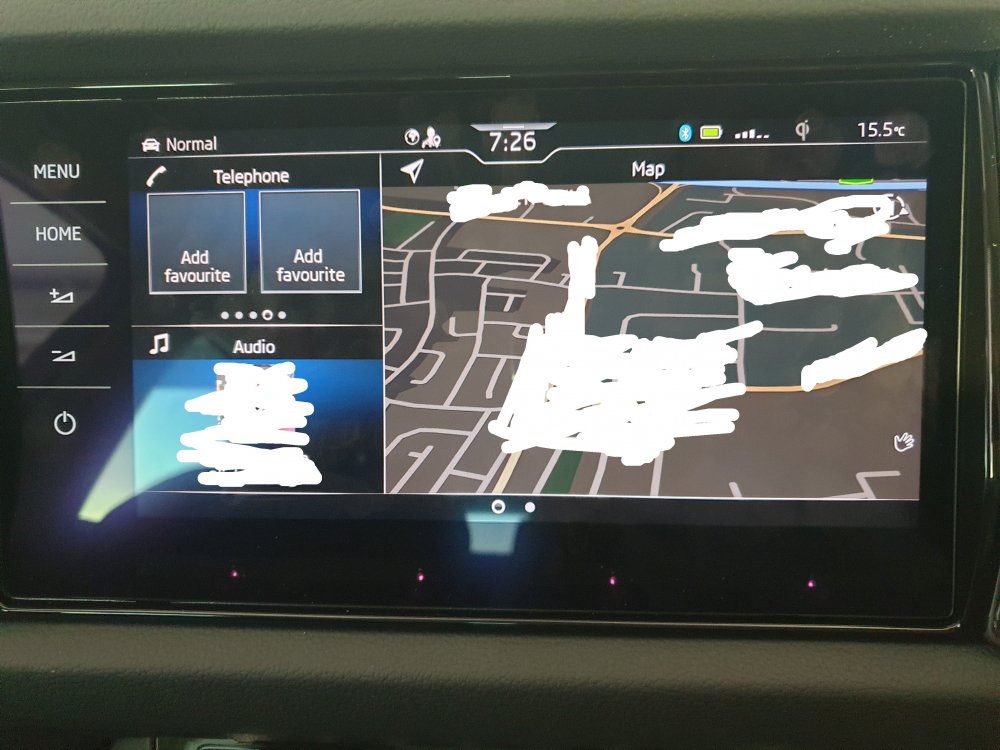
This is how my Home Screen is set up, and always comes on as this on start up.
-
Ignore the start of this video, but Home Screen set up very similar to Kodiaq. Once maps added ,to home screen it will display as per photo in my post at start up. Another vid.. https://youtu.be/3QISHddDNKo
-
Sorry to say but it’s not B. S.
-
I have the Home Screen set up similar to this picture borrowed from elsewhere, and maps always appear at switch on, and can be full screen if you touch map widget on screen.
-
Could be a simple fix like this…
-
Usually a button with an A on it for Autohold is beside the gear selector.
-
As @toot mentions above, you really need to find out why the tyres are loosing pressure, and not blaming the TPMS as it’s only doing its job.
-
Brochure from 2019 might give an idea… https://az749841.vo.msecnd.net/sitesengb/alv1/e7fffb39-409c-45ee-ab34-0185e10bb600/SKODA_SE Tech_Pricing_and_Spec_OCT19.d28134775bc386f3edcdca6c6f665fee.pdf
-
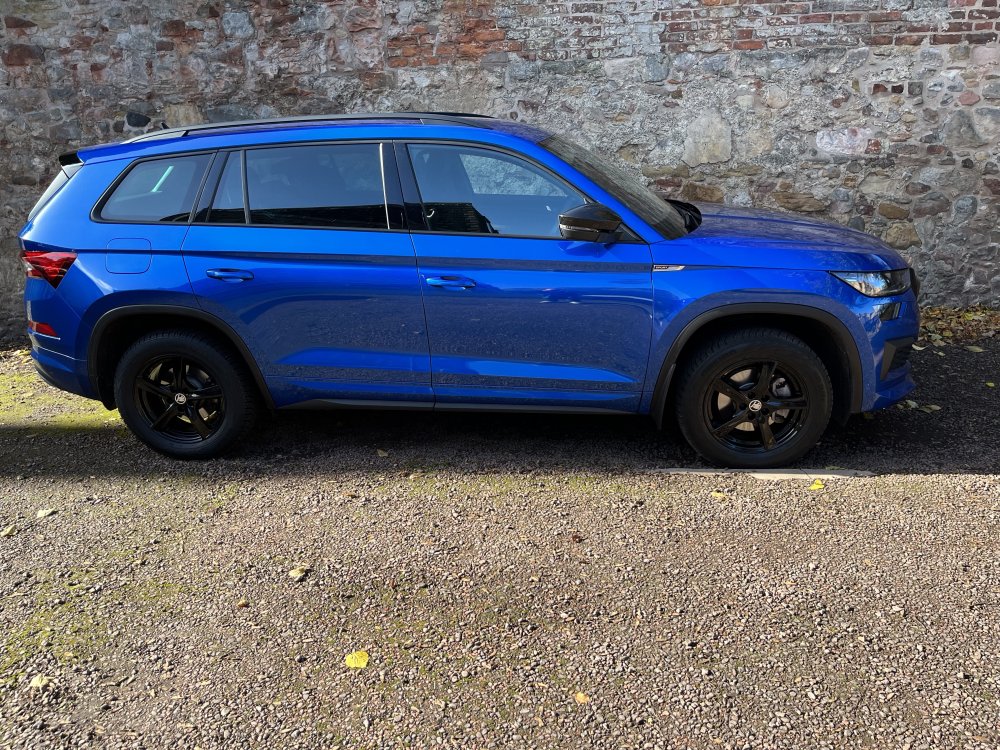
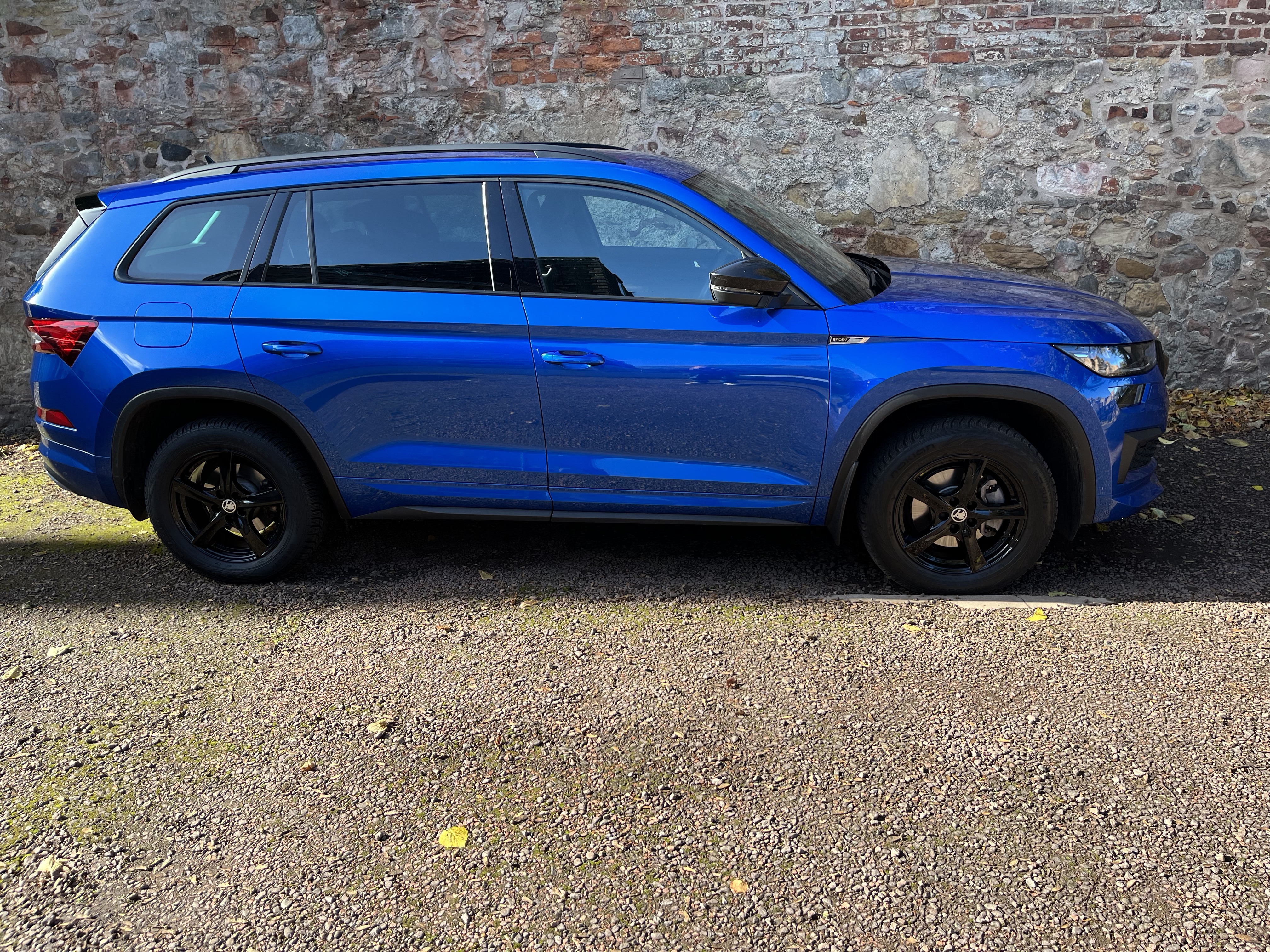
I’ve got 215x65x17 winter wheels I used on my previous 2.0 tsi 180 4x4 and current 1.5 tsi Sportline
-
-
Try resetting, by opening each window , then closing and holding switch in close position for a few seconds, a click may be heard, do all windows the same way.
-
I suspect you will not require your spare lamps for your Karoq as all the lights will be LED’s, same as latest Kodiaq. edit, just noticed 2020 model. Someone with Karoq knowledge will hopefully advise correctly.
-
Yeah, it says not to adjust seat too high so that you have to bend your neck to see through windscreen or see instruments as in image 1 with the X, seems perfectly logical to me.
-
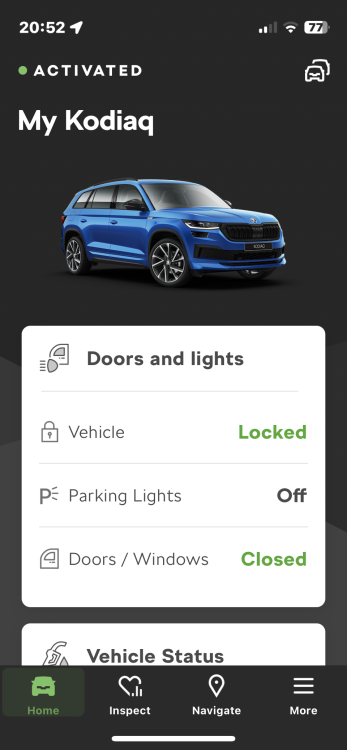
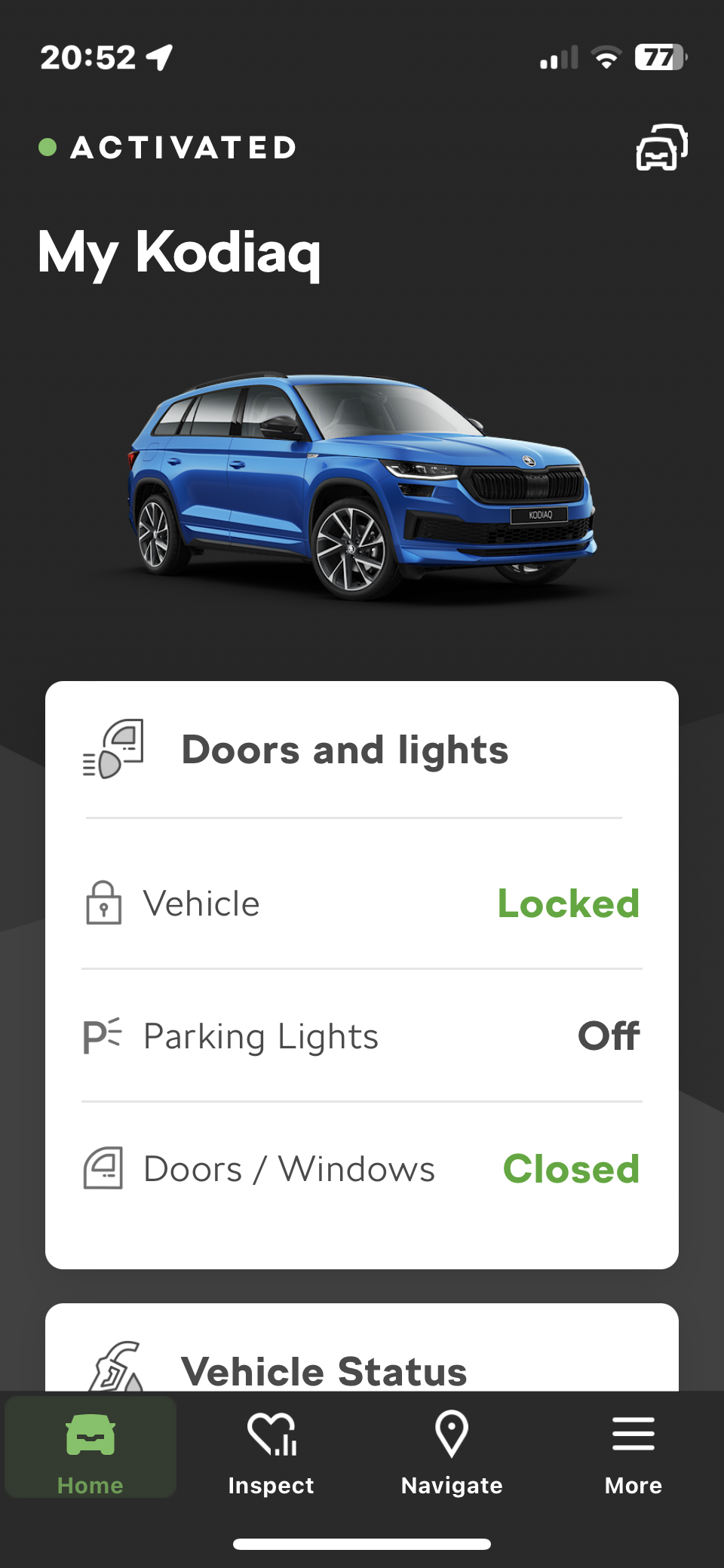
My Skoda app has updated to My Skoda essentials app today, IOS , and is still working for me.
-
Working for me.
-
Try this guide on seat positioning.. https://www.physiomed.co.uk/uploads/guide/file/21/Physiomed_Sitting_Guide_-_Driving_Digital.pdf
-





Important Information
Welcome to BRISKODA. Please note the following important links Terms of Use. We have a comprehensive Privacy Policy. We have placed cookies on your device to help make this website better. You can adjust your cookie settings, otherwise we'll assume you're okay to continue.