Kenny R
FREEDOM
-
Joined
-
Last visited
Everything posted by Kenny R
-
There are a few requirements for stop/start to operate not just battery voltage. Conditions for the automatic engine shut down (stop phase): › The gearshift lever is in Neutral. › The clutch pedal is not depressed. › The driver has fastened the seat belt. › The driver's door is closed. › The bonnet is closed. › The vehicle is at a standstill. › The engine is at operating temperature. › The charge state of the vehicle battery is sufficient. › The stationary vehicle is not on a steep slope or a steep downhill section. › The engine speed is less than 1200 1/min. › The temperature of the vehicle battery is not too low or too high. › There is sufficient pressure in the braking system. › The difference between the outdoor- and the set temperature in the interior is not too great. › The vehicle speed since the last time the engine was switched off was greater than 3 km/h. › The front wheels are not turned excessively (the steering angle is less than 3/4 of a steering wheel revolution).
-
Perhaps the extended rear window spoiler on the facelift means a shorter rear blade is required.
-
Latest models go into “ freewheeling “ mode if you lift off the accelerator not just only in ECO mode. If you keep your foot on the pedal lightly it will stay in gear and as you know if more engine braking required using the brake will force a change down , or downshift using paddle. My previous Kodiaq only freewheeled in ECO mode, so small learning curve in new Kodiaq, but certainly helps mpg, never feels out of control, and call me sad, but seeing how far you can travel freewheeling without loosing speed becomes addictive.
-
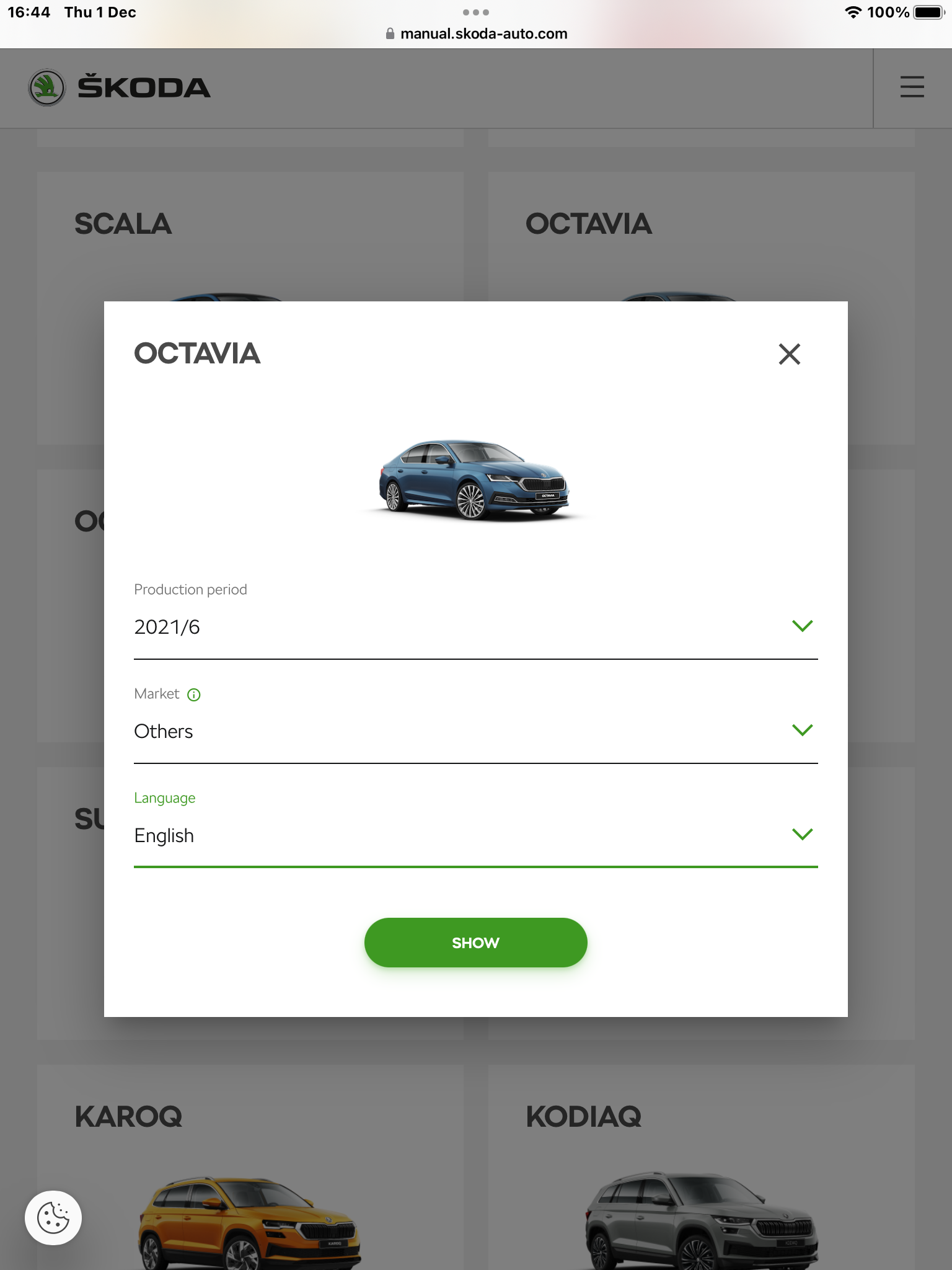
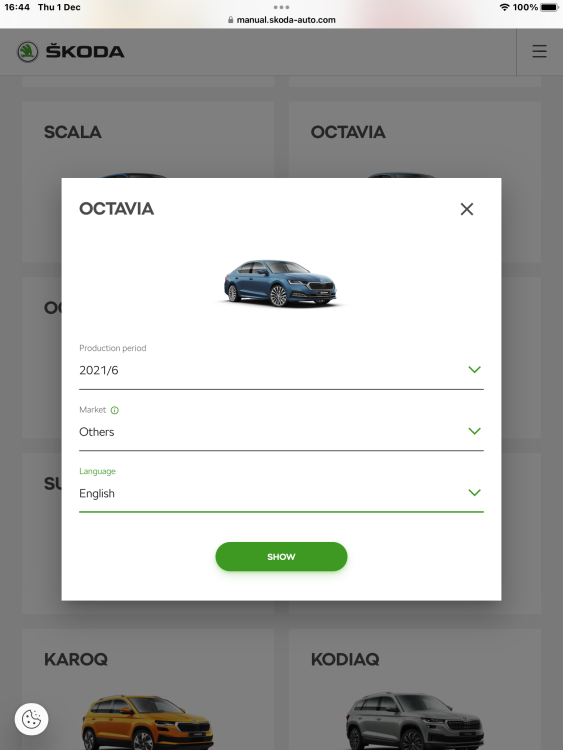
Seems that after 2020 , owners manual is only available online. Here is a 2020 owners manual in pdf if any good.. https://ws.skoda-auto.com/OwnersManualService/Data/en/Octavia_NX/11-2020/Manual/Octavia/A8_Octavia_OwnersManual.pdf
-
Gives option of English for me.
-
The latest remote fobs have a sleep mode where they stop transmitting if not moved for about 5 mins. You can disable keyless entry temporarily by pressing the lock button on the remote then pressing the KESSY locking indent on the door handle,so you need to use the remote to unlock the car, but you would need to do this every time. Best practice is to buy a Faraday pouch , which are not much money, and keep the keys in it when not using.
-
17” wheels with 215x65 winter tyres on mine at the moment. No worries of kerbs jumping out and attacking them
-
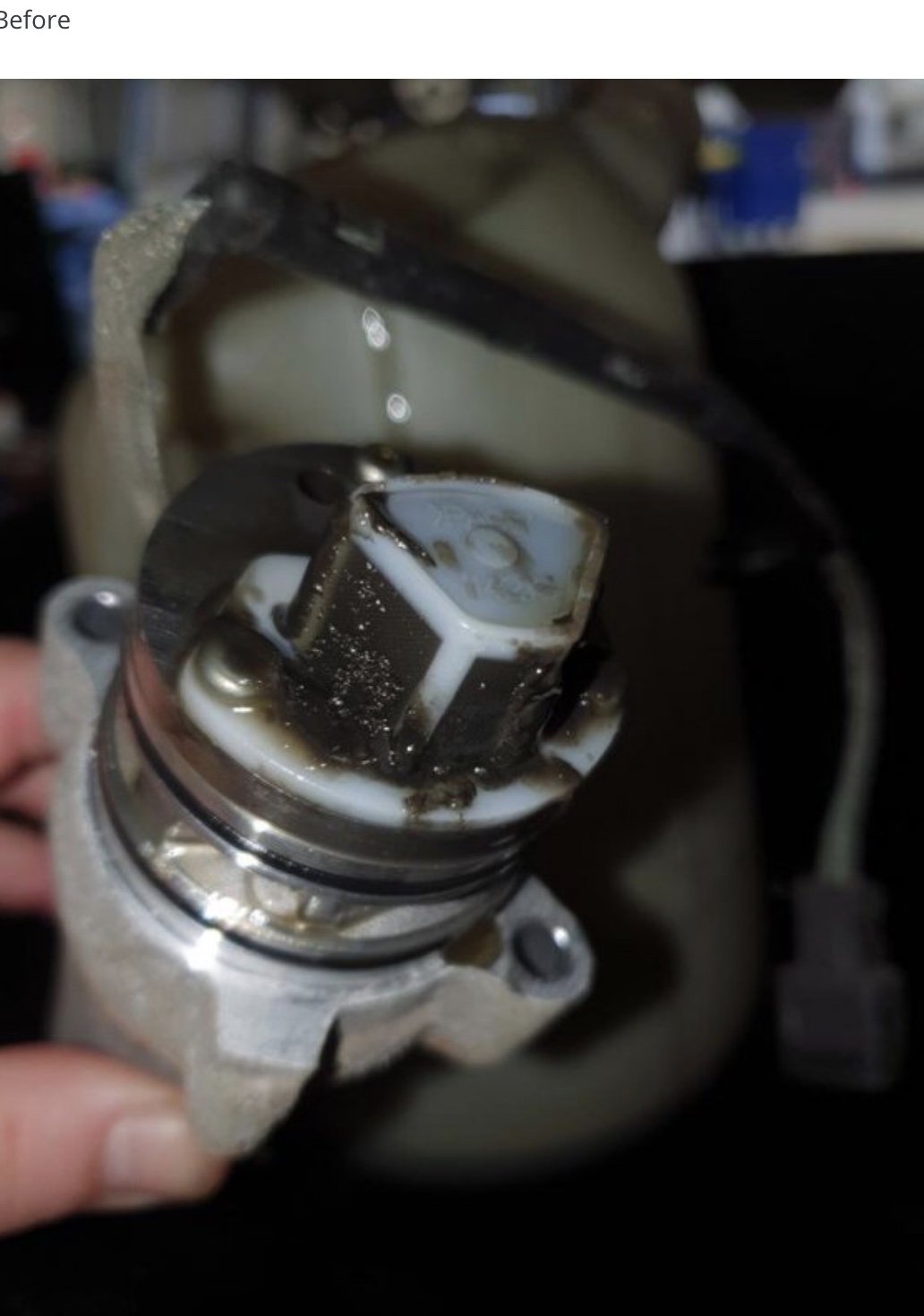
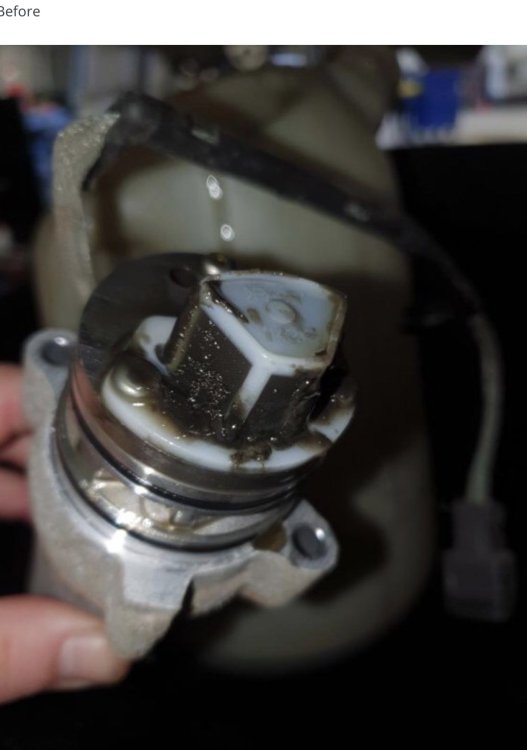
The mesh filter can be removed, but normally just requires cleaning without removing from pump.
-
The red wire through that hole with no grommet in the first picture would worry me.
-
A/ C is not just for cooling, and not only for summer use. During the colder months it de- humidifies the incoming air and prevents the windows misting up etc. Every car I’ve had with climate in the last 20 years or more I’ve set the temp to 20°C ac on and auto selected 24/7 365.
-
This might help.. https://www.physiomed.co.uk/uploads/guide/file/21/Physiomed_Sitting_Guide_-_Driving_Digital.pdf
-
Check out post #2 in this thread..
-
The Kodiaq is exactly the same. I hated the rear wiper doing its auto wipe, mostly on a dry screen , like yourself it took a while to find that turning off the rear wipe when reverse selected stopped the automatic rear wipe. Flicking the rear wipe when required and when reversing is much preferred than a wiper scraping across a dry screen.
-
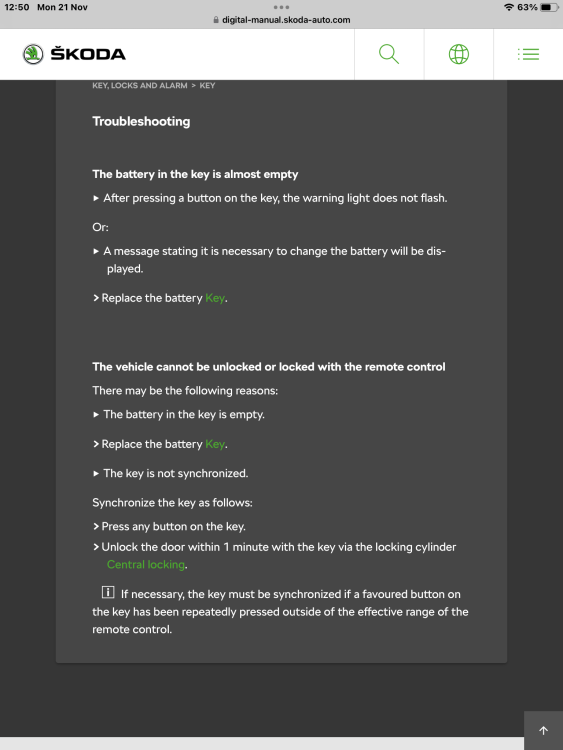
From the owners manual…
-
Appears easy enough on other models, would imagine Karoq to be similar.
-
My previous 2018 Kodiaq SEL interior lights were led as standard as is my current 2022 Kodiaq Sportline .
-
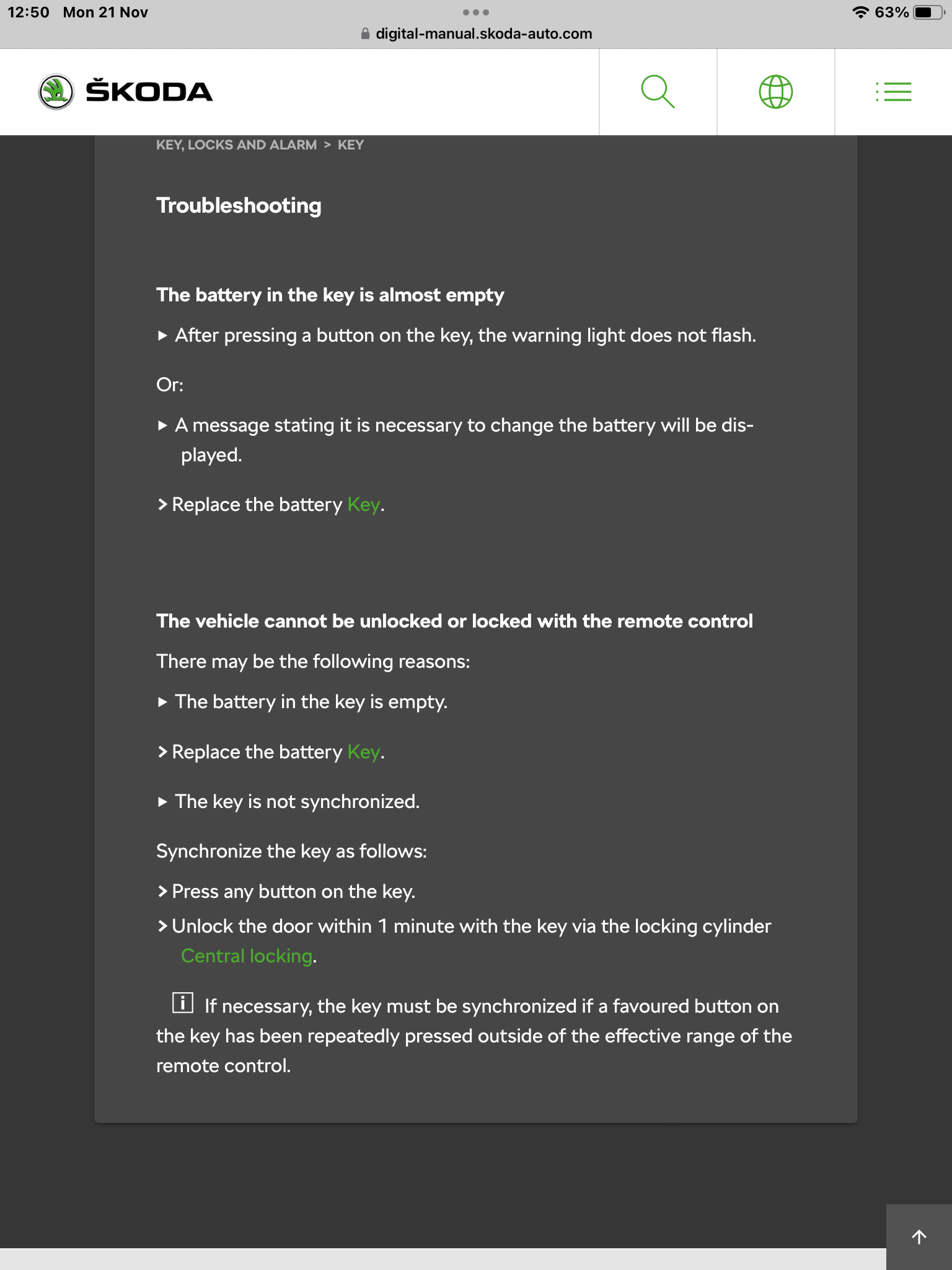
Changing the battery requires coding using VCDS or similar or your new battery my not last or function properly.
-
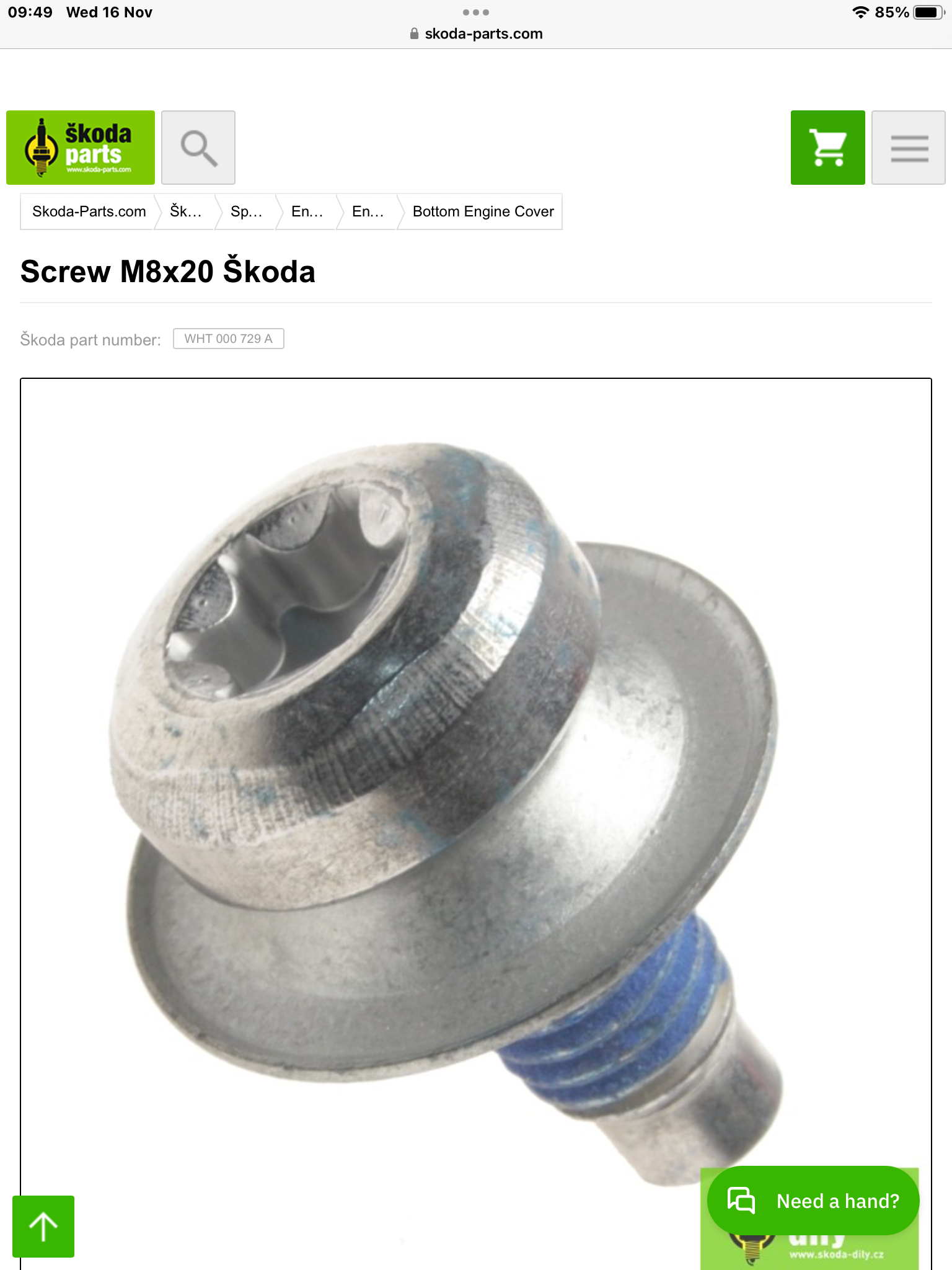
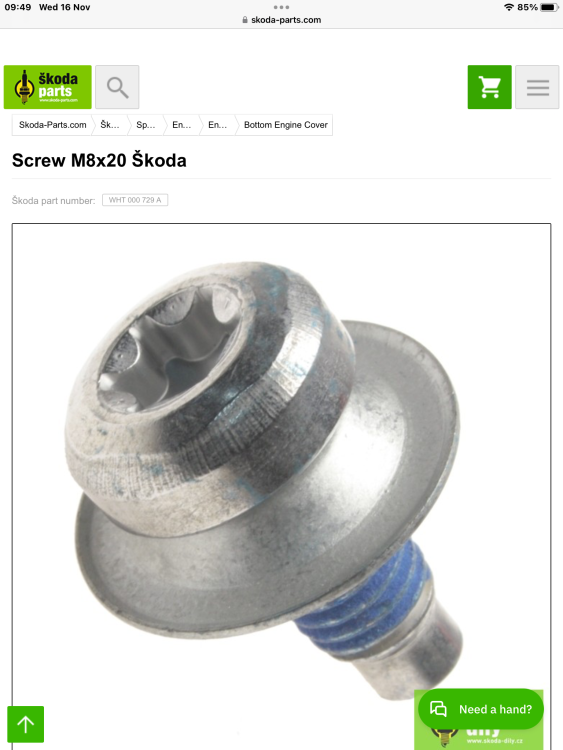
It’s also on the skoda parts link posted.
-
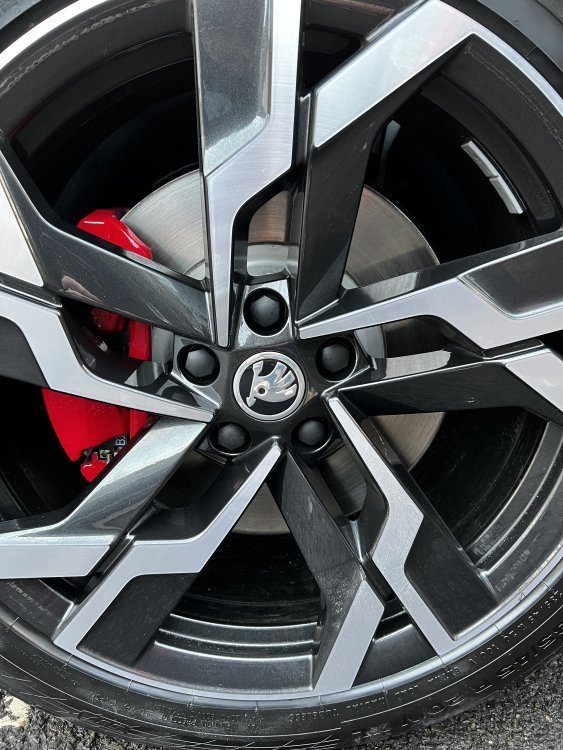
The Karoq Sportline looks like it come with 19” Sagittarius alloys with the aero inserts. The Kodiaq vRS has the same wheels but in 20” size, and apparently the cheese grater inserts can be removed at pdi and replacement wheel centre, logo cap and plastic wheel bolt covers if requested.
-
Part no. 3V0601025AH
-
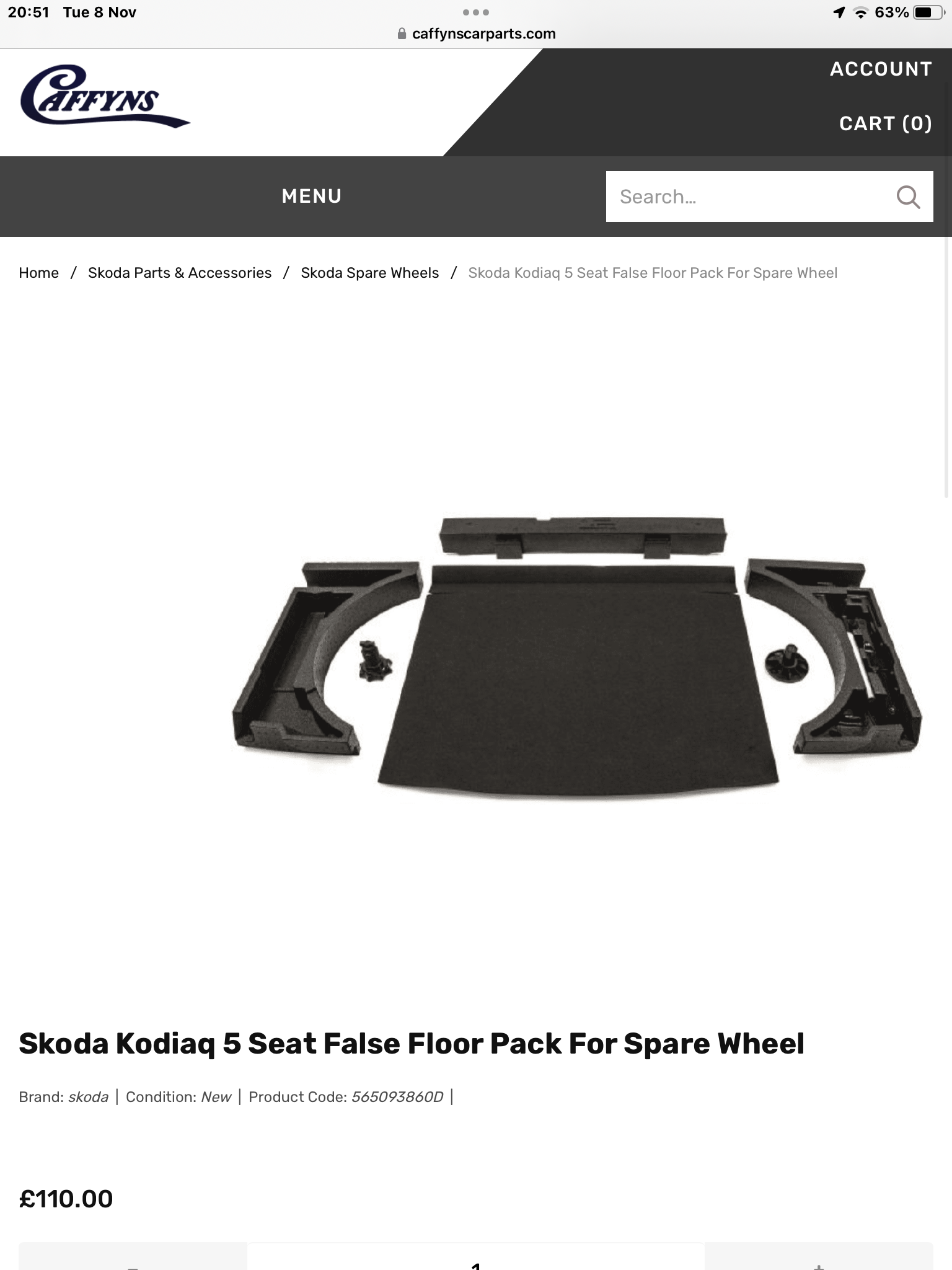
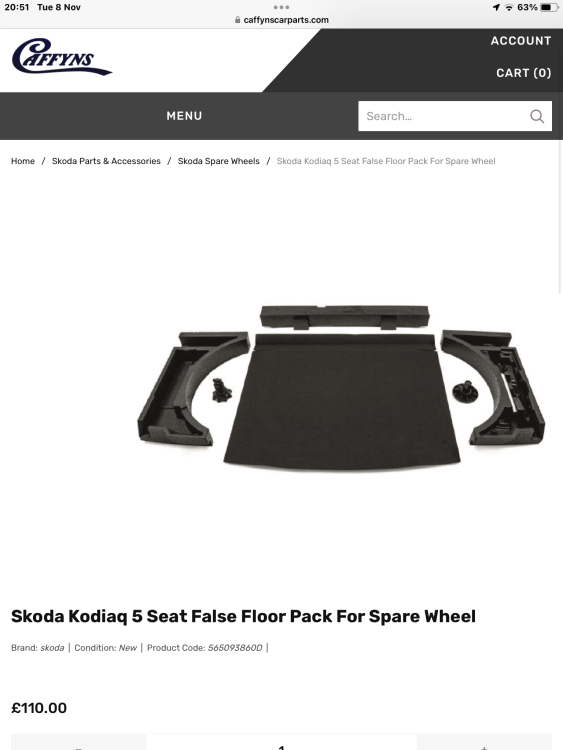
Kit for 5 seater is readily available..
-
See my post above
-
You have to pull the light switch out, 1st position is fronts fogs on, 2nd position also puts on rear fog light, confirmed by tell tales on LH side of light switch. Must have been cornering fog lights operating he witnessed.
-
If using the 2 outer second row seats with isofix child seats, you’ll struggle to get a booster seat into the middle space, in a 5 or 7 seat Kodiaq.
-
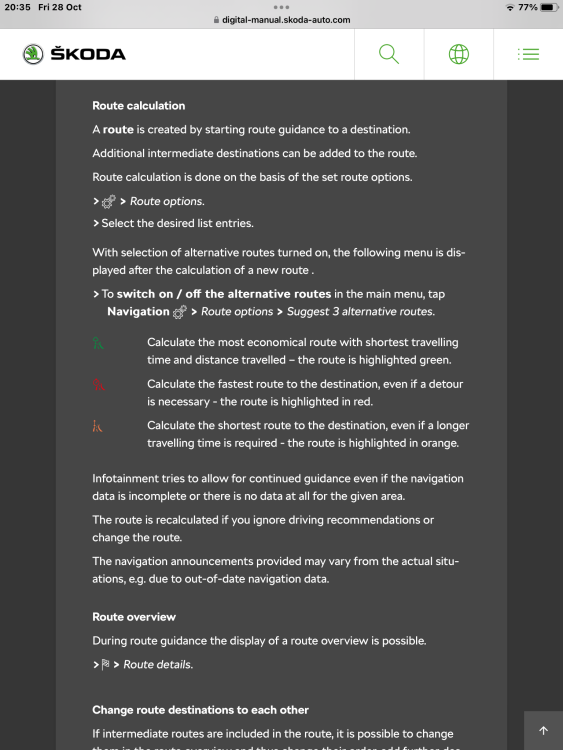
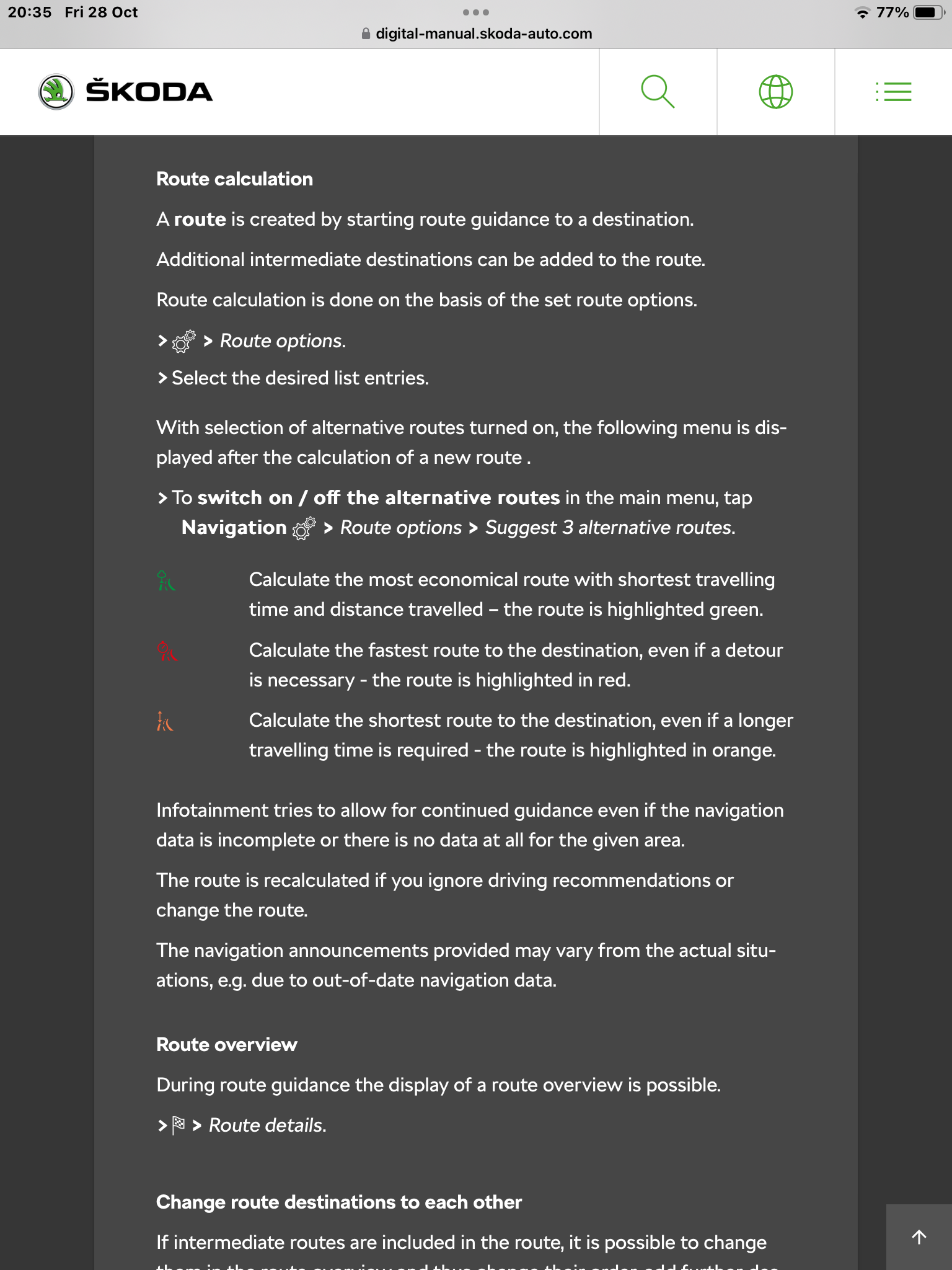
The route choices are… Green = most economical route Red = fastest route Orange = shortest route