




Breezy_Pete
Sponsor
-
Joined
-
Last visited
Everything posted by Breezy_Pete
-
You do have a CBZB-code engine, so this thread is applicable. O-ring at throttle body end of the boost pipe for your car is part number WHT 005 280. There's also one at the other end, part number WHT 003 865. I doubt the breather valve that is the topic of this thread is causing oil to come from your turbo. I suggest if you have any further questions that aren't directly related to this valve, that you start a new thread, possibly in mk2 Fabia section as that is probably closest match to your Seat.
-
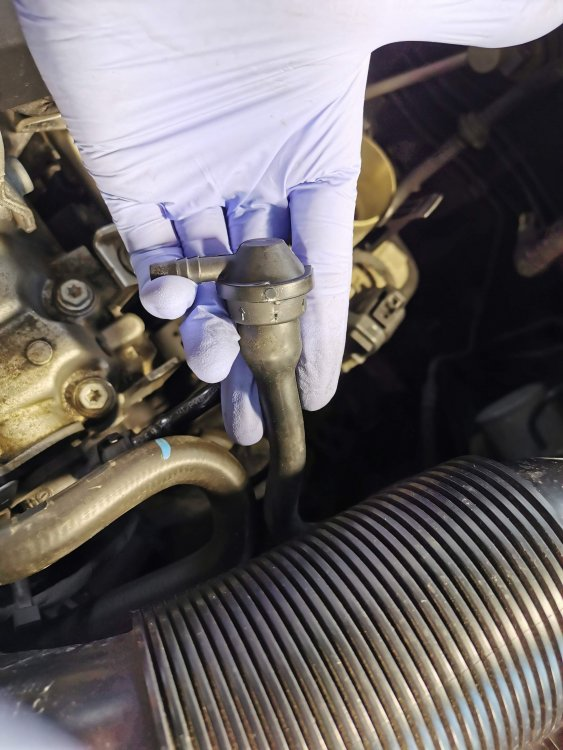
Yes there's an o-ring there. I can find the part number for you if you can confirm your engine code and year of manufacture (or simply reg or VIN). The oil coming from the turbo suggests that the breather system is not working well, so once you've fixed the broken entry valve that is the subject of this guide (have you checked it?), feel for suction down the pipe that goes onto it with engine idling at operating temperature.
-
Losing charge that fast may indicate a parasitic drain, rather than simply an old battery. It would be wise to measure this and rectify any problems found before fitting a new battery, otherwise you may soon find that one going flat too.
-
Measure it on a long journey and compare with what google maps says. Best if it's a straight line single road trip probably. Someone clever on here pointed out to me that just because the same data (from ABS module) is used for speed and distance, they don't both have to be fudged in the same way.
-
The odometer for miles covered is probably very accurate. The same source data will be used for both, but the speedo artificially calibrated to over-read, as required by law in some countries such as the UK.
-
It's a mk2 Fabia. In a move seemingly designed to confuse, at one stage mk2 fabia trim levels were designated Fabia 1, Fabia 2 and Fabia 3.
-
-
I think 036919081D is the correct number to match. Can confirm with reg or VIN.
-
I think they are open when there's no oil pressure, closing (shorts wire to earth) when pressure is above threshold. What OE number are you matching to?
-
I think the bigger one is XZN/triple-square/spline, not Torx. Sets aren't expensive and come in handy.
-
I think there may be a coding process when fitting replacement injectors to this engine. Perhaps the garage did not do this?
-
According to partslink24, that part number 0BR 525 010M was dropped in march 2019 and replaced by 0CQ 525 010S. Note that all the 0 characters are numeral zero, not letter 'oh'.
-
I probably should have started with this question, but what problem are you trying to solve?
-
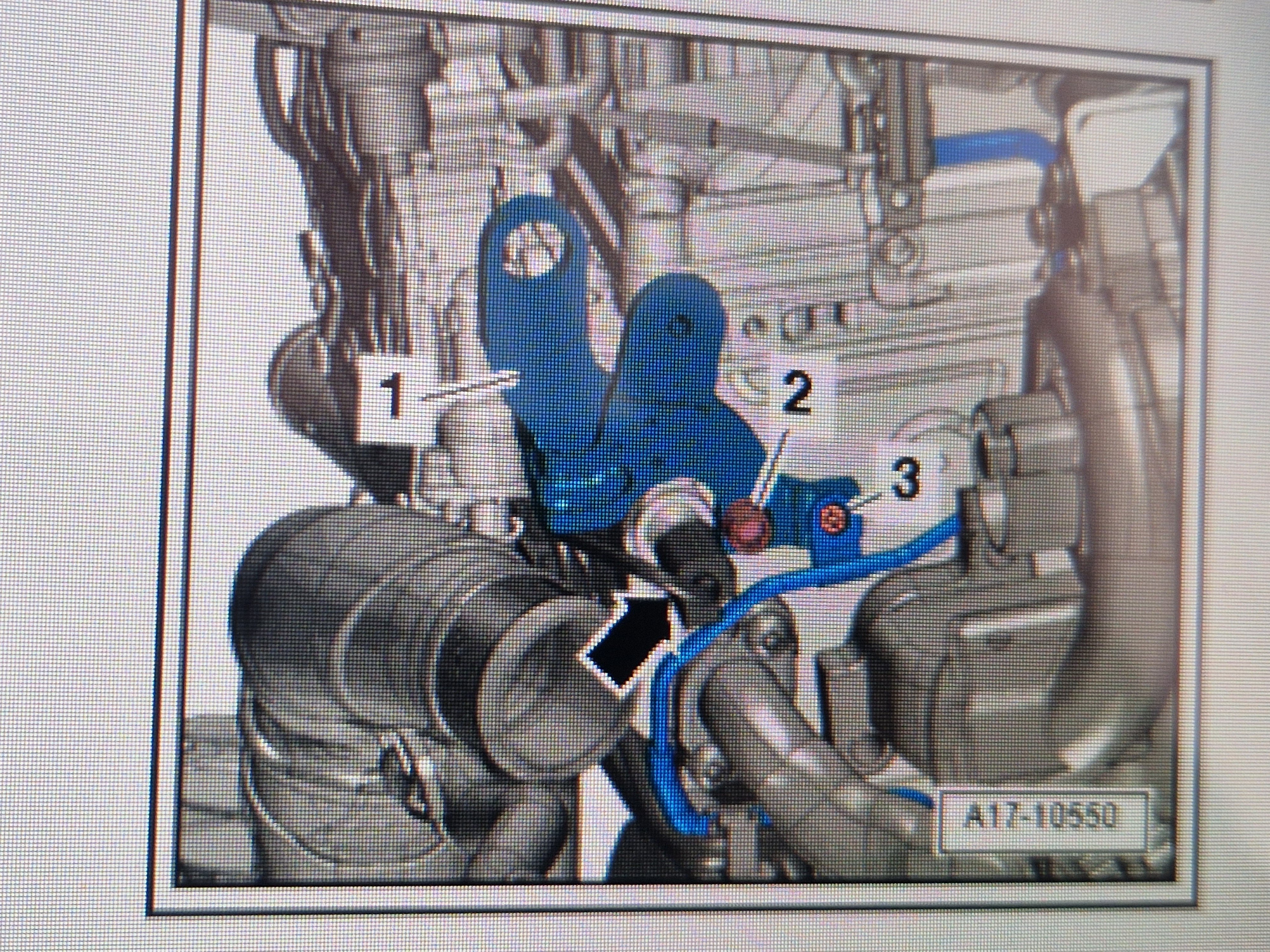
Have another look in the position shown in that second video I posted. I'm pretty sure that's where the switch is, very adjacent to the engine lifting bracket at gearbox end of engine head. You'll need to remove some air pipework for visibility and access.This video looks to do a better job of leading you to it. https://youtube.com/shorts/--ANExUFnyI?si=JKUKSNcw8fkeAjDcNot sure if this helps much, or is even exactly sa.e engine, but if you can work out where it is from this, it looks like a failed pressure switch (green thing with oil leaking out of it).@joaofpo you may have some wear at the linkage where the actuator rod attaches. I'm investigating the effect of this on our Roomster at present.What makes you suspect the pump/module? It's nearly always a cracked strip fuse, you've come across that, right?The black/red wire going to each rear lamp cluster is the brake light feed, check for 12V when pedal is pressed. Do check all the bulbs in each cluster in case you changed the wrong ones.No, I am suggesting that if the high level light is working correctly, the circuit is OK as far as the rear of the car, so localised problems with bulbs or bulb holders of the main brake light bulbs are most probable.High level and normal brake lights are generally all wired in parallel, so these symptoms suggest that you may not have fitted the correct bulb type (or you changed the wrong bulbs). Correct type per location is often marked on the bulb holder assembly.



Important Information
Welcome to BRISKODA. Please note the following important links Terms of Use. We have a comprehensive Privacy Policy. We have placed cookies on your device to help make this website better. You can adjust your cookie settings, otherwise we'll assume you're okay to continue.