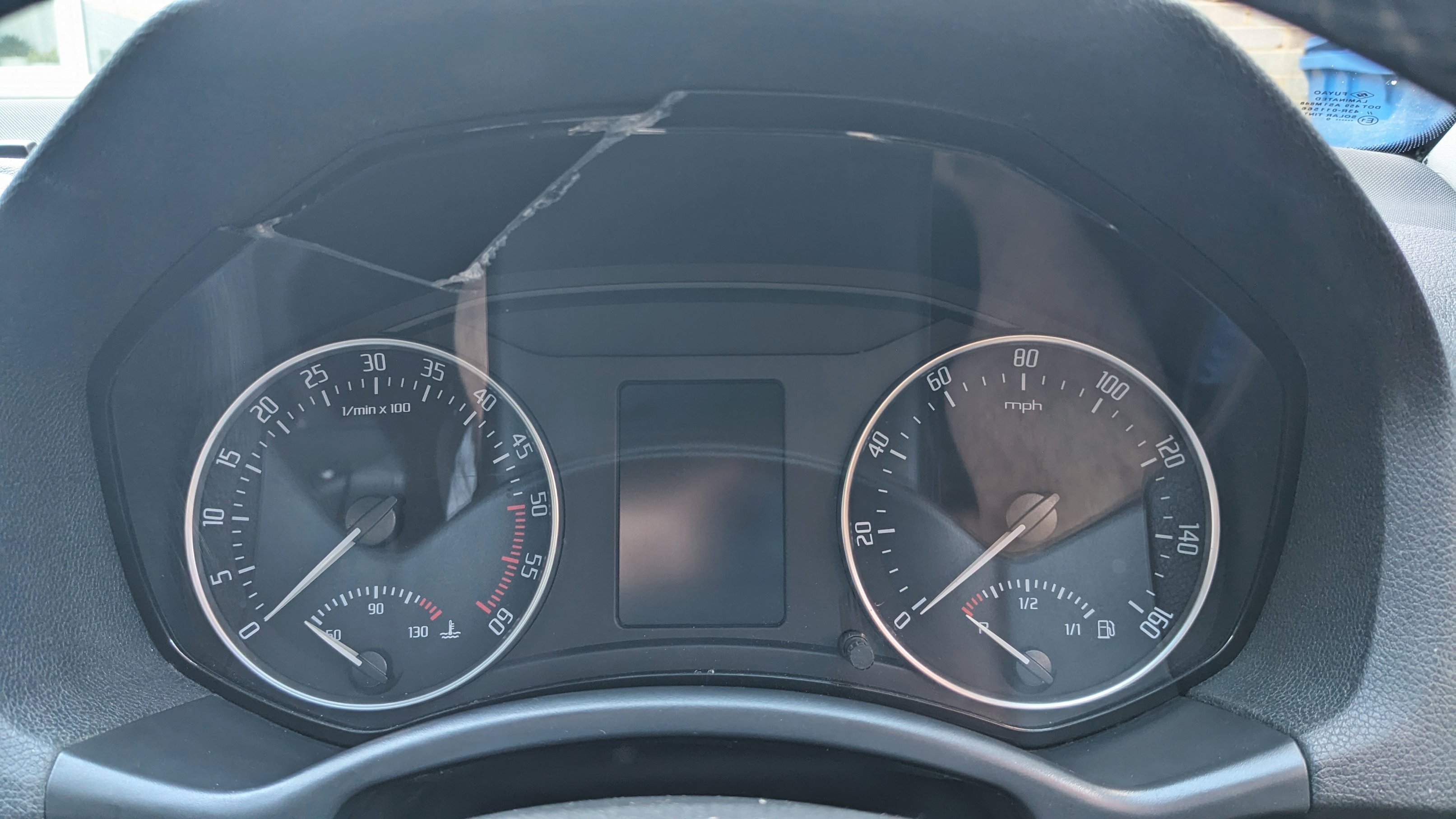
# speedo
-
- 8 comments
- 1,226 views
-
- dash
- error code
- ac
- radio
-
Tagged with:
- 10 comments
- 2,557 views
-
- 3 comments
- 9,795 views
-
- speedo
- sensor
- transponder
- instruments
-
Tagged with:
- 33 comments
- 38,908 views
-
- 4 comments
- 1,465 views
-
- 19 comments
- 12,784 views
-
- 1 comment
- 3,105 views
-
- 7 comments
- 6,382 views
-
- 1 comment
- 652 views
-
- speedo
- speedometer
- under-reading
- felicia
-
Tagged with:
- 11 comments
- 5,326 views
-
- 7 comments
- 2,647 views
-
- 6 comments
- 1,661 views
-
- 3 comments
- 2,035 views
-
- 16 comments
- 3,489 views
-
- 2 comments
- 1,606 views