All Activity
- Past hour
-
I think you now have two problems. Your original issue with incorrect GPS positions is very likely to be an antenna problem - it's not uncommon for the roof seal of the 'shark fin' to fail and allow water ingress to the antenna base.
-
EdinburghPaul joined the community
-
It's a combi version. Any way to diagnose it? I tried reseting the system, but now I cannot login as a main user, always getting an error that my profile info cannot be loaded. Everything worked minutes before I reseted the software.
-
-
-
Stop-Start error indication is normal if MIL light is activated - as would Cruise Control unavailable.
-
It's a good forum full of knowledgable people..
-
I disagree with a previous post that said Android uses the same data as built-in system. I believe your problem may be a faulty GPS antenna - is this vehicle a Kombi?
-
Is it worth that?
-
-
What a polite person. Then I'll say a big HELLO! back to you.
-
- Today
-
yes to all positions - including second drive after first stop. dataset/parameters I dont know. not sure what I need to check and verify that. I have vcds and autel and I think somewhere I have a knockoff odis adapter but I've never done anything with that
-
Yea I get you, also didn’t know it was a mk3.5, is it because of the infotainment system and headlights?
-
-
-
Thanks for the update pal, so it would be the 1 at th3 back that needs checking. My drl is working but not the main beam. I will swap over thr ballasts and take it from there.
-
The plastic underbody trim and rear chassis cover protecting the fuel tank fell off the other day. Part No. 5WA 201 429. I retrieved it from the street. I am not sure whether or not any of the fixings remain attached to the underside of the car. I assume the safest course of action would be to purchase a replacement part, (not outrageously expensive) but would it come with the appropriate nuts/bolt etc.? All comments welcome. Many thanks. Bobs
-
todor1963g joined the community
-
Any additional help guys? :) I've noticed that when in the garage, the problem is much more frequent and when outside, it works most of the time.
-
Folks, Fitted a new Android head unit (Yeti 2016), as part of process had to wire a USB to glovebox so removed glovebox and hence disconnected airbag. Must have turned ignition on to test as now despite glove box back together and airbag switch reconnected have airbag error. From research this is because if power ignition on with glove box switch disconnected it creates the error which must be cleared by VCDS as doesn't auto clear when reconnected. Tried basic ODB2 scanner but that doesn’t do it. Assuming the above it correct, please let me know if sounds incorrect, anyone with VCDS in Ayrshire/Glasgow/Stirling who could clear it for me? Any help much appreciated, Cheers, Alex
-
AlexW222 joined the community
-
I would get it scanned as there is probably a code stored pointing to which abs sensor is faulty or could be broken wire to it. As said check voltage accross battery when cranking engine. 12.3v is 60-70% charge but if a cell is failing it may drop a lot when under load. Might also explain why it happens when rear wiper is on etc. Alasdair
- 23 replies
-
-

- 1
-
-
- mk3
- octavia
- start failure
- tdi
-
Tagged with:
-
Superb L&K with panoramic (sun) roof, and inner liner/visor. Insects and dirt have got in between, and I recall reading (previous model) a way of retracting the roof, but not the visor, so it could be cleaned. Anyone know if this is possible, please?
-
Ahh, makes sense, hope this car won't have the same problem 🤞 No rust is really impressive, makes it worth keeping it alive and refreshing some components! Guess the car isn't a powerhouse, so can see where he's coming from, but it's nice that it still will get some use :)
-
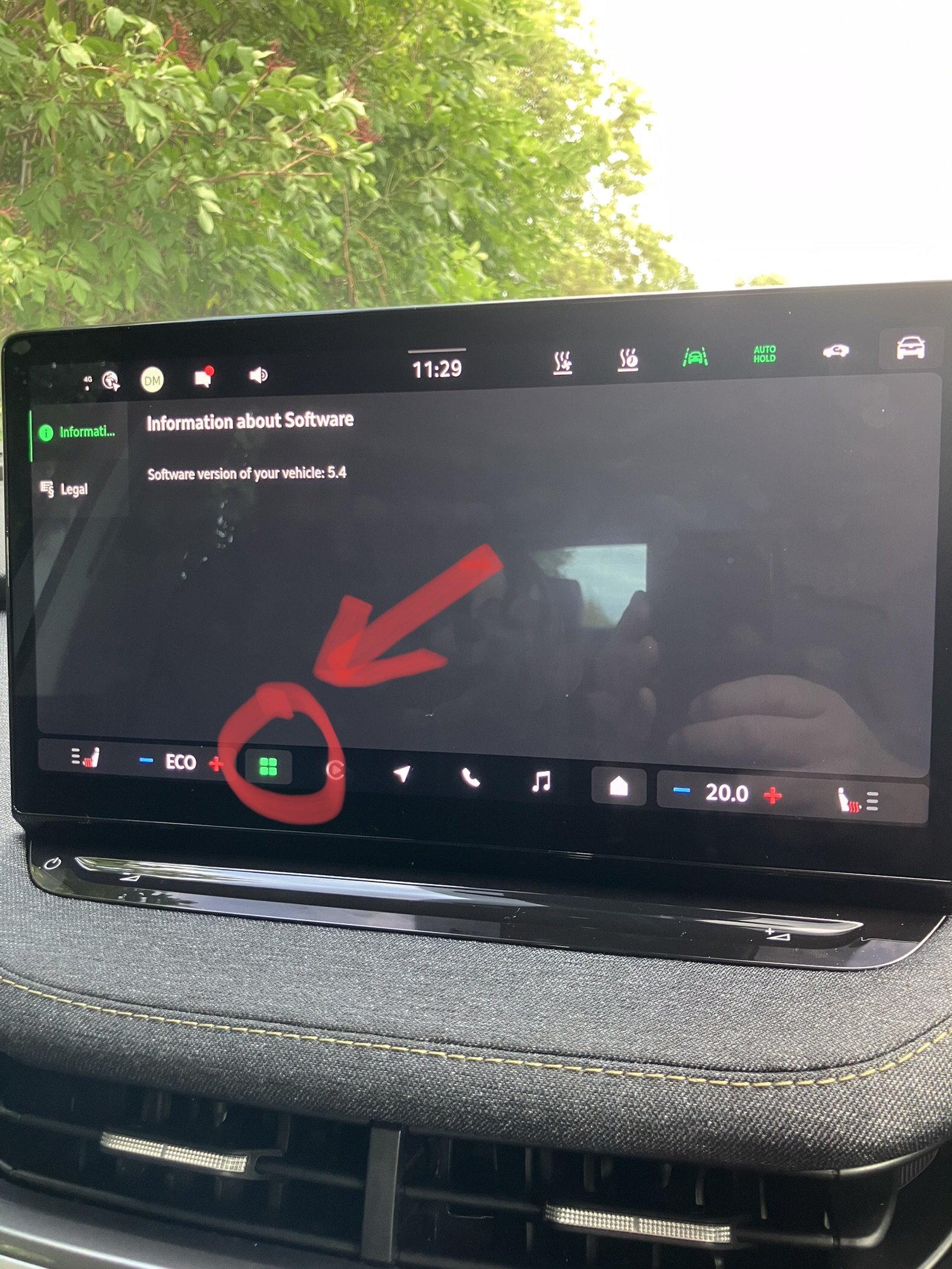
I felt the same, especially as I understand this update is a firmware flash and not a soft update. However in the end I did it, made sure the battery was topped off and sat in the car while it processed - seems to have been ok. But agreed, the quality of the updates and financial consequences when Skoda **** up the updates isn't really acceptable. I'm considering dropping it out to guest mode and no longer having care connect.
-
-
Warrior193 started following Start/Stop ERROR on screen, mechanic suggest Injector
-
I've got a MK4 Octavia with - I think - a Columbus infotainment console. I pay for care connect, and recently got a 12 week trial of infotainment online, mainly with the objective of getting a quick easy map update. Howver since infotainment online was activated voice commands continually try to connect to the internet; the result is they often fail, or at best are slow. Previously they worked quite well; I could ask it to play a particular album or plot a course with relative ease, but now it is a pile of ****e. Anyone else experienced similar or knows how to resolve it? At the moment I can't wait for the subscription to end, and I will not ever pay for it, guess you could say the free trial did it's job!










.thumb.jpg.9dd3f612ba7f13d10be5c518d3c8d255.jpg)