Breezy_Pete
Sponsor
-
Joined
-
Last visited
Everything posted by Breezy_Pete
-
-
Hi, interesting observation about one but not both fuses. Not something I've heard before. I would be surprised if the problem is not the driver's side module, but it could be worth checking continuity of the LIN data connection between driver and passenger side modules, pin 3 of the 8-way connectors on each; grey/white wire. It goes nowhere except from one to the other. PM me if you want any further guidance. 🙂
-
LLLParts works at the present time. Fairly up-to-date.
-
There's a lot more to life than driving. 🙂
-
Hello @BeyondEvil, no I'm afraid I haven't got one of those. The only left hand drive motor module I have is driver's side for a Roomster with all four windows electric. 6Y2959802A. I would say that it is rather rare for the passenger side modules to give trouble; have you checked its fuse and wiring at A-pillar bellows to either/both front doors. I can assist with some voltage and continuity tests if you have a multimeter, this can be just as effective as visual inspection of the wiring. Is the passenger side door lock working normally/fully? PM me if you like, particularly if you think you might like to try to sell my Roomster module locally for a big cut. 🙂
-
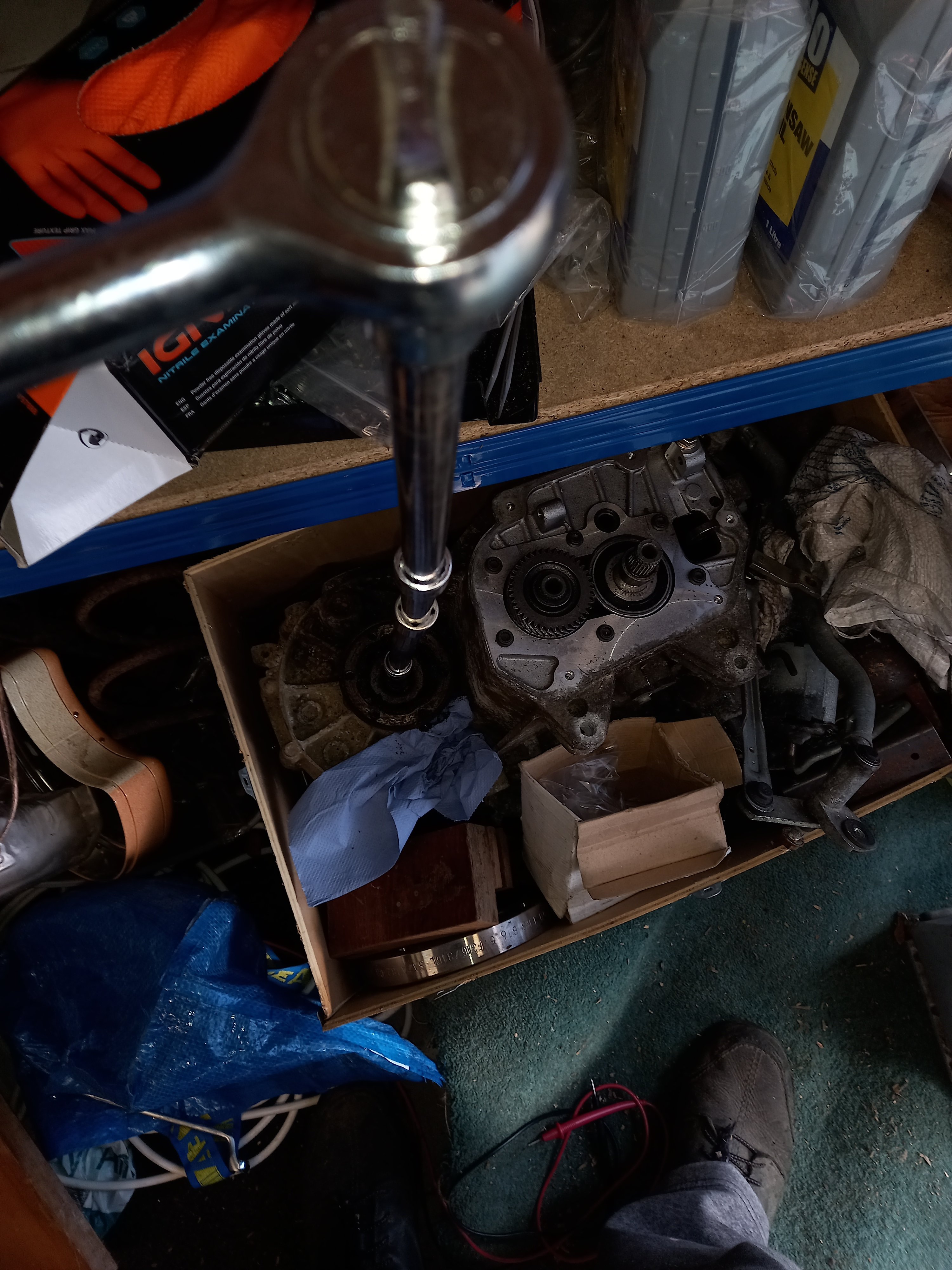
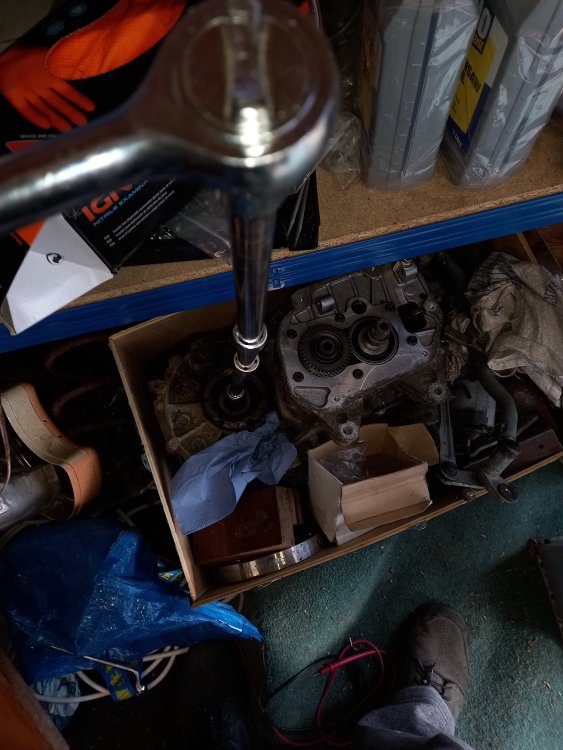
It does take a fair push on the back of the ratchet head.
-
I seem to remember doing it by piecing together enough extensions to be able to do from outside wheel arch by pushing on the tool in the screw head?
-
Yep 🙂 https://www.lllparts.co.uk/catalogs/skoda/CZ
-
@Bjohn2544 Just take key and VIN to a Skoda Dealer Parts desk and they'll be able to order a matching barrel for you.
-
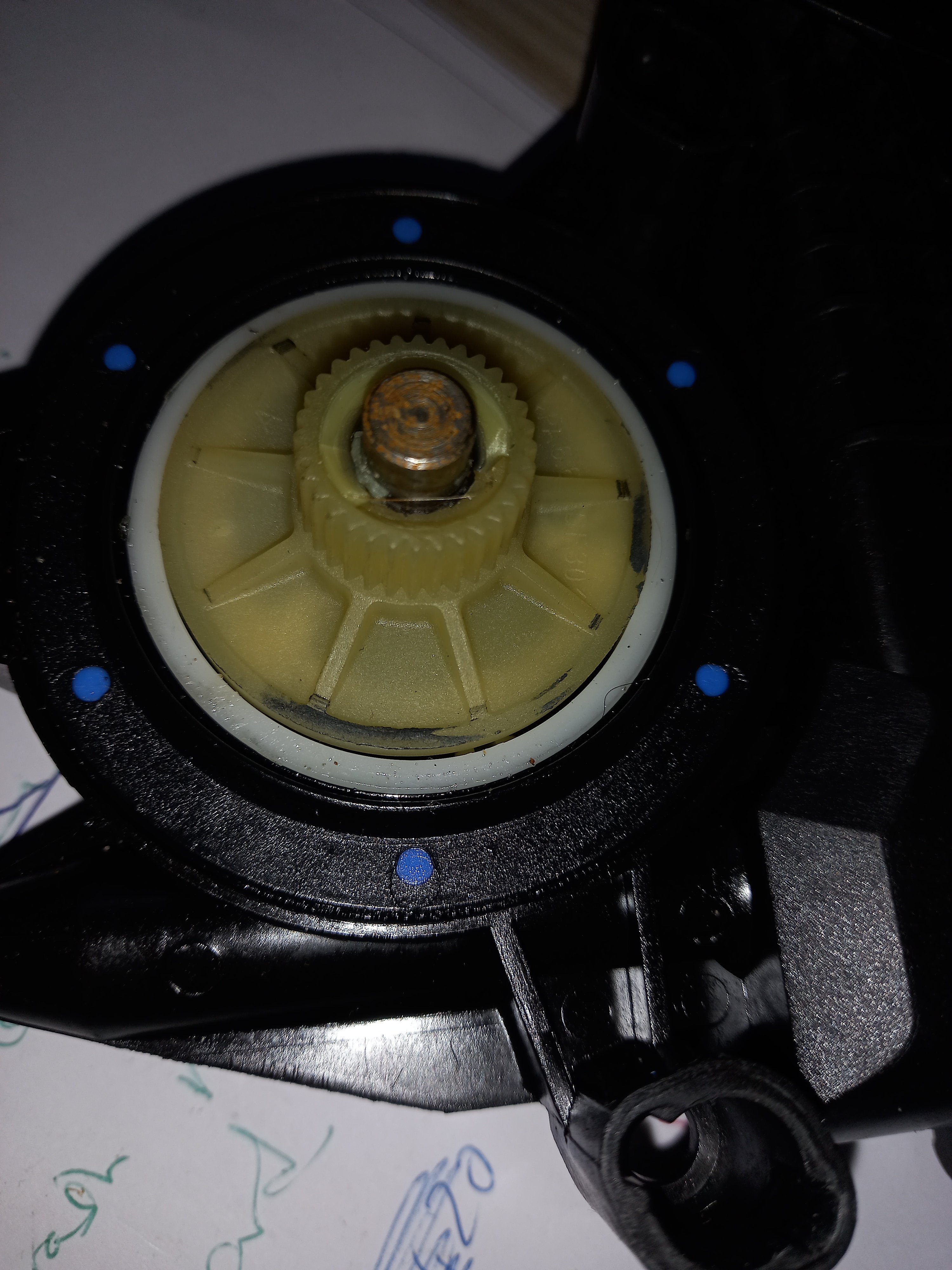
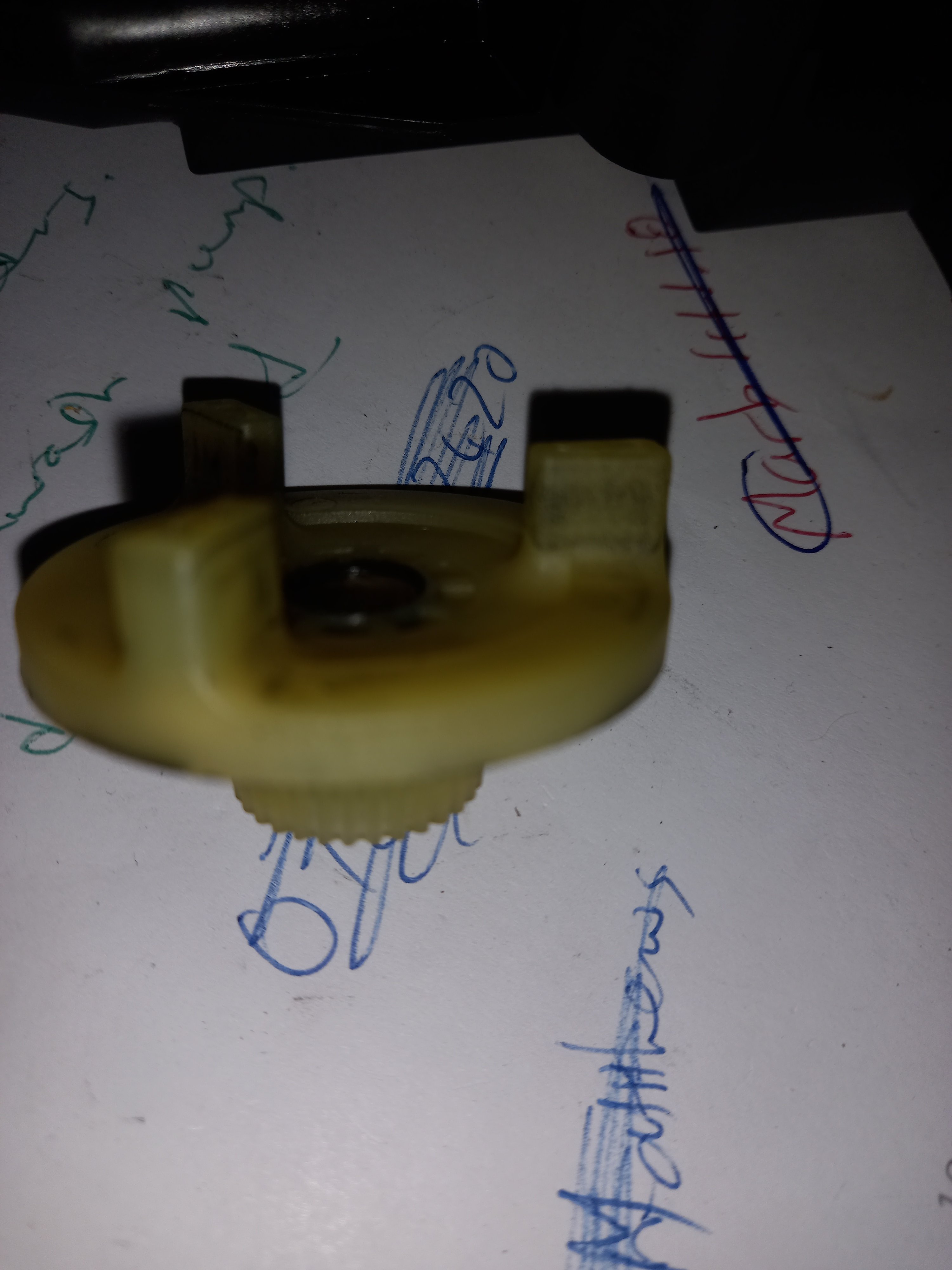
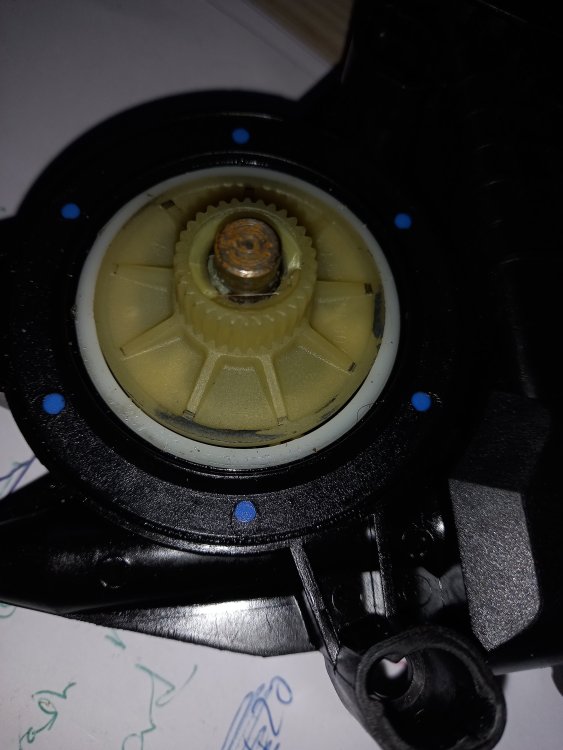
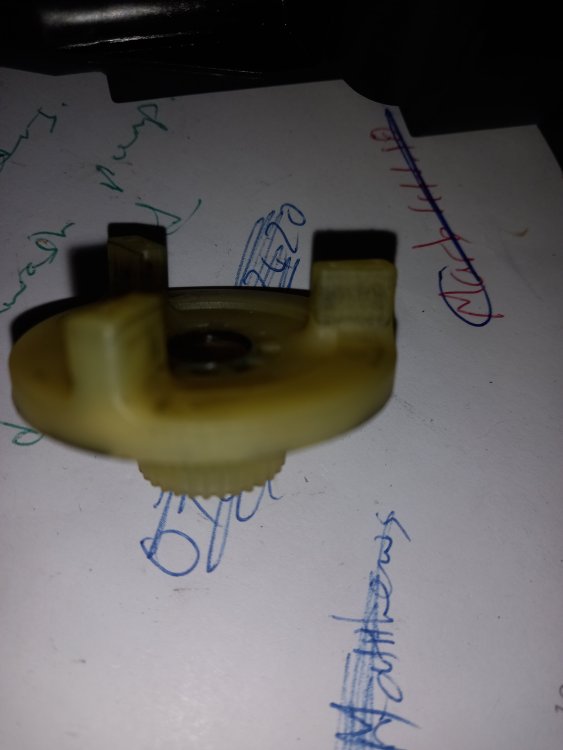
Yep, there's a bit missing but I have no idea what it might be called, 'beige coggy bit'? I could sell/post one to you, but every motor module of this era in every Polo/Fabia in every scrappie will have one.
-
Nice, particularly like the last pic. Happy dog! 😁 Having said that, the other pics are pretty nice, good combo of beautiful scenery and car.
-
If you can't see it under the car near the fuel tank it's probably a combined pump/filter unit in the tank. Unless you're doing huge annual milage just forget about it.
-
Check with VCDS or similarly capable interrogator what the temperature seen by engine ECU really is. Might be that someone has had gauge needles off and mispositioned on replacement. Easily done. Oil temp readout may give some clues if available and VCDS isn't; though it will not be directly equivalent.
-
Are you typing the third character as a letter "Oh" rather than a zero by any chance?
-
Good morning and welcome.
-
Bolt should be 61mm long, bet someone put a 65mm gearbox to block bolt in by mistake while doing a clutch change. Hacksaw?
-
Is that damage from a too-long dogbone rear bolt? Is that the bottom side? Can't quite work out orientation.
-
232mm according to Skoda, but I doubt the difference is meaningful. LLLParts
-
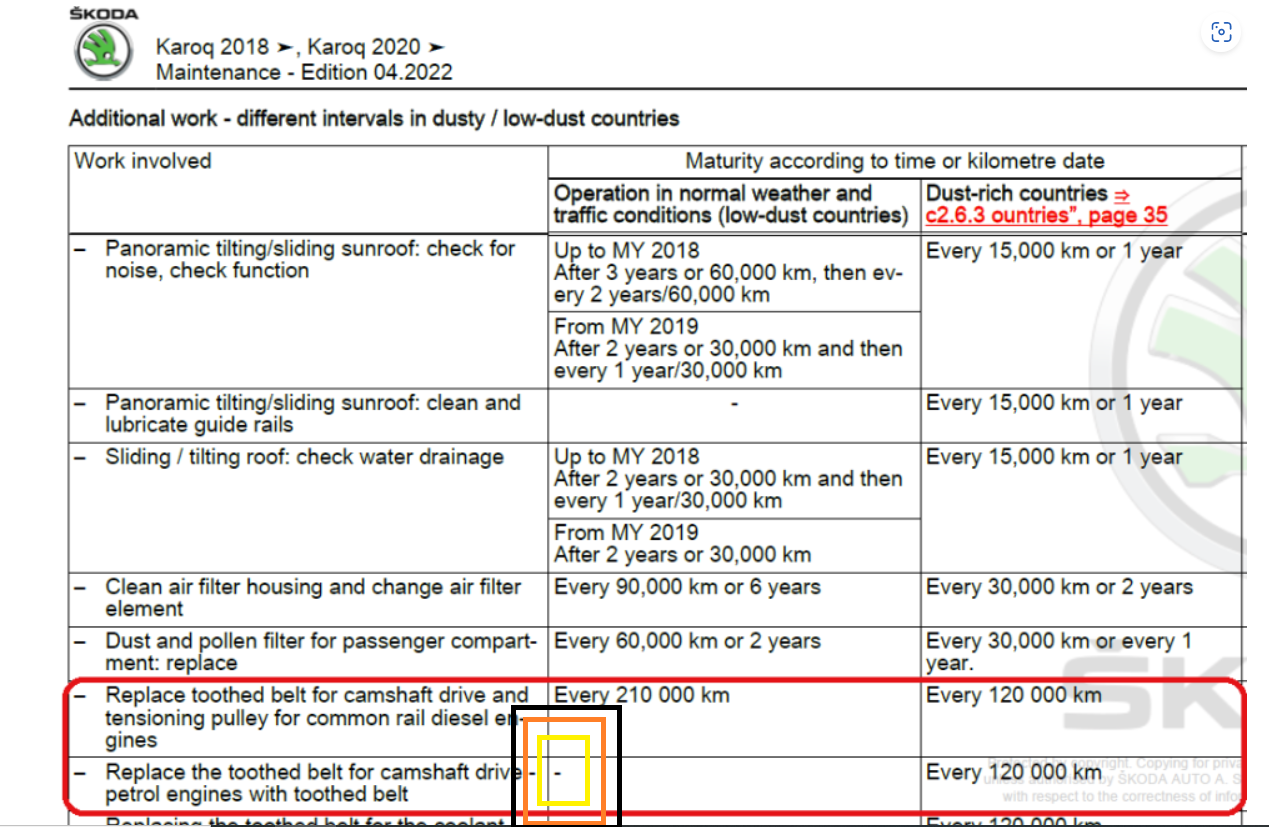
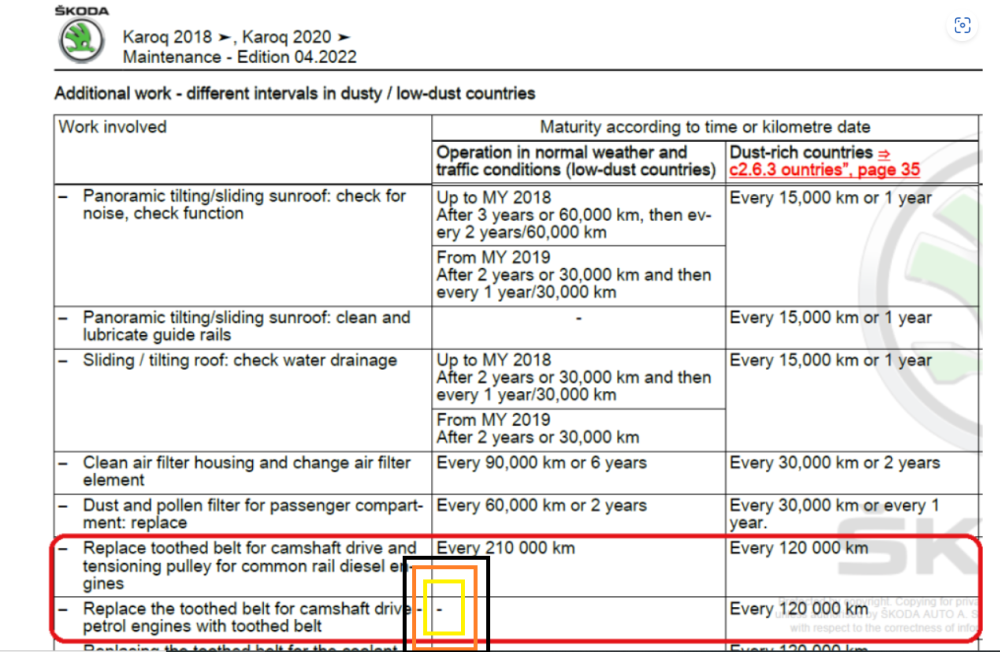
Here, thoroughly emphasised for you:
-
You clearly failed to use the link I provided to actually look at the post @DBSurrey meant. The one where there's a table of intervals in Skoda's own info, with a - (dash) against the interval for petrol 1.5s in non-dusty countries, meaning no interval specified.
-
Link to that post, for convenience of viewing: https://www.briskoda.net/forums/topic/510175-karoq-cam-belt-change-start-saving-now/?do=findComment&comment=5731337
-
Carrier bolts are M12 x 1.5 pitch according to etka, item 3 https://www.lllparts.co.uk/catalogs/skoda/CZ/FAB/225/6/615/615026
-
Ideally you'd swap the fuel injector from cylinder 3 with one of the others to see if the fault follows it, but I'd be tempted to go straight to a compression test if you have a tester.
-
Measure the voltage across battery terminals with engine running. Edit: and get an assistant to rev the engine while you're measuring to see if it varies with rpm (shouldn't much at all). Sometimes if the voltage regulator on the alternator goes faulty you get higher than permissible voltage. This tends to kill bulbs very fast.
-
It's not so much getting it past the subframe as clearing the back corner of the engine. More critical on the way back in than the way out, to be honest, when you're trying not to injure the fingers of your new clutch with the end of the input shaft as you try to line everything up. There's a steel gasket between the block and bellhousing that tends to catch the drive flange as you try to wriggle the gearbox in or out, part 26 here LLLParts