Breezy_Pete
Sponsor
-
Joined
-
Last visited
Everything posted by Breezy_Pete
-
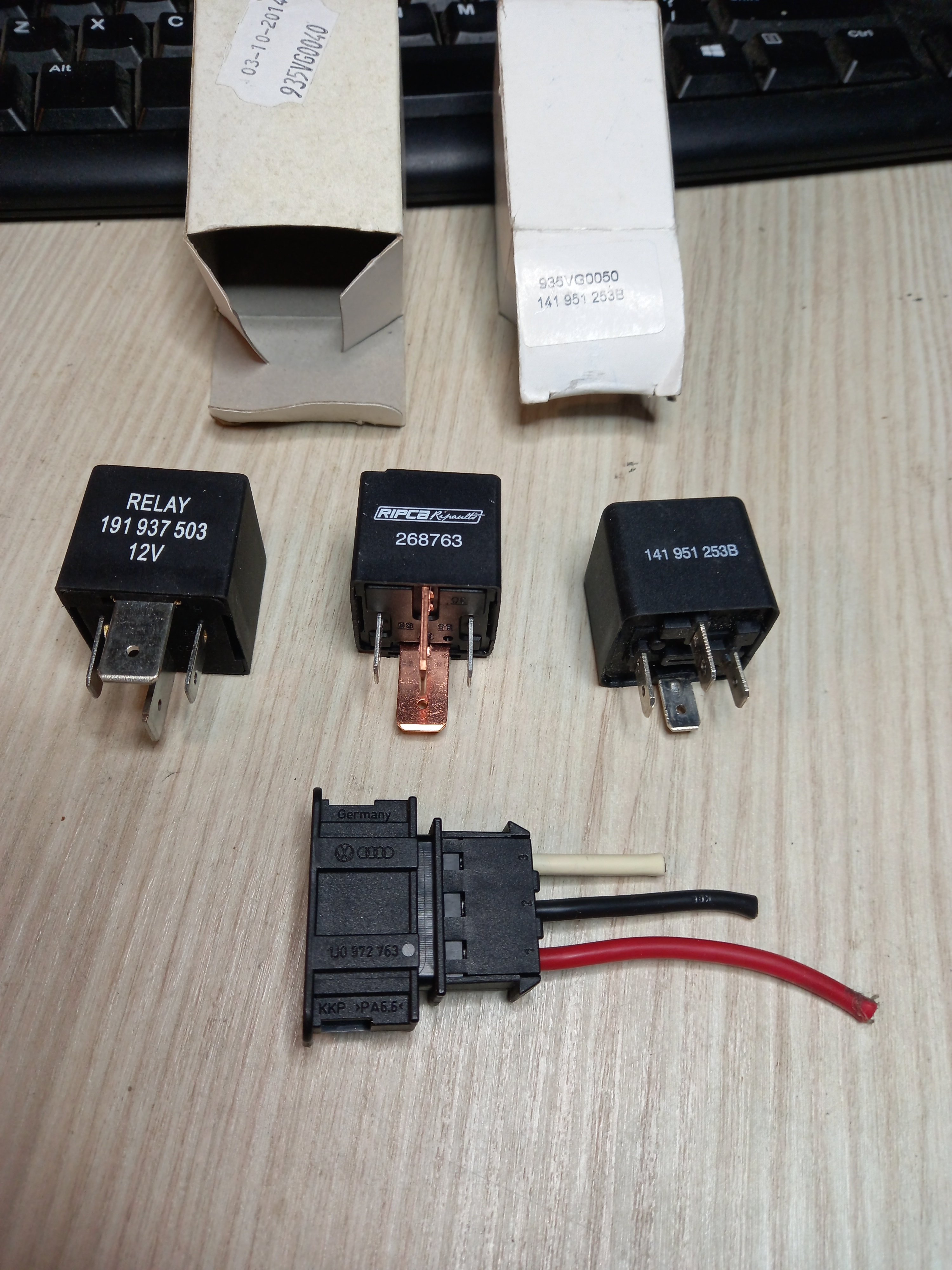
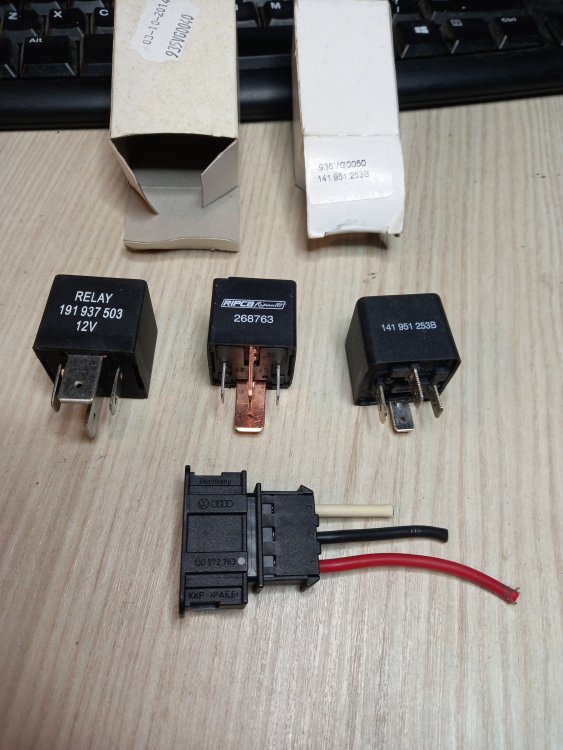
You'd be welcome to any of these bits should they be useful. The left two relays are equivalent I think, pins are oriented opposite just to show what's written on each. Connector looks to be the only genuine bit, but it's the male pin part from the heater, not the loom.
-
I've probably got one of each relay in a box in the shed, but from memory, at least one of them has the whopping 3/8"/ 9.5 mm wide main contact terminals, then 6.3mm for the coil contacts.
-
1/4" spade receptacles sounds about right 10 PLAT STECKHÜLSE 6,3 mm 1,5-2,5 ² N 103 197 01 similaire à 000 979 236 E relais PIN EUR 7,50 - PicClick FR
-
Fair enough, easier and cheaper than I had expected.
-
That might be your solution here then Stewart, 'cos that way you can get a better angle to start them going in, without the subframe in the way, by the look of it. Just be aware that front alignment will be affected if the consoles don't get refitted to the chassis in the same position as they were when they came off. There's 5mm of slop in the two mounting holes of each console-to-chassis.
-
Look along the hard plastic sections and you'll probably find its part number, you can see the part number of the one that crosses it "03F 133 366 C" look for something in that same format on the one that's got the leak but starting 6R rather than 03. Hope to find a part number that matches one of the ones on here: vacuum hoses for brake servo - Fabia(FAB) [EUROPA 2013 year] (7zap.com) More commonly known as the brake servo. Your leaky hose is important for its correct function.
-
Pics? (Of the bush/insert/console) I think the wishbone pin is parallel not tapered?, but maybe worth a measure in case there is a slight taper, and your bushes/inserts are the wrong way round for this?
-
Thread that we could now answer: https://www.briskoda.net/forums/topic/217059-fuel-gauge-drops-under-hard-corneringbraking/ 😁 Interesting that he mentions hard cornering too. Presumably the cluster could get 4 individual wheel speeds instead of, or as well as the average of them from the ABS module's broadcasts. Reasonably sure I haven't noticed fuel gauge being affected when cornering hard. Aiming to have a quick look at the float travel orientation in my tank in the near future, it might be a compound angle, with a bit of fore and aft and side to side, I guess. Then if speed was constant but level changing improbably fast, output to the gauge stepper could be suppressed on the basis "must be cornering"? Edit: A quick look at the top of my fuel pump today versus ebay pics suggests the float does indeed pivot on an axis about 45° off the car centreline.
-
Any corrosion on the 'pin' section of the 'bones?
-
-
This table says adaptations are 'limited unless registered' but that doesn't necessarily sound like a definite 'no it won't'. Functions - Ross-Tech Wiki
-
VCDS lite will do it, but can't remember off the top of my head whether it would need to be registered. I keep meaning to download it onto another laptop and not register it on that one so I can try things like this with/without. I've come across very few things that the registered version of lite won't do, on this platform.
-
I guess if @TMB were to disco his gearbox speed sensor, he'd see the same sudden variability? I was vaguely aware that the fuel gauge sender might not be permanently 'excited' having looked at the circuitry in mk1 and mk2 Fabia clocks. Easy for the relevant microcontroller to pause sampling if some threshold acceleration is calculated to have been exceeded.
-
-
-
Dunno with the PSB bushes, thought they were meant to be easier than OEM. Lube and ratchet strap is probably where it's at.
-
-
^ Oh, and there's another leak site I had omitted to consider; thanks. 😁
-
Crow's foot wrench, with long extension(s)?
-
Not the garage to be using then, as they've probably quoted for both bits to cover their asses. But see edit to my last post, please. If it were just a junction leakage, it would just need re-sealing, nothing replacing.
-
Sump (two parts) part numbers e.g. here LLLParts Has the leak been localised to 'between the two sump parts' or between both and crankcase? Edit: or impact damage, presumably to lower bit?
-
Nice one, cheers for sharing that fix!
-
-
On my Polo it's only 16mm cable and a 90A alt, but watching a voltmeter it only starts to get pulled down if you have everything (both PTC relays, cabin fan, rear screen heater) on and leave it at idle revs, which I tend not to do for long enough to worry; just enough time to scrape ice from the side windows while the rear screen heater and PTC soften the other two. Once on the move the alt can cope, but the Polo is very dry compared to Fabia, so very little internal moisture to remove. No ice and I'll drive straight off. However, with the OEM system the control algorithm's probably going to get involved and reduce power to the PTC, so yes, probably best to put bigger alt there.
-
WD suggests it'll be 25mm² already on AMF/BNV/BNM so should be good to go on that front.