Everything posted by JR RS
-
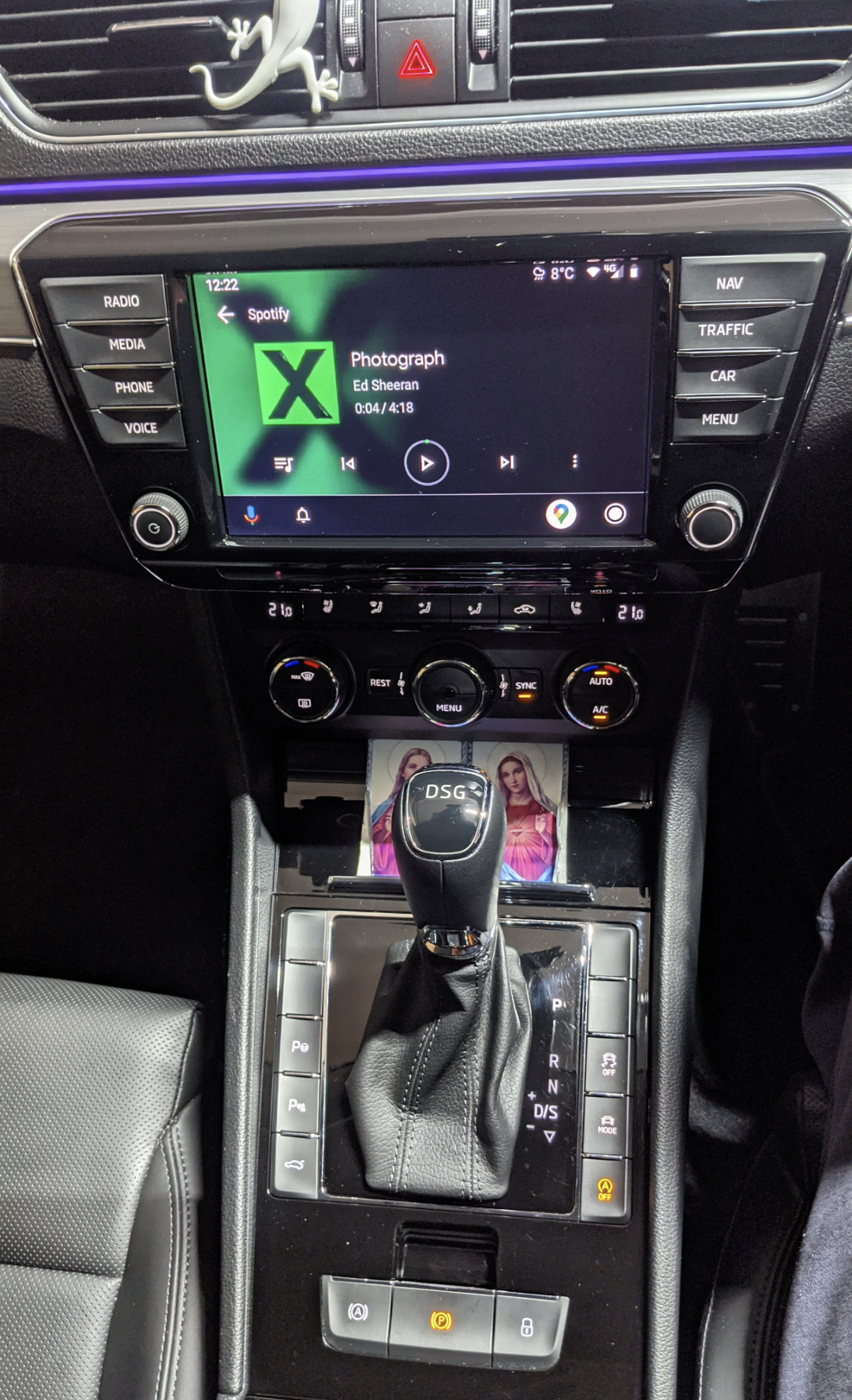
i've got an AAWireless device, that's connected to my USB port. my phone wirelessly connects to it, allowing wireless Android Auto! its brilliant. i can keep my phone in the wireless charging pad in the phonebox, if needed
-
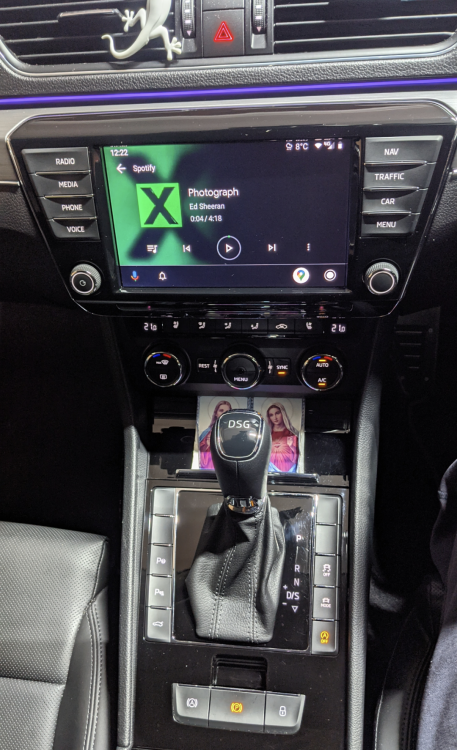
@Morgan78 - that's a Columbus (MIB2) unit. L&K models r usually fitted with Columbus. I have the same.
-
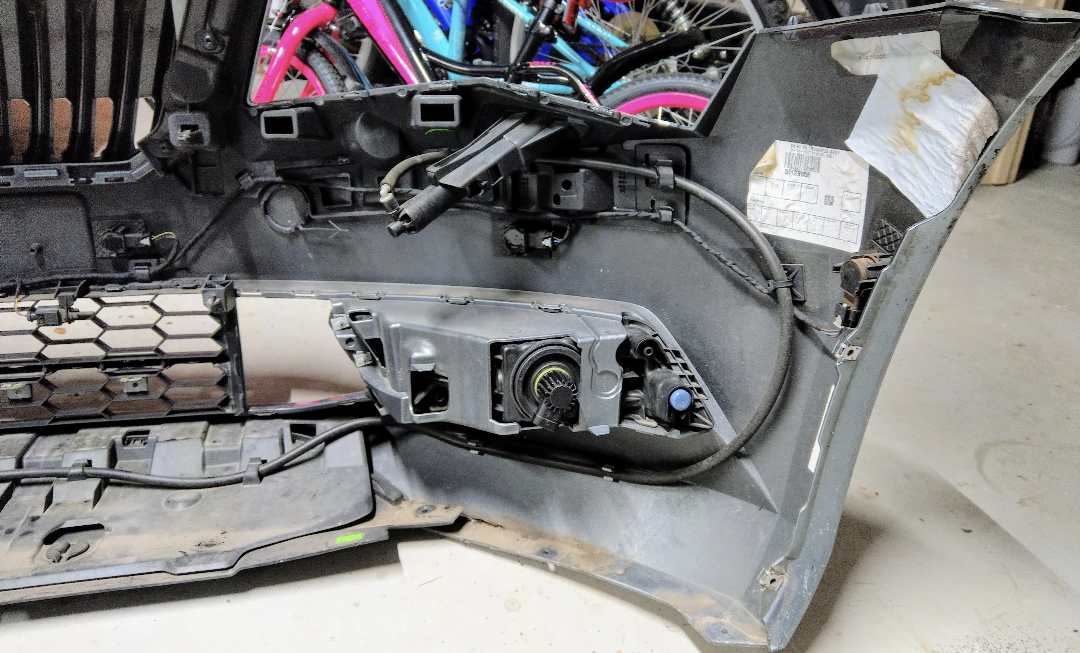
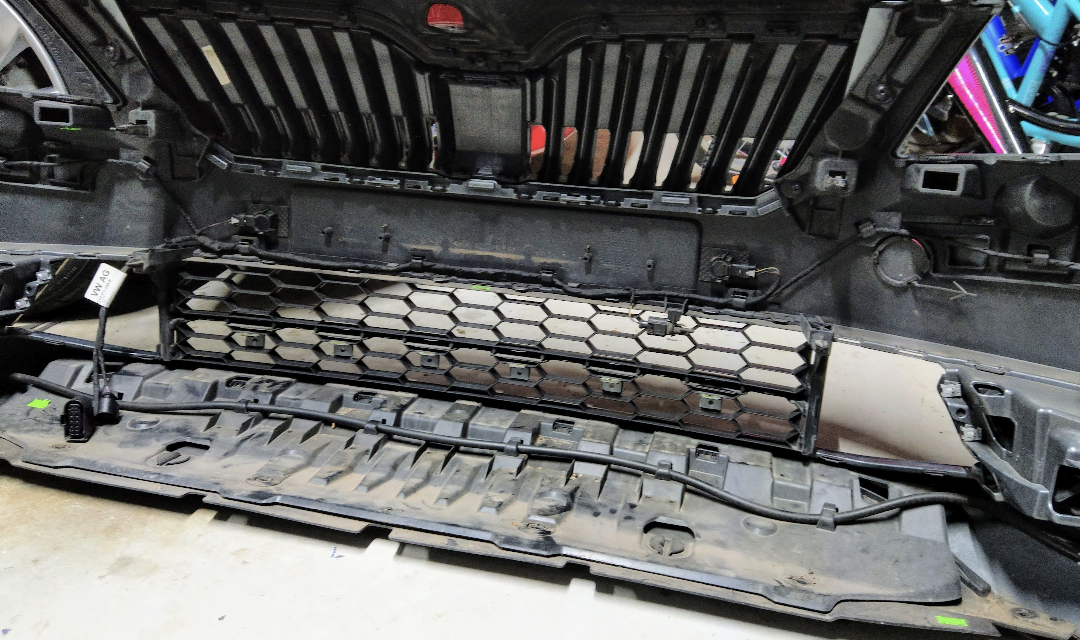
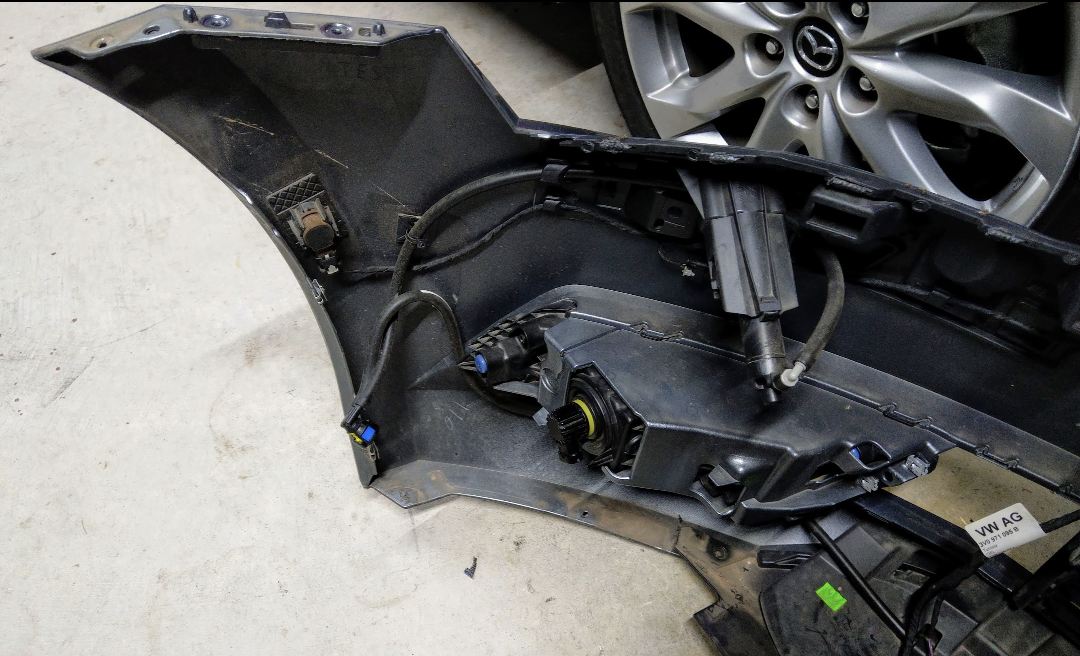
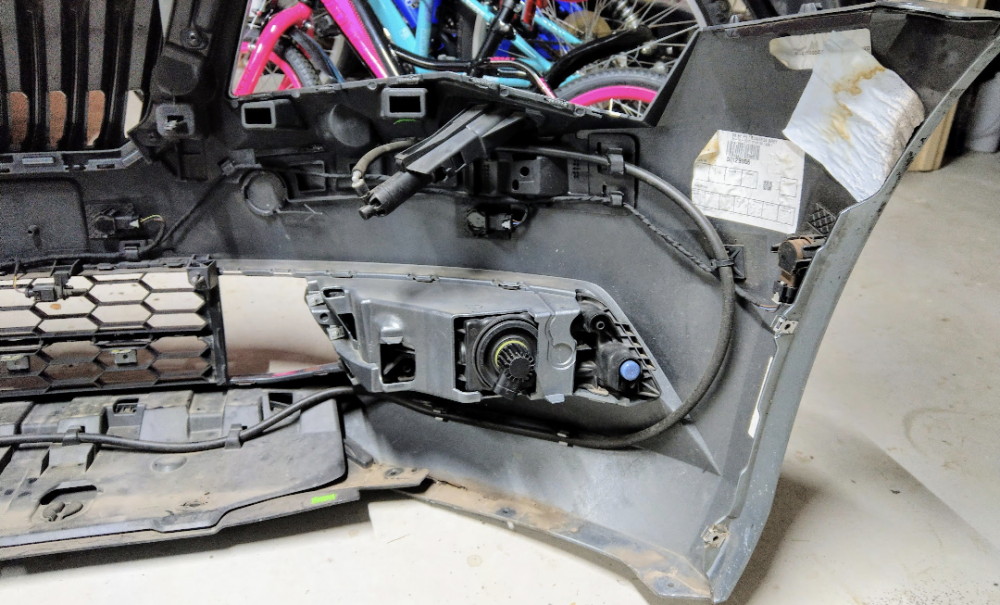
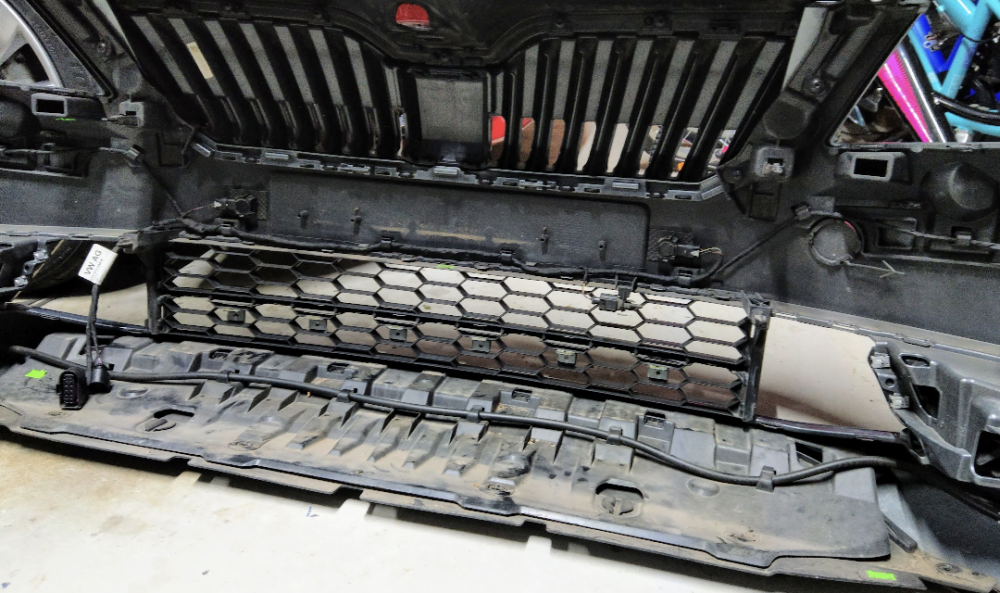
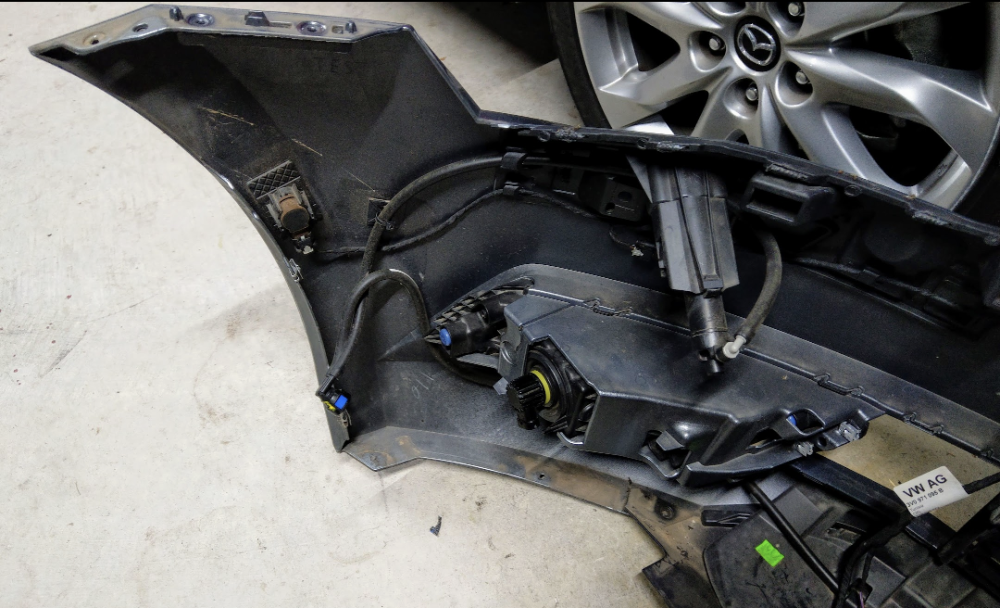
I don't have any close ups, but there is bunch of brackets n clips for the piping required for the headlight washers, not to mention the bracket for the washer itself. Maybe u can remove them from ur existing bumper and transfer them to the new one, so all u need to do is make the cutout for the washer.
-
Looks like this....
-
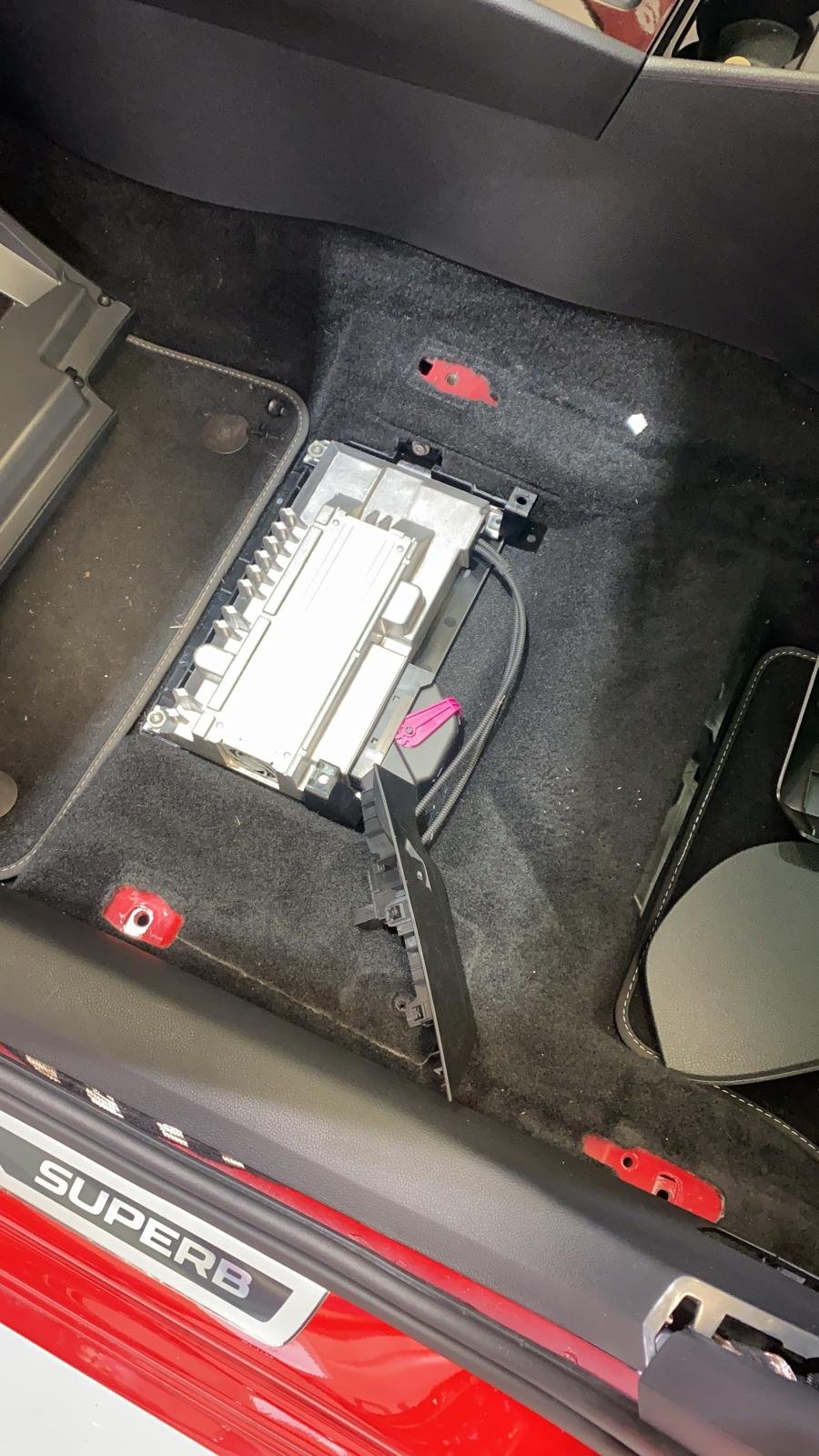
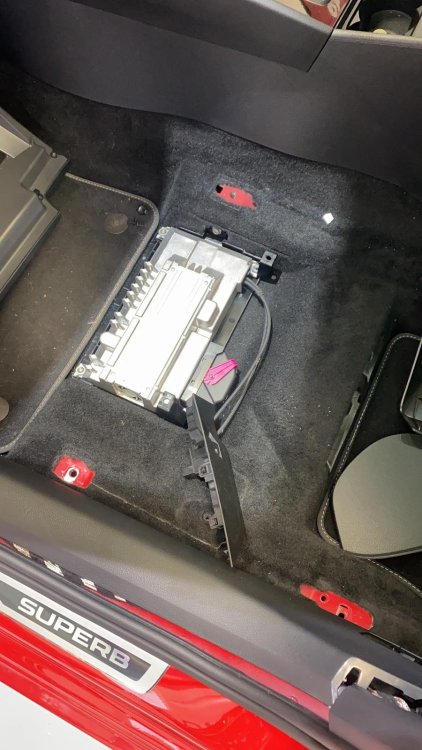
The Canton amplifier is under the passenger seat.
-
Interesting. Would b nice to find out if it's possible to enable it on the mk3 Superb. I'll hunt around, c if I can find any associated coding. I wouldn't mind it if it only beeps when attempting to change lanes with a car in the blind spot.
-
Strange, I've never seen that "Warning sound" option before, associated to the BSM. Makes no sense. It would b very annoying if it dinged everytime a car is in ur blind spot. Normal operation is for the steering wheel to vibrate (resist) if u try to change lanes with a car in ur blind spot.
-
1. Cannot b done. Unless u hardwire some sort of buzzer, by tapping into the BSM indicator in the wing mirror, and route into the cabin. 2. Cannot b changed. It's 3 secs, not 5 by the way. 3. Unsure. 4. Unsure.
-
The facelift Superb has completely redesigned tail lights.....
-
@elfensin - yes, that's a facelift MY21 Sportline. Hence it has the leather seats, not previously available on the Sportlines here in Oz.
-
Sportline models come with Alcantara leather Sports seats, which r heated only. the full leather seats (offered with the Comfort Pack) r both ventilated & heated. these leather seats aren't available on the Sportline, although I believe they r now, from MY20/MY21.
-
Previously, we got the Superb 206, which could b optioned with leather seats (i.e. Comfort Pack). Then they introduced the Superb 206 Sportline, which meant sports seats only, hence no option for leather seats. The introduction of the 206 Sportline variant meant the death of the normal 206, here in Oz. Skoda AU wasn't interested in selling both 206 and 206 Sportline. I think it was MY17 that was the last of the non-Sportline 206 available.
-
Ur right - they're not called pop rivets. I don't wat they r actually called, apart from the fact they pop out, and look rivet like.
-
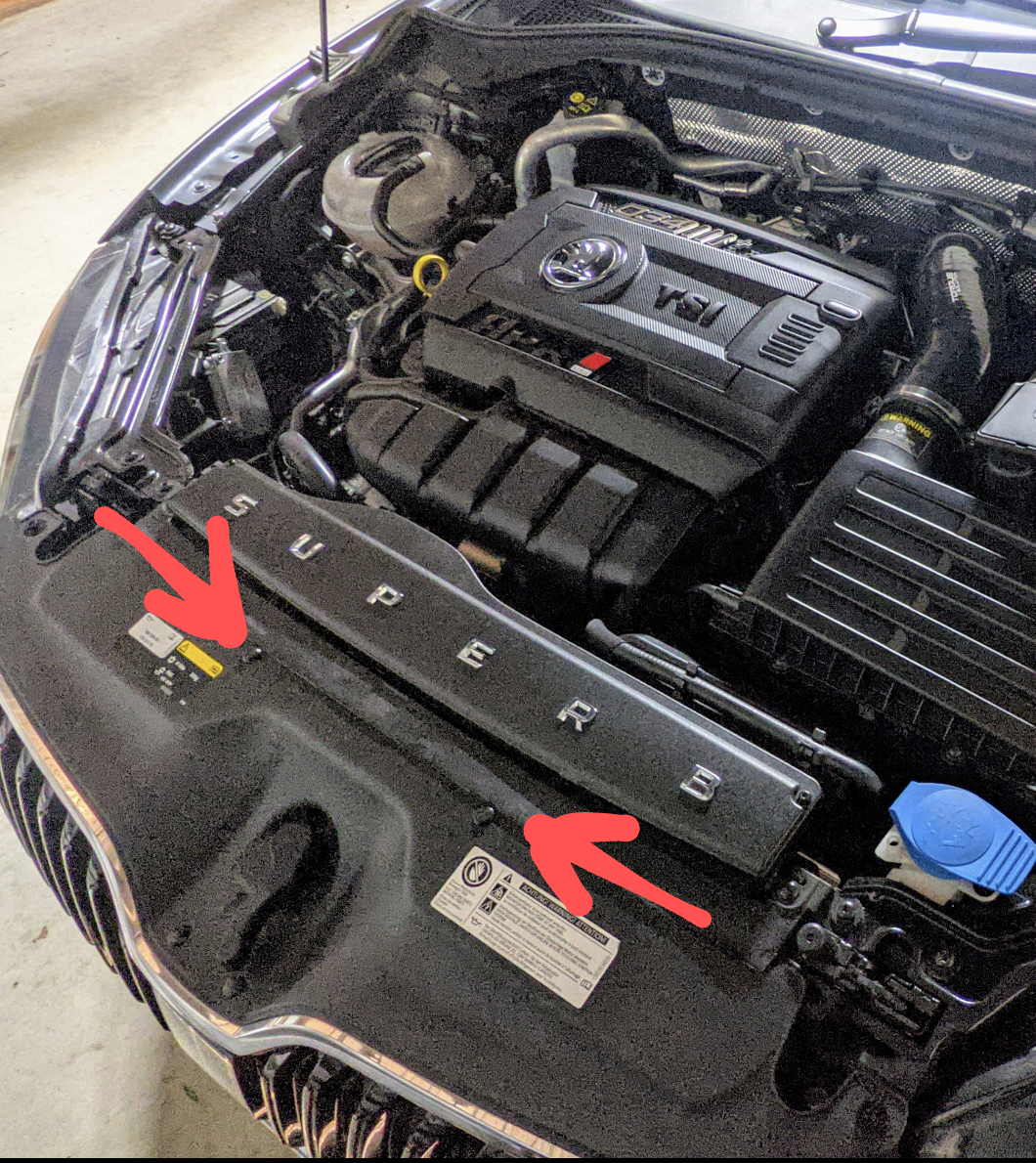
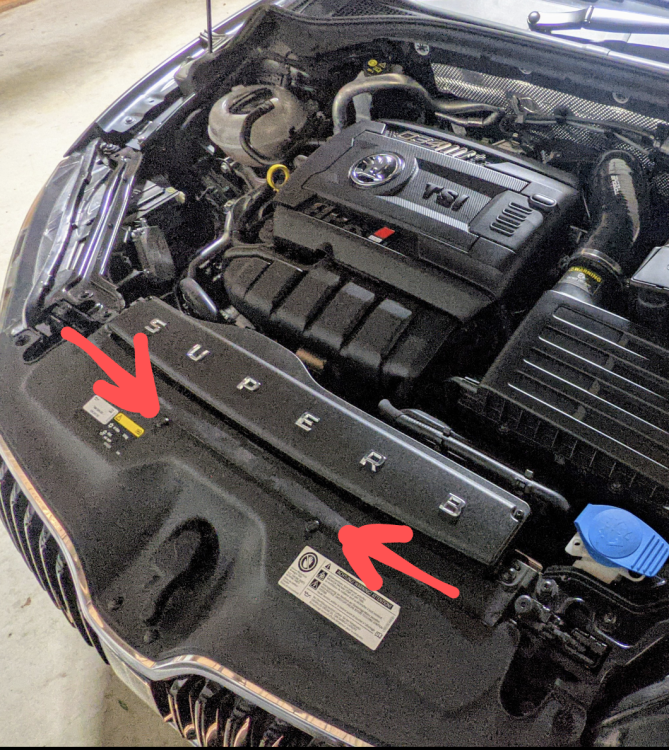
Negative, no need to replace/buy. There r only two pop rivets fasteners - above the top grille, near the bonnet latch.
-
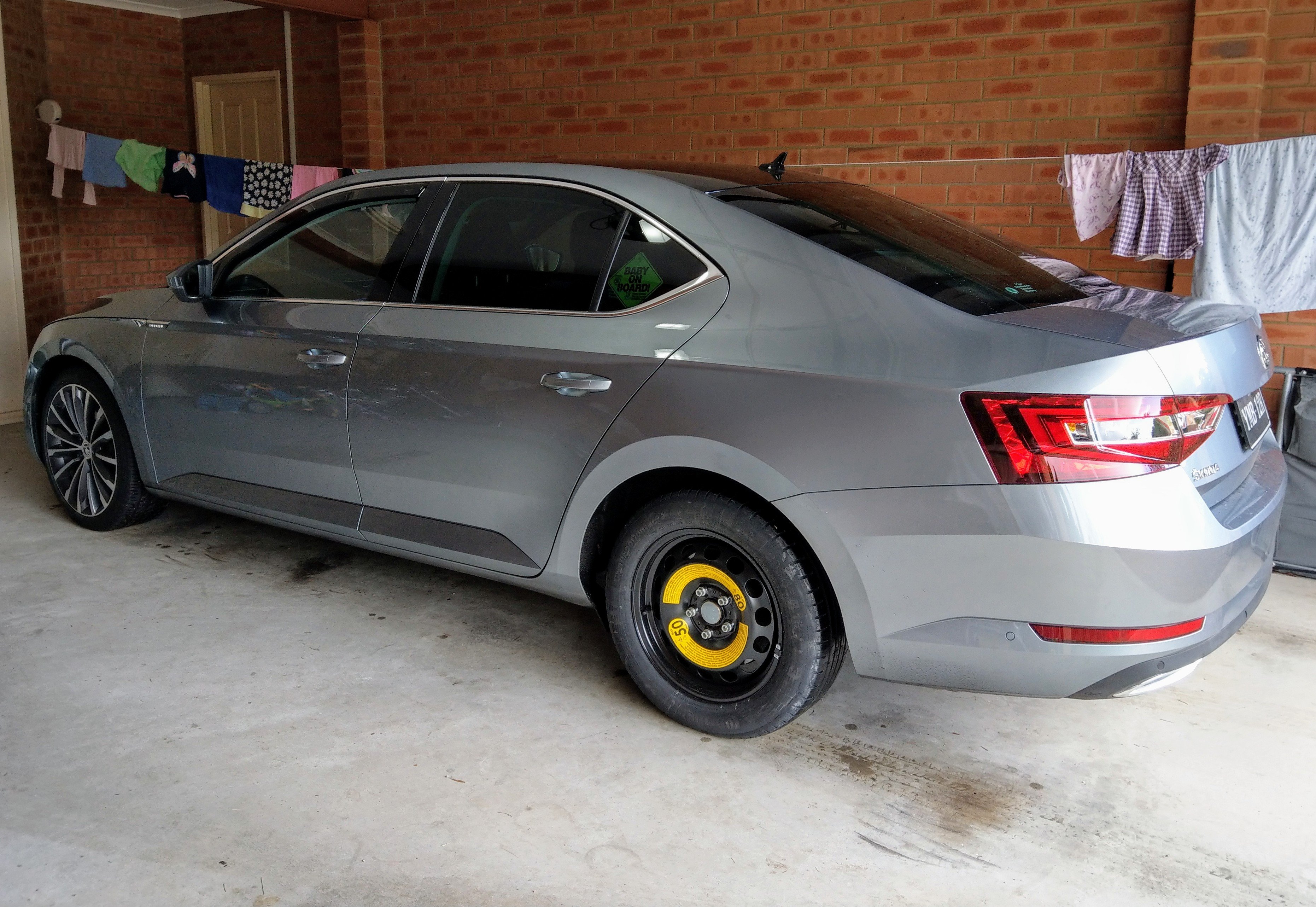
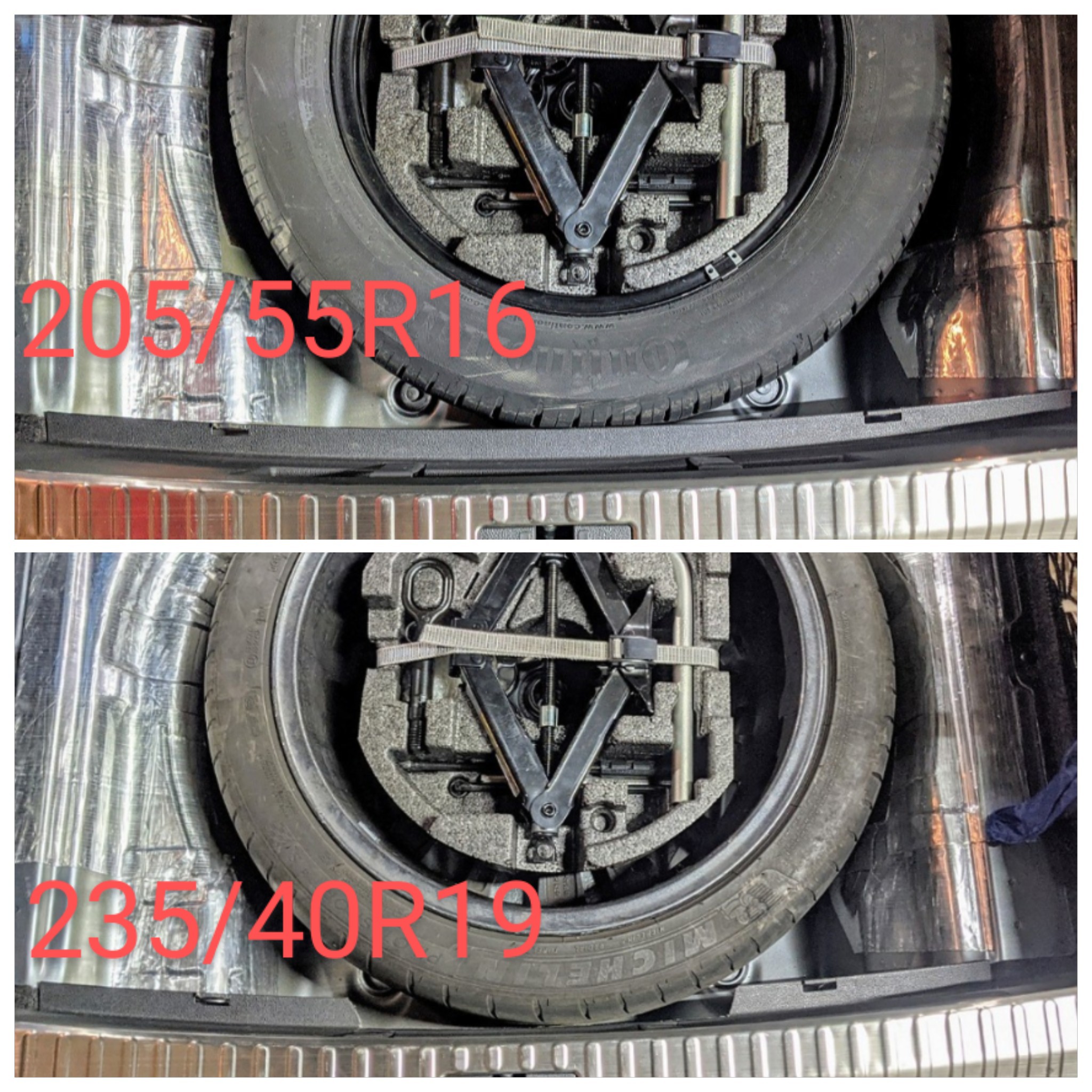
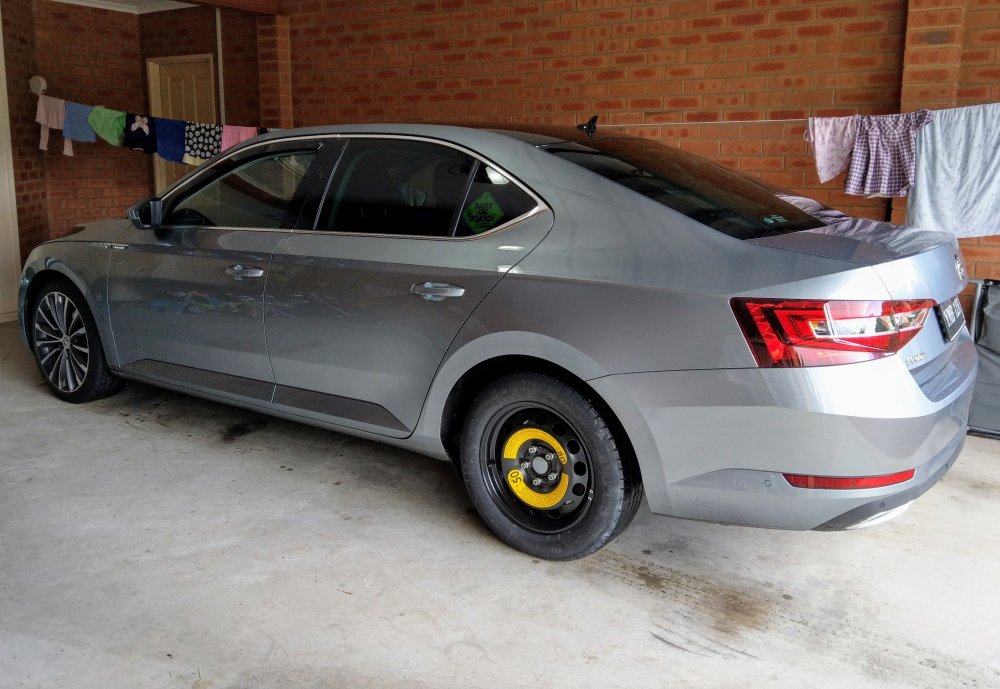
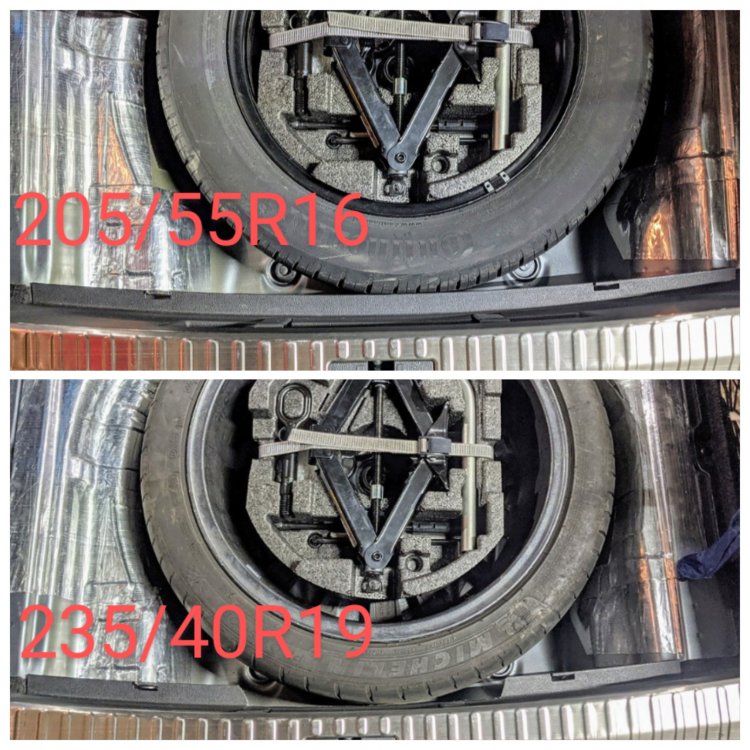
Here in Oz, the 272/280 comes with an 18" space saver skinny spare, from factory.
-
+1 Mine (MY17 220) came from factory with a 16" steel wheel as a spare. I bought a full sized 19" rim and tyre n replaced my steel spare.
-
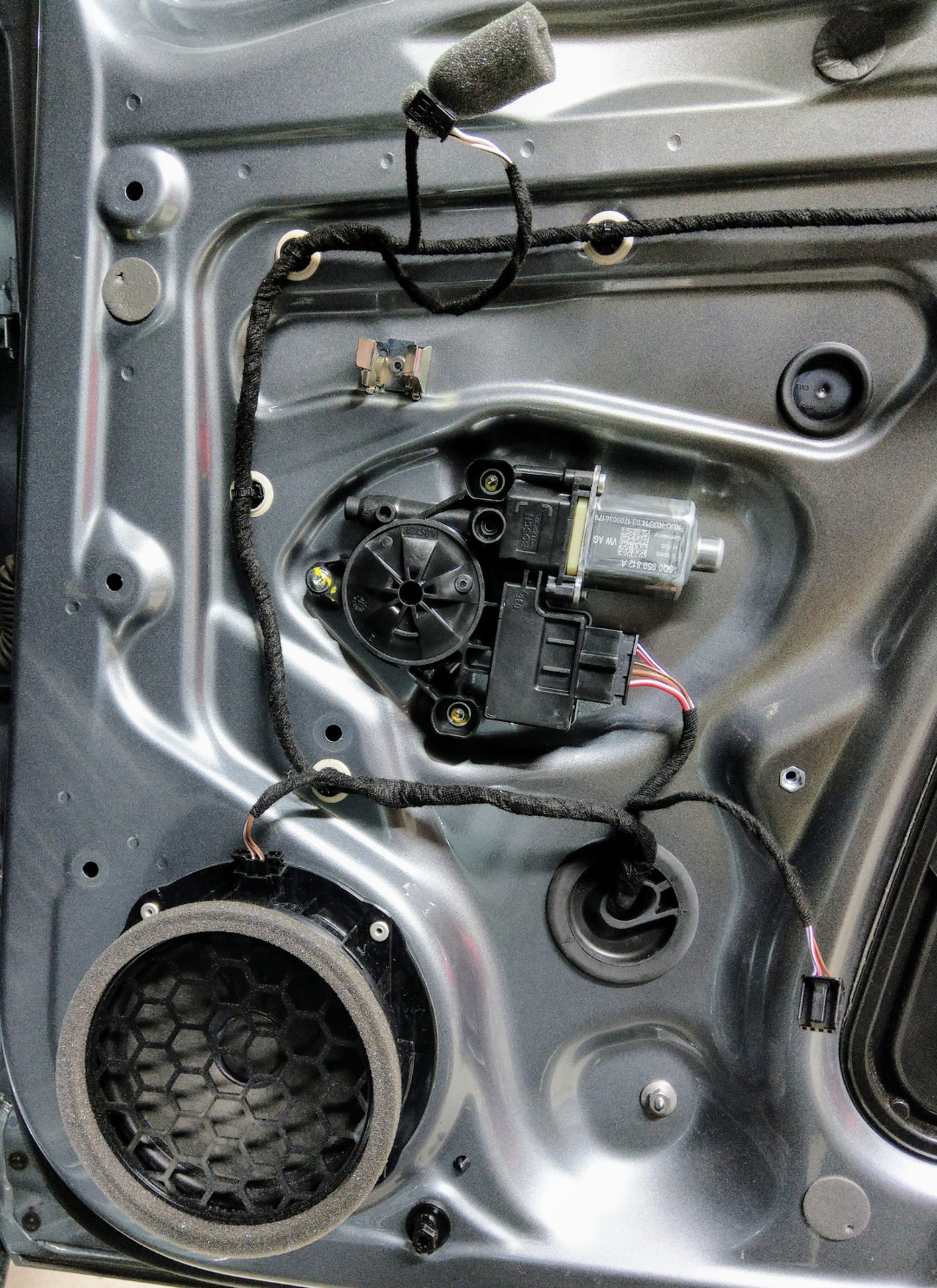
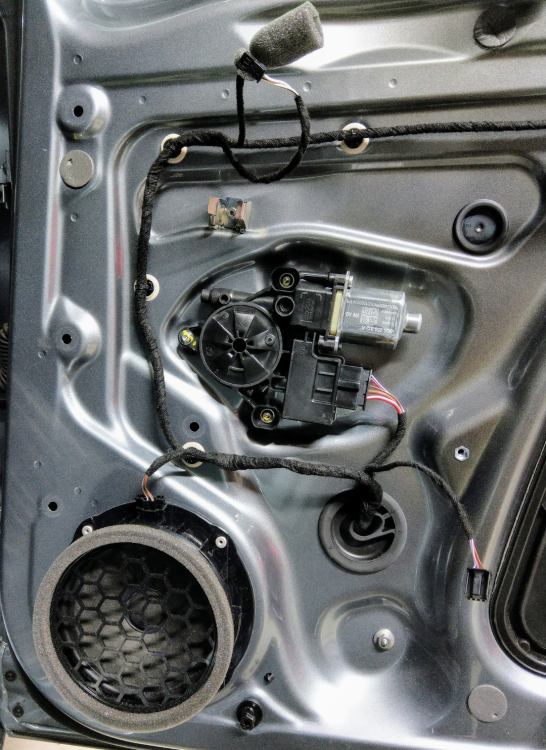
If u have the Canton setup, there is a speaker riveted to the door, and another small one on the door card, next to the handle. U will need to remove the door card to access both speakers.
-
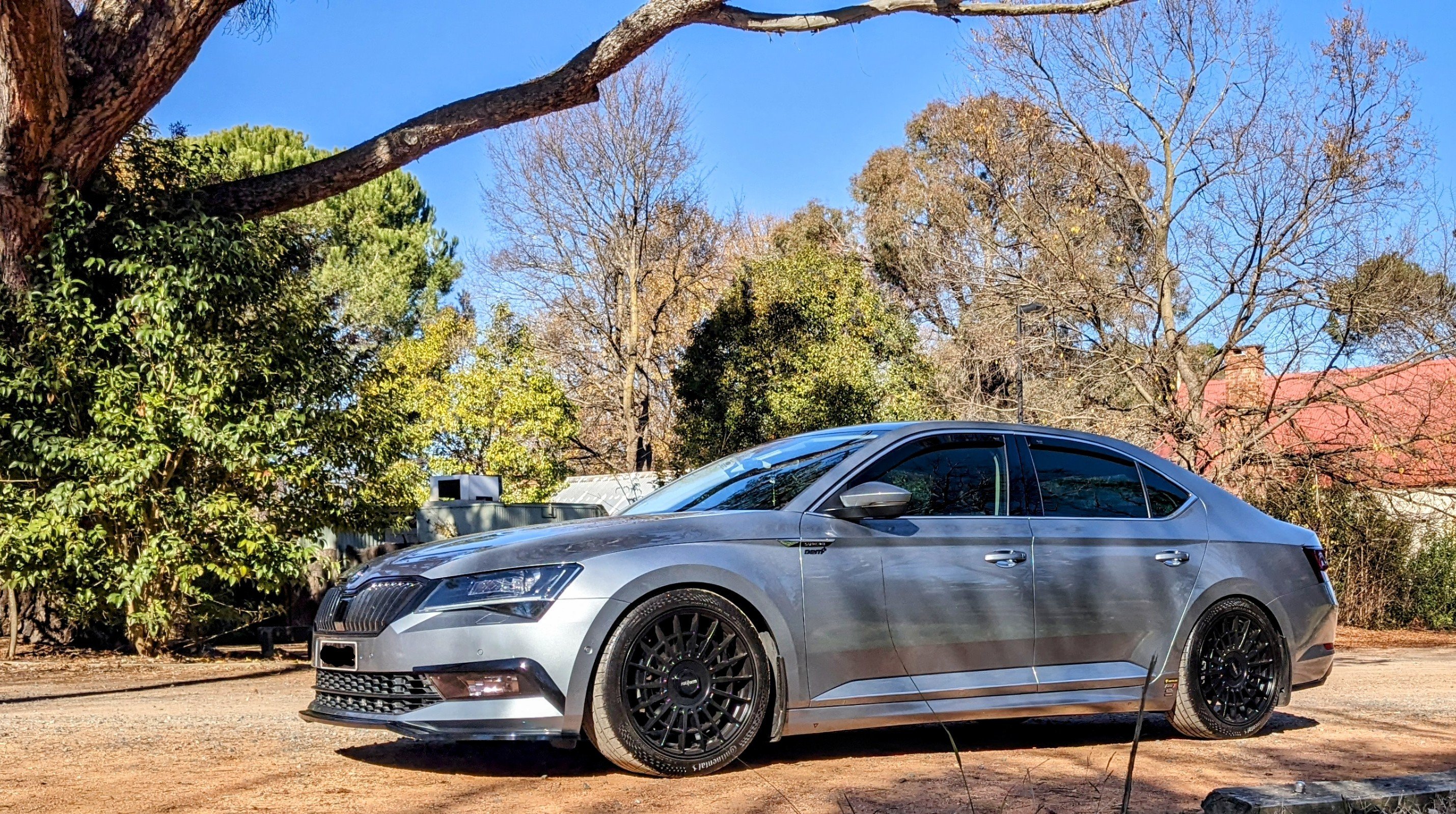
Niche M117 in Gloss Black will suit the existing accents and color of ur car
-
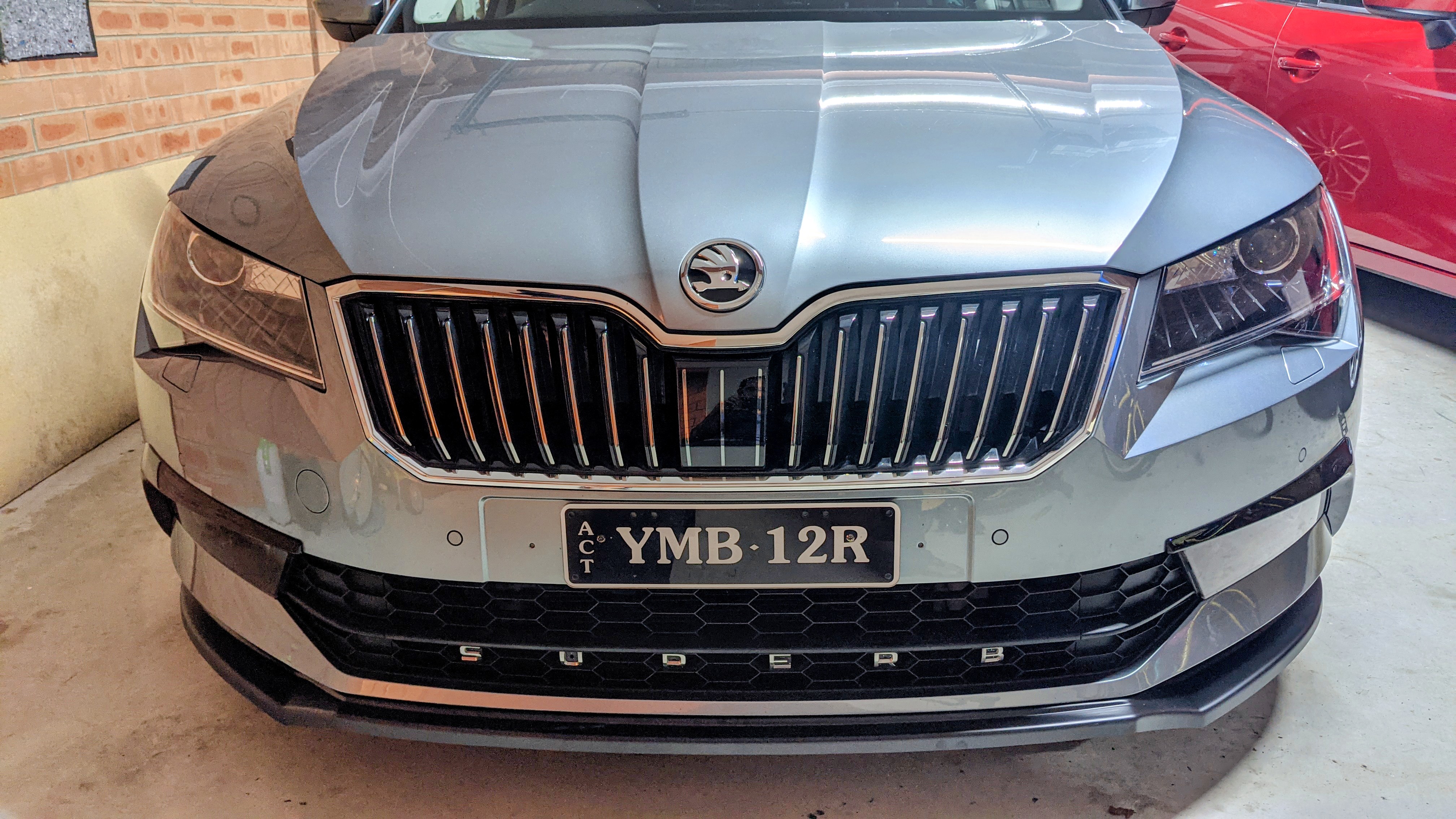
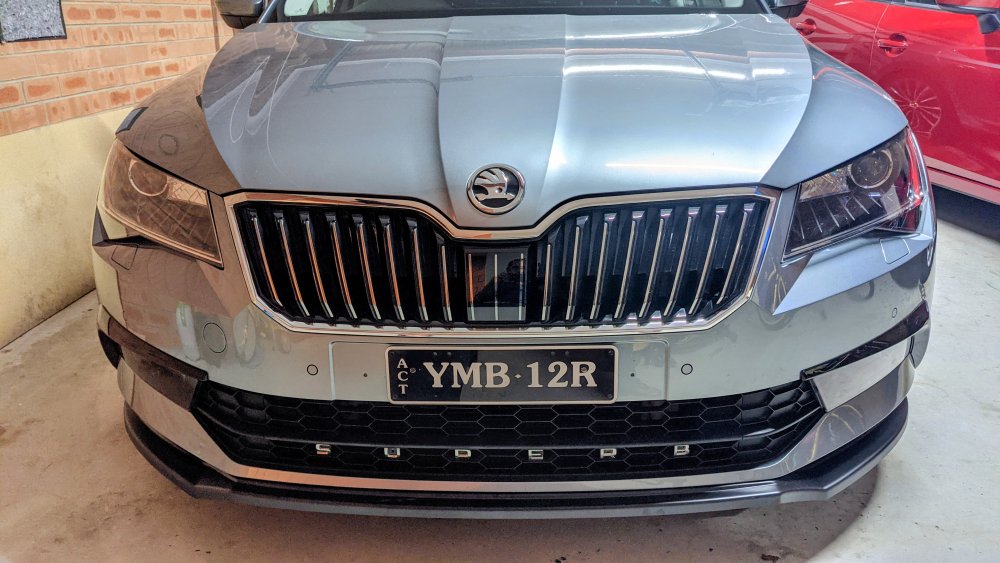
That is not a Superb ACC cover. Looks like that from another Skoda model, on the lower grille. The Superb one is in the centre of the upper grille, above the number plate. Either way, no - u don't need to recalibrate if u simply change covers. However given urs is cracked, it's likely it got knocked back far enough to disrupt the radar's alignment.
-
I'd highly recommend the Rear ARB and TCU tune. lightweight 19x8.5 wheels will also b good, and save weight.
-
-
I have an MY17 220 as well, with DCC suspension. Factory setup was wallowy n bouncing too much for my liking. I've since put Eibach lowering (20mm) springs, thicker rear swaybar and did the DCC recalibration. The car rides much much better. It's the perfect combo.....for me. No longer wallowy. Doesn't bounce over speed humps or rough roads. Cornering is flat. Comfort hasn't been compromised
-
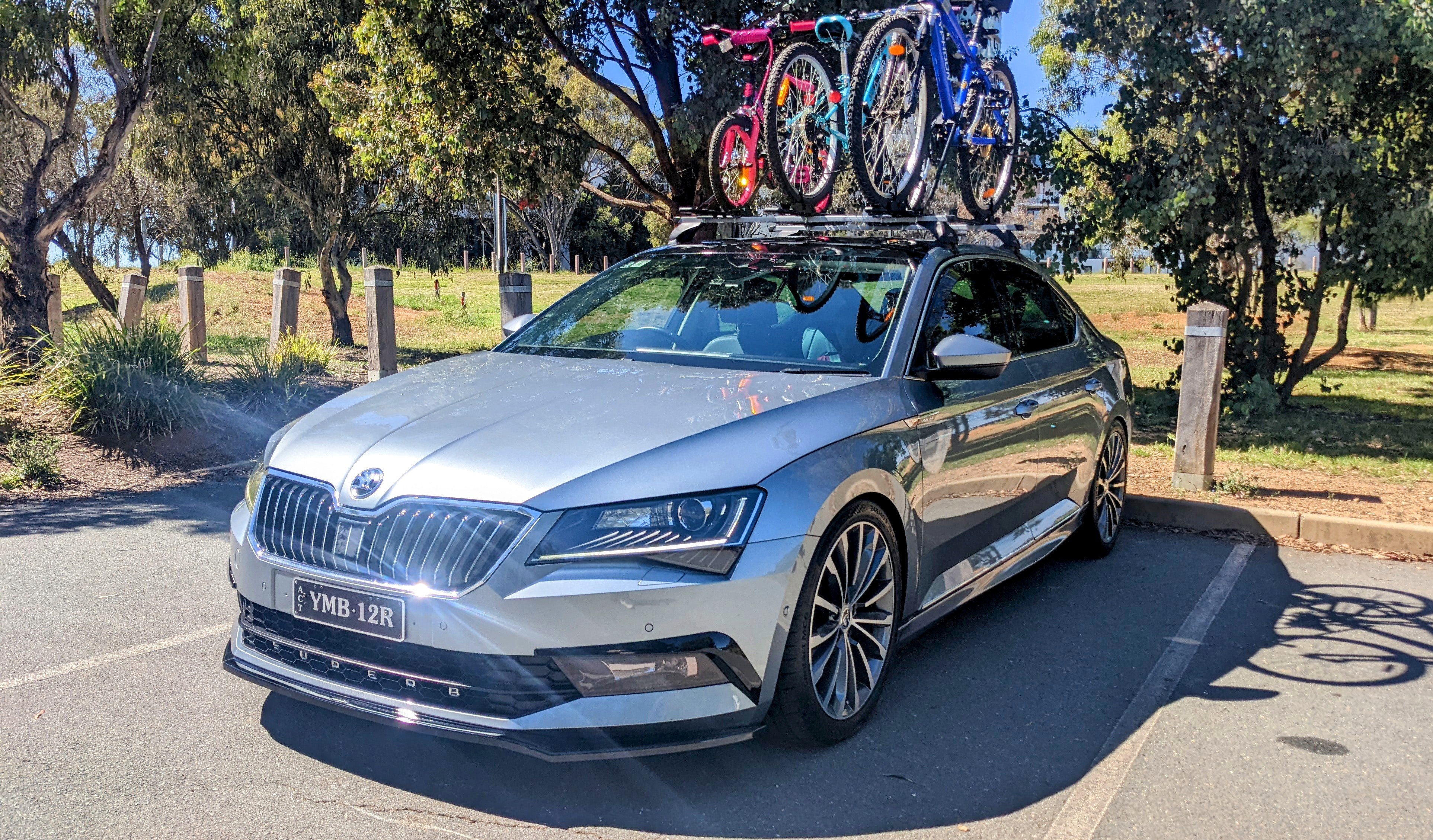
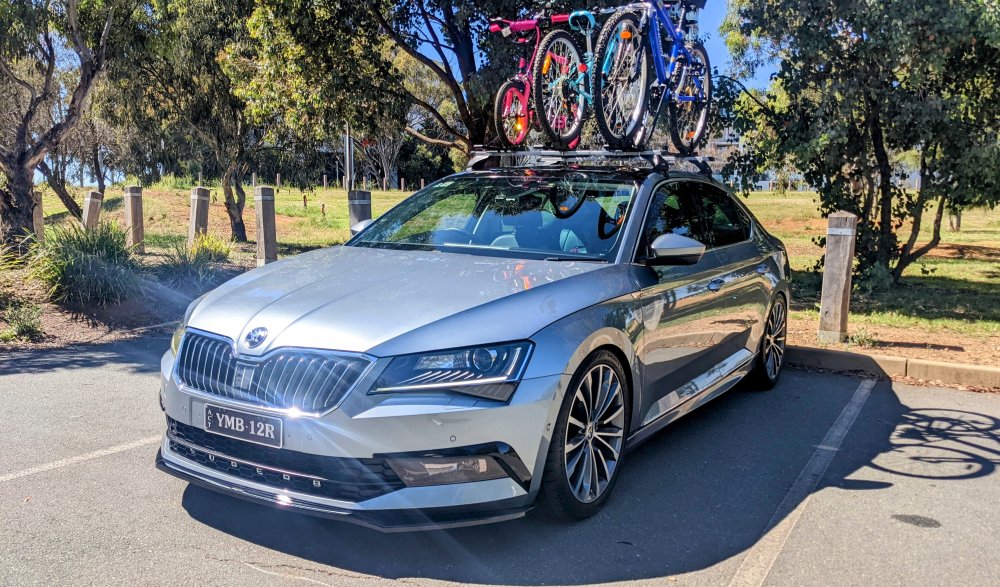
Washed Gandalf after a few months. Now that it's all shiny, time to get the bikes on and get it dirty again!! 🤣 🤣
-
at this stage no. VW Australia has no interest in putting the required infrastructure in Oz, in order for Skoda Connect to work. its been many many many years now. doubt they'll change until we see full electric Skoda vehicles here in Oz. till then, we gotta put up with the sh1tty useless MySkoda app.
-
Sounds like u need to have the error codes cleared with VCDS or OBDEleven. When u drive around with the spare for too long, the ABS sensors get upset, and ends up throwing a monitoring fault. Doesn't matter how many times u reset it using the console/menu.