Leaderboard
-
SteveTheElder
FREEDOM7Points2,469Posts -
.jpg.3745ef413bb0c636456d024dfd5d2fd7.jpg)
Evolution13
Resident Member5Points3,201Posts -
Lee01
FREEDOM5Points36,936Posts -
Gaz
FREEDOM5Points7,889Posts


.thumb.jpg.9dd3f612ba7f13d10be5c518d3c8d255.jpg)

Popular Content
Showing content with the highest reputation on 26/06/26 in Posts
-
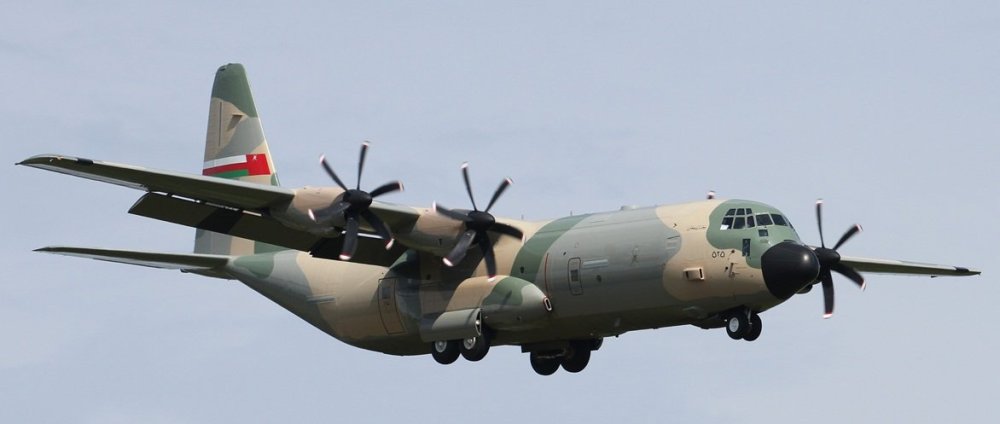
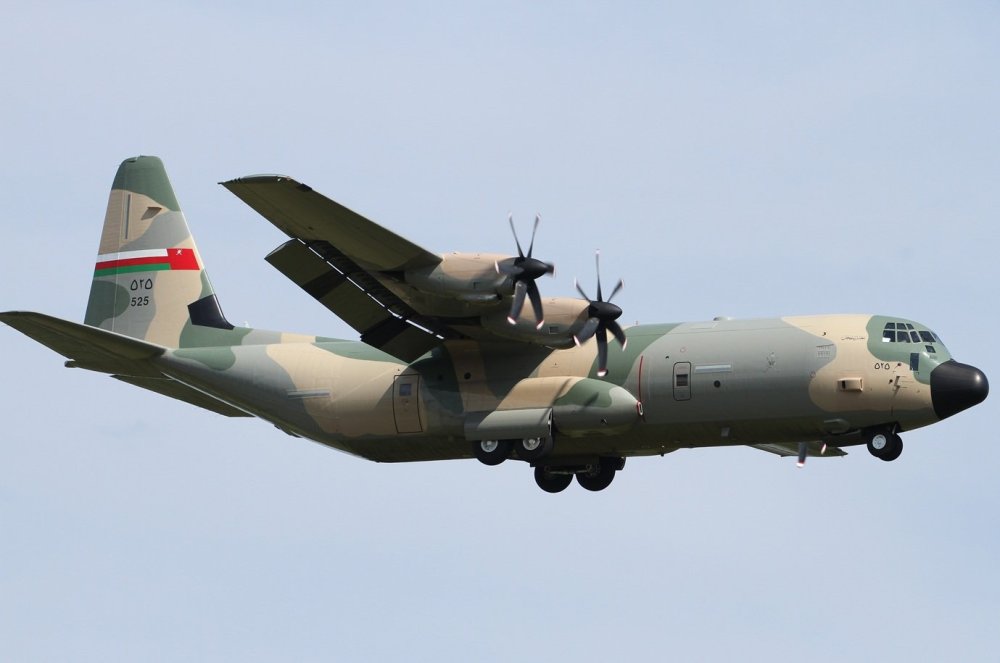
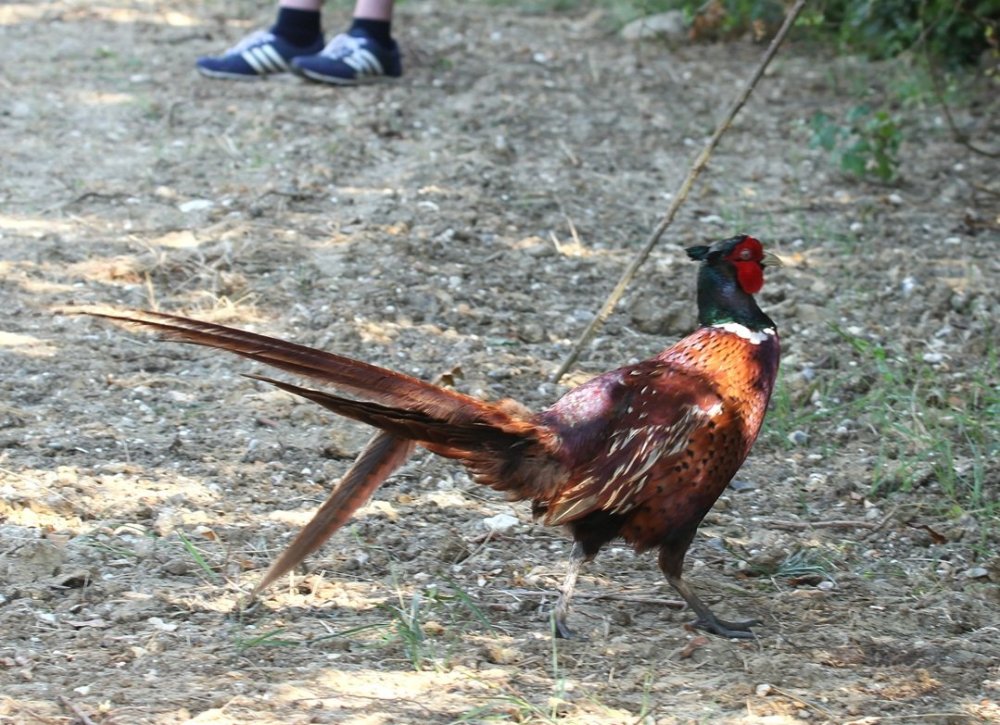
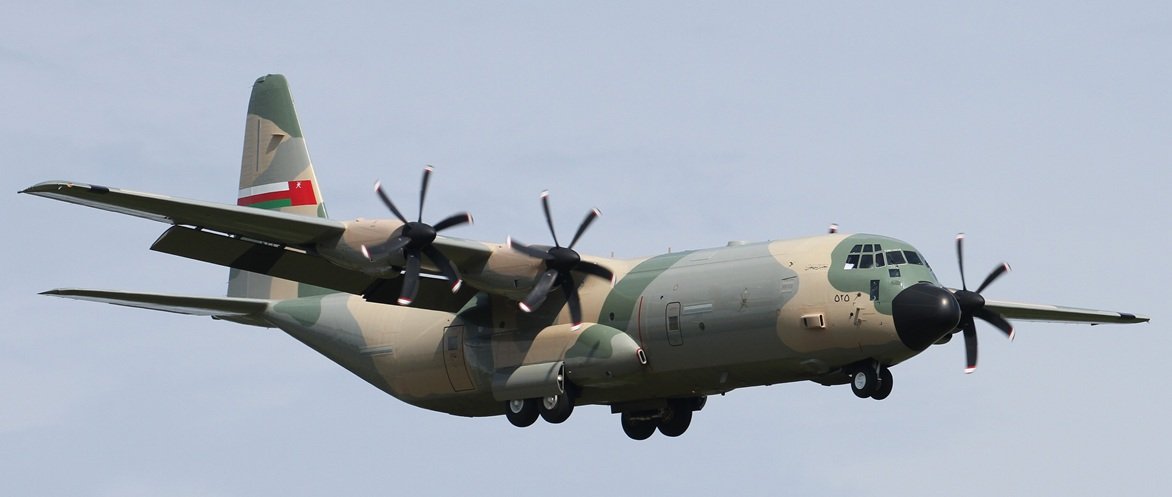
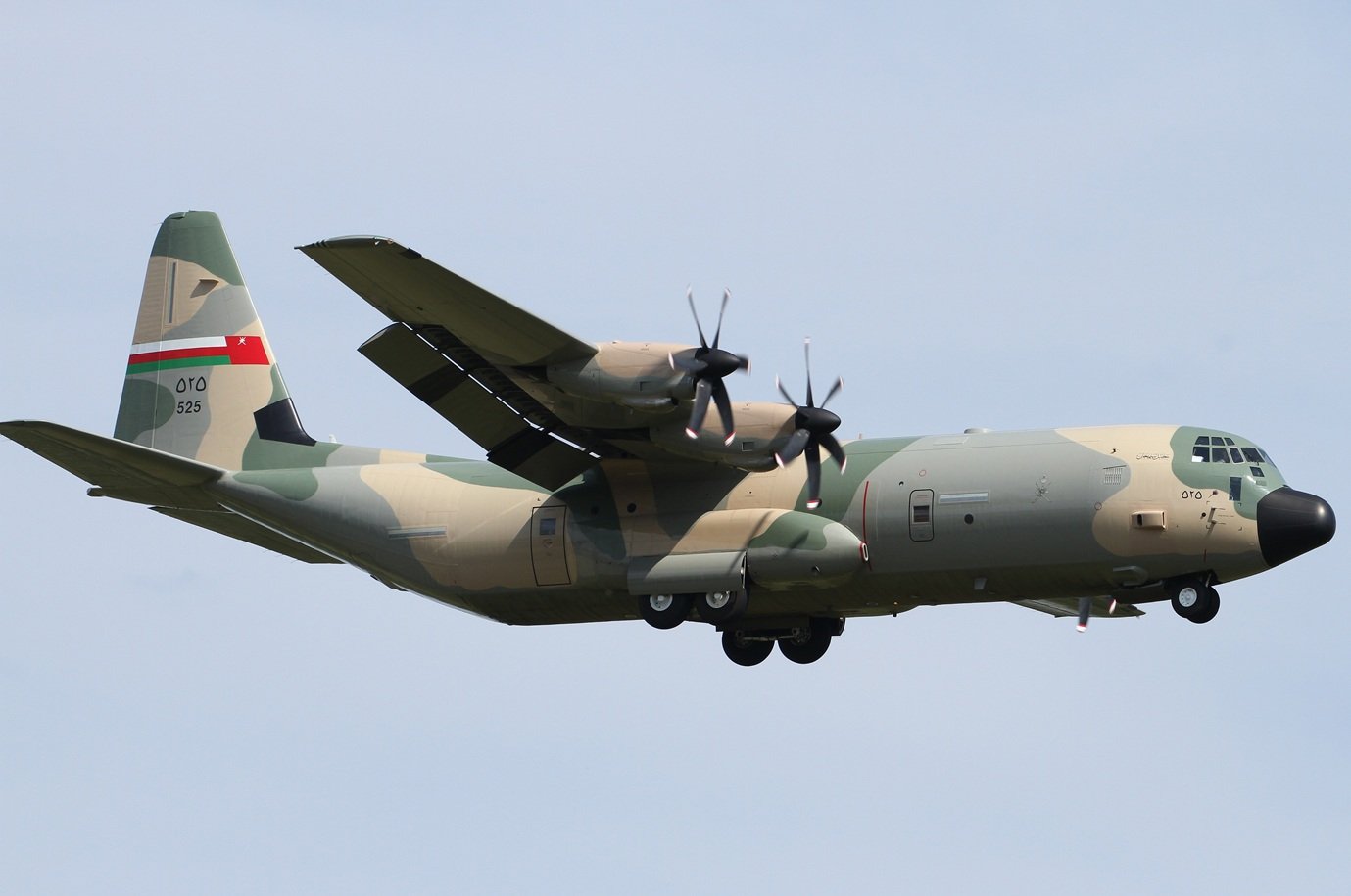
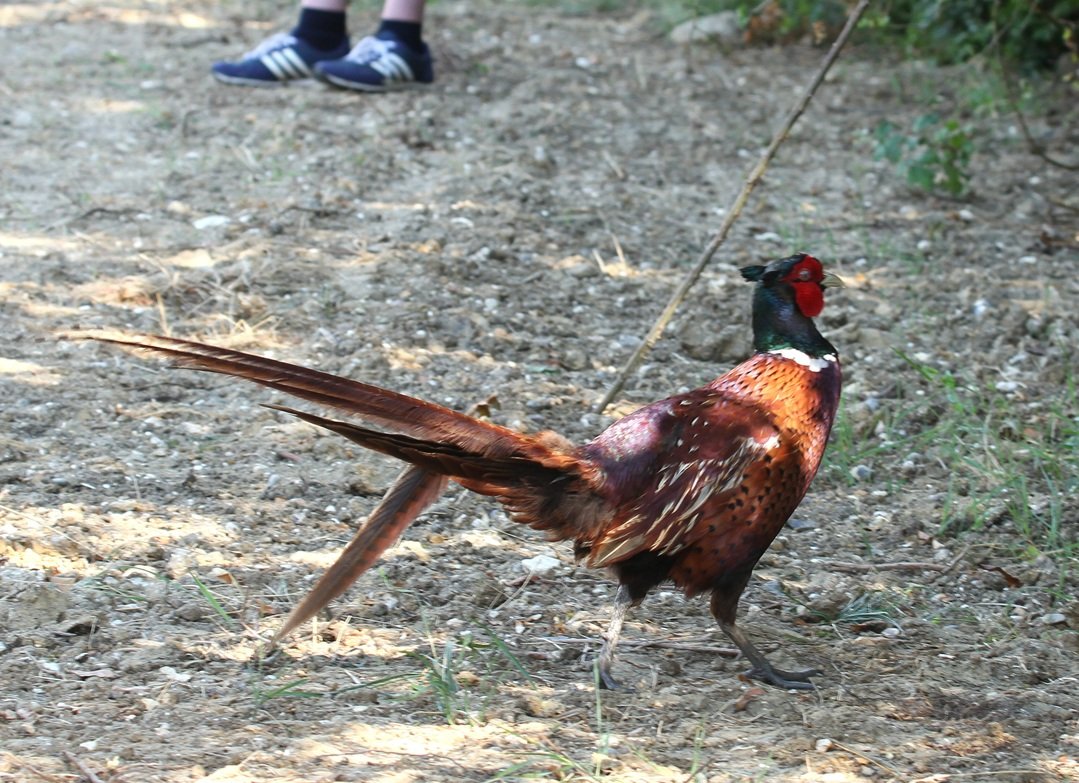
3 pointsWhile taking photos of an Omani Air Force Hercules arriving this afternoon at Stansted, a pheasant suddenly emerged from the crops and gave me and my son a checking out for a few minutes, and once it decided we posed no threat, it proceeded to walk towards us and then between and disappeared into the hedgerow.

 3 points
 -
If you have the wiper stalk set to Auto, which mine is permanently set to, the is the occasional random wiper sweep due to the sensor picking up something. You can adjust the sensitivity on the stalk. I have noticed in this heatwave and high humidity that it’s been doing it more frequently. Is suspect that with air con on there might be tiny condensation drops forming or moisture in the air that the sensor picks up. My previous VWdid much the same during the 11 years I owned it. The other issue with wipers is randomly refusing to switch off or coming on in the Off position but still working normally at the other stalk positions. Usually the only way to stop it is to switch the ignition off or remove the fuse for the wiper motor. Strangely refitting the fuse can fix the problem. I’ve read that this can happen when the wiper motor needs to reset the park position. Finally there is the fault that requires a new stalk, our Fabia has this fault, it’s apparently something to do with lubricating grease on the contacts in the stalk, happened twice last time was 18 months ago.2 points
-
2 pointsYes, I believe the cutouts are for the retractable cover. AIUI, the strap is for a first aid kit included in those markets where carrying one is mandatory (so not in the UK).2 points
-
2 points
-
2 pointsWelcome to the forum. The two messages are simply showing the reason why Stop/Start (idle stop) is being inhibited - not for A/C errors. You will need to get any fault codes (DTCs) read to find why your A/C is not performing correctly - it may be short of refrigerant. Do you get any cooling at all? Do you get the usual quantity of air-flow through the vents? When was the cabin (pollen) filter last replaced?2 points
-
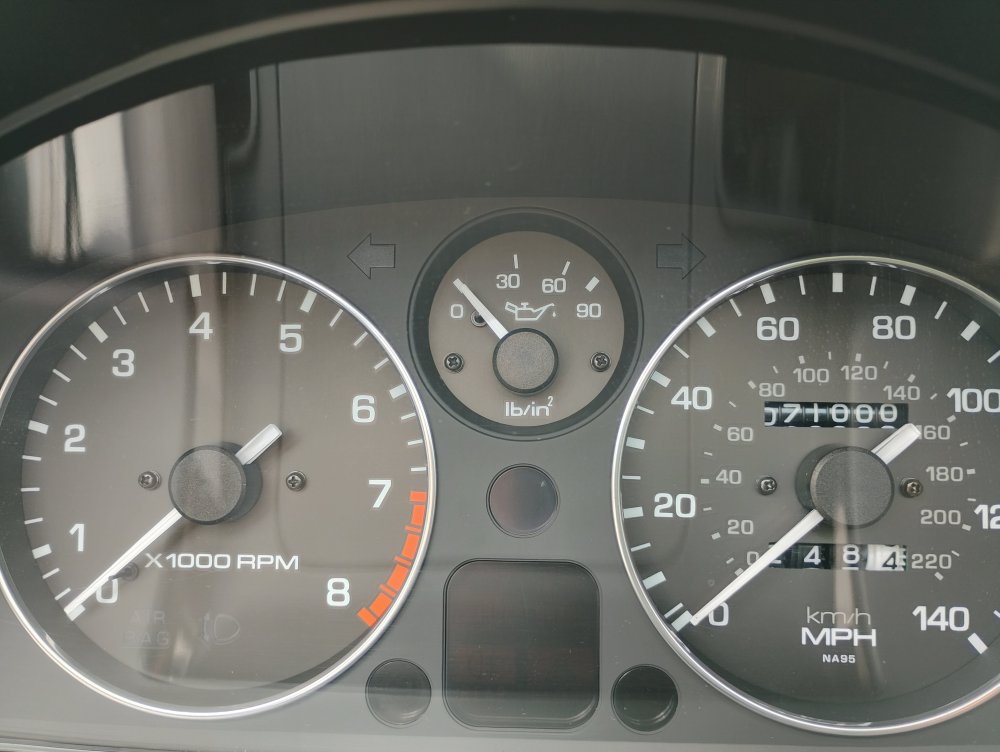
Mine for comparison from a couple of weeks ago
 2 points
 -
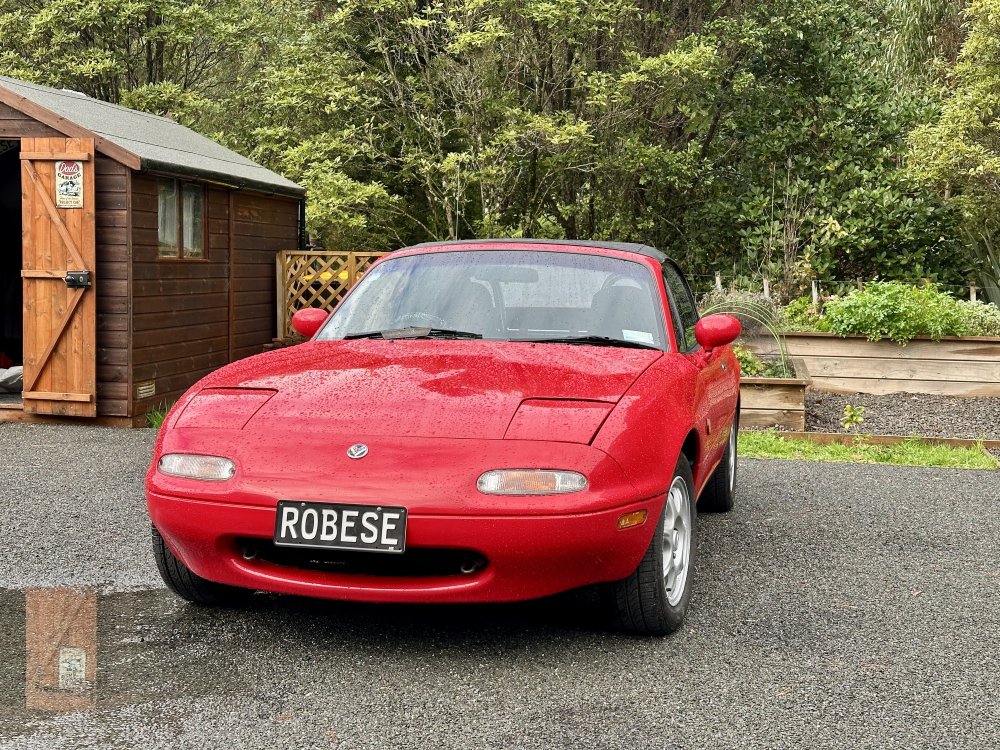
You win internet points!
 2 points
 -
2 pointsTry another key if you have one. It may be that the reader in ignition isnt picking up key or key transponder has failed. You can also try disconnecting battery (make sure its good and charged fully) and leaving for a while reconnect and try again in case its had a blip. Would probably be advised to get it scanned with vcds in case it pings something up and narrows it down for you. If its the imobilser kicking in which it sounds like from your description then it could be key,key reader,cluster etc. Alasdair2 points
-
2 pointsI can confirm Kieran @East_Yorkshire_Retrofits is a cool guy, knows his stuff and will be only too happy to help. Had my Octavia in with him a while back2 points
-
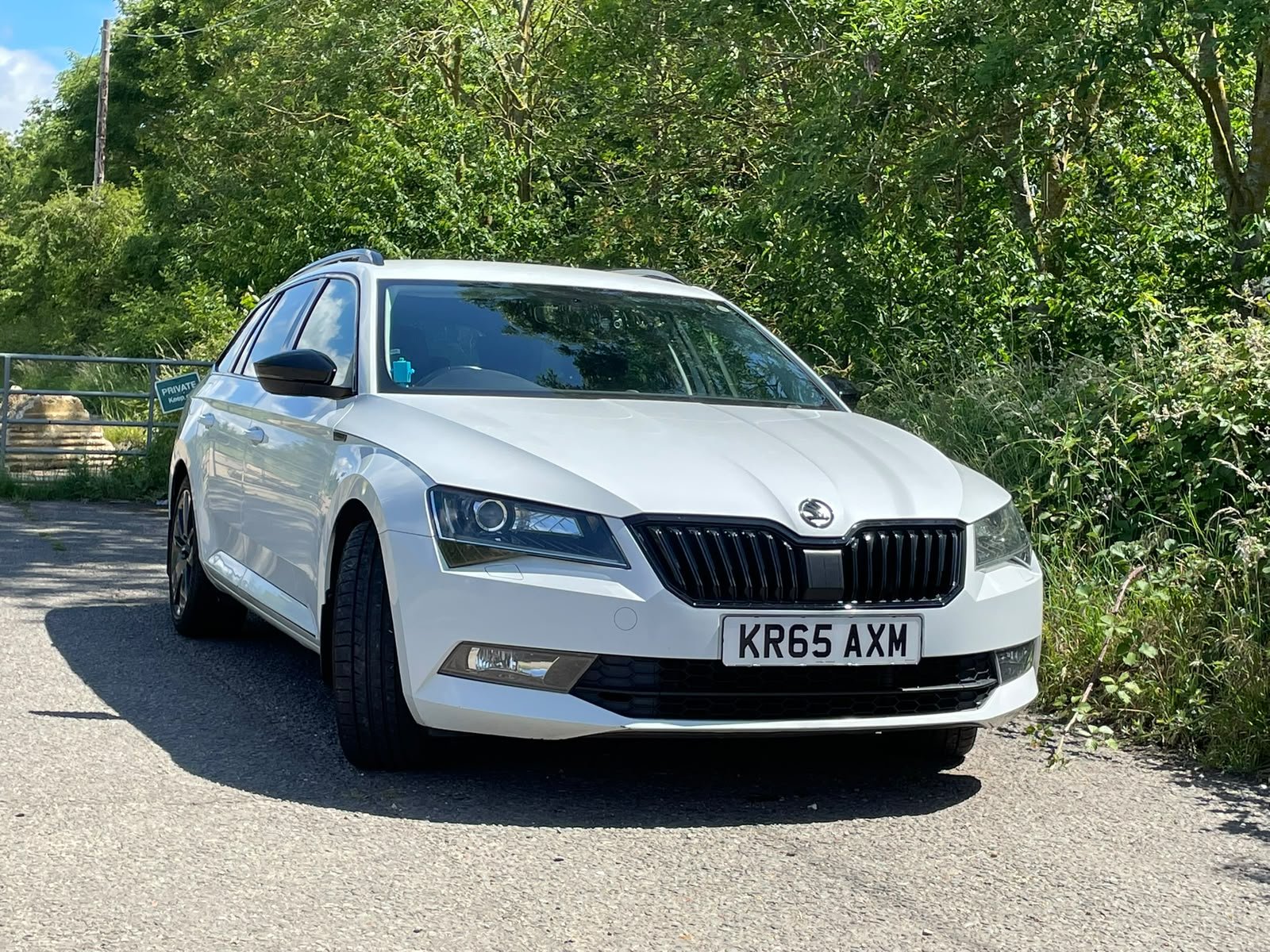
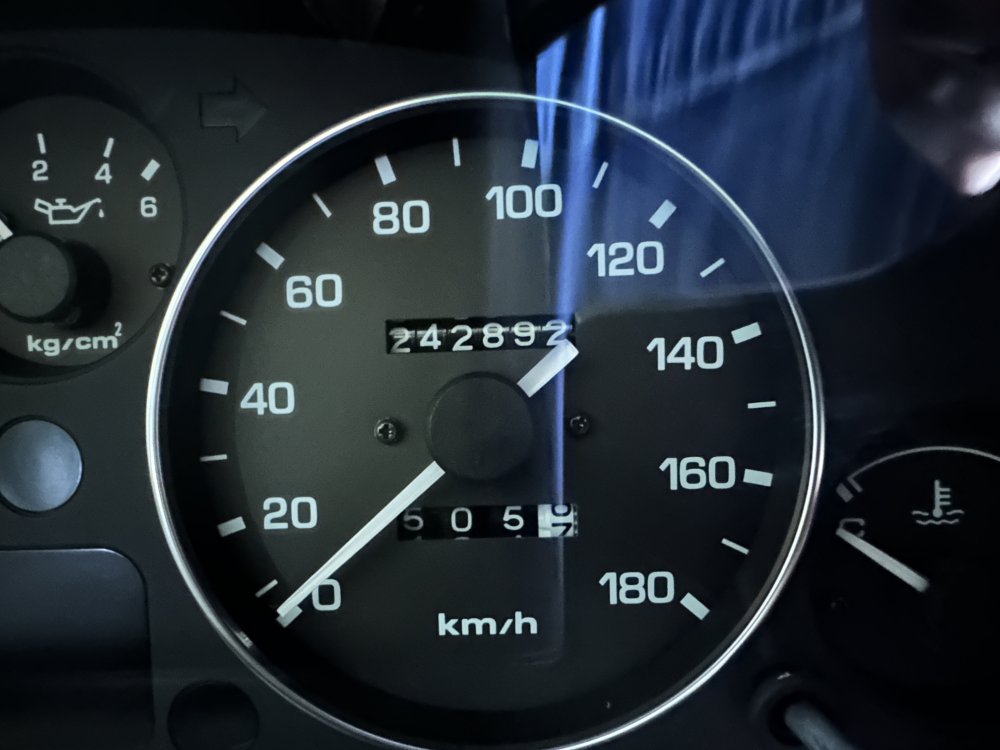
I bought myself “new” car this week.
 2 points
 -
How long have you got before you cannot reject it ? I would be doing exactly that RIGHT NOW.2 points
-
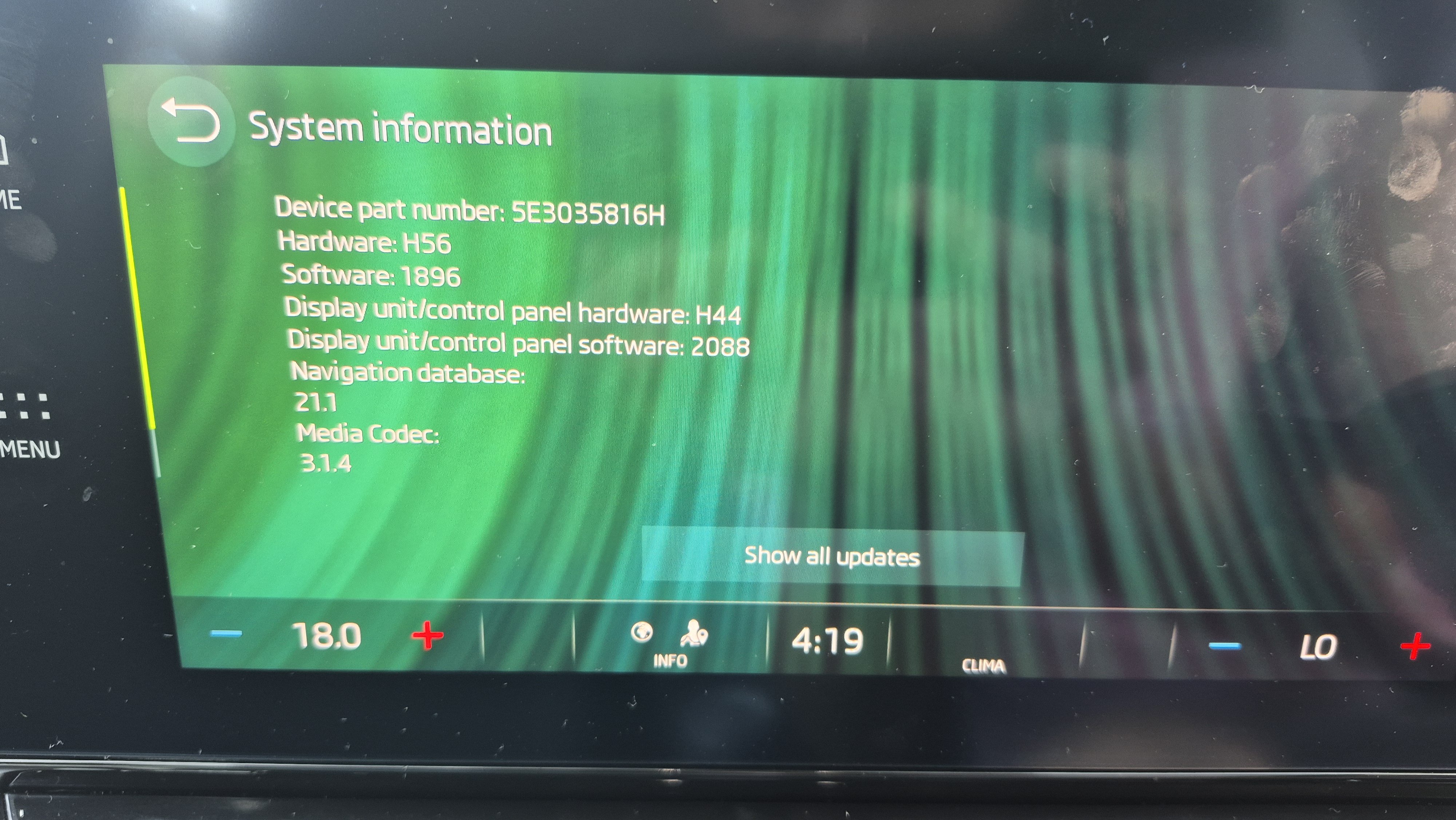
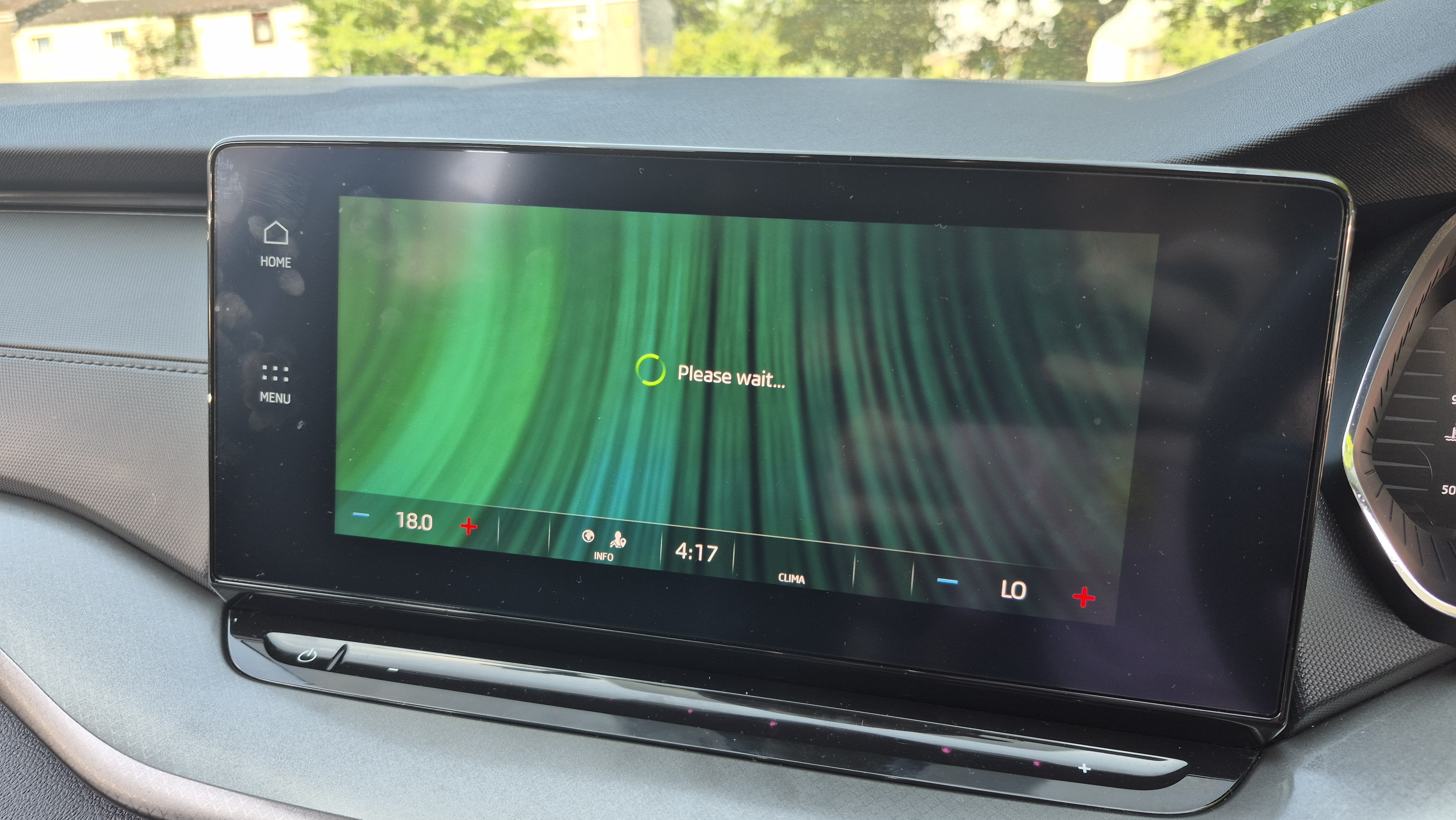
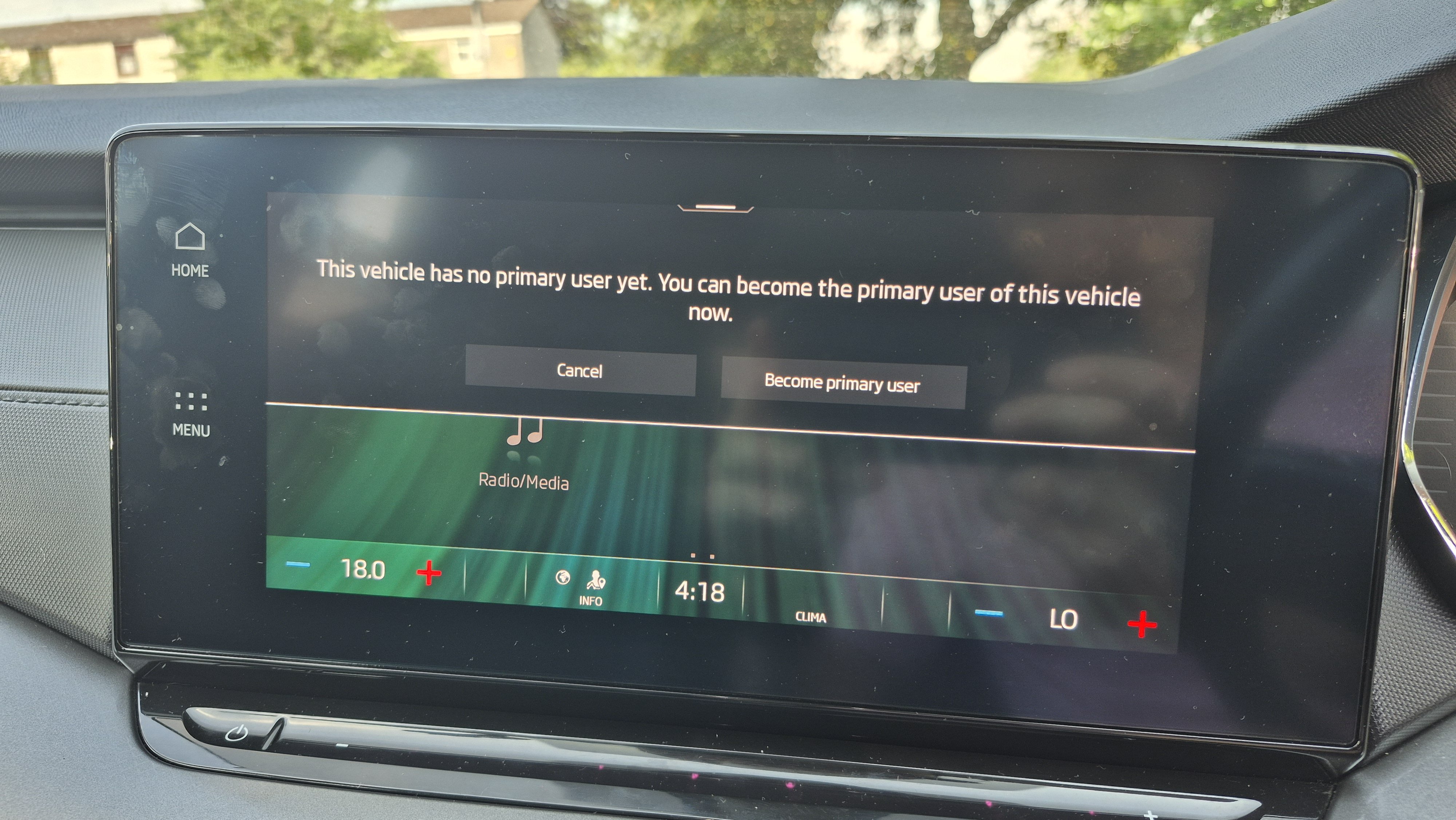
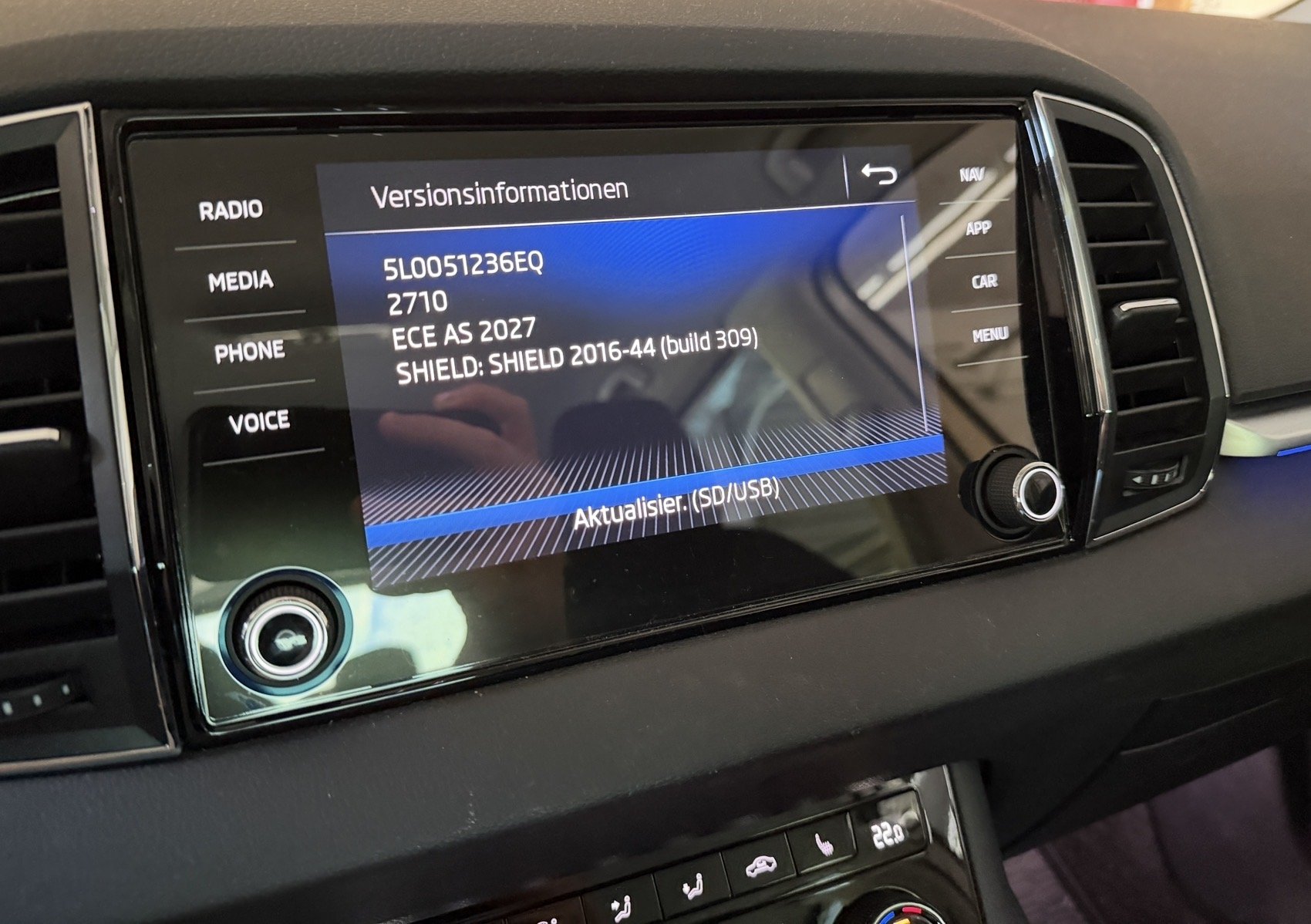
Hi guys, Just bought a 2020 Octavia and end up stuck in a seemingly infinite "Please wait..." loop when trying to become the primary user on the infotainment. I was able to set up an account on the MySkoda app and add my car's VIN. I then get to the "activate vehicle" stage and it directs me to continue on the infotainment. My email/password has been added as a user, but any time I tap into "become primary user" it just hangs and says "please wait...". I've tried it with the car's eSIM active, with my phone as a hotspot and the car connected to that, I've rebooted manually loads of times, tried after engine restarts and tried all of these over a few days- no luck. Has anyone had this issue and/or know how to resolve? My infotainment's software version is attached here. Many, many thanks in advance!
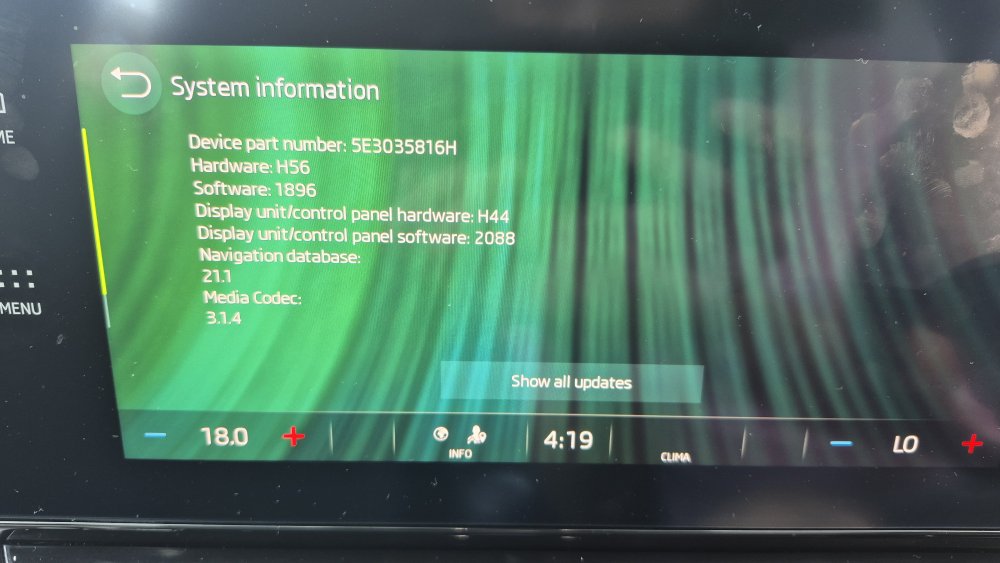
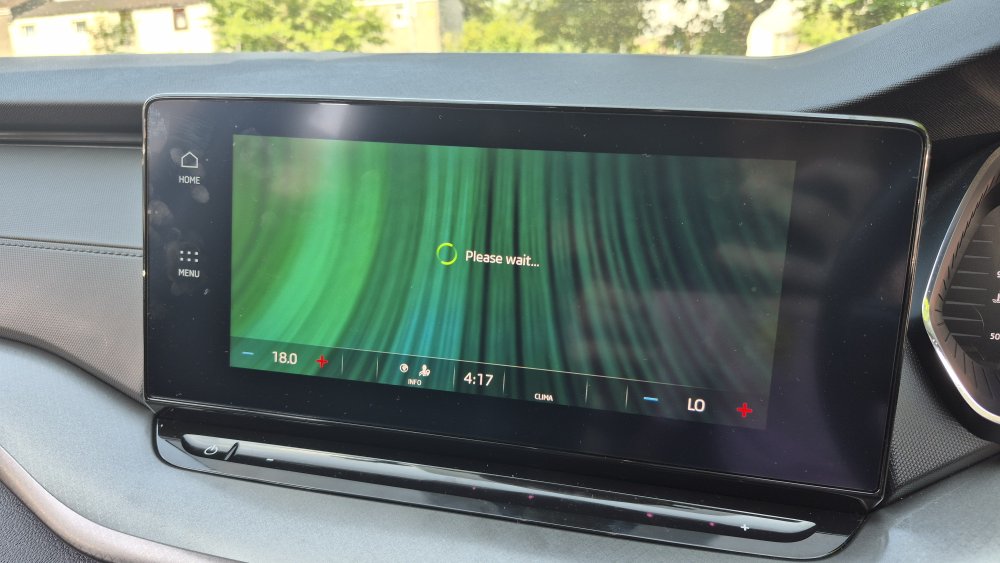
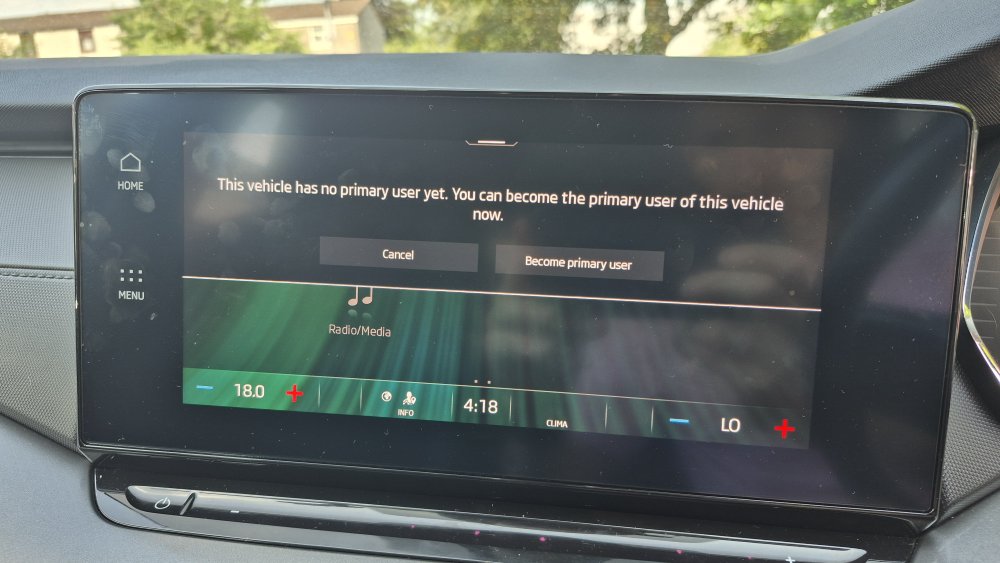 1 point
 -
1 pointThought I had better join and introduce myself, as looked on here for a few answers to queries. Recently bought a KODIAQ VRS BITDI and going to look at a Fabia Monte Carlo with steering issues tomorrow. 🤦🏻♂️1 point
-
1 point
-
1 pointIf it's in full sun it may be that it's too hot.. I've seen similar displays go black in direct sun but come back ok when they cool down1 point
-
1 pointThey may have a vehicle, but that’s about it. I actually contacted 2 nearby dealers about it a couple of wks ago, and I was told - “We aren’t getting training or proper info packs until October, hopefully a demo car in November, so really won’t be able to do much other than put your name on a possible interest list to let you know. Deliveries not likely before Jan 2027 being very optimistic.” Still though, it’s a very interesting package.1 point
-
1 pointIt is not unkown for a large crimped cable to become high resistance after getting wet and corrosion inside the crimped connector. Mostly affects the cable to the alternator. The high temp is due the high resistance still able to carry some current but not enough.1 point
-
1 pointROW 308 No warrenty https://mega.nz/file/Uu9QUa7I#6xdYdHcfsO8hfYv1SW_ONWPuZBzYe3y6qsFwCooGrJQ1 point
-
1 pointThanks very much 👍 I’ll see how I go with the OBDeleven but if the parasitic drain continues, I’ll get in touch. I ‘m only 15 minutes away from you anyway.1 point
-
1 point
-
My wife has ordered a new Kamiq with the heated screen, due next month. I never thought to ask about which type of heated screen it has. So it will be the filament one Im thinking. Grrr. Oh well, not the end of the world. (I also wear varifocals, but my wife doesn't. She may not notice!)1 point
-
My Karoq SEL is standard other than a spare wheel. Personally, if I was speccing one from factory order, I would go for variable boot floor, winter package plus,ambient light package and safety package. I've always found that the standard sound systems in Skodas to be very good so the Canton would not be on my list. Its always a personal chuice when choosing what to have but if I changed my Karoq for new I would bite the bullet and get what I wanted even though as said , there are some great bargains to be had at the moment.1 point
-
1 point
-
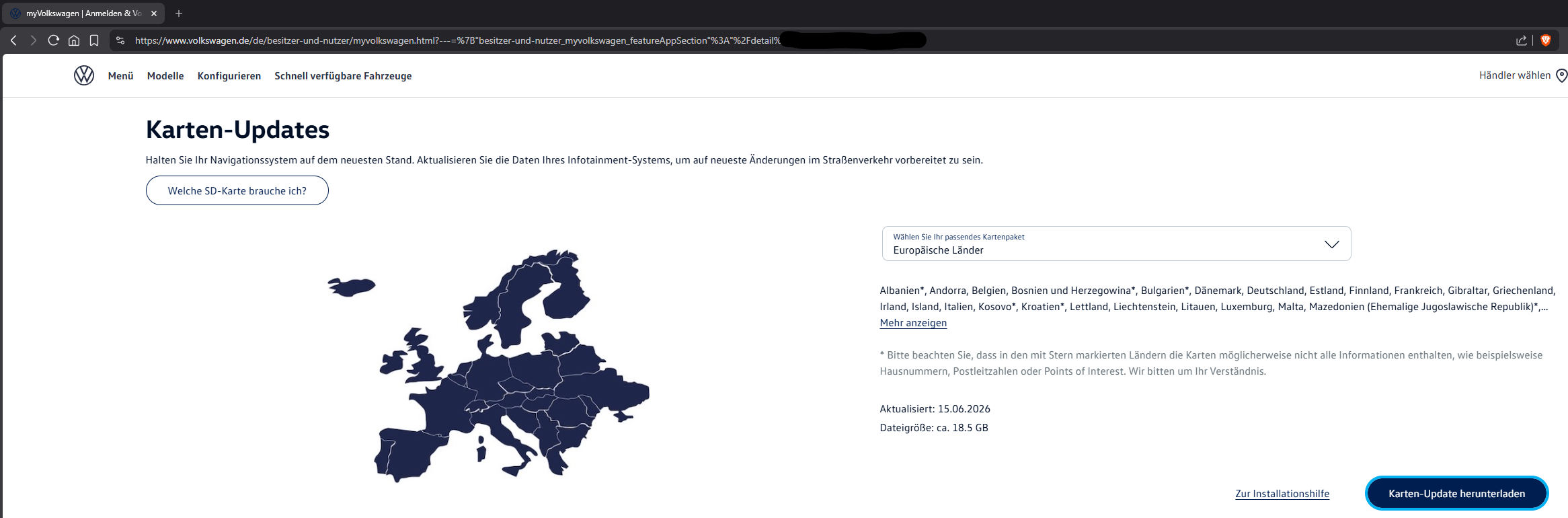
@MartiniB Its listed under MyVolkswagen. At least on the German version it is. It requires you to register, it requires a VIN of a VW that's equipped with an MST2 system and then you can download it. Those links I have posted are from MyVolkswagen. It sounds like you have doubts about the links I have posted, lol. But here's a screenshot from the MyVolkswagen page that lists the download. I just censored my VIN in the URL.
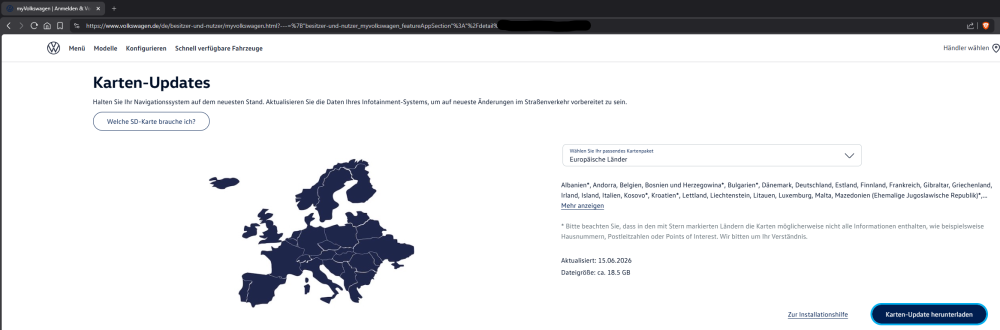 1 point
 -
1 point
-
1 pointI'm running Michelin Pilot Sport 5. Great grip both in the dry and wet. Wet road braking is also exceptional.1 point
-
1 pointRather than a traitor, I'd say 'double agent' 🥷 sounds more suitable... I share some informations from Kodiaq Mk1 forum with Superb Mk3 forum and revertedly 😁1 point
-
1 pointNo, nothing. The car drives fine and there are no indications that anything’s wrong. It’s just that I can’t register my new battery to make sure that the charging is as it should be. There’s every chance that I still have a parasitic drain but I’d like to get the battery registered so that I can discount that. Thanks very much for that. I’m not far from Bridlington so that’s a good option. 👍1 point
-
Thanks both for your advice. I managed to install it yesterday evening. Dropping the glovebox was the right call. Firstly tested by plugging into the loom before fully committing. All worked so on with the proper install. I found this video which was good to see how to remove the various panels. I didn't have any rods so use a spare bike brake hose to manoeuvre the cable down the right hand side of the boot, over the headliner to the left side of the car and worked down into the sill. Happy with the result.1 point
-
1 pointYeah o did see that but it also has full over the top ŠKODA service history, it is weird why the owner has let the tyres get in that state but then gone overboard on servicing 🤷🏼♂️1 point
-
1 pointMind you, it would have been more helpful if I had written “yank the coils up” and not “yank the plugs out”!1 point
-
1 pointThat you are not native English speaker is not the problem, you do write well ... heck, your tutorial for the Haldex is great - so do not worry 😉 The BIG problem is that you are a traitor and have abandoned us as a Superb owner, so every time you come lurking again here, you lose a bit of connection with our reality, hence you are mixing up the words 😄😜🤗1 point
-
Just seeing the emoticon and smileys you can "age" the participants to this topic 😁1 point
-
1 pointYou just need a decent ODB reader, I have the ODB11 which does all that, clears the faults and the battery1 point
-
Thanks everyone, disconnected the motor, and with a lot of brute force, got the glass up without breaking it. Too hot to think about what to do about fixing it properly.1 point
-
1 pointThanks Bap, but it was what Binx posted that I am after. Cheers for the link to skoda-parts Binx - I have found the right one for about 30 euros. Not too bad, and it will stop the tools rattling around in the boot!1 point
-
Ok, I possibly have a solution for the problem but can't code it myself because I'm using Car Scanner and acces is blocked by Skod. It could work on Obd11 if anyone wish to try. I'm looking for someone with Obd11 to try myself. If your left-side illumination is completely dead or dropping low as soon as you hit the slip road—even before you accelerate past 68 mph—this points to a different system interaction. On the Škoda Superb Mk3 FL, your headlights continuously talk to the front camera (Module A5) and the factory navigation system. The moment the GPS detects you are merging onto a motorway slip road, it preemptively commands the Matrix modules to shift from City/Country Light profiles into Motorway Prep Mode, instantly dropping or masking the left side to avoid blinding truck drivers or high-up road signs. If your dashboard says "Left-Hand Traffic" but the car cuts the left side on the slip road, the car’s GPS tracking module is processing the road geometry backward. It fundamentally believes you are merging onto a Continental European motorway (Right-Hand Traffic) and is trying to protect what it thinks is an opposing lane on your left. The root cause can be fixed with specific byte configurations. The Fix: Invert the LHD/RHD Navigation Logic When using Car Scanner Pro, you must force the Front Sensor Camera (A5) and Multifunction Headlight Gateway (4B) to stop letting the navigation map invert your traffic orientation. Step 1: Fix Module A5 (Front Sensor / Driver Assist Camera) This camera handles the actual lane classification and reads slip road geometry. ◦ Open Coding & Service → Front Sensors (A5) → Long Coding (Raw).Go to Byte 0 (the very first pair of numbers).If your app shows bits, look for the option labeled Country_variant or System_Selection.If it is currently set to hexadecimal 01 (Europe / Left-Hand Drive), change it to 02 (UK / Right-Hand Drive).Note: If it is already on 02, the navigation link is corrupted. Check Bit 4 or 5 inside this byte for a toggle named Navigation_Adaptive_Light_Assist and turn it Off. Step 2: Fix Module 4B (Multifunction Module) The headlight master needs to stop responding to the navigation-based road classification. 1. Open Coding & Service → Multifunction Module (4B) → Long Coding (Raw).Navigate to Byte 5.Look for the individual bit labeled Navigation_Light_Functions or Intersection_Light_via_GPS.Uncheck this bit (change its value from 1 to 0).Why this works: Disabling this stops the navigation system from overriding your headlights based on GPS coordinates. The car will rely purely on what the physical camera sees in front of you on the slip road, preventing it from incorrectly dimming the left curb. ─── Step 3: Hard Reset to Lock in the Left-Hand Beam After applying these raw changes, you must clear the memory buffers: Turn the ignition off, lock the car, and wait 2 full minutes for the CAN-bus modules to enter sleep mode.Turn the car back on, go to the infotainment screen, and navigate to Vehicle → Settings → Lights.Toggle the traffic setting to Right-Hand Traffic, wait 5 seconds, and then flip it firmly back to Left-Hand Traffic.Press and hold your infotainment power button for 10 seconds until the screen reboots.This severs the incorrect GPS calculation, forcing the Matrix headlights to project a wide, full beam down the left slip road and curb exactly as required for UK motorways1 point
-
1 point
-
1 point
-
New MST2 maps, 2027, 2710, V24: EU V1: https://navigation-maps.volkswagen.com/vw-maps/Update_25_26/DiscoverMedia2_EU1_2710_V24.7z EU V2: https://navigation-maps.volkswagen.com/vw-maps/Update_25_26/DiscoverMedia2_EU2_2710_V24.7z EU V3: https://navigation-maps.volkswagen.com/vw-maps/Update_25_26/DiscoverMedia2_EU3_2710_V24.7z EU V4: https://navigation-maps.volkswagen.com/vw-maps/Update_25_26/DiscoverMedia2_EU-DL1_2710_V24.7z EU V5: https://navigation-maps.volkswagen.com/vw-maps/Update_25_26/DiscoverMedia2_EU-DL2_2710_V24.7z EU V6: https://navigation-maps.volkswagen.com/vw-maps/Update_25_26/DiscoverMedia2_EU-DL3_2710_V24.7z EU V7: https://navigation-maps.volkswagen.com/vw-maps/Update_25_26/DiscoverMedia2_EU-DL4_2710_V24.7z EU Complete: https://navigation-maps.volkswagen.com/vw-maps/Update_25_26/DiscoverMedia2_EU-AS_2710_V24.7z This time on the VW Servers.1 point
-
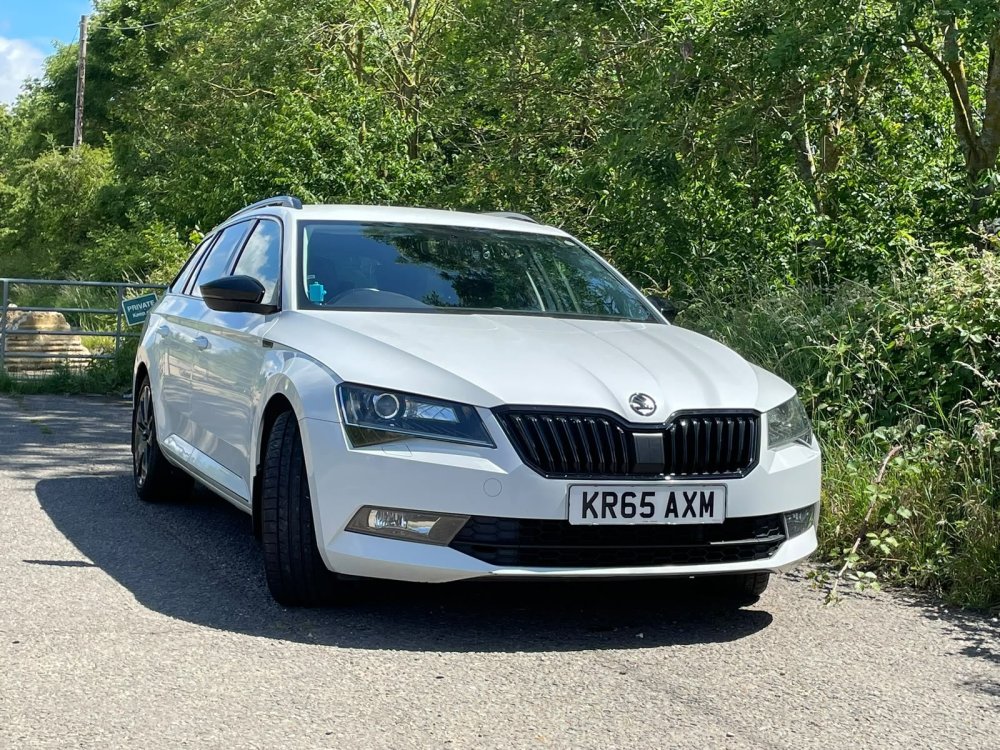
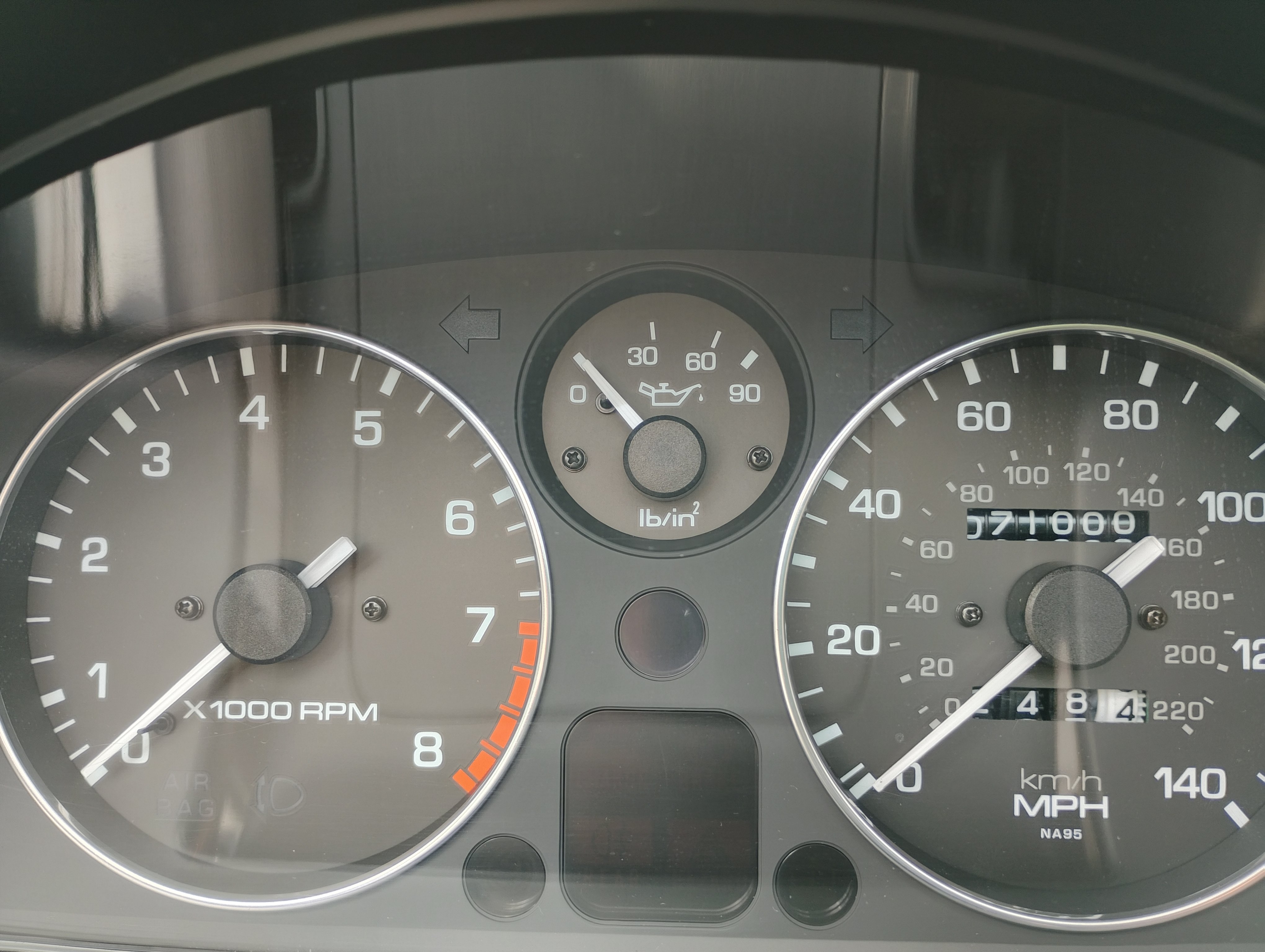
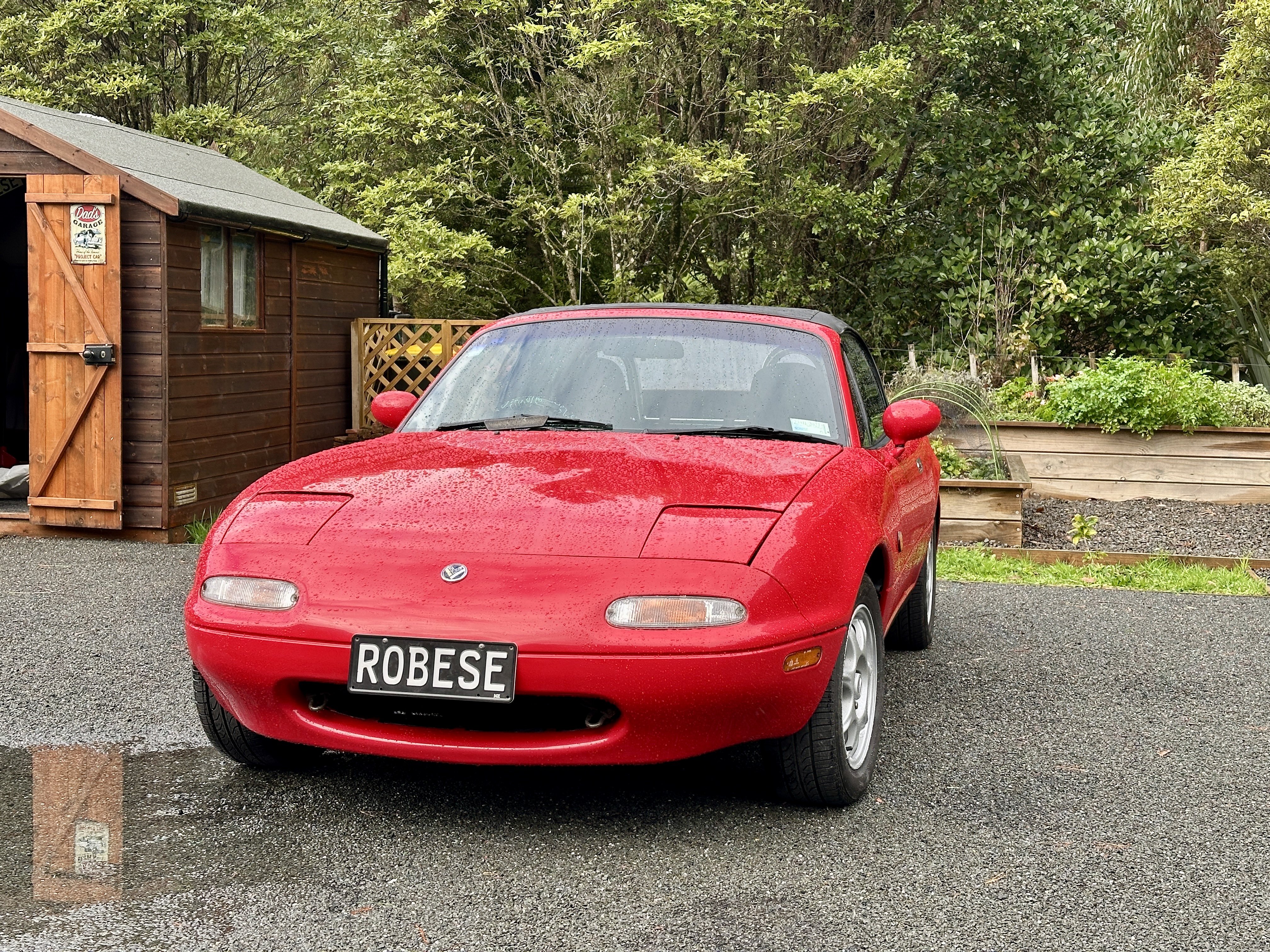
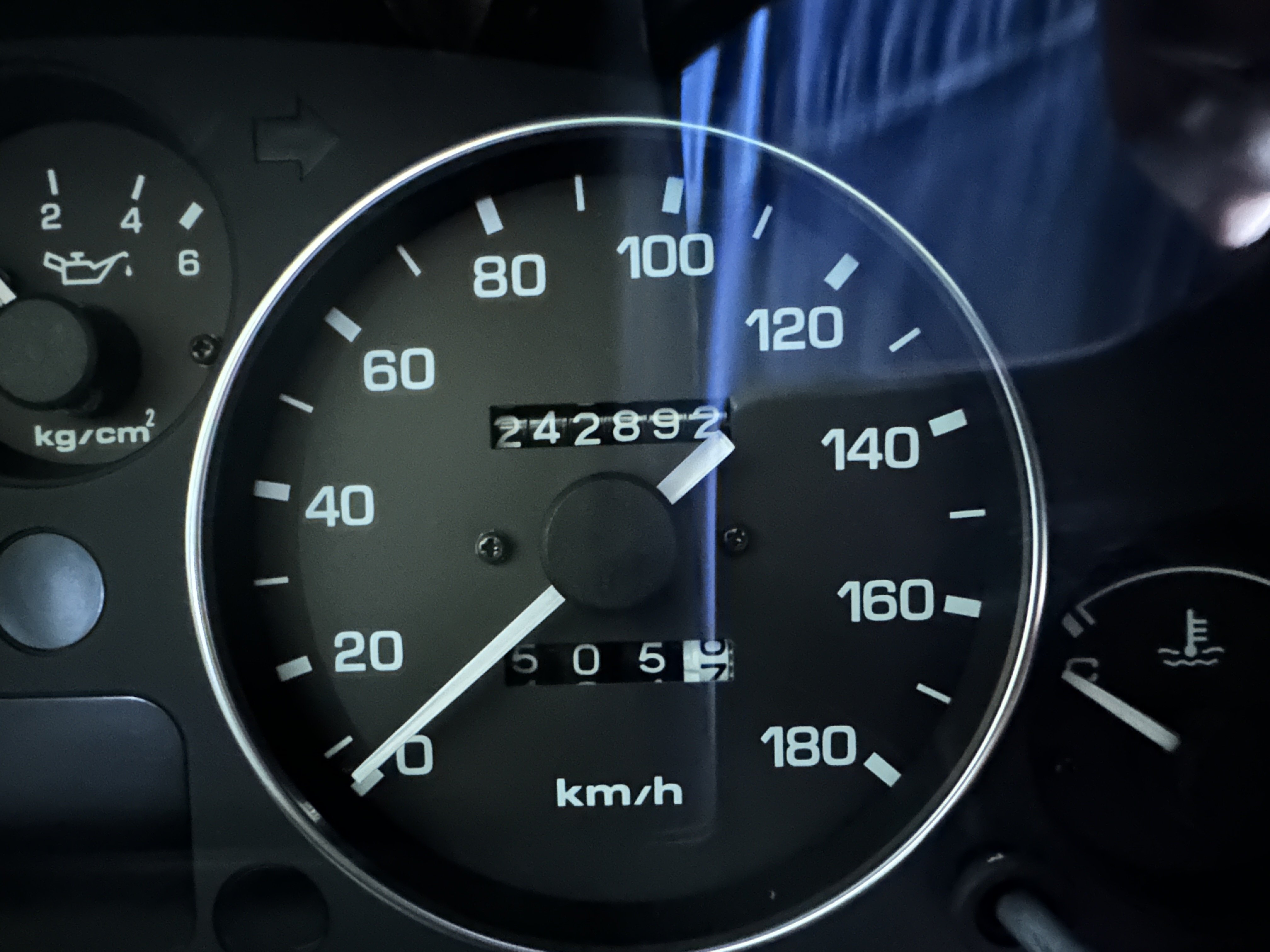
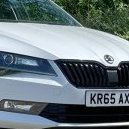
1 pointNow the decrhome project is complete I thought it about time I took some more photos.
.thumb.jpeg.655714f8ed121b7eb5f14fb584d9a04d.jpeg)
.thumb.jpeg.2c6893c338338b083848ba9bd555bb30.jpeg)
.thumb.jpeg.45a9657d0cef2b388a85e3c6a2c12715.jpeg)
 1 point
 -
Just caught up with this. Excellent work as always. 👍1 point




















.jpeg.b7df4fc946a1c08c552ea08dd0483852.jpeg)
.jpeg.77bcf6659ecca10d604bd4a12c722b41.jpeg)
.jpeg.a4163227487390db4aada038927b6e94.jpeg)