Leaderboard
-
shyVRS245
Locked26Points0Posts -

moley
Resident Member9Points10,261Posts -
MikeTheThinker
FREEDOM9Points8,537Posts -
J.R.
Resident Member8Points15,266Posts


Popular Content
Showing content with the highest reputation on 06/08/20 in all areas
-
1 pointHi all. Our beloved (not!) Karoq is in for it's second service ( just over 2 yrs old and 17k ) and the dealership is recommending the AC is serviced at a cost of almost £150 notes. Has anyone else had this request? and has anyone else felt it nescessary? My VW Transporter is 4 1/2 years old with nearly 100k on the clock and hasn't had one or needed a AC service/regas, and all the other cars/vans I've owned have never had a regas until at least 100k, and only when they needed it. Another dealership attempt at daylight robbery? or are the new AC systems just not as robust as previous cars?1 point
-
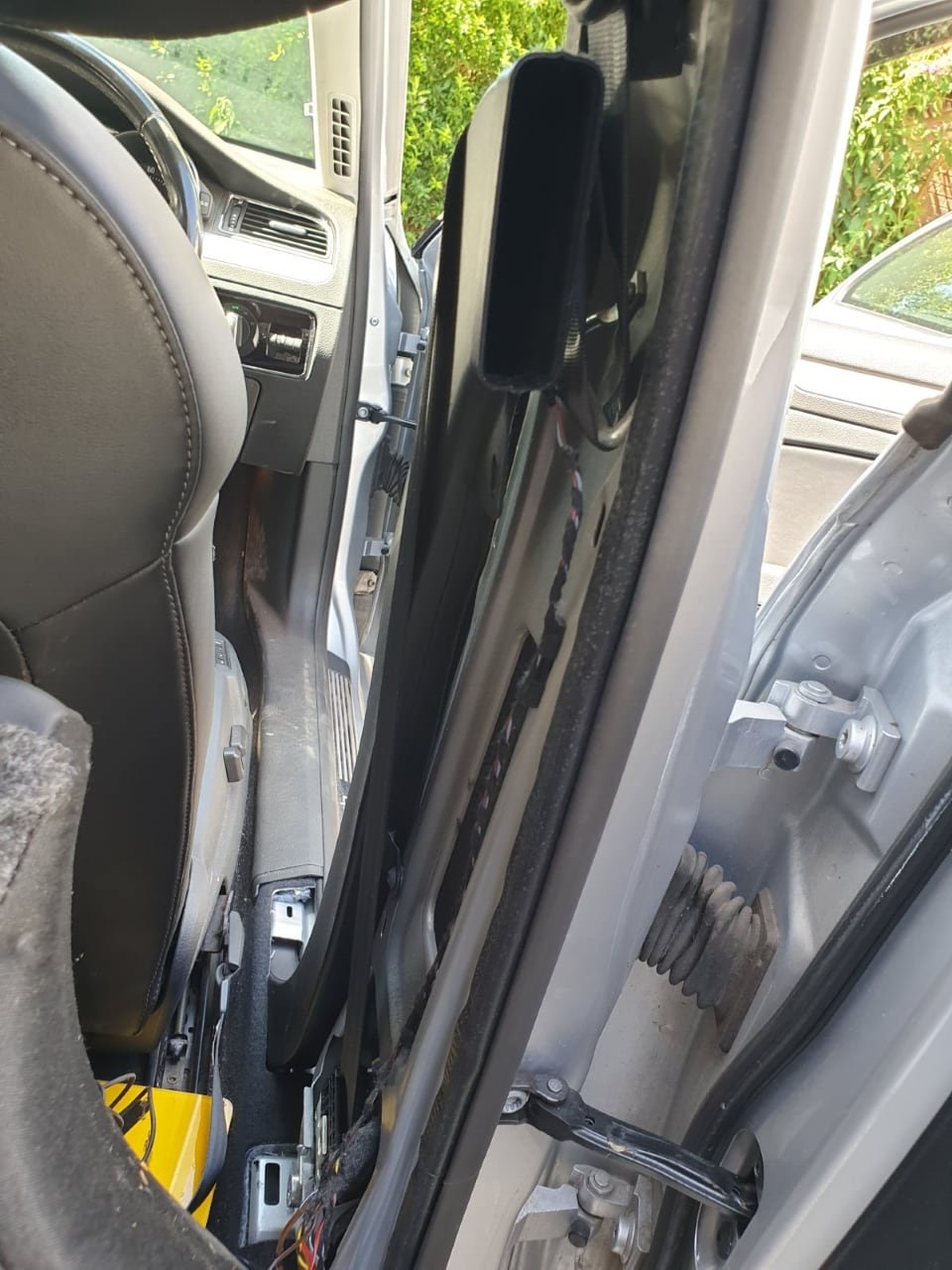
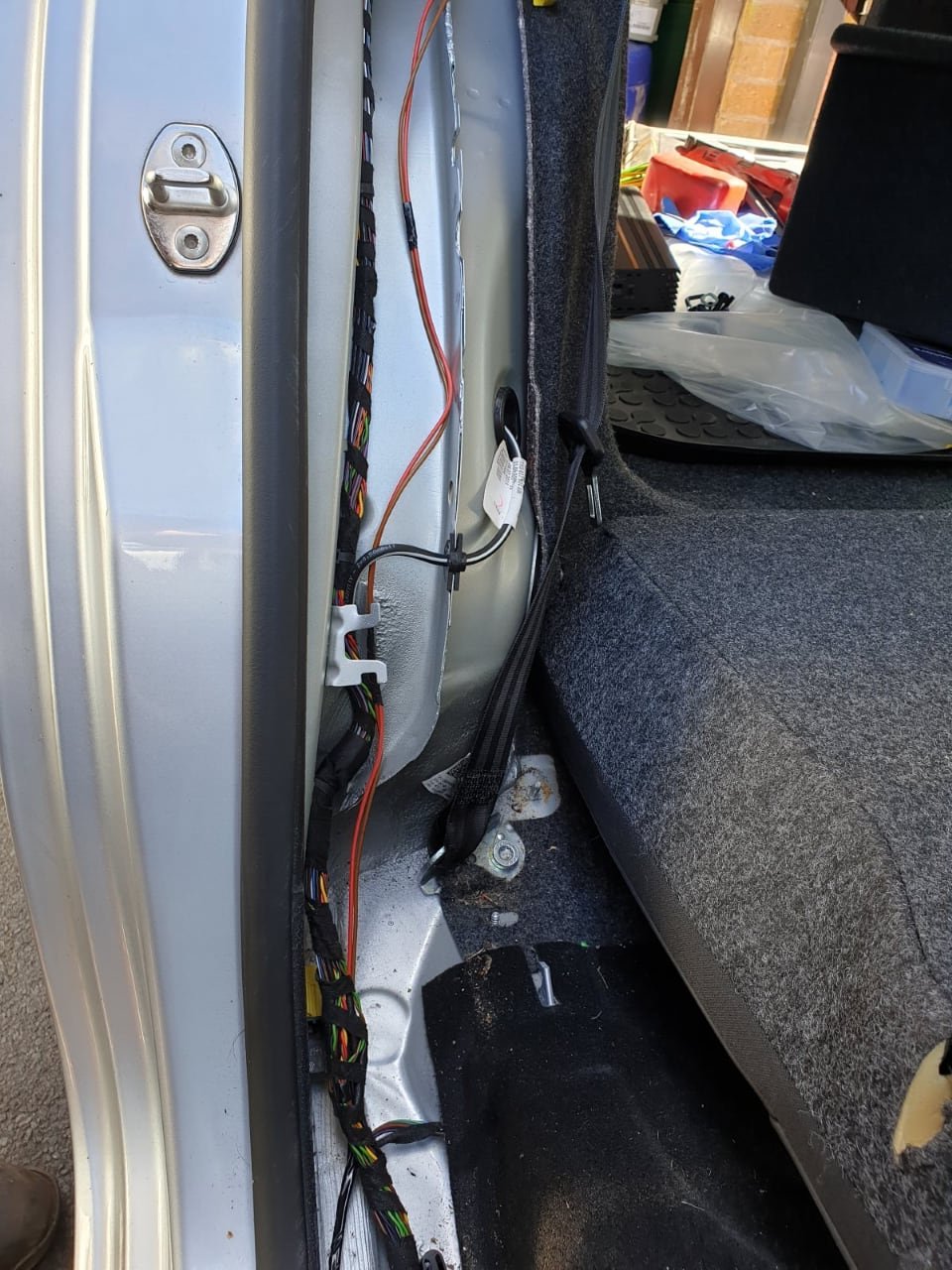
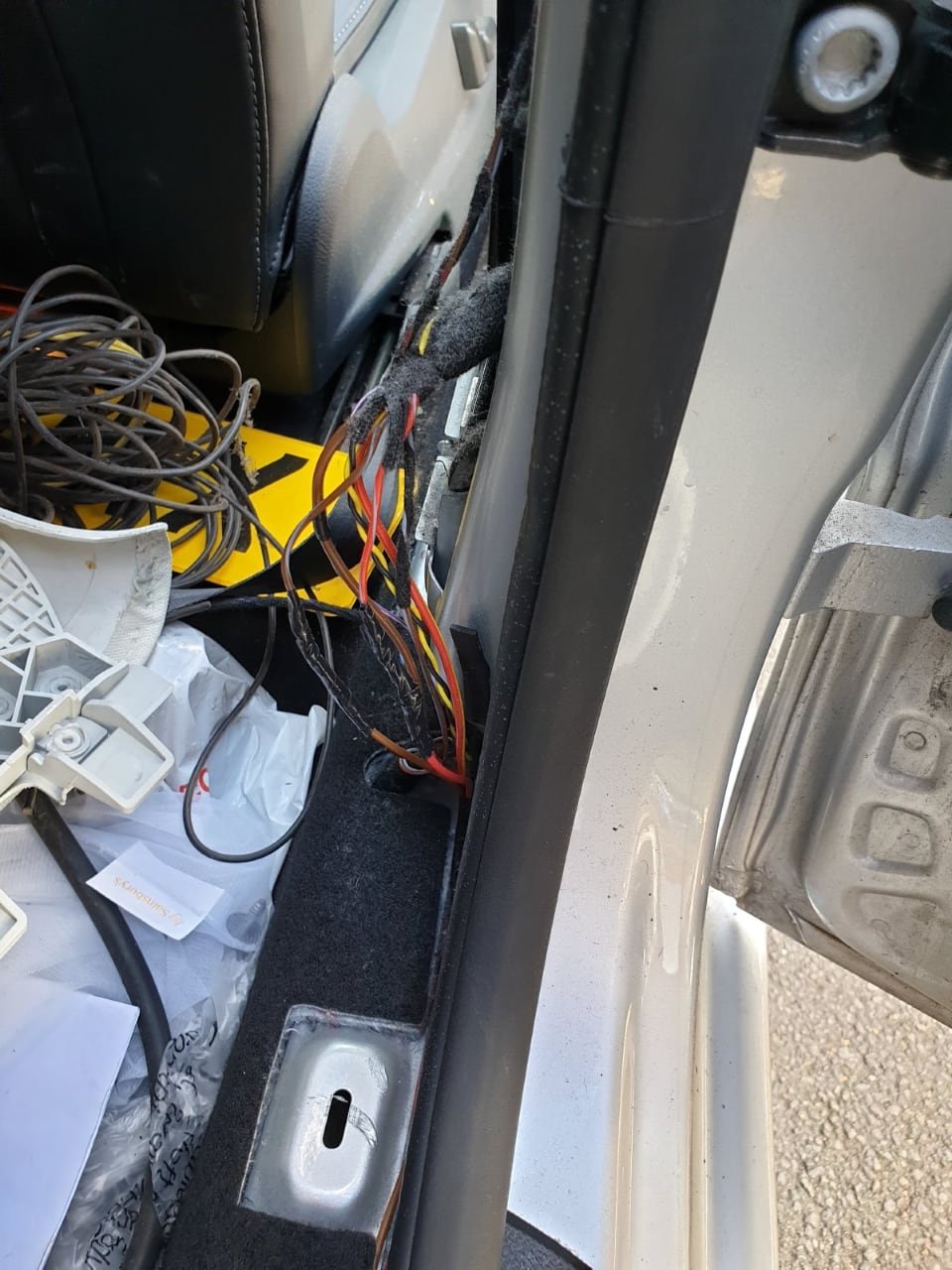
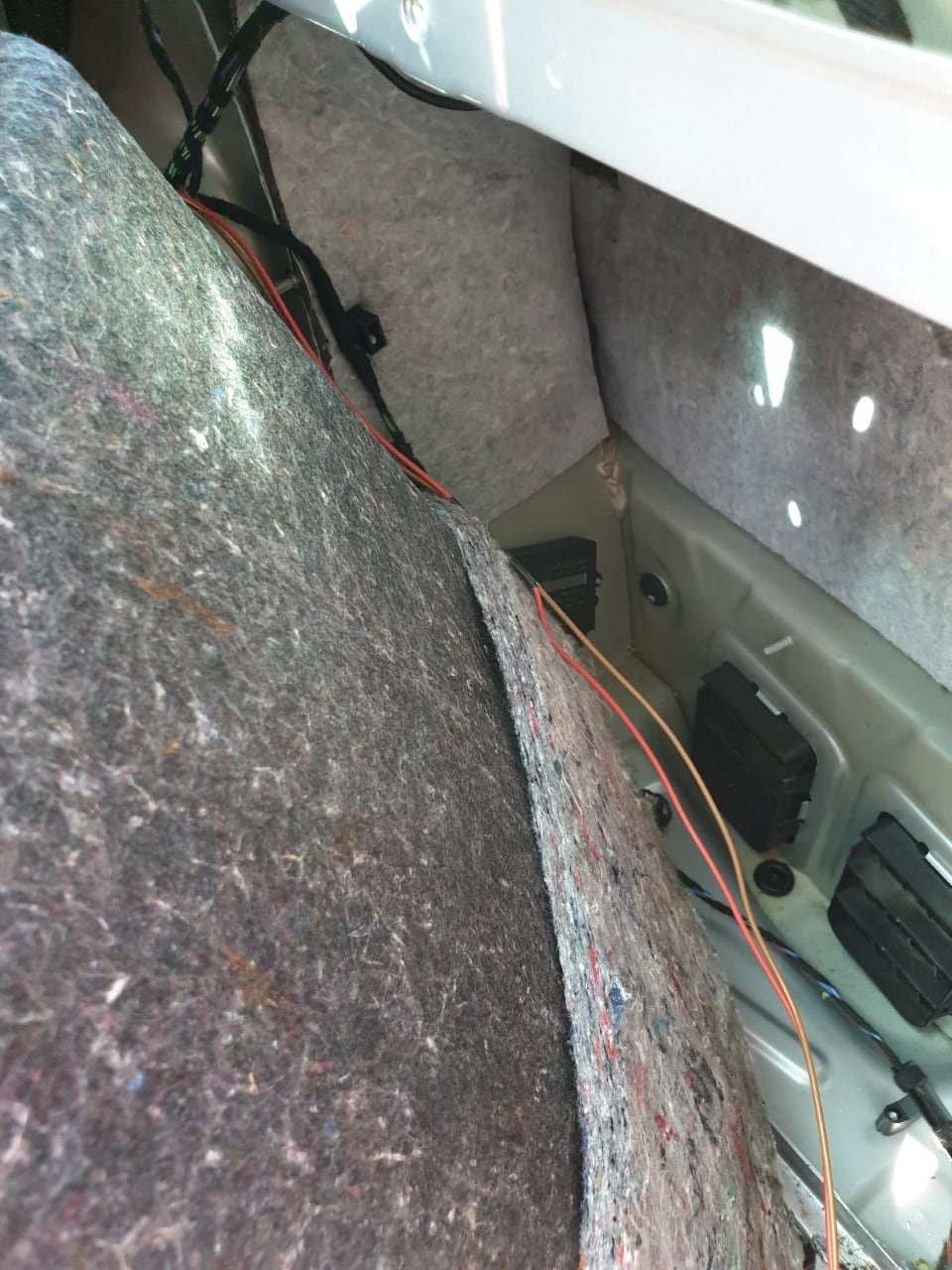
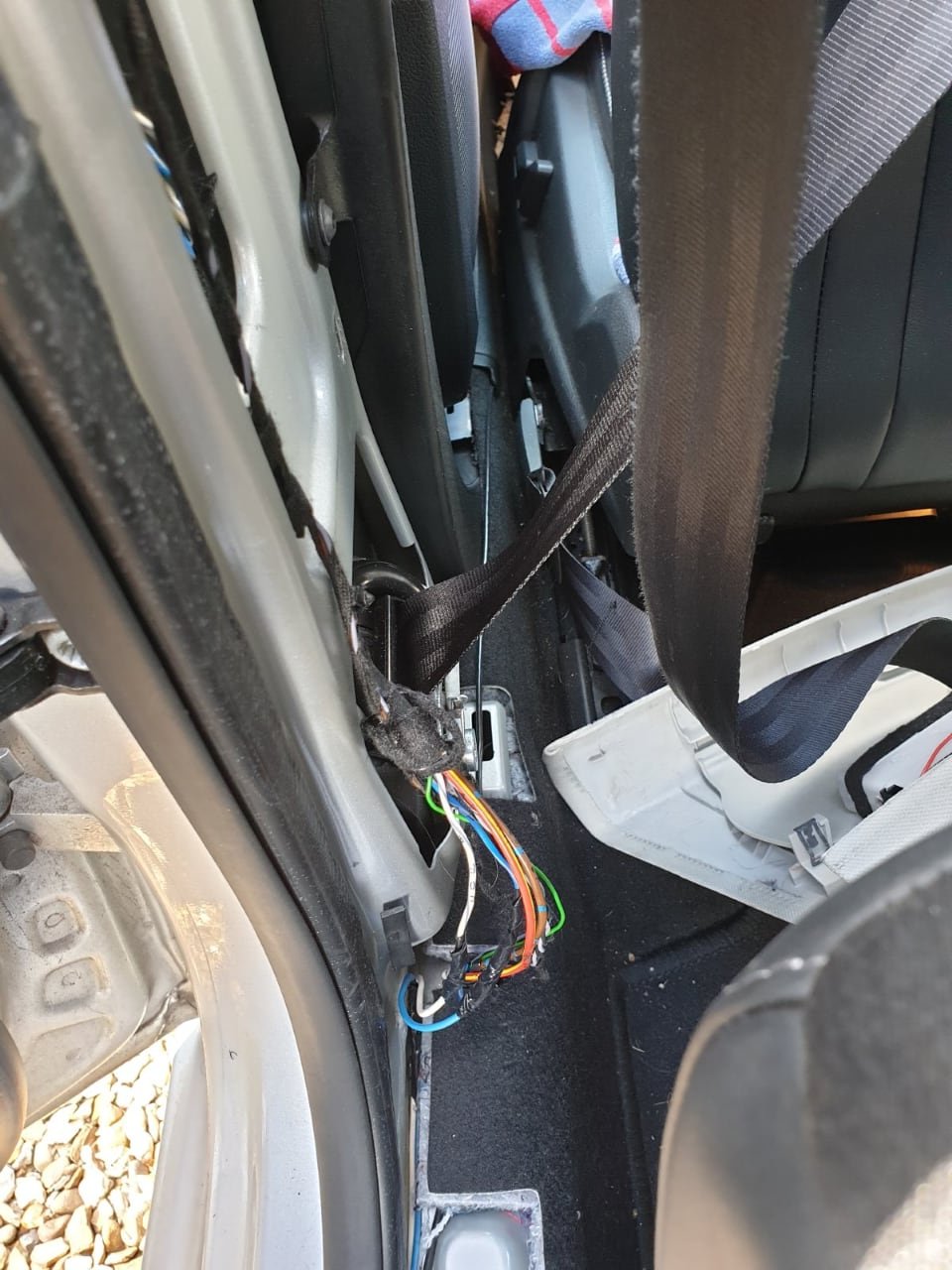
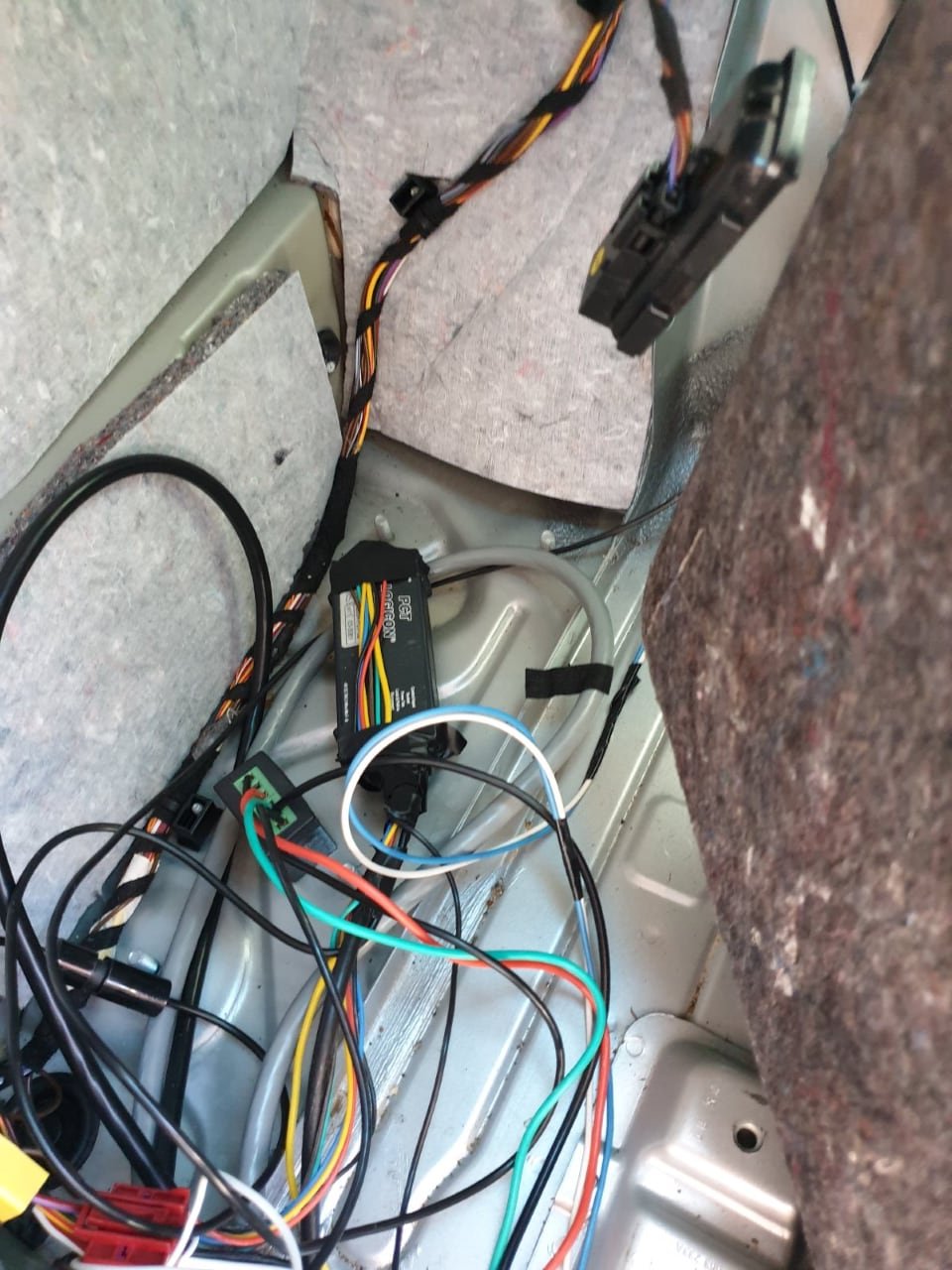
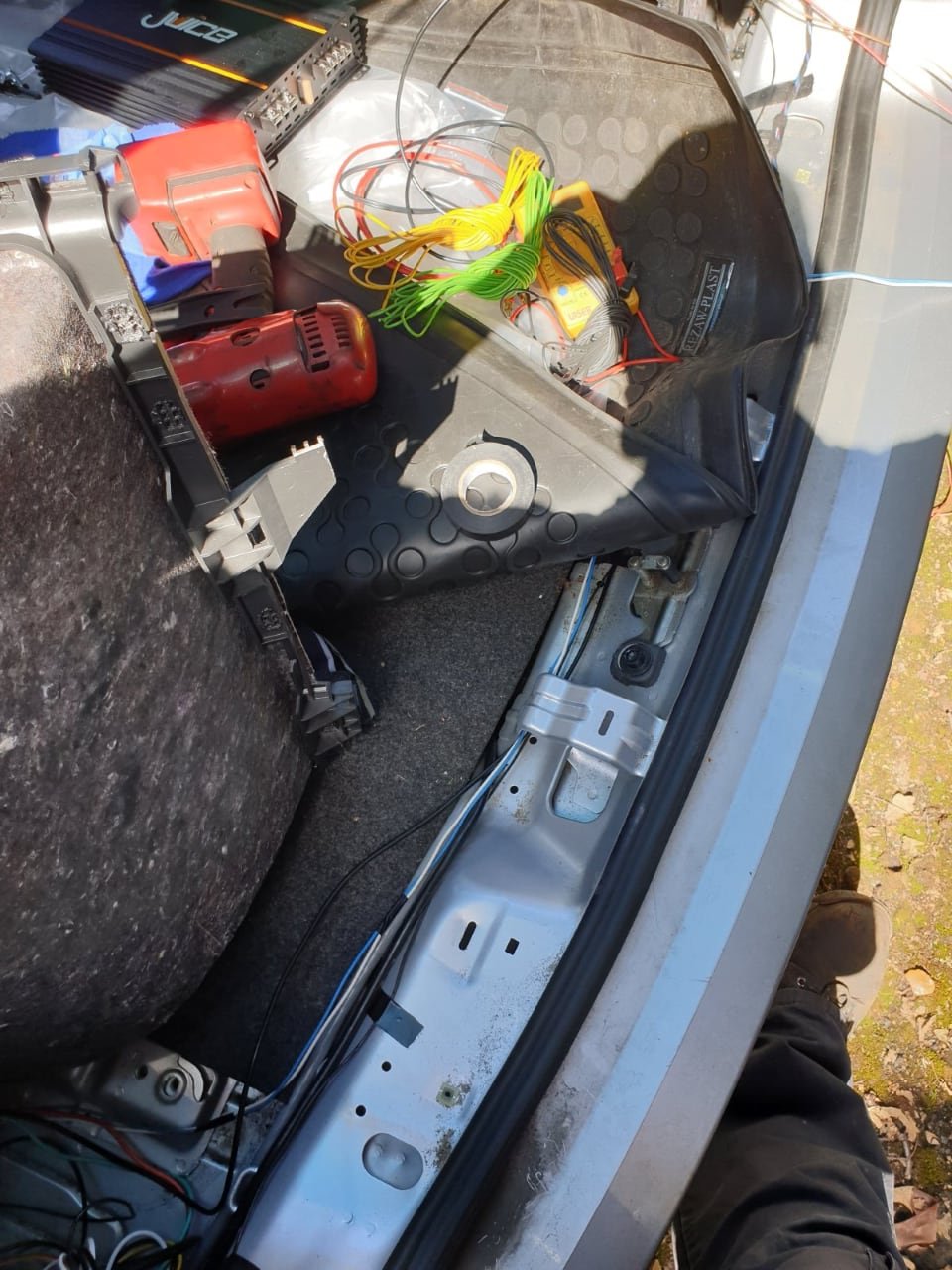
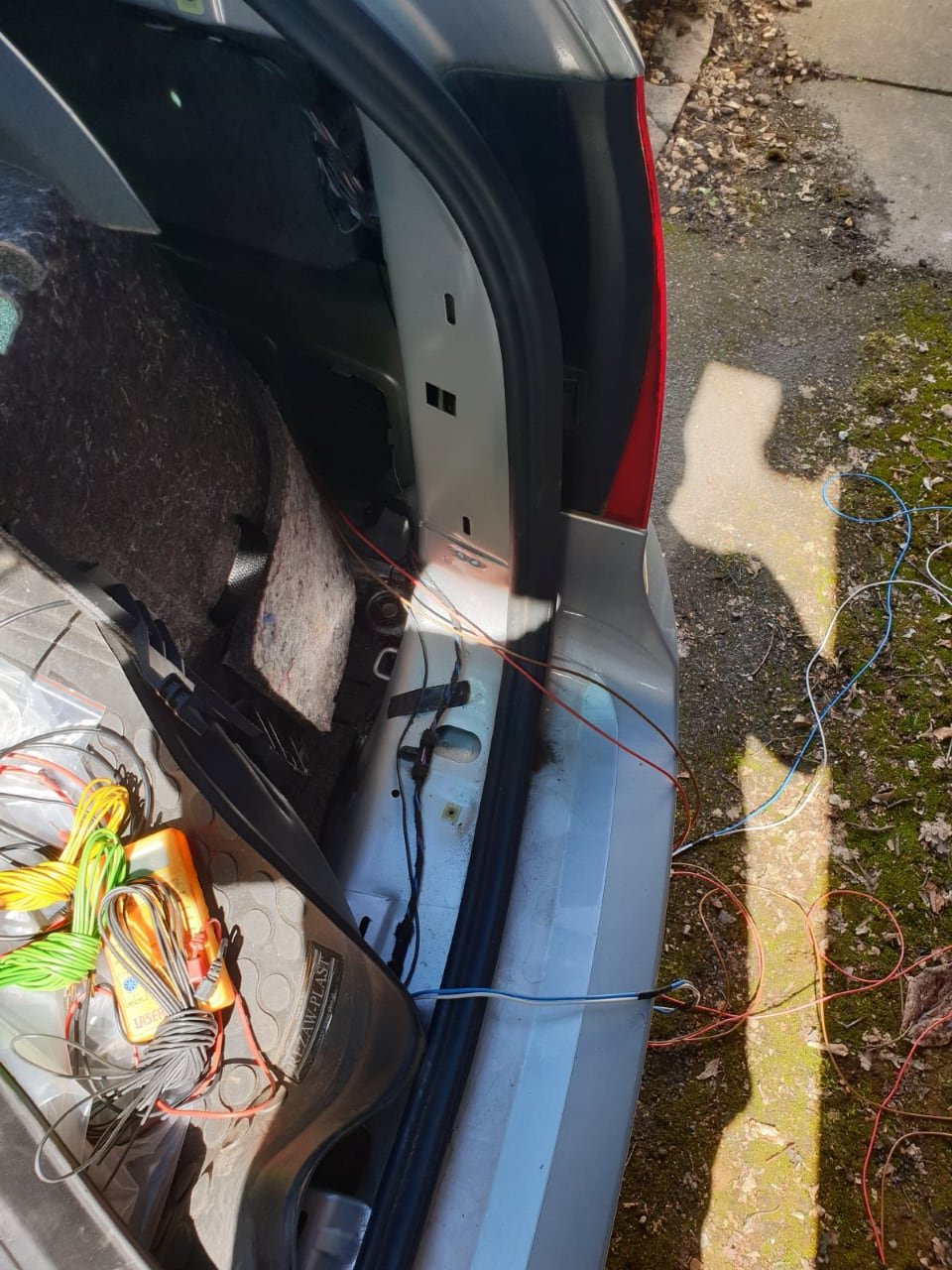
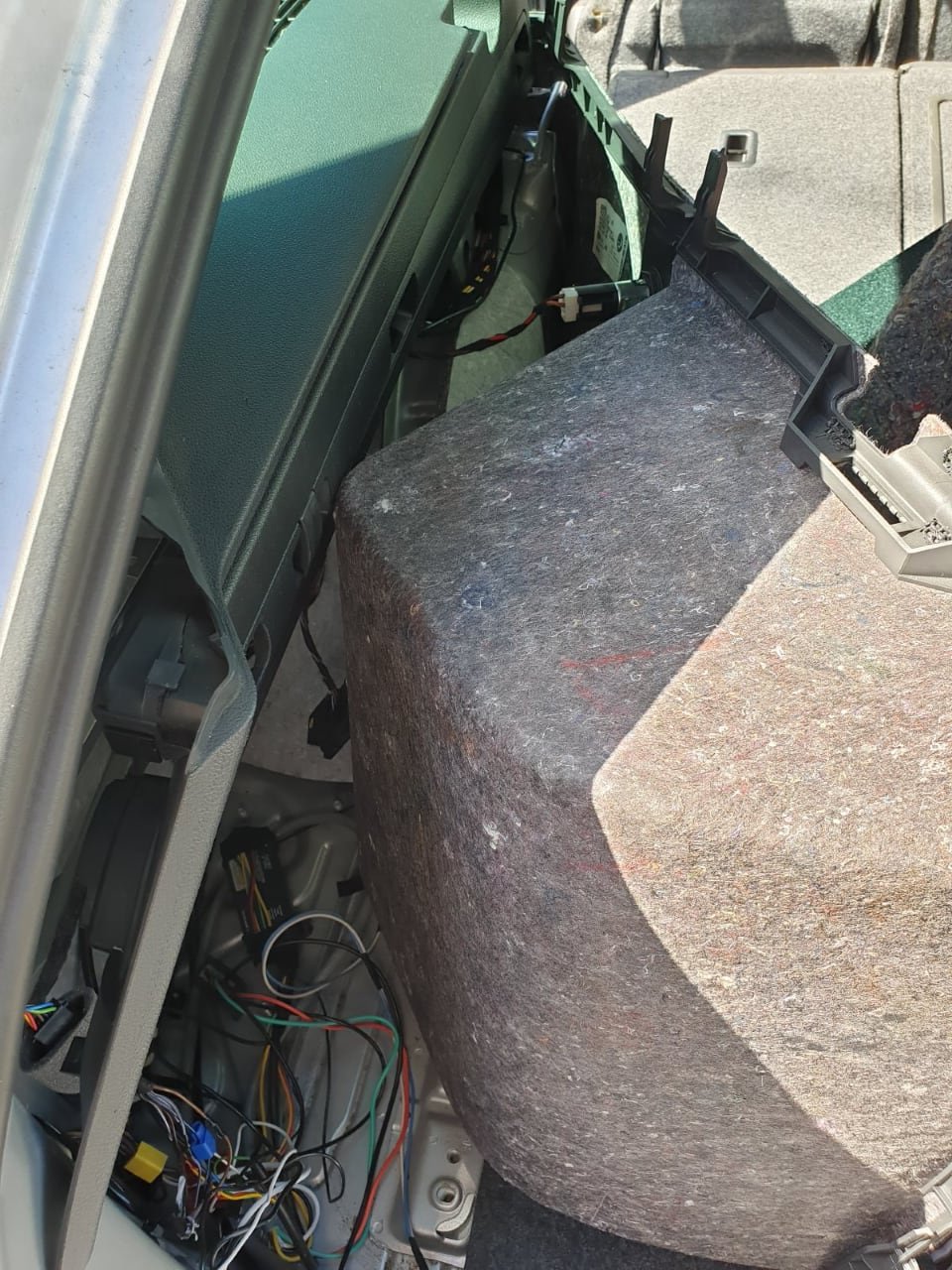
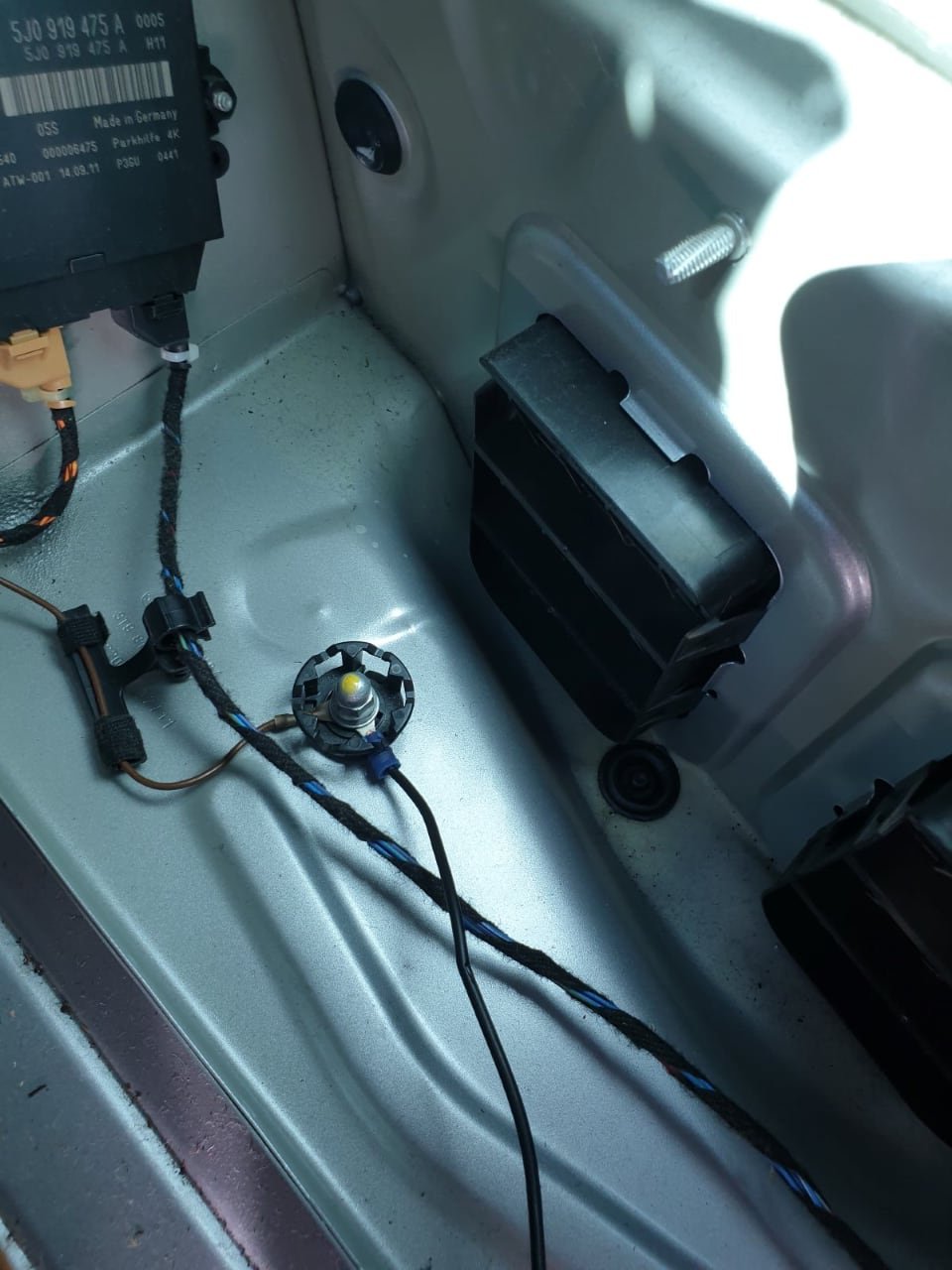
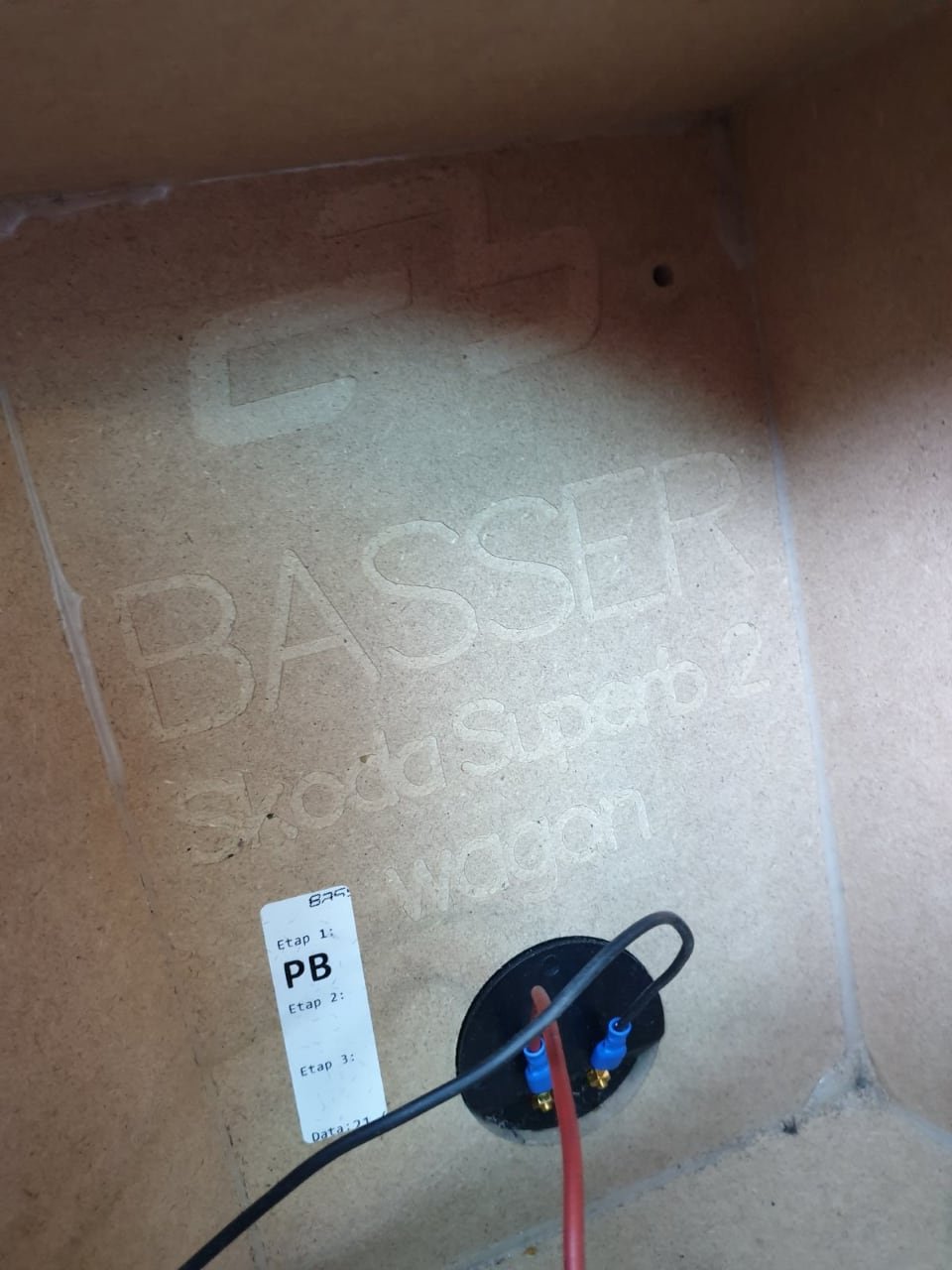
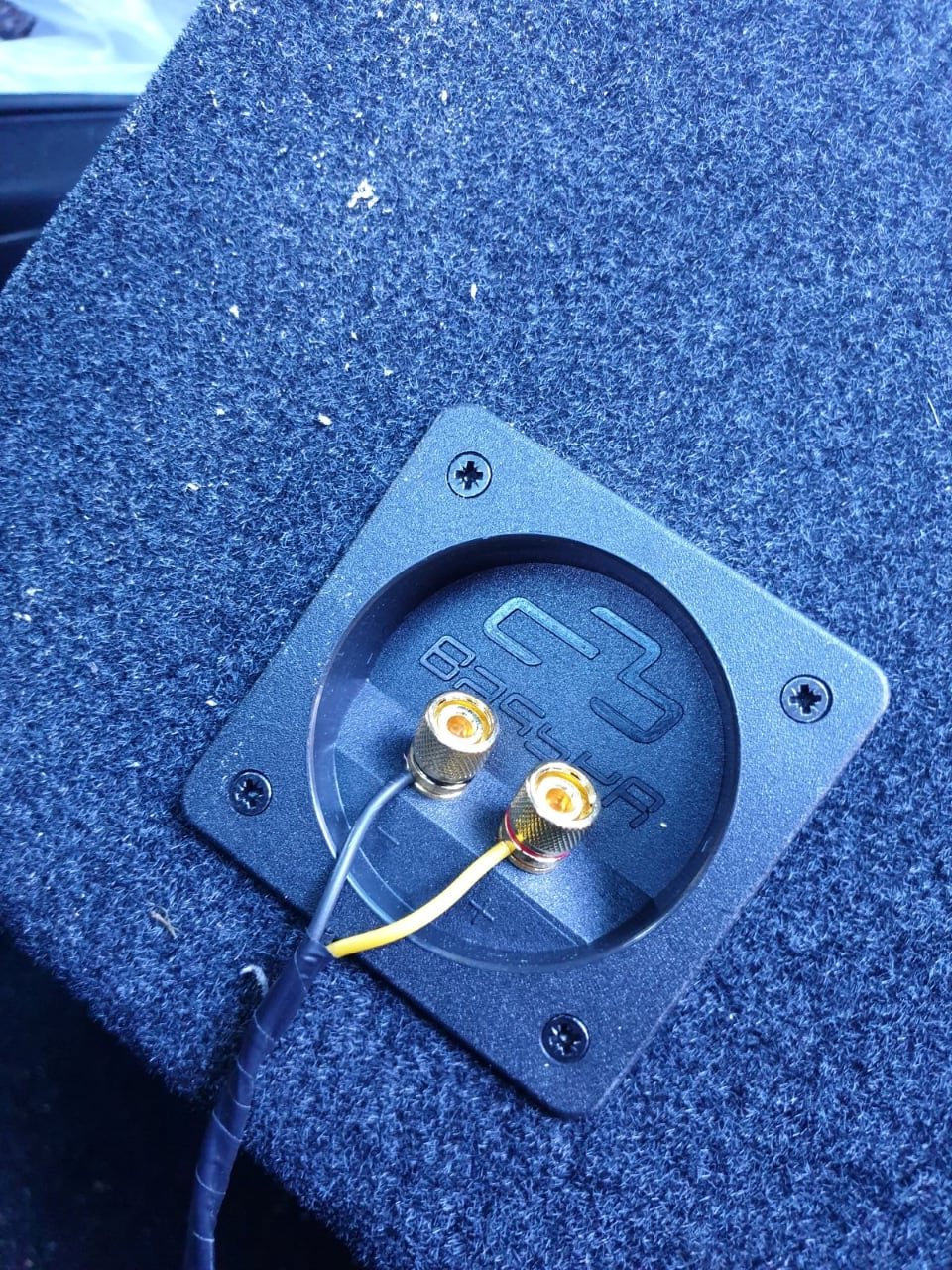
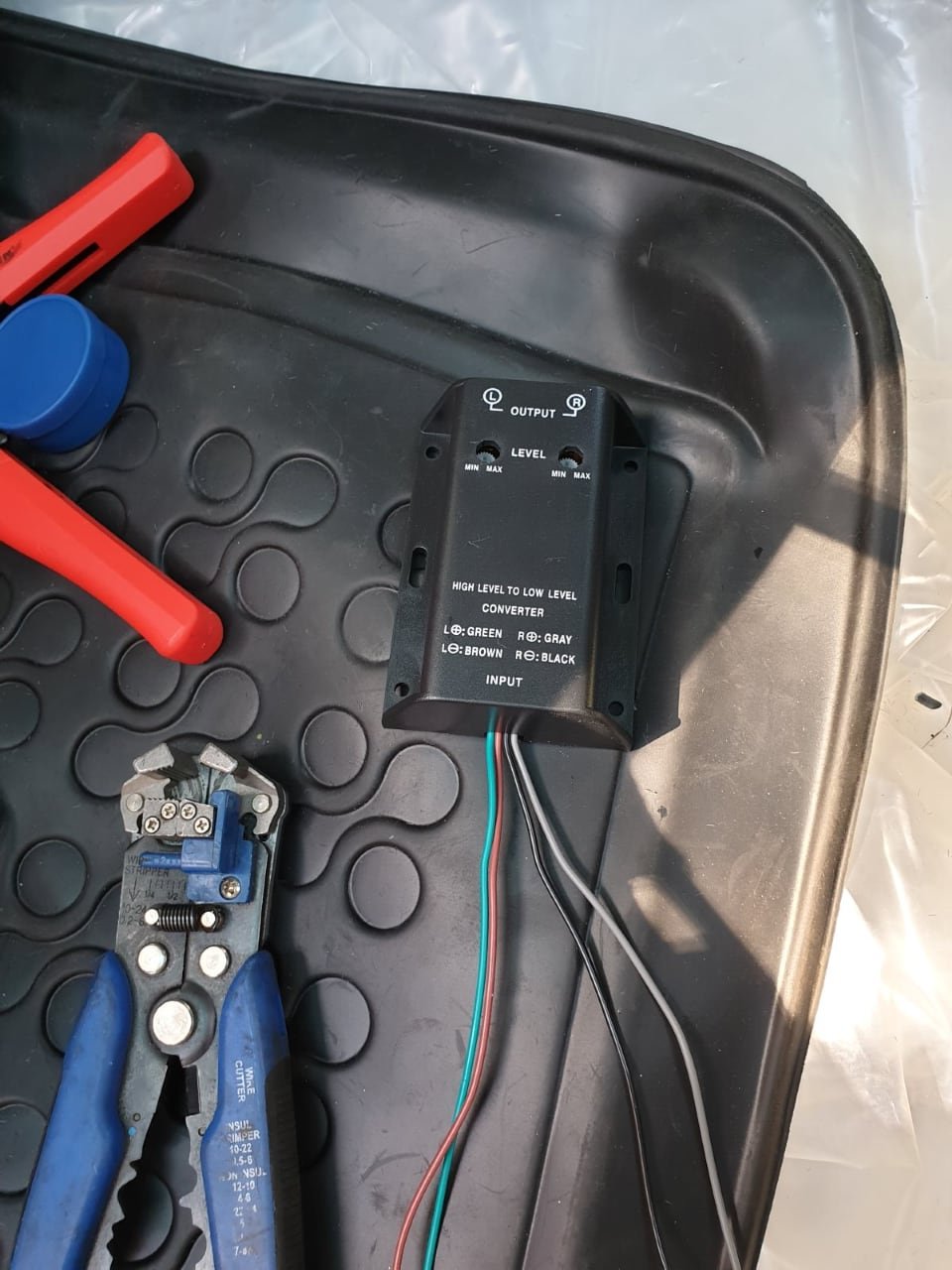
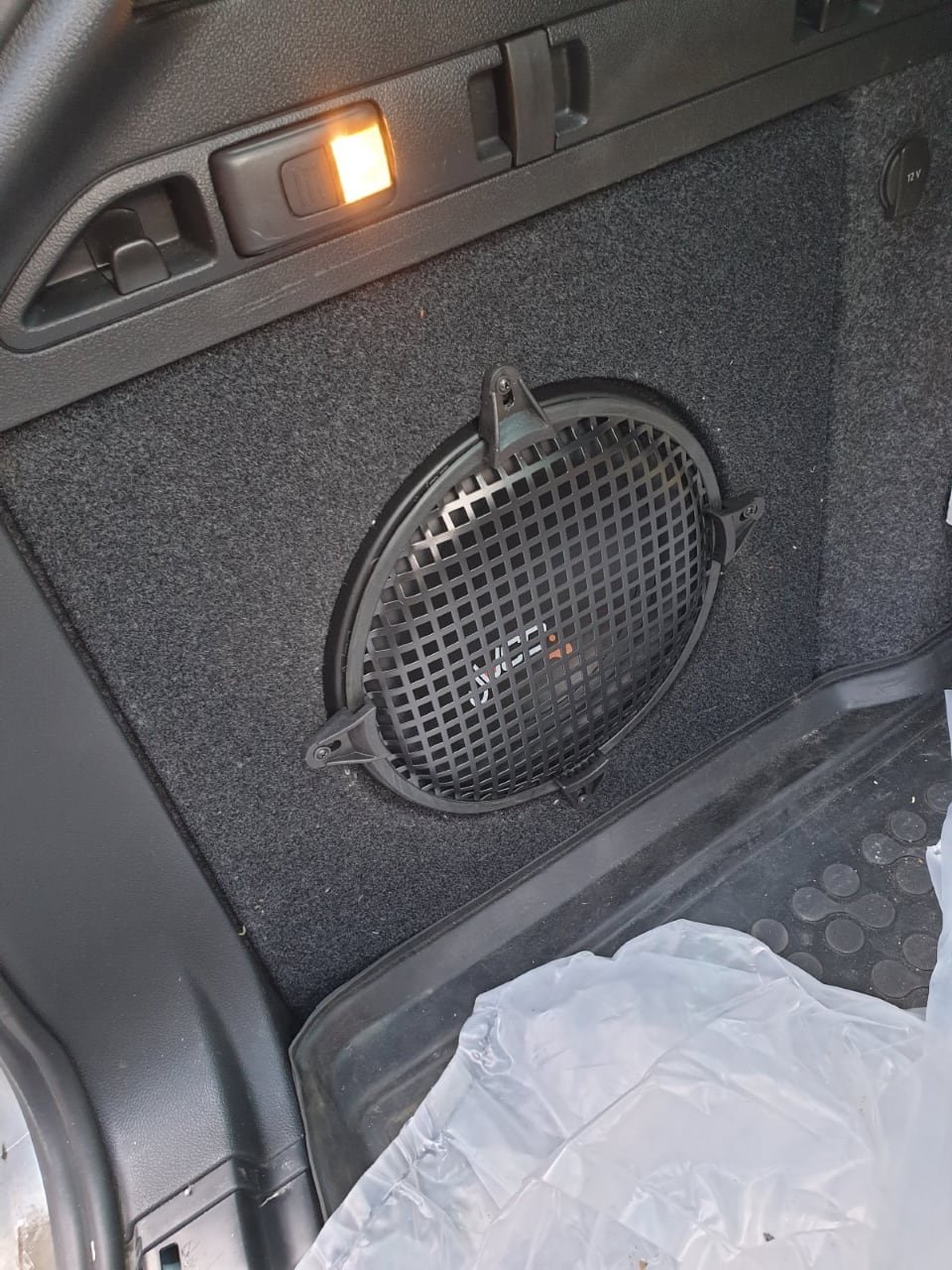
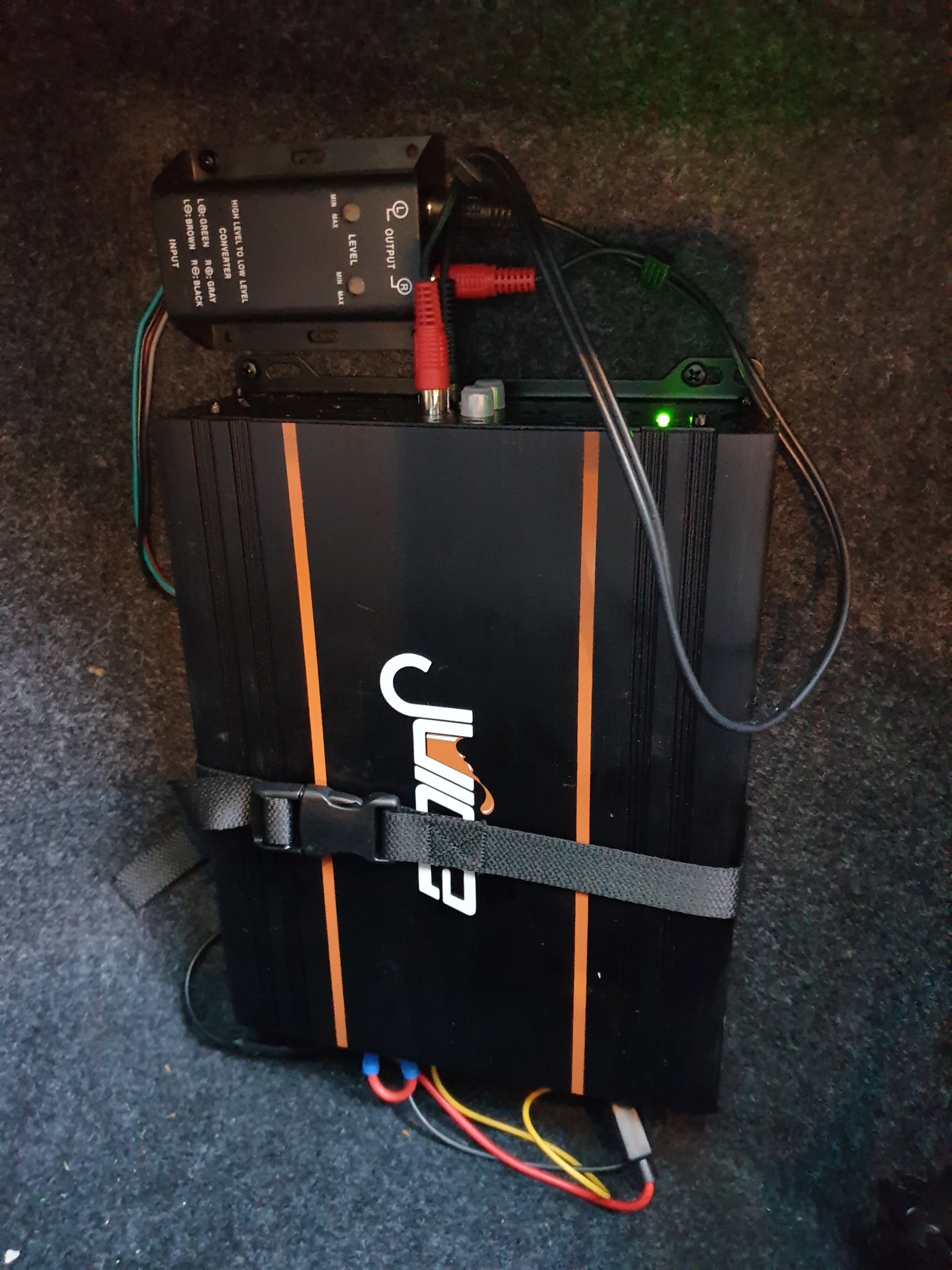
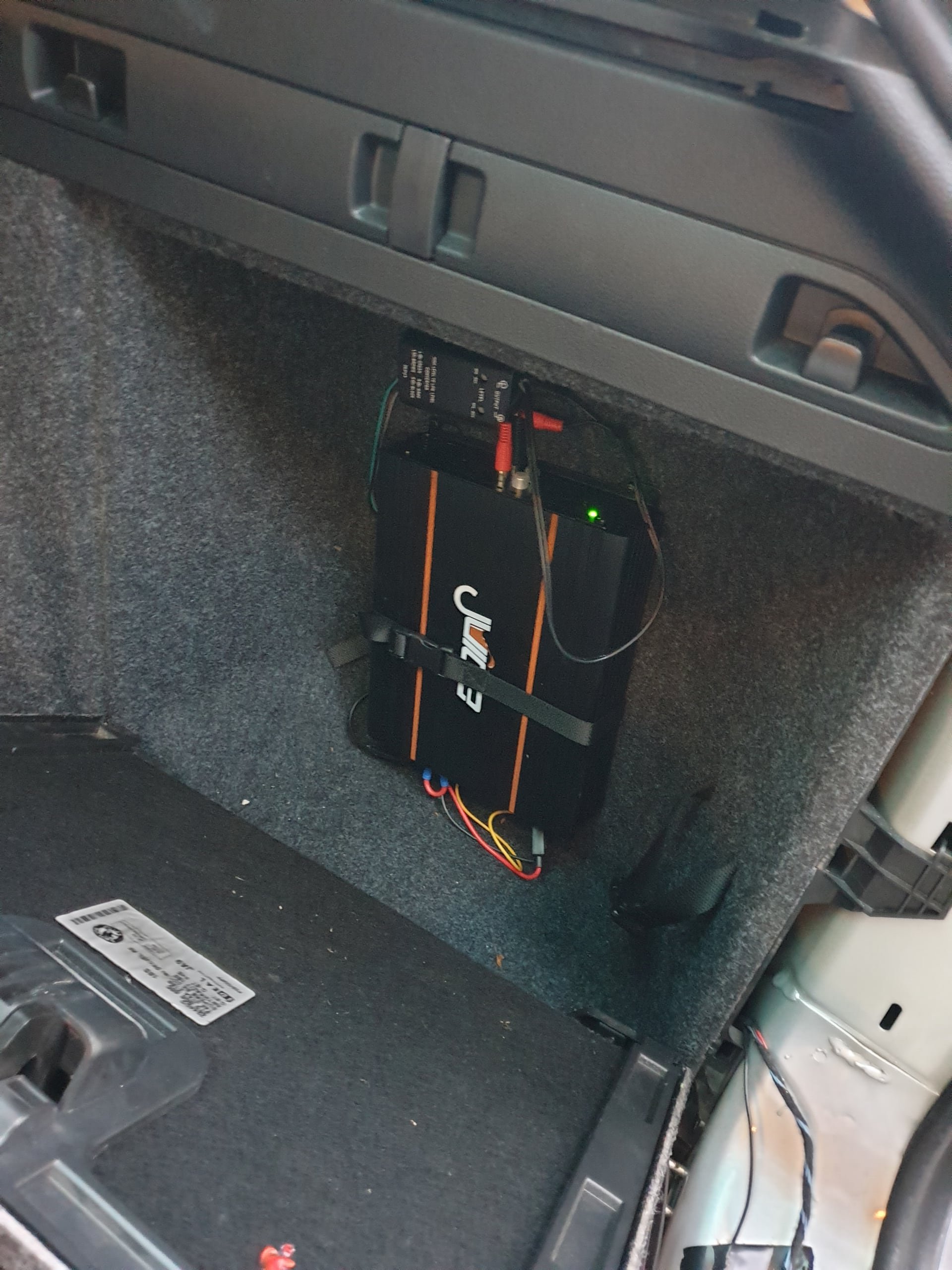
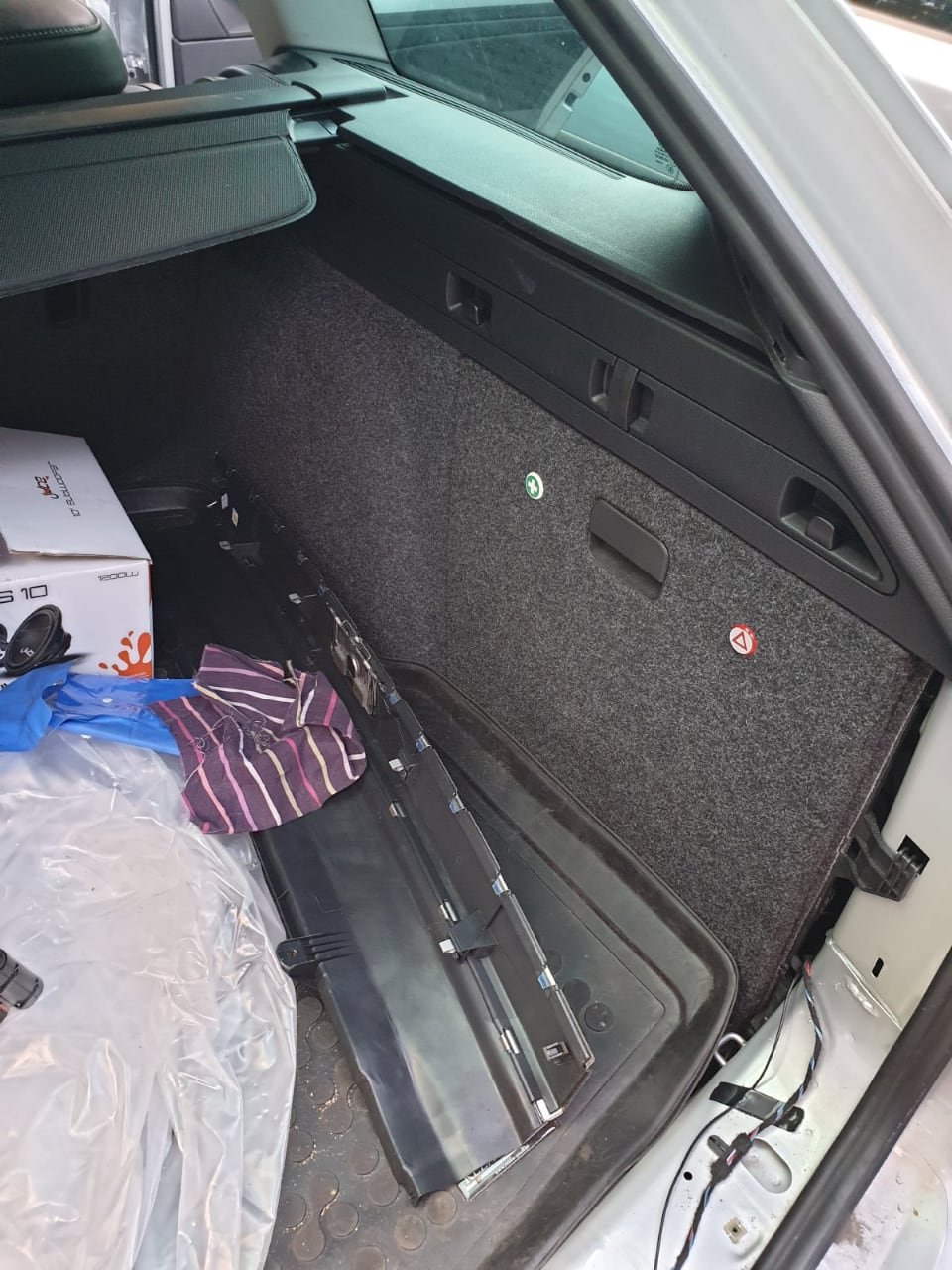
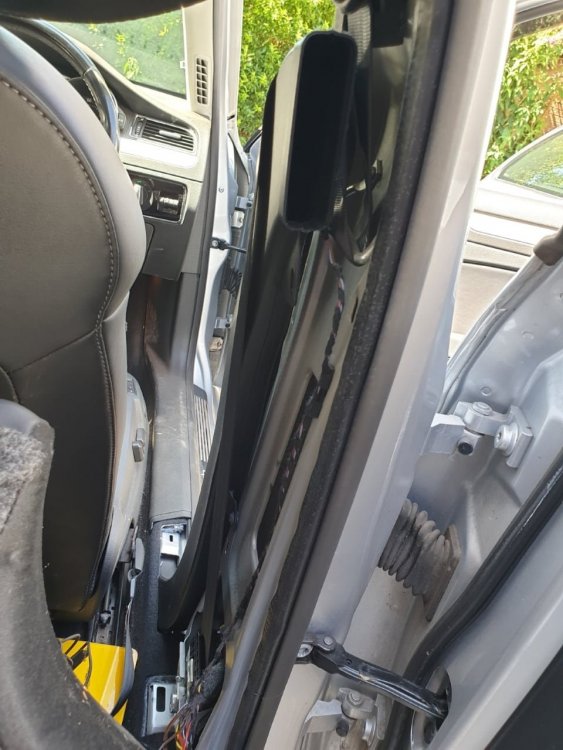
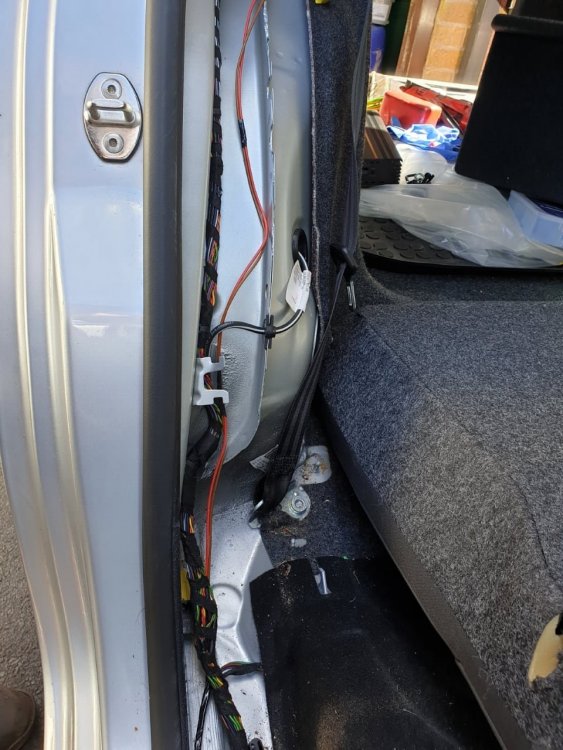
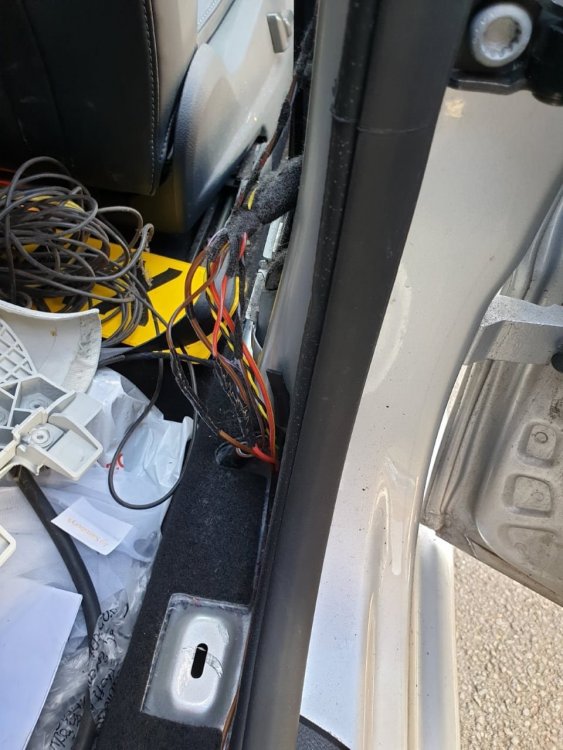
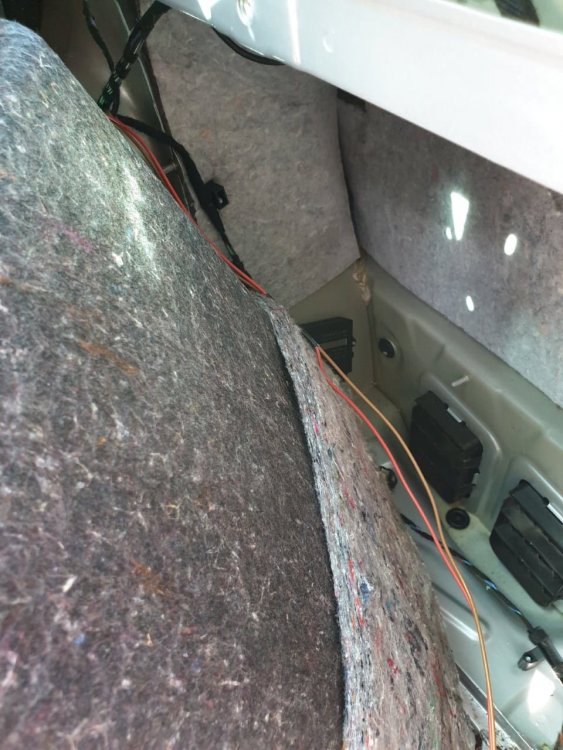
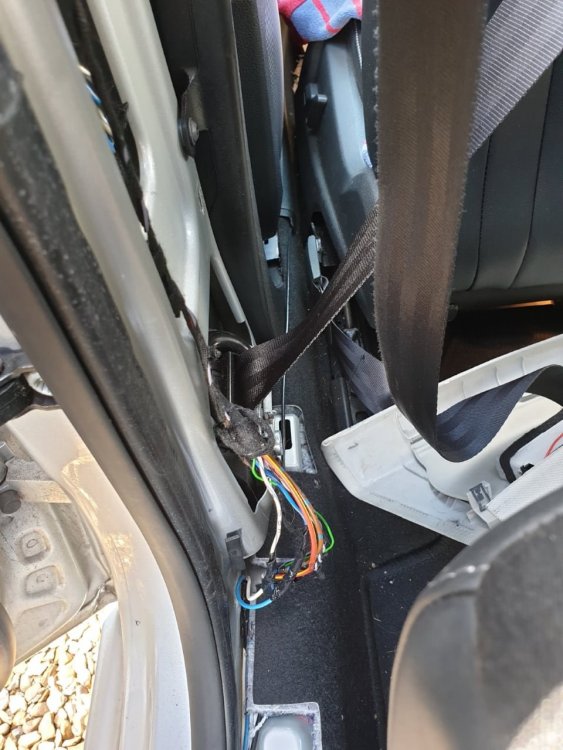
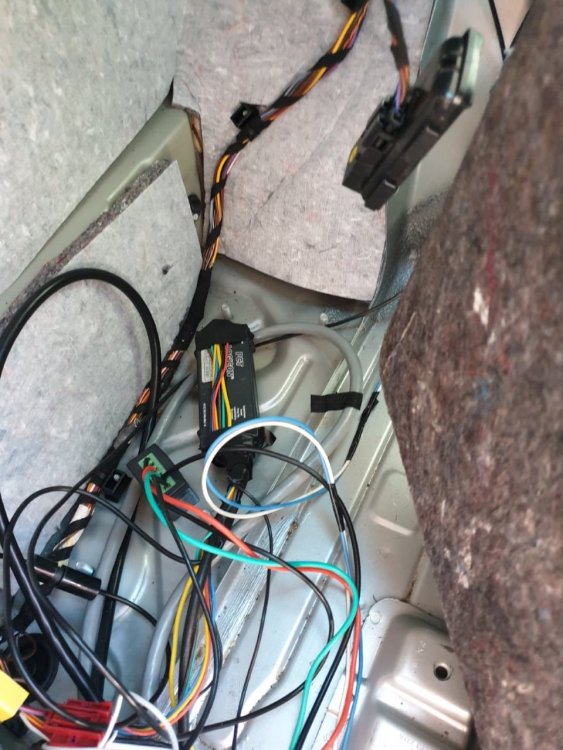
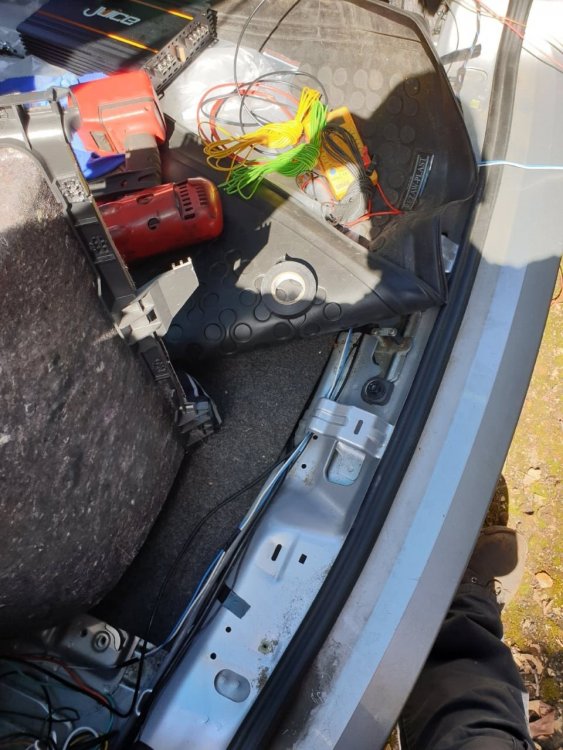
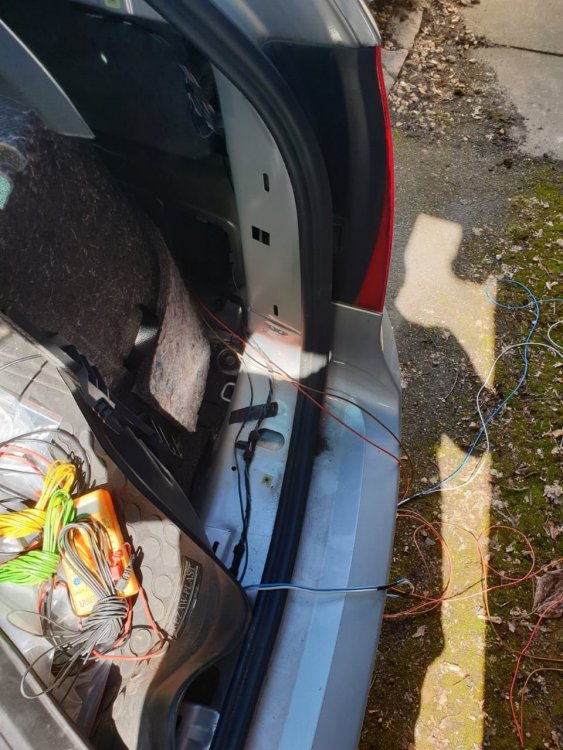
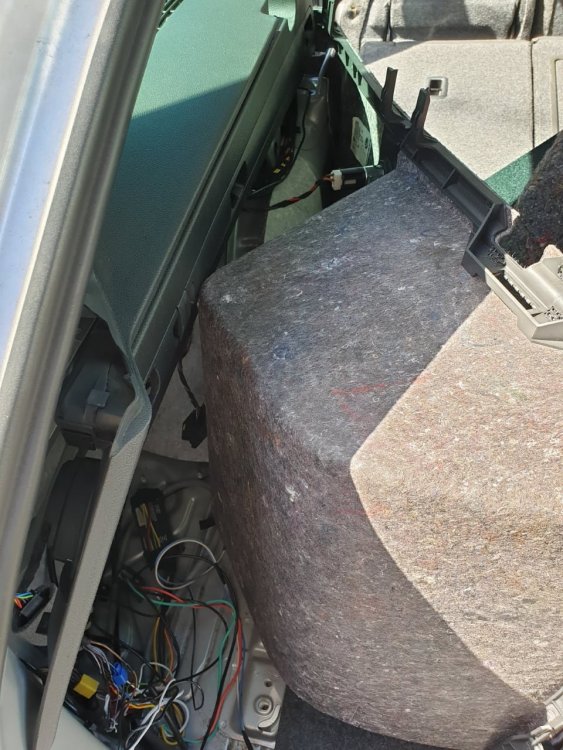
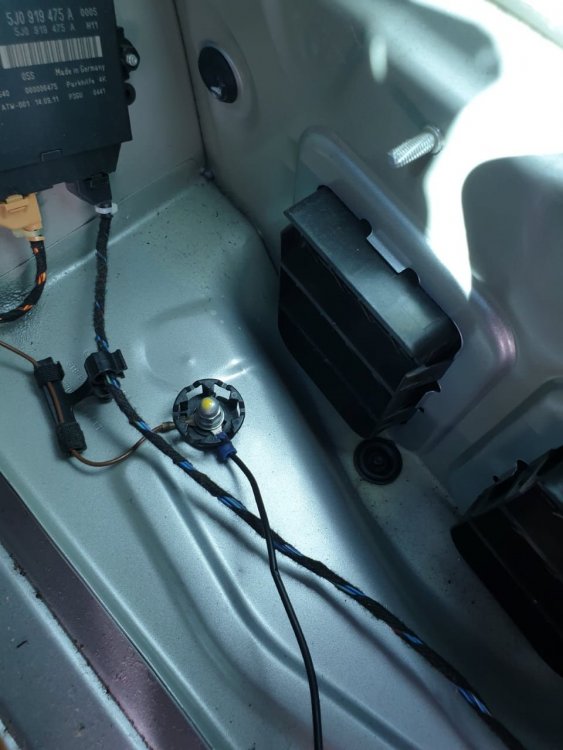
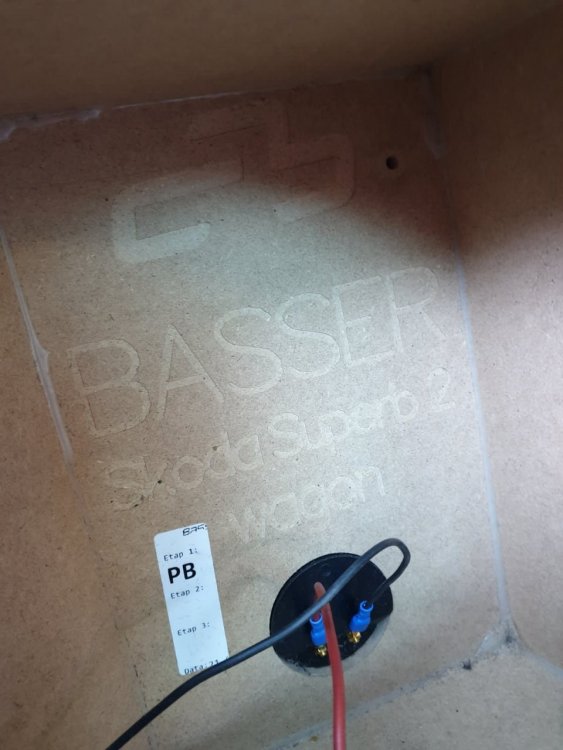
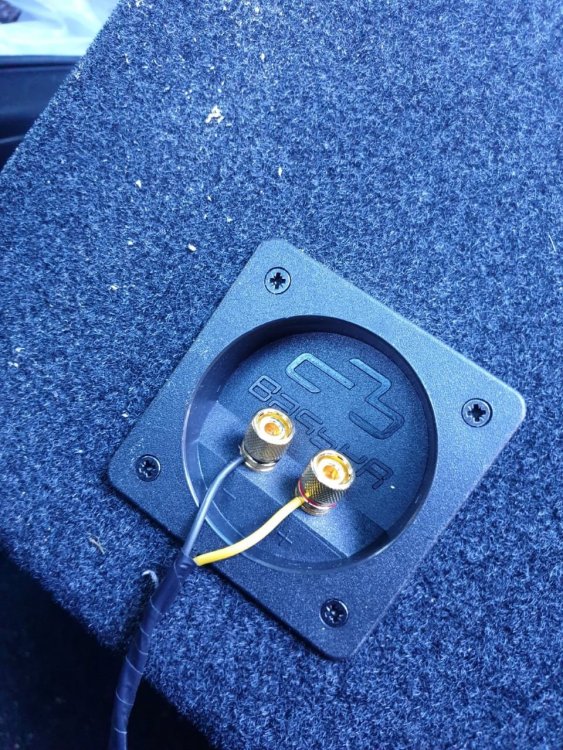
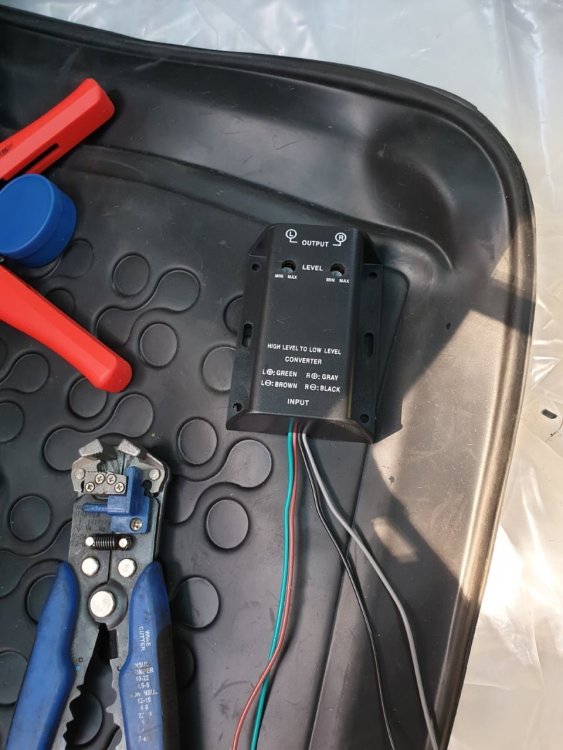
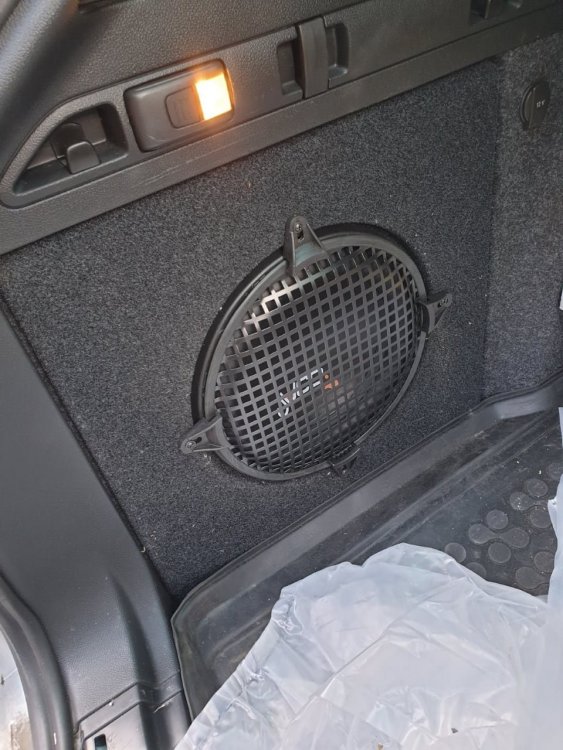
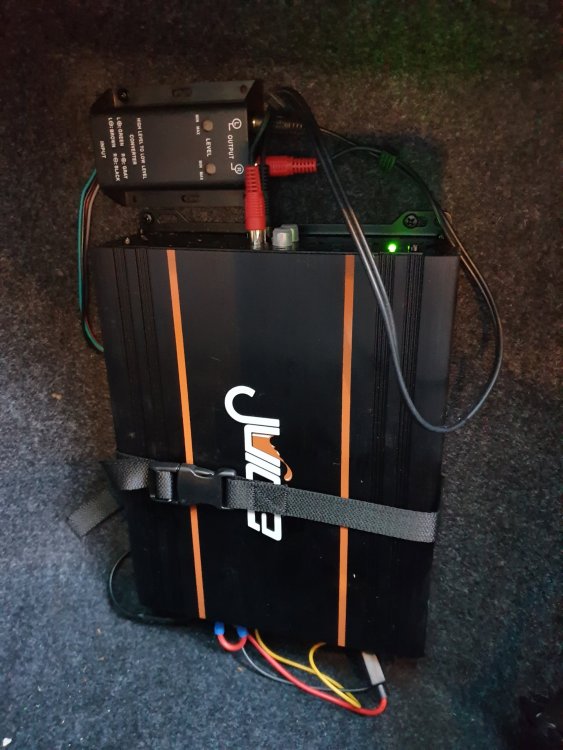
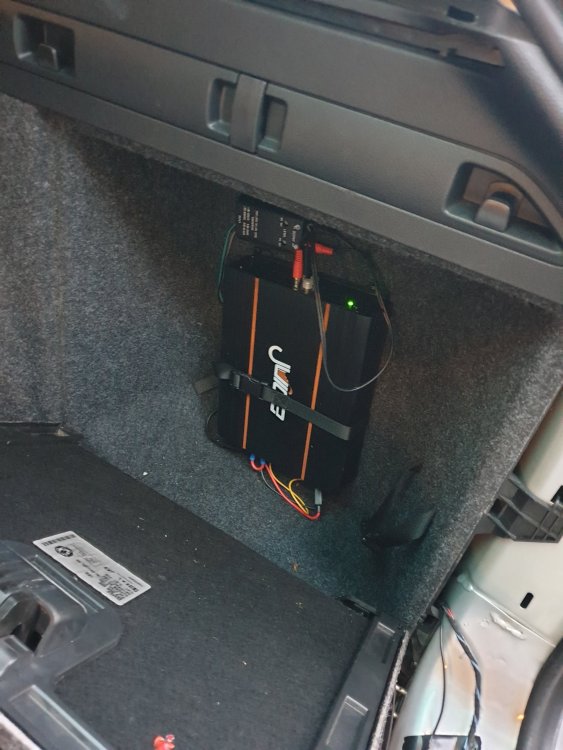
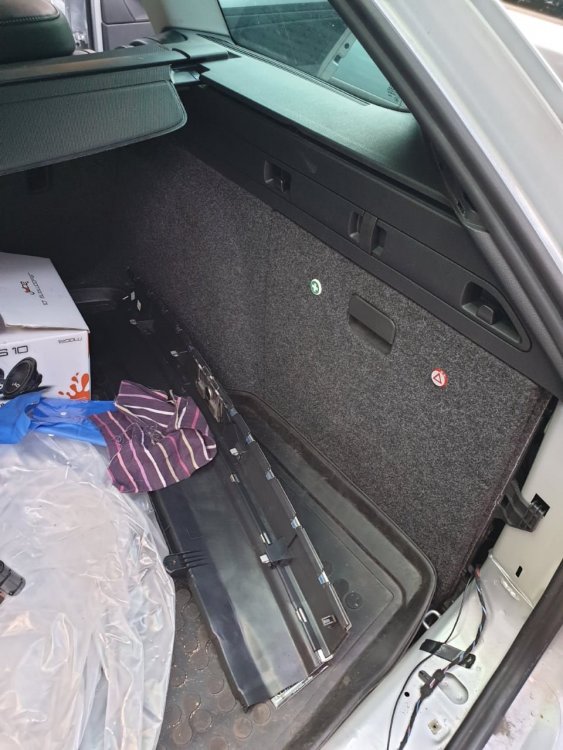
Hi all, Just wanted to share with you my fix to the well talked about superb lack of bass from the stock speakers, I hope this helps some folk. I didn't want anything massive to take up boot space and I also didn't want a big banging sub that will rattle teeth, but it can if you do it right! All I was after was something that tucked away nicely and didn't hinder the use of my car but gave a bit more bass to the lacking stock speakers, I also didn't want to spend loads of money, so I opted for this set up, it looks nice and tidy and it sounds amazing, not boy racer bass but you can have it like that if you want to play with the settings and fit a bigger amp and woofer, but this is fine for me, more than enough to be honest! I used a Juice 900 watt amplifier with a Juice 1200 watt subwoofer, both bought from Car audio centre for just over £100, the amp was bridgeable as I only want to fit one speaker, this way it gets the sound from the left and right audio supply. I had to remove both rear seat airbags (bolsters) and all the trim in the boot, both sides as I wanted to tap in to the rear speaker wires before they entered the door, all the trim and luggage rails had to come out and I managed to find a 'engine running' live from the caravan electrics, but I will be upgrading that to it's own ignition live when I get chance and a better gauge wire! The earth I picked up on the offside of the boot, as pictured, seems to be OK, but again I will be upgrading that to the better gauge wire as I get it. I tapped into both sides speaker wires and soldered good joints with heat shrink, as I only want to do this once. I then had to fit an LOC (Line Out Converter) because the Columbus unit does have a line out but it's a bit of a faff to get sound from that to the boot, so I opted for the easier route, the LOC gives the same effect anyway. I have located the custom made subwoofer box from a company called 'Basser' who are based in Poland, they sell these on Ebay UK too at a cost of £97, in the left hand side of the boot, I have lost the small compartment that this takes up, but I never use it anyway, the amp an LOC are located in the right hand side compartment, again not used for much, but it's all nice and tucked out of the way. Finally, I installed the sub with some sound damping material and put a cover over it to protect it from whatever I have in the boot from damaging it. There were a lot more steps to this fit, but I have kept it short, but if you want more information just ask. I hope this helps someone as I have read lots of other posts on here and no-one has really come up with the solution that I was after, and I am sure I am not the only one who wants nice sound but without losing the useable space in the boot! It sounds amazing, the difference is noticable even at low levels, I listen to all sorts of music, from Rock, Punk etc. to Reggae and Ska, the 80's and Country, and some wierd stuff for the nipper, and it all sounds... well..... Superb!!! More information can be provided to those who want it, including model numbers for the equipment I bought and the colours of wires they are looking for when searching for sound in the vehicle and other wiring! Thanks for reading folks!
 1 point