Leaderboard
-
Lee01
FREEDOM32Points36,936Posts -
Lady Elanore
FREEDOM19Points25,083Posts -
.jpg.68c7823d355ff3e5b20e82ddbf78398c.jpg)
PetrolDave
Resident Member11Points8,269Posts -
Breezy_Pete
Sponsor11Points24,575Posts
.thumb.jpg.9dd3f612ba7f13d10be5c518d3c8d255.jpg)

.thumb.jpg.f83a46b9b3c0d976b9dbffbb523c9874.jpg)

Popular Content
Showing content with the highest reputation on 11/03/26 in all areas
-
3 pointsThings like that may be true but the comparison isn't quite as simplistic as you make out. If we assume an average price of 10p kWh for the electricity that suggests about 40kWh charged. At an average of 3.5kWh/mile (what my Cupra gets on average at the moment) then thats 140 miles worth of 'fuel'. £73 would get you almost exactly 50 litres of diesel based on pump prices in my area at the moment. My Superb which does about 55mpg when driven in a similar way to how I drive the Cupra could go about 605 miles with 11 gallons (near enough 50 litres) of fuel that £73 bought you. That will cost you at least £17 to charge an EV at home with to get the same number of miles. And if straying further from home then that could mean some charging on public rapid chargers where the gap will further narrow. And then you have the rarely cited additional cost of charging at home in the form of inflated electricity prices outside of your off peak pricing. Looking at EDF, Octopus, EON etc they all charge in the region of 31-35p kWh during all other hours which is quite a bit more than most are currently paying. Whilst some may be able to shift a bit of usage to the cheap period to lower the average, most will experience a partial offset in their savings due to the increased cost of cooking, washing, lighting etc at home. Not everyone has the funds or desire to invest in solar or home batteries etc to reduce this further. I'm not denying that in the overall EVs have lower running costs but when looked at in detail the gap is, in my opinion, normally smaller than the headline numbers suggest. Mine is definitely saving me money but when I did the sums it wasn't that much - and at the moment I'm getting all my charging done for free at work. Ultimately I took it because it would give me a (slightly) larger car and a few years newer than what I already had.3 points
-
2 pointsThe market is without a doubt being turbocharged by taxation assistance. I know a lot of EV owners and none of them have any particular aversion to ICE cars. They have EVs for tax purposes/running costs only. In fact I don't think any EV owner I know actually has bought one with their own money, all are company cars/salary sacrifice. Just noticed that EVs only had 24.2% market share in new registrations for February. The second consecutive month where it's behind last years numbers (25.3% in February 2025). A LOT of catching up to do to meet the 33% target this year.2 points
-
Hi, First time poster here. I went through an ordeal while trying to power a dash cam from the USB-C port behind the rear-view mirror (Octavia MY25). I have a technical background and it still took quite a bit of troubleshooting, so I can see how someone less familiar with USB-C could run into issues and end up blaming the wrong thing. So I figured I’d share what I learned in case it helps someone else, even if it's not directly answering the OP's question. TL;DR The mirror USB-C port should have enough power for most dash cams (rated at 15 W, which is plenty). The USB-C ports in the FL Mk4 Octavias are USB-PD power sources, so if your dash cam understands USB-PD, any good USB-C cable should work But, if your dash cam has a USB-C power input and a USB-C <-> USB-C cable doesn’t work, try USB-C → USB-A adapter + USB-A → USB-C cable. If your dash cam uses Micro-USB, a USB-C -> Micro-USB cable should work without issues. Also keep in mind that the USB-C port — unlike using a hard-wire kit — is powered only when the car is on or in ACC (Accessory) mode. The more detailed story My Viofo A329S dash cam powers through USB-C, so I wanted to use the USB-C port instead of hard-wiring it. I had a very short USB-C cable (~15 cm) lying around, so I decided to test with it. The camera powered up and worked normally. But that cable was too short, so I tried a longer USB-C cable. That’s when things got weird: sometimes the camera would start normally other times it would play the startup chime, shut down, and repeat in a loop At first I suspected voltage drop or insufficient power from the car. So I connected a USB power tester to see what was actually happening. The camera draws about 1 A at 5 V (~5 W) during operation (probably with a slightly higher spike during startup), which is well below the 15 W rating of that USB-C port. So power capacity was clearly not the issue. Interestingly, the cable that was unreliable before worked flawlessly when connected through the power tester. That suggested the problem was related to USB-C signaling rather than power delivery itself. What the actual problem seems to be After spending some more money on various USB cables and adapters — and doing some additional research — the likely cause turned out to be USB-C protocol non-compliance on the dash cam side. That dash cam does not implement USB-C Power Delivery (USB-PD). It simply expects 5 V power, similar to older USB devices. With a USB-C <-> USB-C cable, the power source and device communicate via the CC (configuration channel) pins. The source expects to detect the correct pull-down resistor from the device to indicate that it’s a valid USB-C power sink. Some simple devices that just "expect 5 V" don’t fully implement this part of the USB-C specification. When that happens, the power source may: delay enabling power repeatedly attempt to detect a valid sink briefly enable power and then shut it off again From what I understand, that’s what causes the startup loop. The workaround that fixed it The reliable solution was: USB-C port -> USB-C-to-USB-A adapter -> USB-A-to-USB-C cable → dash cam The USB-C → USB-A adapter contains the proper configuration resistor which tells the car’s USB-C port to behave like a legacy 5 V USB source. Once that happens, the USB-A cable simply provides constant 5 V, without any USB-C negotiation involved, and the dash cam works perfectly. Final note about cables Some USB-C <-> USB-C cables might work depending on how they’re wired internally, but fully compliant cables (especially those with an e-marker chip) will expose the (potential) lack of proper USB-C signaling from the device and the camera won’t power reliably. However, USB-PD compliant dash cams should work with those cables (and probably only with those compliant cables). So if your camera doesn’t start with USB-C <-> USB-C, don’t immediately assume the port lacks power — it’s often just a USB-C compatibility quirk. And this issue generally only appears with USB-C <-> USB-C connections. Traditional USB-A connections simply provide 5 V power without USB-C negotiation, which is why the adapter workaround works.2 points
-
2 points
-
2 pointsPersonally, I would be a bit wary of the 1.5TSI as it seems that a lot of those models are still causing trouble but I am sure some will say they are now fine. He would need to do a longish test drive on various roads with roundabouts and junctions to fully test out the various situations that problems may occur. I think that most people would imagine that the 1.0TSI would be gutless, but it isn't! Its worth a test drive to see. It all depends on your sons driving style and where most of his journeys are, but I have absolutely no regrets with mine. Also it has none of the problems associated with the 1.5TSI. I wish him well in finding a good one as they are brilliant cars.2 points
-
1 pointHi I had a Golf MkIV for 25 years and 222,000miles from new but I was getting plagued by rust. Almost on impulse I bought a high mileage Skoda Karoq - 2021 and 91k miles. What a shock with all the tech; quite a learning curve. I've noticed forums for the Karoq have a lot less maintenance and repair information and more about how to set things up and how they work or fitting accessories. I guess this is to be expected when the Karoq hasn't been around too long and a lot of them are still under warranty/main dealer 'care'. My first project was to fit a full size spare wheel. More on that when I qualify to be able to upload. Phil1 point
-
1 pointThe wife had nursed the car back home having suddenly lost most of the power from the engine. It was the third such occurrence in the less than 2.1/2 years we’ve had the car. It was bought new from a Johnson’s Skoda dealership late 2023. Having called for help from the car by pressing the button with the spanner icon located above the rear-view mirror, I requested that a silver service van rather than a standard AA van be sent. I was promised attendance the next morning and the silver van turned up on time. This call-out resulted in a breakthrough. Since mid-2024 Skoda have made available a software update for the Fabia Mk4. The purpose is to remedy a fault with the PO638 throttle actuator control – range/performance. It updates the engine control module. Without this, the car could lose nearly all power leaving the driver and passenger exposed to risk of a serious collision at roundabouts or junctions. That’s my assessment of the risk level not Skoda’s. It’s very scary. I’m baffled that this hasn’t merited a safety recall and that a main dealer service manager wasn’t aware of this issue. The Wolverhampton dealership has had three since we bought the Fabia. The technician did say that when a fault has been cleared, as was the case with our car, the service department won’t do any work on the car because they won’t get paid. However, the car had a full service a few months ago and one at the end of 2024. I asked the attending technician about why the software update hadn’t been applied and the answer was that it would count as chargeable work. It was never mentioned. If it had been we’d have willingly paid. The software update took about half an hour and was done by the technician on our drive. Such updates are not OTA (over the air). Volkswagen Group Roadside Assistance working in partnership with the AA provide an enhanced service with these silver vans specialising in VAG cars. It’s well worth knowing about this service. If you have a Fabia Mk4, and it may be relevant to other models, I recommend that you ensure that this software update is applied and that, if necessary, you pay for it to be done.1 point
-
One of the standard wheel sizes on the Octavia MK2 1.9TDI 105PS is 195/65R15 6Jx15 ET47 5/112 57.1 Steel rims can be ordered on their own or with fitted and balanced tyres, from mytyres.co.uk Alcar 9165 6Jx15 ET47 5/112 57.1 steel rim (7.73kg) (Octavia MK2) https://www.mytyres.co.uk/rims/details?vehicleId=183006013861926000&rimCode=ALCAR9165 Alcar 9165 6Jx15 ET47 5/112 57.1 steel rim with fitted and balanced Uniroyal RainExpert 5 195/65R15 91H (Euro label C A 71dB) https://www.mytyres.co.uk/cw/bundle?vehicle_ids=182669563303826544&wheelId=SKWi-9165--D-124258&rimCode=ALCAR9165&tyreId=D-124258&wheelIdWithTpms=&season=so&rimType=steel Octavia MK2 parts catalogue https://www.lllparts.co.uk/catalogs/skoda/CZ/OCT/419/61 point
-
1 pointI agree chances are the shock will fail as soon as you put a new top mount on. My bad run of luck I think is old cars and cars sitting too long plus freezing weather and roads are shocking.1 point
-
1 pointSure - the ppm rates are cheap at face value but I calculated that based on my normal electricity usage, paying the penalty peak rate for 18 hours of the day would overall cost me about £500 extra per year. That's quite a chunk of cash off the savings. Plus obviously most EV drivers have to use public chargers from time to time as well.1 point
-
1 pointTDI - all sizes are belt. TSI - up to 1.5 are belt, 1.8 & 2.0 are chain.1 point
-
Thank you for your answer. I have check for errors, with ODB11, nothing at infotainment. Errors at Telematics existed. but it was from the screen turning off, they also went out of order at the same time. I'll check it again to see if they came back. I removed fuse No. 30 for the MIB3 but not the telematics (No. 19). Good advice, I'll do it right away. Although I think the issue is on the screen.1 point
-
1 pointOh, 100%. I have a strong dislike for Vauxhall. I don't know what it is about that brand.. I just don't like anything that they produce. The VXR8 is different, but that's not really a Vauxhall in my eyes. Welcome to the VAG world, it's pretty nice over here.1 point
-
1 pointHello and welcome! The Superb is an awesome car, my business partner had one as a company car for a while before (downgrading, genuinely) to a 2026 VW Tiguan. The Superb (we called it the Super🐝) never had any issues at all, just got on with the job. The Tiguan has been riddled with faults since it was delivered on 9 miles. It's now done 10,000 and I don't think there's been any point in time that it hasn't had a warning light. Happy motoring!1 point
-
1 pointI agree all the grants and inducements should be stopped and the money invested into a National battery storage project to bring the overall cost of energy away from being linked to fossil fuels and prove that it will be cheaper. We cannot justify more wind/solar power infrastructure if there are already times when it is wasted or paid for but not used. I'm spartacus1 point
-
Hello @Giannis20 , This OTA update is for OCU unit. Please see below related thread for more information: https://www.briskoda.net/forums/topic/537961-oru3-ocu-sw0311-octavia-o3a8/ Have you check the version was correctly installed(no weird DTCs are present) using an OBD11, VNCI or VCDS ? You can try a hard reset of both Telematics + MIB3 control units, by removing Fuses 19 & 30, leave it for couple of minutes then re-connect. Good Luck Cheers1 point
-
I think you may have missed that was a link explaining the phenomenon, not a question. 😉1 point
-
Well here's the promised update. Our local garage fitted an AGM battery two weeks ago and coded it to the car. The job took less than half an hour from first arriving to leaving. I was told that charging up the battery every week should not be necessary. Having an AGM battery fitted does require more expertise than many older workshops can provide but I suspect that somewhere like Kwikfit could do the work. I never heard anything from a vehicle battery supplier located in Aldridge that looked an obvious choice. The car behaved perfectly - until it didn't. In the second week the car started to show the crazy gear change recommendations I've complained about previously. Yesterday, there was a third episode of the breakdowns that have jinxed the car. We've been worried that this fault could easily get us killed. What I found out today is very important and I'll start a new thread soon to explain. I haven't seen this information anywhere else. Hopefully, all is now resolved but perhaps better not to take anything for granted.1 point
-
What do you see? it's missing from many Felicia. https://encrypted-tbn0.gstatic.com/images?q=tbn:ANd9GcR4O-1arEBcXIzphWIvGjNtU_uD92TcBgHwRw&s Including mine because after few years every small bumper hit will make it pop out sometimes drop down in the street, that's why many Felicias here haven't it on. The 2 clips in the bottom after few clip-unclip are prone to brake or bent. If you find a used one in the same colour and glue it you can not remove it in case you want to tow someone else, if you go to a repair-shop can stitch it from in the back with some Π style upholstery nails but also in case like above you can not remove it. As i see it and since you want to be removable 2 layers of Tesa strong self-adhesive tape in the back of the bumper is the best solution, will keep it steady till you need it one day.1 point
-
1 pointIn my posting of 26 April 2024 in this earlier BRISKODA forum topic I described how to fully lower the glove-box of a Fabia Mk4 to gain access to the cabin pollen filter. https://www.briskoda.net/forums/topic/516188-fusebox-opening-on-mk4-fabia/ And in a later (2025) forum topic (link below) I described in some detail how to replace the filter. https://www.briskoda.net/forums/topic/533659-replacing-ac-filter/#comment-59549711 point
-
1 pointHave you declared being retired as thats probably the main reason for the reduction?1 point
-
Hi, had the very same thing happen to me. After a couple of visits to the dealer they replaced the head unit with a new one, under warranty of course. Been ok ever since1 point
-
1 pointIf you have a AGM battery, then the normal voltage sould be 12,8 V. And max charging voltage 14,7 V. But the car also has Battery Mangement Sysyem, whivch manages the whole process, so the charging voltage can be anything, depending on lots of things.1 point
-
1 pointI’m not sure if it’s just a coincidence or early days yet but since i updated this software update my GPS has been working perfectly. I had issues where it lost GPS and i was driving across fields, lakes and different towns lol1 point
-
Sorry, never had any dealings with Mk1 Octy stuff.1 point
-
Also beware you don't damage the evap interior temperature sensor with the spray (been there done that on a Fabia)1 point
-
1 point
-
1 point+1 for Skoda parts but obviously not UK based so there's always the shipping costs to consider for smaller items. Their service and part selection is excellent1 point
-
1 point
-
1 pointNo, it is not necessary. You have to lower the storage box in front of the passenger side, the filter is behind it.1 point
-
1 pointThe 2018 Kangerooing (lack of torque) issue resulted in a Critical Safety recall & a software / engine management update. As to 2021/22 1.5 TSI,s there are those that report issues, but there will be many thousands that do not. Sub 40,000 miles the spark plugs should still have been replaced in 2025 or now in 2026.1 point
-
1 pointYes, my experience in the 4 months has been squeak, rattle etc free. We came from a French tin can EV (that came with free, included, demented chipmunks in the seats) so it was always going to be better. The answer from the dealer was I didn't know how to adjust the seat! But we have generally had Skodas for years and this one is as good as ever so far.1 point
-
1 point
-
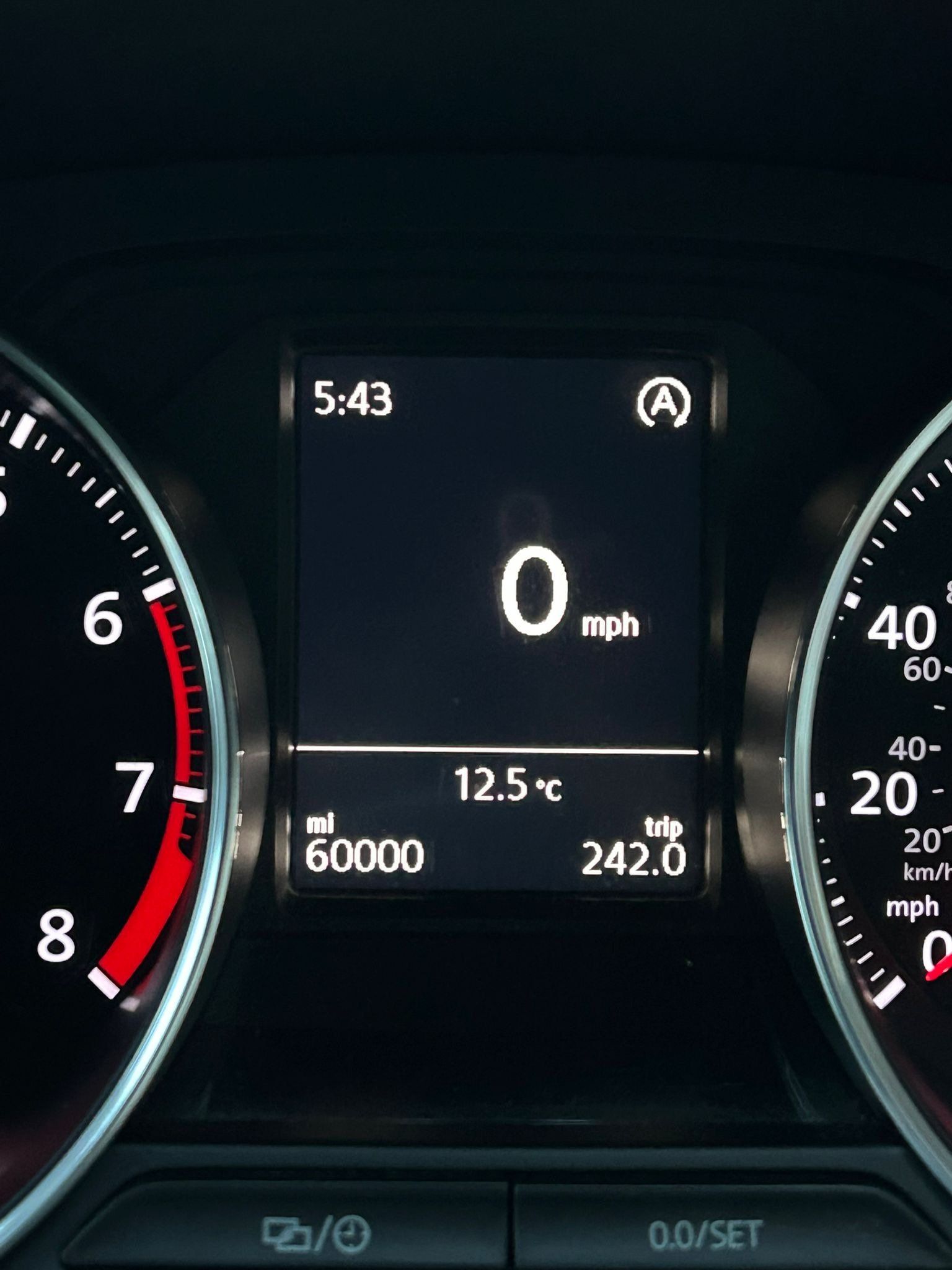
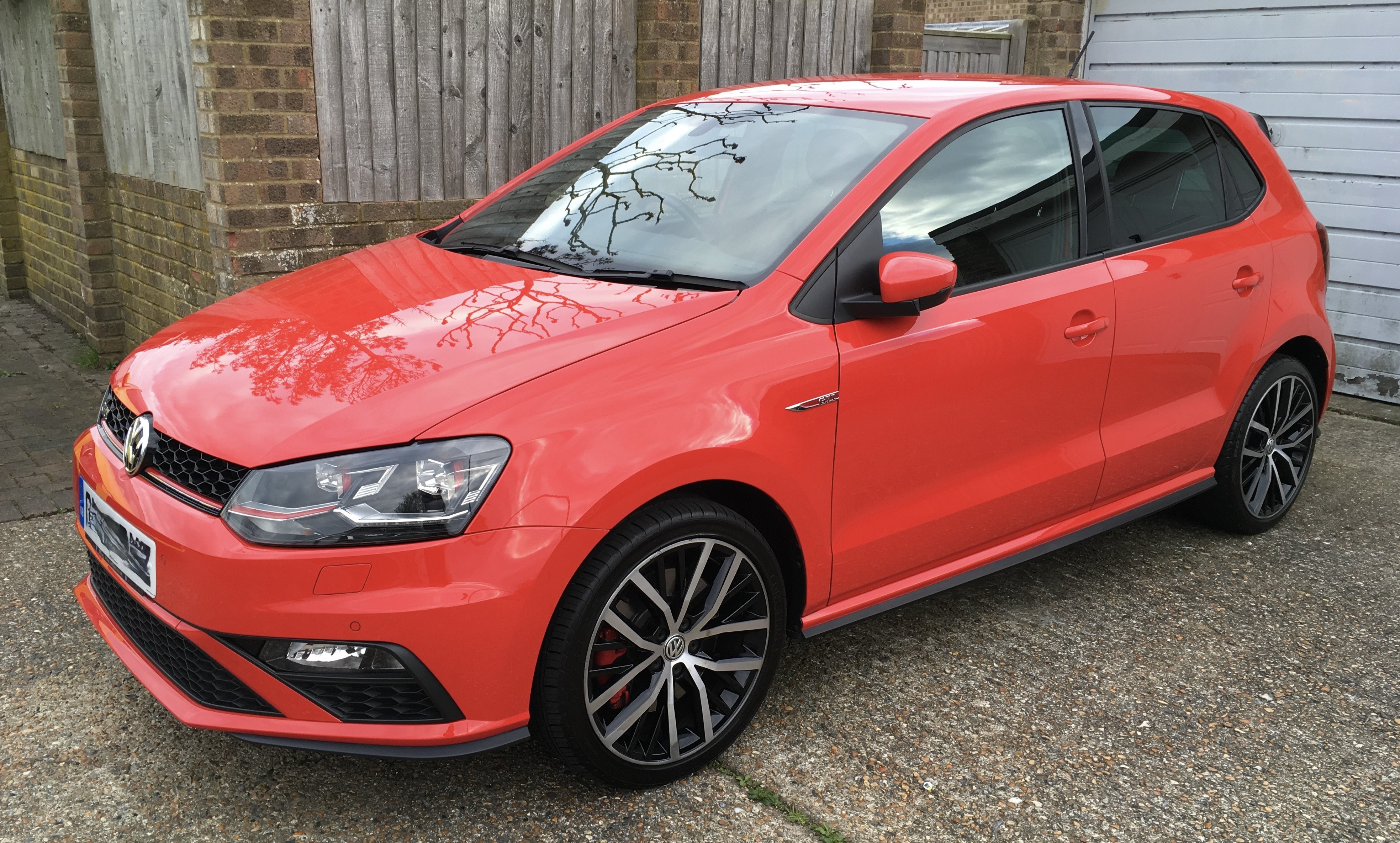
Our 2015 Polo GTi: Catching up with Lee. Gradually 🐌 Gaz And not quite the background that Rob has just up thar ^^^^^, but:
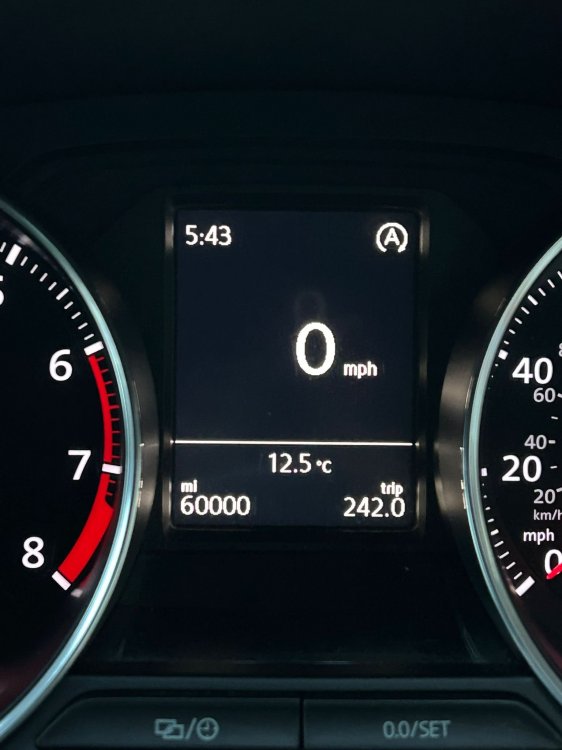
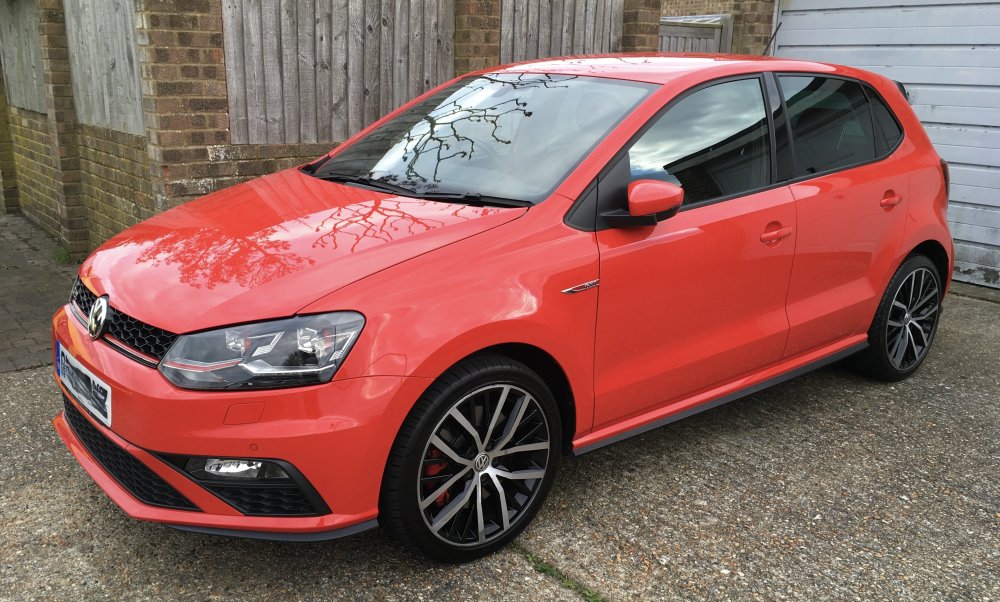 1 point
 -
This 2025 YouTube video relates to replacing a Skoda Octavia VRS's standard EFB+ starter-battery with an AGM equivalent. (A similar EFB-to-AGM procedure would apply for a Fabia Mk4.)1 point
-
It is the consequence of failure that is the issue. Generally a failed wheel bearing will cause a little noise and possibly vibration and is easily fixed, but a failed cambelt is pretty likely to be catastrophic for the engine, which isn't easily ixed and will cost a fortune.1 point








.thumb.jpg.b8bf86ac4ee3b6c86ba91bf8e18cdc6b.jpg)