Leaderboard
-

moley
Resident Member7Points10,262Posts -
Breezy_Pete
Sponsor7Points24,575Posts -
camelspyyder
Resident Member6Points7,921Posts -
J.R.
Resident Member5Points15,266Posts



Popular Content
Showing content with the highest reputation on 10/08/20 in all areas
-
Briskoda, myself and Ross-Tech can accept no liability for any damage you do to any vehicle whilst carrying out any adaptations, these adaptations are working perfectly in many cars, but we cannot possibly guarantee they will work in every car made for every market. Any changes you make are done entirely at your own risk. For those users that want to help make VCDS even better then please feel free to e-mail Ross-Tech a copy of your Auto-Scan If there are no descriptions in the ‘Coding’ long code then Admaps would also be useful... Ross-Tech can then include further information in new software releases. __________________________________________________________________ How do I display the large MPH display on my maxidot? (needs the latest white maxidot display on newer cars - This may no longer work on some MY12 onwards cars, I tried to code a May 2012 SUPERB and a 2013 Yeti and it rejected the code... it has however worked on other 2013 cars!!) You will need maxidot fitted to the car (as shown above) and someone with VCDS to change the country setting to Australia: To set the country to Australia: To change the country go to 17- Instruments and click on "Coding - 07" Then click on "Long Coding Helper" Finally under Bit 4 select "70 Country: Australia (AUS)" Exit this screen and you will return to the previous screen (with the current & new coding displayed) you see that the long coding has changed, click on "Do it!" all will then be saved. Once you have made the changes with VCDS you then need to go into the maxi-dot menu: SETTINGS Units, "Consu/distance" change this back to mpg (GB), mi (as it defaults to 1/100km, km), then SETTINGS "MFD data" and make sure the box for Digit.speed is ticked You can also remove the KPH display and replace it with the outside temperature: SETTINGS and unticked the "ALT.speed dis." box (this will remove the KPH speed and replace it with the outside temp display) The above adaptations have been made personally by myself on numerous Octavia MKII, Yeti and Superb MKII vehicles.1 point
-
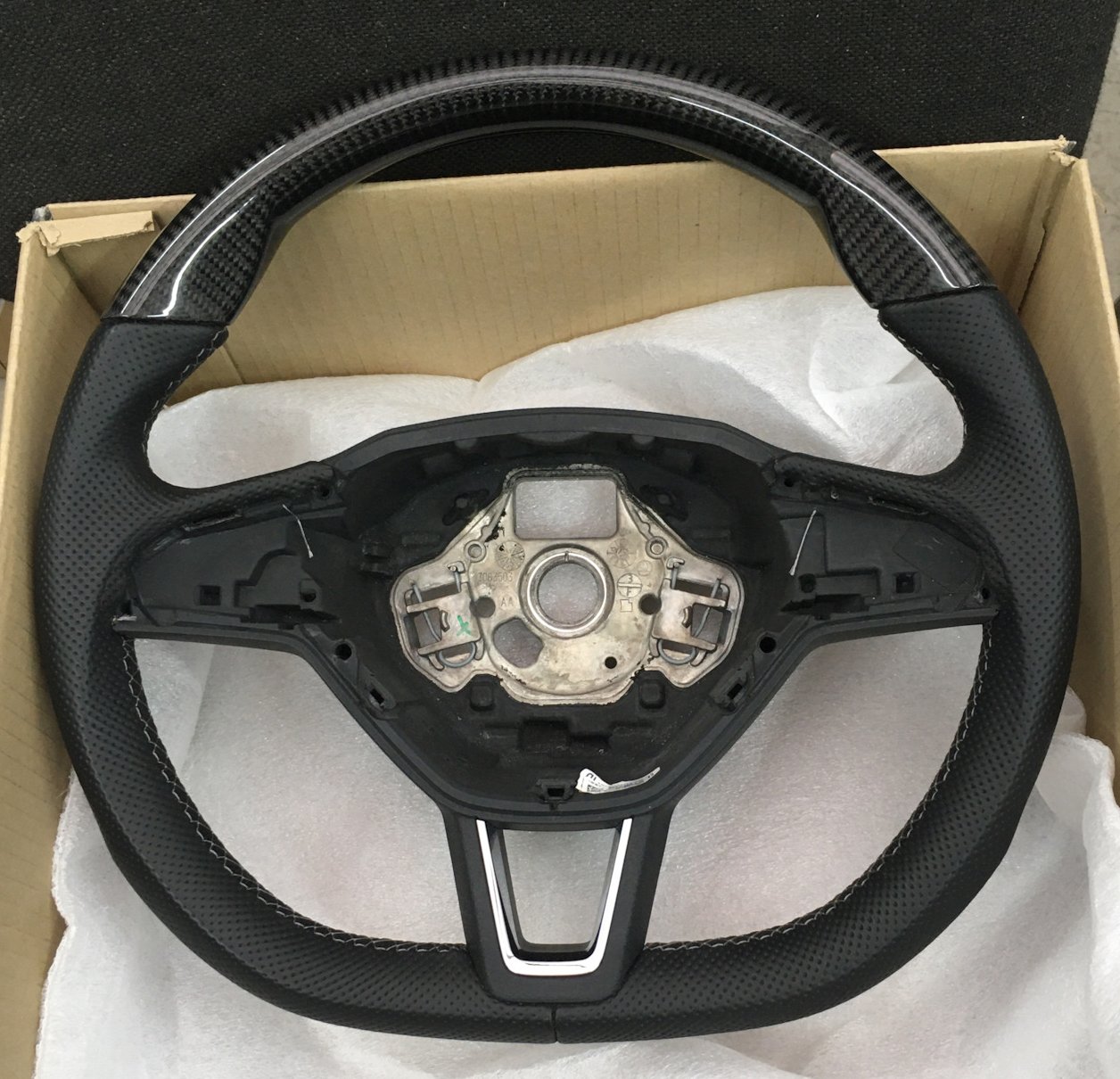
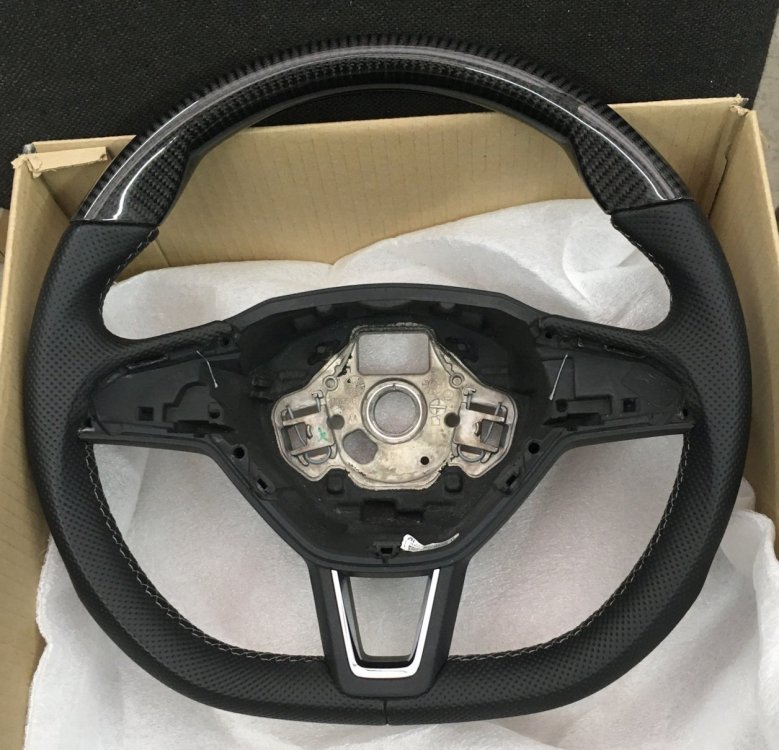
1 pointMy alcantara steering wheel looks and feels nice, but it is very difficult to keep it clean. So , I decided to purchase custom design wheel. Currently waiting for delivery , but looks very nice IMHO Real carbon top.
 1 point