



Leaderboard
-
skomaz
FREEDOM12Points11,413Posts -
Breezy_Pete
Sponsor11Points24,575Posts -
J.R.
Resident Member8Points15,266Posts -
Baxlin
Members6Points707Posts




Popular Content
Showing content with the highest reputation on 26/12/24 in all areas
-
Often the first step is the only one required. Look at the wiring in driver's door hinge area. See if anything is broken. Roomster has had at least three different versions of window motors systems through the production years, so not all of the advice you'll have come across will be relevant. Does the switch panel for the windows on driver's door light up when vehicle lights are on? If it doesn't that may indicate a failed earth connection which is also crucial for the switch functions.3 points
-
Not NC500 specifically but useful nonetheless3 points
-
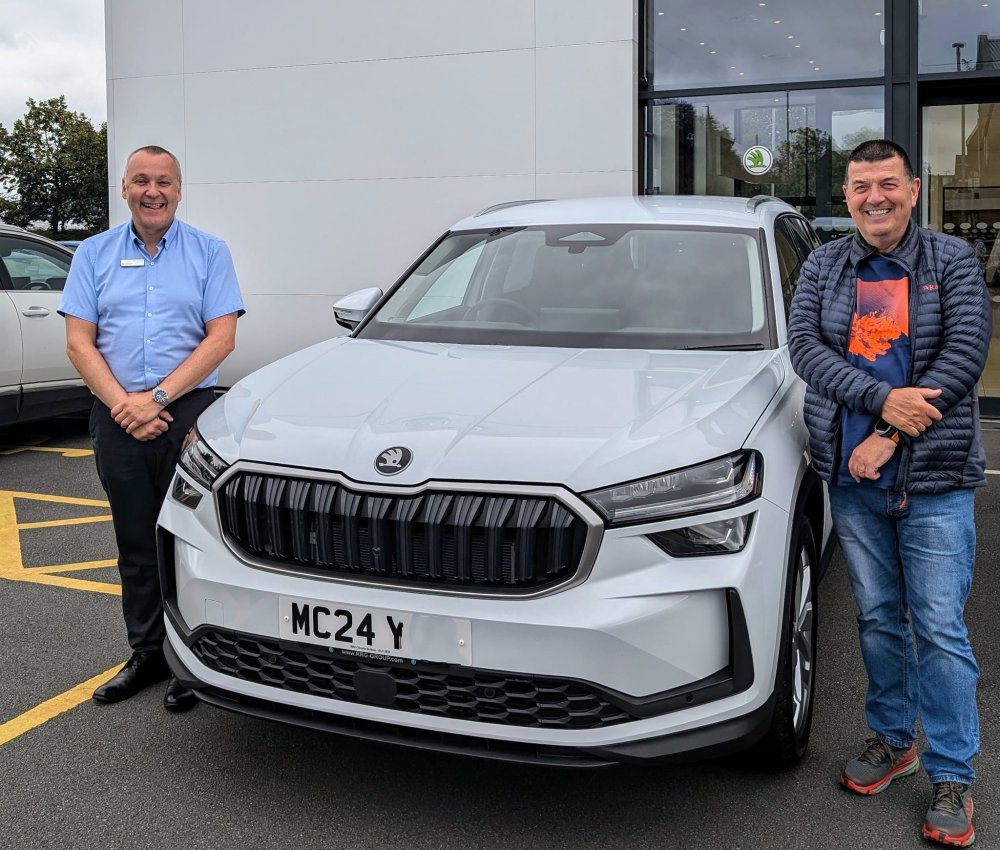
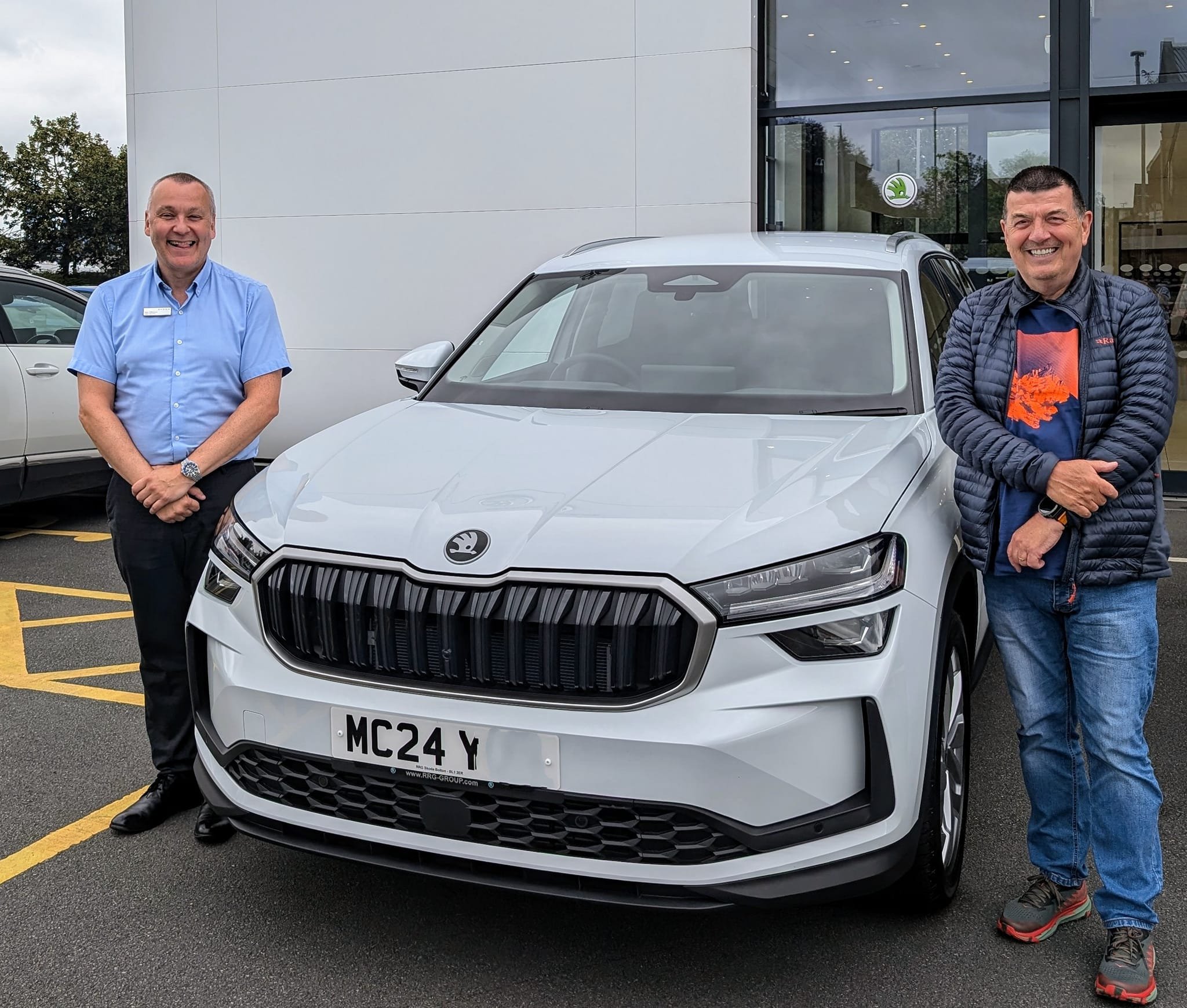
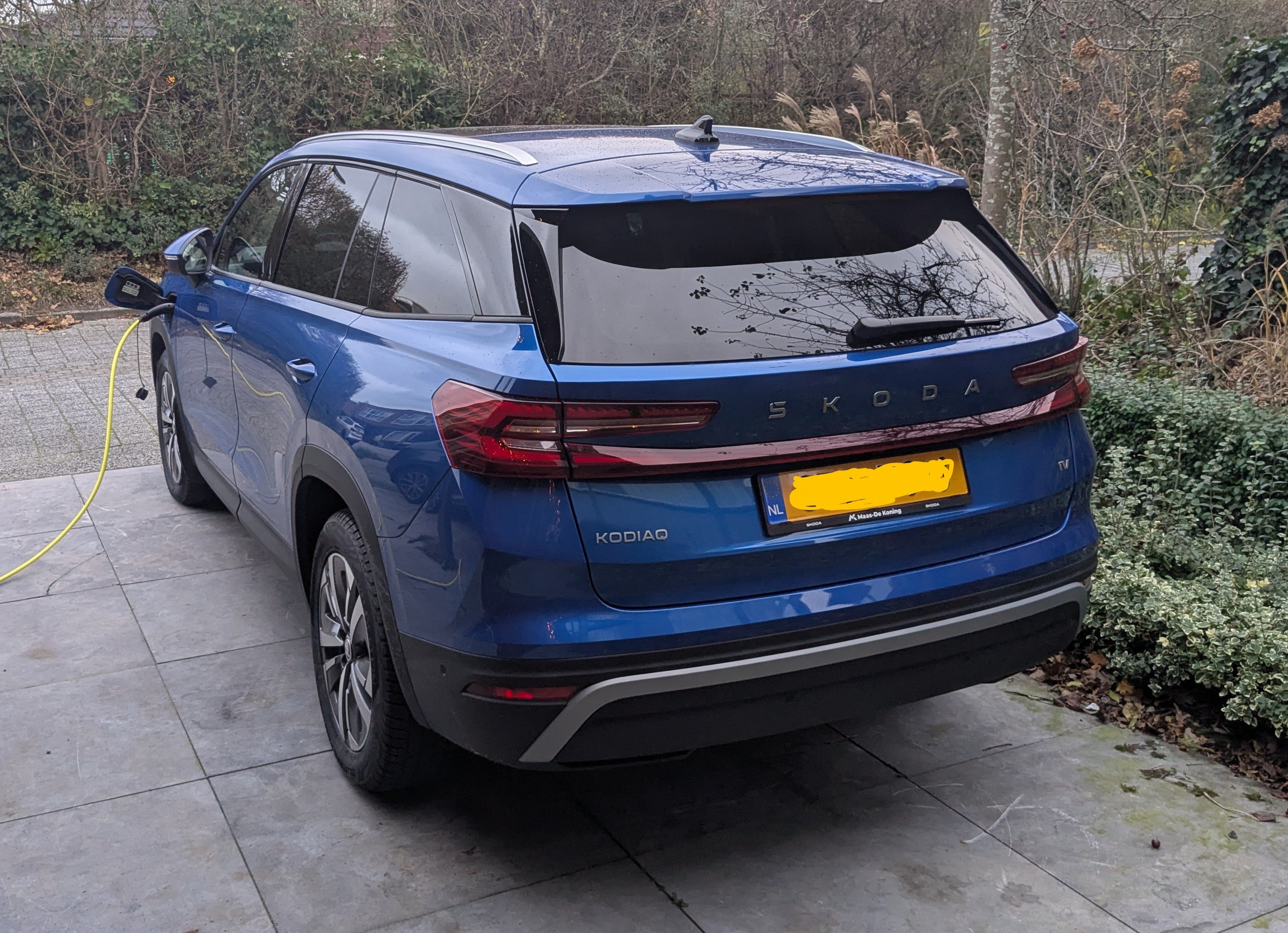
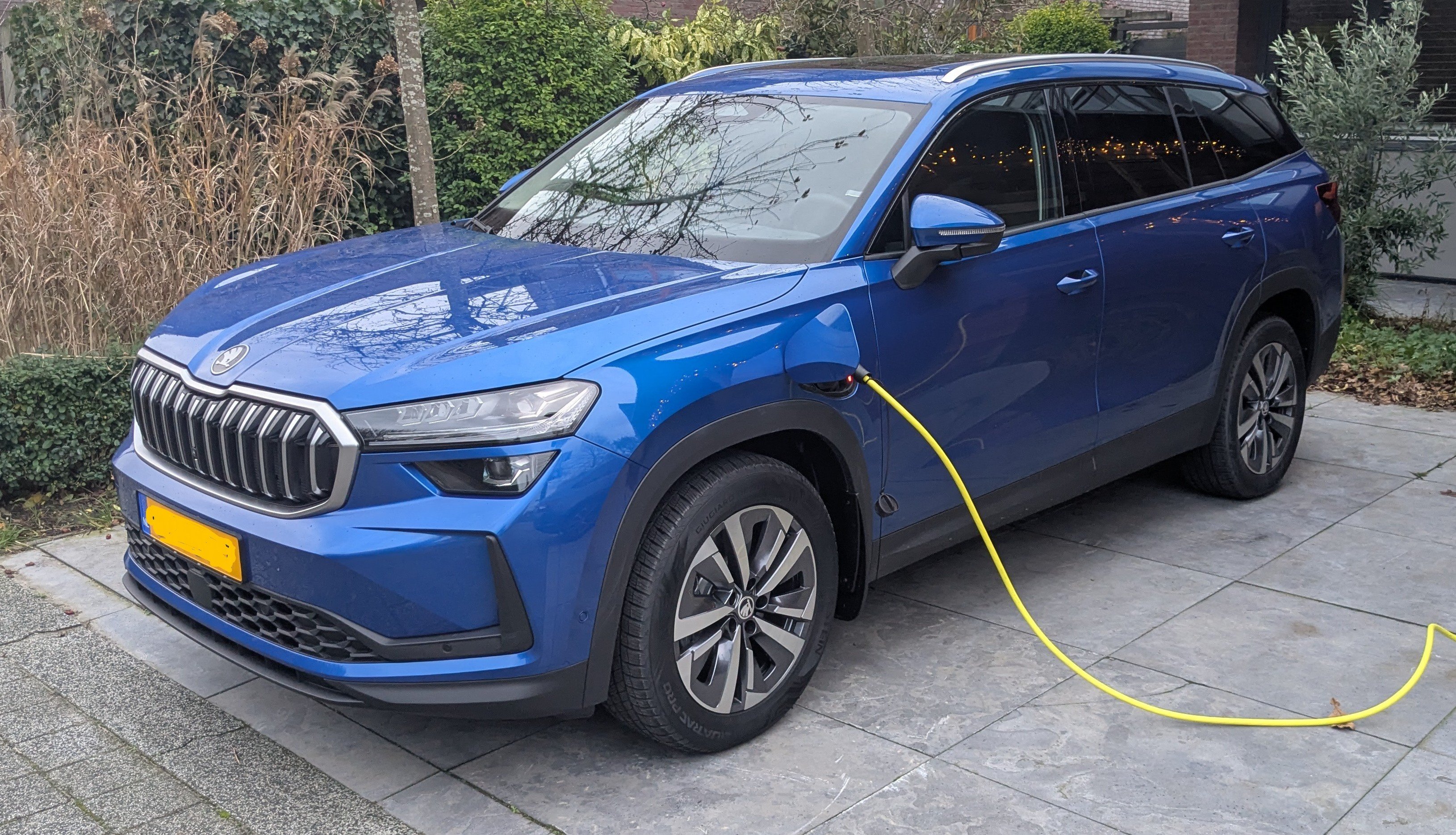
3 pointsJust got this one of the day I collected mine. Fifth Kodiaq but first mk 2.
 3 points
 -
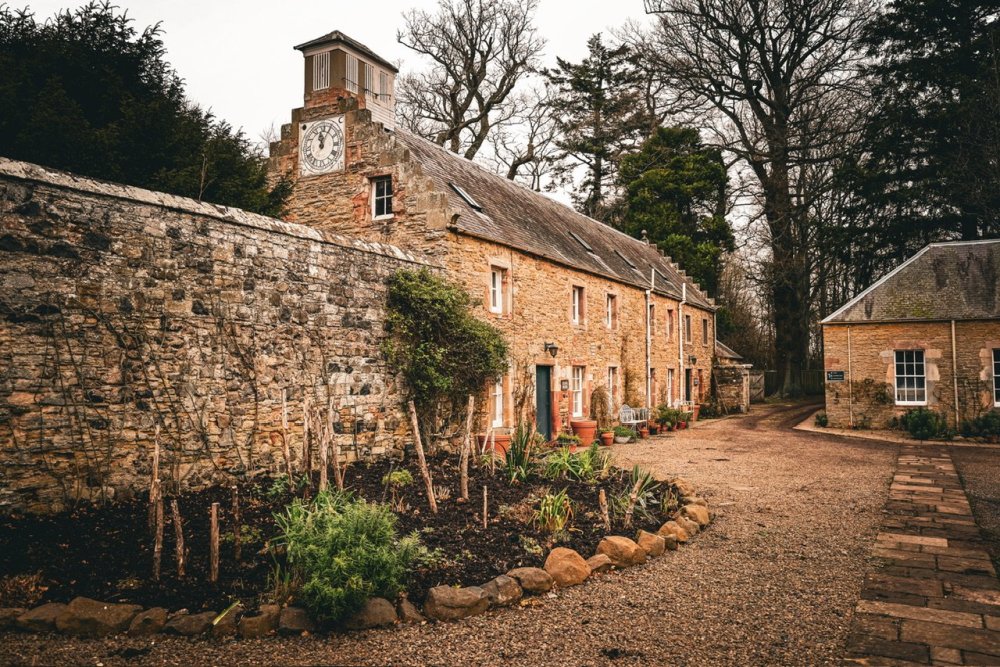
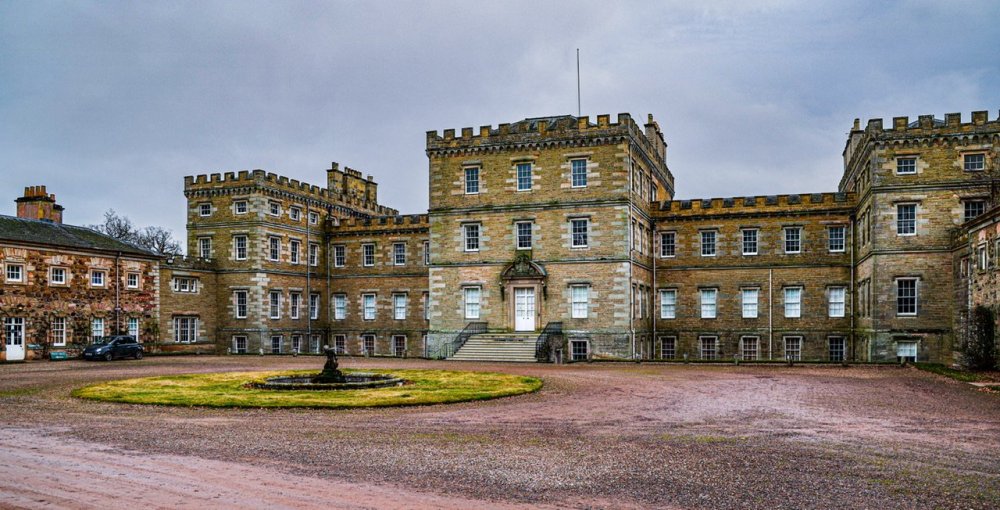
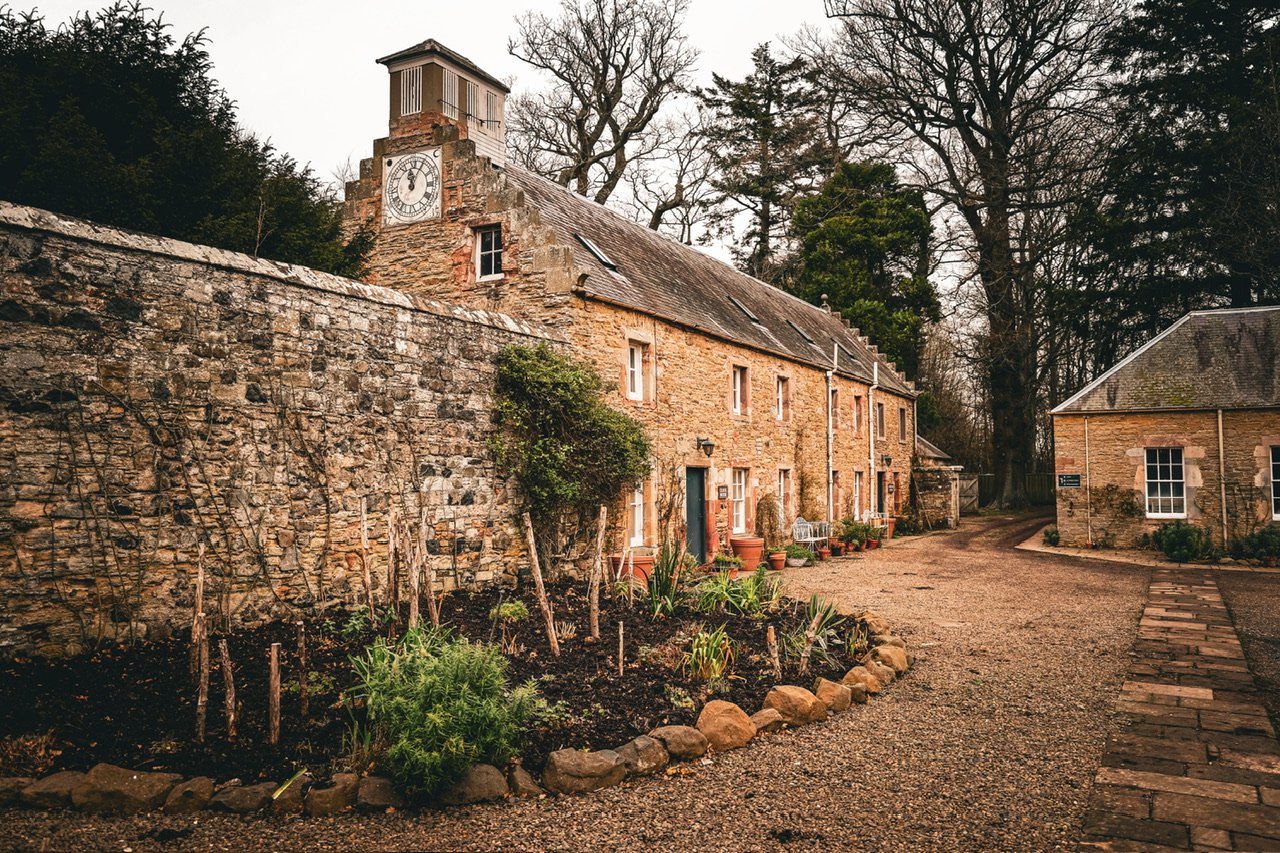
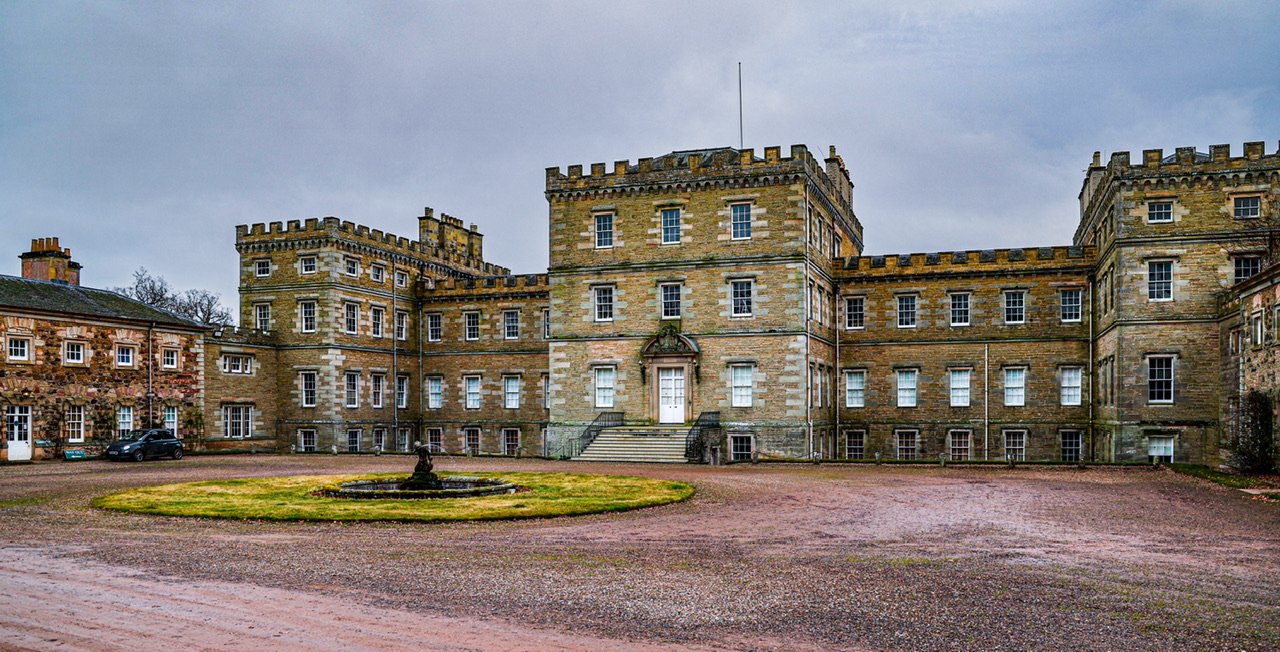
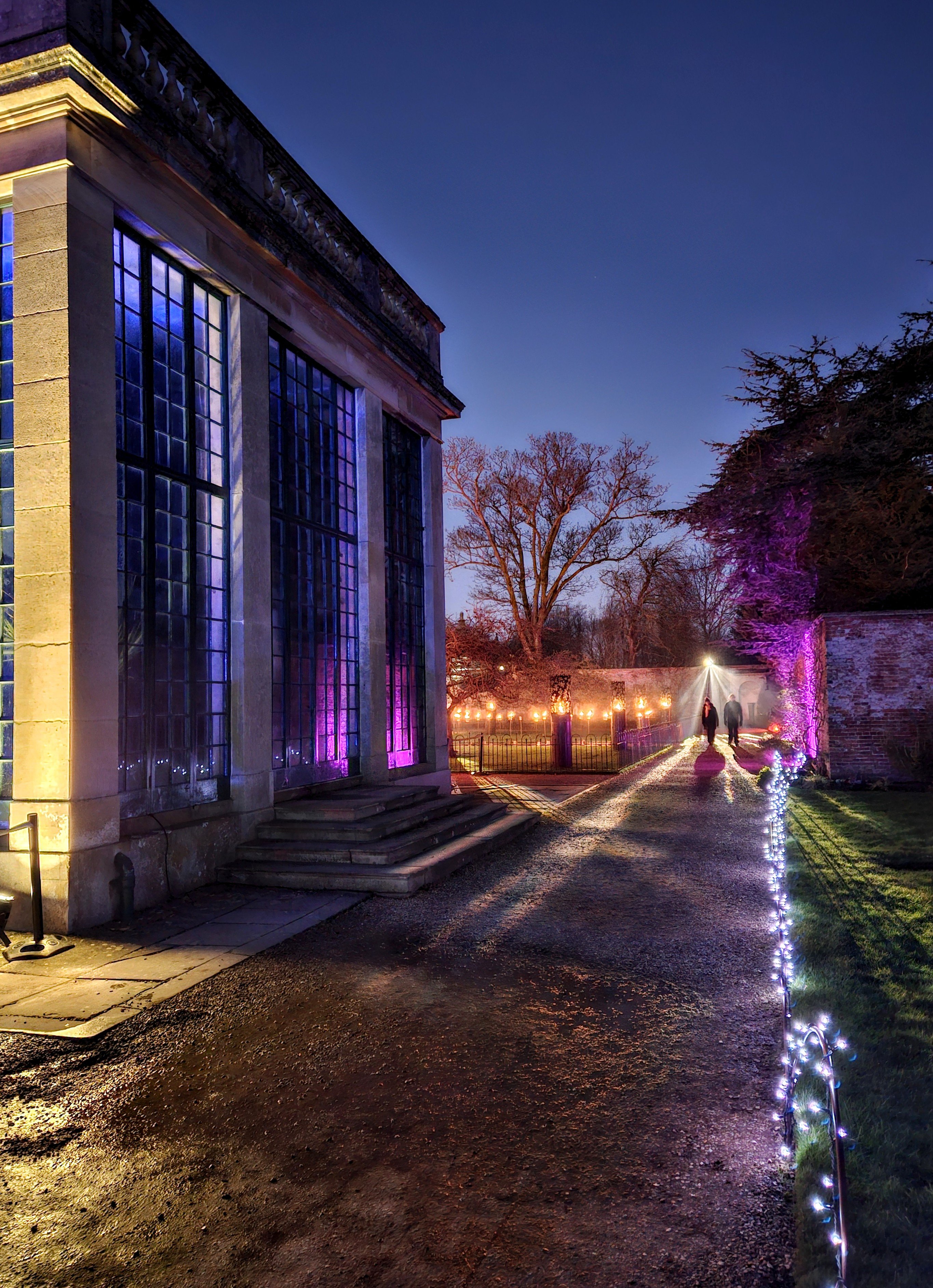
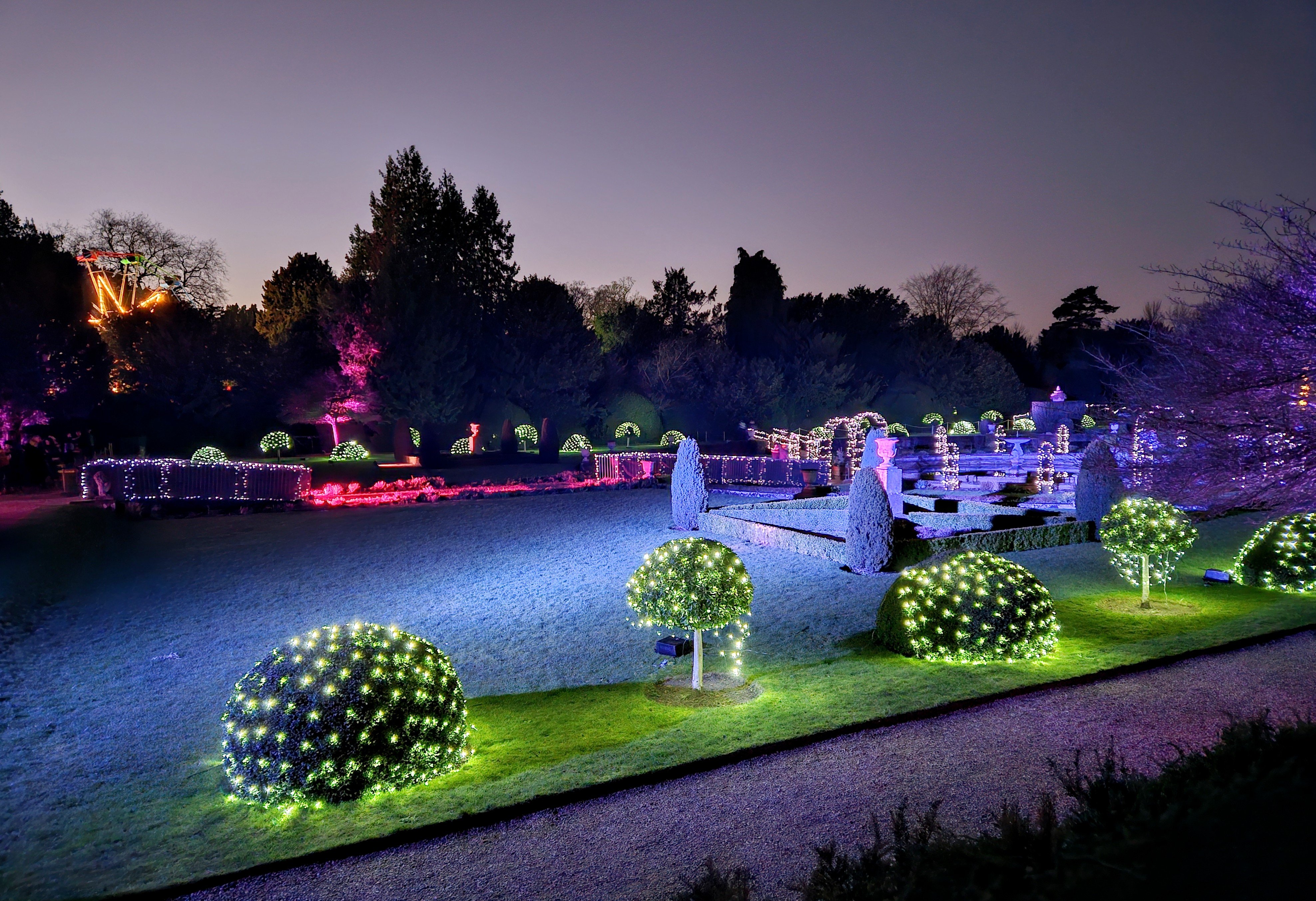
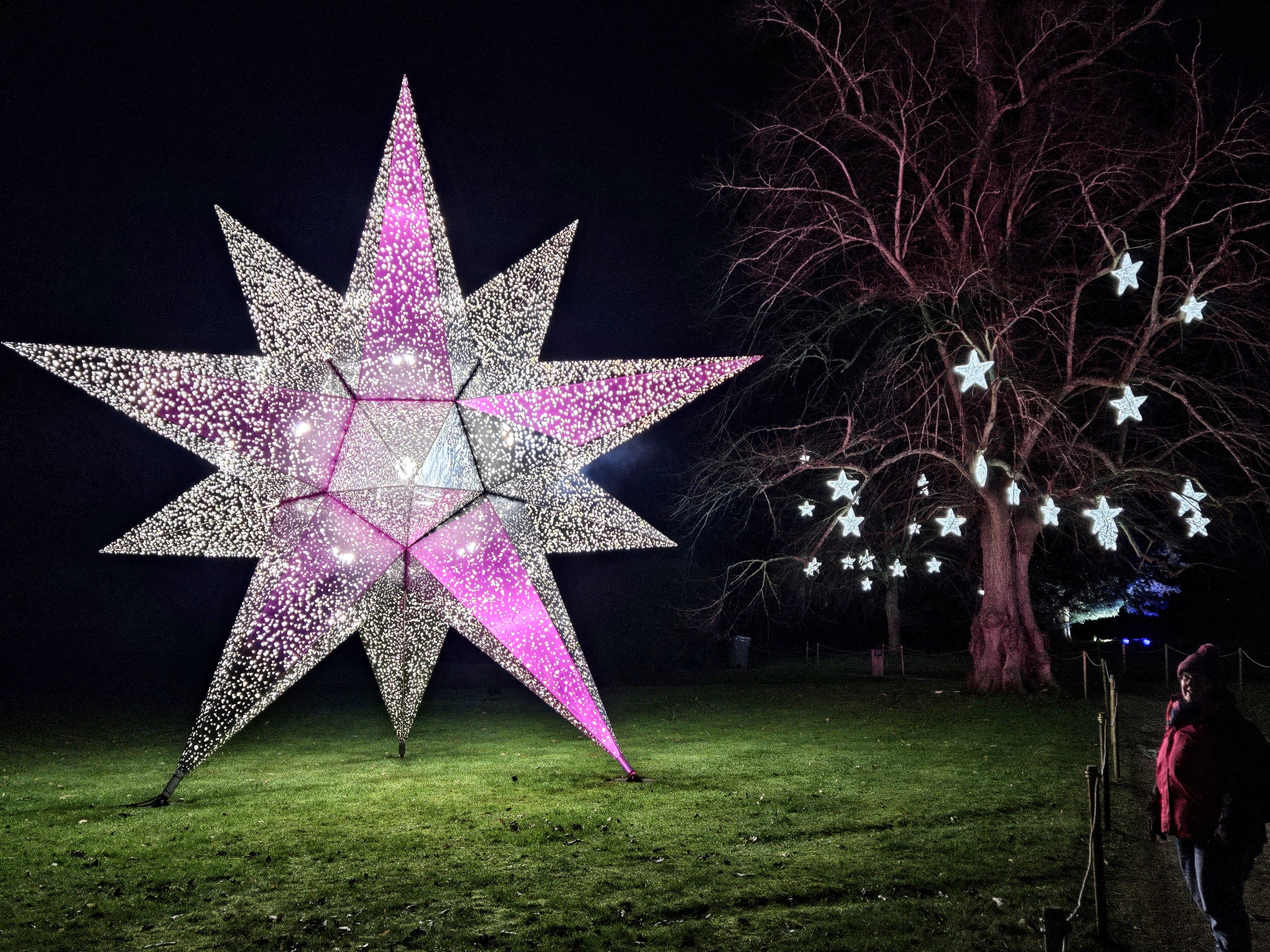
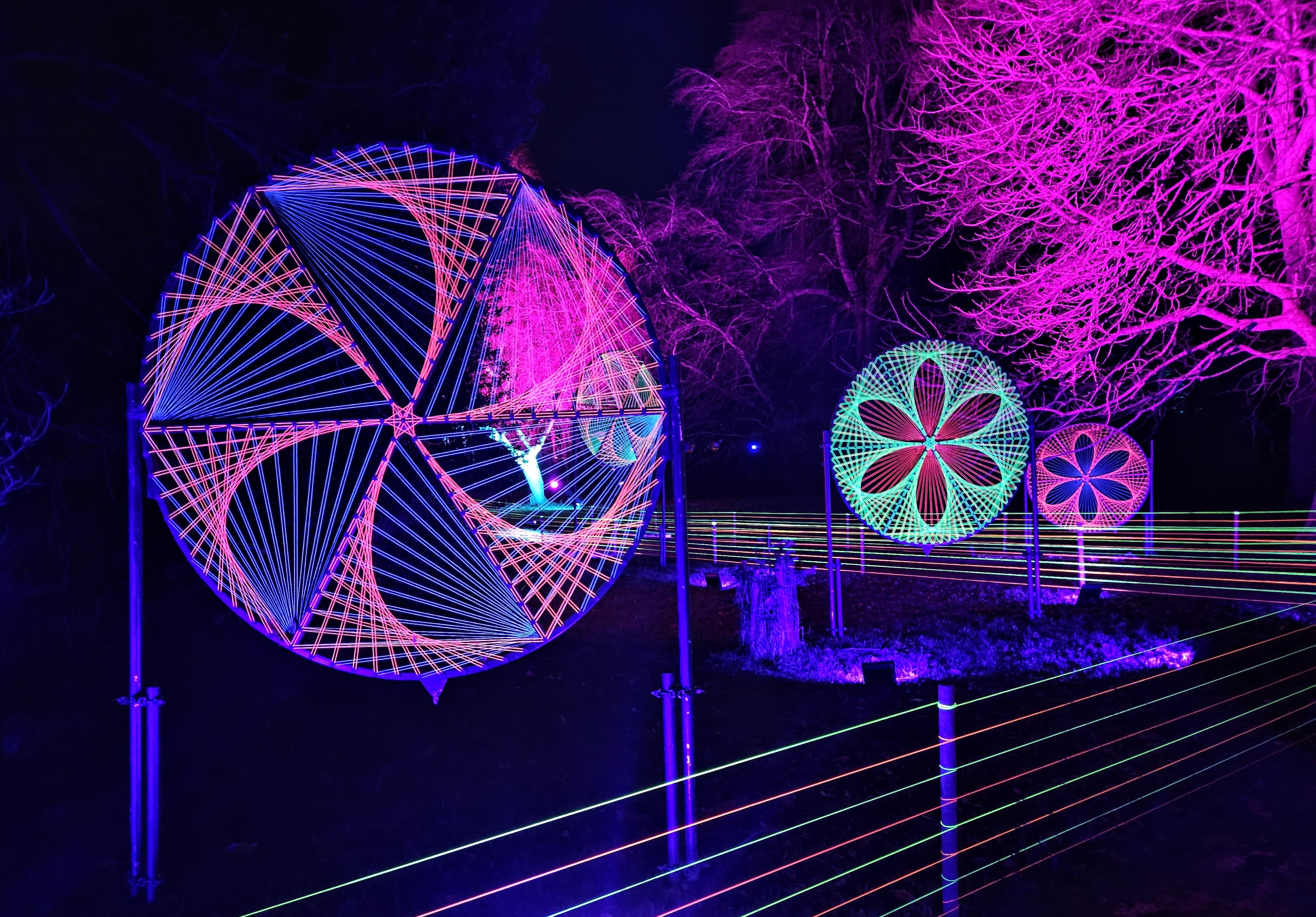
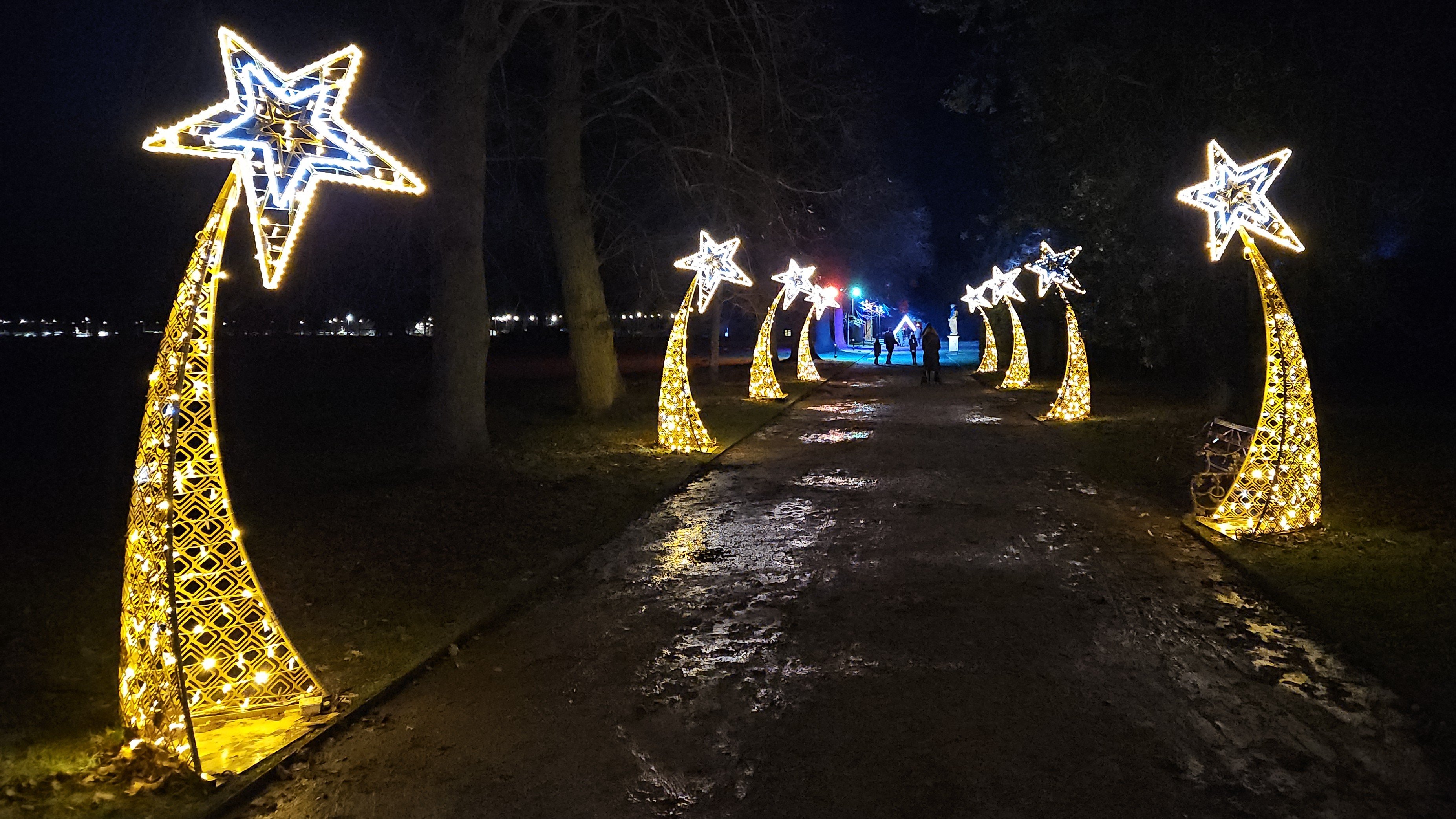
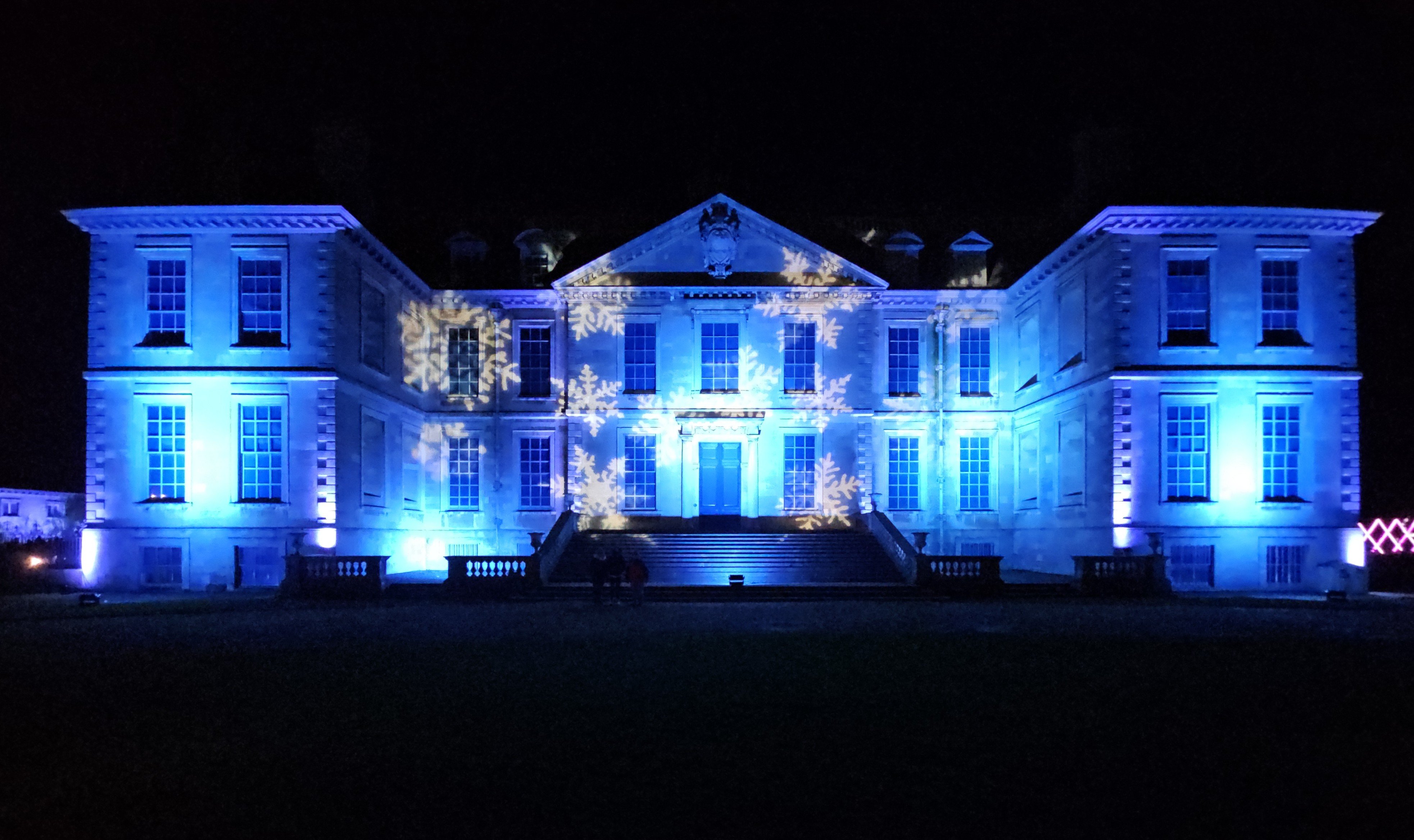
2 pointsA few from today. Stayed at a local stately pile over xmas. Back to the lodge tomorrow morning. Also a snap of an old sign which caught my eye a little while ago.

 2 points
 -
2 points
-
2 pointsNever worries me. If it does that's fine, if not then that's fine too. Life's too short..2 points
-
1 pointI guess best start then. Heres mine, a 2.0 diesel SEL collected on Thursday. Already filthy as had a 100 mile drive home in the rain. Best feature so far has to be the high beam assist, which is a game changer with hand controls. I quite like the traffic sign recognition too, it just adds to to an already relaxed drive. Slightly annoying is lane assist and having to turn it off every time. Worst has to be the gear selector position as it requires a bit of contortion for me. Tried holding the push brake with my right hand and reaching over with my left, but that’s way too difficult, so the solution I have come with so far is hold the brake on with my right wrist while selecting gear, but I’m sure I’ll get used to it.1 point
-
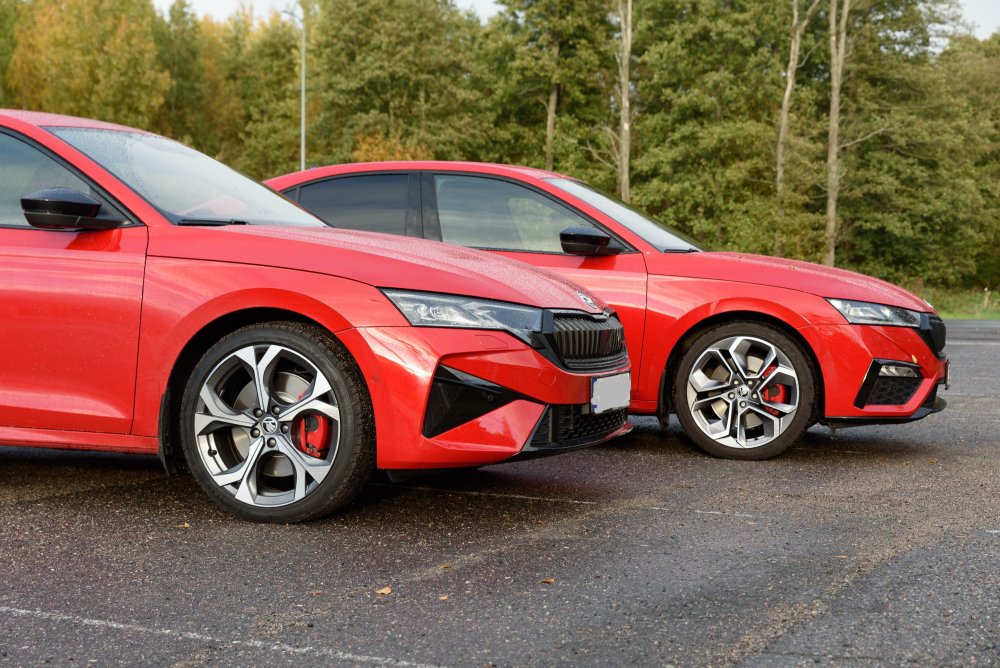
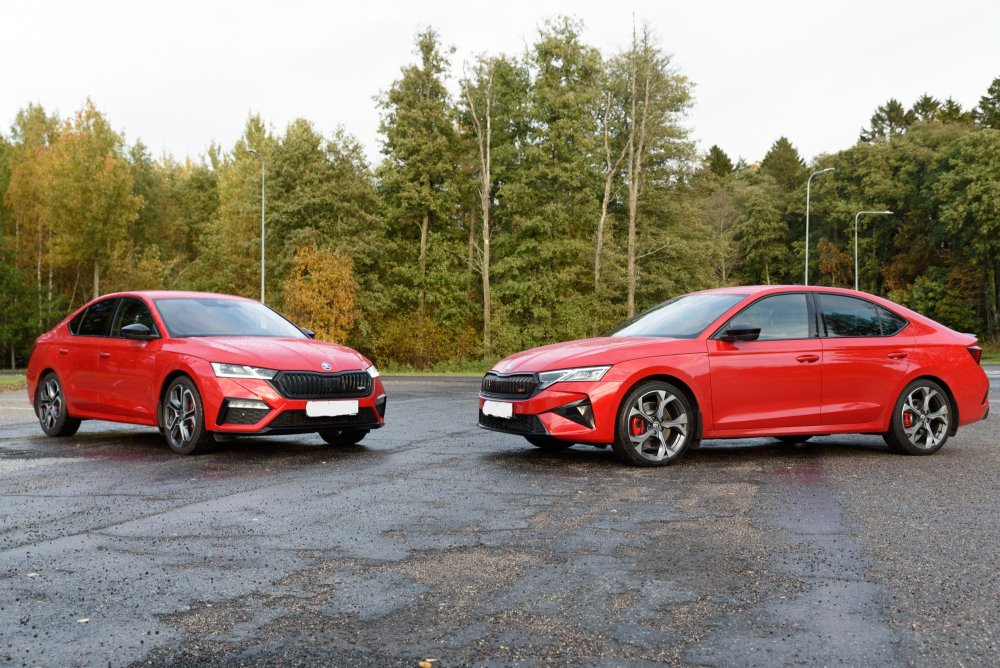
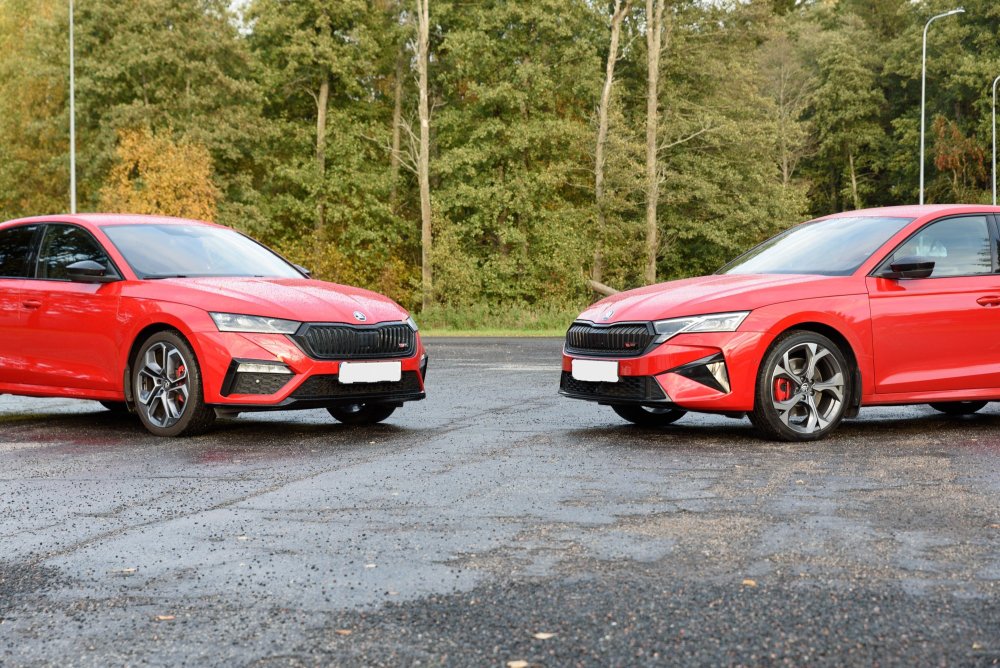
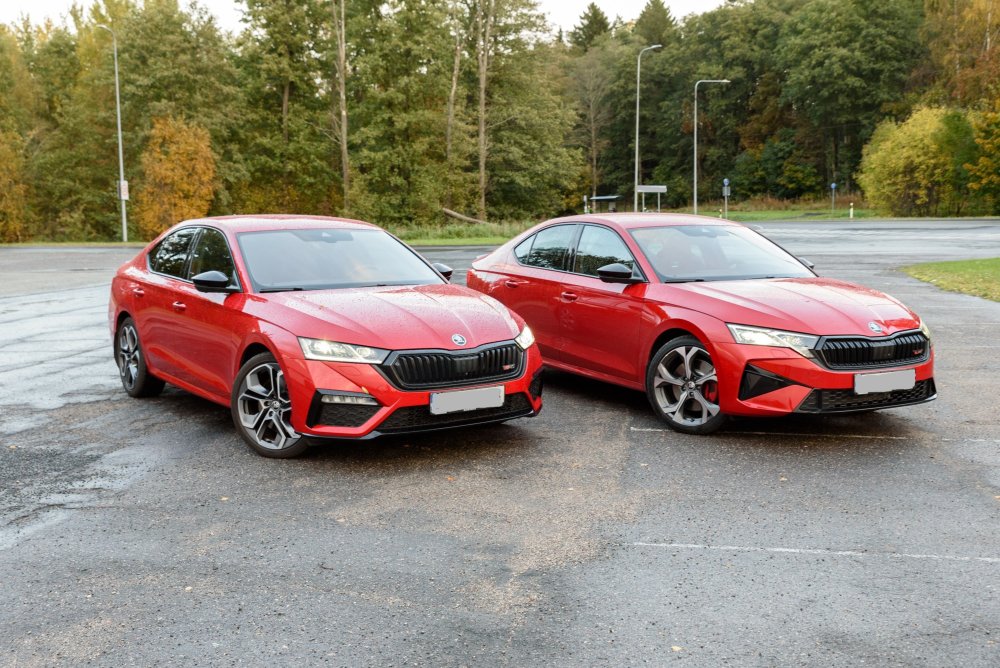
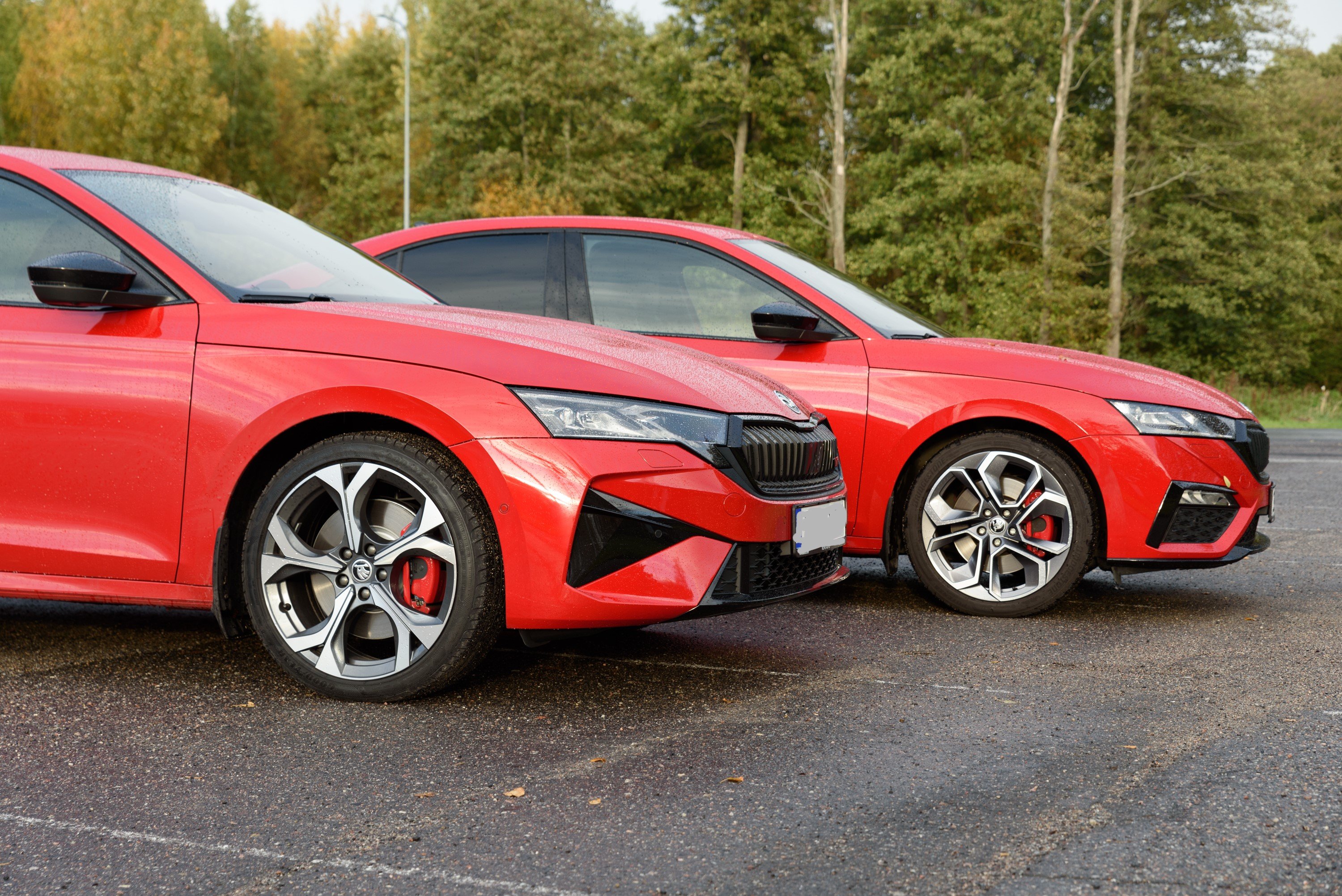
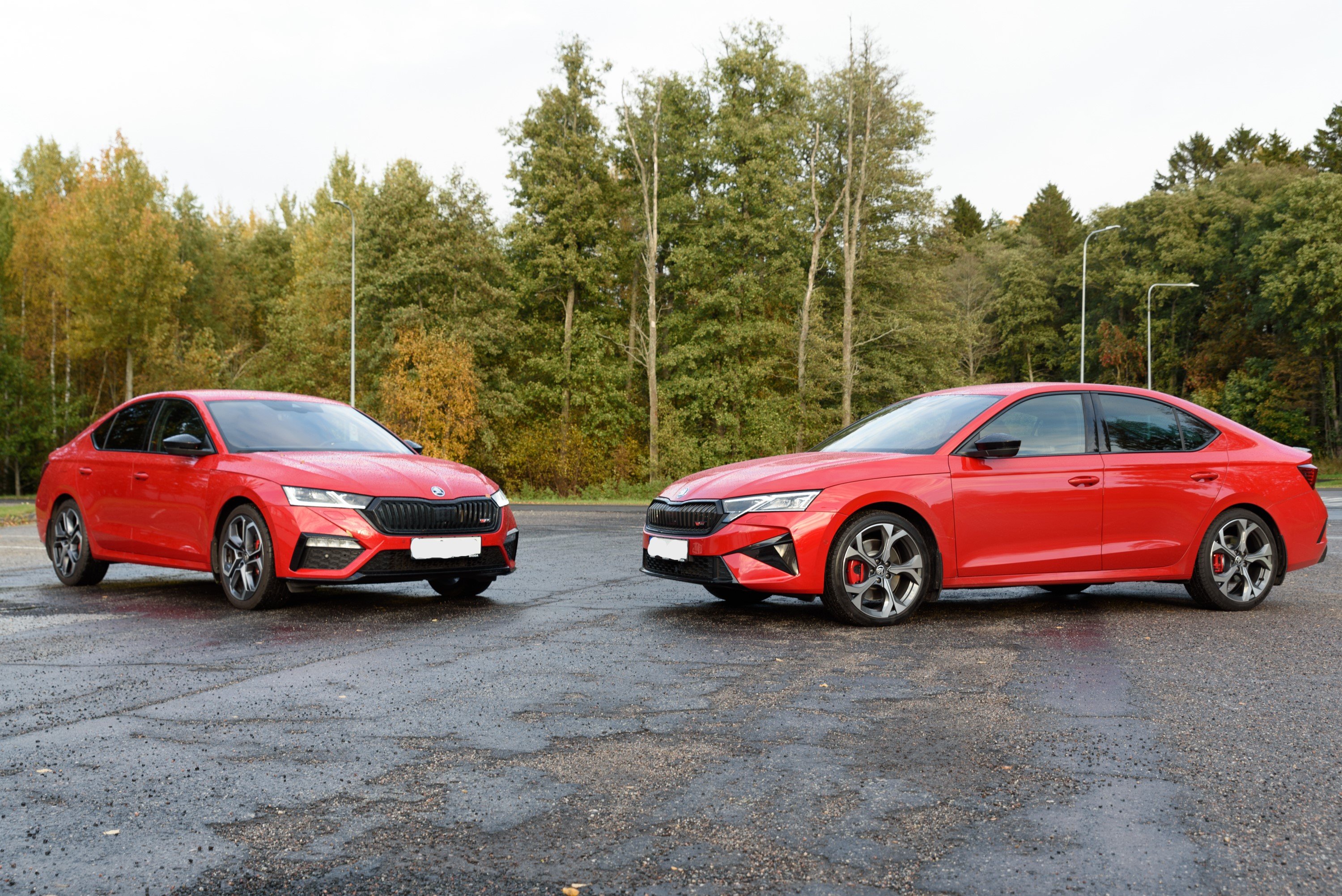
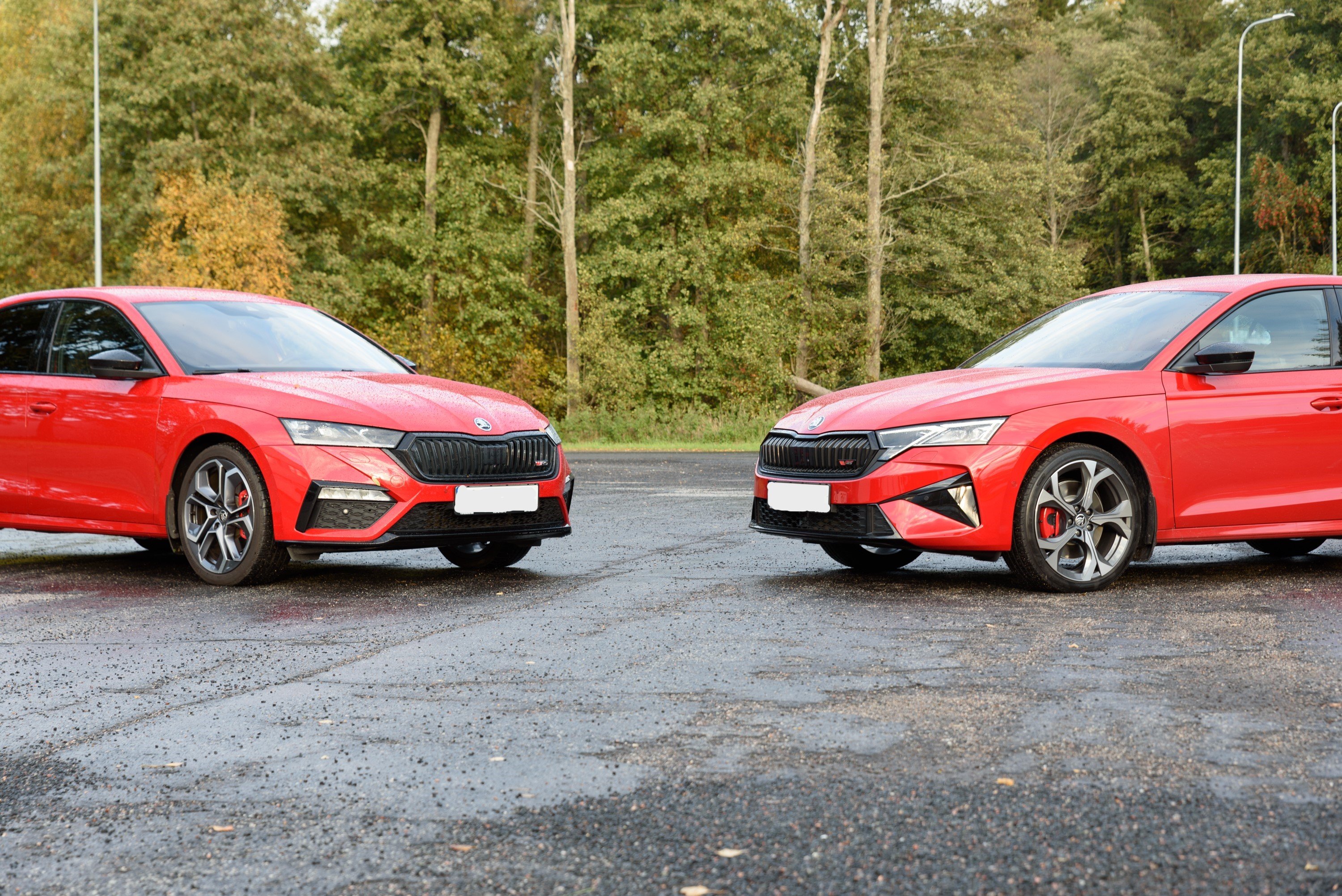
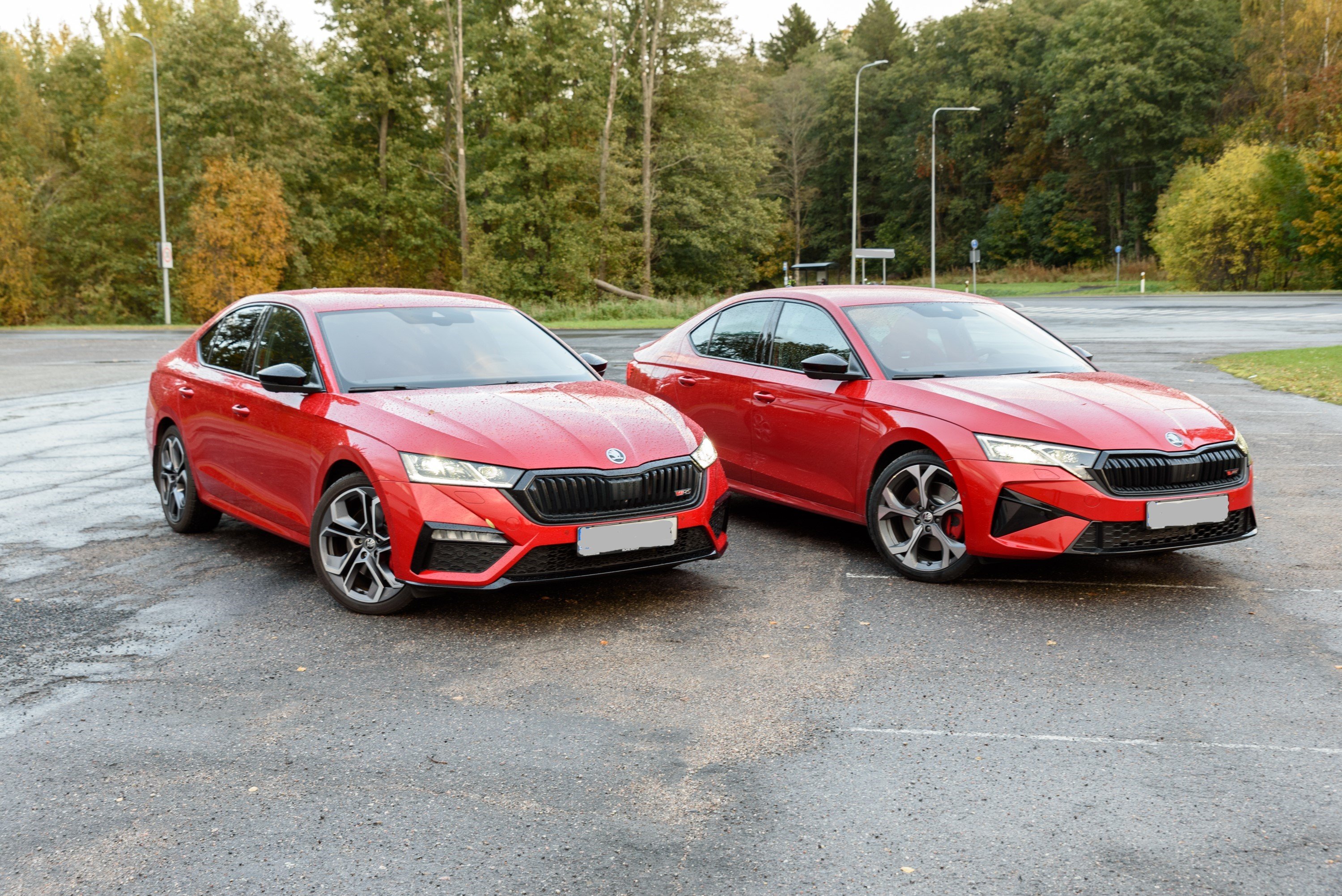
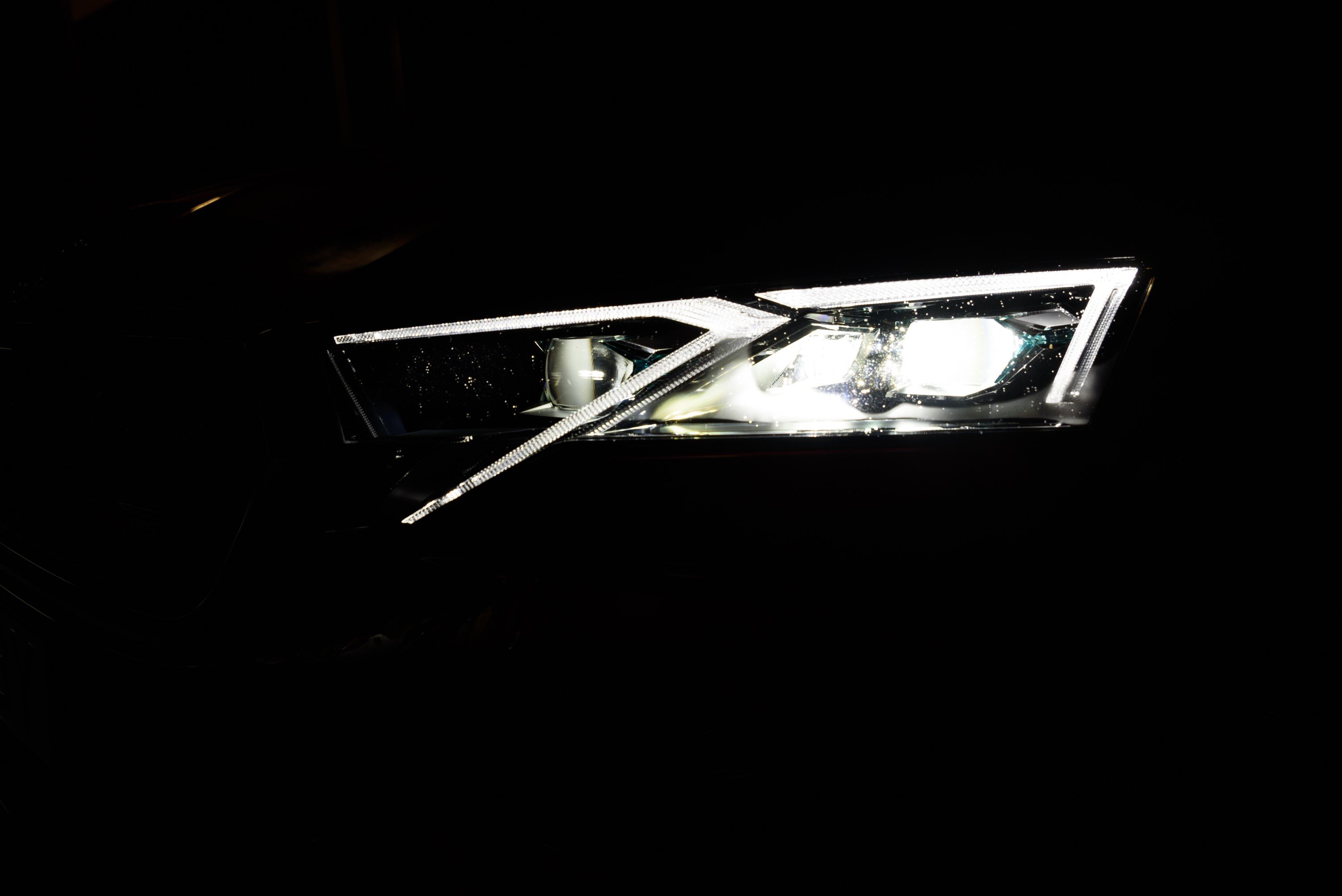
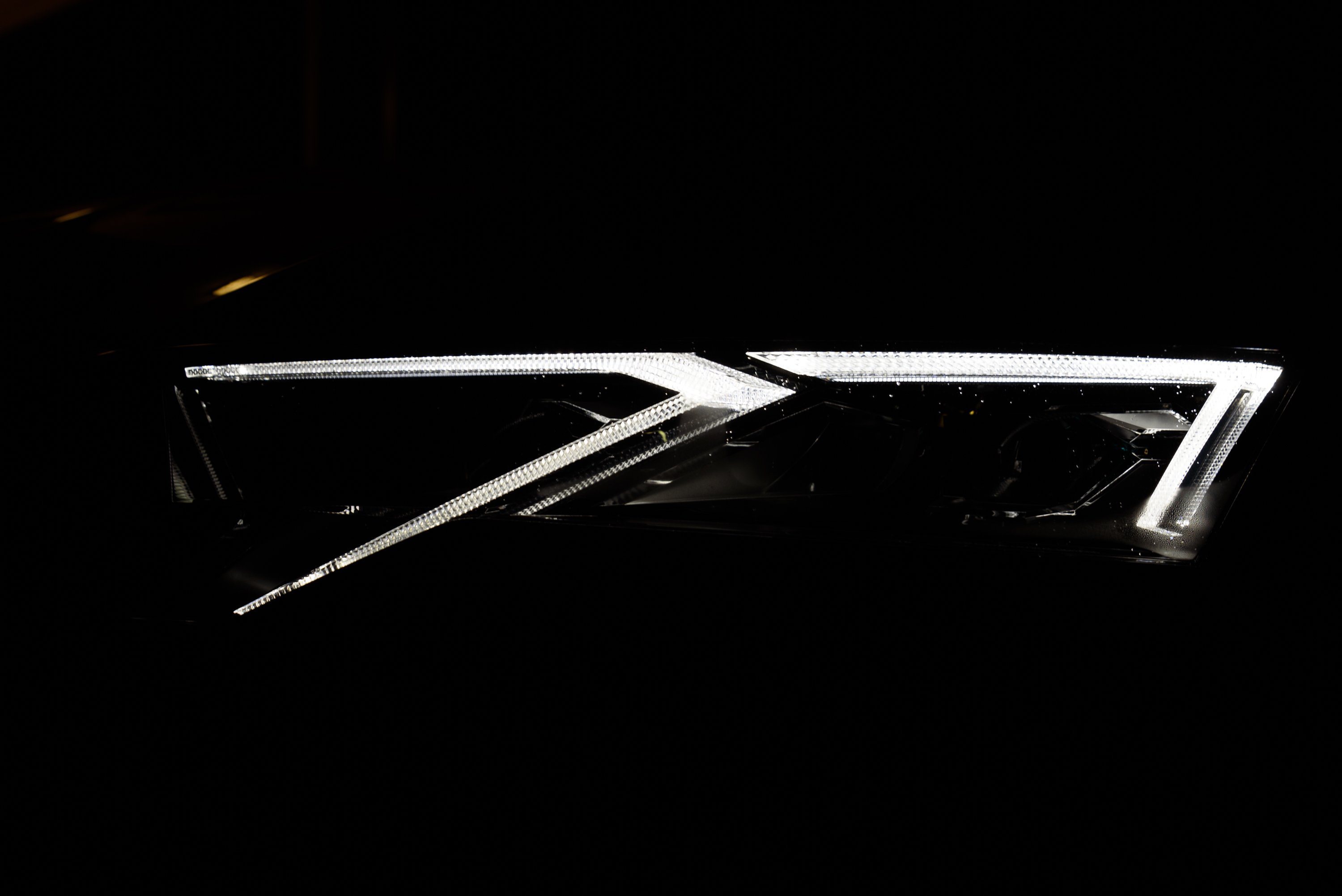
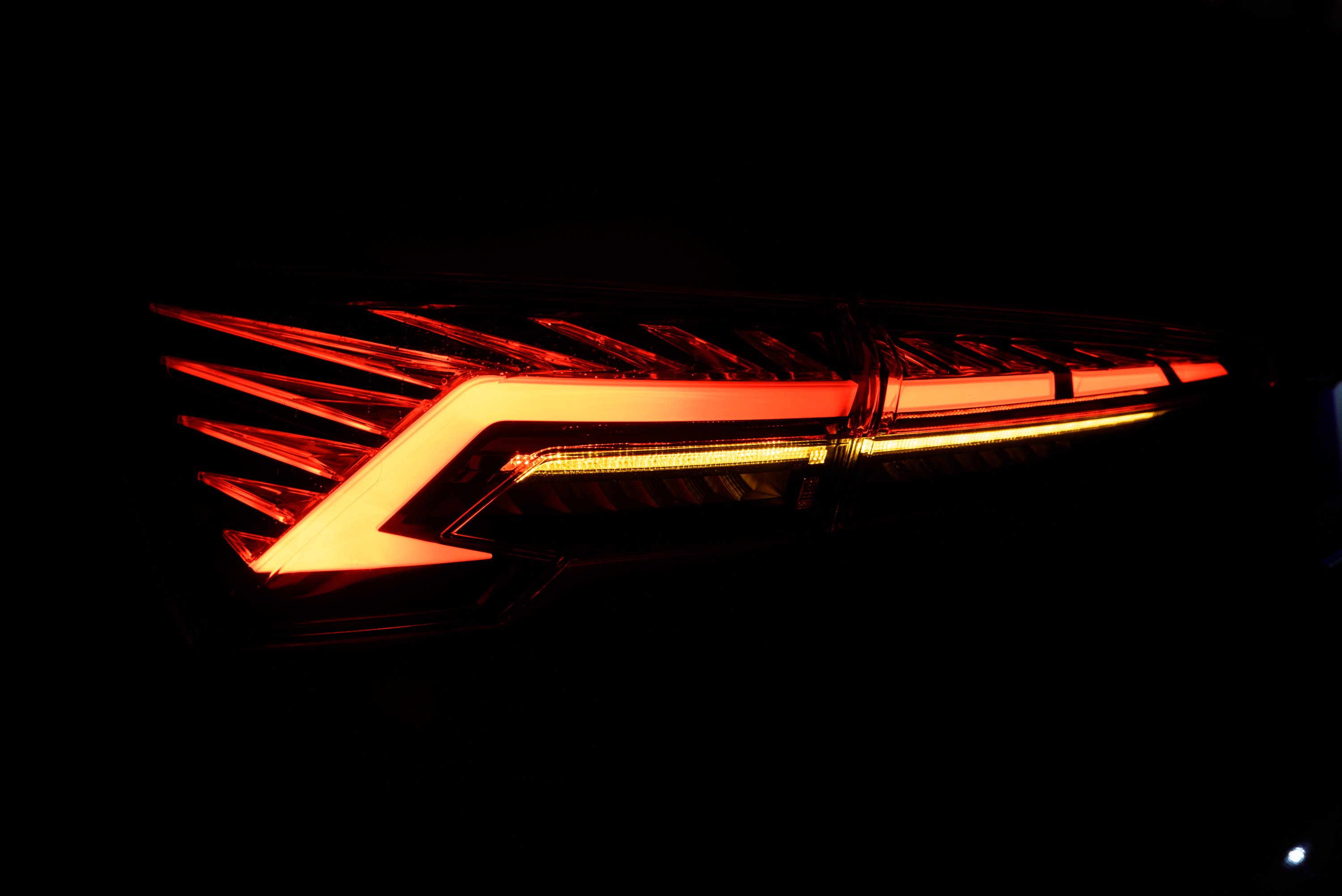
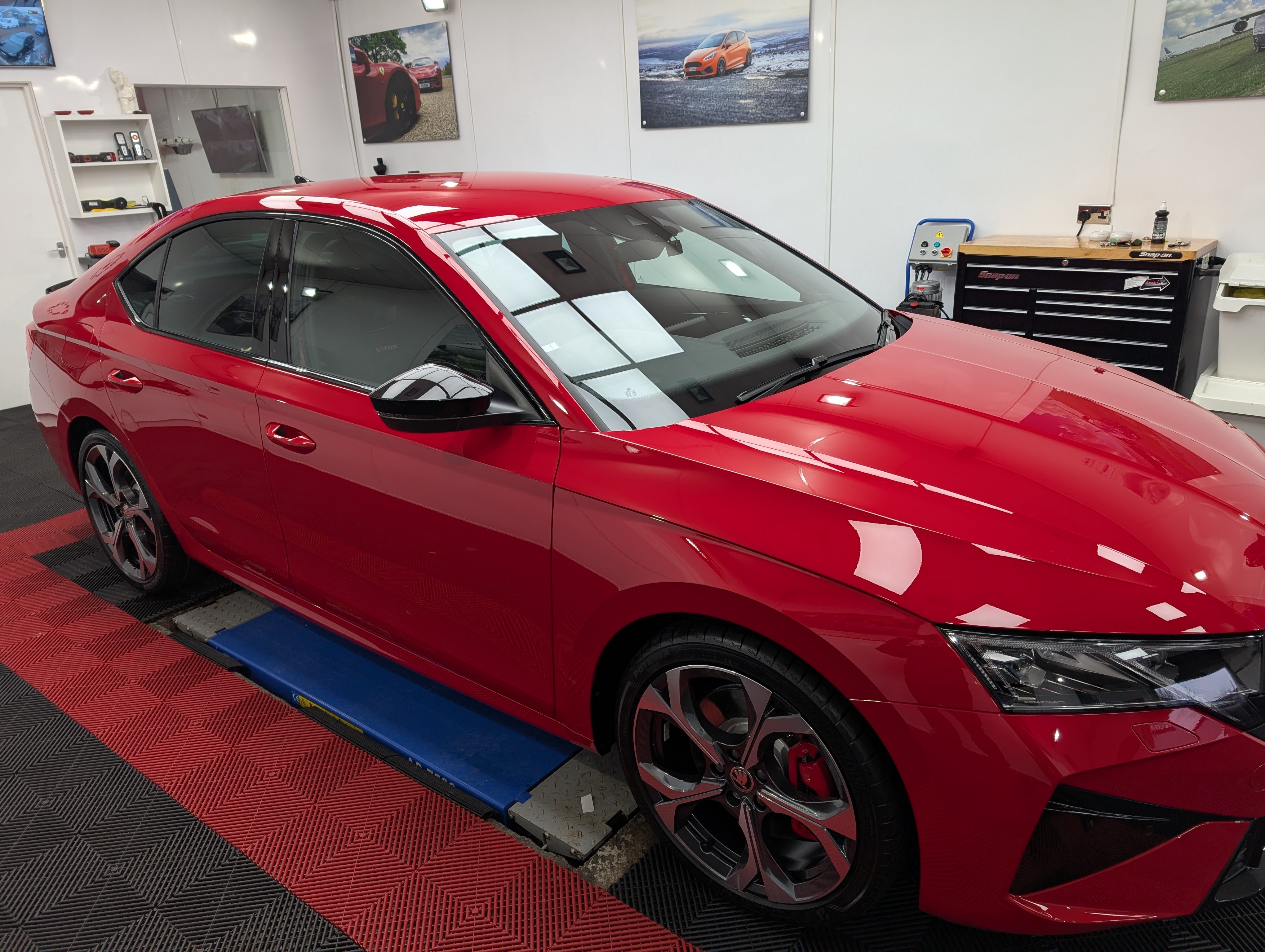
1 pointHello I just became an owner of a spanking new Octavia vRS mk 4.5 and I'd like to share my first impressions but before that a bit of a background story. Last year I was looking for a new car to replace my Ford Mondeo Titanium S from 2009. It served me well but it was time for something newer. I guess my criteria mostly were that the car had to be practical but also a bit sportier than the previous one. Initially I was looking at Cupra Leon Sportstourers (also estate) but I was eventually mesmerised by a velvet red Octavia RS mk4 liftback. I thought I got a pretty nice deal on it as it was just barely used (~3000 km), so no new car tax to pay for me anymore, and it had ton of extra equipment as well. I was super happy with it. Then in February the facelift was announced and I admit that I didn't think much of the RS facelift at that moment. I was definitely thinking that the front lights were cooler on my current RS, I mean the fog-lights were a separate unit and the front bumper was also much more aggressive and edgier. Also nothing really bothered me too much about the infotainment system. But....as time passed the design of the facelift had started growing on me and in addition some of the improvements here and there (a bit more power, newer infotainment system). And by July I managed to convince myself that I want the facelift RS, so I ordered one! It arrived at the end of September. However, by that time I still hadn't found a new owner for my mk4. I had some offers but nothing good enough yet so I asked the dealership to wait a bit and give me more time to sell my mk4. Then I finally found a buyer and told the dealership as well that I'm now ready to receive the new car. But I guess I jumped the gun there a bit as the deal to sell the old car hasn't been quite finalised yet. So that means that I'm in a unique position where I currently own a mk4 Octavia vRS and a brand new mk4.5 Octavia vRS and they are both velvet red! But it's a good opportunity to compare them. So finally, here are my thoughts on the differences: The specs Both of my cars have a ton of extra equipment but there are slight differences (just some quality of life extras really). I really liked the extra features on the old car so I mostly copied them when speccing the new car as well. But most notable ones: Both cars are liftbacks Both are velvet red mk4.5 has 20 extra horse power but cannot test it yet if I can actually feel the difference (still break-in period) Both have DCC, Adaptive Lane Assist Both have Suedia (leather) seats (as part of Challenge Plus package on the old mk4, separate option on mk4.5) Both have 19" wheels (Altair on mk4, Elias on mk4.5) Both have a Heads Up display Navigation was a separate option on mk4 but I think it's part of the base RS spec now. I couldn't spec preheating for mk4.5 in my region (wasn't available in the spec sheet and still isn't in the configurator) I added Canton sound system on the mk4.5 (yet to review it properly) Exterior The biggest difference between mk4 and mk4.5 is the front part of the car (as you've probably seen from pictures yourself). As I also mentioned above, it took some time for the new design to grow on me but I really like it now. The rear lights are also a bit different (the shape/light bar of the turning signal is now horistinal and straight, see picture). Also the stripes/trails within the rear lights seem to be illuminated (more). The design of the 19" wheels is different. I don't like the aero cover (or however you call it). I think the Elias wheels look much better without it so I removed the covers. However, beware that if you decide to remove the covers you need to purchase a set of centre caps and lug nut covers. Otherwise it's a bit ugly still. the vRS logo is different, I think the new one is better in the sense that you can actually understand that it says vRS (I remember one of my friends asking what VIRS means and the old logo can absolutely be misinterpreted that way) Door sill protectors have "Octavia" written on the, not vRS. Interior Interior design is mostly the same but there are more and less noticeable differences: The biggest difference (literally) is the size of the infotainment screen. It's 13" on the new one vs 10" on the old one. However, the larger screen size is in any way disturbing. The upper edge is still below the dashboard and isn't blocking the view in any way. Coupled with the upgraded infotainment system it's a really nice upgrade. Some of grey coloured pieces (door handle, the plastic around the gear shifter, rotating knobs on the steering wheel) is dull/matte whereis it was shiny on mk4. The design of the wireless charging pad/compartment has changed a bit and it feels like it's holding the phone a bit better in place. The icons on the physical buttons have changed a bit. Infotainment system/Virtual cockpit That's the big change on the inside and in short, the improvement is huge. The infotainment system is very responsive. The new style feels a bit more modern The digital instrument cluster is a more customisable as well (The right arrow on the steering wheel now switches between different display modes eg map, trip info, gear info (D, S, M), while the left one chooses between display style (with tacho and speedometer or without) No custom vRS animation on the instrument cluster when entering the car anymore, it's mostly black with SKODA fading in. 😞 The gear information (D, S1-S7 etc) can now be displayed with a huge font between the tacho and speedometer (vs being displayed in the bottom left corner on mk4). That's super awesome now. The normal gearbox mode (D) will still display only D and not D1-D7. The Adaptive Lane Assist button is now gone from the steering wheel but the option to switch to it from ACC is now hidden in the same menu (left upper button on the right side of the steering wheel). When I first saw that the button is missing I thought that they forgot to install it and actually had to double check that it's there. There's now always an indicator bar visible in the speedometer dial that shows how much range you have left to go, so now you can select something else to display in your speedometer dial. The physical button for selecting your driving modes now toggles through driving modes, that's nice! There's a ton of customisable shortcuts at the top and at the bottom of the screen (eg can set shortcuts for car, assists, lane assist, heated front windshield at the top; media, phone, navigation, android auto/carplay shortcuts at the bottom) The widgets on the infotainment screen are slightly less customisable but that doesn't really bother me: there's a couple of templates that you select from when creating pages/screens, previously you had more freedom here. I wish the HOME button was slightly bigger though. It was easier to press it on mk4 infotainment screen as it was actually a separate "button" on the left of the screen in mk4. Now it's an icon on the screen. The style of the integrated navigation system feels more modern but haven't used it that much as I'm more of an Android Auto user. Audio As mentioned, my new mk4.5 has Canton sound system. My initial reaction is that's it's not much of an improvement (still), let's see if I can figure out some good settings for it. I did have to check whether the subwoofer (squeezed into the spare wheel compartment) actually worked. Yeah, you can feel and here the vibration when you open the boot but not that much in the driver's seat. I do hope that the only result of the subwoofer won't be the body panels falling off in the back and that I can at least feel the bass when that's happening. There is an extra setting to adjust the subwoofer in the Sound menu. So in short, default settings seem a bit lacklustre but I still need to play around with settings before drawing a final conclusion. Some missing features/changes I've encountered some inconveniences on the new mk4.5 (not a deal breaker though) I think the biggest feature that's missing on the mk4.5 and that I found quite useful as well is the lack keyless lock/unlock on the rear doors. In other words, when you previously could unlock the car by just pulling the read door handles and it would unlock (and could also lock it using rear doors) then that's now gone. You have to take an extra step to touch the front door handle. Another annoyance that I found is that the speed limit warning is turned on each time you switch on the ignition. Unfortunately that's done so to comply with legislations (manual says so). However, Skoda did add a shortcut to disable it quickly (same button and place where you can disable Lane Assist). However, not all has been perfect! When I logged in with my Skoda account into the car and added myself as the main user, it wanted to load some settings which I assume were from the mk4. It did load my seat position but also a lot of icons appeared in the infotainment menu that were just loading (had the loading animation). Perhaps there's a more clever way to solve the issues but I eventually deleted and recreated my Skoda account. I took the car for a first proper drive over the weekend and had a yellow/amber "Emission control system fault" icon appear in the instrument cluster. No errors/warnings in the infotainment menu (status is fine there) as well and car drives fine as well. I plugged in my bluetooth OBD scanner to see what it comes up with and it reported fault codes P2080 (P2080 Exhaust Gas Temperature Sensor Circuit Range/Performance Bank 1 Sensor 1) and P2084 (P2080 Exhaust Gas Temperature Sensor Circuit Range/Performance Bank 1 Sensor 2). So now I'm taking it back to the dealership. I hope it's just an improperly installed sensor (as per repair manual it seems that both sensors are wired into the same connector) but let's see. That's it for now. Feel free to ask questions and I'll try to answer them. And some pictures as well:
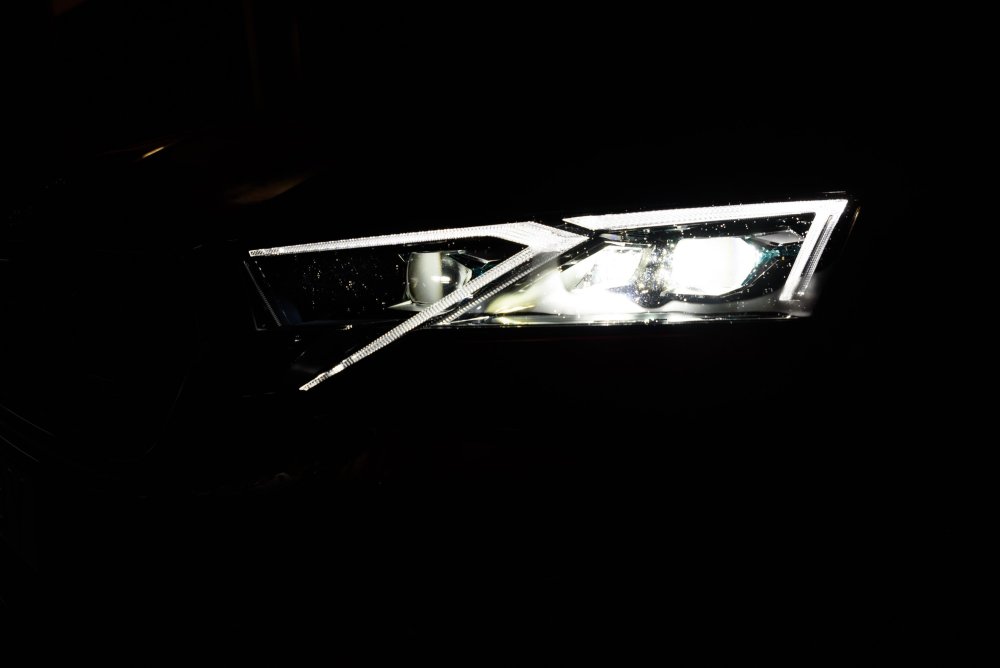
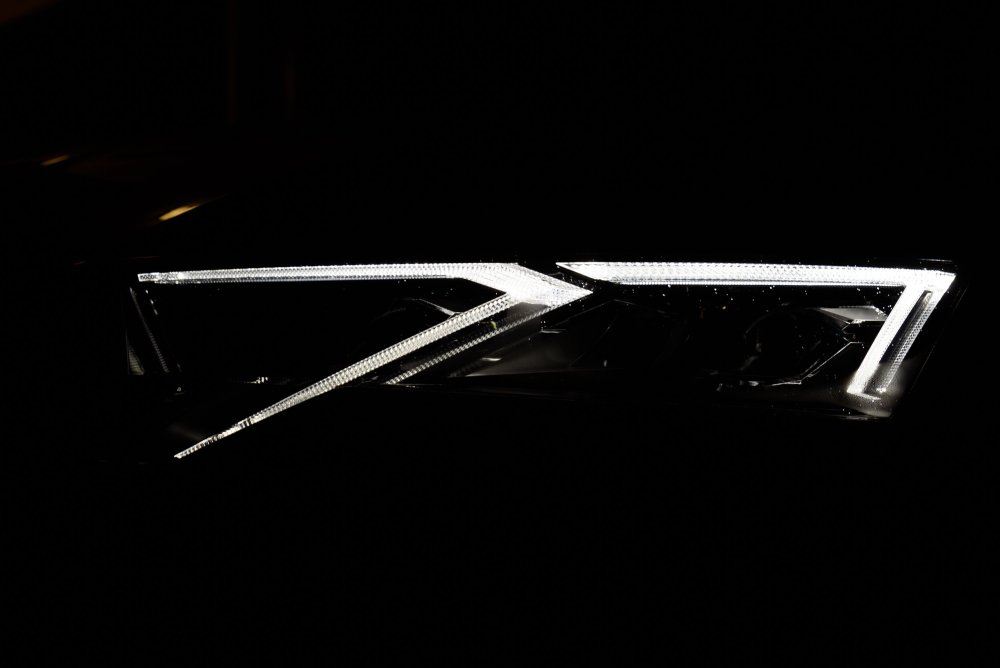
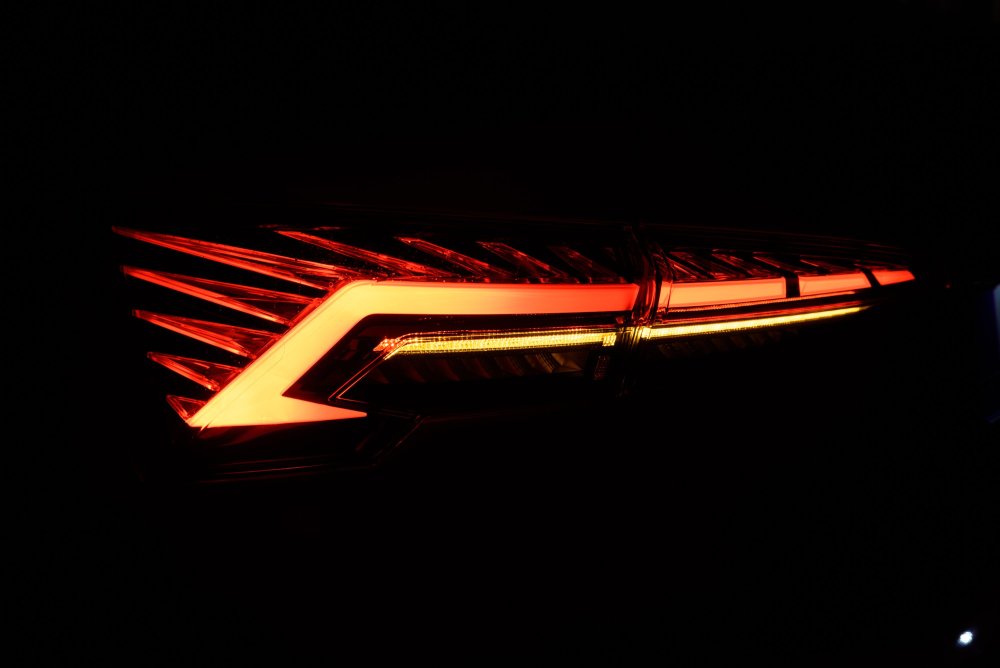 1 point
 -
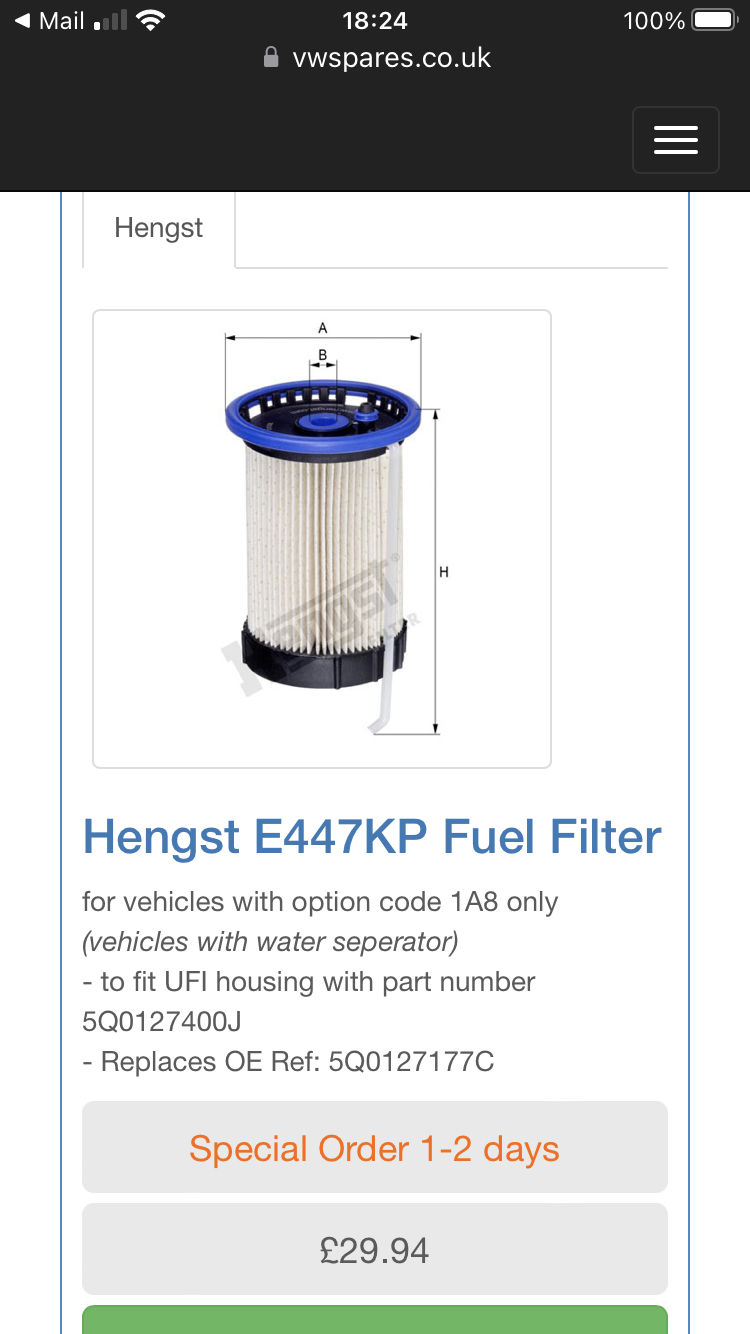
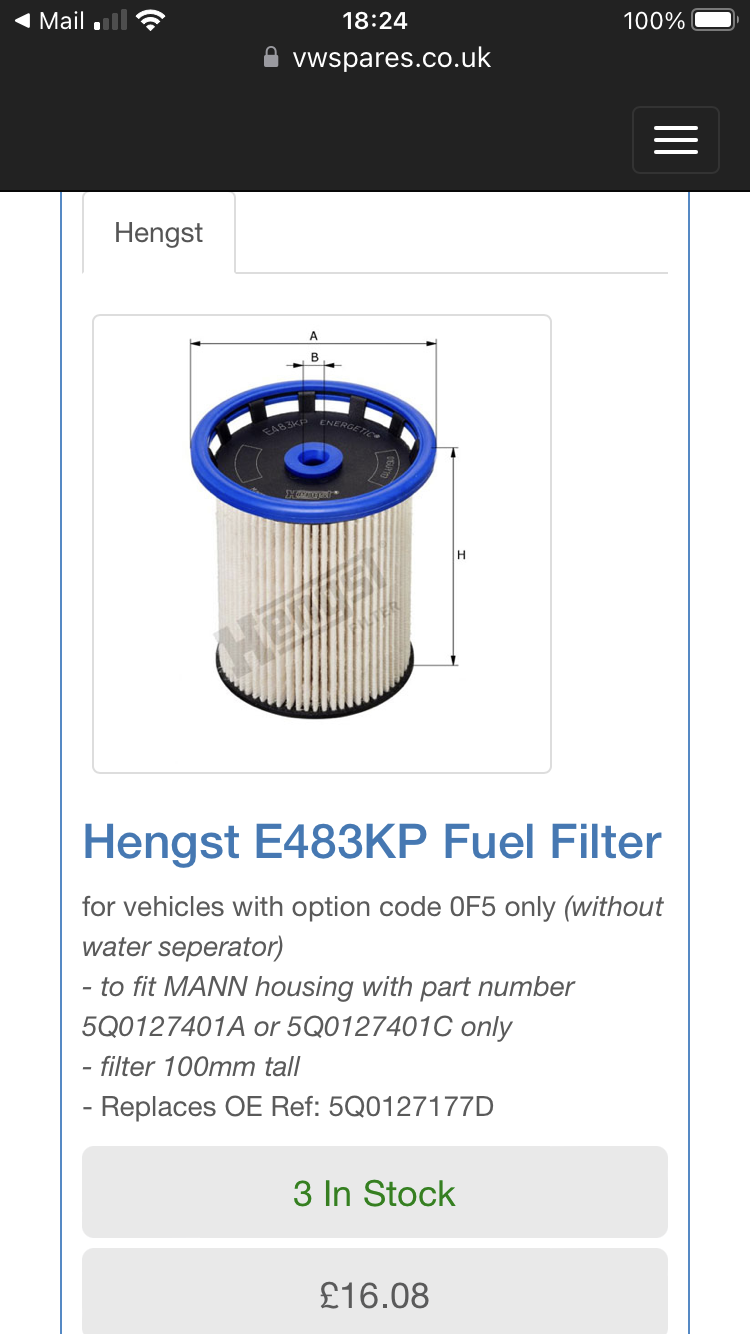
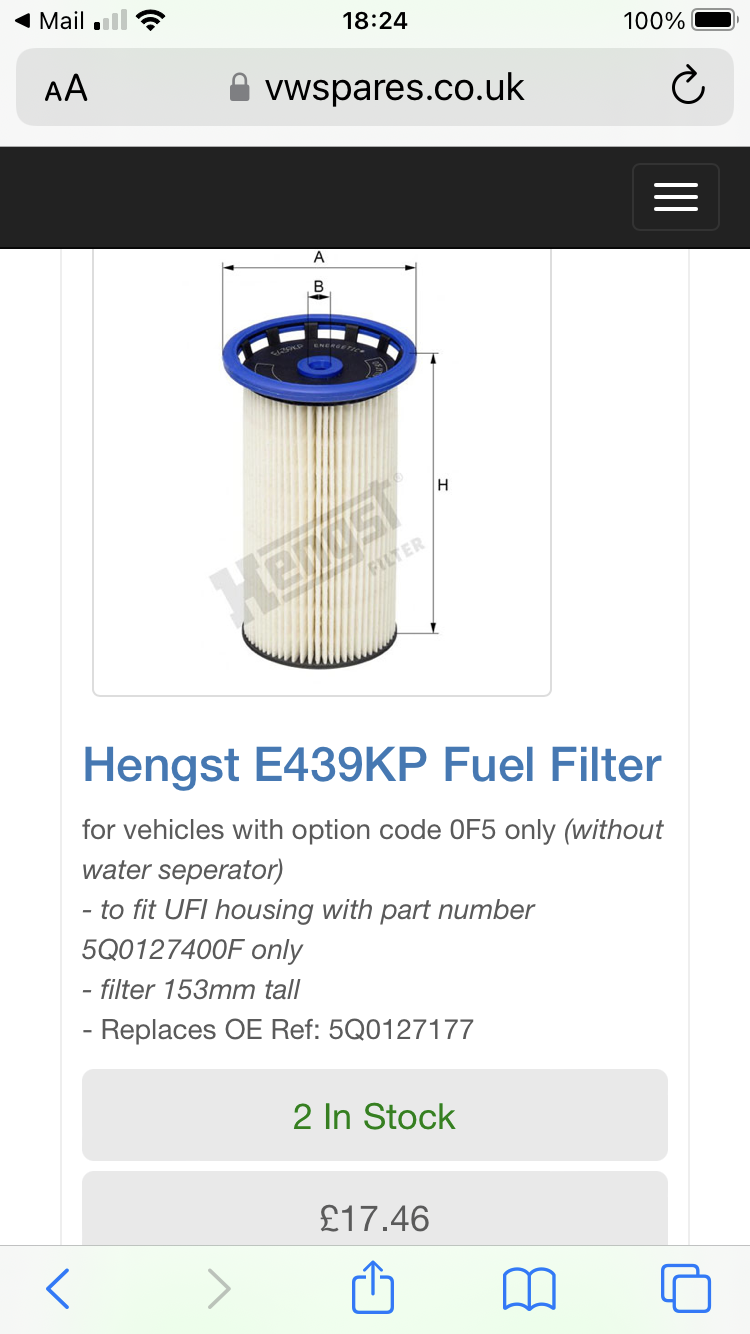
1 pointThis might help, (and my 2020 150 diesel takes the 5Q0127177 filter- different to BAP33,s)
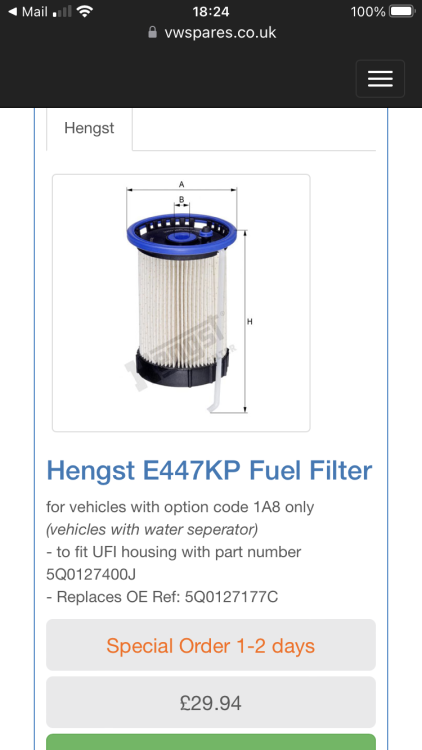
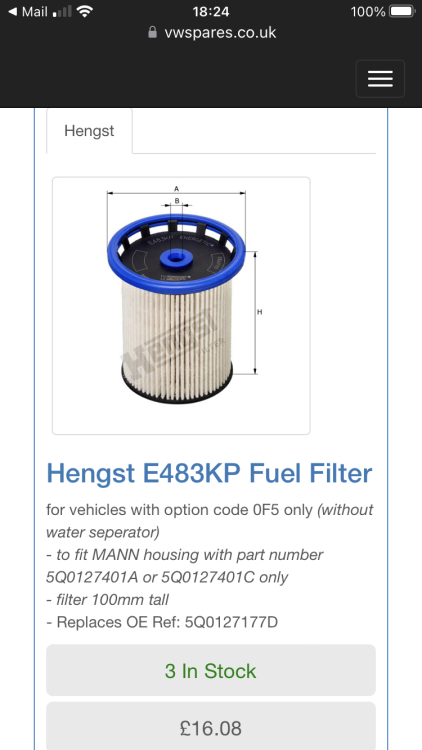
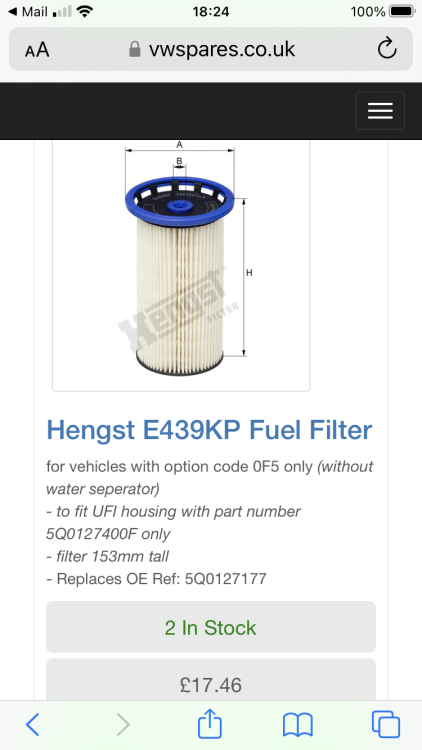 1 point
 -
Sorry, was meant to read "I had wondered what caused that" Hey! Good to know, thanks No flashing glow plug light, no limp mode, no code!1 point
-
There's a pdf of the Fabia 2 electrical systems HERE which may help.1 point
-
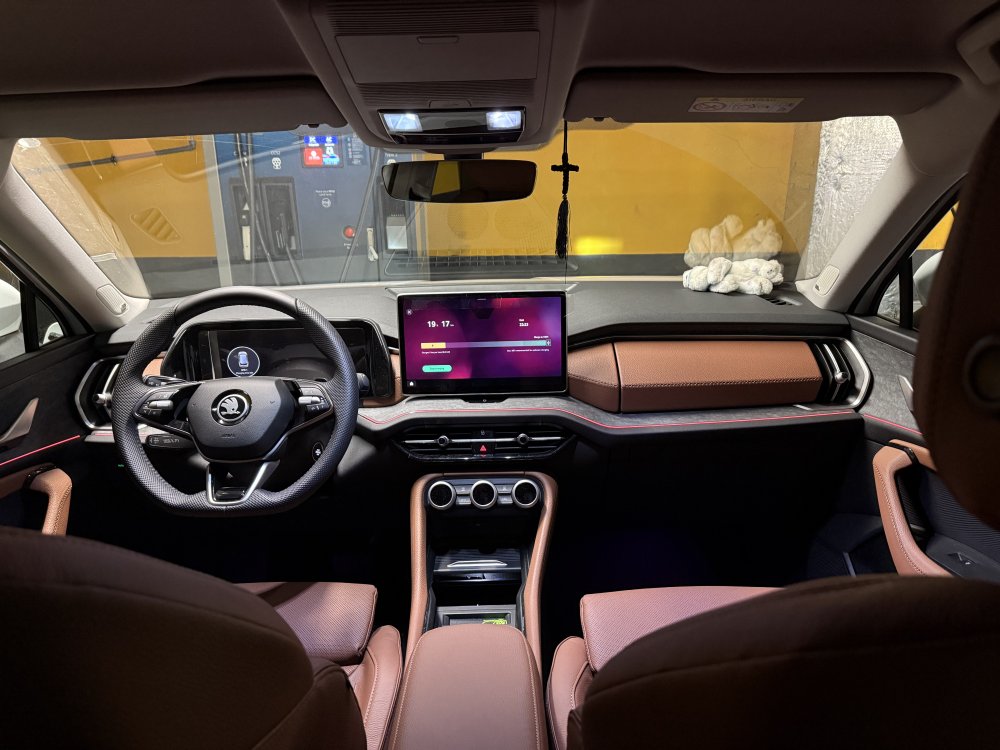
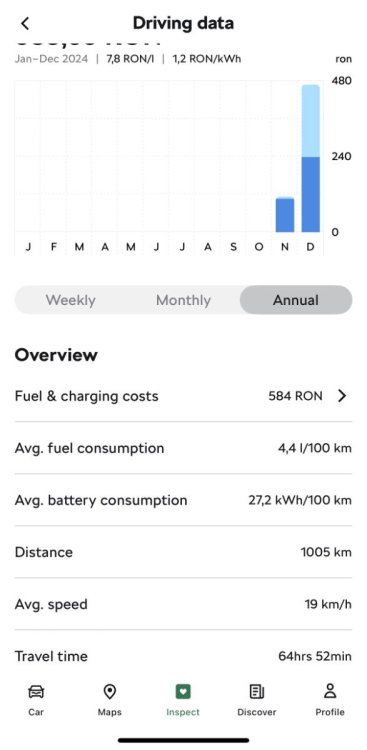
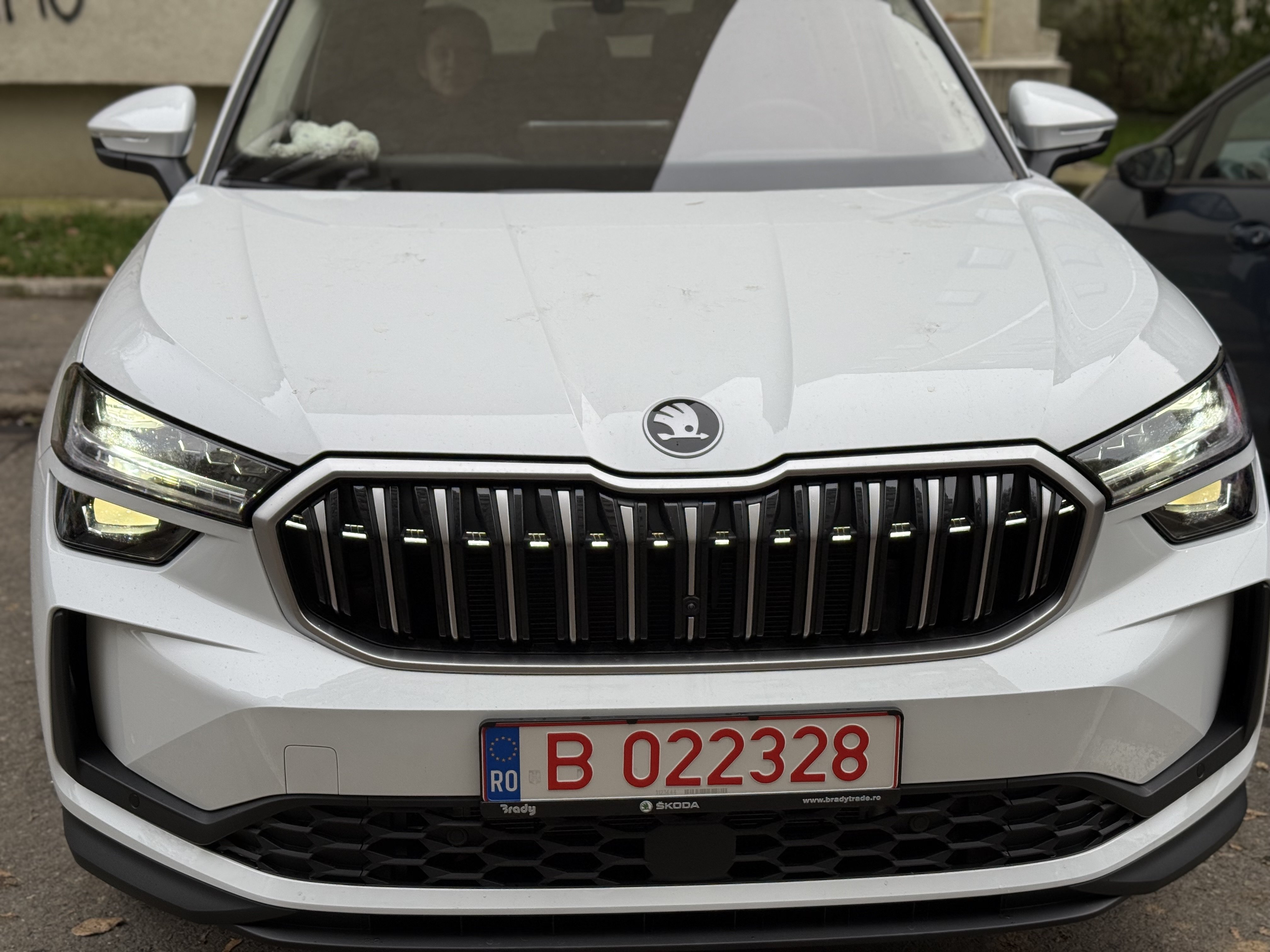
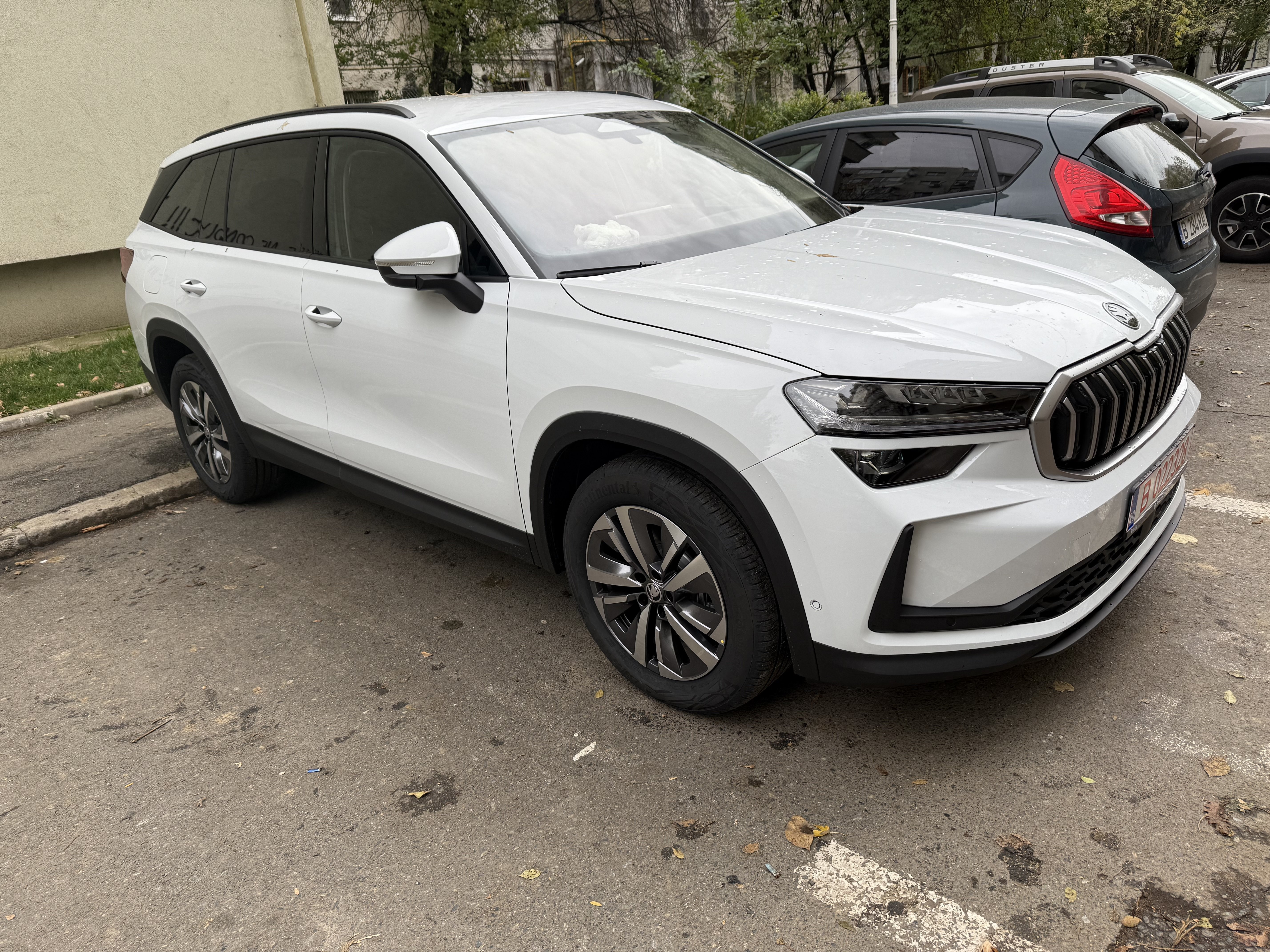
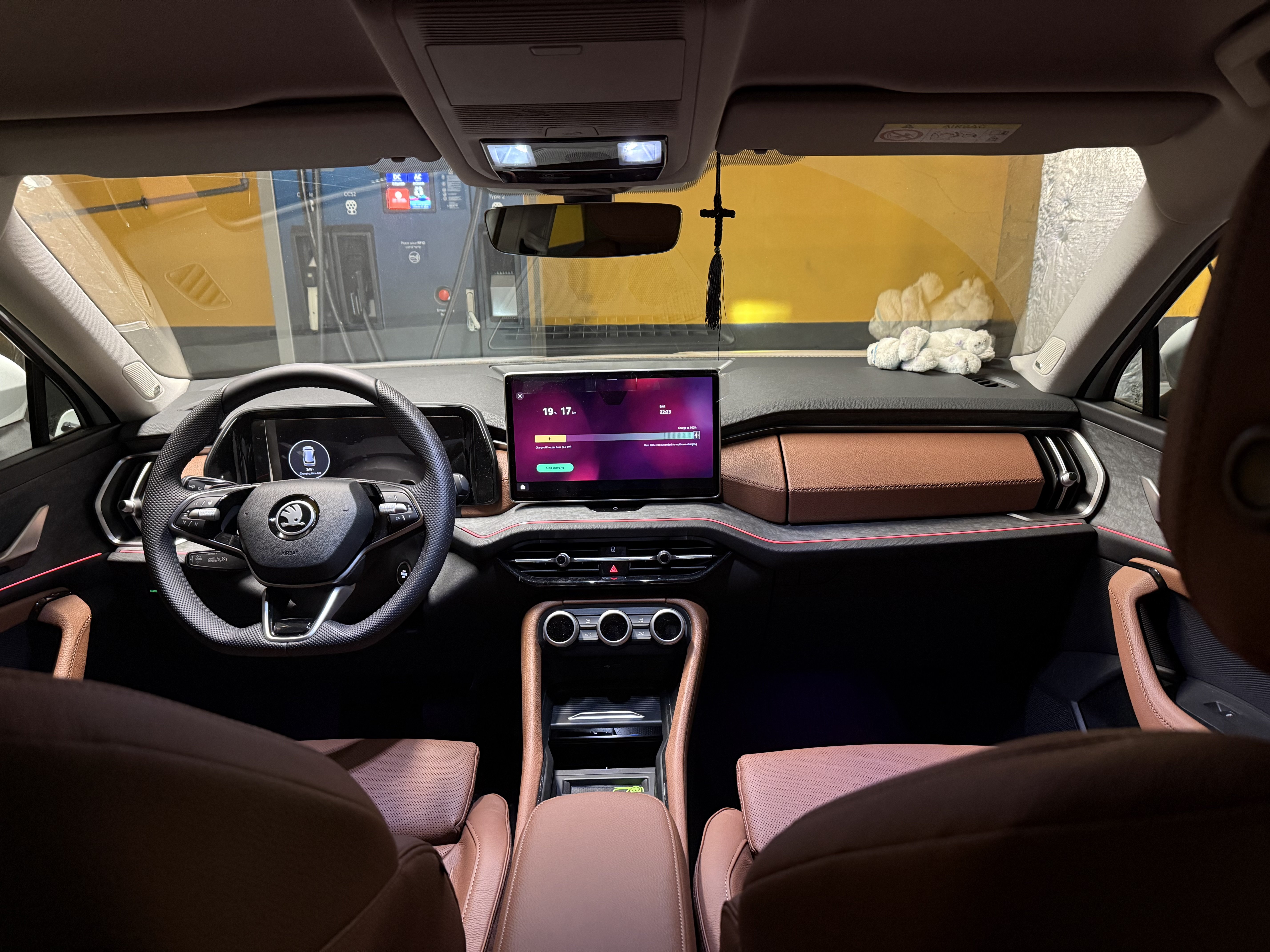
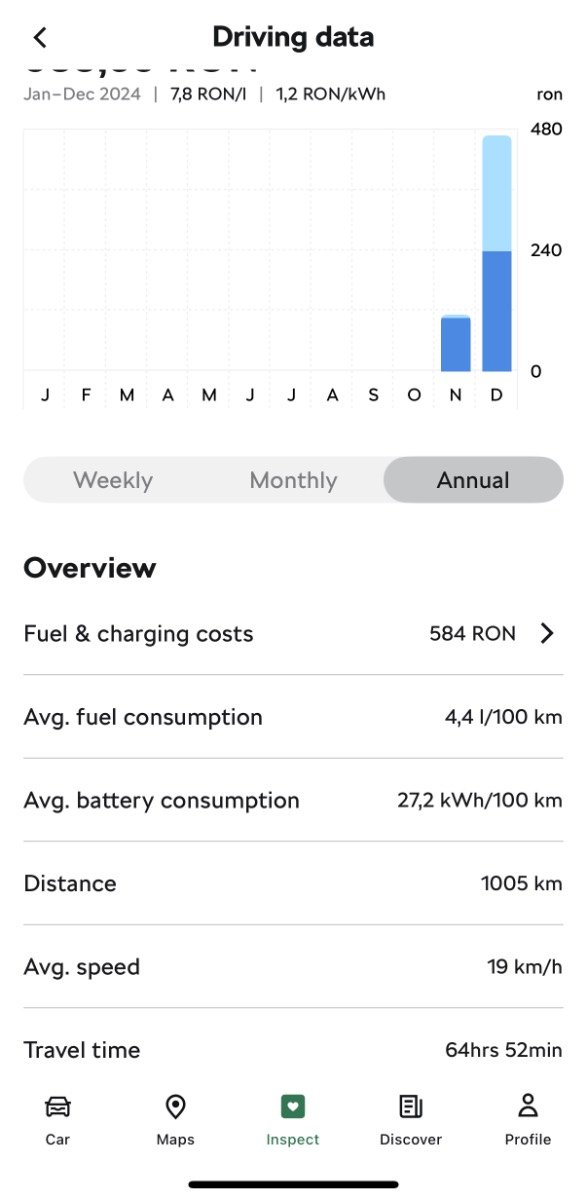
1 pointKodiaq PHEV Moon White Selection+ ordered on 09.09, modified on 14.10, blocked for production Week 09/25 on 16.10 but produced on 09.11 (surprise!). I took it from my RO dealer on 22.11. Everything works fine, the electric drive is phenomenal, although I only manged 60km of pure electric drive in my busy city for every battery cycle. The DCC Plus is worth it!
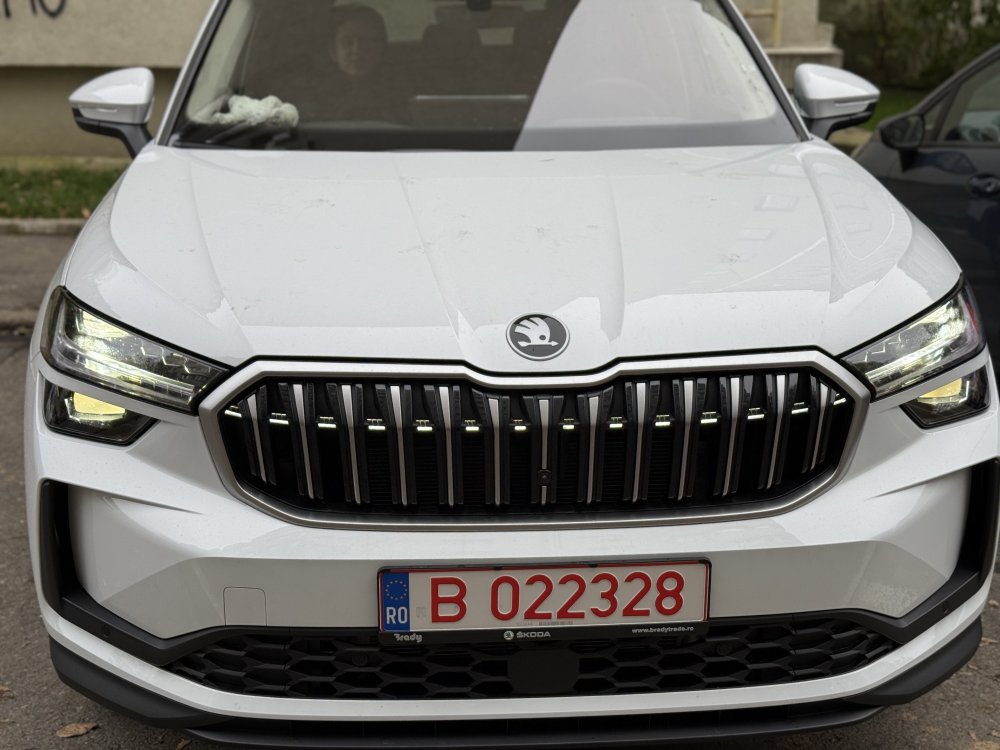
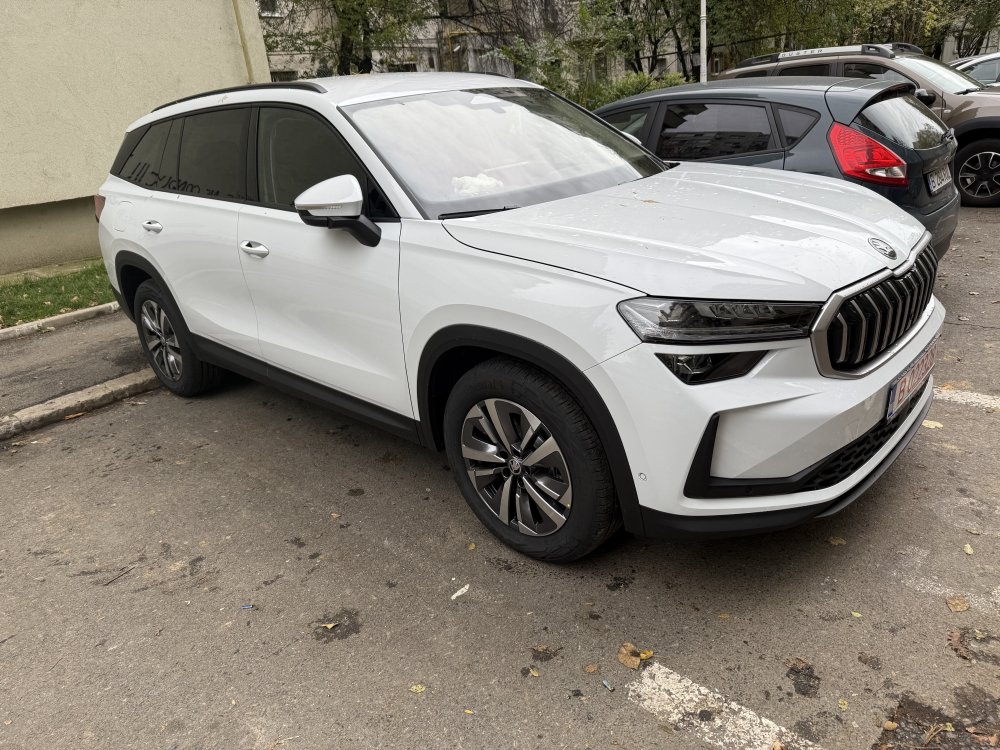
 1 point
 -
This stinks of a bad shared connection - most likely an earthing point.1 point
-
1 point
-
Tried Gridserve yesterday and only got 45 kW which would have been fine if I was in the Zoe but I was in the Scenic with the battery only one third charged. Got worried that i had the issue which some Scenics have reported of not going over 50 kws. Mind put mostly at rest this morning when popped into Ionity bank of chargers at Mayor S.Wales, despite having just over 50% charge it went straight up to 80 kws and got 7 kwh very quickly. With prewarming and warmer times should see well over 100 kws from the right chargers. Happy Xmas and 2025 !!1 point
-
1 pointThis model normally has the timing chain fitted, you can see if you look at the engine left hand side looking from the front what type of cover is on the +motor, plastic type belt, alloy top chain but to be 100% sure find the engine code in the log book and enter that code into a Google search then you will be sure it's correct. Timing chains on these models can have issues with adjusters etc but the biggest issue is oil service and filter changes and using the correct type and quality of oil, you mention it's been dealer serviced but trust me that's not always a givem fact and have seen many so called services carried out by so called technicians only to find that the work has never been done correctly in the first place seems to be a issue with women who own cars and use dealerships just saying from expeience1 point
-
1 point1 pointI have a 272 4x4 sportline 2019 gpf car with the 7speed dq381. Came up from a diesel with the dq250. It’s smooth and really well rounded car. Gearbox does need a map yes so I had the TVS stage 2+ map put on it. It’s a world of difference and includes a life extender feature it’s also running 380hp 560nm torque and has 125000miles on without engine or gearbox fault. So don’t worry about the gearbox reliability. Change the engine oil every 10k, DSG oil every 40k and haldex every 10k. I do the plugs every 20k too but only because of the map to be fair..1 point1 point@tomhay1989Assuming your Octavia 2019 doesn't have any major revisions to the fusebox, the fuse position for the 12 volt power sockets (Number 40 in the fuse box behind the glove box in my version of the Octavia) should always be live. Be warned it might constantly result in an error that is picked up by diagnostic readers although nothing appears on the dash and it doesn't affect normal day to day driving assuming you are using a hardwire kit with voltage protection.1 point1 pointIll pitch in then. Its a race blue Phev with all options except for leather.
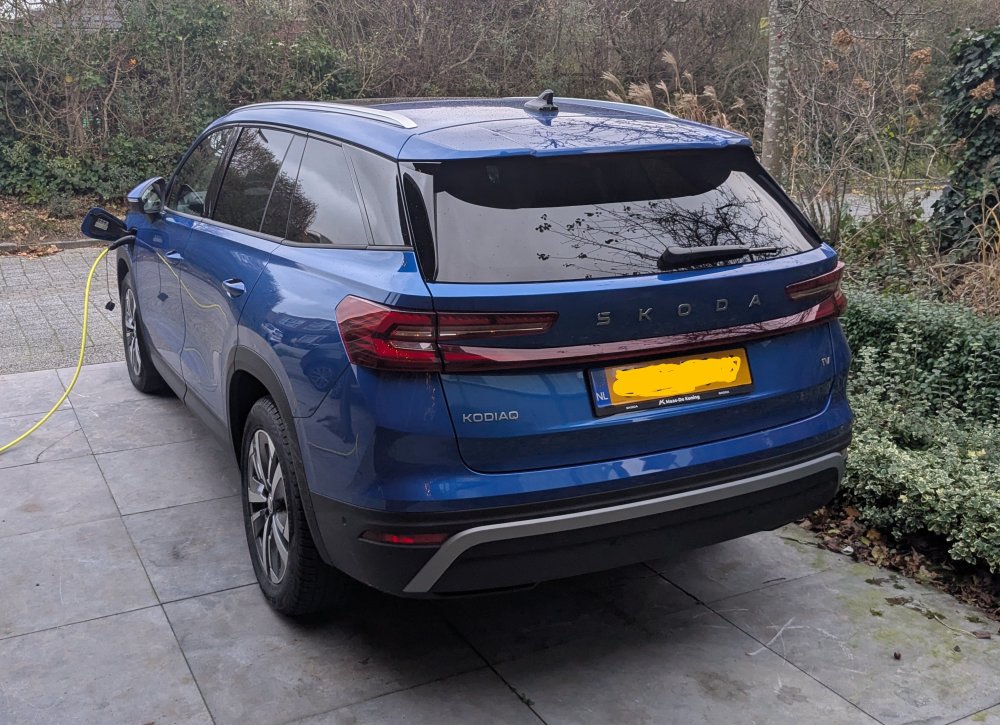
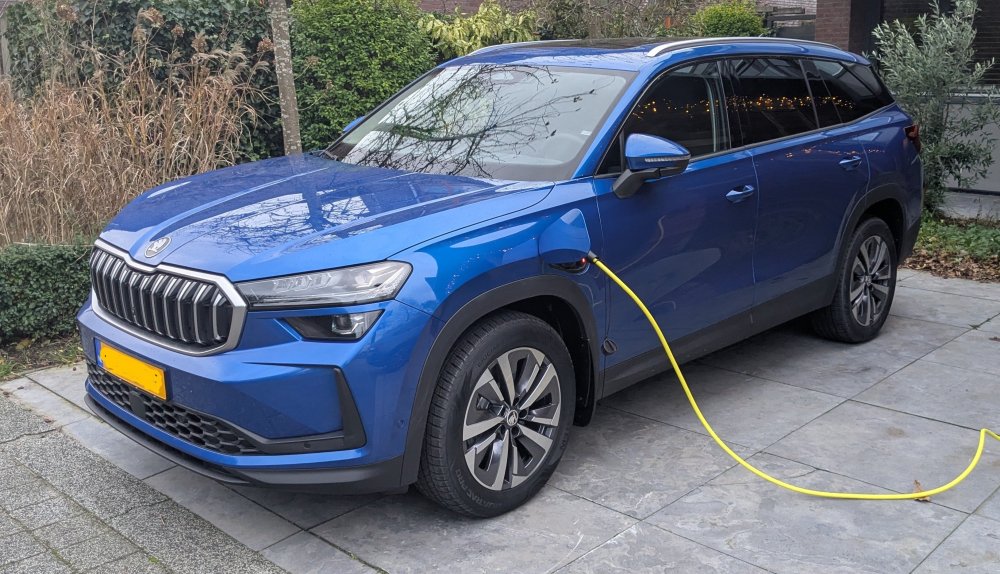 1 point1 point1 pointAfter my last posting here, I did put a couple of things in the for sale site, so have been coming back regularly to see if anything was of interest to anyone, did sell one thing. Have sold a lot of items over the years but now my "Freedom membership " is now up for renewal and it's probably not worth renewing it for what's left for sale, there on eBay anyway. So it probably is GOODBYE now, and thanks BRISKODA.1 point1 point1 point1 point1 pointThanks for all the tips here, I managed to get it working as well. I followed the steps from @theandywaite and had a very similar experience. I did managed to get it done without ODBeleven or VCDS however. Using the "Car Scanner Pro" app I was able to enable the Google GAL and Apple DIO features, and clear the DLC B201A error. This can be cleared just by choosing Confirmation of installation changes from the Multimedia coding menu, I didn't have to enter any codes with it or do the XOR calculation (done in the app above). There are several different ODB profiles you can use in the app, I used the "PQ25, PQ26, PQ35, PQ46, MQB: Diesel 1.6 TDI CAYA, CAYA engine" profile, and it seemed to have all the codings needed. I used a Carista dongle, at first I had a very cheap one but it wasn't able to handle any coding, the Carista one seemed to work find. I also enabled the GEM menu using Carista, but this could probably done in Car Scanner Pro instead. Carista is a horrendous app, I got a sales pitch pop-up on every click in the app even after paying for a short subscription, and it wasn't able to support all the coding steps to get this job done, best to stay away from it entirely. You get 3 codings in the free version of the CSP app, which is probably one too few to do all of this, but subscription is like £3 so no big deal. Overall it's possible to get this done with a £25 Carista dongle from eBay (I used a blue and white one), and a few £ for CSP.1 point1 point1 point1 point1 point1 point1 point1 pointRight so did it all! It's fully working, no error codes. Wanted to share some tips / tricks and what went wrong so it might be useful to someone else. It goes without saying that this is a risky process - only start if you are comfortable with what you are doing, and can fix it (or afford to pay someone to fix it) if you break it. It's also worth noting, I tried to do this myself to save the ~£160 cost of unlocking it at a dealer, but I ended up having to pay £90 for ODBeleven in order to complete the job, so didn't really save that much money in the end. Note that my car is a MY2016 with MIB2 Amundsen. Remember, your car might be different. Step 1 - Research The first thing I did was read as much as I could, watched as many videos as I could, to make sure I knew as much as possible what I was doing before I started fiddling with anything. Step 2 - Update firmware Before doing anything else I wanted to update to the latest firmware for my unit - in this case I was running 0241 but the latest is 0253. Thanks to @varooom I got the latest firmware for my unit. I simply put this on an SD card, put it into the unit in the glovebox in place of the nav card, and ran the firmware update process on the MIB (press & hold MENU, then navigate the options - pretty straightforward). Step 3 - Unlock "Green Engineering Menu" / GEM I have a basic ELM327 OBDII-bluetooth adapter, and Carista - so I unlocked the green developer menu using that. In the Carista options, it said it was for "Discover Pro" only (which I think is VW's equivalent of the higher end Columbus) but it worked anyway. This video might help you understand how to do it, although it's based on OBDeleven, not Carista: Step 4 - Load the "MIB toolbox" This is pretty much the same as updating the firmware, but instead you need to load on this software https://github.com/olli991/mib-std2-pq-zr-toolbox/releases/tag/v1.2.1 . I encourage you to read the readme on https://github.com/olli991/mib-std2-pq-zr-toolbox - for my version of the firmware (02xx) it was necessary to copy some files around, before putting them on the SD card and doing the firmware update process. Check out this video: Step 5 - Unlock Smart Link Next, use the toolbox software to unlock Smart Link. Here's a video that explains it better than I could: Step 6 - Dispare At this point, from everything I read it was supposed to work. I had Smart Link in the menu, and it no longer told me to contact a dealer - but I couldn't get it to connect to my phone, no matter what I tried. A bit confused I had to do a lot of research. It turns out I had 2 new problems I needed to fix: 1) Turns out there is an extra step to code the stereo to activate Android Auto & Apple Carplay 2) An error code - now the car is running updated firmware, it throws an error code as the version doesn't match what it thinks it should be running I was trying to get away doing this without OBDeleven or VCDS, but turns out these last 2 steps are impossible without one of those tools. So I ended up buying the OBDeleven Pro Pack for circa £90 from their website (it's 30 cheaper than Amazon). Step 7 - Activate Android Auto & Apple Carplay This video explains what you have to do in VCDS or OBDeleven to enable these options: Step 8 - Remove the fault code logged in the stereo There was a permanent fault code logged in the stereo as the stereo was running a newer firmware and something didn't like it. Another video to help fix this: Step 9 - Android Auto And voila! It works! Hope this is helpful. I wouldn't have been able to do this without firmware from @varooom, the fantastic MIB toolbox or the excellent videos by mr-fix on Youtube.1 point






.JPG.1dd5de6bc812a45cc102942e5e0e61a6.JPG)










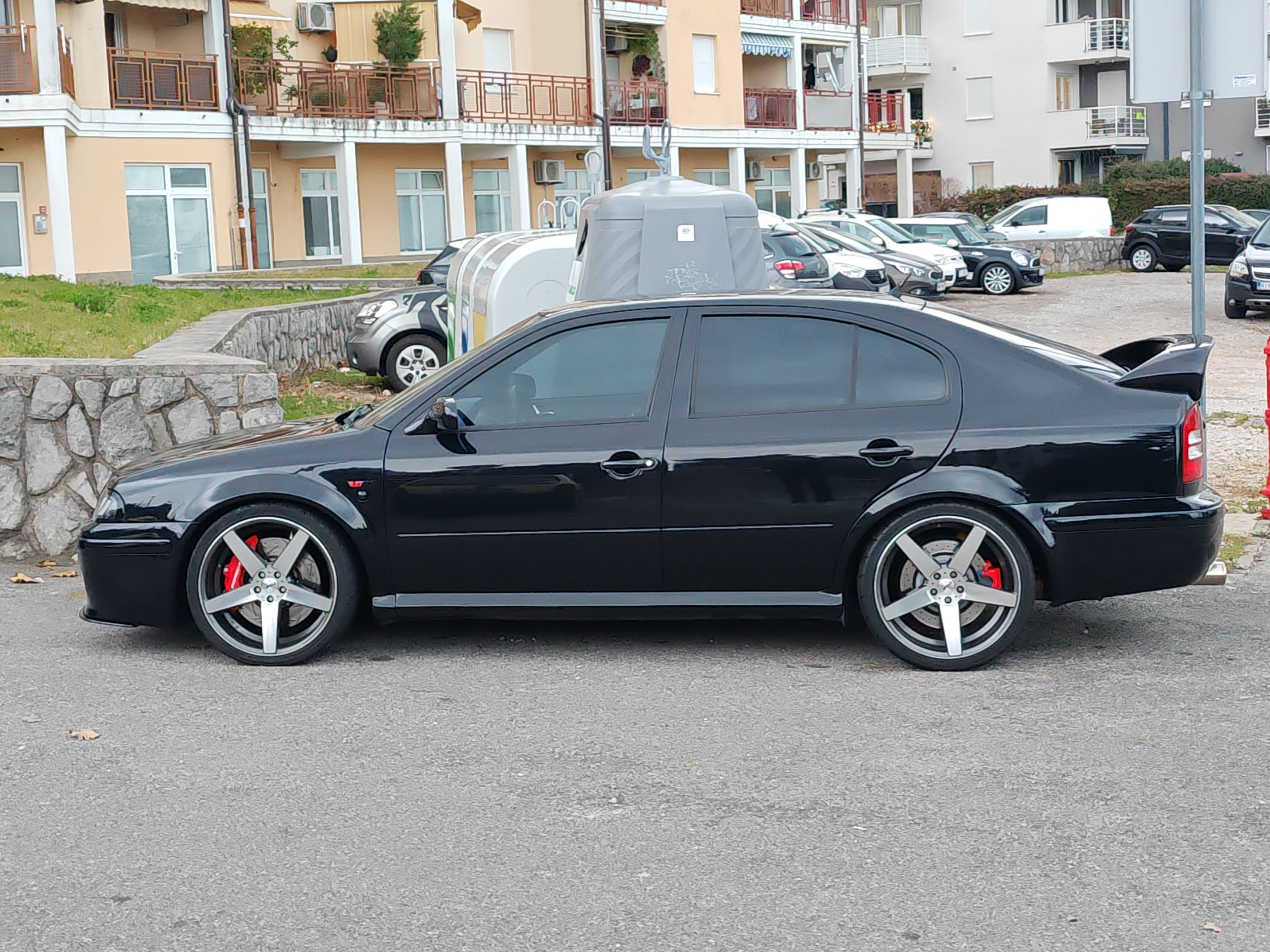
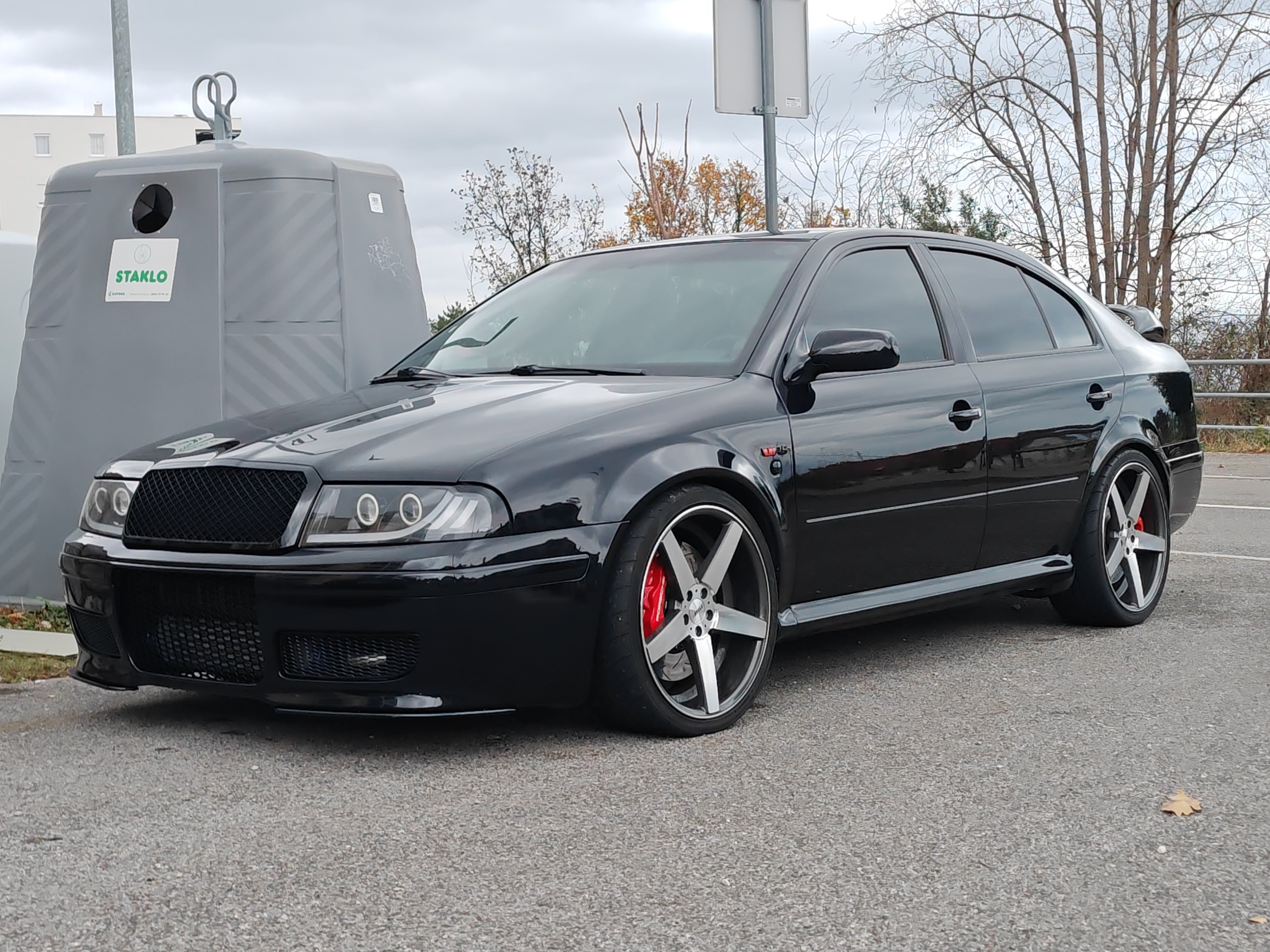









Important Information
Welcome to BRISKODA. Please note the following important links Terms of Use. We have a comprehensive Privacy Policy. We have placed cookies on your device to help make this website better. You can adjust your cookie settings, otherwise we'll assume you're okay to continue.
Account
Navigation
Configure browser push notifications
Chrome (Android)
- Tap the lock icon next to the address bar.
- Tap Permissions → Notifications.
- Adjust your preference.
Chrome (Desktop)
- Click the padlock icon in the address bar.
- Select Site settings.
- Find Notifications and adjust your preference.
Safari (iOS 16.4+)
- Ensure the site is installed via Add to Home Screen.
- Open Settings App → Notifications.
- Find your app name and adjust your preference.
Safari (macOS)
- Go to Safari → Preferences.
- Click the Websites tab.
- Select Notifications in the sidebar.
- Find this website and adjust your preference.
Edge (Android)
- Tap the lock icon next to the address bar.
- Tap Permissions.
- Find Notifications and adjust your preference.
Edge (Desktop)
- Click the padlock icon in the address bar.
- Click Permissions for this site.
- Find Notifications and adjust your preference.
Firefox (Android)
- Go to Settings → Site permissions.
- Tap Notifications.
- Find this site in the list and adjust your preference.
Firefox (Desktop)
- Open Firefox Settings.
- Search for Notifications.
- Find this site in the list and adjust your preference.