Leaderboard
-
MikeTheThinker
FREEDOM22Points8,537Posts -
mac11irl
FREEDOM17Points16,806Posts -
Stonekeeper
Resident Member11Points2,993Posts -

xman
Resident Member10Points7,537Posts




Popular Content
Showing content with the highest reputation on 02/03/24 in all areas
-
3 pointsPerhaps the front car emergency stopped without driver action for no real reason; and maybe the driver of the blue one was texting. Who knows.3 points
-
3 pointsThe social divide and the Worker getting assistance to run cars and private individuals. I am lucky as in have a Motability Lease, so around £10 a day to have a large choice of vehicles on lease. Others are in my position. But, not all will have a house where there can be charging, if there is maybe no smart meter or off peak tariffs, or Wall Charger, or Octopus incentives. Real world is BEV and maybe normal tariff at property if you use a 3 pin plug, or public AC charging slower or Rapid Faster. Real world might be unless there are going to be financial savings why run a BEV unless you actually like doing so. I like doing so, i do not mind sitting waiting to charge. I do mind ignorant people that where money does not matter to them they hog chargers, care not about £10 or even £30 overstay charges. Or even get to block bays and time so that they are not charging but getting away blocking / locked into the charger. It is very much a p!ss take and a have and have nots. I see people in big battery cars getting 40 minutes @ 35 pence a kWh and a £1 a minute over and they leave the car until at 100% as they NEED the FULL Battery in their big heavy / Large car they are travelling alone in. Company is paying, their company or someone else's.3 points
-
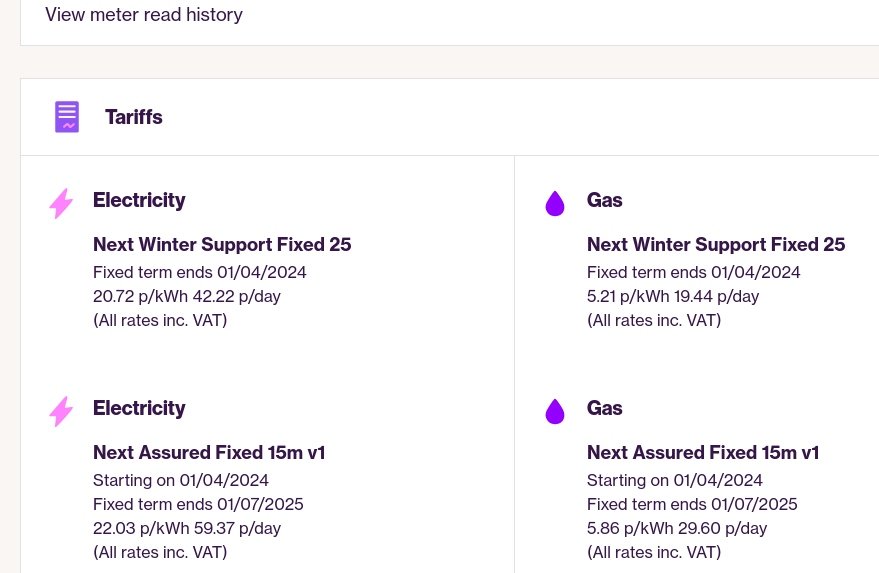
3 pointsI am not sensible. because i have been paying crazy prices for public charging regularly now and also paying nothing at other locations and this is working out about the same as around 50 mpg in a diesel. My new home tariff should for £7.70 or so take me 100-125 miles. Local Council Tariff while still @ 41 pence a kWh will be just under double the price. Then when we get to 69, 78, or 89 pence a kWh it is crazy.
 3 points
 -
3 points
-
2 pointsFor the mirror to dip the dial needs to be in the L position for UK right hand drive cars (not the R position).2 points
-
2 pointsThe confusion is the "R" on the mirror dial is for "right" not "reverse" and the handbook is for people who drive LHD cars.2 points
-
2 pointsOops, apologies, yes no further problems since the repair was done2 points
-
2 pointsHow cheap is this Tesla electricity? Not sure Id want to drive to my nearest Tesla charger, spend half an hour or more to top it up then drive home every 3 or 4 days at best. Oops I forgot about my freezer and fridge and home heating. Especially when I go out for the day, or go away for a few days. Oh and what if I need to use the car to go anywhere a bit further? Yes another trip to the charger. All to save £200, I don't think so. Don't tell me your solar panels will help, not in winter or at night.2 points
-
Ok so I think … fixed. I was using the MyŠkoda essentials app which wouldn’t remember my car for more than a few minutes (on iPhone). Just tried out the MyŠkoda app which appears to have remembered the car even after reboots of my phone. So seems all good, so happy with that, fingers crossed! Just got to find a floor matt fixing now as the previous owner has removed one of them for the drivers matt.2 points
-
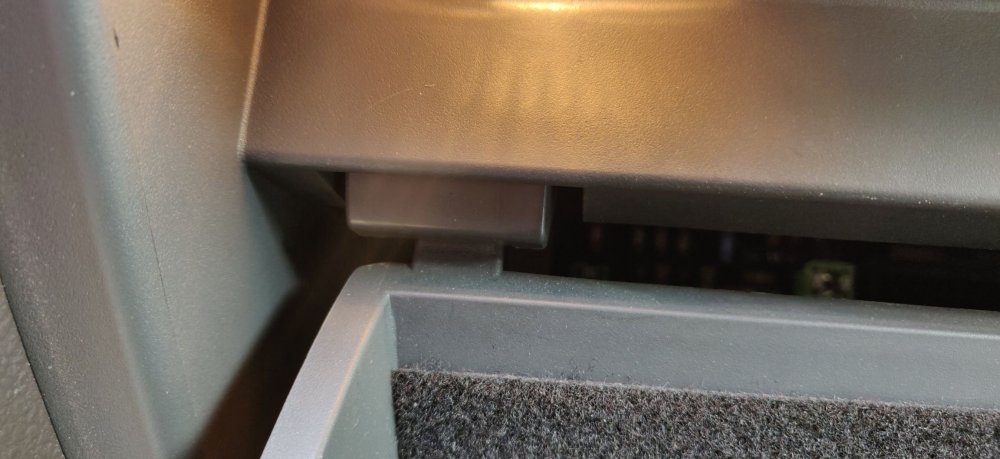
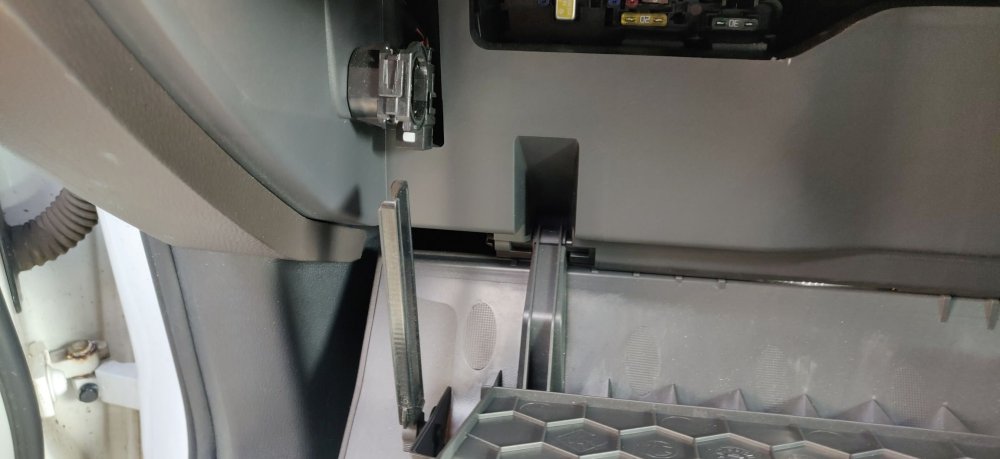
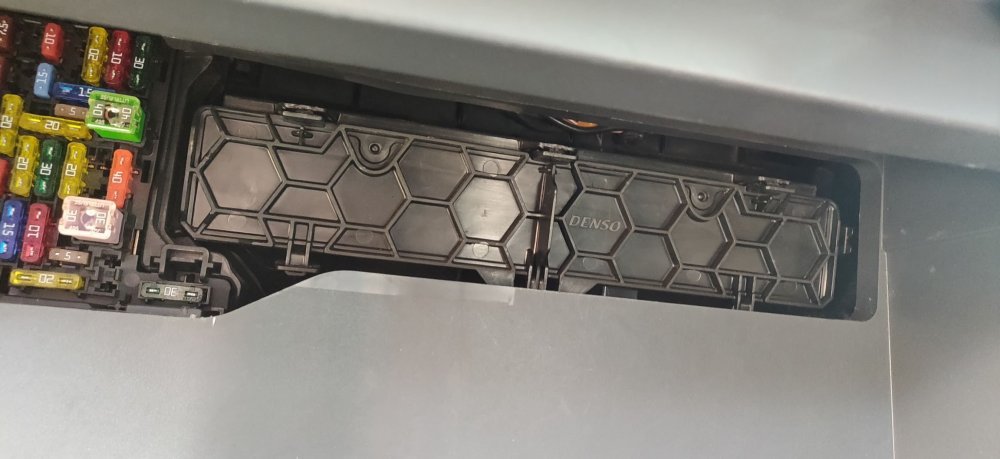
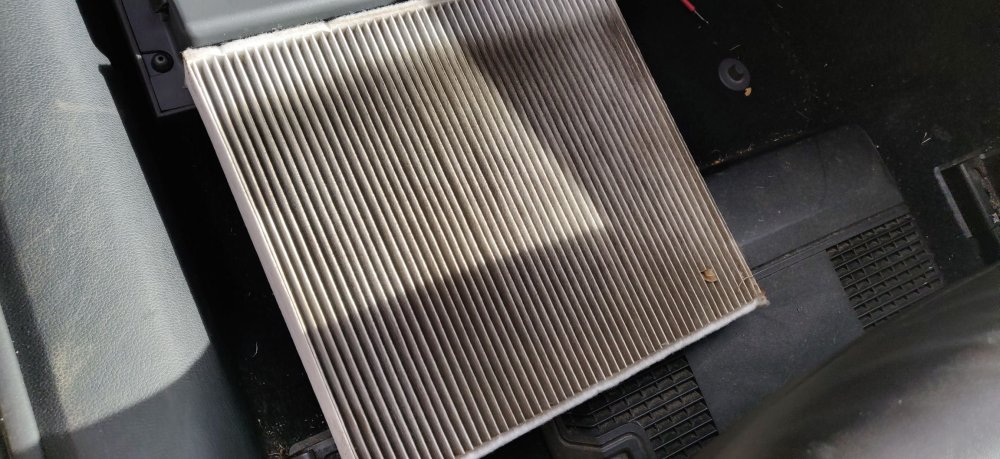
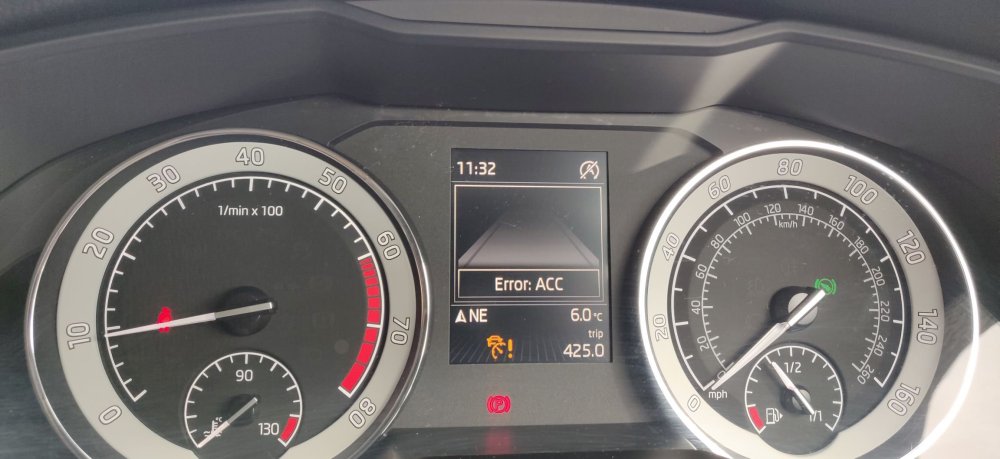
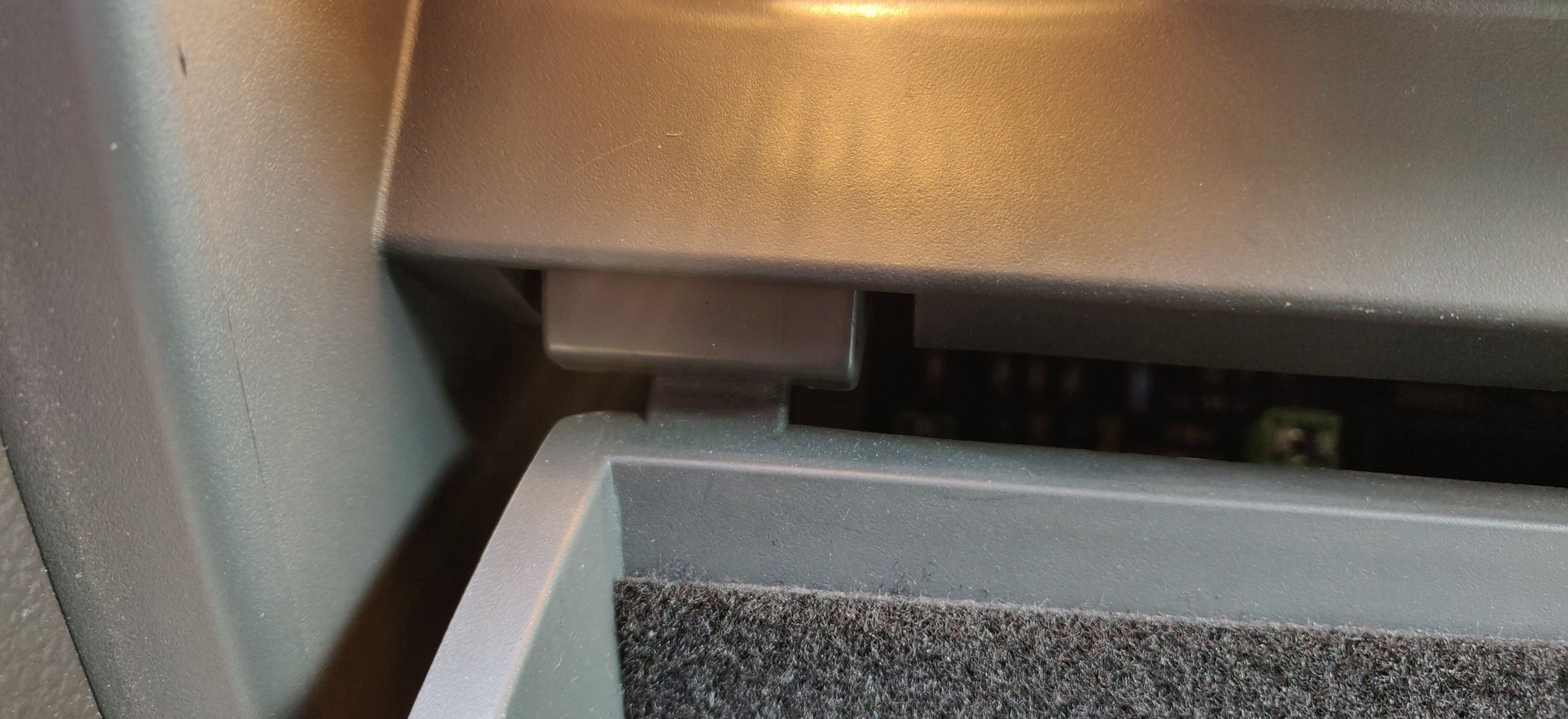
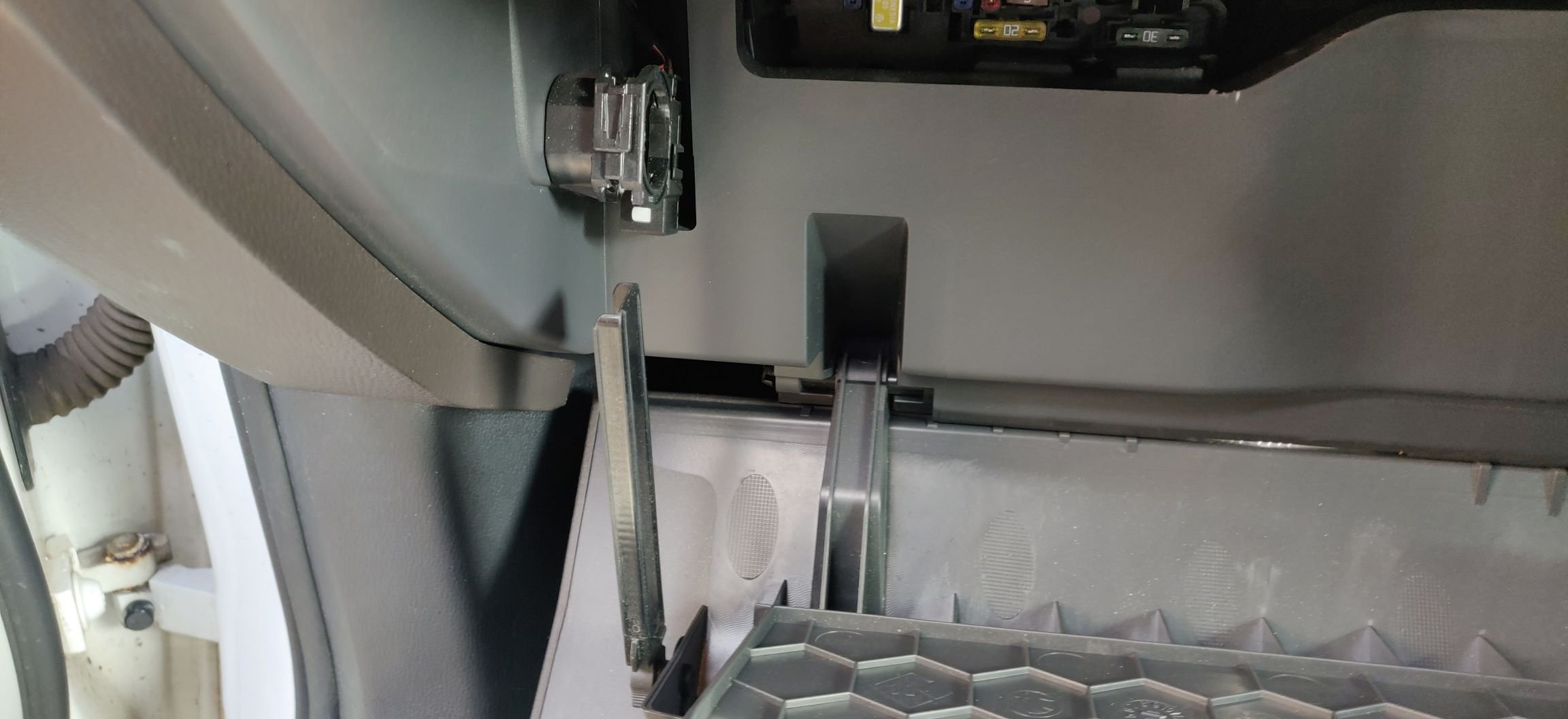
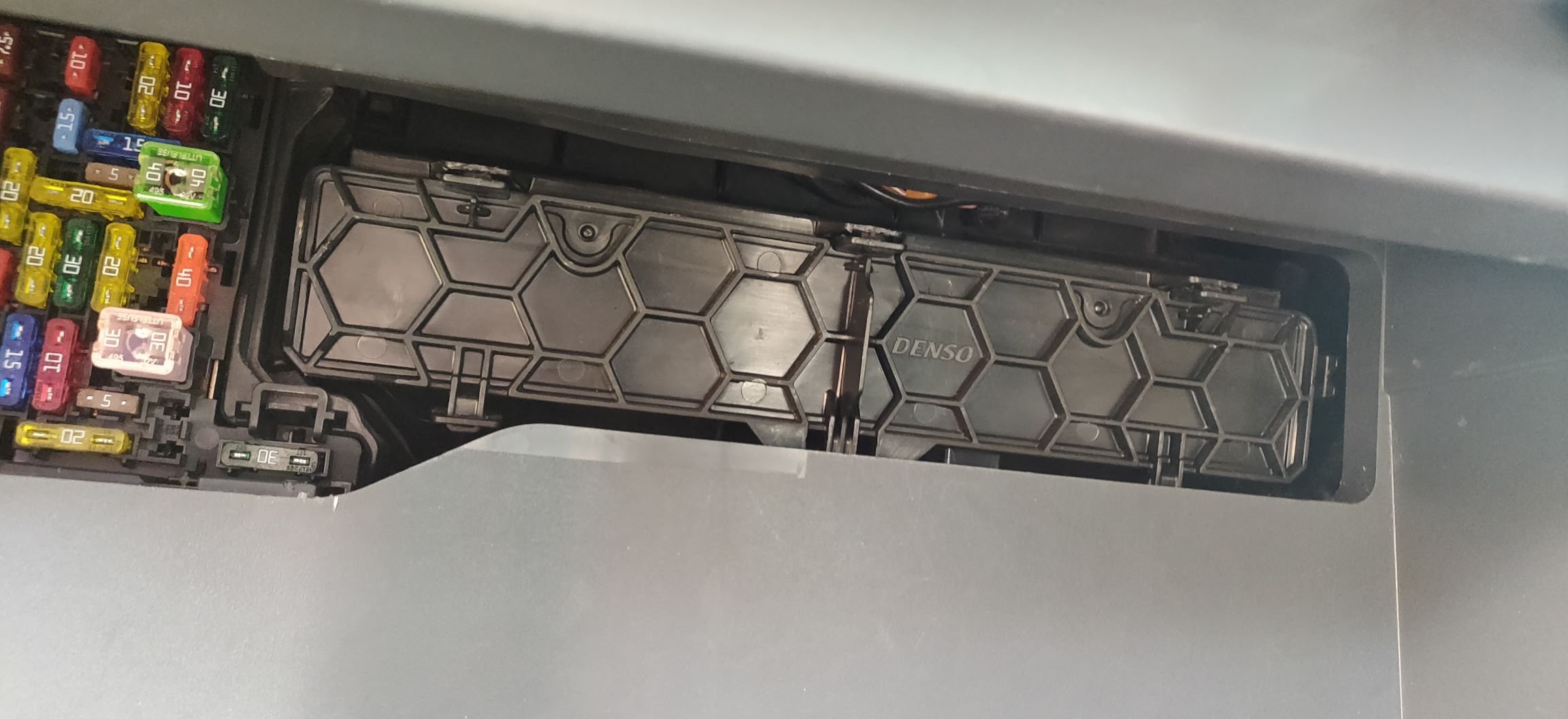
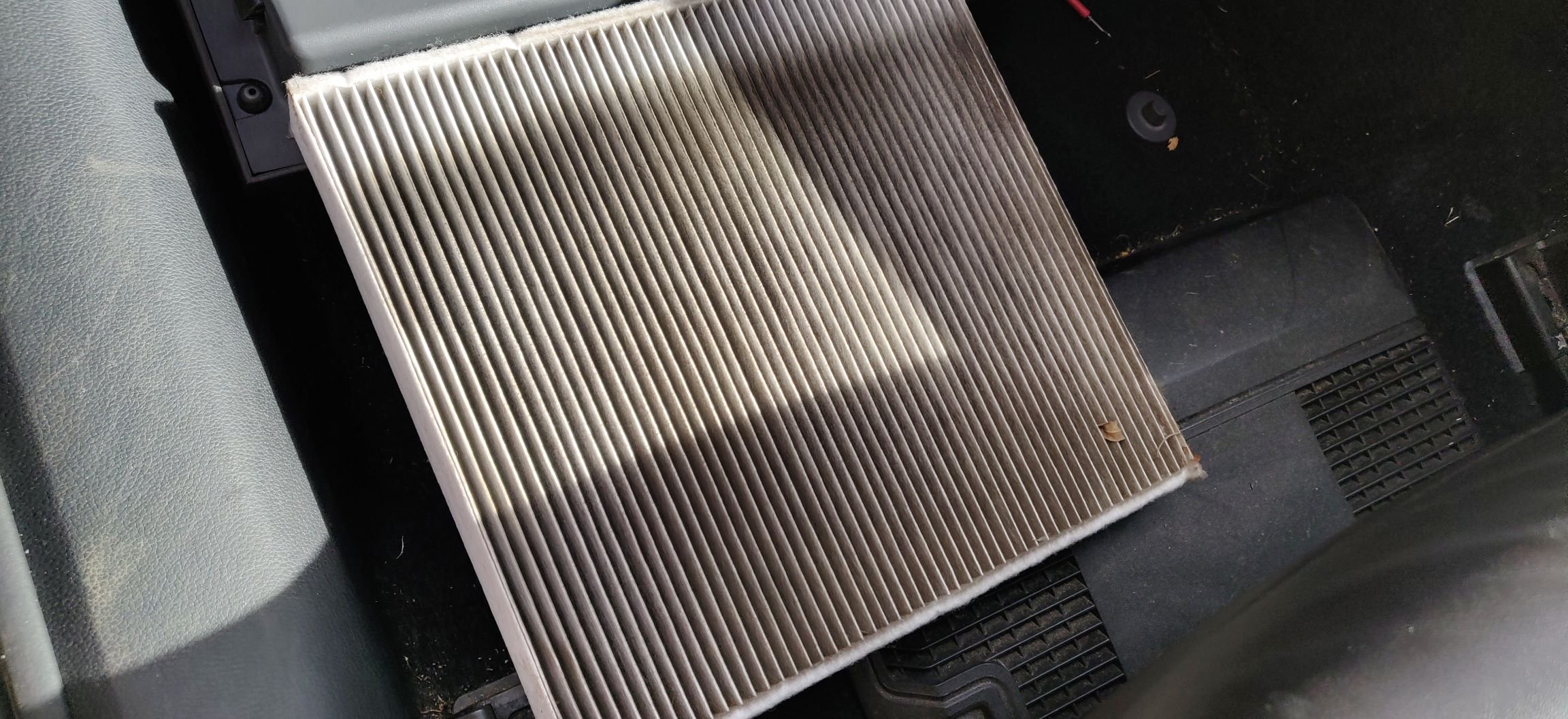
I found this whilst rummaging and cleaning up the house: Can't remember what car this was intended for, but I suppose it'll be this one! Decided before I fire this off, to remove the cabin filter. I'll be replacing it as part of the complete service overhaul that I'll be doing, and given the car isn't going anyway, I surmised it'll be fine to leave it out. Don't want this thing essentially being trapped by the cabin filter. Fairly typical job, where the glovebox needs removing, or at least here, just dropping down. There's a couple of rubber buffers: Which fantastically just need pushing up on each side and the glovebox starts coming free. I'm easily impressed maybe? The glovebox catch then comes away with a tiny bit of effort: To reveal the cabin filter housing: There's three plastic tabs at the top, middle and bottom, and they just need a bit of convincing downwards to come free of their tabs and it then slightly angles away and comes free. The cabin filter looks better than some of the horrors I've seen: Probably a couple of years by the looks of it. I moved the front seats forward all the way, and fired the aircon bomb and put it behind the drivers seat. It's still doing it's thing right now, I'll give it 20 minutes or so. Make sure the car is on full blast and recirculation! I've noticed this on the dash, and looks like the cruise control buttons are showing: Maybe something with the firmware update, could be something needed coding, or the fact that car hasn't moved since all this, I'll swot up around the forums to find out. So, my first mod is complete! Now, to actually acquire other mods and actual stuff to service this car! Maintenance: £324.88 Upgrades: £315.00 Miscellaneous: £584.95

 2 points
 -
2 points
-
2 pointsMy best is 5.3l / 100km doing 100 km/h on the highway under cruise control in my 2021 petrol VRS wagon. That works out at around 53 miles per imperial gallon.2 points
-
The biggest front brakes fitted to the Fabia MK3 are 288x25mm, so 15" rims will fit all models.2 points
-
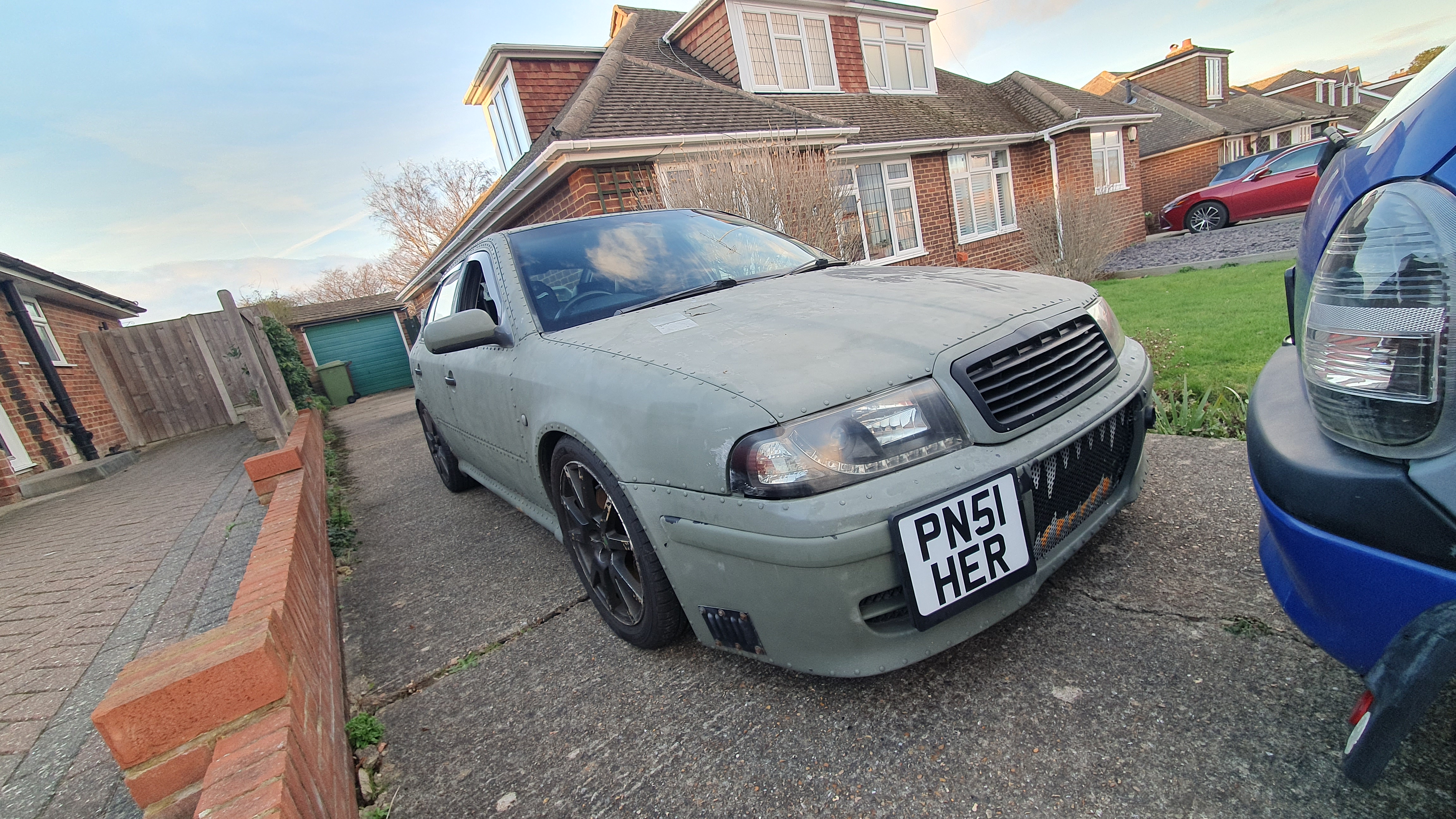
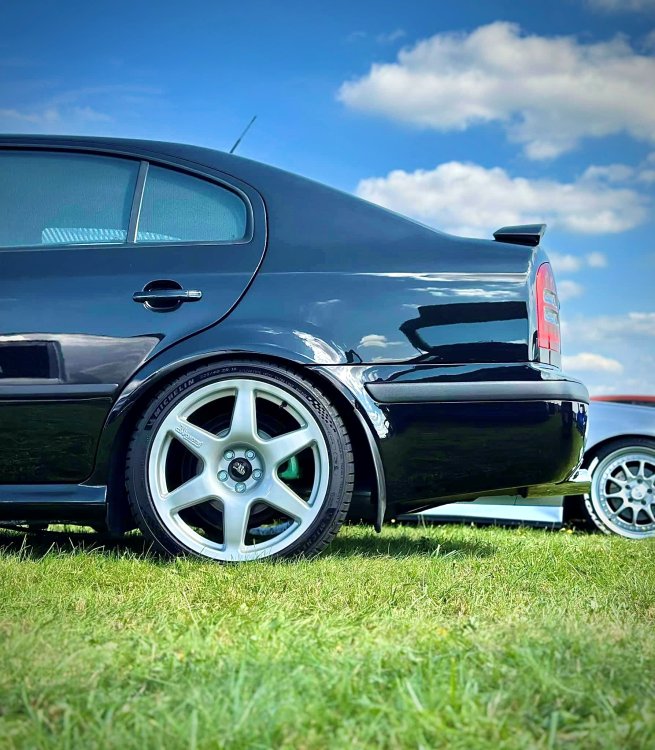
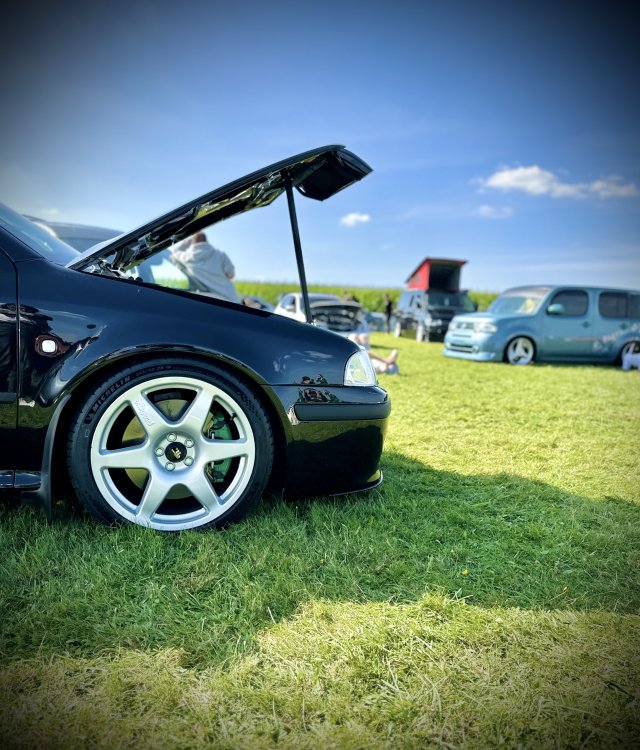
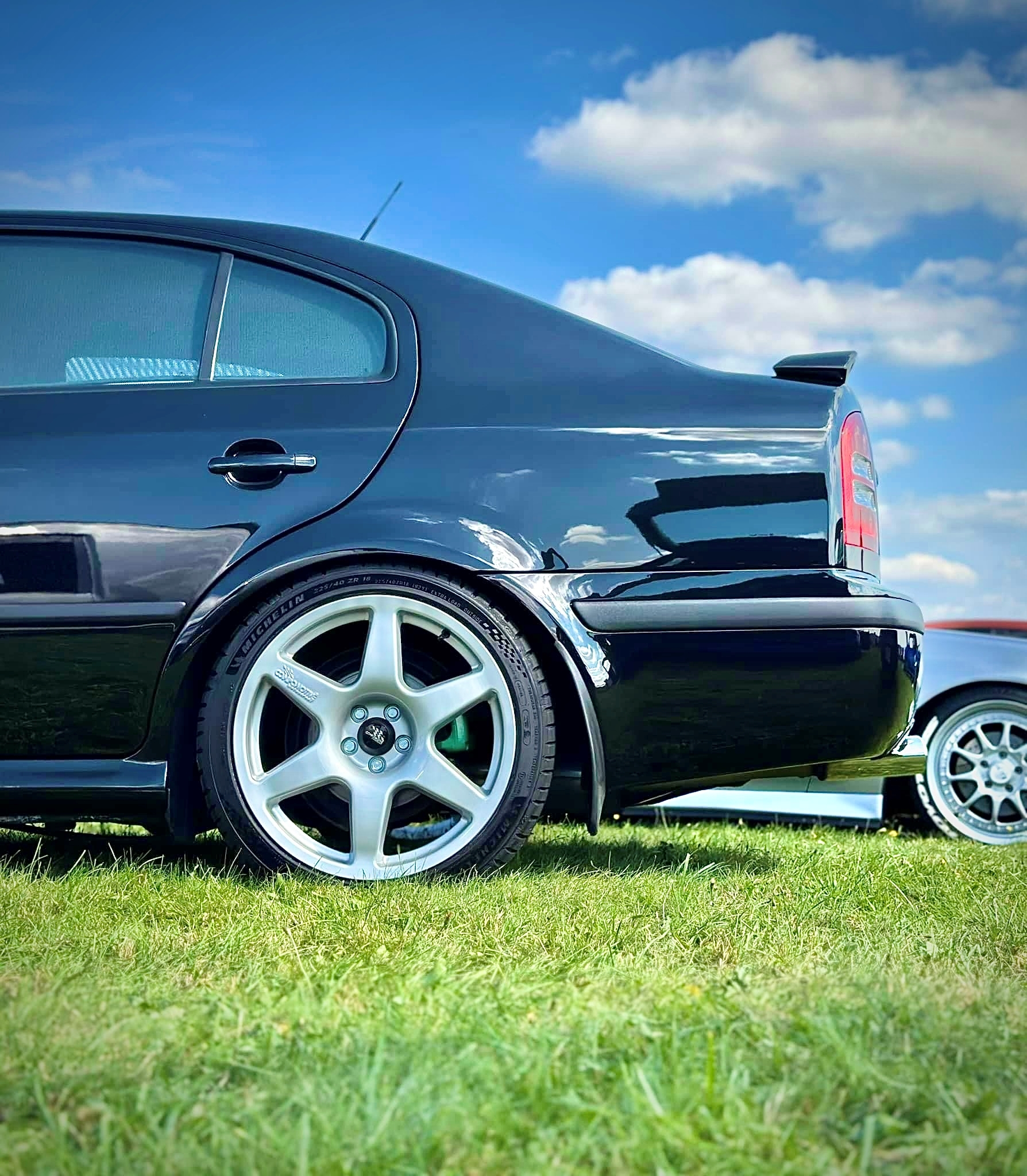
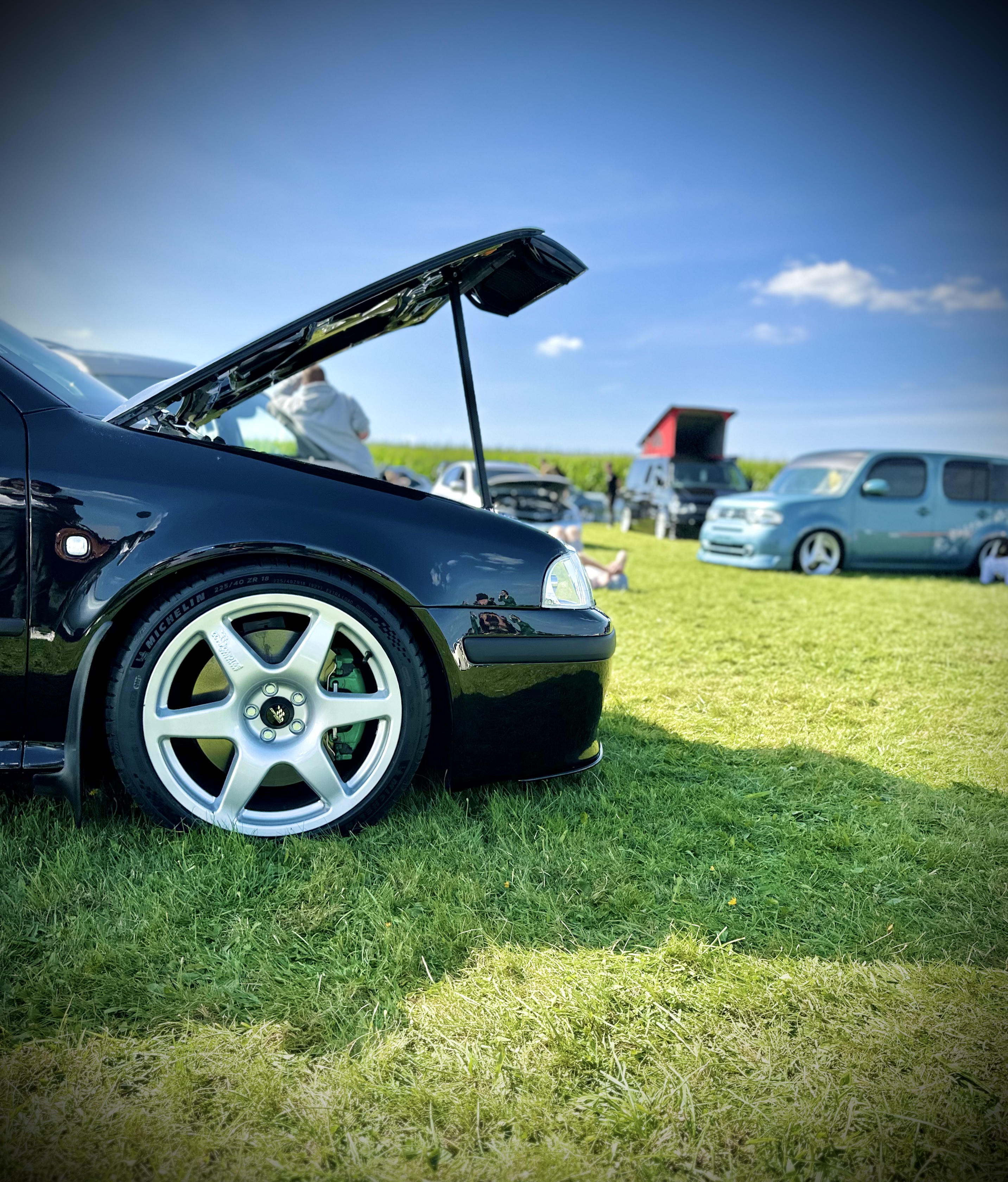
1 pointQuick pics of my 176,000 mile octavia mk1 vrs 1.8t on the new wheels
.thumb.jpeg.6e57165572f7c1307b46d4d416fc4fa9.jpeg)
 1 point
 -
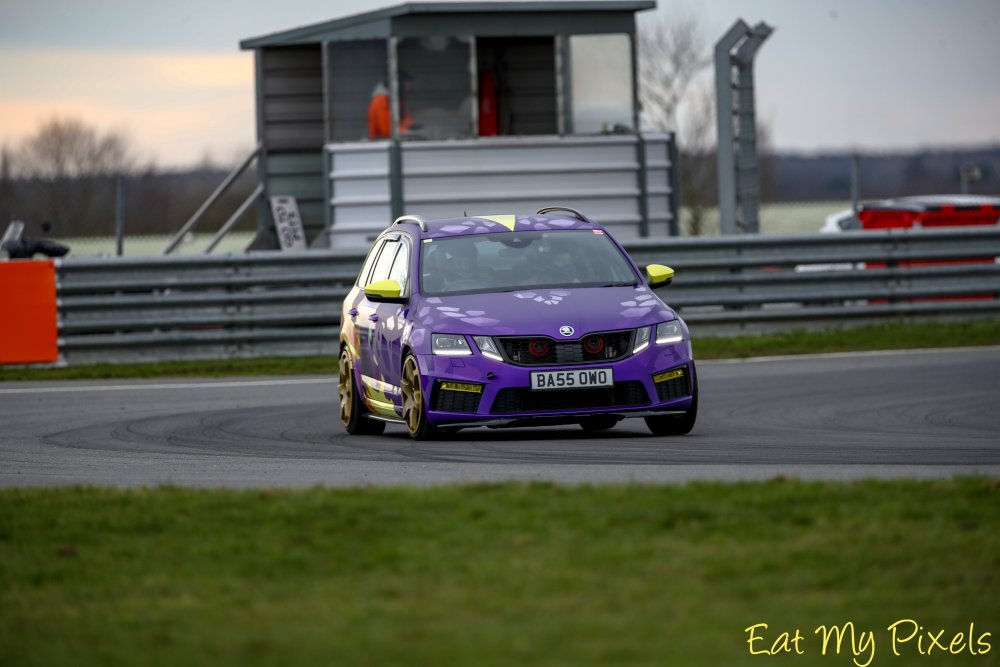
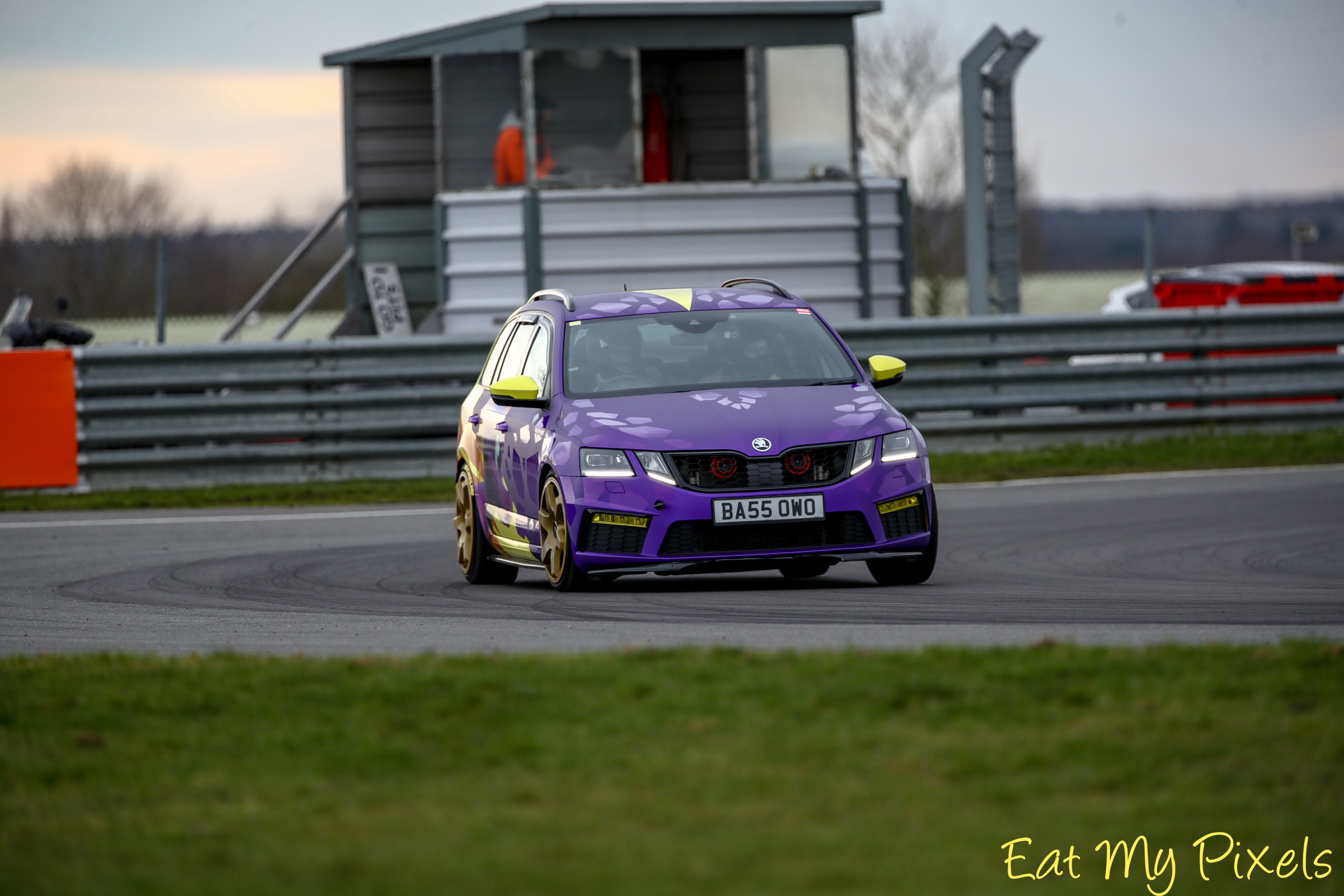
1 pointOne successful track day at Snetterton with no problems! (Excuse the broken front lip, being replaced Monday) Partner misjudged a curb at a service station on the way back home from Scotland 🙃 Weighing up options for remapping and DSG map. Looking at OEM+, be interested to hear if anyone has used them before and had any thoughts.
 1 point
 -
1 pointThe infotainment system, diagnostic gateway and parking sensor control module will need to be recoded. The camera itself will require parameterisation, coding & calibration We charge £395 supplied and fitted, for a new genuine camera including an integrated washer system. The installation is performed using VWAG diagnostic equipment so the installation can be recorded against the cars build data, making it a permanent installation. It means future parts lookup will show the camera/correct handle and the camera may even affect future automated valuations. https://eastyorkshireretrofits.co.uk/products/highline-reverse-camera?_pos=5&_sid=14d3705f7&_ss=r1 point
-
1 pointNot impressed with eco mode, from just outside Guildford to Chichester 36.6, I've got to back there again sometime during the week to deliver a AIO printer/scanner and fax to a family friend, this will be done in normal or sport. I think it'll be better than eco mode.1 point
-
1 point
-
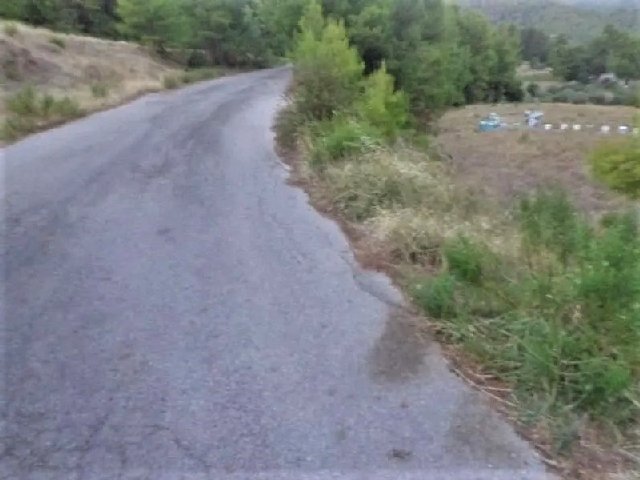
1 point@nta16 This (small village) road here in Greece is characterized as ''abandoned" from us, the white lines have been erased (from weather conditions, age, no maintenance), has not potholes but you can not drive fast except if you are a local guy. The visitor must be careful and drive slowly although is enough space for 2 cars. Even me that i know this road don't drive ''sport'' style, yes one click faster than a visitor but of course this road is not for testing tyres-suspension etc.
 1 point
 -
1 pointI find that difficult to believe. I imagine the usual reason for rocker failure is piston valve contact. Often due to cambelt slippage or breakage. There is a procedure and special tools needed to set the camshaft timing. You'll need to follow the workshop manual procedure.1 point
-
1 pointOf course the camshafts rotate, you didn't understand me (translator). In the case of the 1.6 tdi engine, the cams are pulled onto the shaft, it is not cast from one piece. It can happen that the cam ends a little or rotates around the shaft.1 point
-
1 pointClimate change caused the service ducts to collapse 🥴 Thats as good as my "Brexit ate my homework".1 point
-
1 pointSuch a shame garages, used as garages to put cars in as in many houses in the States for example, when an EV charged in a garage, where the whole car including battery pack, could emerge all toastie from the garage and the range would probably be 20 or 30% more than what we see of a car charged outside in the cold on the drive. Needs more tech to keep the battery warm when it is getting charged and ready to go out on the road. We learn that a decade ago on our Bluecars.1 point
-
1 pointNot software updated, but (at least depending on equipment) the 5F will need recoding to tell it a camera has been installed.1 point
-
1 pointWell, on roads that you know, you can "push the envelope" a bit sometimes. In the octavia scout, that was so rubbish it understeered if you tried to swerve to avoid said sheep, but in the subaru, you can drive like a propper looney on a B-road if you know nothing is coming the other way. The biggest "problem" Ive had with 2wd cars, particualrly FWD diesels, is that on low speed corners, or junctions, particualrly in the wet, they just spin the inside wheel and dont really go anywhere.1 point
-
1 pointNo sensible person pay those rates unless one is desperate for a quick top up charge and if one does then it would just be for a few KWhs. Company drivers might where it is going back to the company and they are reclaiming the 20% VAT presumably. I did put a 67p per kWh for about 19 kWh so it cost me £13 put a cannot imagine paying much more than that for a boost from 33% to 73% to get me home rocking along at 75 mph indicated rather than needing to drive at 60 indicated mph to do the 70 miles home. I just have so much credit in my Octopus account from Referrals, Spin the Wheel and those pay you back ten fold sessions at tea times when I use little to no energy it is getting embarrassing how much I am in credit. Paying £130 a month for lecky for a 4 bedroom detached house and for charging an EV during the low 9 p a kWh time period is just so economic !!1 point
-
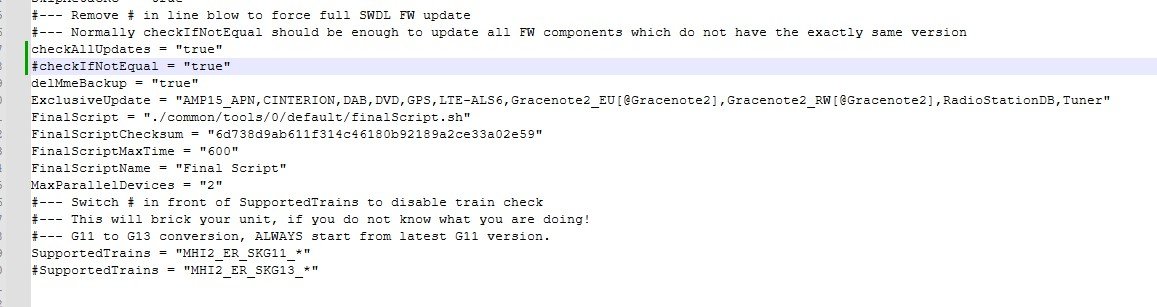
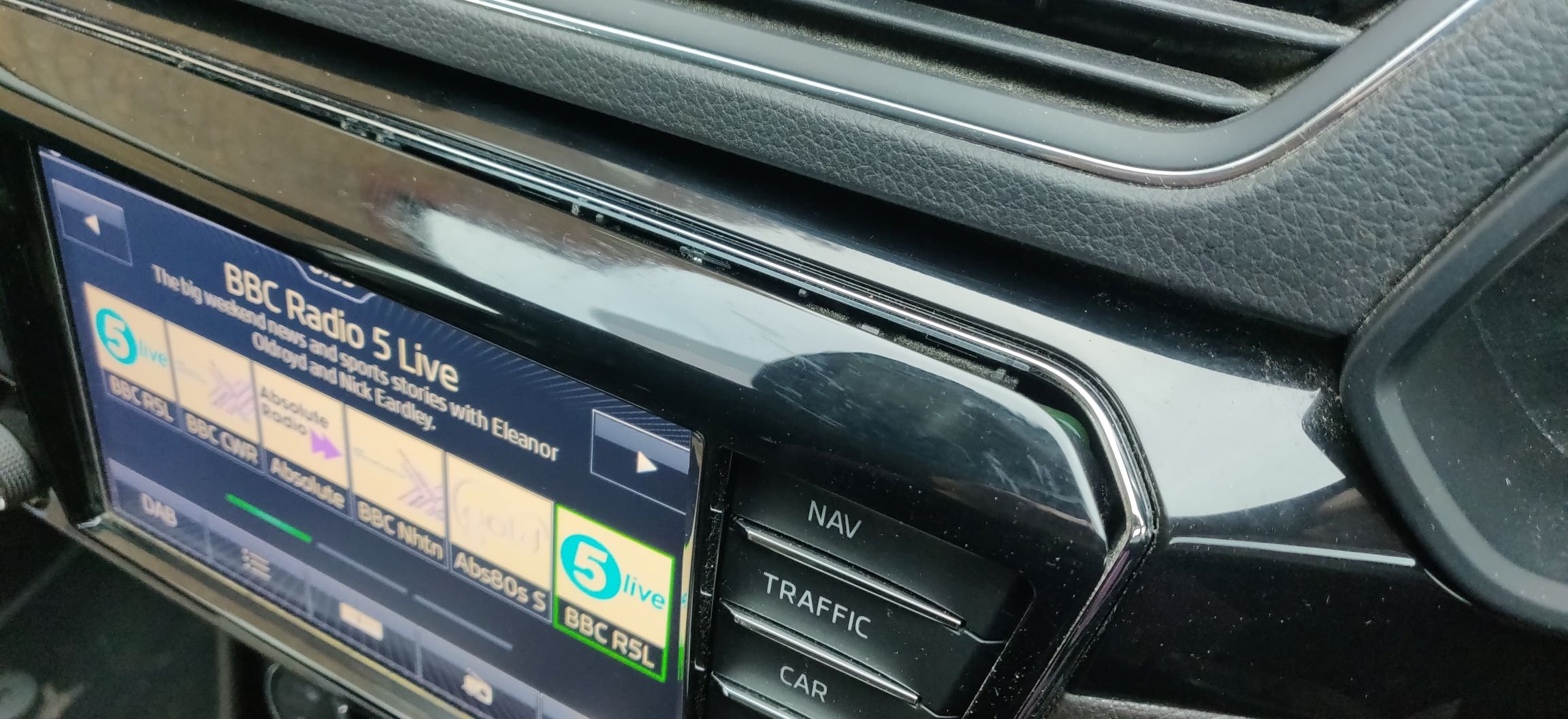
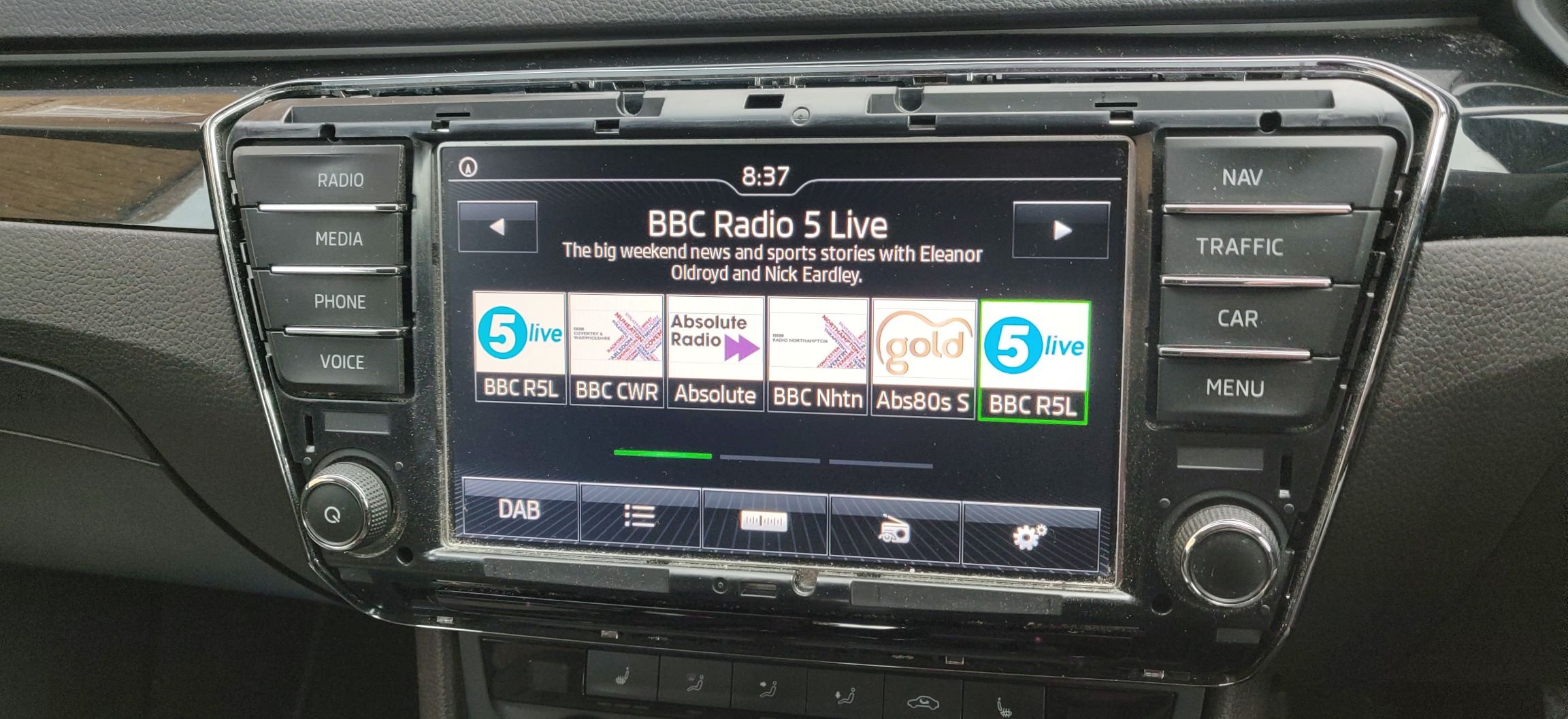
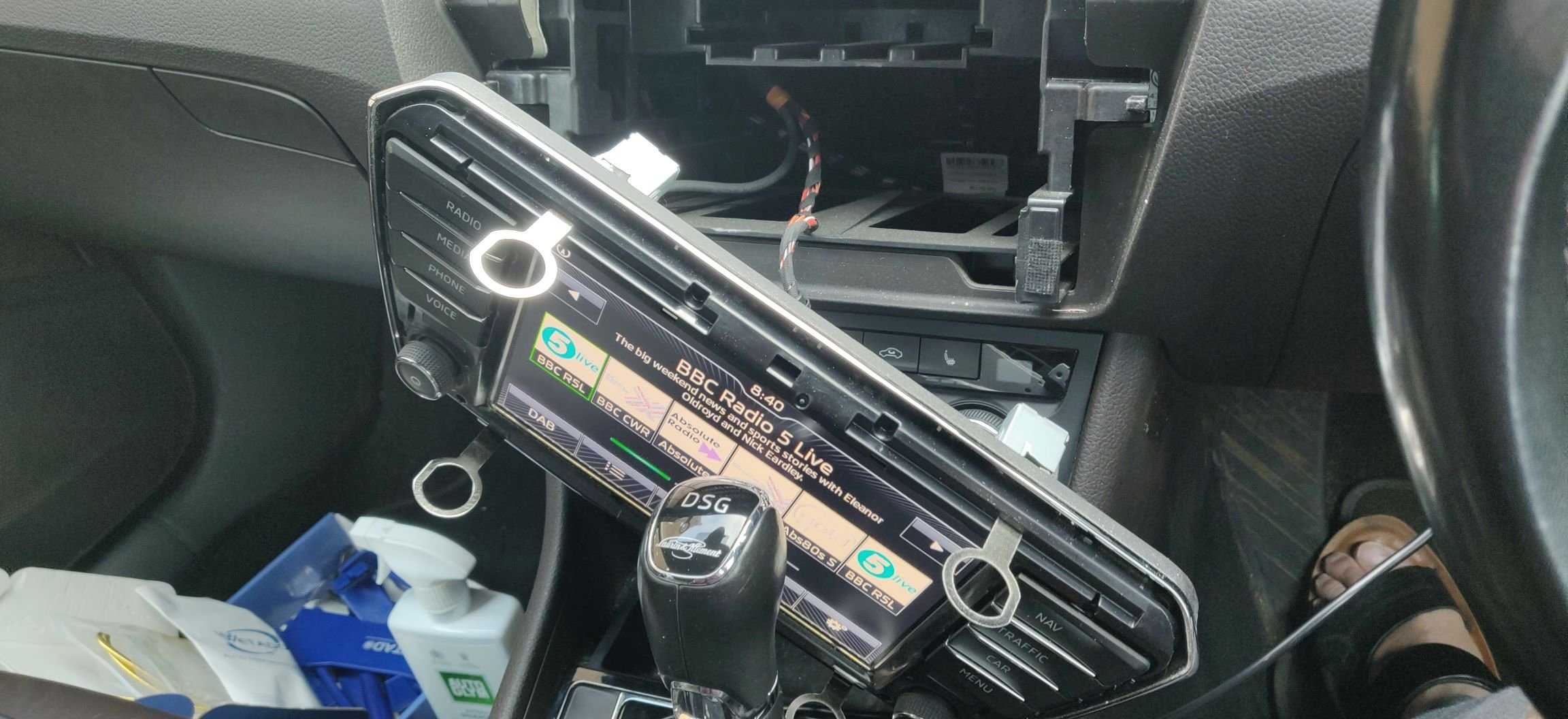
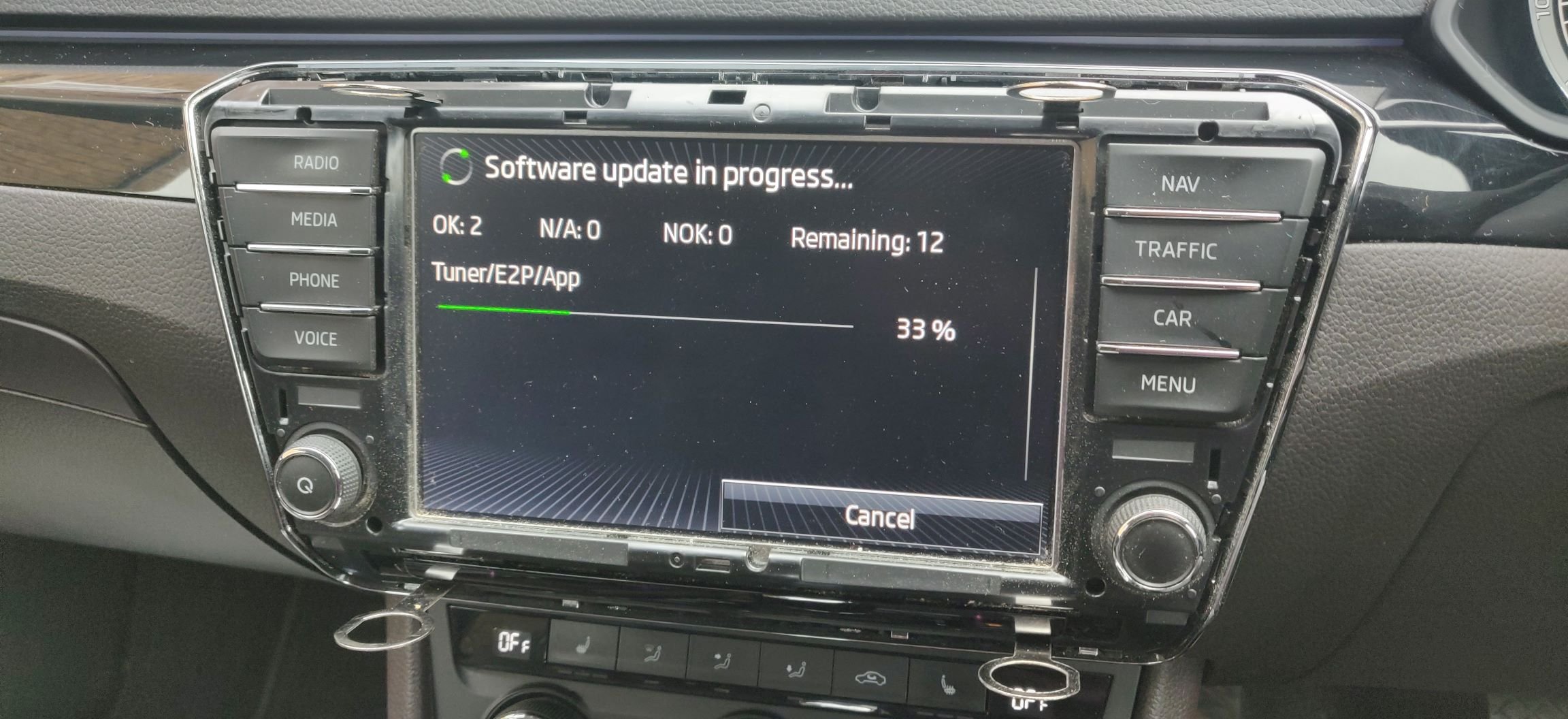
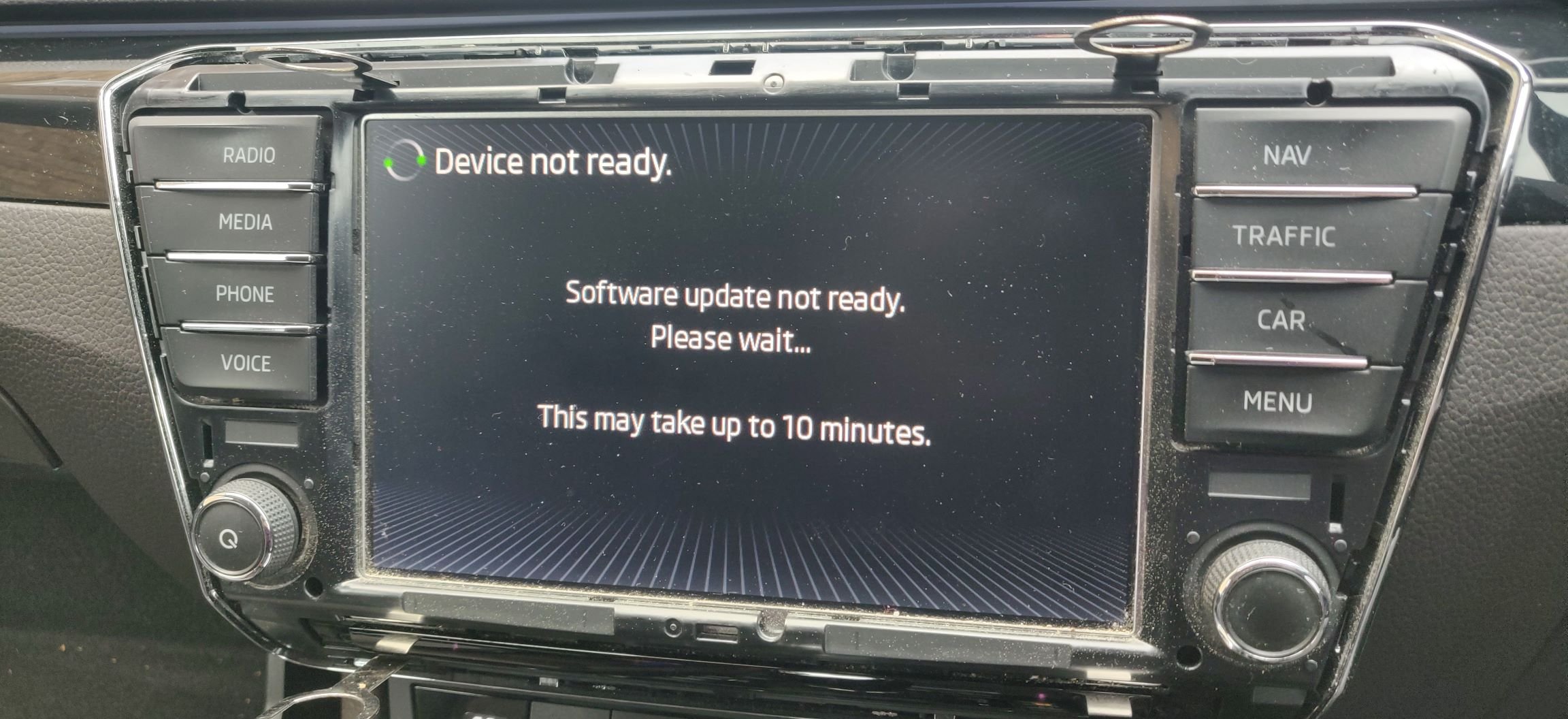
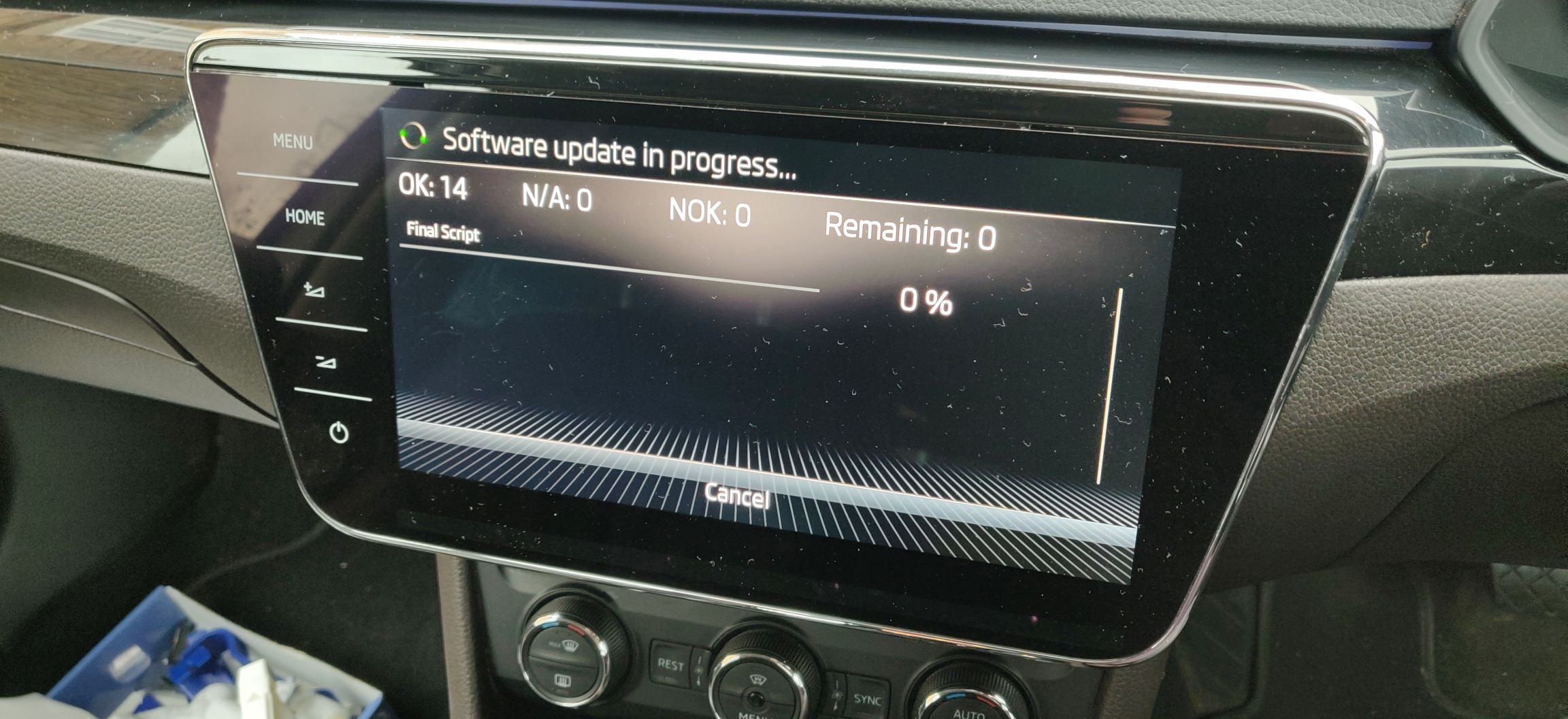
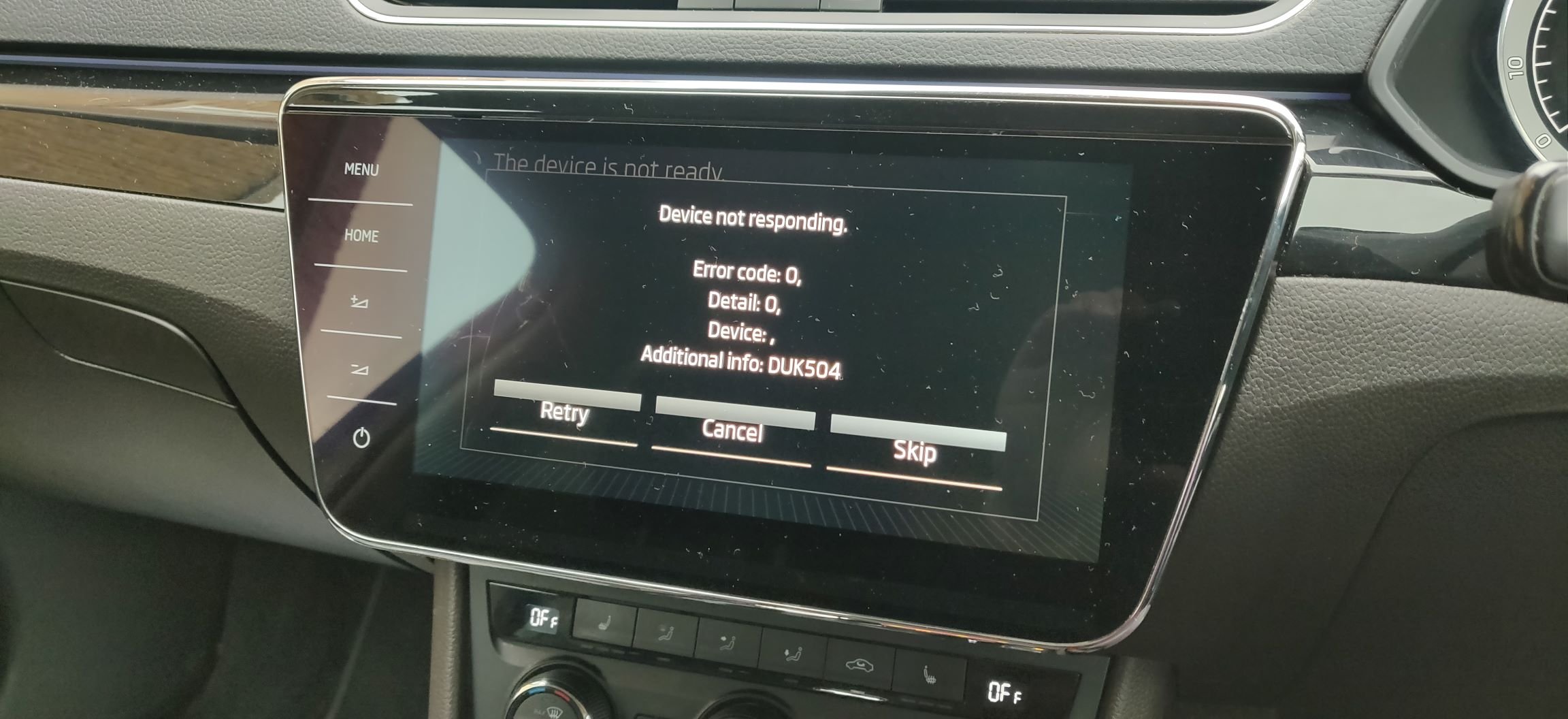
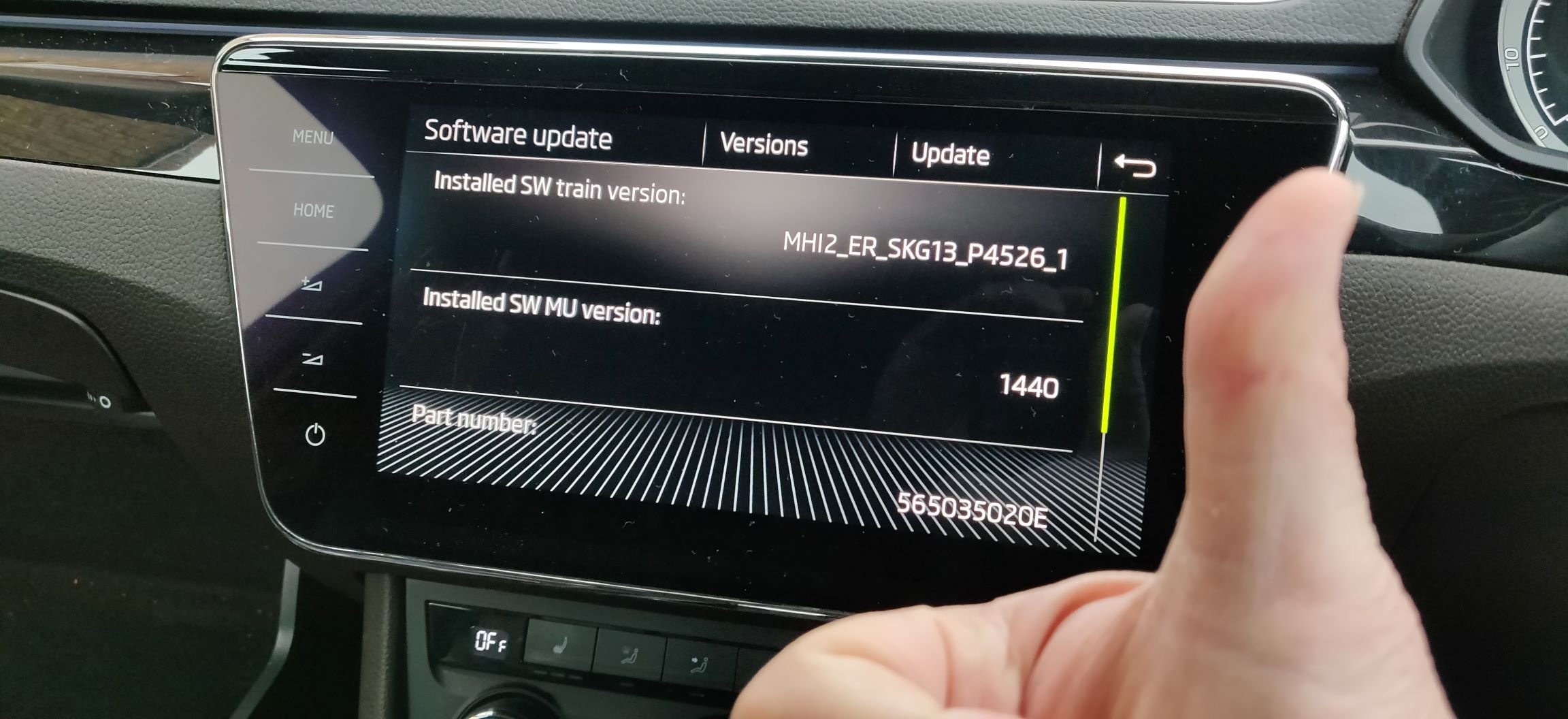
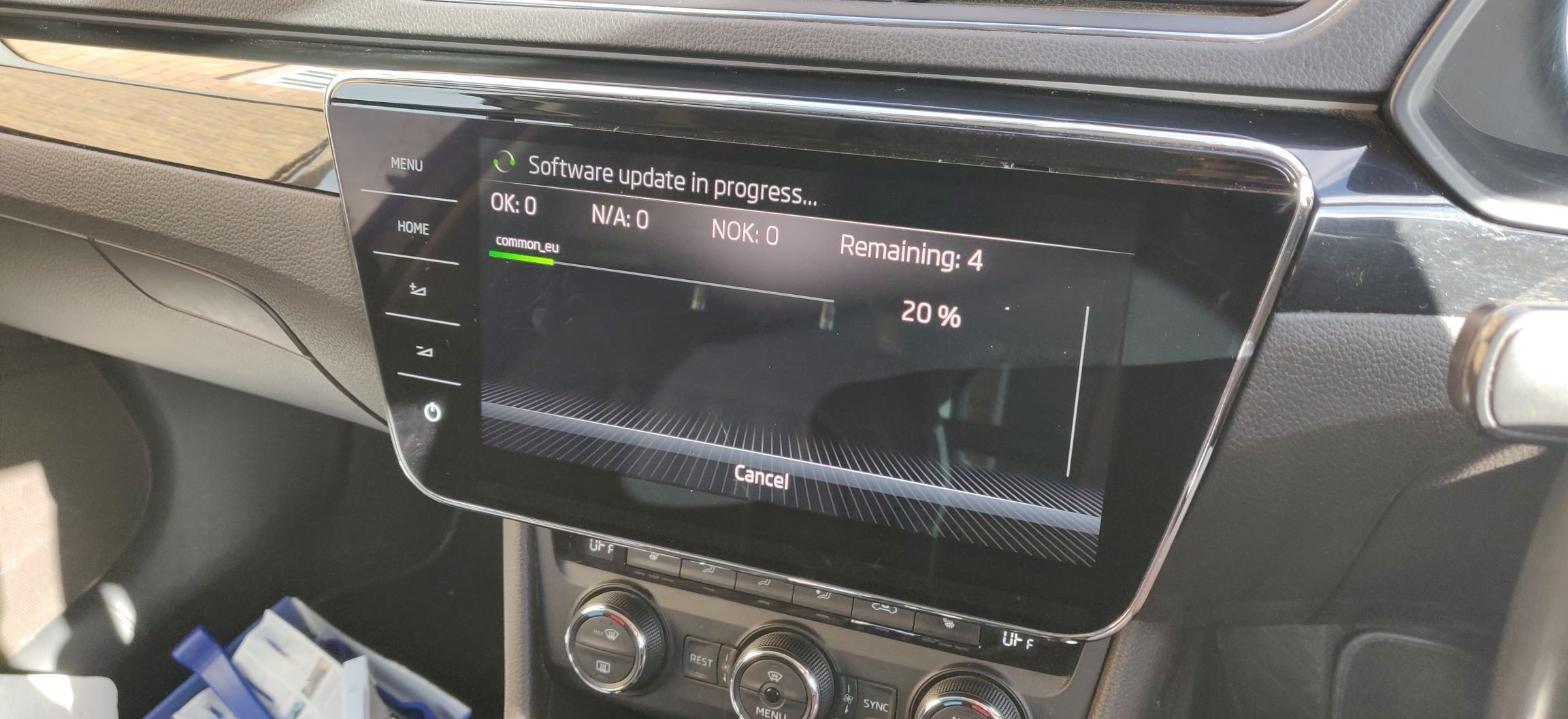
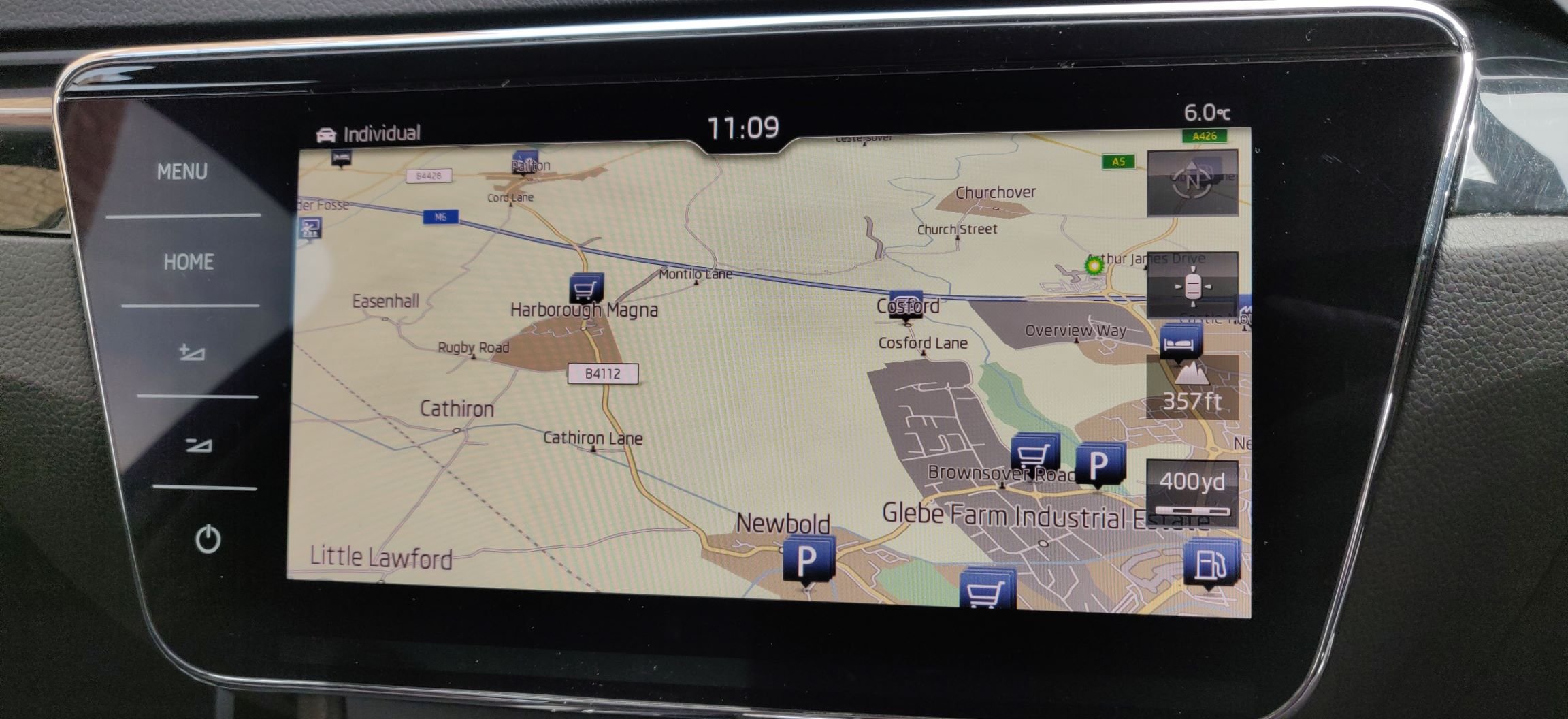
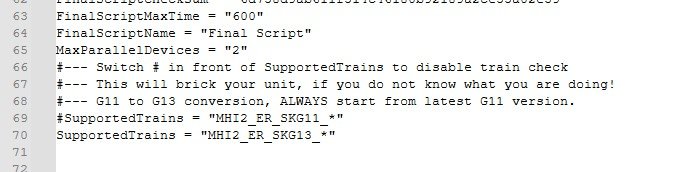
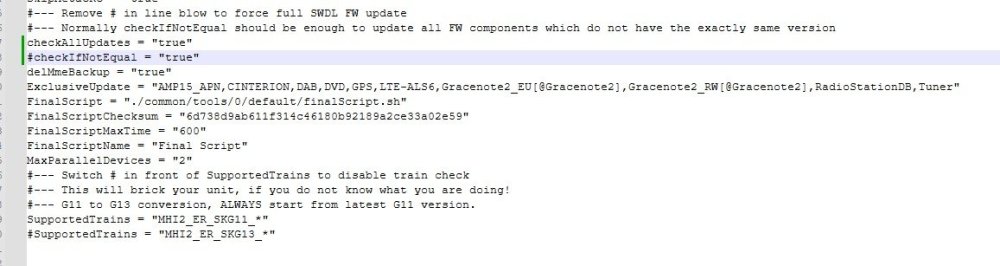
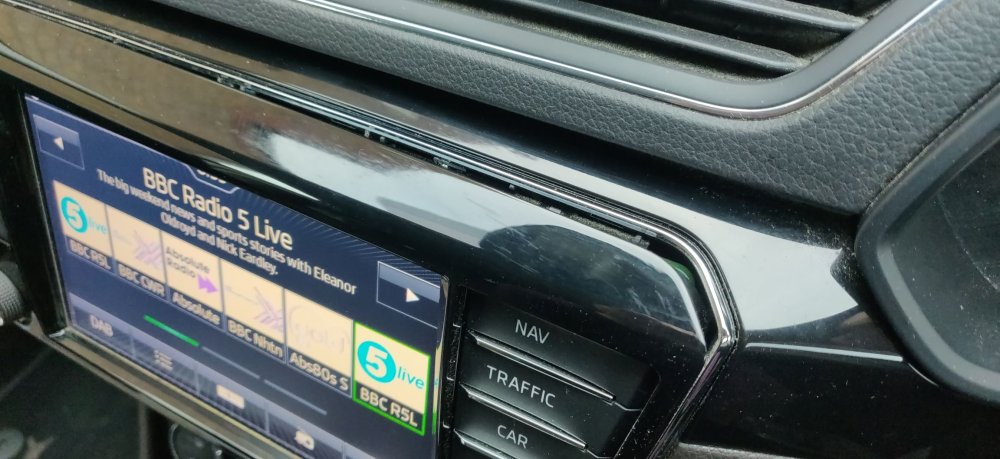
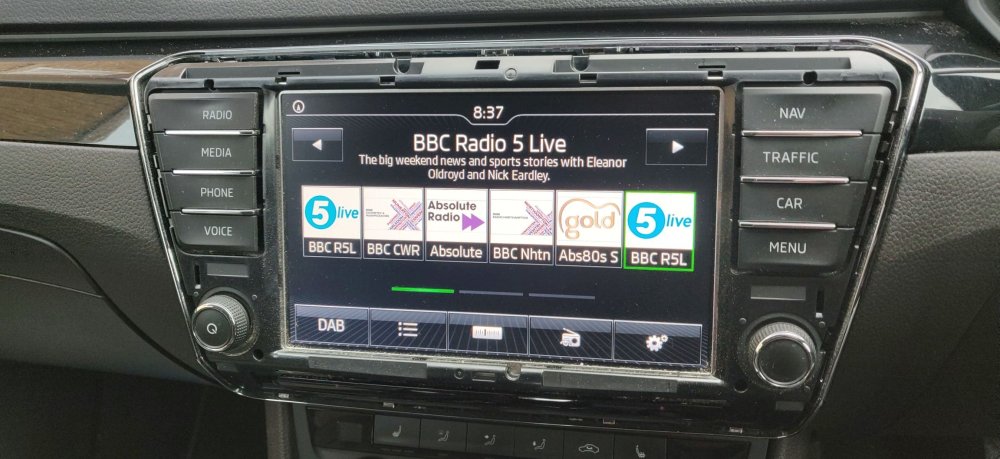
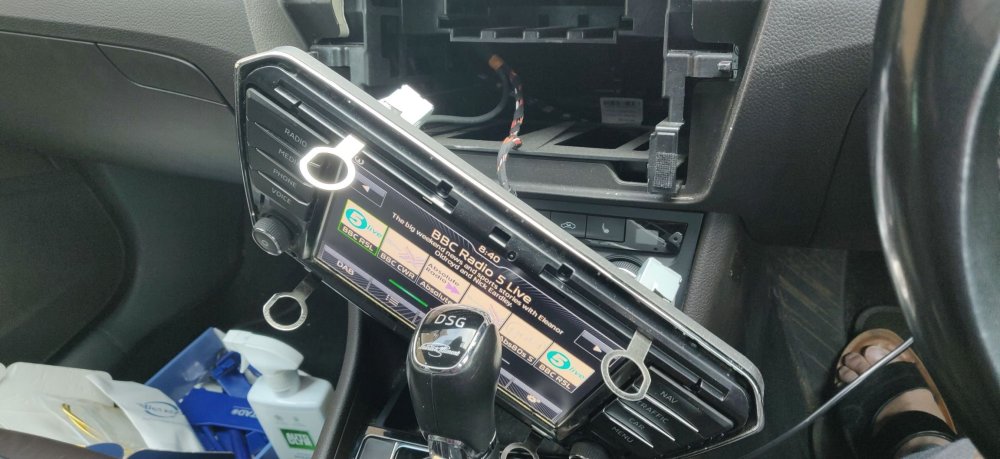
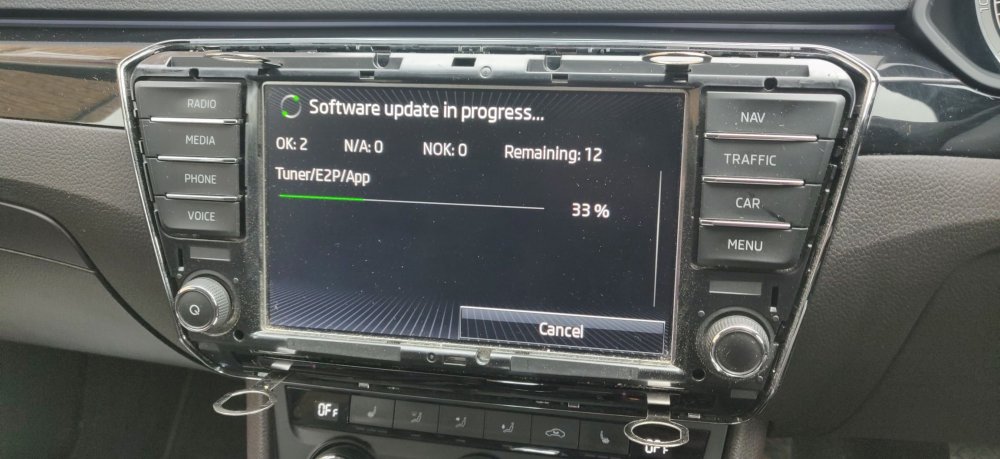
So, got cracking on with this G11 to G13 conversion. Usual disclaimers: Please don't try this at home unless you're sure it'll be ok, I can't be held responsible for others! So the first order of business was to take the 128GB SD Card I used for the previous update and gave it a quick format with Rufus, followed by copying over the G13 AIO firmware. The contents contains instructions to perform the G11 to G13 conversion, so I followed them to the letter, changing properties on the metainfo2 file from: To: So a couple of flags to disable version checking and what "train" the update supports. I note that for the Skoda ones, it has a wildcard MHI_ER_SKG11_* so I suppose anyone with a bit more bravery could try it with any version of the G11 "train", but I wouldn't recommend that at all. It also mentions in the website guide to rename the _Swdlautorun.txt file to remove the underscore prefix, which should then mean the card insertion is enough to kick start the update process. So a few deep breaths... But before that, made sure the battery charger is in place and keeping the battery topped up (it was left on overnight, so I think it'll be good). Then some preparatory stuff. Firstly, for this particular display, remove the trim around the display: I used fingers at first to get some purchase then a standard trim removal tool to slide around the rest, and it pops out: This reveals the slots for the insertion of the keys, so inserting the keys and with a bit of wiggling in my case, it should come free: I left the display hanging slightly, so that once the update reboots and then expects the newer screen, I can then swap them over with just the two cables to change. I few more deep breaths, and the SD card is now inserted into the head unit, with the display immediately detecting the card and showing the same messages as yesterday with the normal firmware update procedure: These photos are almost the same as yesterday: However, once it rebooted, the display remained black, but I could hear what presumably was the head unit fan (or at least some fan around the glovebox), so decided this was the moment that the head unit was now only going to work with the new display. So pull the old display out enough to get my fingers onto the connectors, and luckily they all came out without much drama. Inserting the connectors into the new display then revealed: Did a little first bump as the display is on and working! I then got a warning message, one which the guide explicitly mentions: It stresses to just press skip, as cancelling could be a disaster! So once skipped, it pretty much finished: Checking the version by holding down the home button: Success! It took pretty much the same time as yesterdays firmware update, so around 35-40 minutes. Next step is to reinstall the maps, which I've decided to do with the SD card reformatted again, but this time to exFAT just to feed my curiosity. The install process is then the same as a standard firmware update, going via the service menu to search for updates: The install for this took longer primarily because of the huge size of the maps I presume. Took the opportunity to give the car a quick once over with a vacuum. It will need a few more goes by the looks of it, but it is what it is. After a few more restarts: Maps are on. I also added POIs via another update, this time, via a microSD card with an adapter. This also worked, so the general advice of using a good normal sized SD card is more a wise precaution, if for whatever reason you don't want to spend the £8 or so for one. Maintenance: £324.88 Upgrades: £315.00 Miscellaneous: £584.95
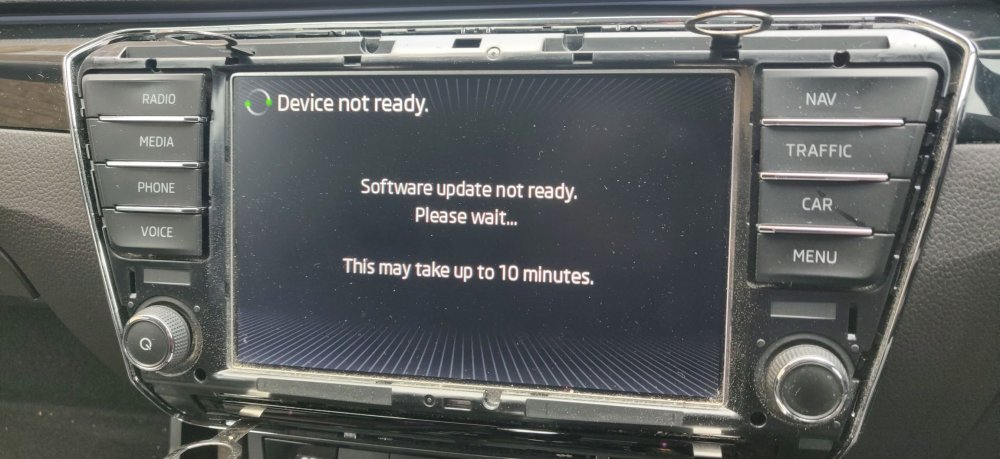
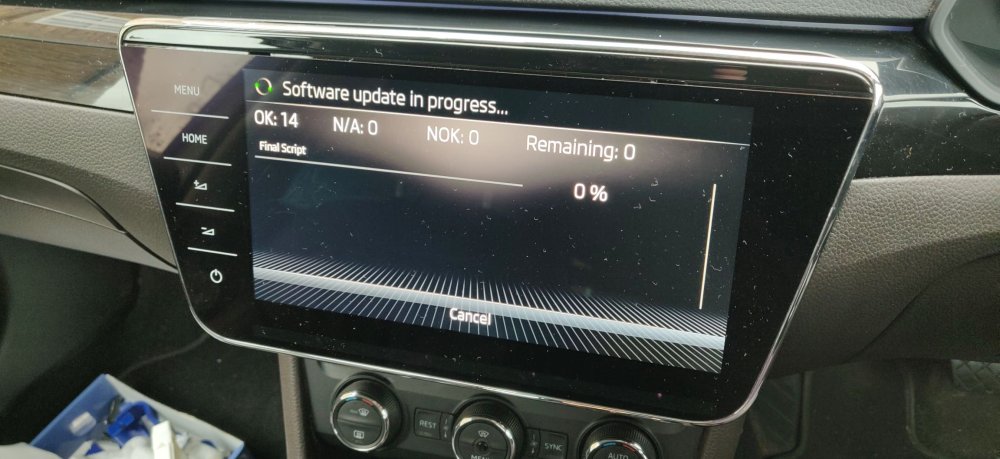
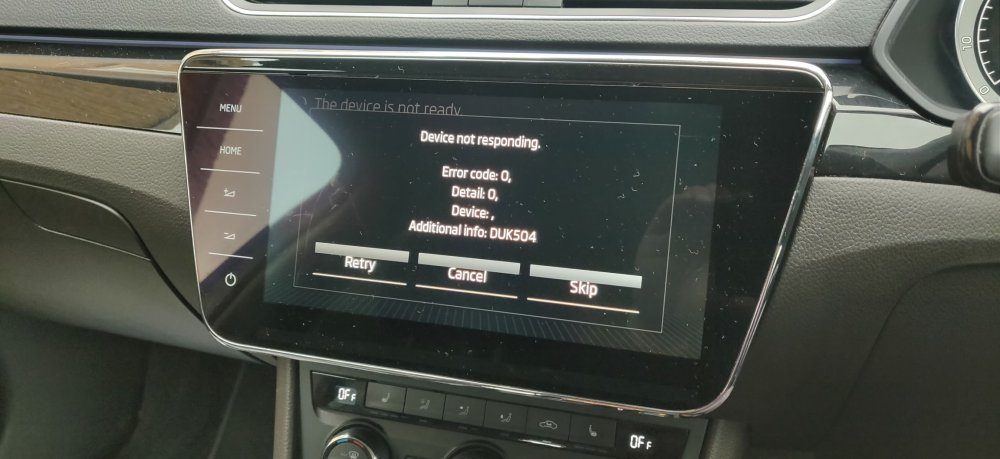
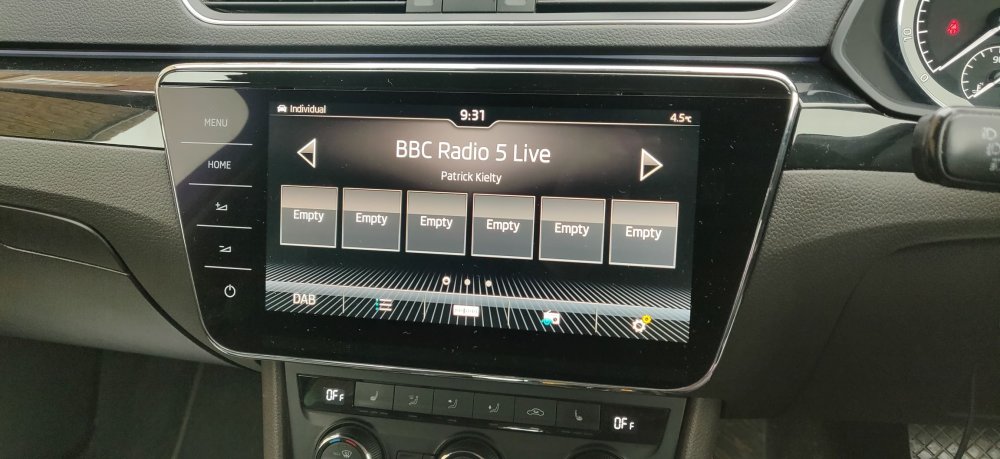
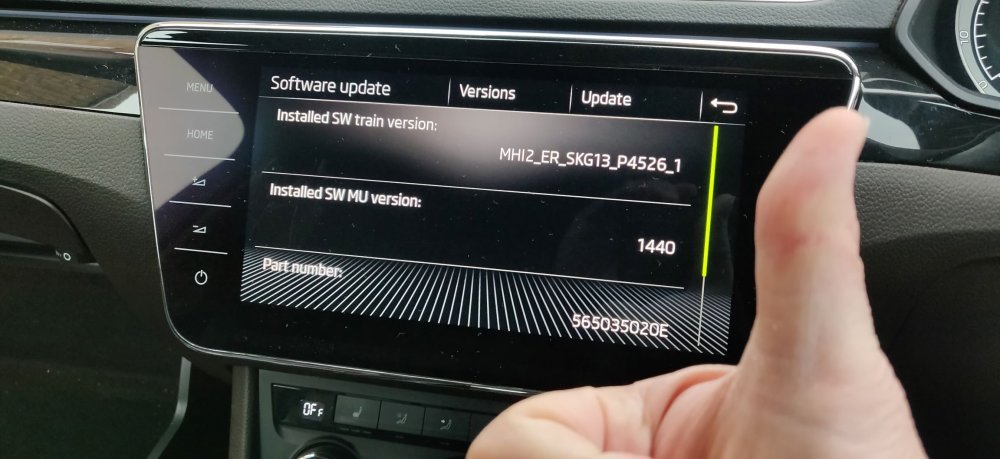
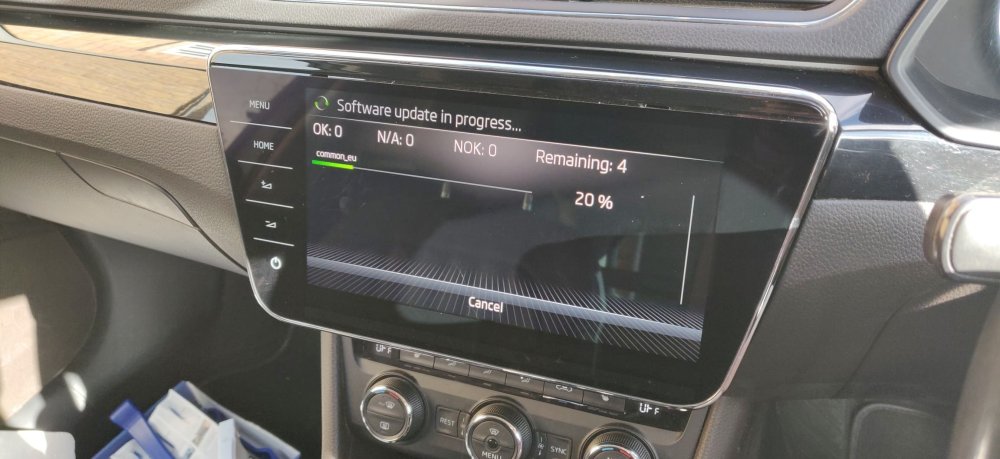
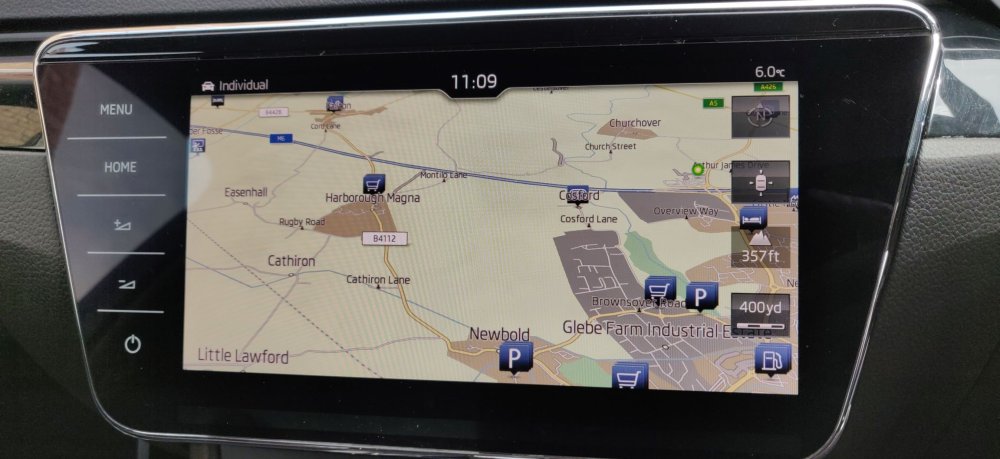 1 point
 -
1 pointAS the mudflaps are quite small they do not stop lots of muck up the side of the car but do help ours have been on now for just over 2 years with no issues.1 point
-
1 pointStock LPFP will do up to 500bhp with ease. I was running 540bhp with meth on it with no issue. I think it would probably max out at between 530-550bhp with no meth and about 580bhp with meth. I upgraded as I'm got fully built engine now.1 point
-
I suspect you haven't used this google feature. The warning is merely an audible bong, hardly a distraction. Unless it's a mobile speed camera warning which in effect is telling you to keep your eyes peeled and speed down. You'd find it even more infuriating when the double flash goes off (newer cameras don't flash) and a letter marked private and confidential drops on your doormat a few days later..1 point
-
1 point
-
1 pointRe costs, if it is the mechatronics then probably about £2000, that’s what the dealer said mine would have cost!1 point
-
1 pointI don't understand why Skoda changed the oil service interval up to 80,000 miles unless it was to increase the failure rate. other Manufacturers insist on 36,000/3 year at a minimum for a dsg if the gearbox and mechatronic units share the oil, Gearbox swaff and solenoids in mechatronic units don't mix well.. Losing odd or even gears is a sign of non functioning or sticking solenoids.1 point
-
1 pointThe DSG is electronically operated I seem to remember someone having a similar problem on here, the problem was poor battery condition.1 point
-
1 pointReally. I take it that was the Contractors that do Customer Services for Skoda / VW group who seem to give any old answer. There are plenty threads here were members received written replies on the Guidance, recommendations or schedules on TSI cam belt changes that they issued end of June last year.
 1 point
 -
1 pointActually you can reset some DSG,s with a simple pedal hold reset. Just from it being used in a certain way for a while by other drivers. DQ200,s that id of different years, and engines and ECU mapping. Like driving using a dynamic pedal action and getting quicker responses on part accelerator. Not a myth, just not applicable with all DSG,s. Not just a made up thing or a case of someone's imagination.1 point
-
1 pointThere are often different options for the various trim levels - Sat Nav may not have been standard, but added as an option. I find it odd that the navigation button is present if that unit doesn't have it.1 point
-
1 pointNot sure what that video proves. He had to push down hard on the rod so it was a still functioning shock absorber. Was that fluid stain nearby oil from the shocker or just some water as further seen in the background1 point
-
1 pointHere is the News: the Bongs have stopped & the cd player doesn't ask for a running engine. It played a disc for an hour yesterday, and again today. The system has taken from 24/2 to 29/2 to fully adjust to the new battery. Thank you everyone for your suggestions & support, & especially to AGFalco for registering the new Yuasa battery last Saturday in Blandford.1 point
-
Surely, before purchasing the car, these are the sort of things you would research and be aware of? Traffic sign recognition has always been a paid-for option when specifying your car so that really shouldn't be a surprise - it's kind of neat that you can activate it after purchasing. As far as navigation goes, just use CarPlay / Android Auto and your preferred map application. Google Maps, Apple Maps, Waze, or for £29.99 annual subscription Tom Tom - all of which are better than Skoda's in-built Sat Nav.1 point
-
1 pointWelcome David. TBH if you aren't going to use it regularly you are better off finding someone local to code the car for you for a few beer tokens. I imagine most things are going to be locked with SFD though, so you will need someone who can also do that (most owners won't be able to do this but it can be done with certain OBDeleven subscriptions... I personally unlock with OBDeleven then code with VCDS.) Take a look in the link in my signature for someone local to you with VCDS.1 point
-
1 point
-
Thank you, that's very comprehensive!1 point
-
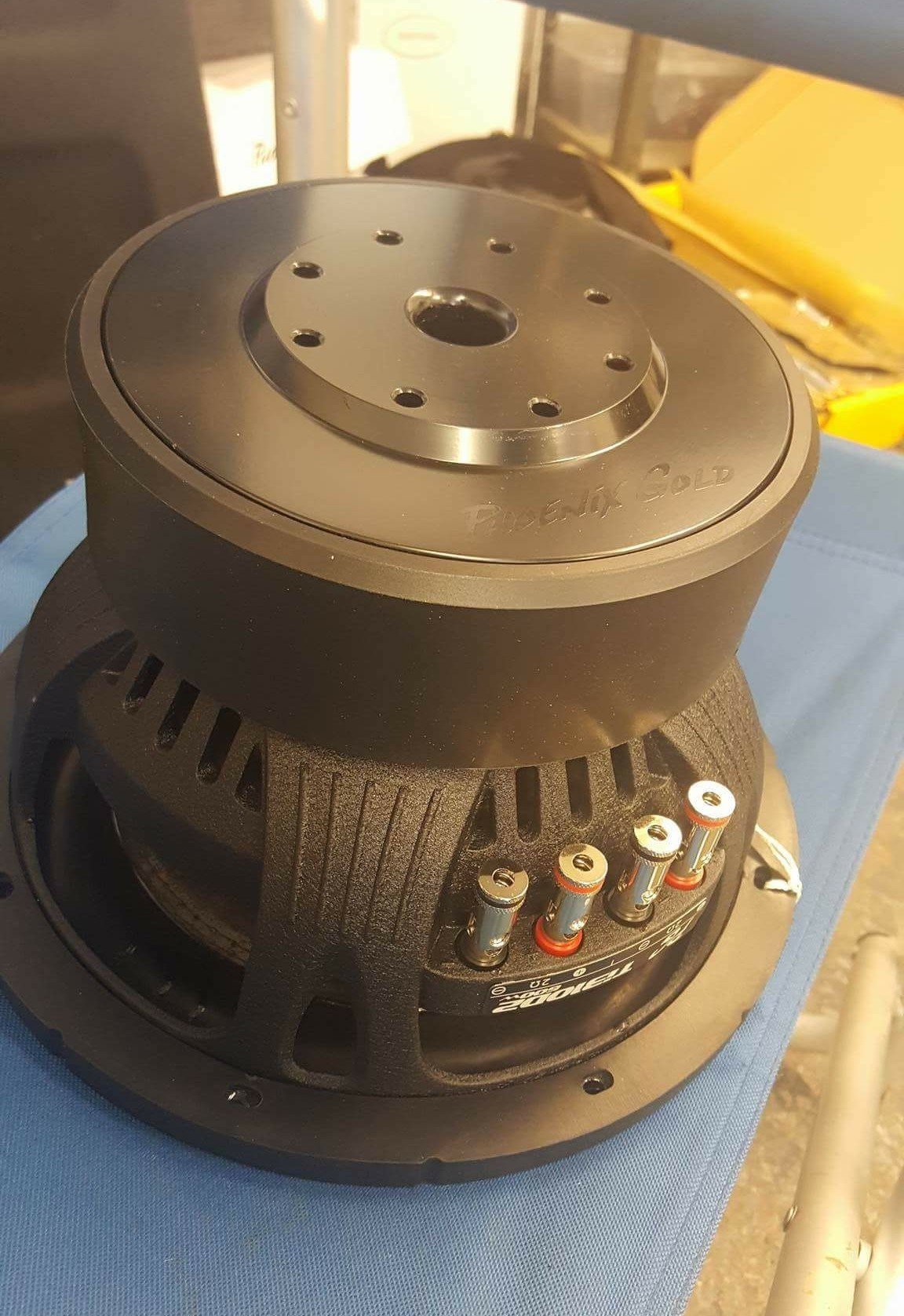
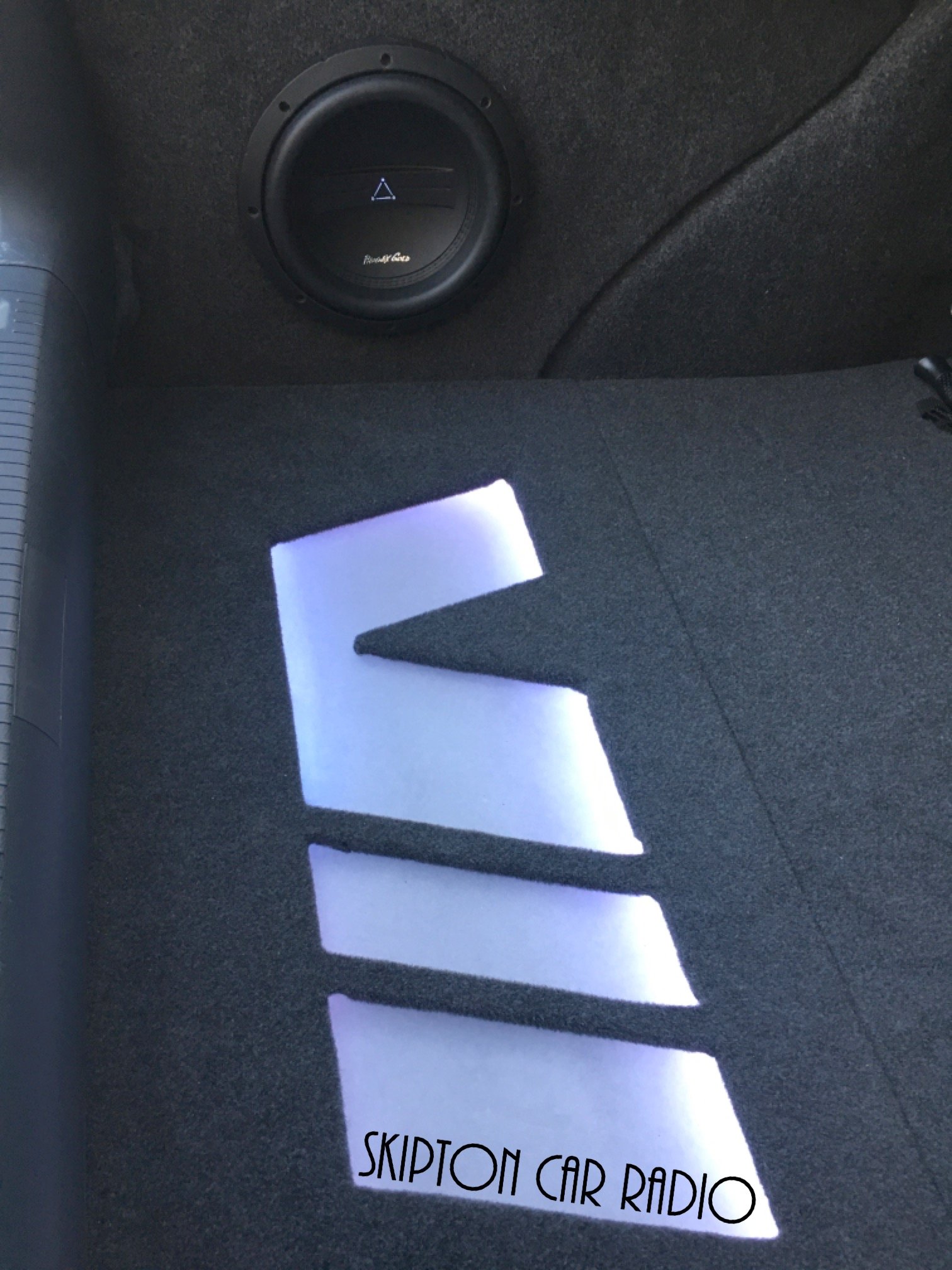
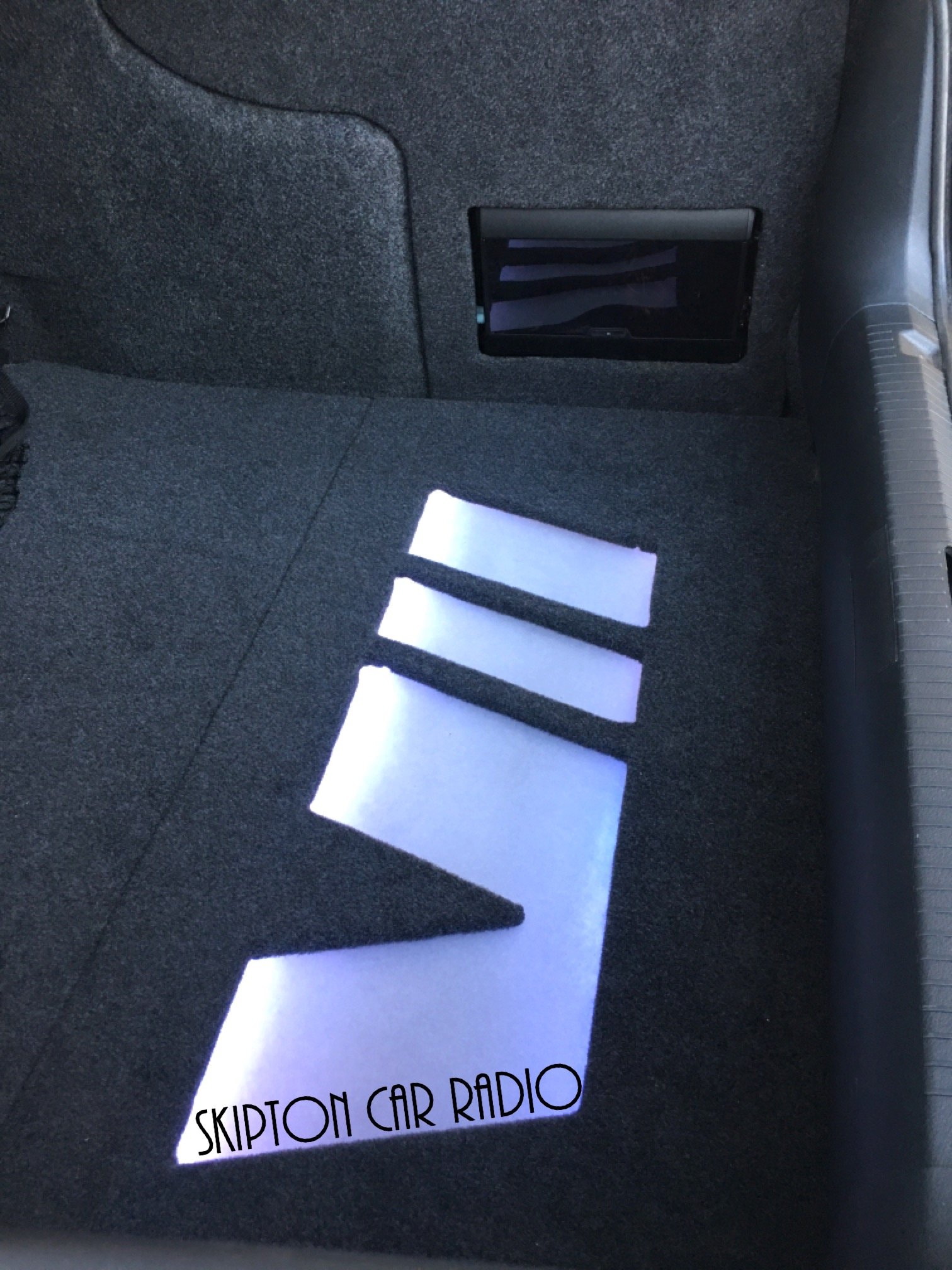
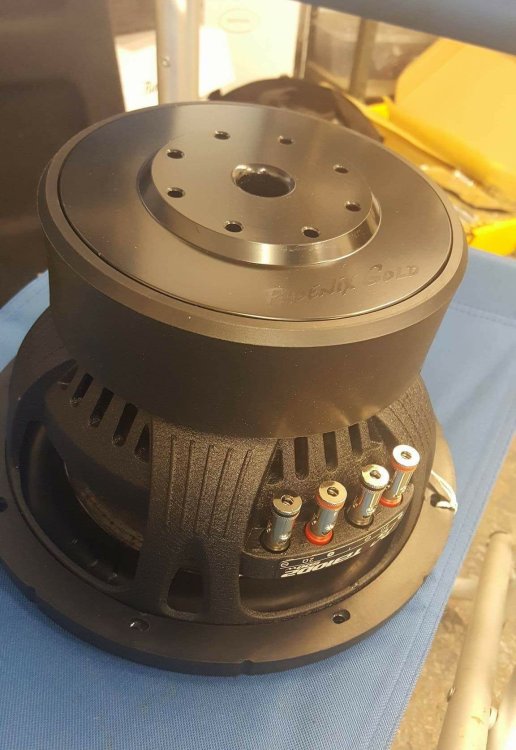
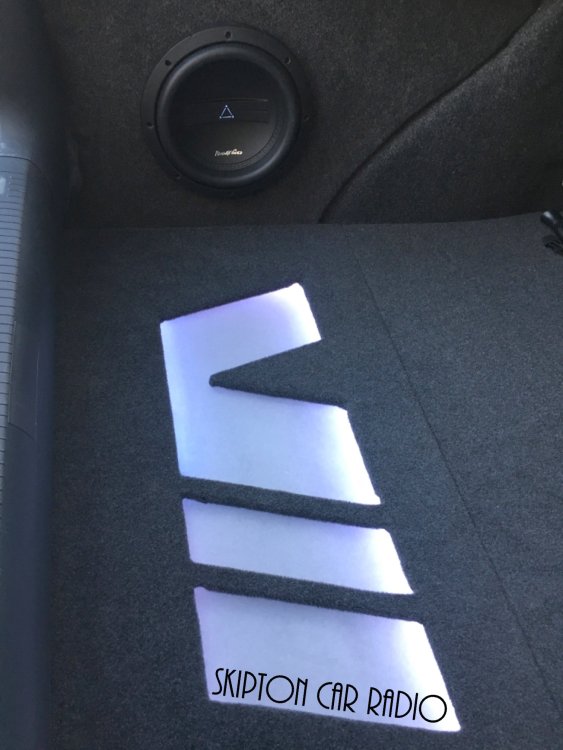
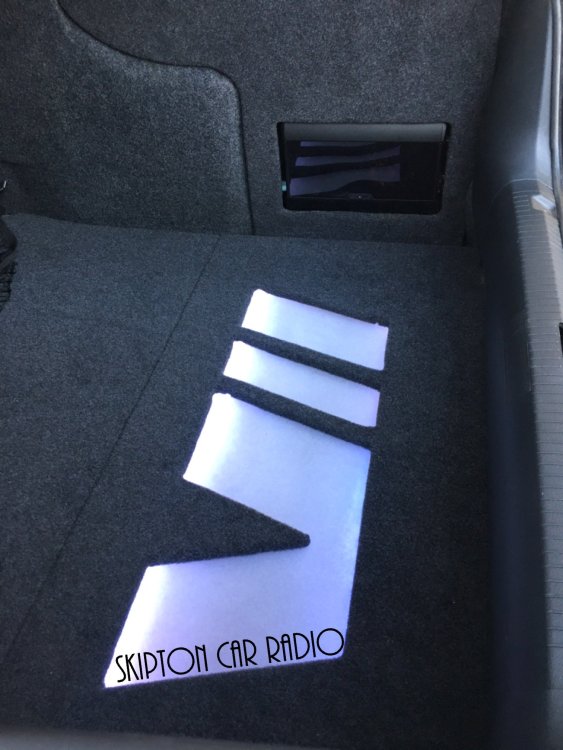
1 pointsub wise i stayed sensible in a full fibre glass side sealed enclosure , 10 inch sub looks small but is mighty.
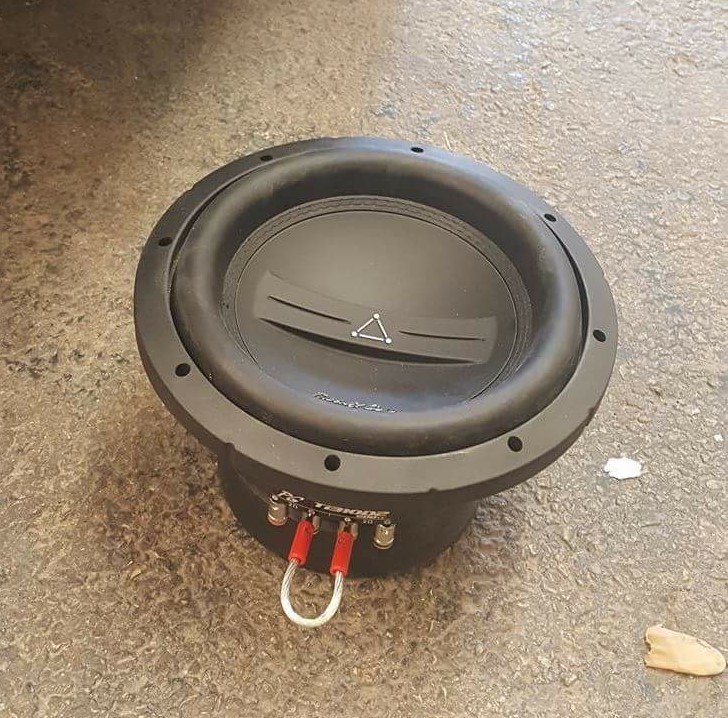
 1 point
 -
1 pointAdBlue is Adblue and it licensed to be manufactured by whoever. None is better than someone elses. German Trademarked, It is what got VW in so much trouble and it was BMW & Daimler and VW with a cartel trying to have small Adblue tanks for the USA that ended up with the Defeat Devices and the looming death of Diesel Passenger cars.1 point
-
Mine did the same. The small screws that held the switch together had failed. I glued it back together but bought a replacement off amazon which wasn't expensive. Think it was around a tenner.1 point
-
1 point
-
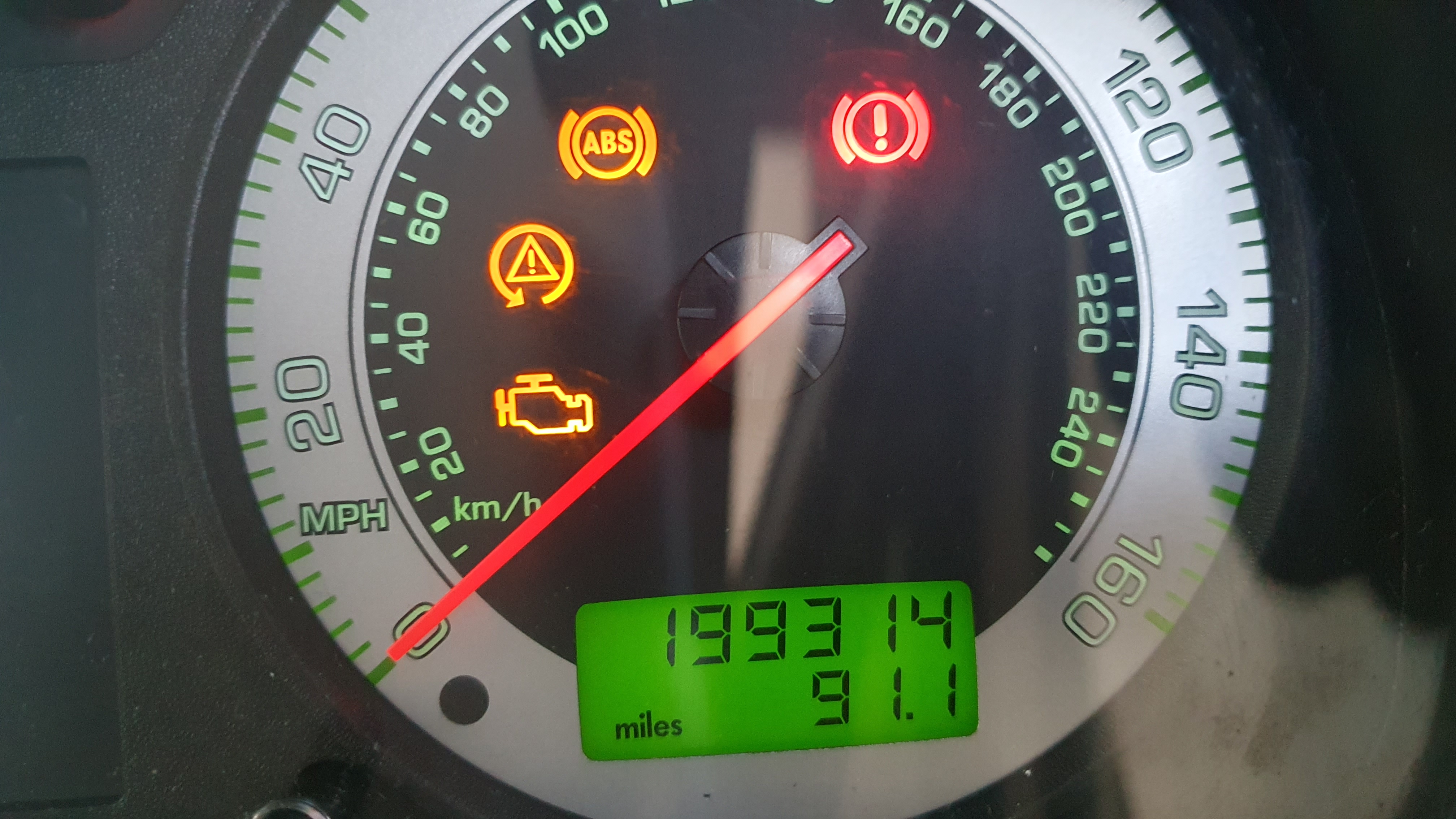
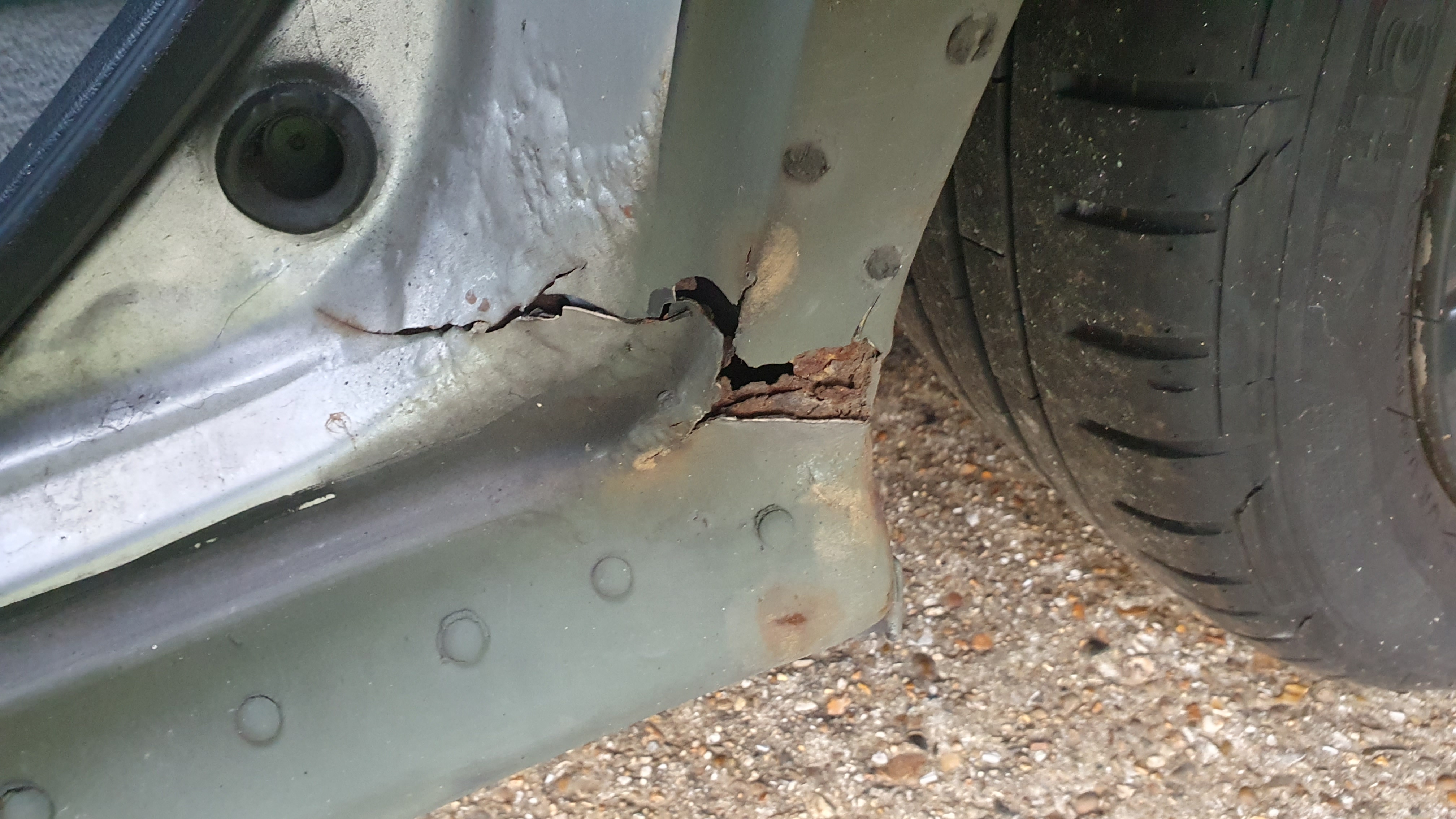
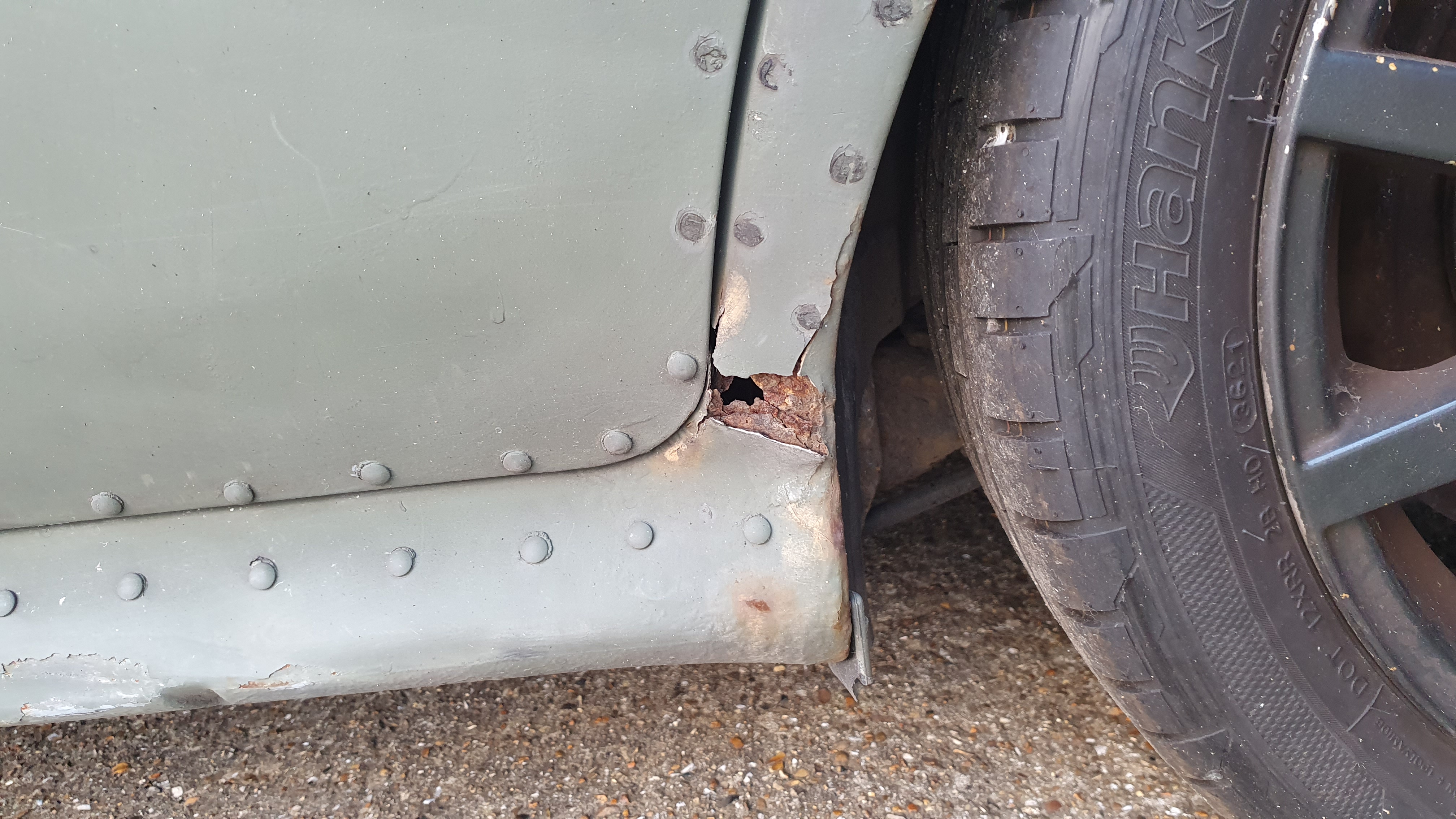
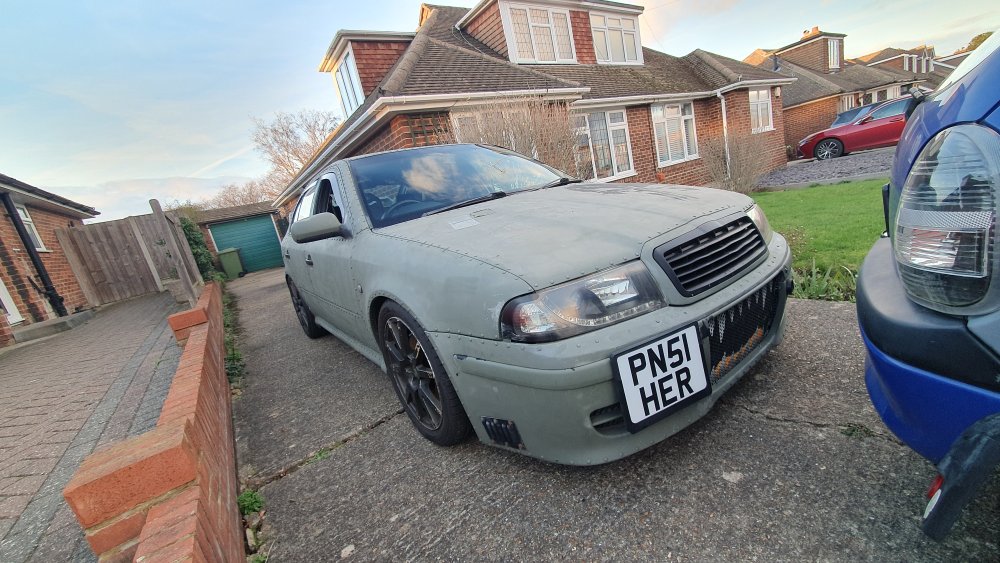
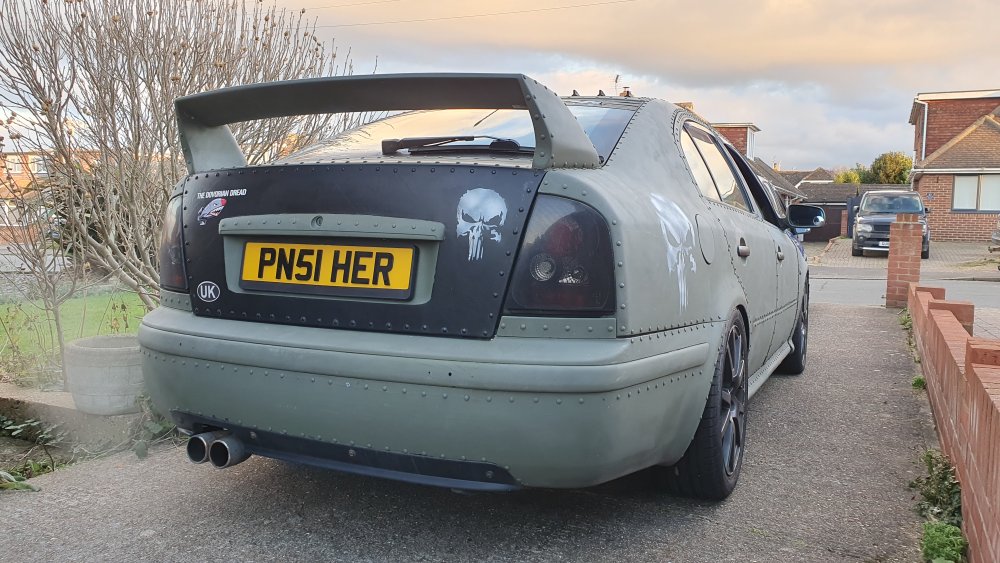
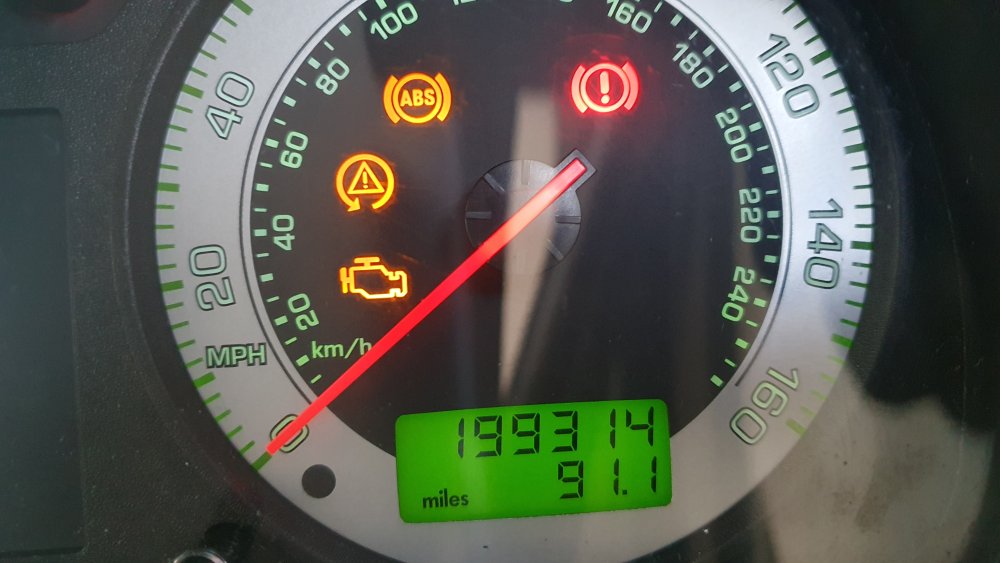
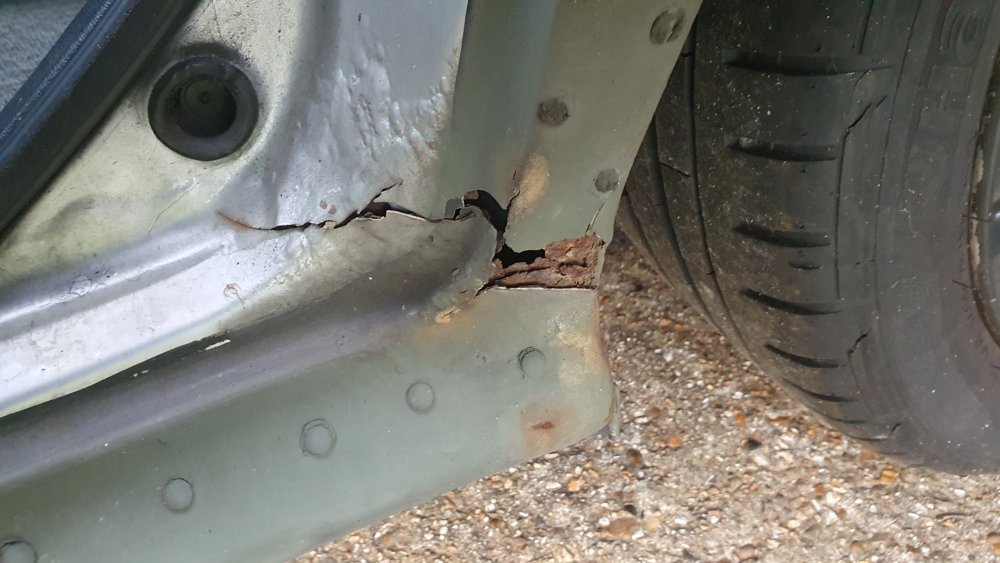
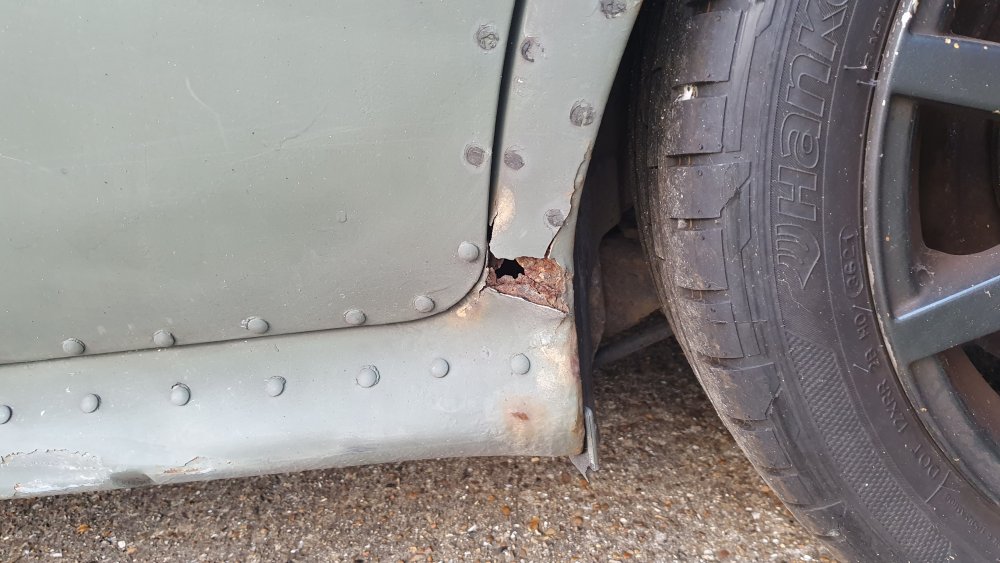
Hello everyone - I hope you're all keeping well! So I've not updated this for nearly 2 years... and believe it or not The Beast is still going. However it's very poorly. Turns out that crash in 2020 has totally knackered the NSR wheel arch area and I'll be honest... I'm kind of scared this could be the end. I'm really hoping it's a simple case of welding, but if it's anything more severe then I'm not sure what to do. I'm also getting problems with the turbo recirc system, which I still can't work out - I'm not sure if it's the N249 or what the hell is going on, but it's really driving me nuts. Currently sat SORN on the drive... I just hope that after nearly 14 years of ownership that I don't have to say goodbye 😢
 1 point
 -
1 pointHi Jack, Lookin goood, soon be working. That's ok, this what this forum should be about helping each other. Trevor1 point
-
1 pointHi Jack, There are 3 wires going to the climatronic panel, 2 to the CECM and 2 to the fuse box. This is the wiring diagram I used, if it helps. Trevor 2007 Onwards Wire Location (Climatronic) Location (Climatic) Location (No AC) Purpose Earth Wires Brown wires (with ring connectors) Earth point by bonnet release handle Earth / Ground Climate control panel blue Climate control panel (pin 10) Climate control panel (pin 13) Climate control panel (pin 11) Passenger side heated seat switch blue/red Climate control panel (pin 11) Climate control panel (pin 12) Climate control panel (pin 15) Drivers side heated seat switch grey Climate control panel (pin 12) Climate control panel (pin 15) Climate control panel (pin 16) Feed to climate control panel, from CECM Fuse Box Red / white (thick wire) fuse box, 37, 30A - - Power for heated seats Grey(thick wire) fuse box, 34, 20A - - Power for lumbar support Grey (thin wire) fuse box, 8, 5A. (If 4 and 7 are already in use) - - Ignition live for heated seats CECM White (thin wire) CECM, Connector C, Pin 1 - - Feed to central electrics1 point







.thumb.png.26e4ef1cd991d7943ece4e7bf5baf72f.png)
.jpeg.17bc8b65daa1e7d4584bad9854de4979.jpeg)







.thumb.jpg.f83a46b9b3c0d976b9dbffbb523c9874.jpg)