All Activity
- Past hour
-
Um... It's a 6 speed. No flappy paddles but can use the gearstick as a sequential shifter. So I guess so. Never had the box serviced whilst we've had it. I have wondered about the box myself but the noise doesn't change if I shift to Neutral whilst rolling, so I thought maybe not? 🤔
-
-
I thought I had H but in an 03/2021-registered car. From Gemini: In the Volkswagen Auto Group (VAG) part numbering ecosystem, the single- or double-letter suffixes at the end of a part number indicate hardware revisions, production year updates, or software advancements. [1] For the 3V0035816 MIB3 navigation head unit, the most common suffix variations found across Skoda models include: Common Suffix Variations No Suffix (3V0035816): The base or initial release variant of the MIB3 High/Columbus system, typically found on early facelift models around late 2019 to mid-2020. [1, 2] Suffix A & B (3V0035816A / 3V0035816B): Early revision updates introduced during the 2020–2021 production cycle. [1, 2] Suffix D (3V0035816D): A highly common revision introduced around late 2021. It is frequently seen as a factory standard in the 2021–2022 Skoda Kodiaq and Superb. [1, 2] Suffix E & H (3V0035816E / 3V0035816H): Mid-generation hardware updates that include factory fixes for early MIB3 software stability issues. [1] Suffix K (3V0035816K): A later generation variant (often 2022–2023+ models) heavily used across the compact line, including the Skoda Kamiq, Scala, and Octavia IV. [1] Suffix N (3V0035816N): A later revision version variant, sometimes associated with specific component manufacturers (like Joynext instead of Preh/Harman). [1] What do these differences mean for you? Component Protection: No matter which suffix variation you find, VAG units feature Component Protection. If you swap one into your car, it will remain locked (no sound or disabled menus) until it is programmed and unlocked via official Skoda ODIS software linked to the factory server. [1] Backward Compatibility: Generally, a unit with a newer suffix (e.g., changing from a base unit to a D or K variant) can replace an older unit, provided it is coded properly to match your vehicle's specific layout (such as screen size or sound amplifier type). [1, 2] Hope that helps. Cairus knows what he's talking about though!
-
I did! Turns out it was a rubbish charger! And/or my car was already quite low on charge!
- Today
-
Pg 8 of my how-to-guide says to make sure the car is connected to a battery charger prior to commencing with the firmware install!! Anyways, all the best with the final few steps and that it successfully completes.
-
I've never had a good result from them, either waiting ages for them to despatch something that's "in stock", or where I've paid for a brand name part and they've still sent me the random chinese brand.
-
On my track record, that's good to know!
-
-
Piston not retracting correctly
-
Does OTA not work because there is no mobile data option in your location? Do you have a current Infotainment online package? If there is no mobile data option locally - Can you tether the car wifi to your phone (or home wifi is you park close to home)?
-
Hi .... it appears it might have been as various other warning lights kept flashing like Blackpool Illuminations and the info panel kept saying weird things from time to time.... I took it to the garage and they said faulty sensor too (!) .... had it booked in 2 days ago but in true Sod's Law fashion, ALL the warning lights behaved perfectly for the first time since my blowout!!! (I've only driven it 3 times since then!) The mechanic said sometimes the sensor can get a bit of dirt etc trapped .... so I'm praying that's what's happened and it will be OK now! Many thanks for asking!
-
@triciaj was the fault due to a faulty ABS wheel sensor?
-
-
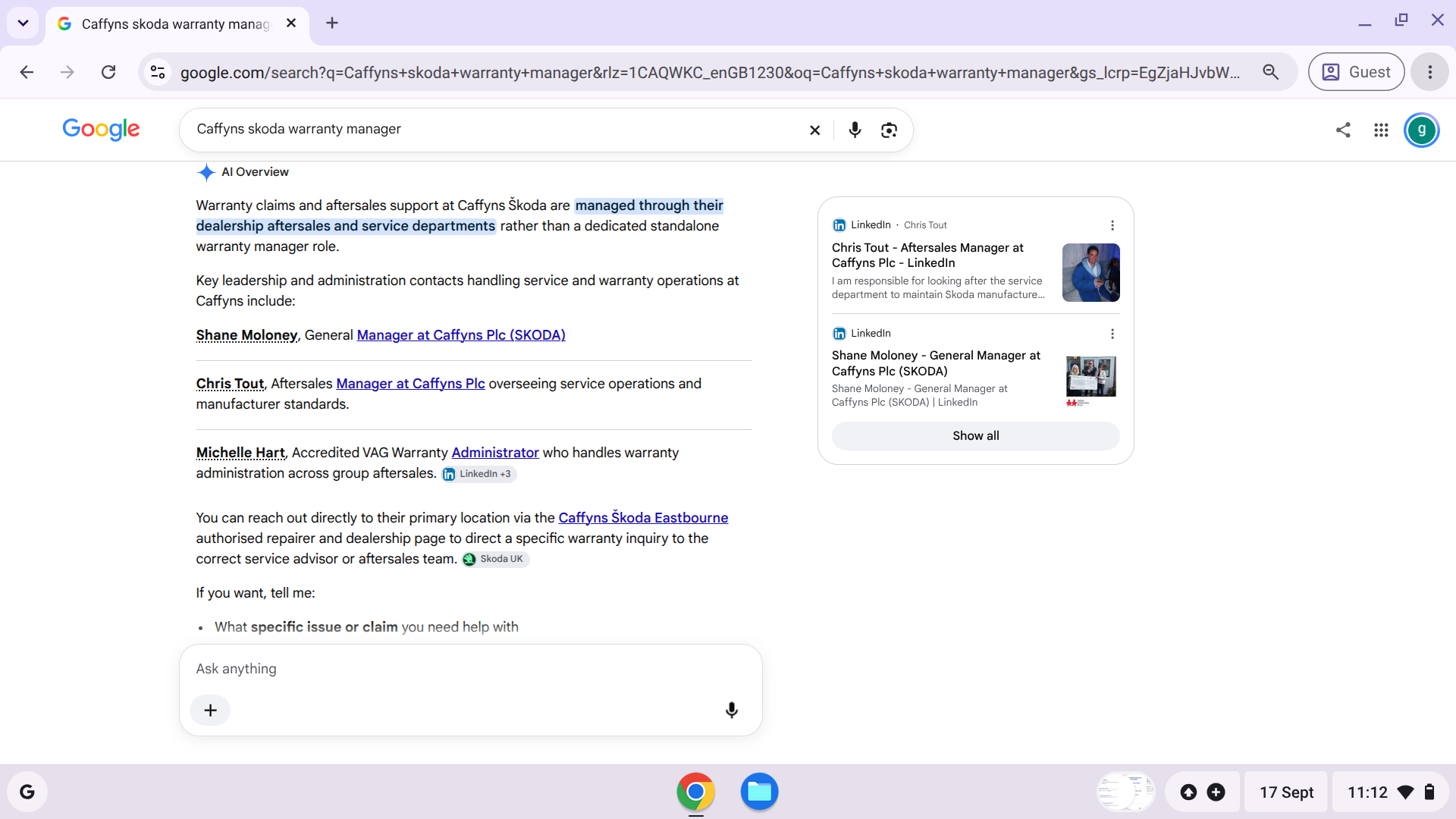
I have just spoken to Skoda's extended warranty department who were very helpful. Skoda have nothing to do with a claim. It is down to the dealership warranty manager to make the decision. It only goes to Skoda annually in the form of an audit so it is Caffyns that are lying to me. Looks like I will be going back to Caffyns
-
-
I managed to do this but didn't realise until the car was in the garage having a broken spring changed! Turns out you can match them by eye and buy a new key from amazon for a cheap price, kind of defeats the object of having them, so I am now back to normal bolts on all wheels!
-
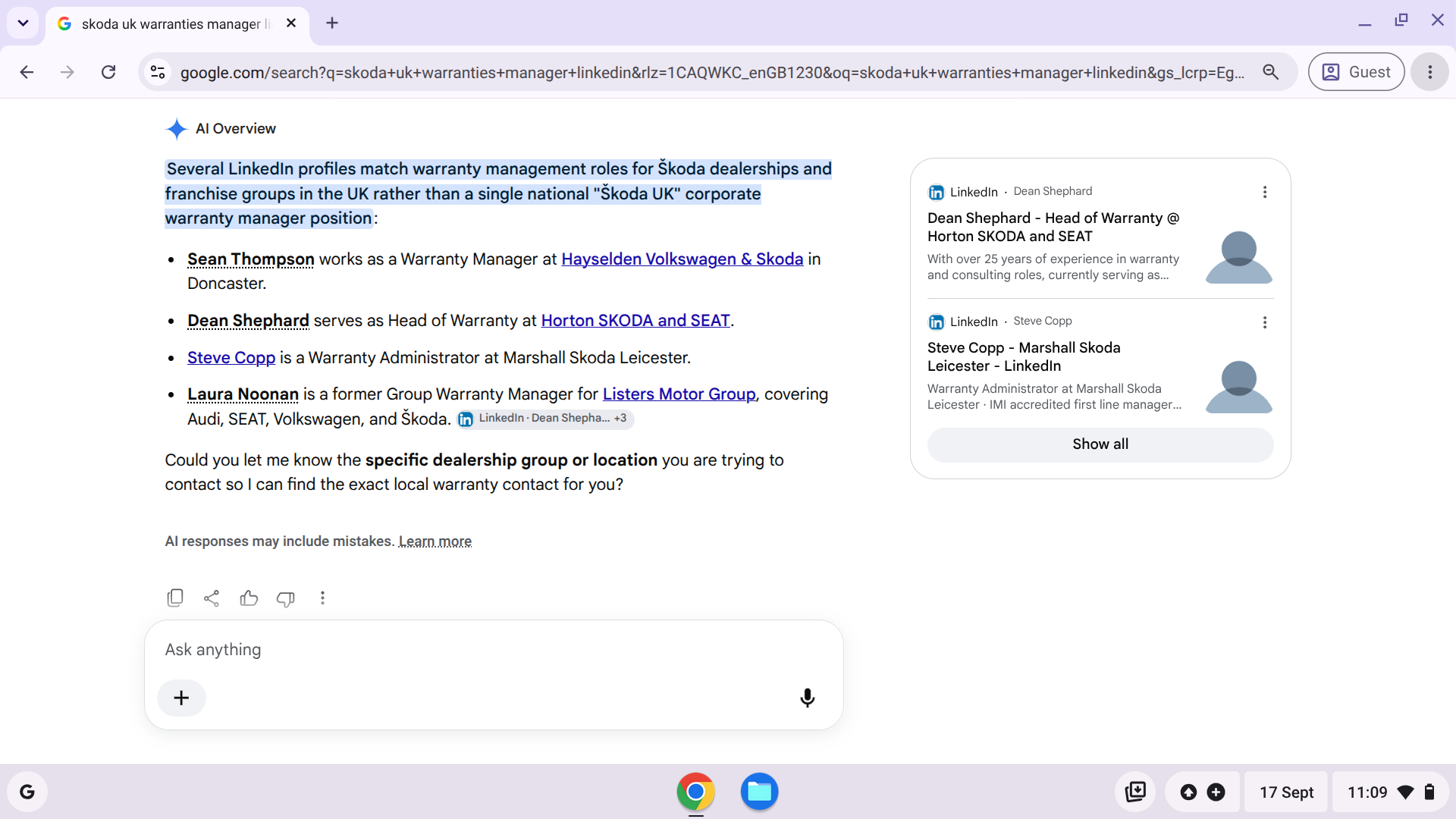
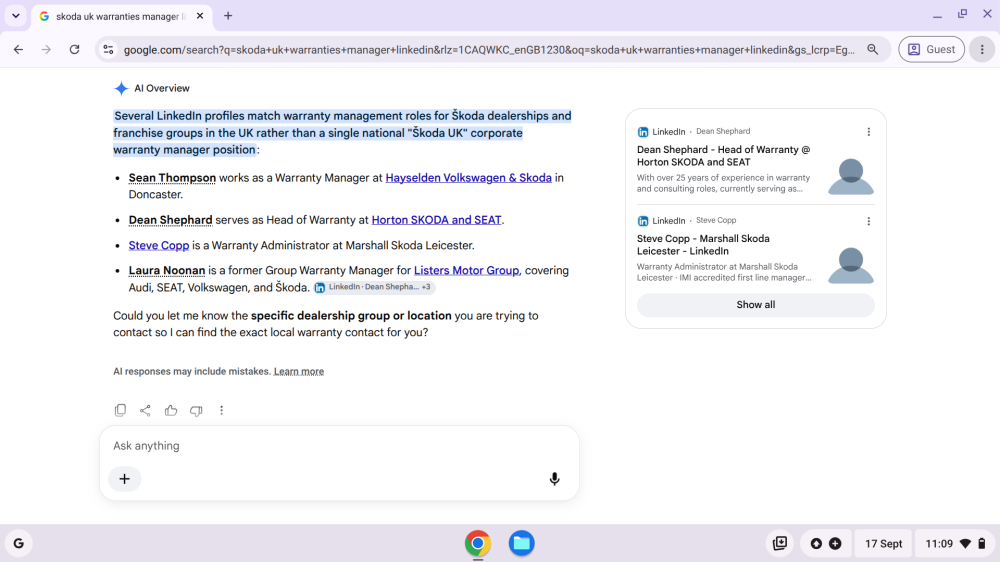
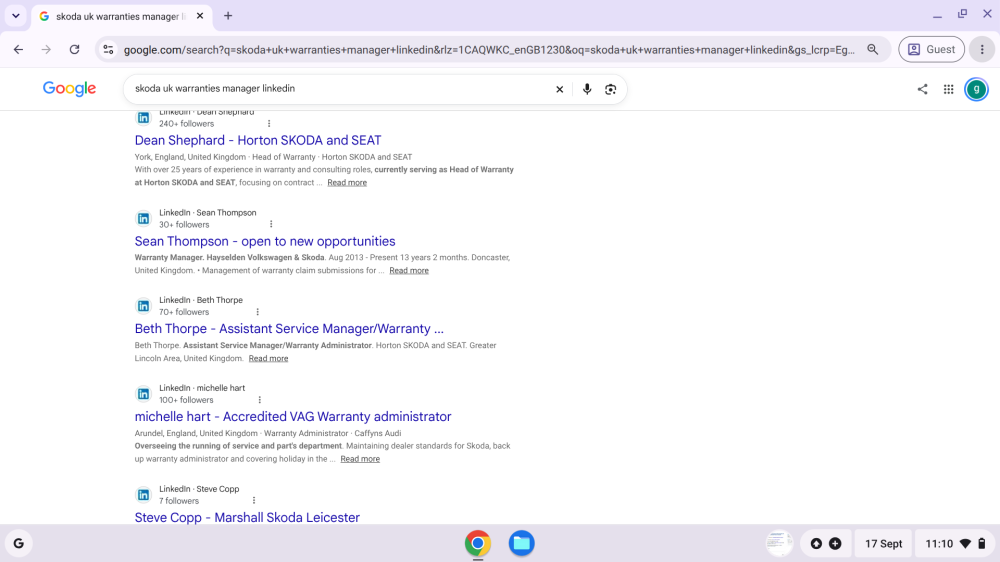
They have a Warranties Manager. Ask the Dealer Principle who theirs is, or ask him / her if they are covering that position.
-
I have the new 0334 update installed 2 days ago & this morning I had another popup for "application updates".... I clicked ok so let's see if it comes back again or if it is really fixed now. I'm not convinced it is really resolved by 0334 infotainment update...
-
summerflame joined the community
-
Better still, once the source is found and fixed - use a de-humidifier if driveway/garage plug-in access is available.
-
Claim update. Skoda finally managed to contact Caffyns, the dealership, who claim Skoda warranty rejected the claim without giving a reason despite telling me it was because it wasn't corrosion. Caffyns have asked I return so they can take more photos, more (?) they never took any in the first place. I have an email train with Skoda but interestingly they rang me to say they had suspicions that Caffyns have asked for this to cover themselves so no proof. I asked for the number for warranties but for some reason customer services can't provide one. Anyone have it to hand. They told me to go to the ombudsman. There's a 6 month wait there so I guess Skoda are just hoping I go away! I won't be returning to Caffyns so they can cover their backsides.
-
I had the same message as yesman yesterday when I pulled up for a doctor's appointment, though I didn't have time to read it properly before everything was switched off. No further messages came up on the short journey home. I'm not using the car much at the moment as we're having a new bathroom and cloakroom fitted, so it'll be interesting to find out in due course if it's finally fixed.
-
New screen should be delivered later today. Car was critically low on voltage so that may have also had an impact. All packages got an OK after installing and the log file on the SD card states all partitions etc completed succesfully. So I am hoping it was a voltage and/or screen issue. I ended up pulling the fuse for the radio as MIB unit was stuck at this point and draining the battery. Car now recharged to 98% SOC and I have bought a higher amp charger! Will make sure car is well charged before recommencing the task. I have been in touch with @pab567 as the resident MIB expert and he is confident that it can be recovered if theres no improvement on the new screen!
-
I suggest test driving a Sportline as the seats have very good side support. I’d go as far as saying they are one of the most comfortable seats I’ve had in 55 years of car ownership ( I may of course previously owned rubbish cars I suppose). The seats in my previous VW Touran also had good side support, and they would probably fit the runners too - plenty available in the breakers, R Line Tiguan seats might be another option.
-
it was, but not any more. go for INA, Gates ... In the original OE (Original Equipment) box under the catalog number 03C145299Q, there is an automatic tensioner (spanner) which for the Volkswagen Group (VAG) first installation is usually produced by Gates or Litens (which closely cooperates with the INA / Schaeffler groups). this pump on photo is produced by NIDEC GPM, Germany producer for OE VAG engines.. now produced in Jiaxing, Zhejiang, China.
-
@jim-mapps Re it being an Auto. Is it a Tiptronic? Has it ever had the box serviced with an oil change? Even though VW / Skoda never gave them as Schedule, Recommendation or advice on Oil Changes.